e黒板
Briswell Vietnam Co., Ltd
10,000+
downloads
Free
About e黒板
This app is intended to take a combination of digital construction photos and site photos.
How to use
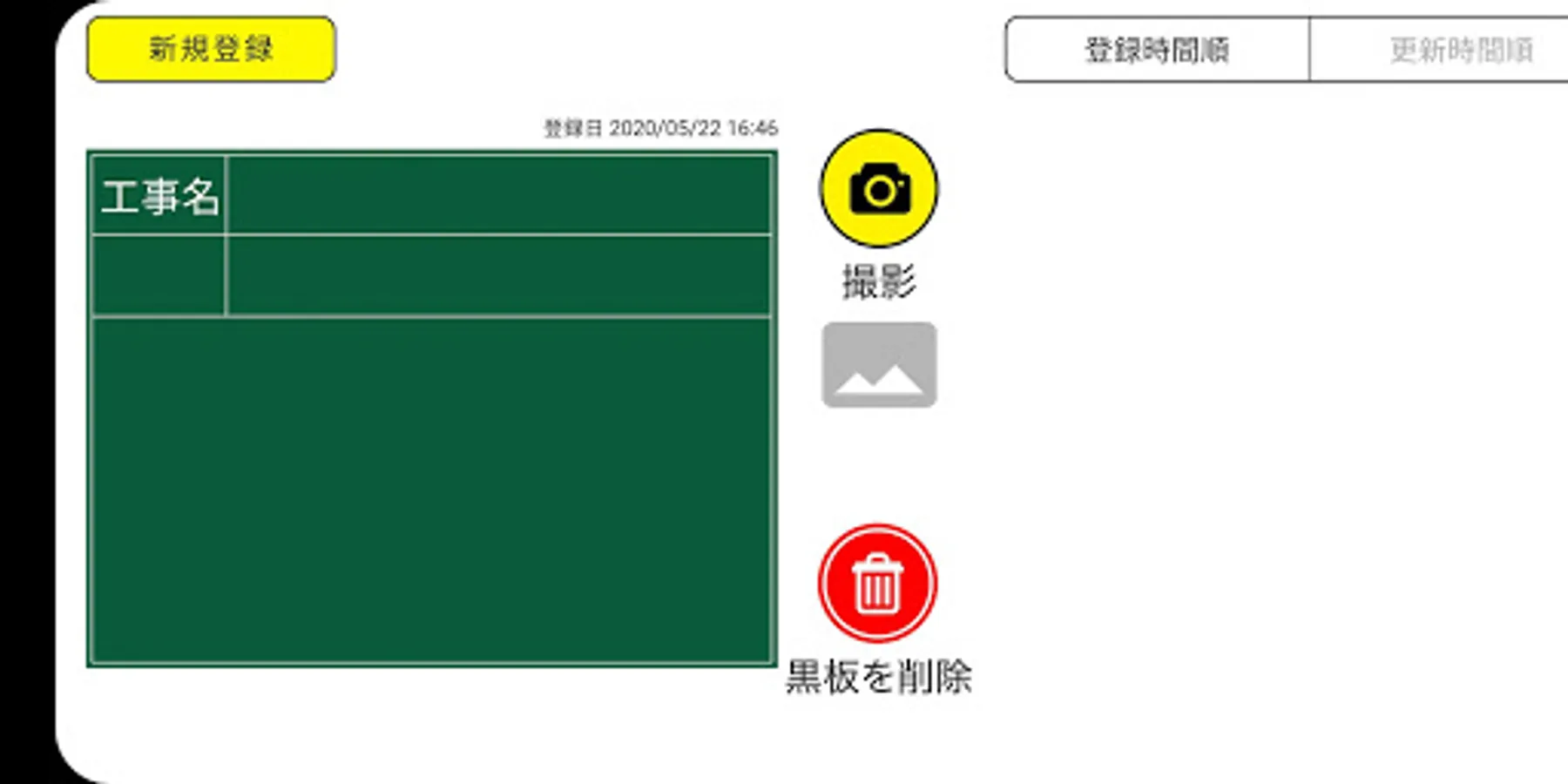
First, write the letters on the fixed blackboard and save.
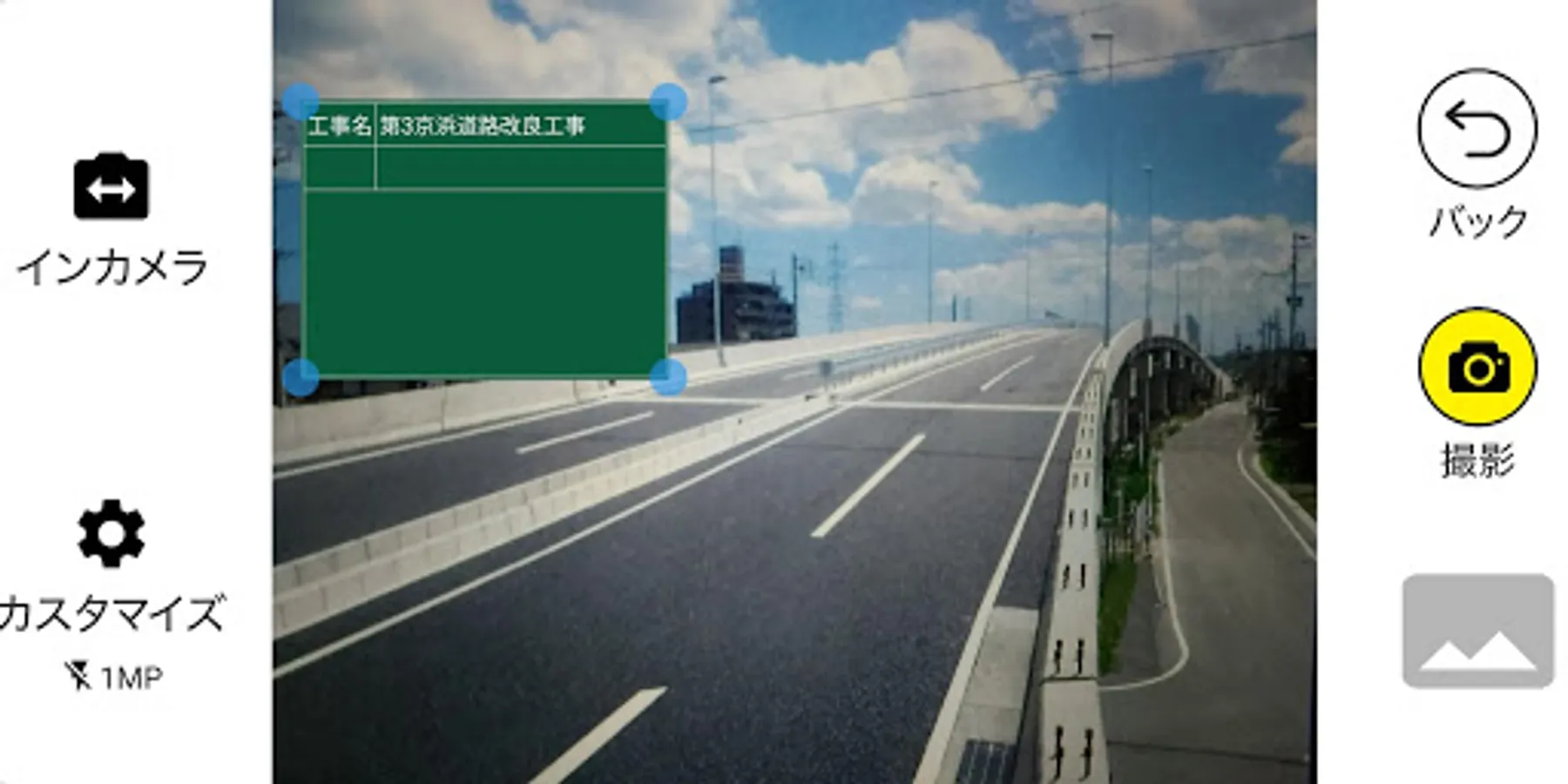
After that, release the shutter while looking at the construction blackboard displayed on the screen and the screen to shoot.
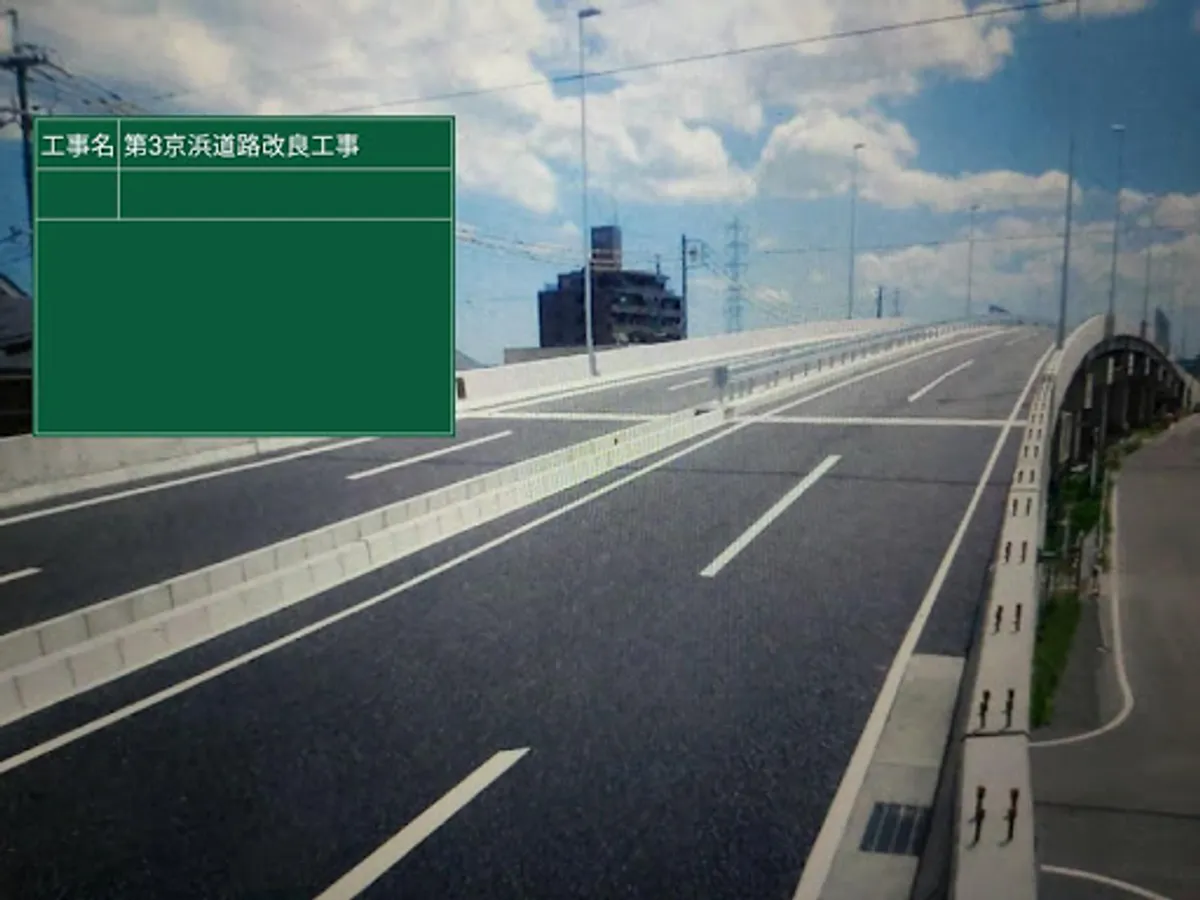
Then you can leave a picture of the scene with the construction blackboard added to the picture taken.
Other
The camera has functions such as focus, flash, and size change.
The photos taken can be viewed in the app history or in the photo library app.
How to use
First, write the letters on the fixed blackboard and save.
After that, release the shutter while looking at the construction blackboard displayed on the screen and the screen to shoot.
Then you can leave a picture of the scene with the construction blackboard added to the picture taken.
Other
The camera has functions such as focus, flash, and size change.
The photos taken can be viewed in the app history or in the photo library app.