
Stop Over Charging Alarm
Tweenti Corp
4.2 ★
2K ratings
100,000+
downloads
Free
In this app, you can set alarms for full charge and low battery notifications to prevent overcharging and power loss. Includes customizable alarm tones, volume, vibration, and battery status monitoring features.
AppRecs review analysis
AppRecs rating 4.2. Trustworthiness 0 out of 100. Review manipulation risk 0 out of 100. Based on a review sample analyzed.
★★★★☆
4.2
AppRecs Rating
Ratings breakdown
5 star
68%
4 star
9%
3 star
8%
2 star
2%
1 star
13%
What to know
✓
High user satisfaction
77% of sampled ratings are 4+ stars (4.2★ average)
✓
Authentic reviews
Natural distribution, no red flags
About Stop Over Charging Alarm
Many times it happens that our phone's battery gets 100% charged, or gets battery low, and we are busy with some other work, and we forget to check the battery status which results in overcharging or power off the phone.
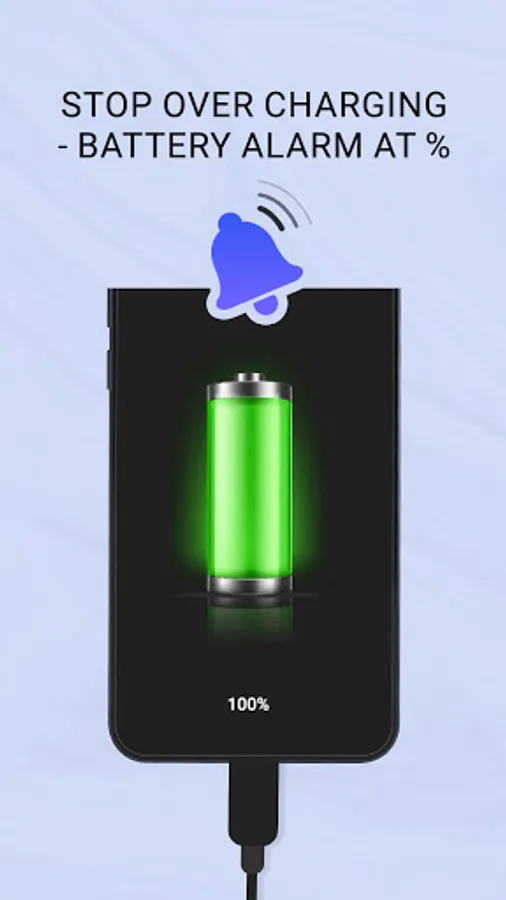
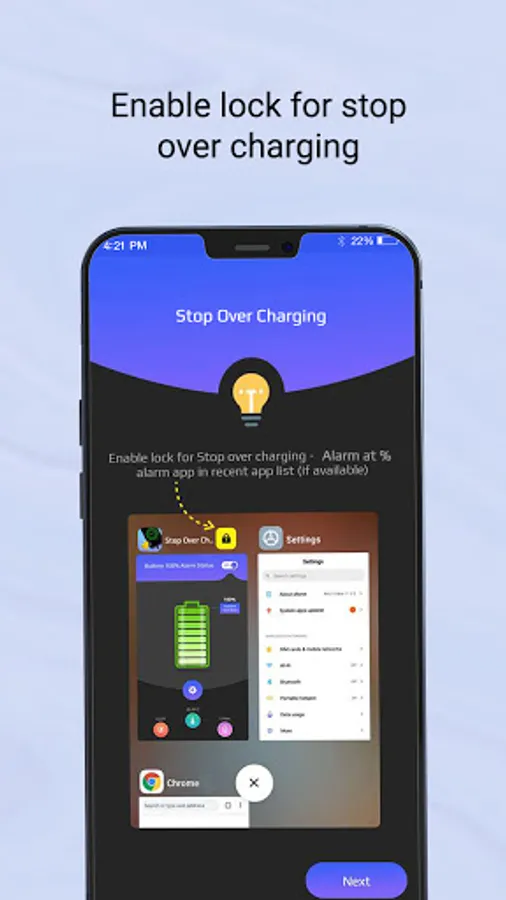
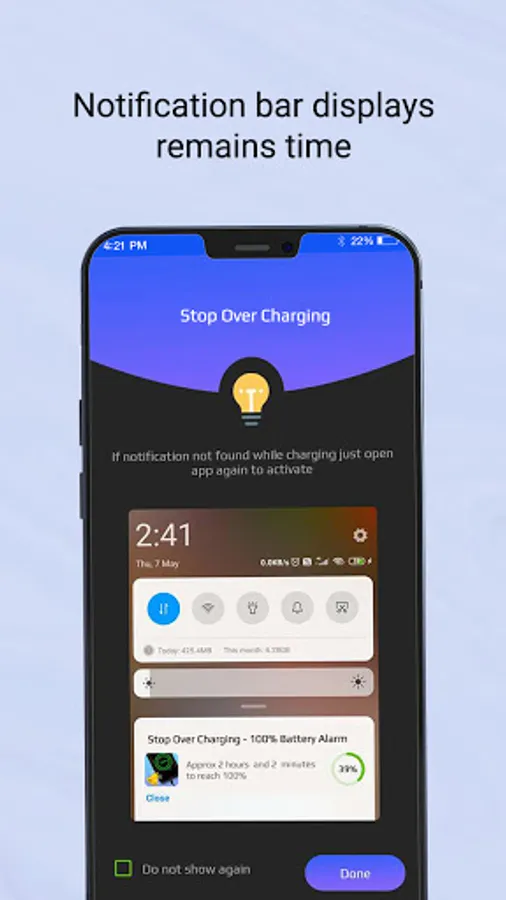
Stop Over Charging Alarm app has an alarm that will ring when your phone’s battery is fully charged or low battery, so you can unplug your phone or plugin charging, in this manner your phone will not get overcharged or power off and, electricity will also be saved by overcharging.
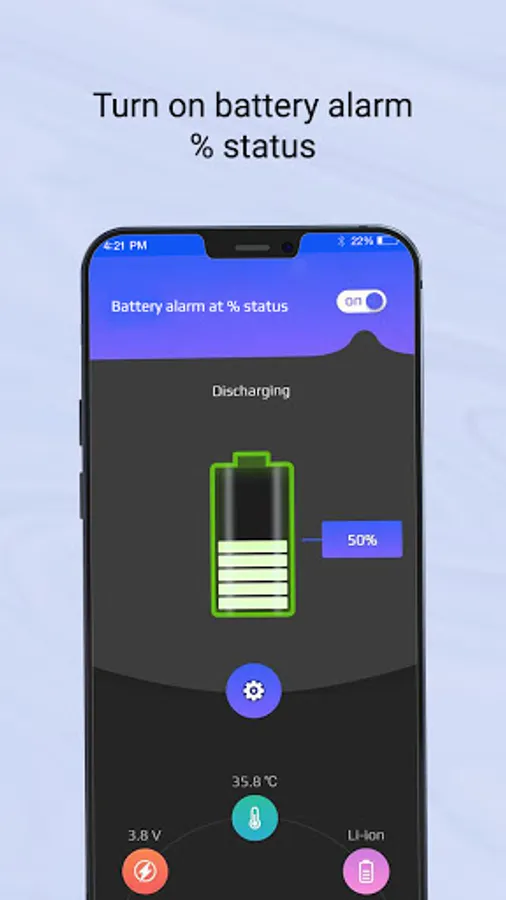
In Stop phone overcharging app, you have to turn on Battery 100% alarm and low battery alarm status option for enabling the full battery charge and low battery alarm.
Inside the app, you will also see battery level, battery voltage, battery temperature, and battery type.
In low battery, you can set your % as per your wish to get alarm notification.
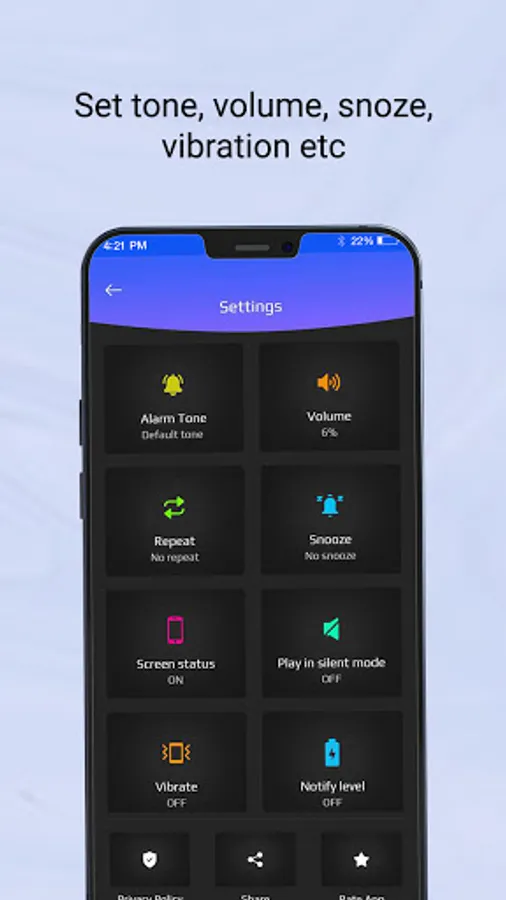
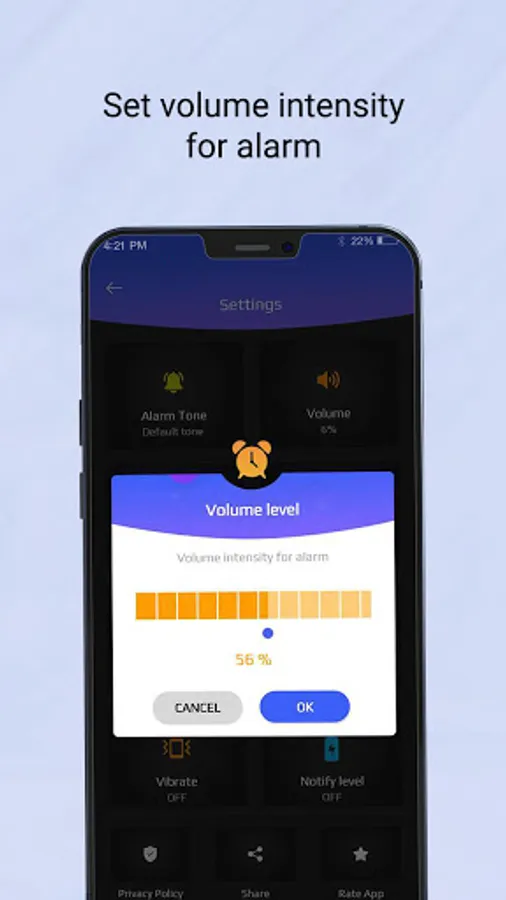
From the settings option, you can change the alarm’s tone, volume, vibration, snooze, etc.
Use Stop Over Charging Alarm app, so you can immediately come to know with the help of alarm that your phone’s battery is 100% charged or low battery.
Stop Over Charging Alarm app has an alarm that will ring when your phone’s battery is fully charged or low battery, so you can unplug your phone or plugin charging, in this manner your phone will not get overcharged or power off and, electricity will also be saved by overcharging.
In Stop phone overcharging app, you have to turn on Battery 100% alarm and low battery alarm status option for enabling the full battery charge and low battery alarm.
Inside the app, you will also see battery level, battery voltage, battery temperature, and battery type.
In low battery, you can set your % as per your wish to get alarm notification.
From the settings option, you can change the alarm’s tone, volume, vibration, snooze, etc.
Use Stop Over Charging Alarm app, so you can immediately come to know with the help of alarm that your phone’s battery is 100% charged or low battery.
Stop Over Charging Alarm Screenshots
Tap to Rate: