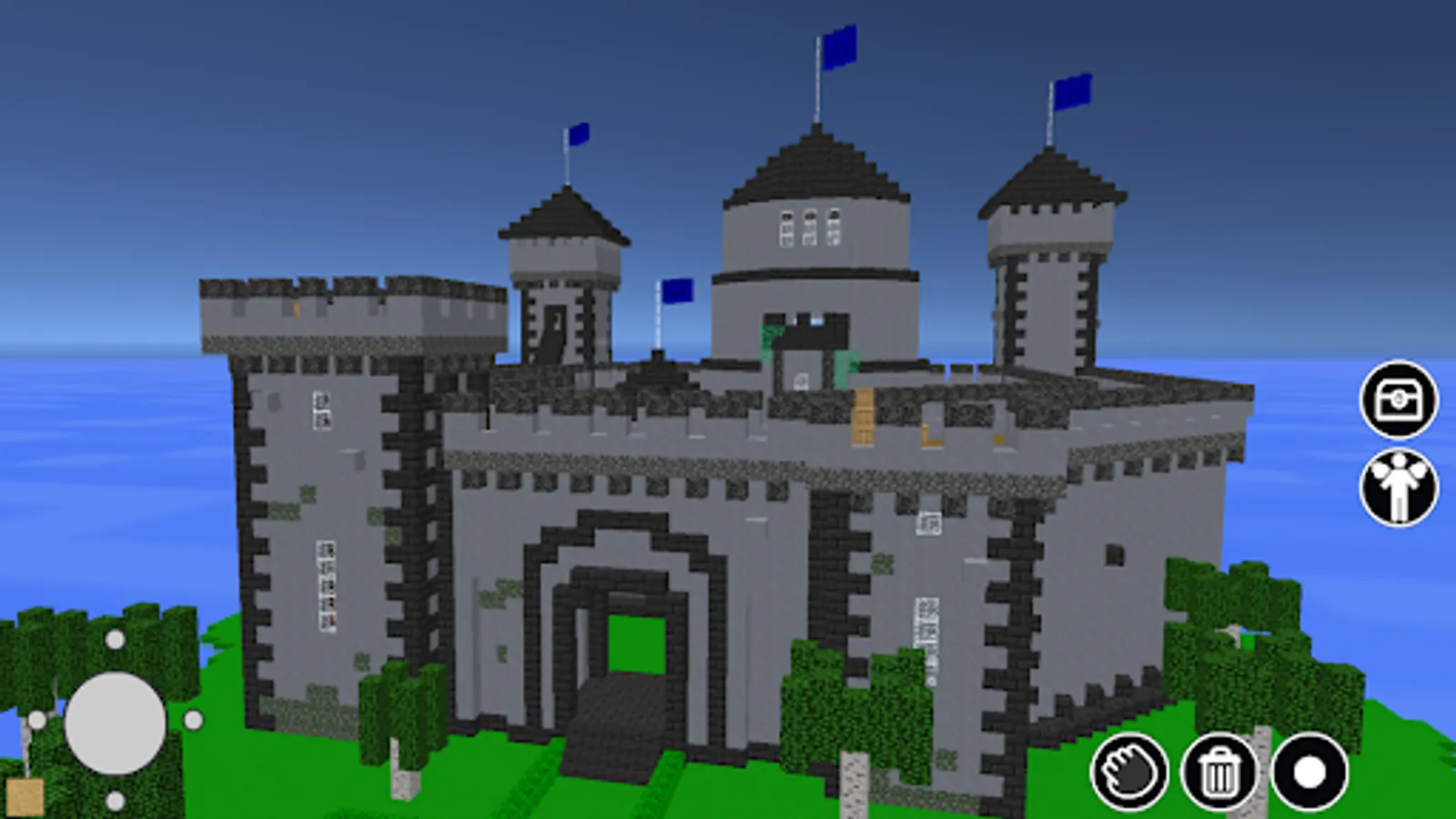
In this voxel editor, you can build 3D structures using blocks, cubes, and moving entities, with features like symmetry and fly modes. Includes project saving, sharing options, and access to a gallery of user creations.
AppRecs review analysis
AppRecs rating 3.0. Trustworthiness 0 out of 100. Review manipulation risk 0 out of 100. Based on a review sample analyzed.
★★★☆☆
3.0
AppRecs Rating
Ratings breakdown
5 star
40%
4 star
0%
3 star
20%
2 star
0%
1 star
40%
What to know
✓
Authentic reviews
Natural distribution, no red flags
⚠
High negative review ratio
40% of sampled ratings are 1–2 stars
About Build with Cubes
Get a new experience at 3d block building!
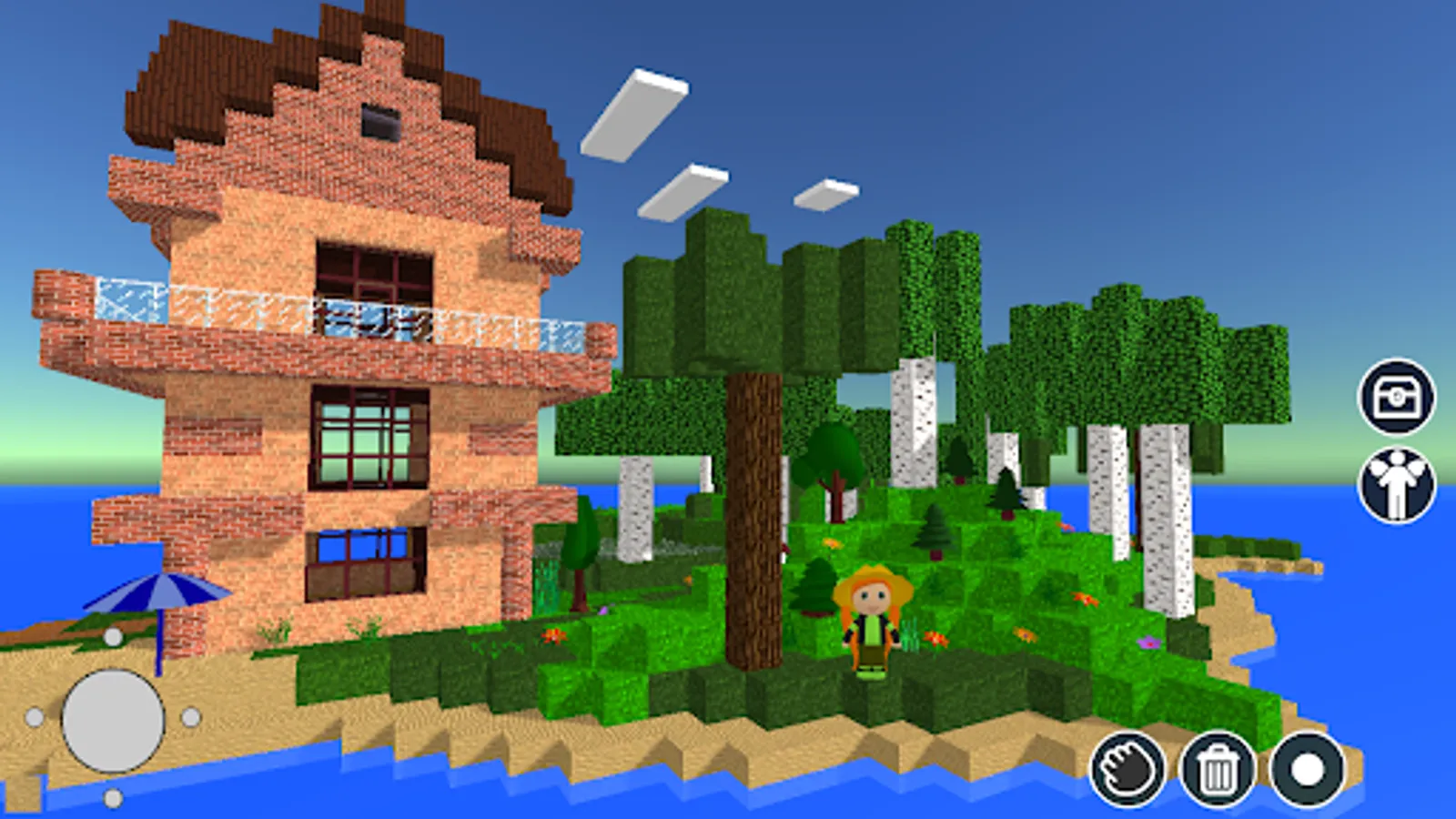
Build with Cubes it is a voxel editor. Here you can build constructions with blocks, and 3D cubes and even use moving game entities. You don't need to explore the whole world to find materials, you don't need to mine or craft blocks — just turn on your fantasy and create something original with an almost unlimited number of ready-to-use objects.
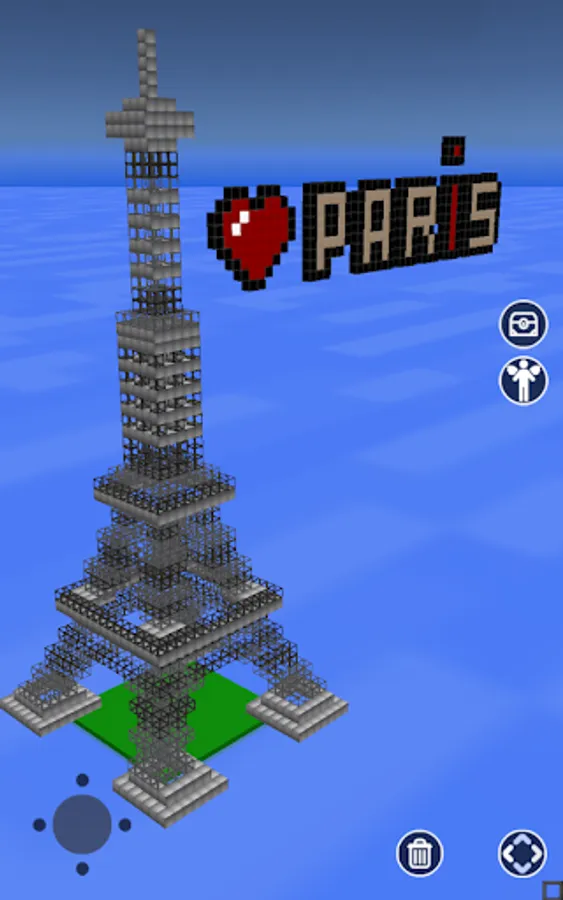
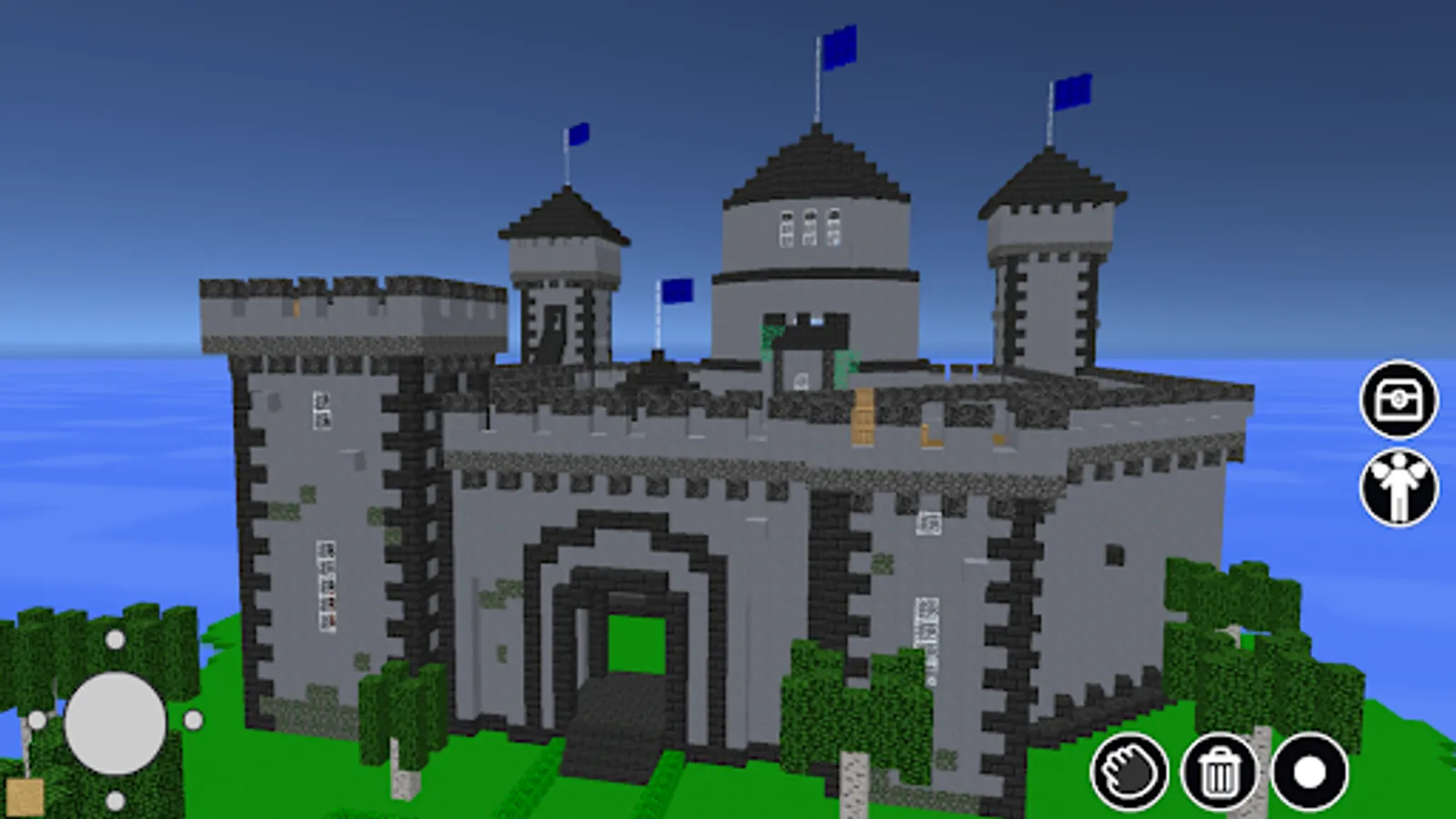
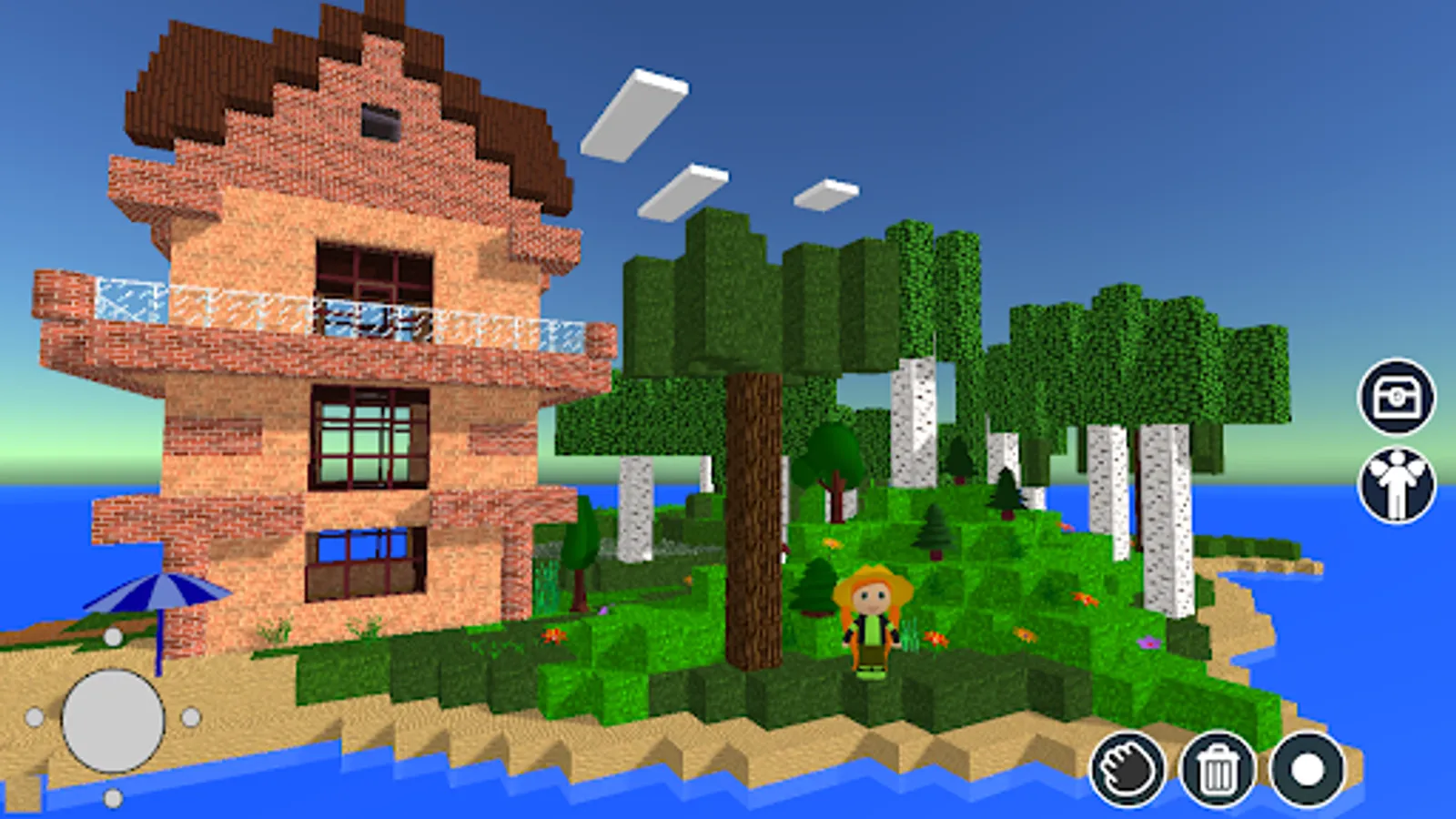
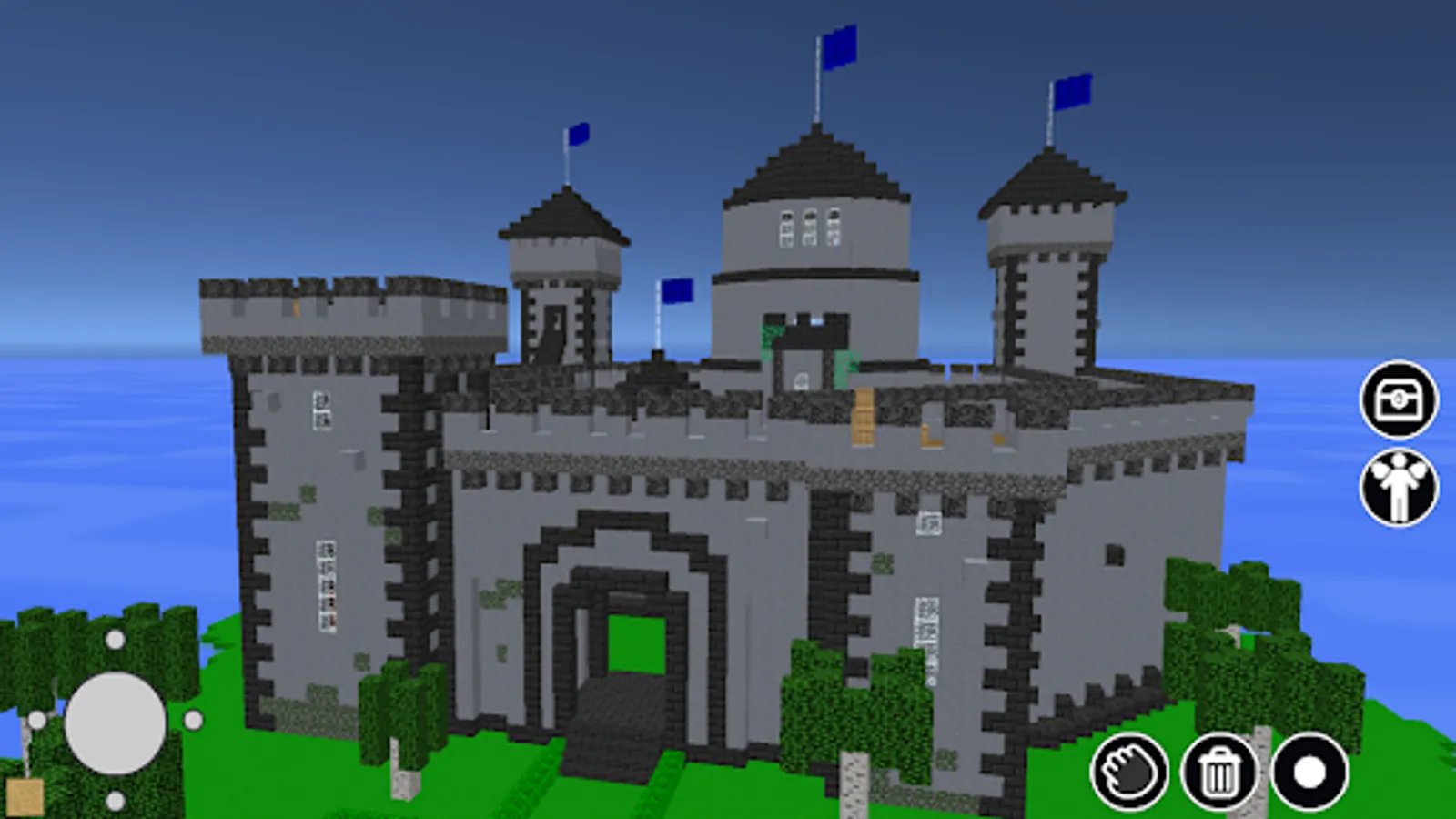
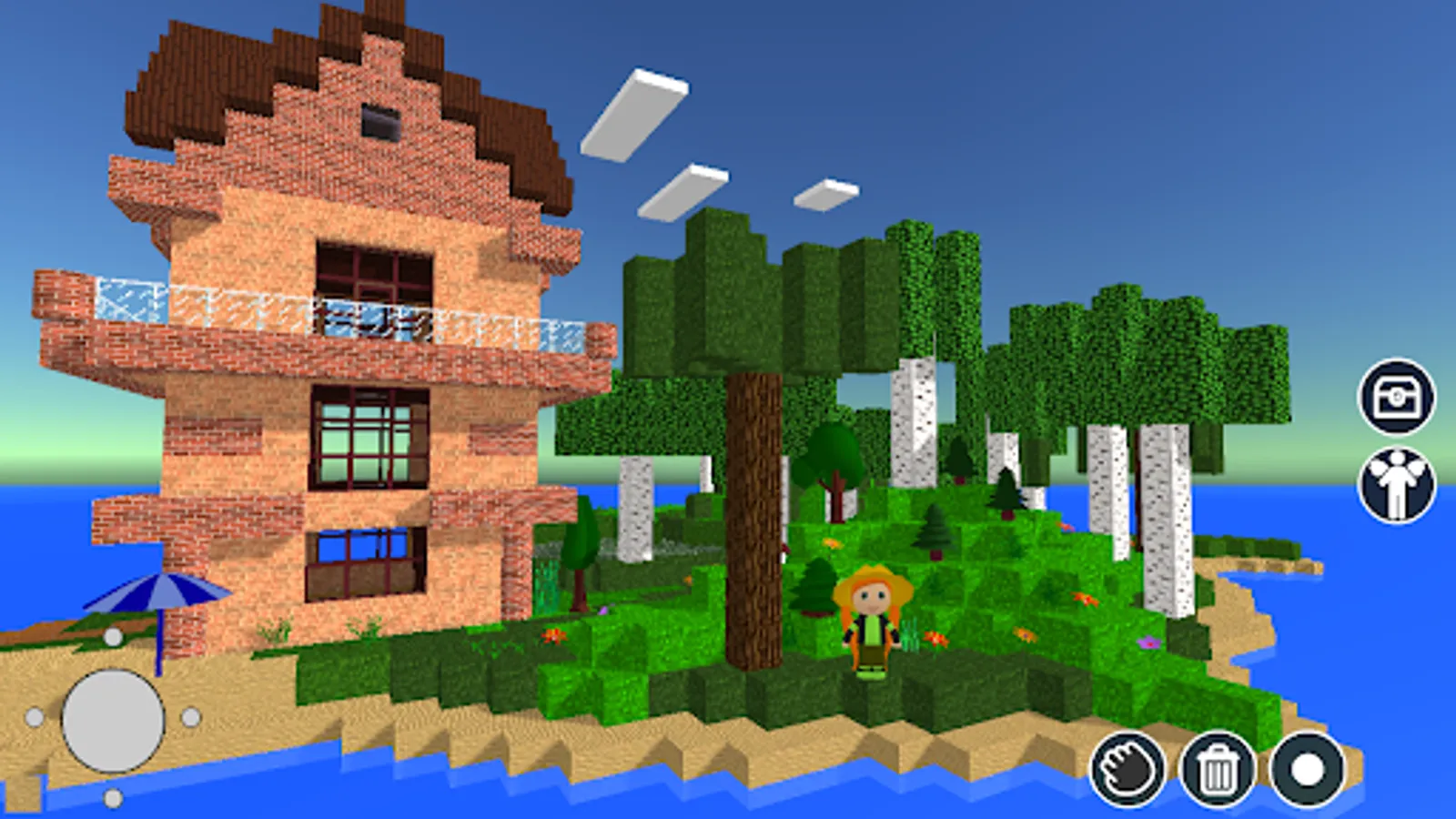
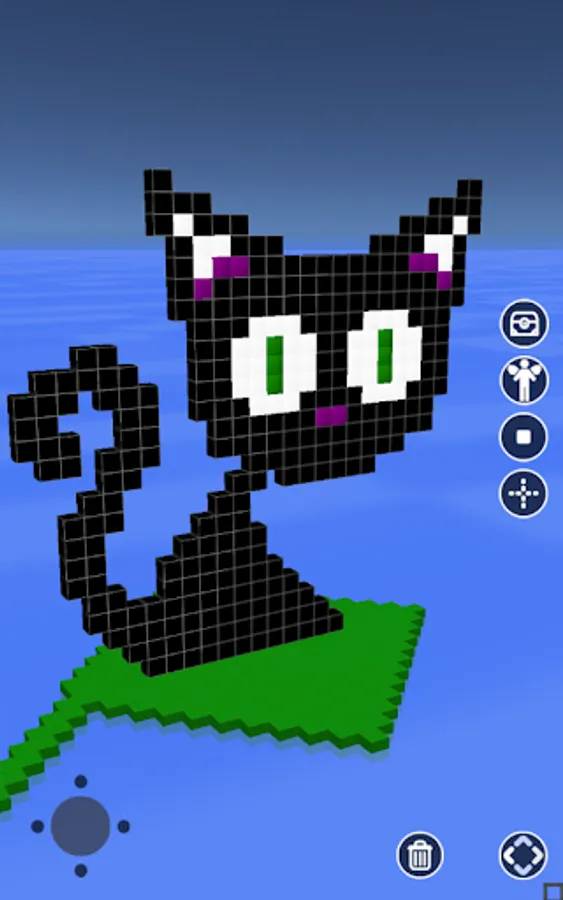
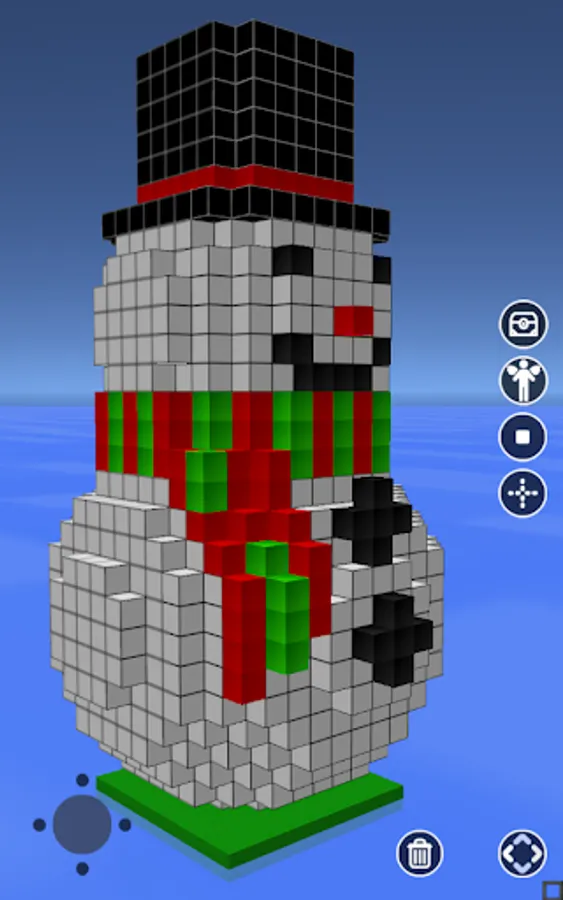
Build a castle or maze, sky island, build a house or even a city, and create pixel/voxel art 3D avatars. Whatever you want! Here are numerous blocks, color cubes, and blocks with natural textures you can use to show your creativity and wildest imagination.
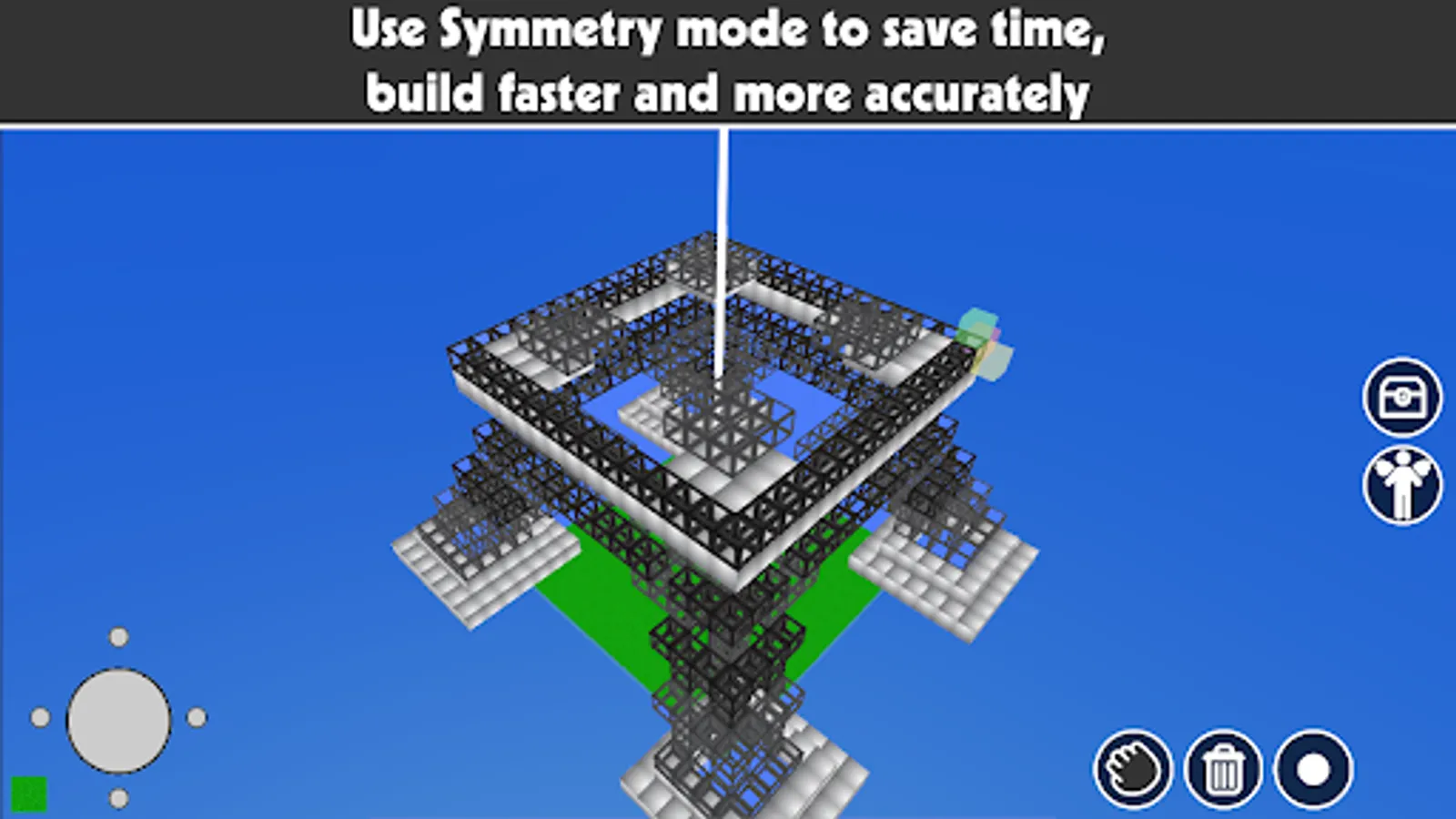
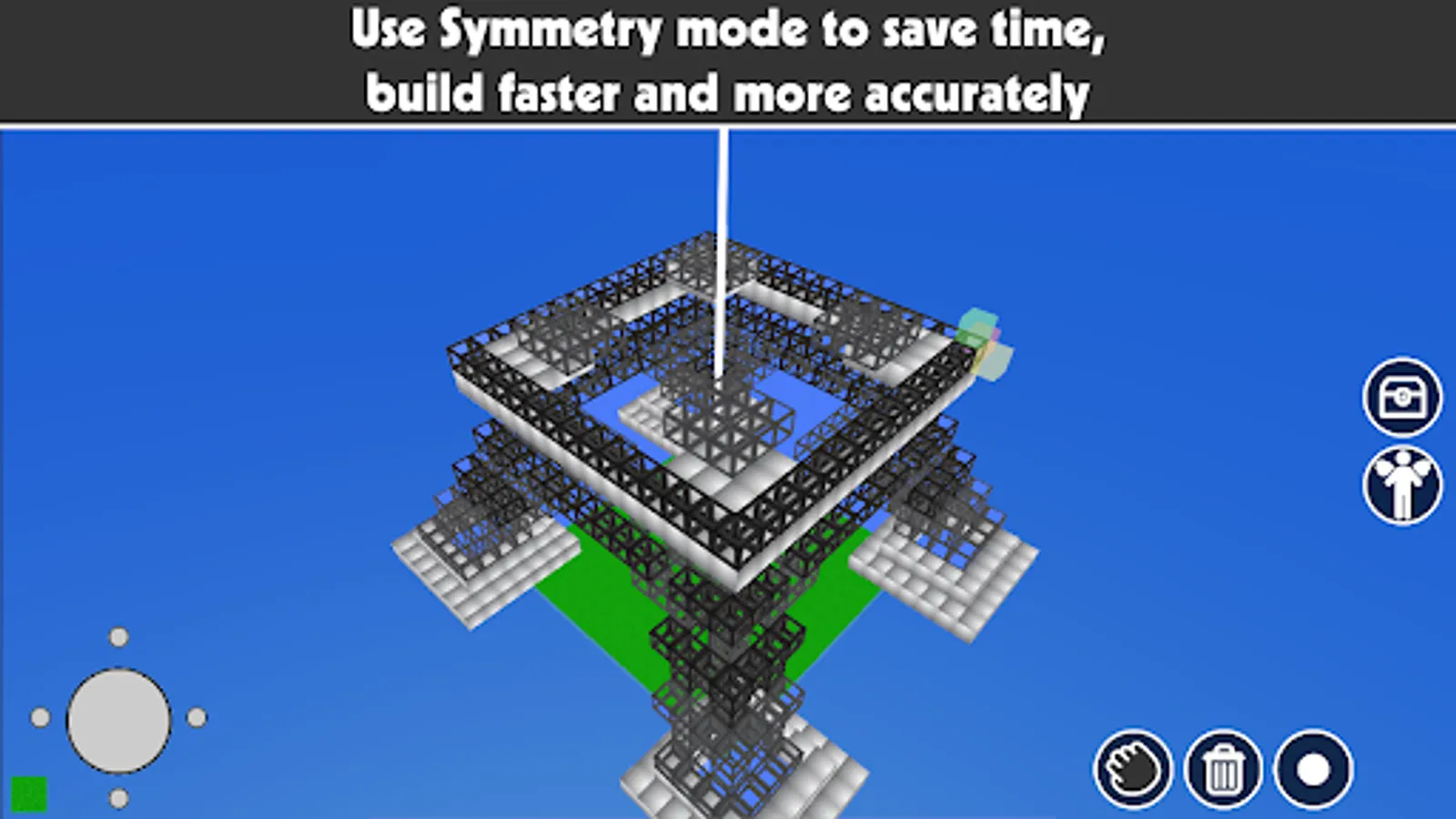
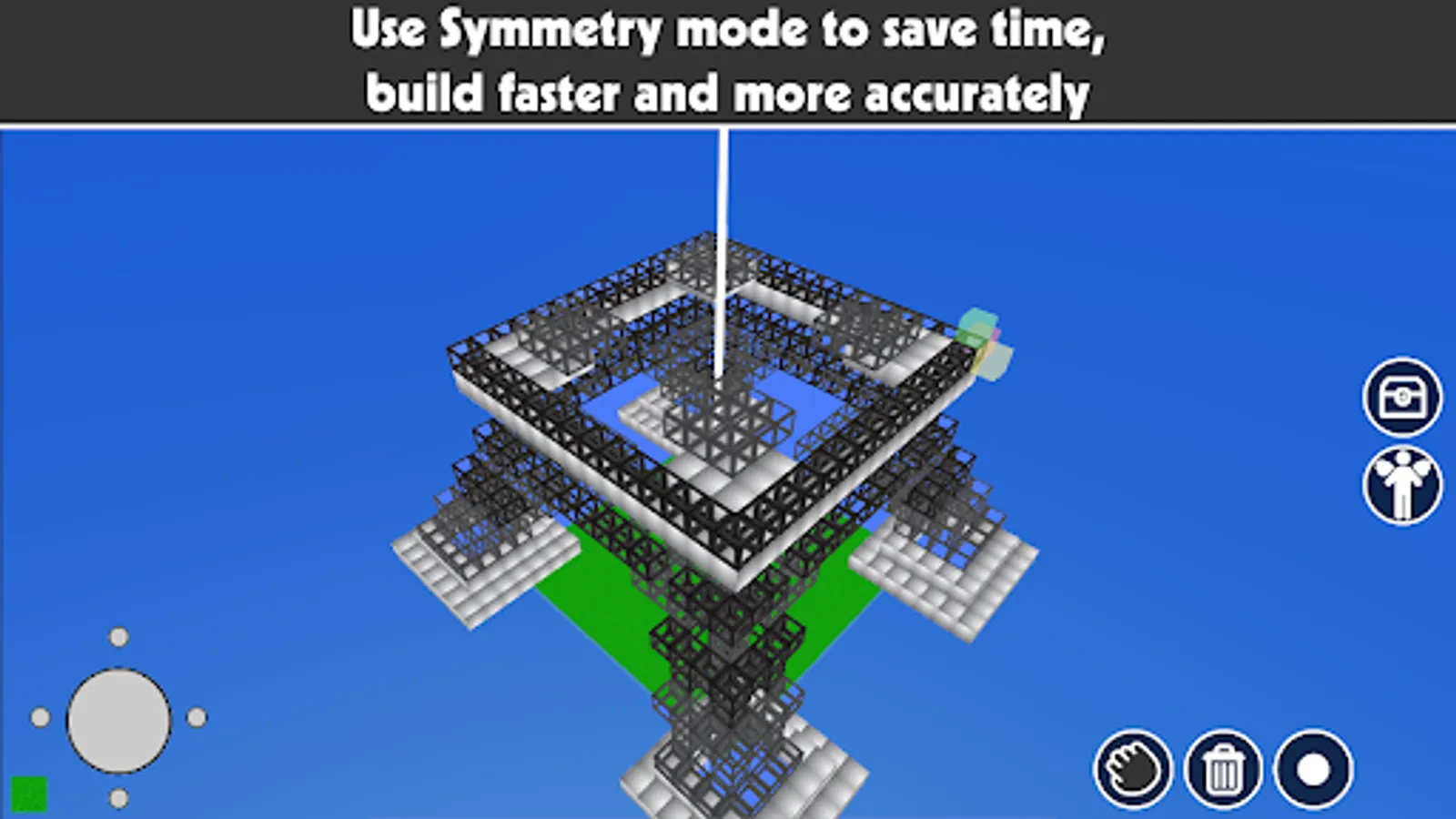
To save time and let you the way to create symmetrical voxel models faster and more accurately, «Build with Cubes» have a Symmetry Mode. When you place one cube it could be mirrored 2 or 4 times depending on the way you choose. Moreover, you can change the symmetry pivot to build with blocks a lot of symmetrical constructions.
Use Fly Mode to fly around and control your construction from different angles. There are no restrictions for placing blocks - you can add cubes from any point, it does not matter whether you come close to it or flew away from it by 100 kilometers.
You can save your project to a local slot and open it later for editing. Also, you can publish your work to the app's collection/gallery and open other projects to change it and add some creativity.
When you publish your work, the application creates a page with layered schematics of your construction. Share your construction with friends through social networks!
If you looking for some fresh ideas for your construction just open the gallery and get inspired by one of the projects created by other people. Or open a collection on an app's website, get schematics (or NBT file) of buildings, and build it layer by layer.
Features:
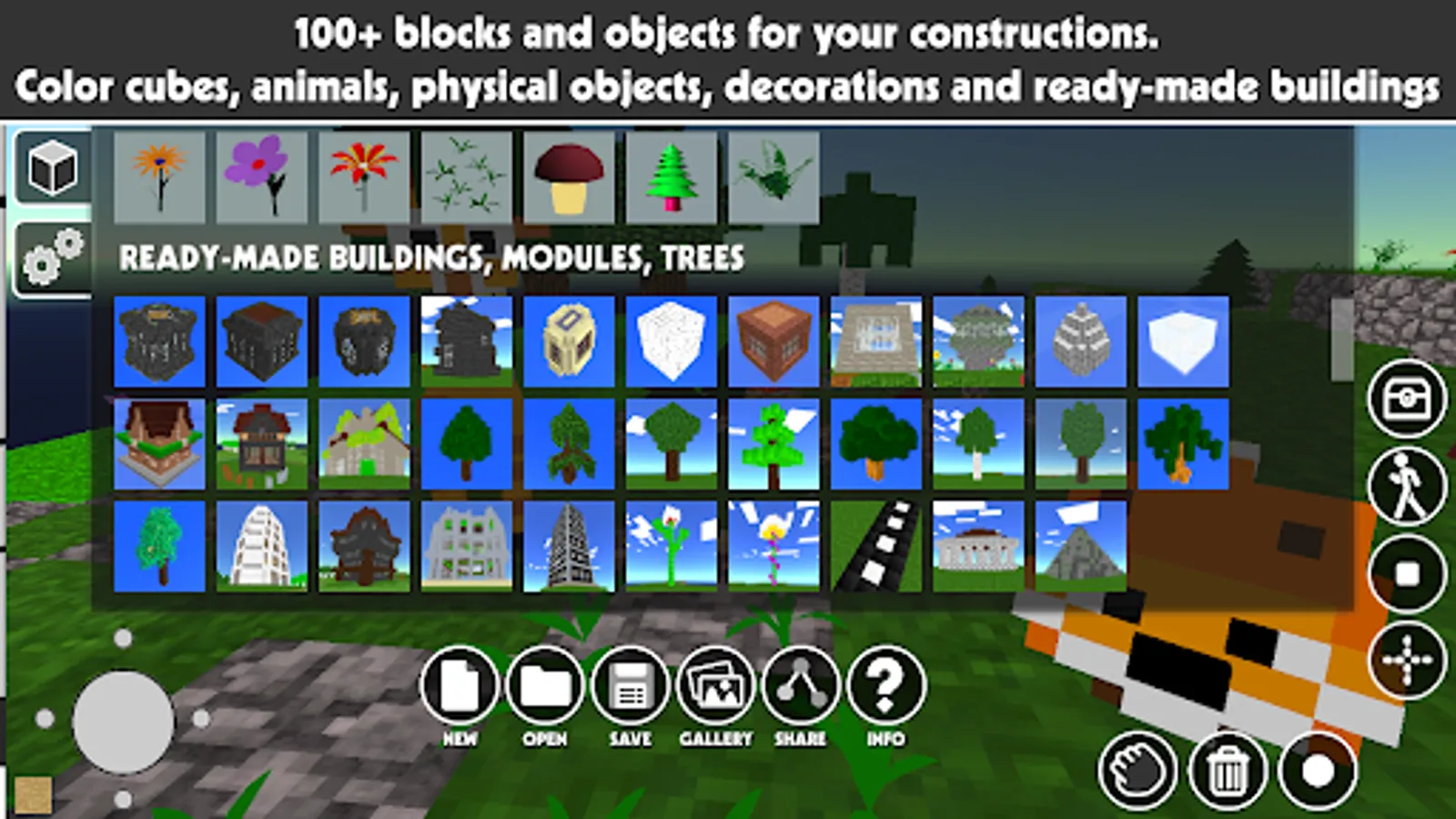
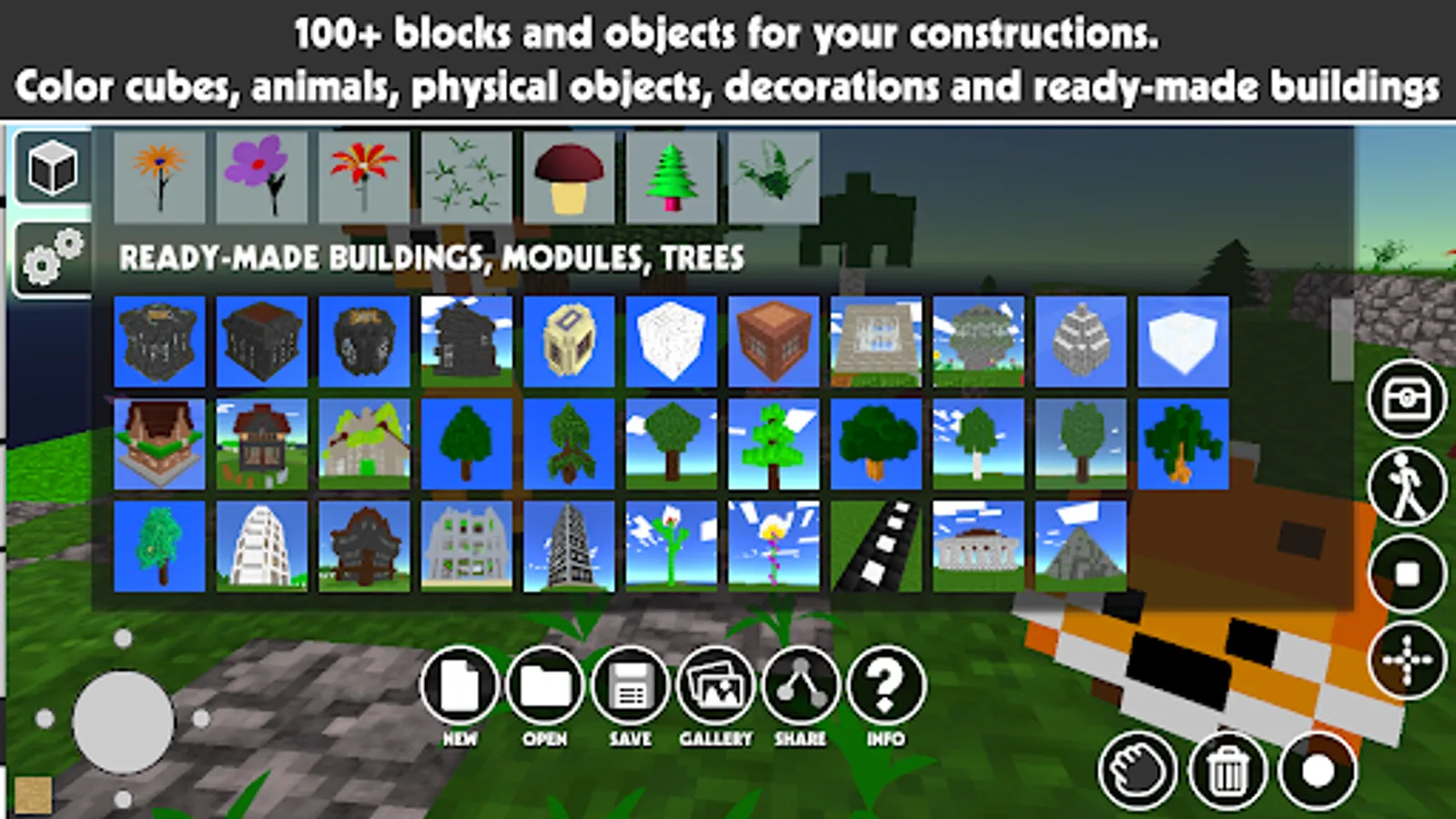
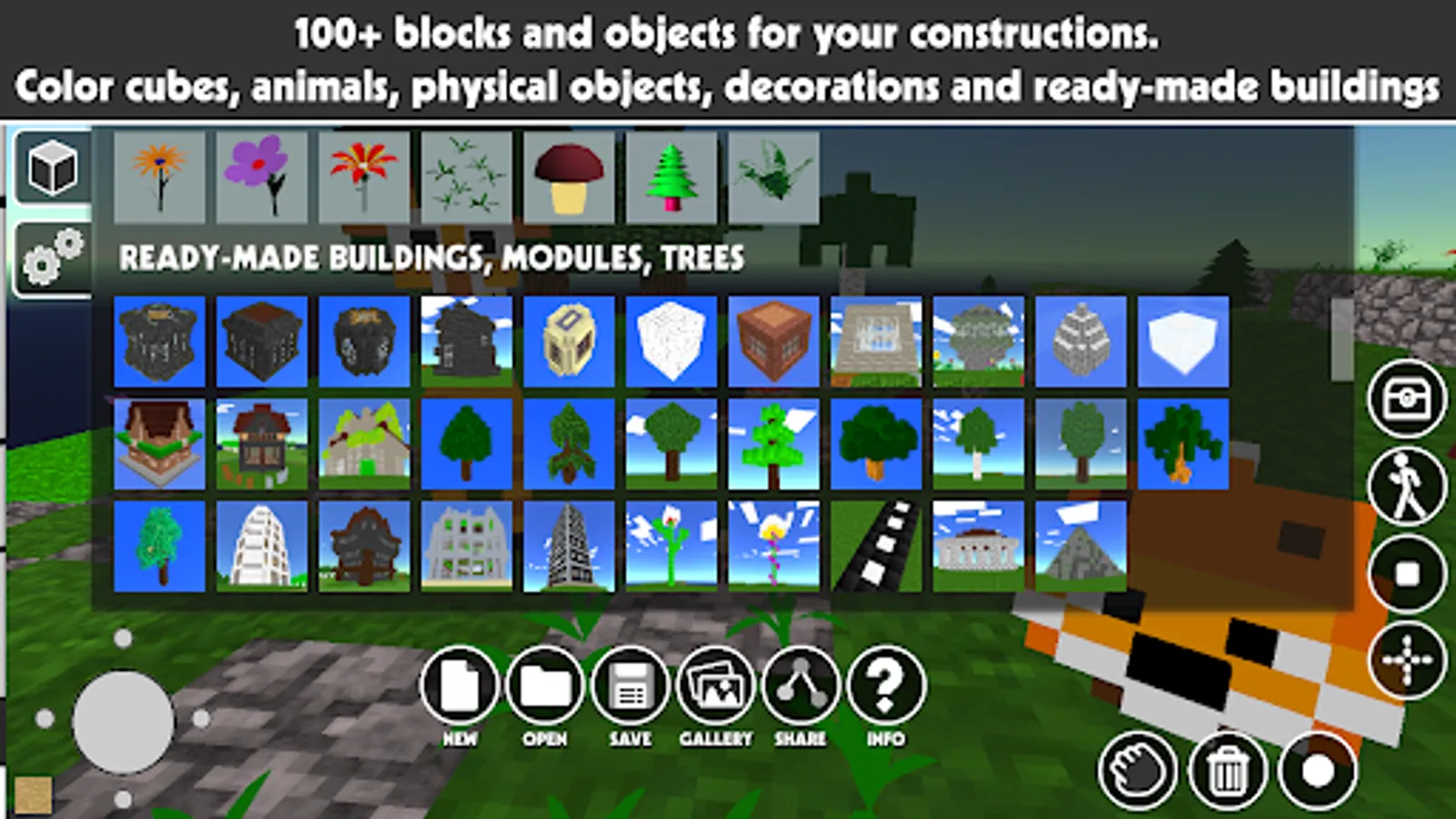
- 100+ ready-to-use cubes, color blocks, natural textured cubes, windows, doors, furniture, flowers, moving entities, elevator/lifts, and sphere/cube/cylinder with physics to make some physical experiments, ready-to-use primitives (voxel models) of trees, pyramids, walls, arches with randomly generated size;
- easy stairs building — just place stairs-cube and the application will turn it to the right side;
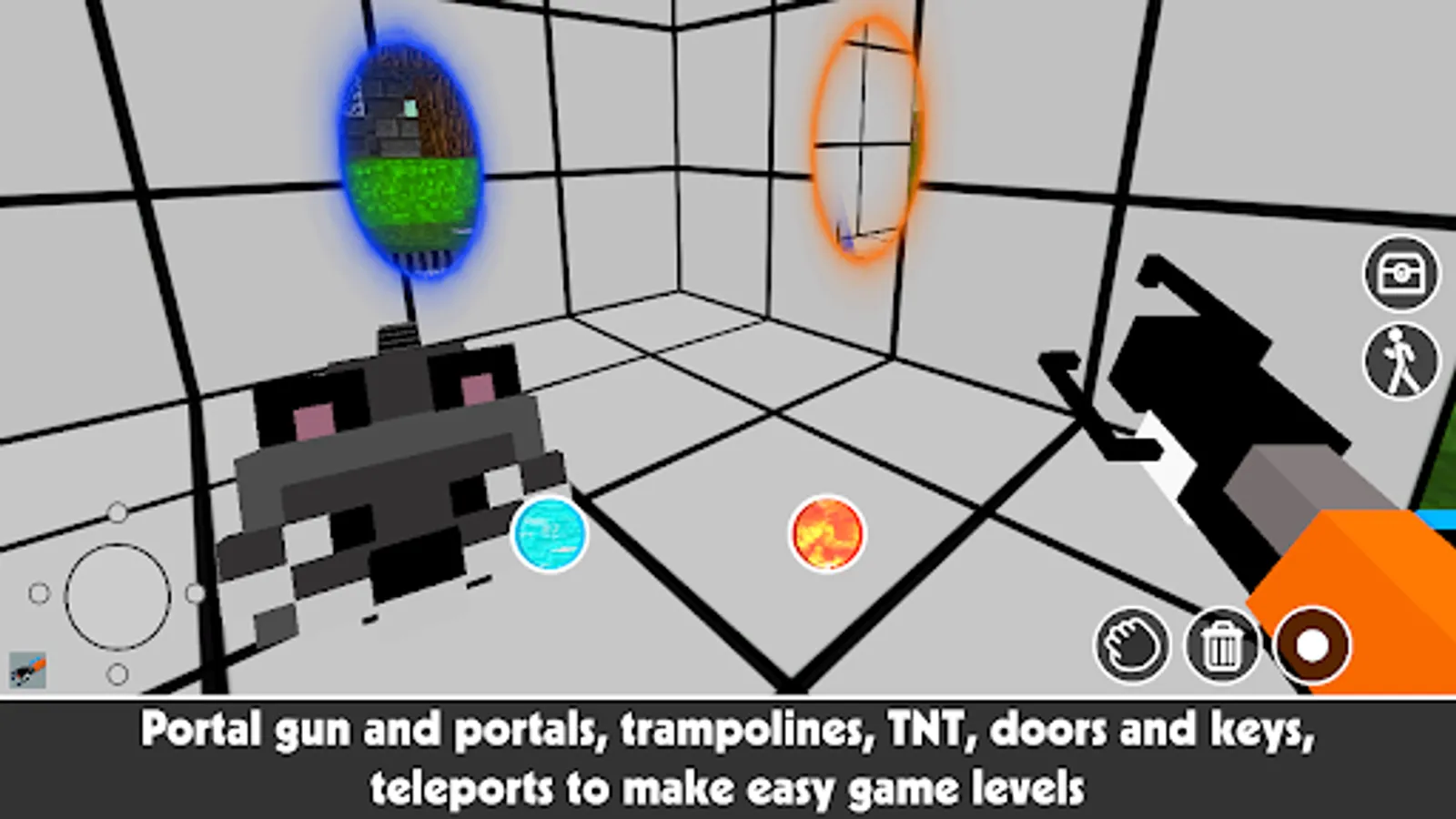
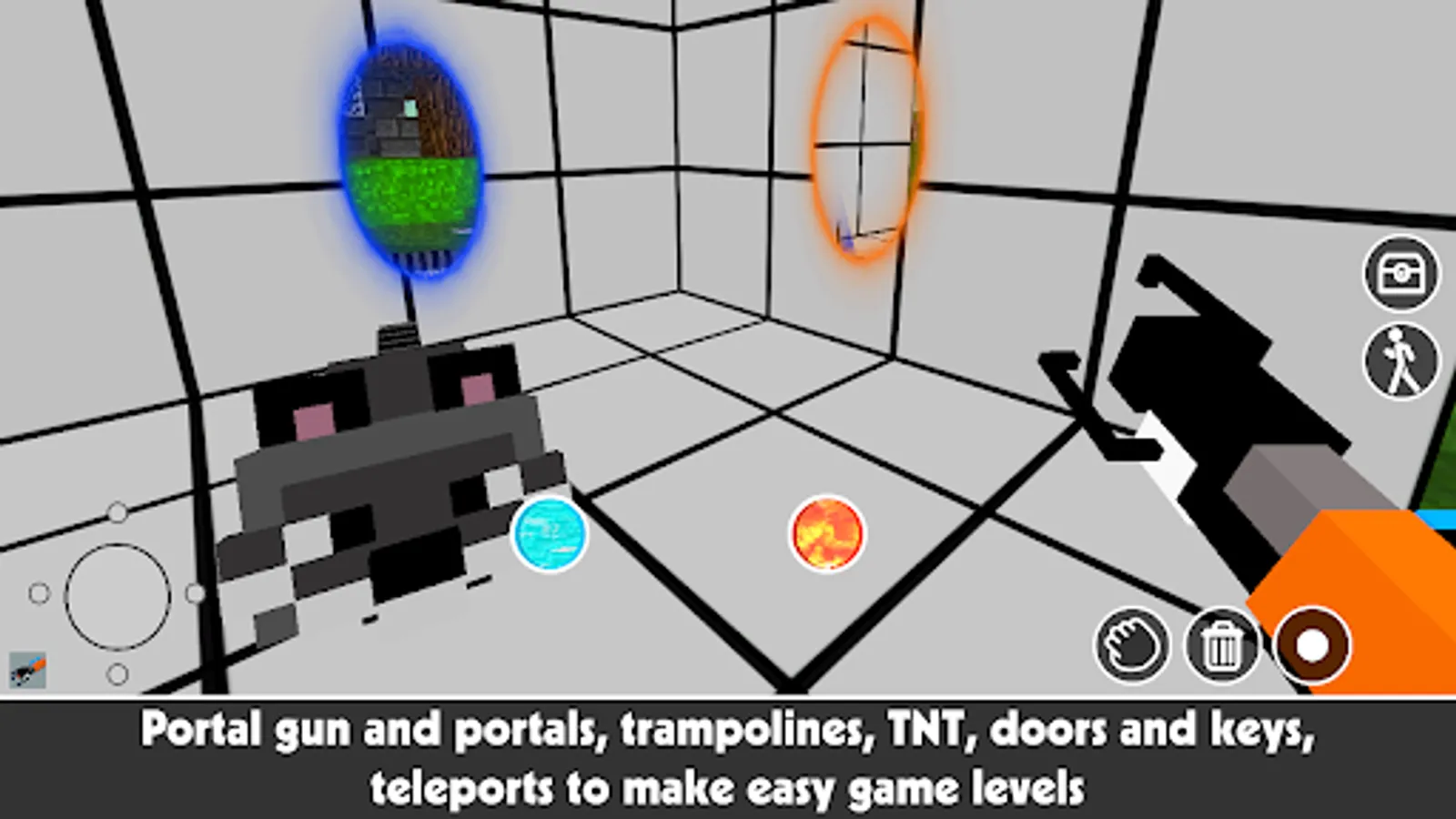
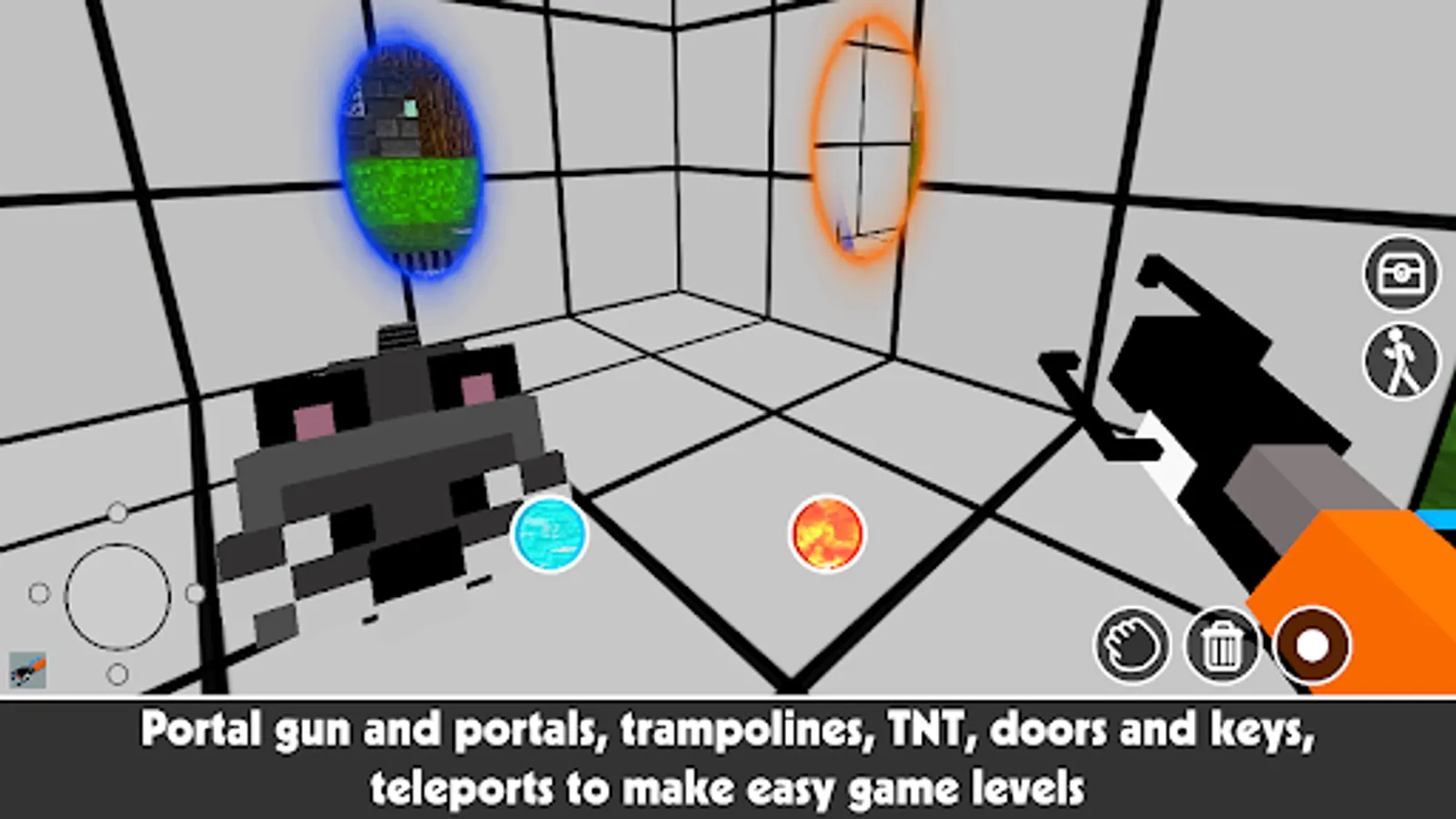
- to move faster in your 3D world use teleports (they are working in pairs);
- save your buildings to a local slot and edit it later;
- publish your work and get a page with a scheme you can build layer by layer in other applications, check project statistics of how many cubes and what type of blocks are used;
- edit other published constructions and add your ideas and creativity to them;
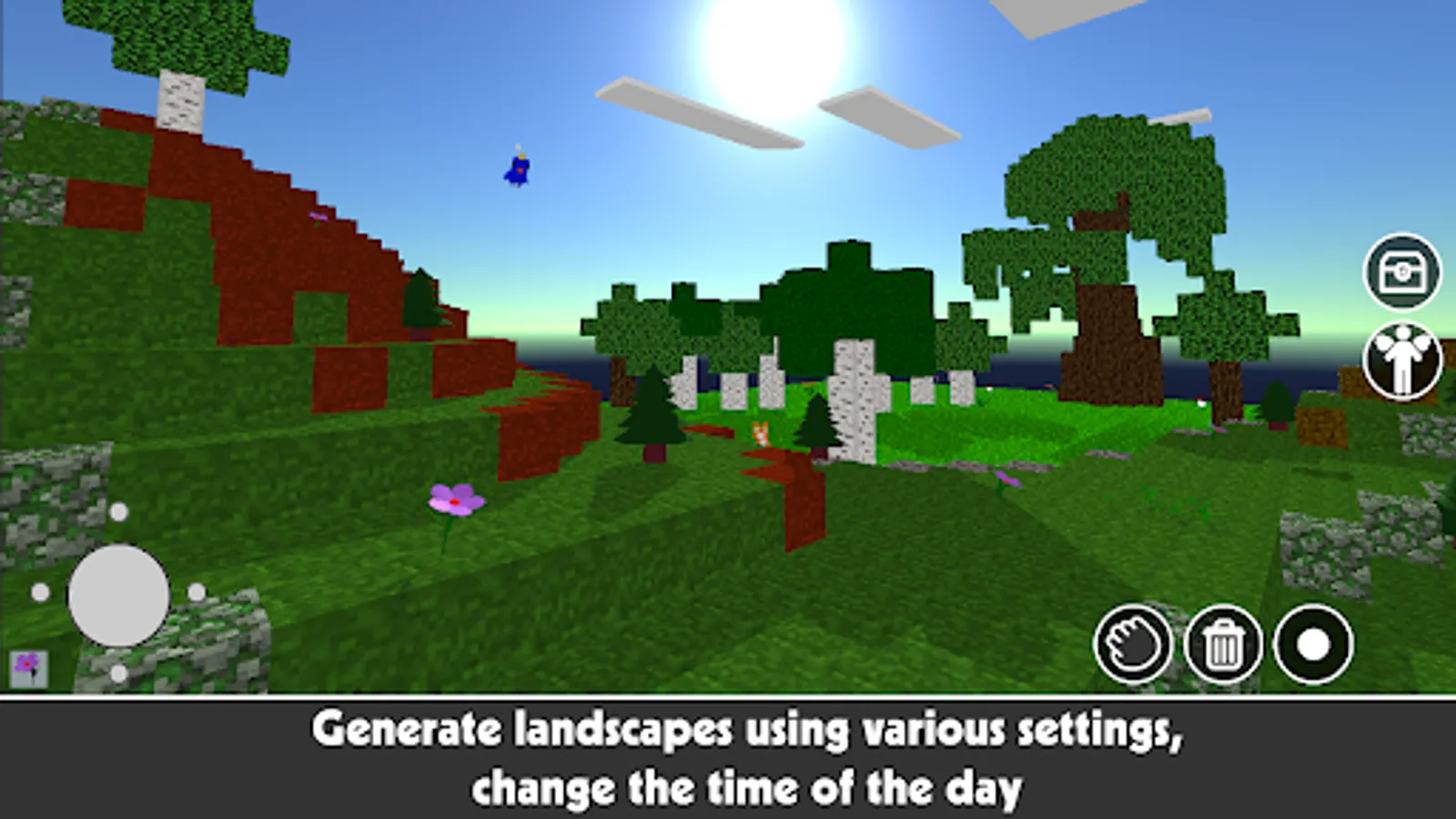
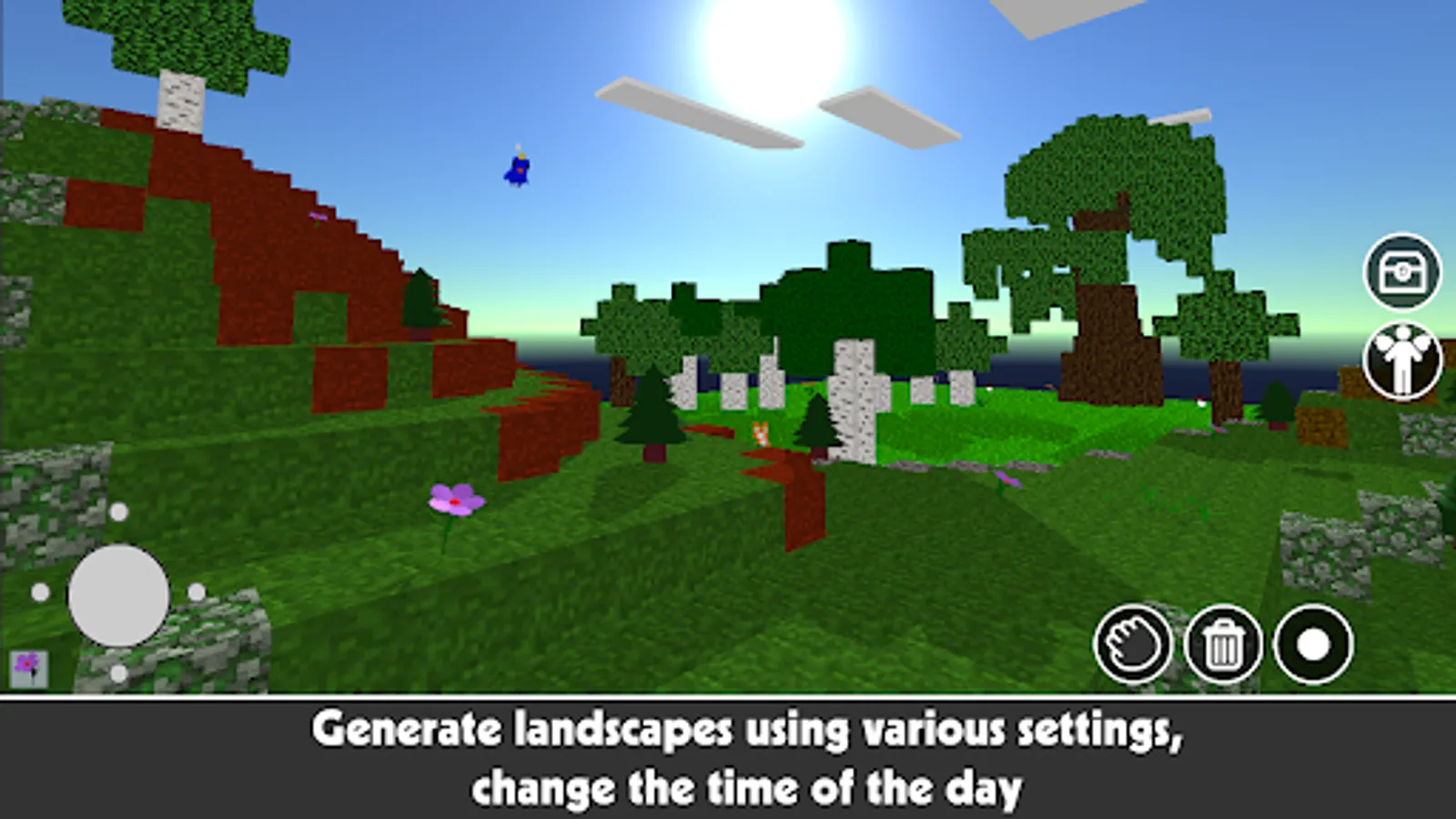
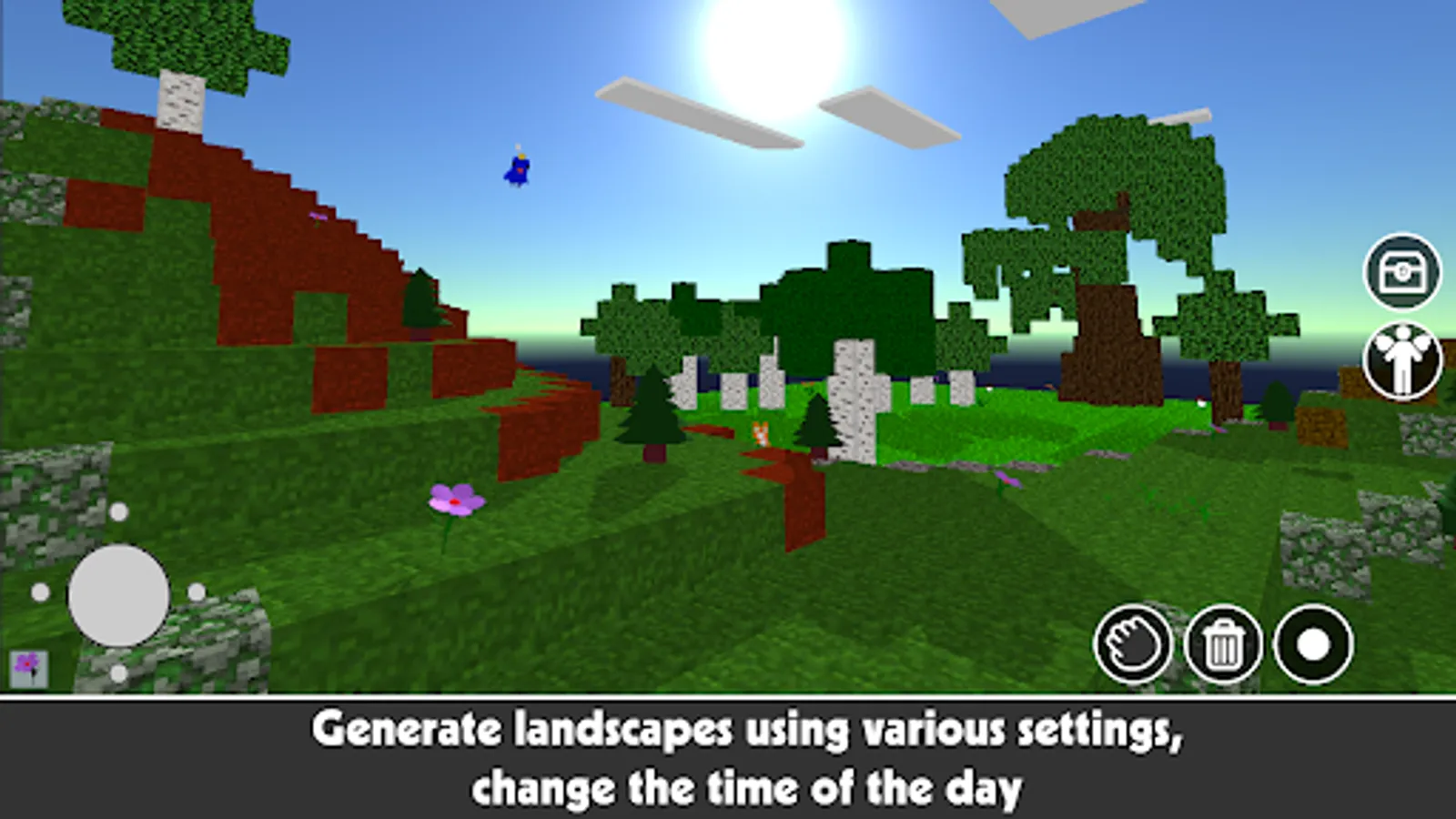
- use 8 different locations for your base to build with blocks or generate new map using various settings;
- use Symmetry and Fly Modes to create block buildings faster and more accurately;
- change center pivot to create complex symmetrical buildings;
- build from any point, with no limitation on range/distance when adding a new 3D block.
Build with Cubes it is a voxel editor. Here you can build constructions with blocks, and 3D cubes and even use moving game entities. You don't need to explore the whole world to find materials, you don't need to mine or craft blocks — just turn on your fantasy and create something original with an almost unlimited number of ready-to-use objects.
Build a castle or maze, sky island, build a house or even a city, and create pixel/voxel art 3D avatars. Whatever you want! Here are numerous blocks, color cubes, and blocks with natural textures you can use to show your creativity and wildest imagination.
To save time and let you the way to create symmetrical voxel models faster and more accurately, «Build with Cubes» have a Symmetry Mode. When you place one cube it could be mirrored 2 or 4 times depending on the way you choose. Moreover, you can change the symmetry pivot to build with blocks a lot of symmetrical constructions.
Use Fly Mode to fly around and control your construction from different angles. There are no restrictions for placing blocks - you can add cubes from any point, it does not matter whether you come close to it or flew away from it by 100 kilometers.
You can save your project to a local slot and open it later for editing. Also, you can publish your work to the app's collection/gallery and open other projects to change it and add some creativity.
When you publish your work, the application creates a page with layered schematics of your construction. Share your construction with friends through social networks!
If you looking for some fresh ideas for your construction just open the gallery and get inspired by one of the projects created by other people. Or open a collection on an app's website, get schematics (or NBT file) of buildings, and build it layer by layer.
Features:
- 100+ ready-to-use cubes, color blocks, natural textured cubes, windows, doors, furniture, flowers, moving entities, elevator/lifts, and sphere/cube/cylinder with physics to make some physical experiments, ready-to-use primitives (voxel models) of trees, pyramids, walls, arches with randomly generated size;
- easy stairs building — just place stairs-cube and the application will turn it to the right side;
- to move faster in your 3D world use teleports (they are working in pairs);
- save your buildings to a local slot and edit it later;
- publish your work and get a page with a scheme you can build layer by layer in other applications, check project statistics of how many cubes and what type of blocks are used;
- edit other published constructions and add your ideas and creativity to them;
- use 8 different locations for your base to build with blocks or generate new map using various settings;
- use Symmetry and Fly Modes to create block buildings faster and more accurately;
- change center pivot to create complex symmetrical buildings;
- build from any point, with no limitation on range/distance when adding a new 3D block.