Drive Download
Burningthumb Studios
3.6 ★
259 ratings
100,000+
downloads
Free
+ in-app
In this file synchronization app, you can schedule automatic downloads from your cloud folder to multiple Android devices. Includes options for scheduling updates and supporting downloads to USB sticks or SD cards.
AppRecs review analysis
AppRecs rating 3.6. Trustworthiness 71 out of 100. Review manipulation risk 37 out of 100. Based on a review sample analyzed.
★★★☆☆
3.6
AppRecs Rating
Ratings breakdown
5 star
50%
4 star
5%
3 star
17%
2 star
11%
1 star
17%
What to know
✓
Credible reviews
71% trustworthiness score from analyzed reviews
✓
Authentic reviews
Natural distribution, no red flags
About Drive Download
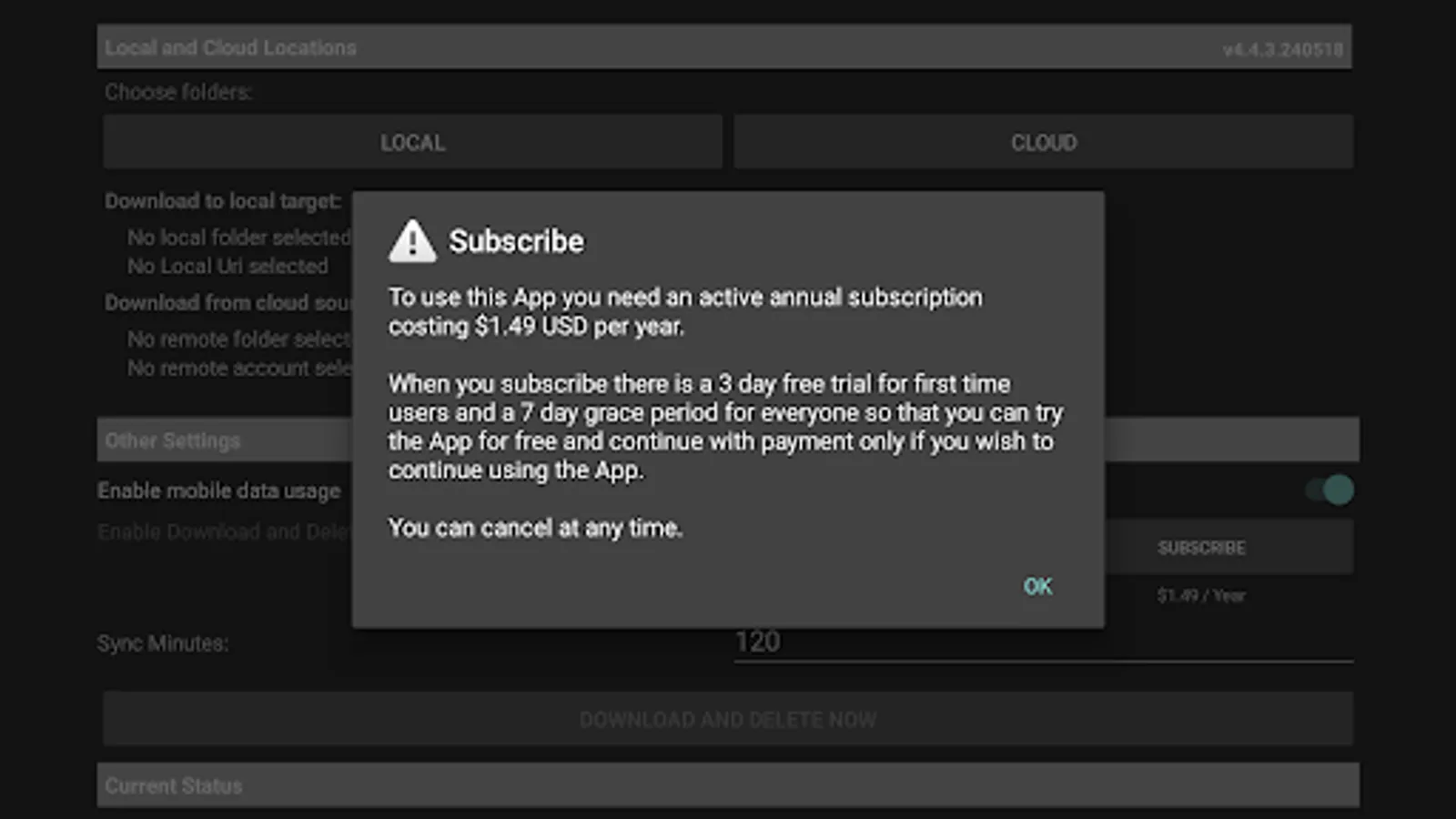
Cost: $1.99 US / year with a free 3-day free trial using an In-App Purchase Subscription. No Ads.
It’s easy to connect your phone to your laptop and download files to your phone. But what if your phone would just download them automatically?
Drive Download makes it easy to remotely update the files on your Android TV, TV Box, Android tablet or Android phone. Update a Folder on your Cloud Drive with movies, music, audiobooks, epubs or any other type of file and Drive Download will automatically download them to your Android TV, TV Box, tablet or phone at regular intervals.
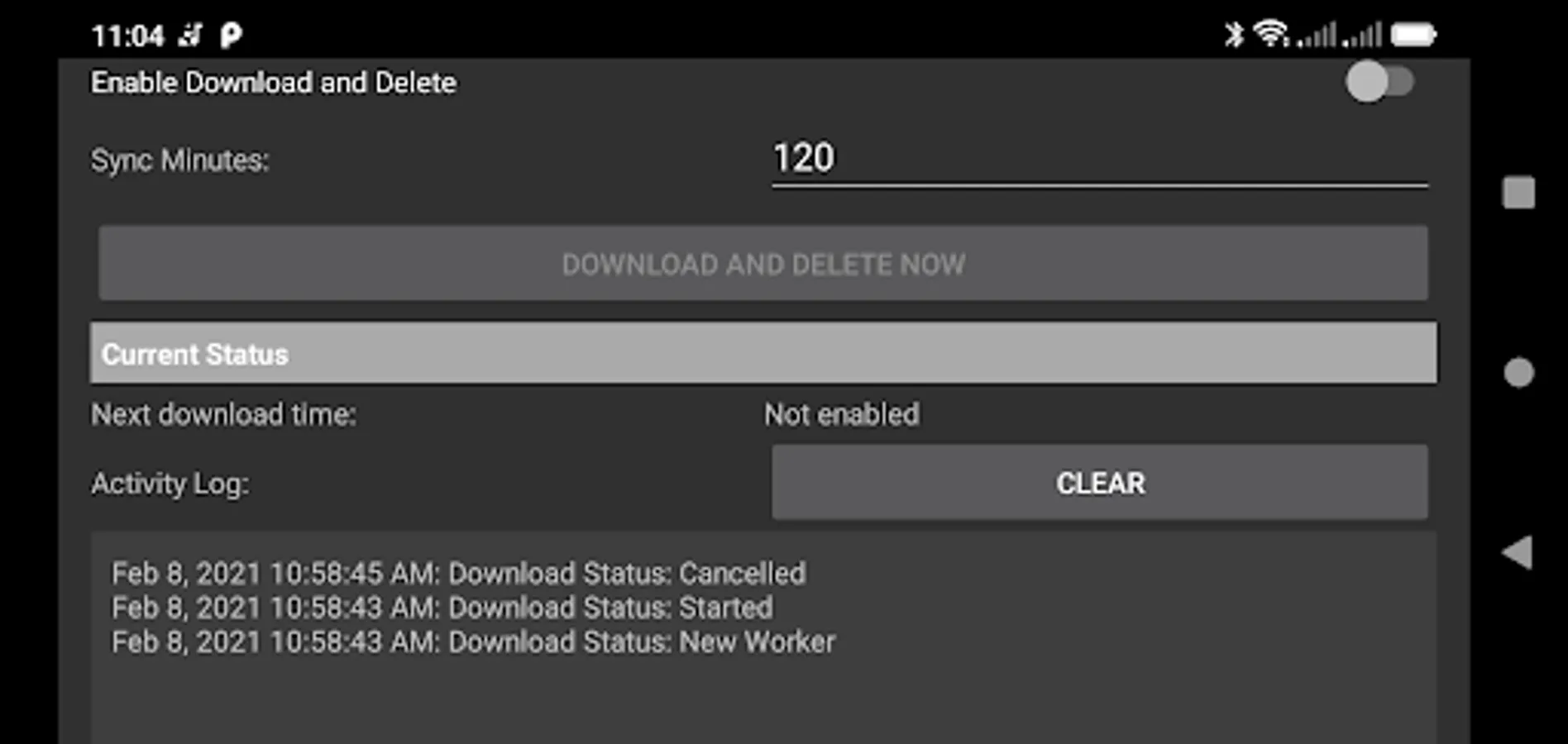
It will even download files to a USB Stick or SD Card used with an Android TV. Drive download is designed to run seamlessly on a scheduled, regular basis so that you can keep your Devices in sync with the Cloud Device automatically. Just set an update schedule and Drive download will automatically check for updates and update your Android device or devices.
File synchronization (file syncing) in computing is the process of updating the data in one or more locations using certain rules – two-way peer-to-peer file sync, one-way backup to the cloud or one-way download from the cloud (mirror). Drive Download is a one-way file synchronization download from the cloud app where you control the data in a folder in the cloud and Drive Download automatically downloads it to one or many devices, checking regularly and updating any changed files.
This is a simple way to download new audiobooks to your phone, download movies to your Android TV or download instructional videos to your tablet without needing to plug the devices together or to do manual file transfers. And because you manage the files in the Cloud on your laptop or desktop, it’s easy to add or delete files. Just add or delete files in the source folder on your cloud drive and the files will automatically be updated on your phone, Android TV or tablet.
Here’s what you do:
1. Set up a Source folder in the cloud.
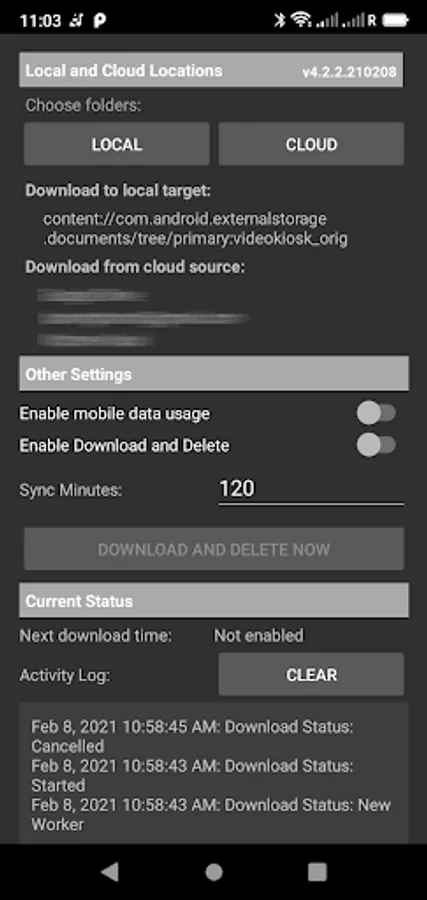
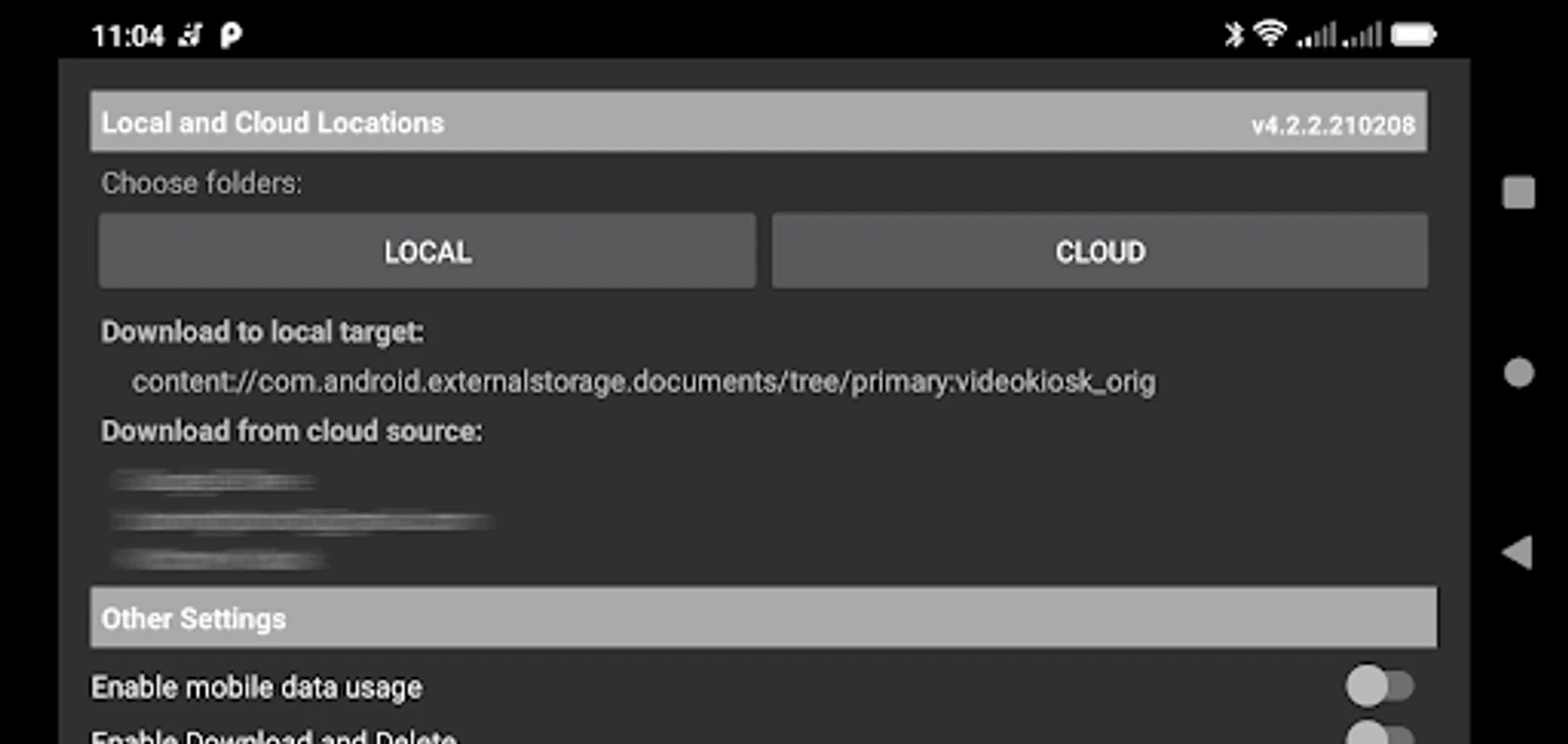
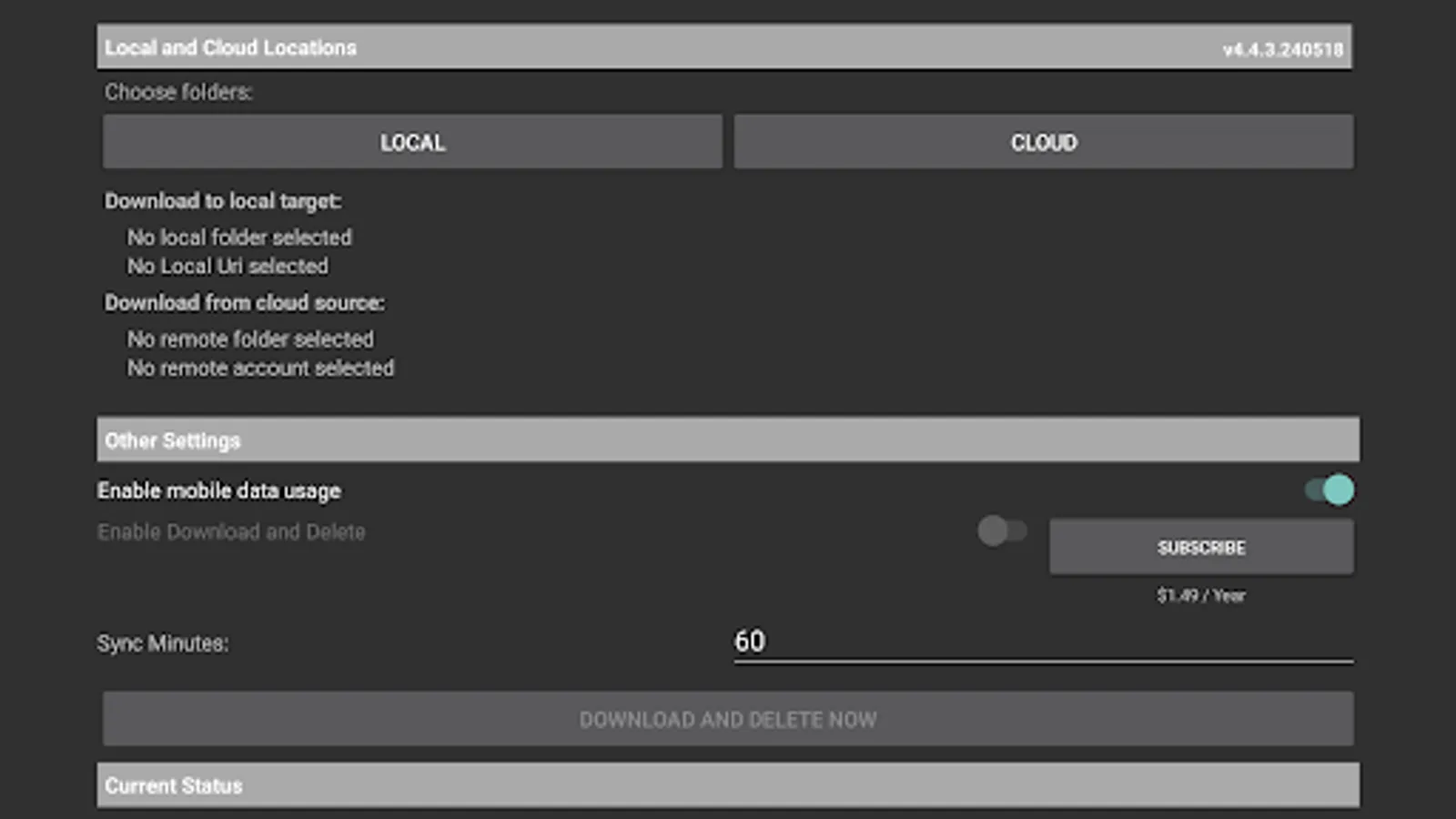
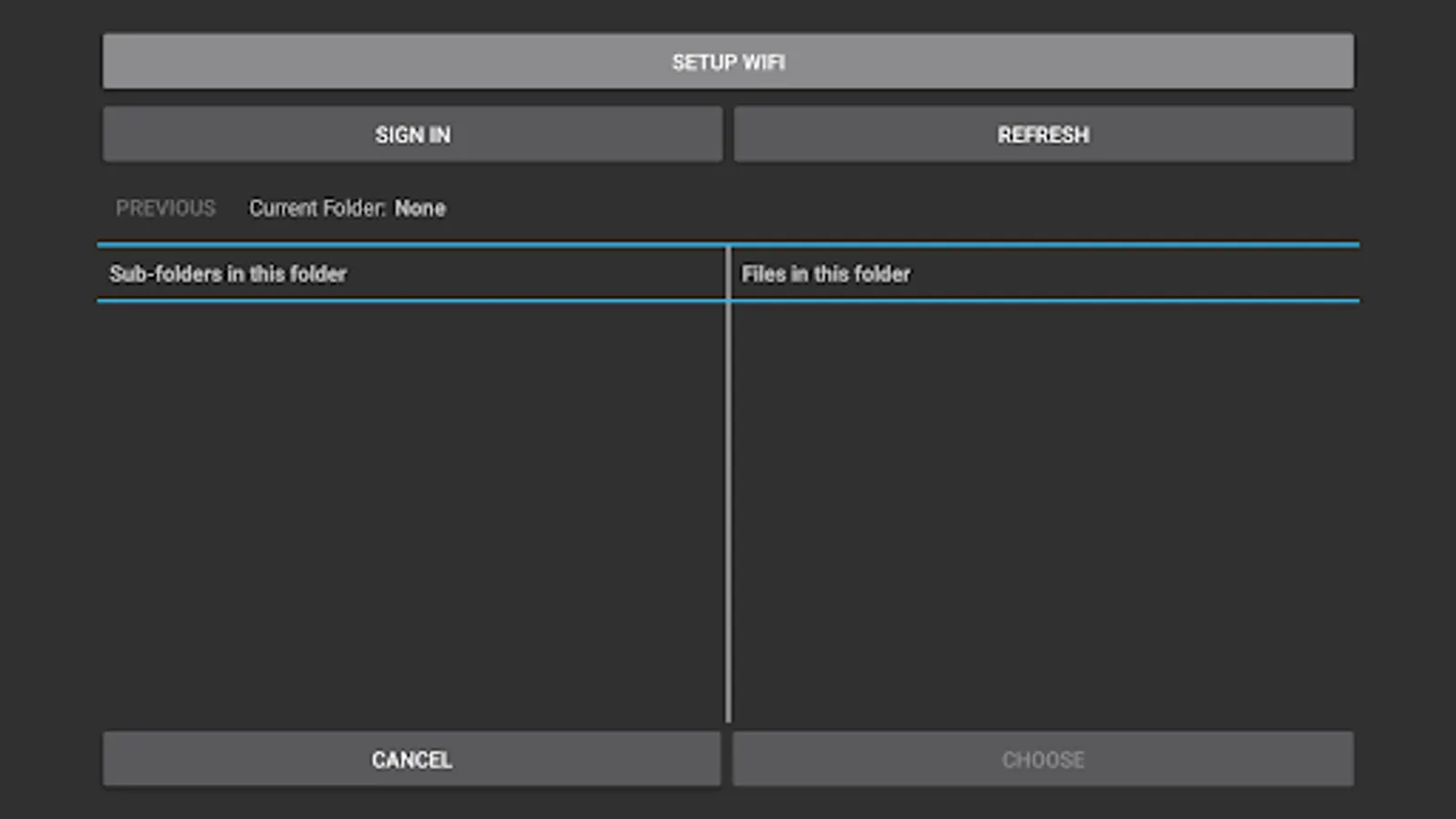
2. Configure your device with the source folder location and a location to download to.
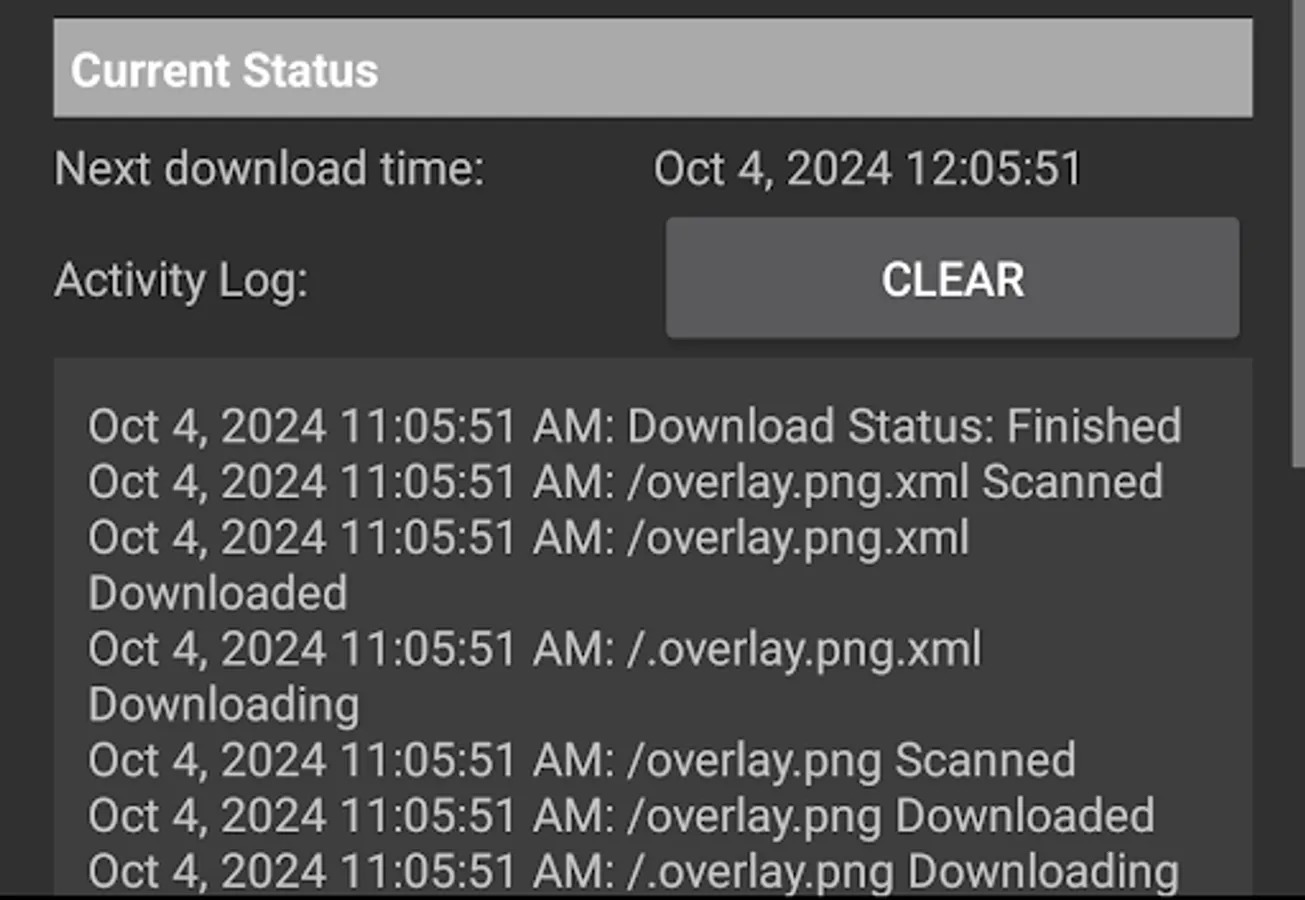
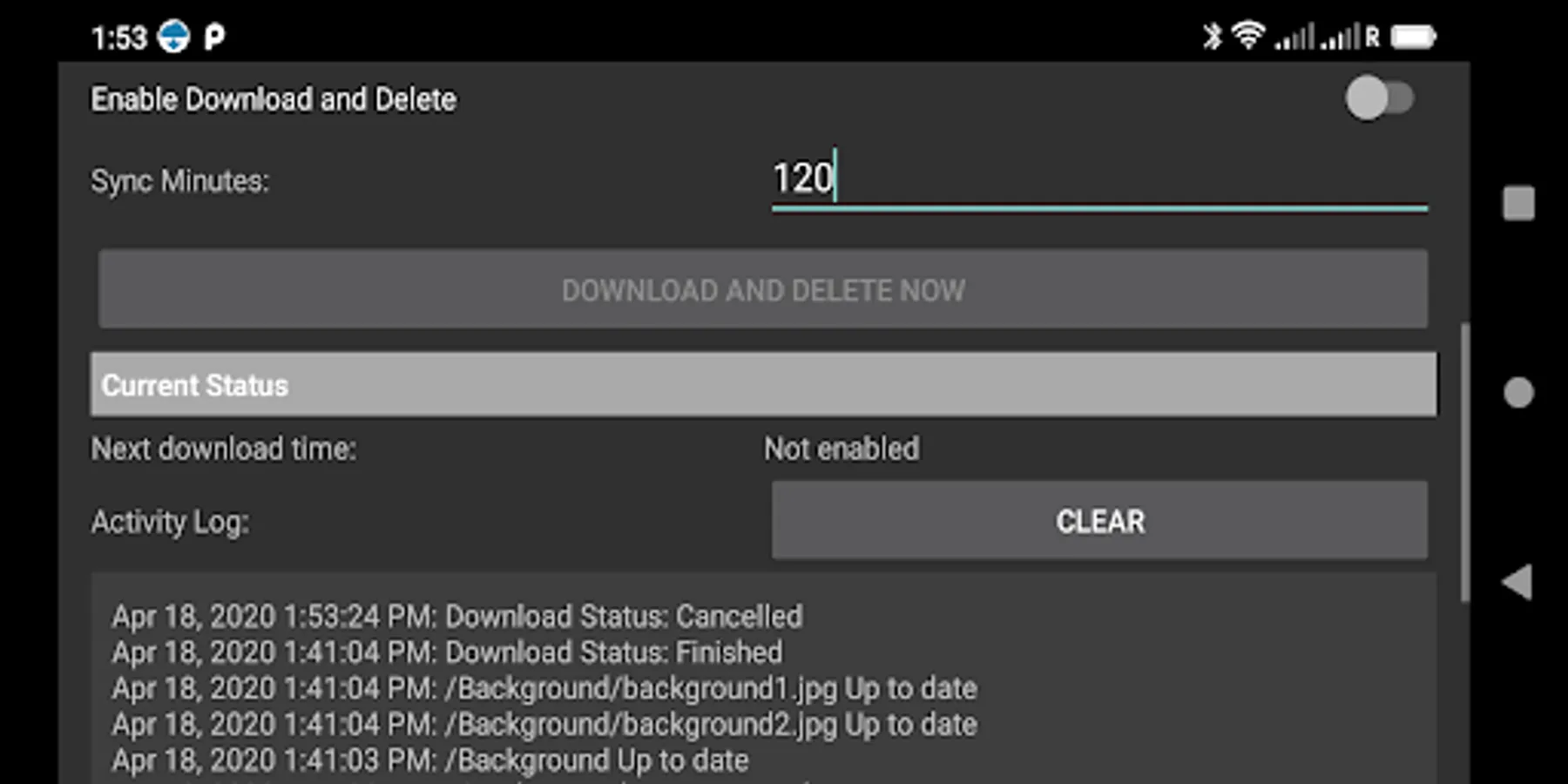
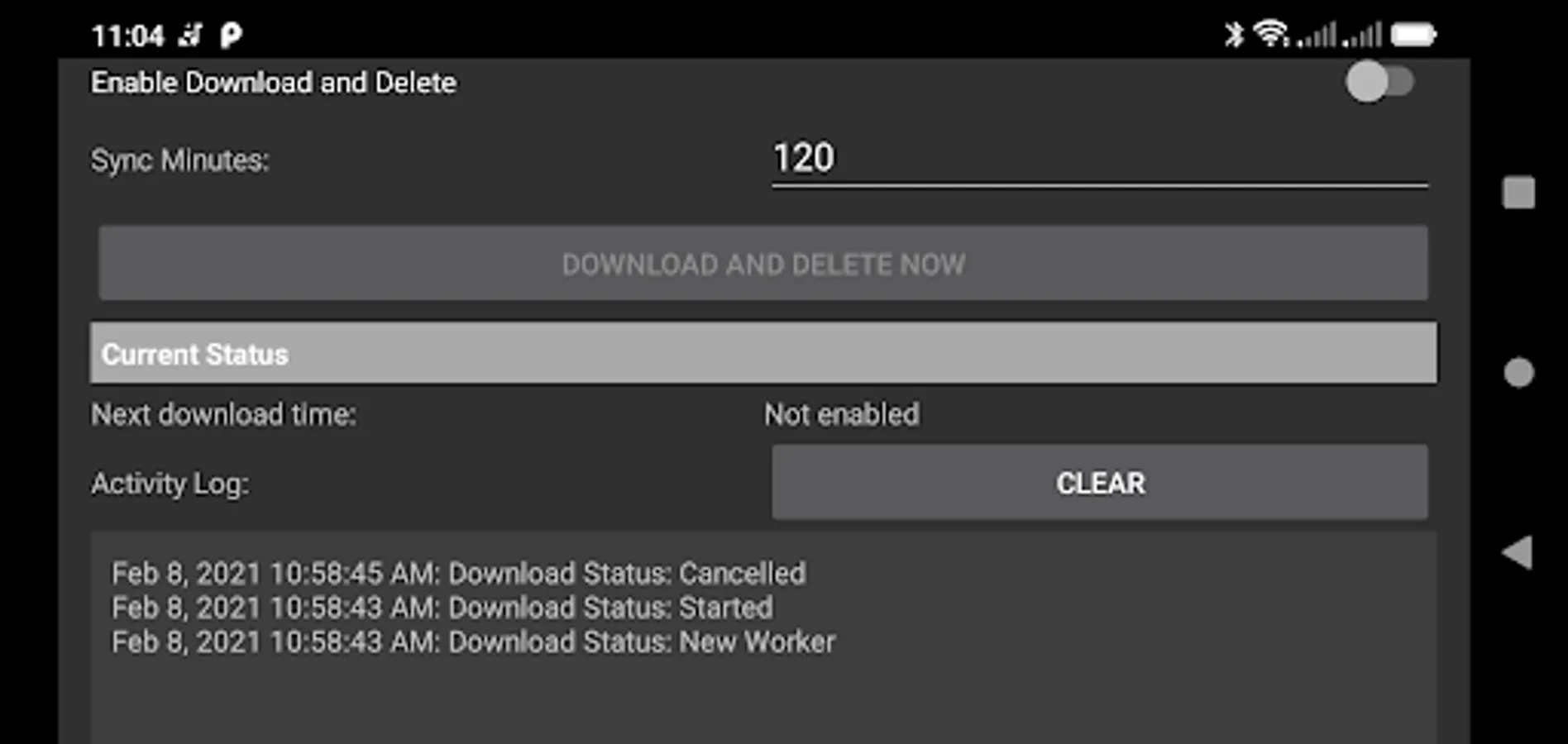
Drive Download will now regularly check the source folder and download any changes to your device.
WHERE TO LEARN MORE
- Watch the How To Video
- Read the Drive Download User Manual
- Visit our site and Learn more
It’s easy to connect your phone to your laptop and download files to your phone. But what if your phone would just download them automatically?
Drive Download makes it easy to remotely update the files on your Android TV, TV Box, Android tablet or Android phone. Update a Folder on your Cloud Drive with movies, music, audiobooks, epubs or any other type of file and Drive Download will automatically download them to your Android TV, TV Box, tablet or phone at regular intervals.
It will even download files to a USB Stick or SD Card used with an Android TV. Drive download is designed to run seamlessly on a scheduled, regular basis so that you can keep your Devices in sync with the Cloud Device automatically. Just set an update schedule and Drive download will automatically check for updates and update your Android device or devices.
File synchronization (file syncing) in computing is the process of updating the data in one or more locations using certain rules – two-way peer-to-peer file sync, one-way backup to the cloud or one-way download from the cloud (mirror). Drive Download is a one-way file synchronization download from the cloud app where you control the data in a folder in the cloud and Drive Download automatically downloads it to one or many devices, checking regularly and updating any changed files.
This is a simple way to download new audiobooks to your phone, download movies to your Android TV or download instructional videos to your tablet without needing to plug the devices together or to do manual file transfers. And because you manage the files in the Cloud on your laptop or desktop, it’s easy to add or delete files. Just add or delete files in the source folder on your cloud drive and the files will automatically be updated on your phone, Android TV or tablet.
Here’s what you do:
1. Set up a Source folder in the cloud.
2. Configure your device with the source folder location and a location to download to.
Drive Download will now regularly check the source folder and download any changes to your device.
WHERE TO LEARN MORE
- Watch the How To Video
- Read the Drive Download User Manual
- Visit our site and Learn more
Drive Download Screenshots
Tap to Rate:
Reviews for Drive Download
Daniel Lyson
8/8/2025
It's good application
SP Amir Hossain
7/29/2025
Ok