With this text editor, you can create, open, and edit multiple documents with split-screen support and rich text styling. Includes file management, text-to-speech, image insertion, and encoding options.
AppRecs review analysis
AppRecs rating 3.5. Trustworthiness 84 out of 100. Review manipulation risk 28 out of 100. Based on a review sample analyzed.
★★★☆☆
3.5
AppRecs Rating
Ratings breakdown
5 star
59%
4 star
16%
3 star
5%
2 star
5%
1 star
16%
What to know
✓
Low review manipulation risk
28% review manipulation risk
⚠
Ad complaints
Many low ratings mention excessive ads
⚠
Pricing complaints
Many low ratings mention paywalls or pricing
About Text Editor
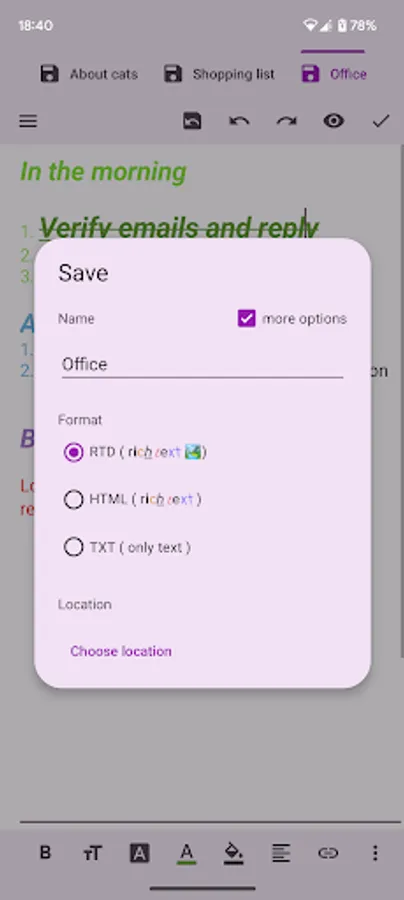
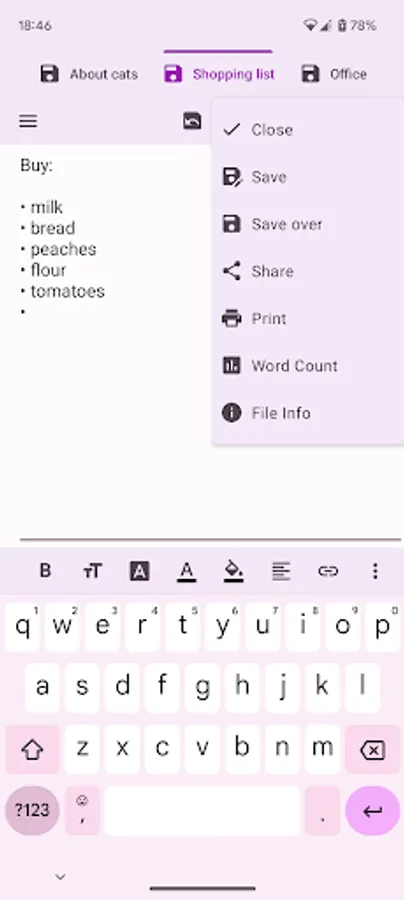
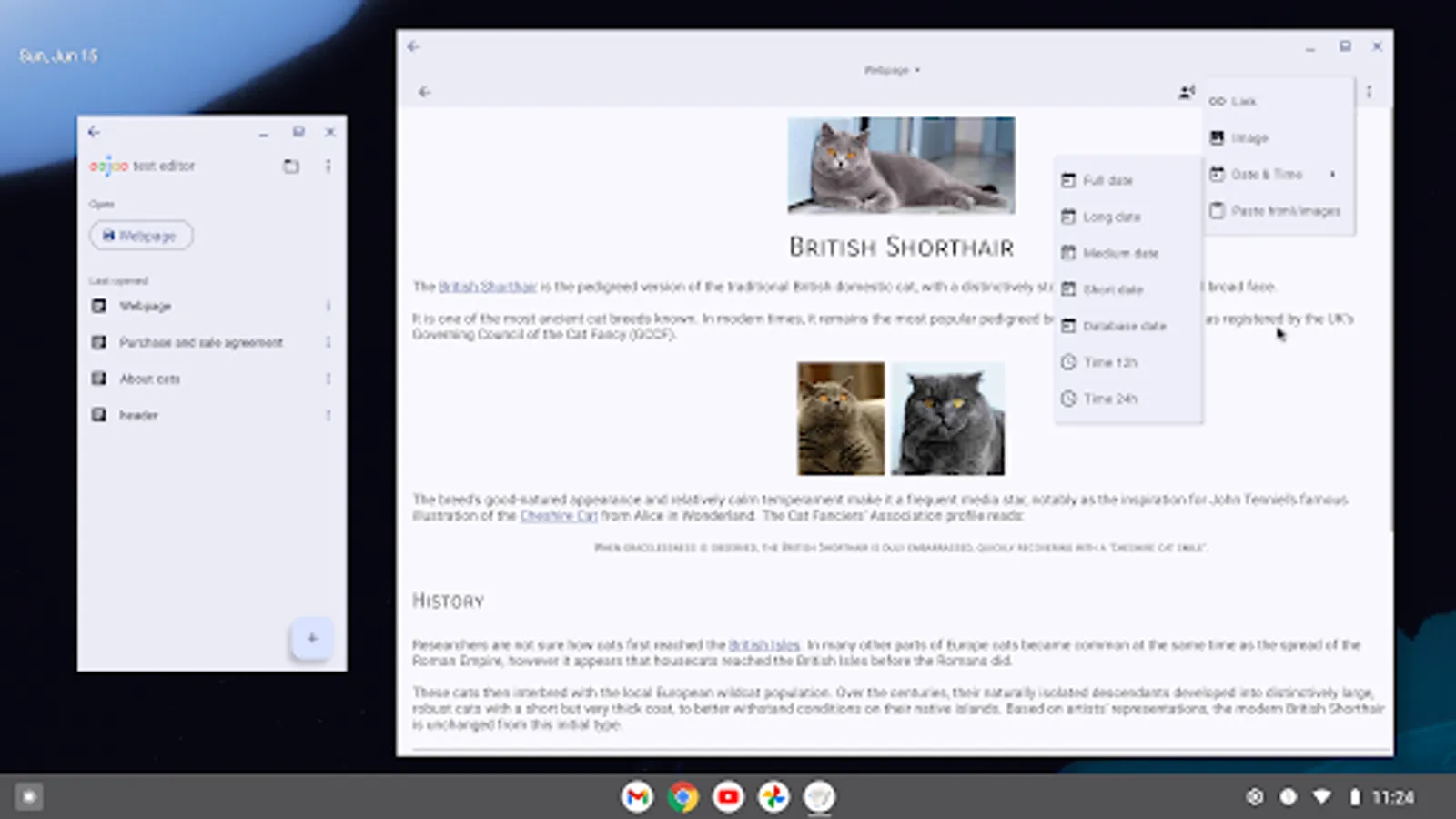
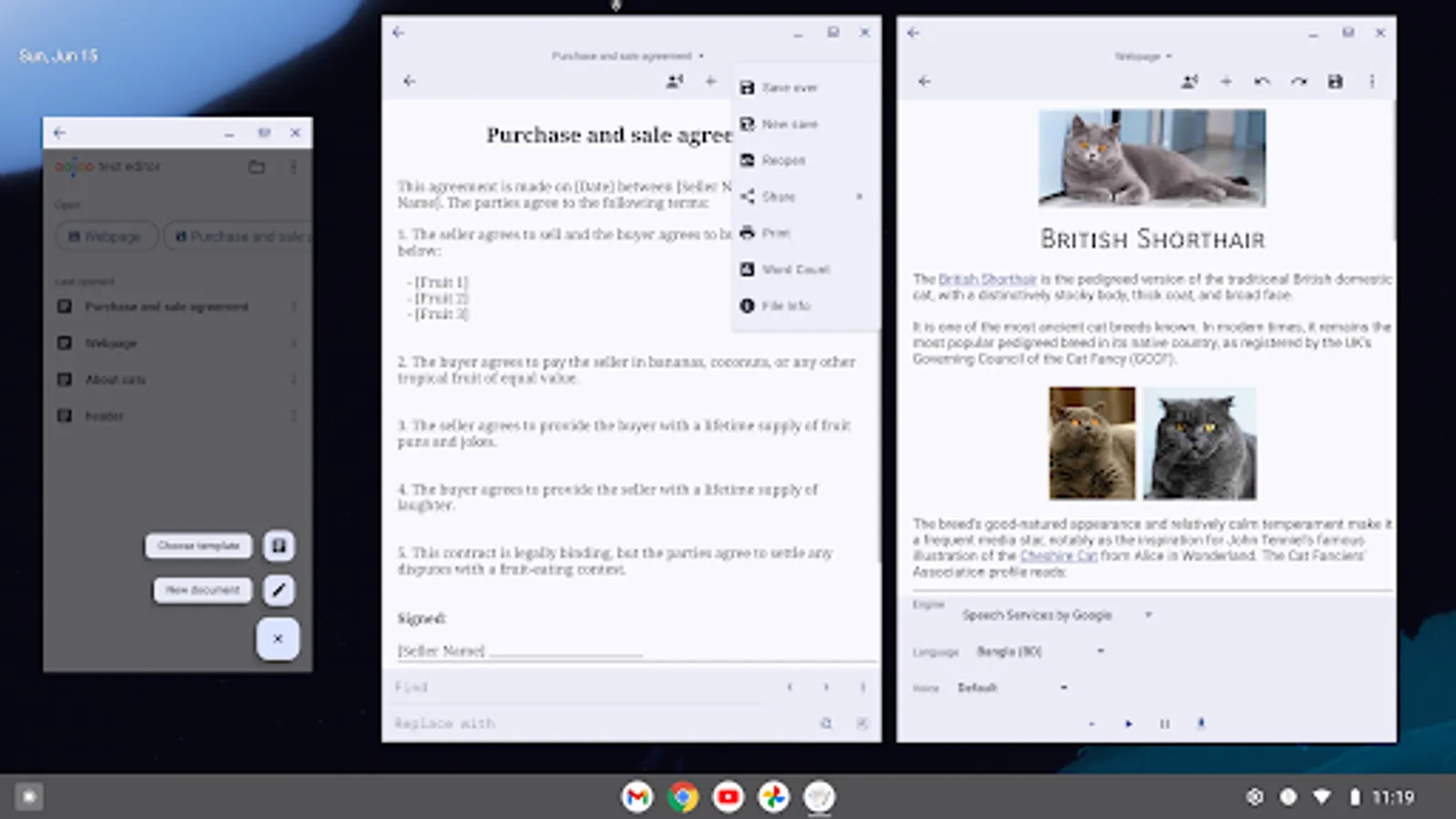
Oojao Text Editor is a simple and powerful file editor, to open and save files. It can open multiple files at the same time, as it supports editing 2 documents side-by-side in split-screen.
This app is ad-supported to keep it free, but ads are not annoying and can be quickly closed or temporarily turned off in Settings. And there are no ads while editing!
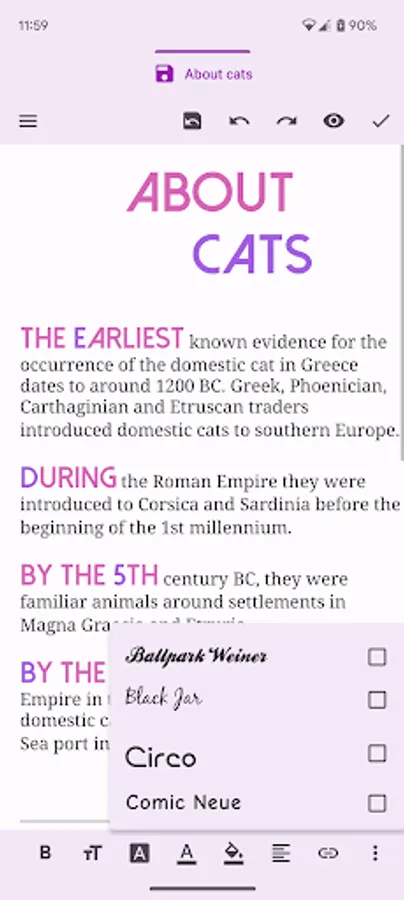
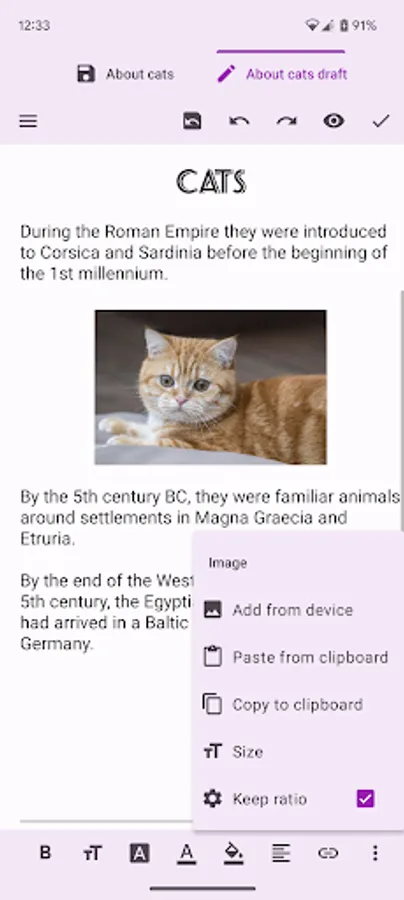
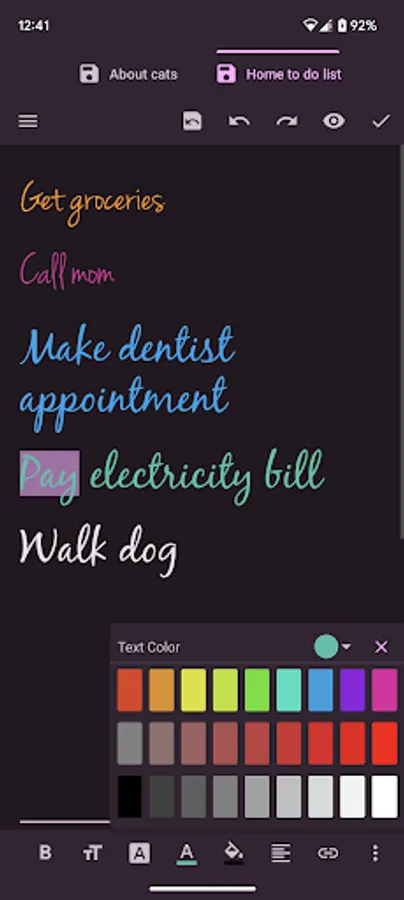
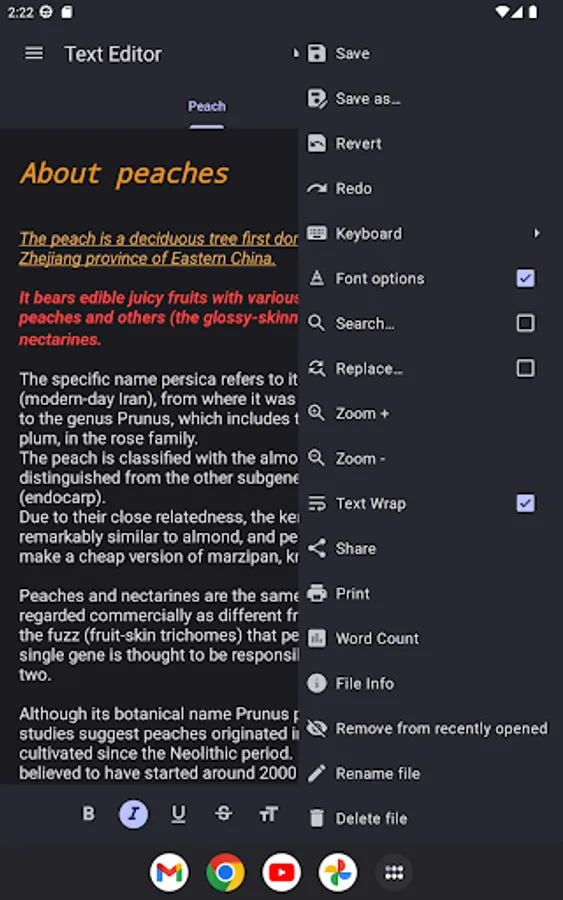
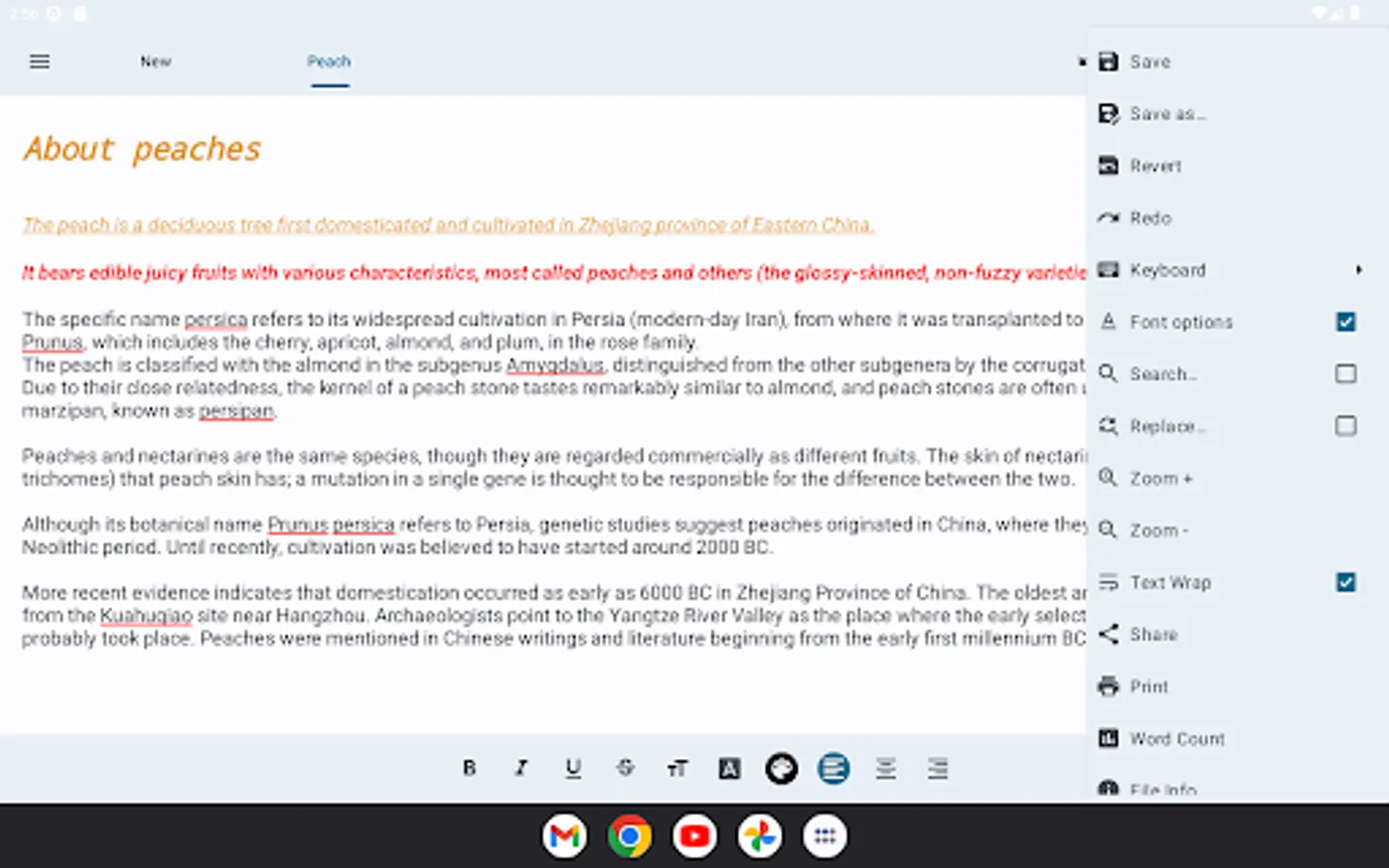
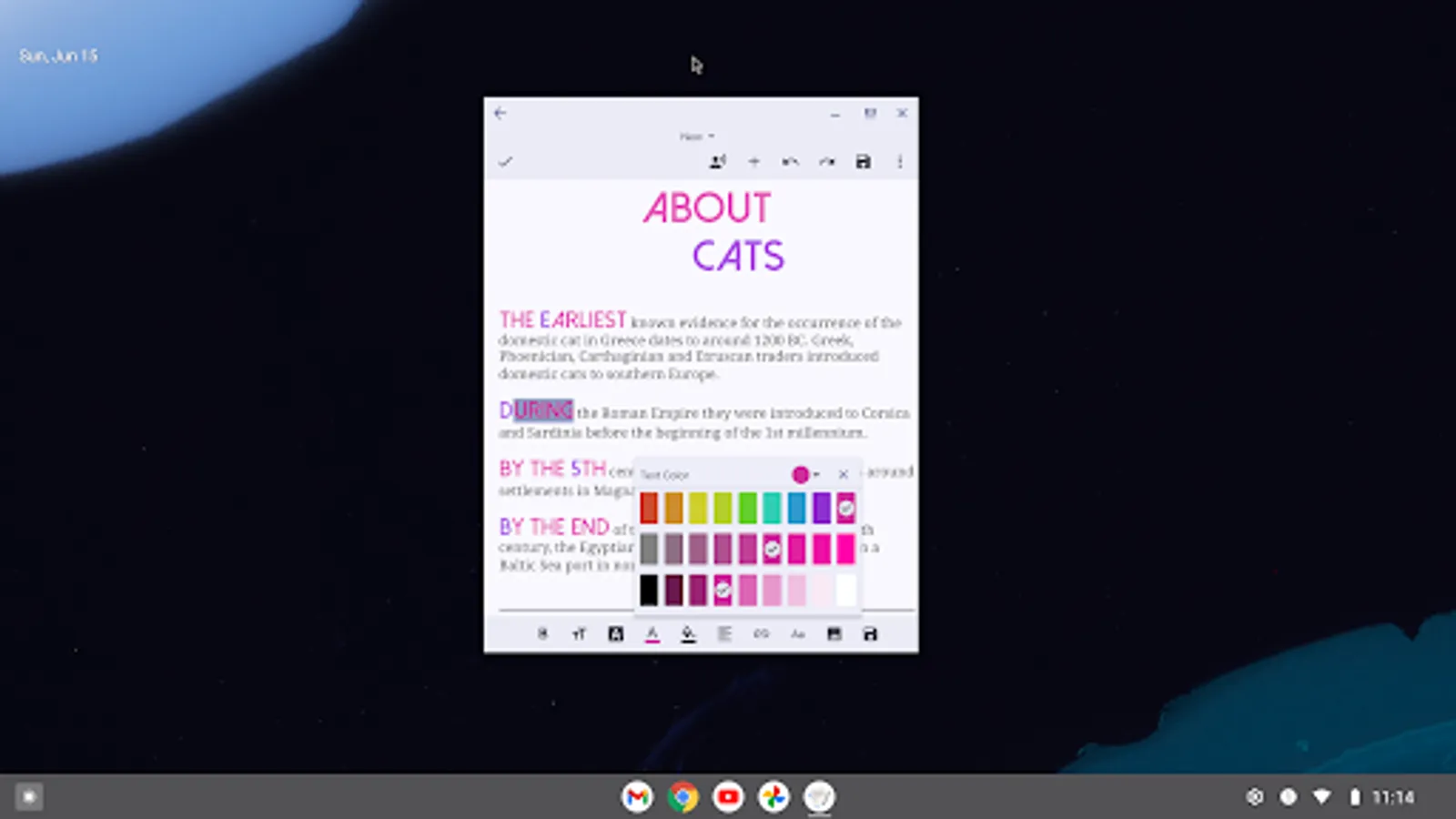
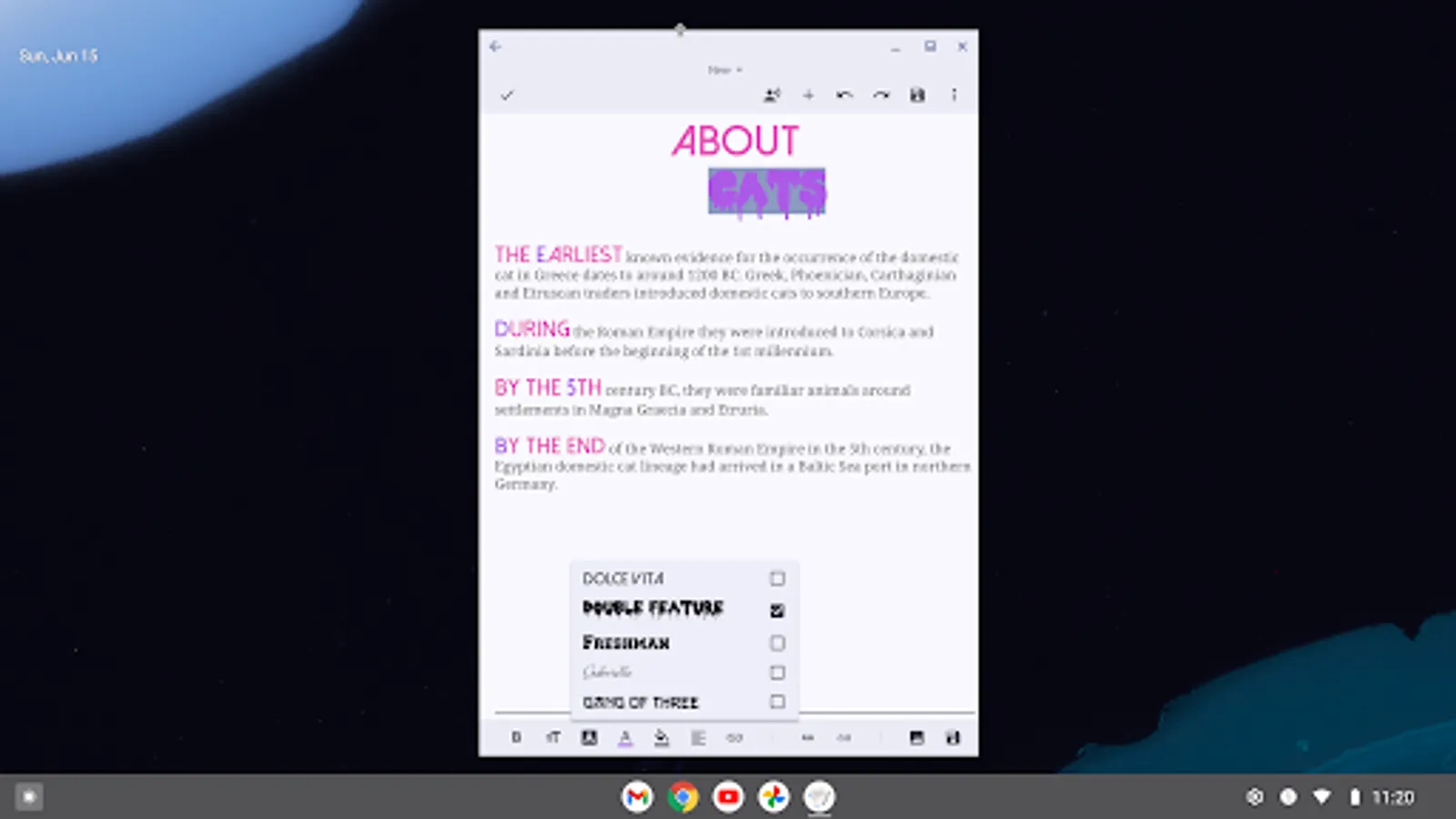
Added rich text styling options, so you can make your notes look just the way you want them.
FEATURES
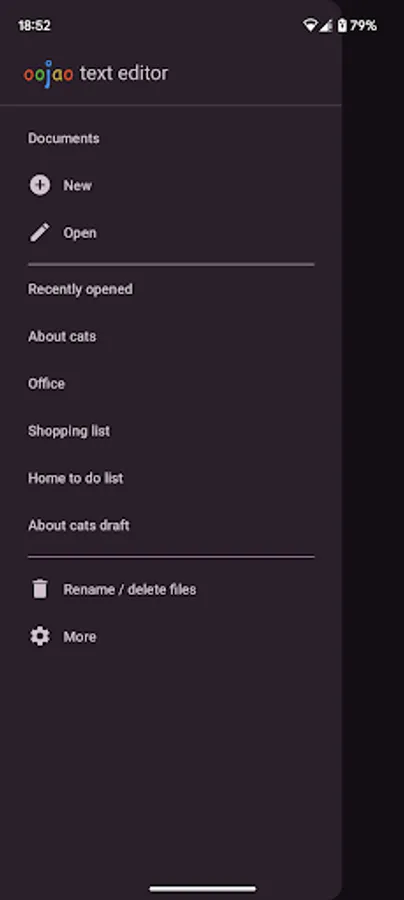
• Create and edit documents
• Open more documents at the same time, each in their own window
• Edit 2 documents side-by-side in split-screen
• Read selected text, or starting from cursor, using text-to-speech (TTS)
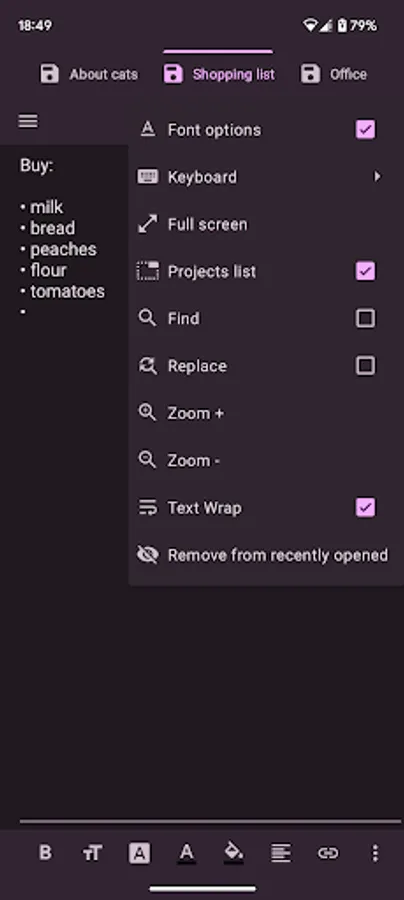
• Recently opened documents list, for quick access
• Open very large files with big file size
• Insert images and links
• Word count
• Change charset /encoding
• Print option
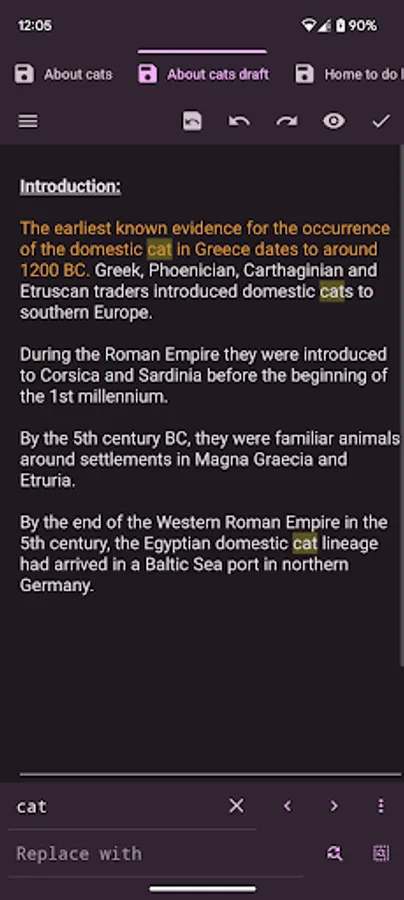
• Dark theme (if Android is set to dark theme)
• Full screen
• Change selected text to uppercase or lowercase
• Change font bold, italic, underline, strike-through
• Change font size, color, highlight, typeface, alignment
And much more!
This app is ad-supported to keep it free, but ads are not annoying and can be quickly closed or temporarily turned off in Settings. And there are no ads while editing!
Added rich text styling options, so you can make your notes look just the way you want them.
FEATURES
• Create and edit documents
• Open more documents at the same time, each in their own window
• Edit 2 documents side-by-side in split-screen
• Read selected text, or starting from cursor, using text-to-speech (TTS)
• Recently opened documents list, for quick access
• Open very large files with big file size
• Insert images and links
• Word count
• Change charset /encoding
• Print option
• Dark theme (if Android is set to dark theme)
• Full screen
• Change selected text to uppercase or lowercase
• Change font bold, italic, underline, strike-through
• Change font size, color, highlight, typeface, alignment
And much more!
Text Editor Screenshots
Tap to Rate:
Reviews for Text Editor
Thomas Heavy
12/23/2025
I don't understand anything
King Queen
12/23/2025
I love Text Editor app