Mobile hotspot : Data Controls
Core Apps Creation
3.7 ★
store rating
100,000+
downloads
Free
+ in-app
AppRecs review analysis
AppRecs rating 3.0. Trustworthiness 80 out of 100. Review manipulation risk 23 out of 100. Based on a review sample analyzed.
★★★☆☆
3.0
AppRecs Rating
Ratings breakdown
5 star
59%
4 star
9%
3 star
5%
2 star
2%
1 star
25%
What to know
✓
Low review manipulation risk
23% review manipulation risk
⚠
Ad complaints
Many low ratings mention excessive ads
⚠
Review quality concerns
47% of sampled 5-star reviews are very short
About Mobile hotspot : Data Controls
-Manage and optimize your hotspot usage using "Mobile Hotspot: Data Controls"
-Experience easy control over your mobile hotspot.
Key Features:
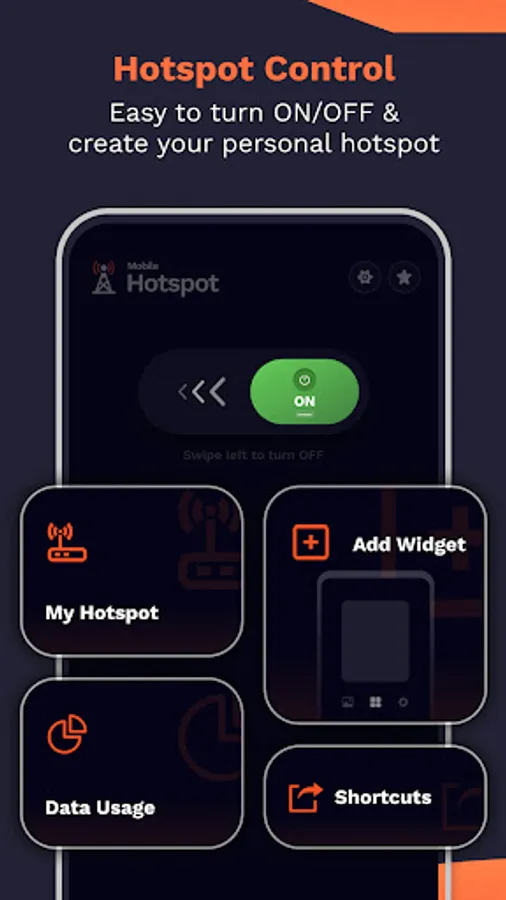
1.My Hotspot:
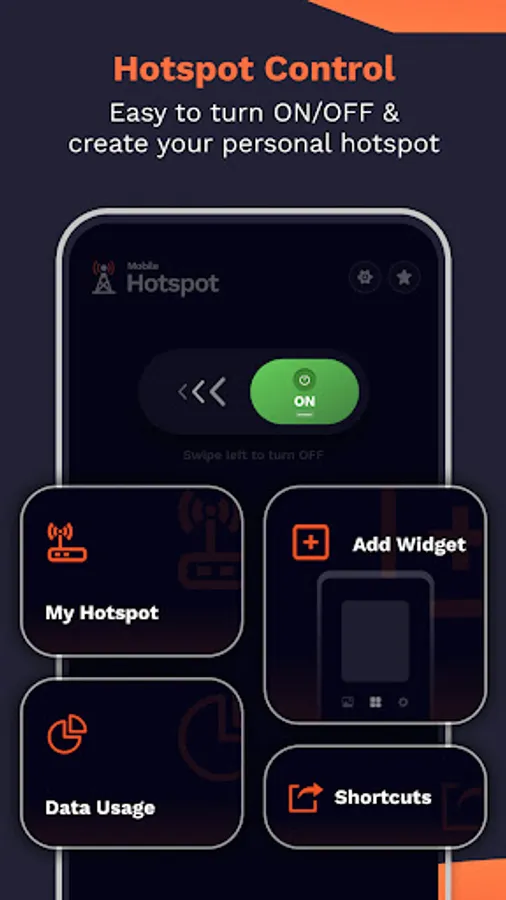
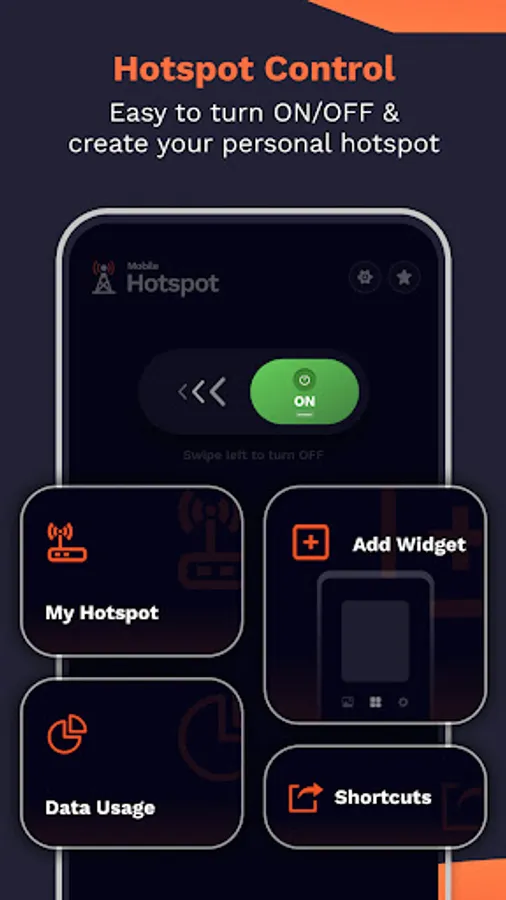
•Turn on Hotspot: Activate your mobile hotspot directly through the app.
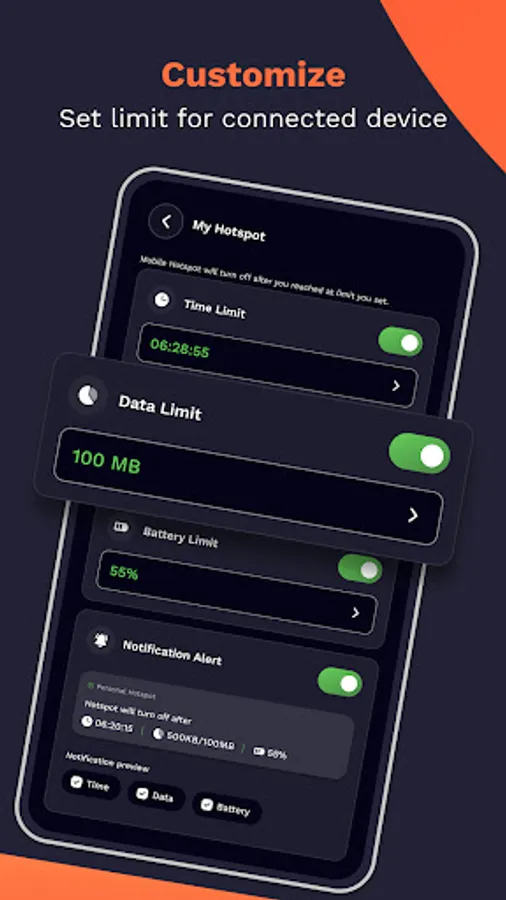
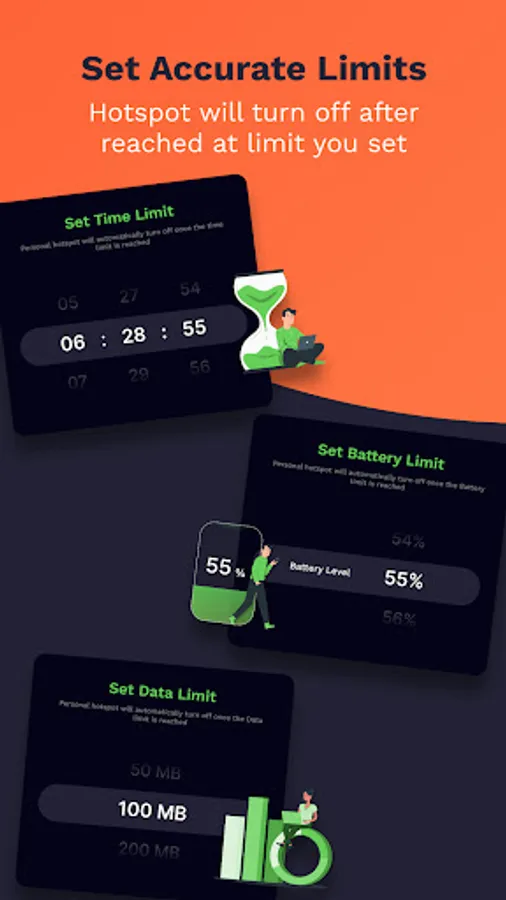
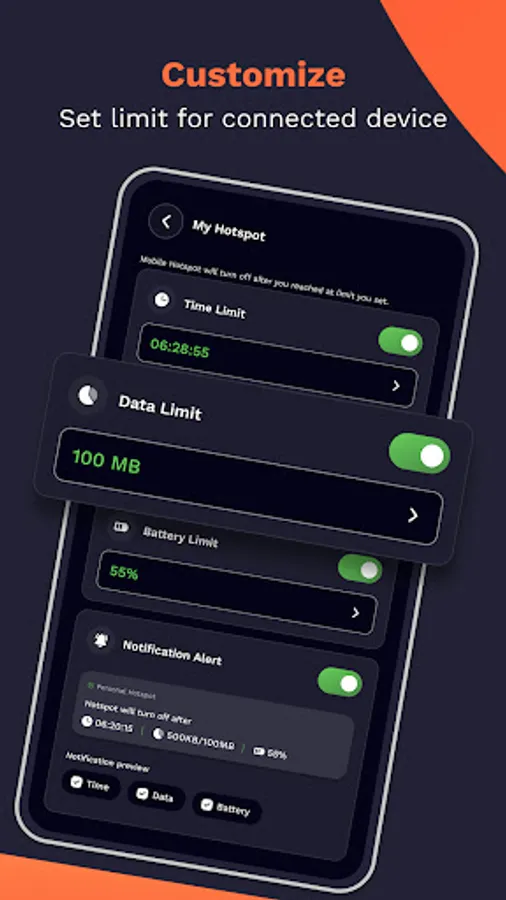
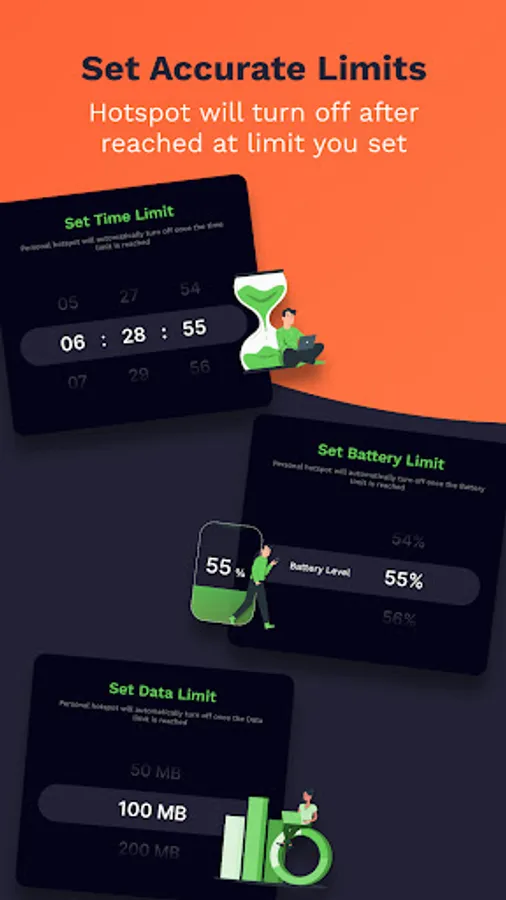
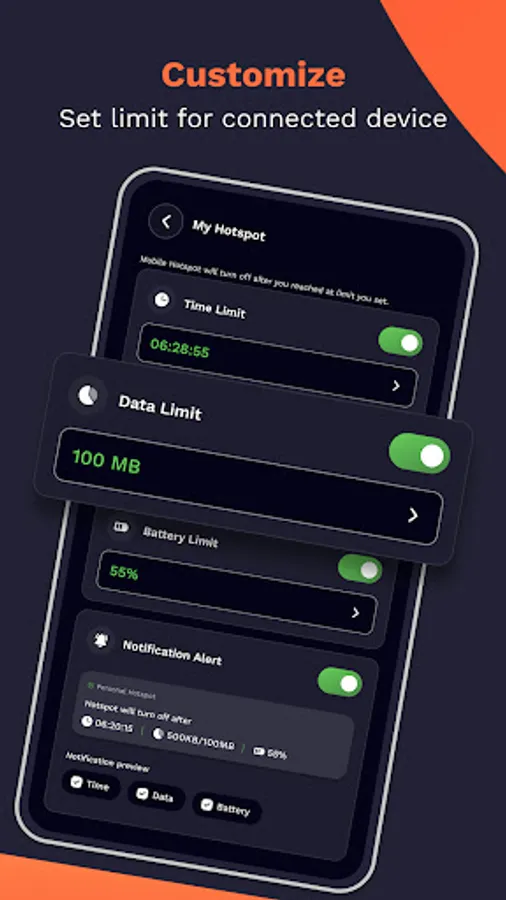
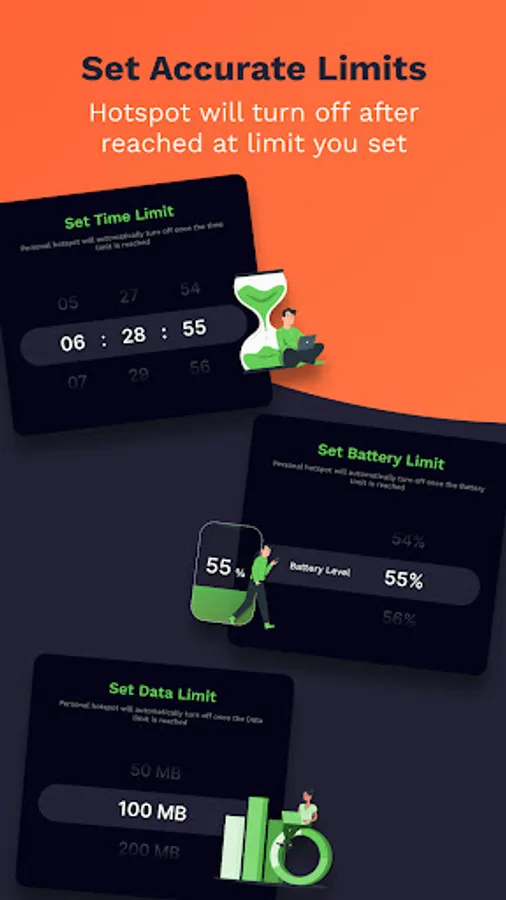
•Limit Features:Set personalized restrictions such as Time Limit, Data Limit, Battery Limit, and receive Notification Alerts.
The hotspot will automatically turn off when you reach the specified limits, providing you with control and peace of mind.
2.Data Usage:
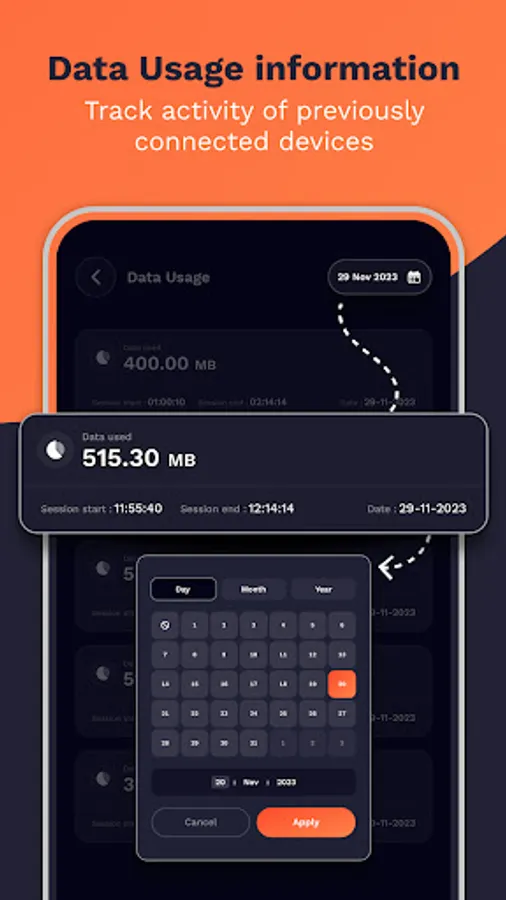
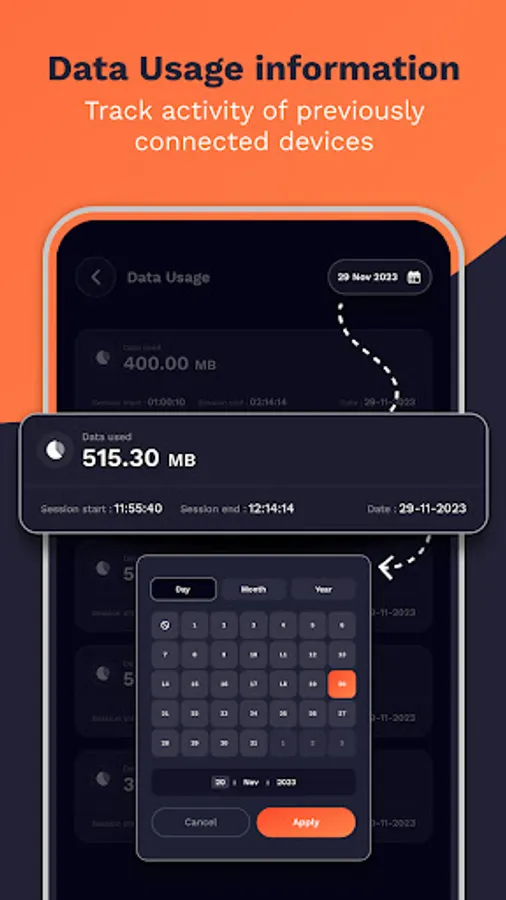
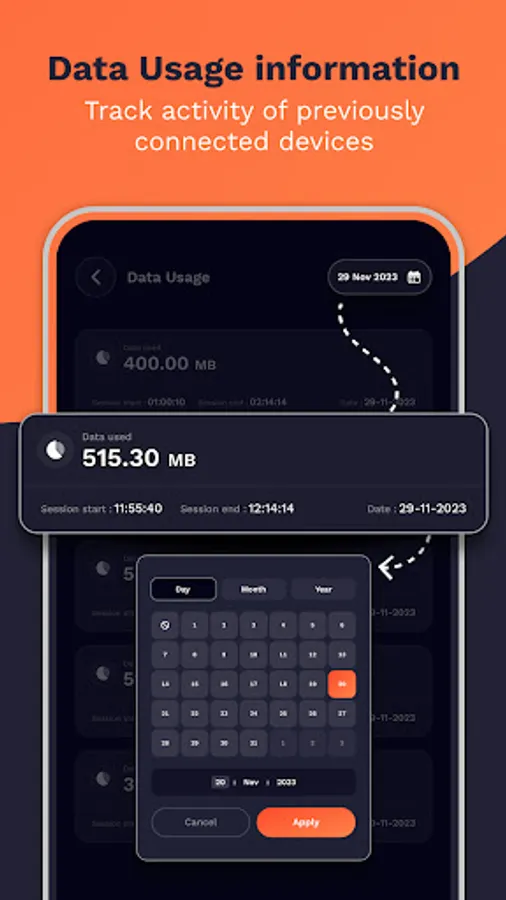
•Detailed History: Access history of your mobile data usage during each hotspot session. For instance, if you activate the hotspot at 1:00 pm and deactivate it at 2:00 pm on January 18, 2024, you'll receive a report showing the session's data usage (e.g., 2.45 KB), start and end times, and the date of the session.
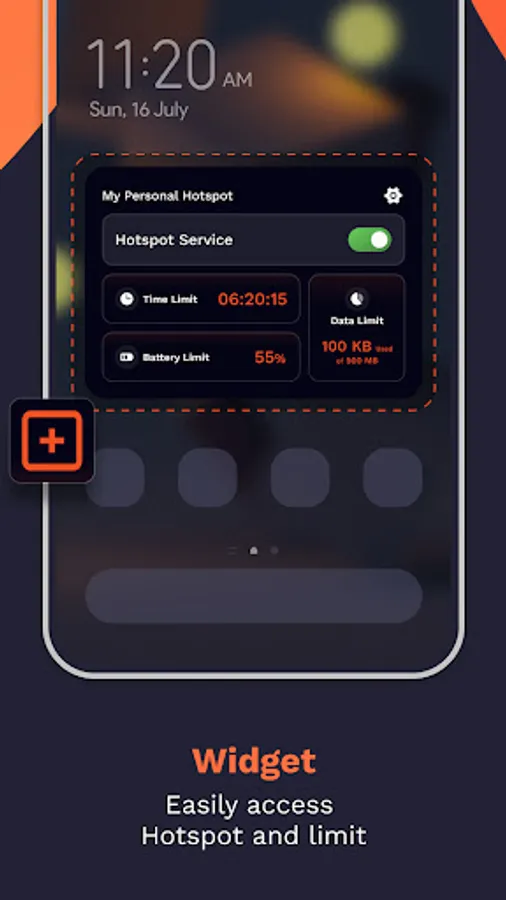
3.Widget Option:
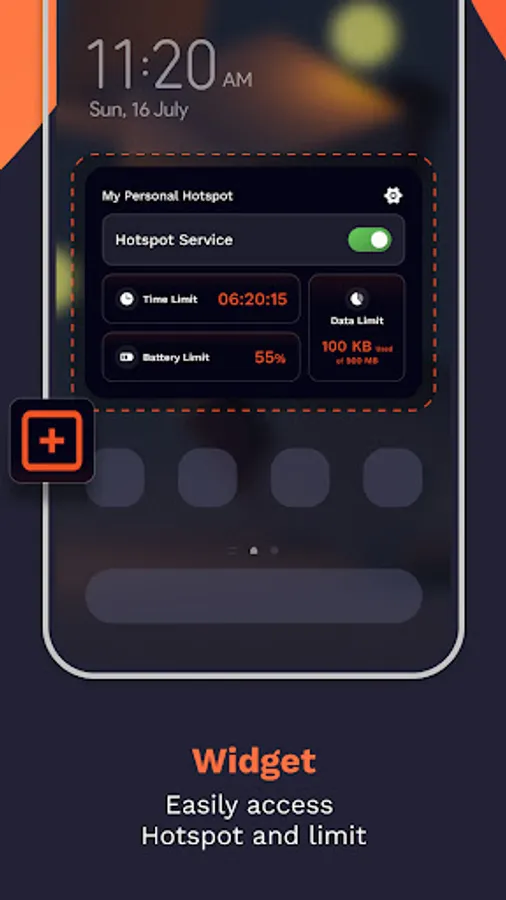
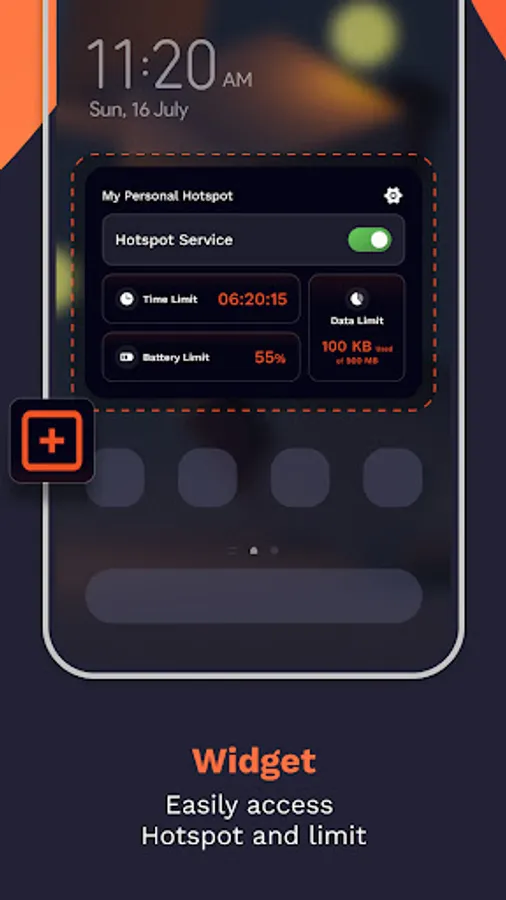
•Quick Service: Better convenience with the Widget Option, allowing you to toggle hotspot on/off & Instantly review set limits (time, data, battery) for a hassle-free experience.
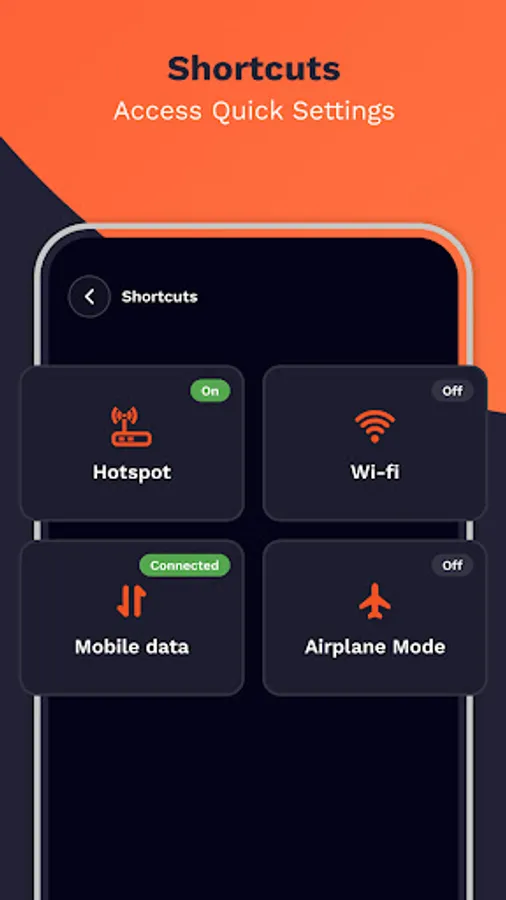
4.Shortcuts:
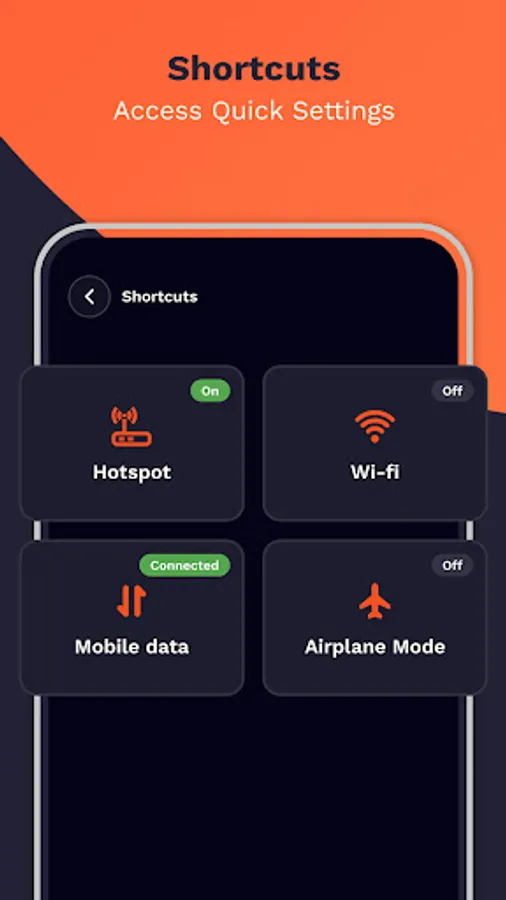
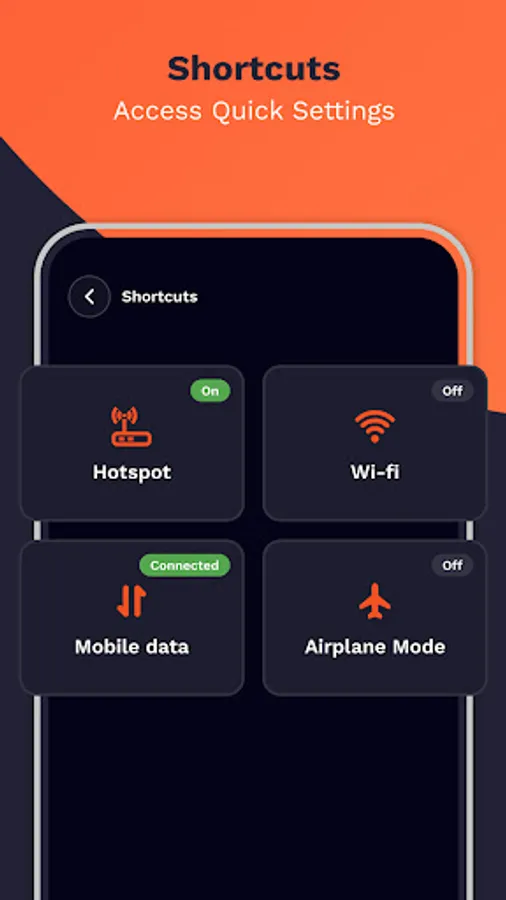
•Manage Hotspot, Airplane mode & even navigate to Wi-Fi, Mobile data screen using shortcuts feature , It is fast & easy way.
Permissions:
•Modify System Setting Permission: This permission is necessary to manage the hotspot's on/off state directly from the app.
-Experience easy control over your mobile hotspot.
Key Features:
1.My Hotspot:
•Turn on Hotspot: Activate your mobile hotspot directly through the app.
•Limit Features:Set personalized restrictions such as Time Limit, Data Limit, Battery Limit, and receive Notification Alerts.
The hotspot will automatically turn off when you reach the specified limits, providing you with control and peace of mind.
2.Data Usage:
•Detailed History: Access history of your mobile data usage during each hotspot session. For instance, if you activate the hotspot at 1:00 pm and deactivate it at 2:00 pm on January 18, 2024, you'll receive a report showing the session's data usage (e.g., 2.45 KB), start and end times, and the date of the session.
3.Widget Option:
•Quick Service: Better convenience with the Widget Option, allowing you to toggle hotspot on/off & Instantly review set limits (time, data, battery) for a hassle-free experience.
4.Shortcuts:
•Manage Hotspot, Airplane mode & even navigate to Wi-Fi, Mobile data screen using shortcuts feature , It is fast & easy way.
Permissions:
•Modify System Setting Permission: This permission is necessary to manage the hotspot's on/off state directly from the app.