AppRecs review analysis
AppRecs rating 4.2. Trustworthiness 61 out of 100. Review manipulation risk 36 out of 100. Based on a review sample analyzed.
★★★★☆
4.2
AppRecs Rating
Ratings breakdown
5 star
73%
4 star
27%
3 star
0%
2 star
0%
1 star
0%
What to know
✓
High user satisfaction
73% of sampled ratings are 5 stars
About Calculator Lock - Photo Vault
Calculator Lock - Photo Vault app helps to protect, such as photos, videos, music, document files, and notes, from unauthorized access.
Secure photo vault helps securely hide your personal files with a strong password. You can access these hidden files using your secret password. Additionally, if you accidentally delete any photos or videos, the secure vault allows you to easily restore them.
Key Features:
🔐Hide Photos & Hide Videos:
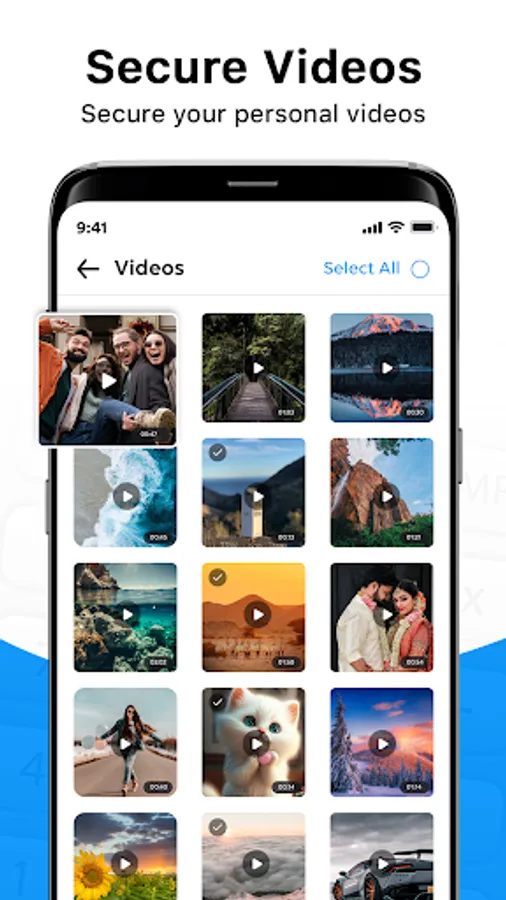
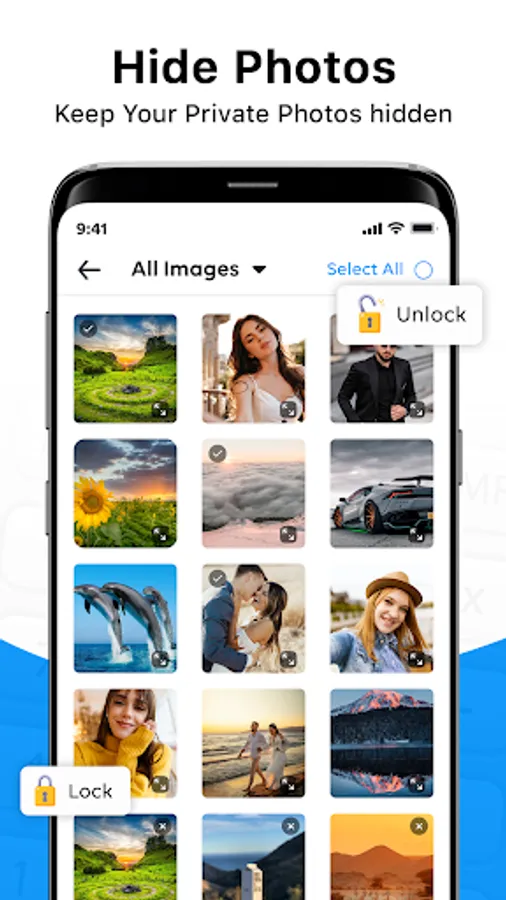
Calculator Lock lets you securely hide your personal photos and videos with a strong password.
🌐 Private Browser:
Explore the web safely and privately with the Private Browser. Protect your privacy with every search and site visit easily.
🔄 Restore Photo & Video:
Easily restore your hidden photos and videos from the Calculator Lock app. Simply access the secure photo vault with your Password.
📝Safe Secret Notes:
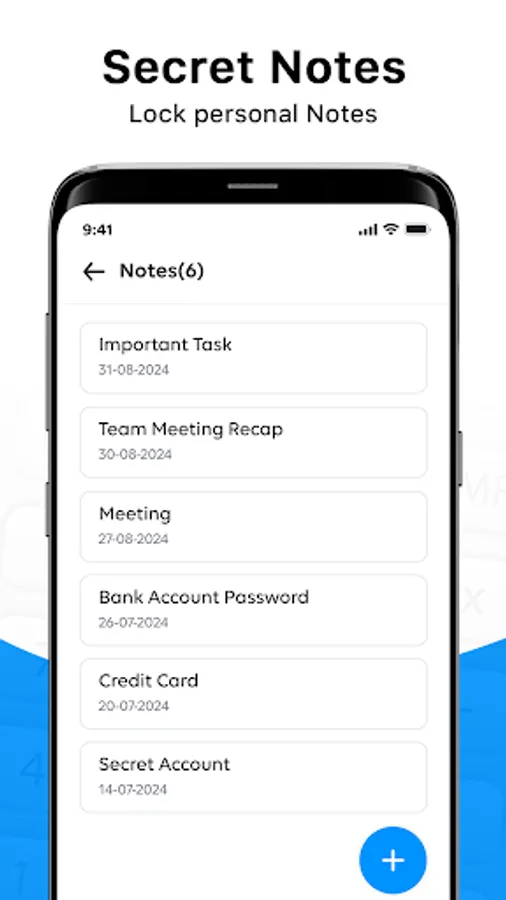
Securely add your private notes. Protect sensitive information by locking your notes within the app, accessible only with your secret password.
🛡 Secure Vault:
Protect your private photos, videos, files, and notes in a secure vault that only you can access with a secret password.
💡 Easy-to-Use App:
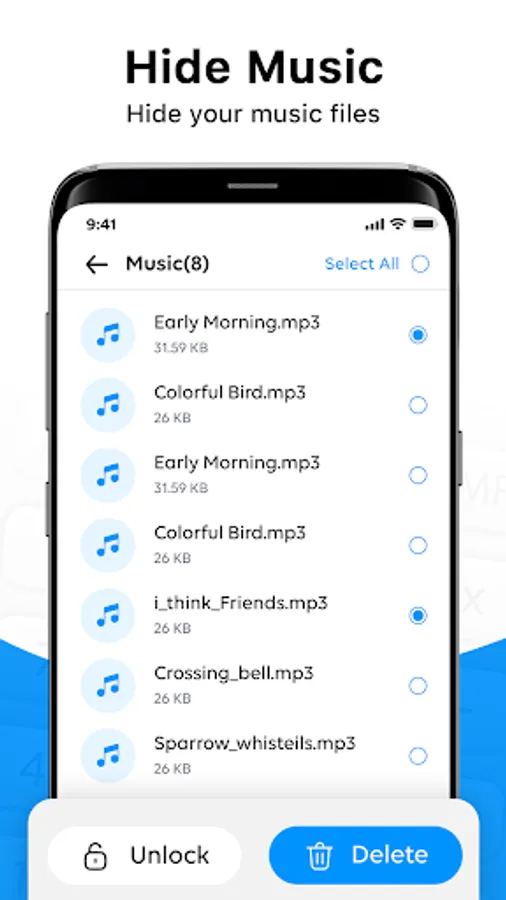
Simple and intuitive photo vault for managing and protecting private content like photos, videos, files, music, and notes.
📞 After Call Feature
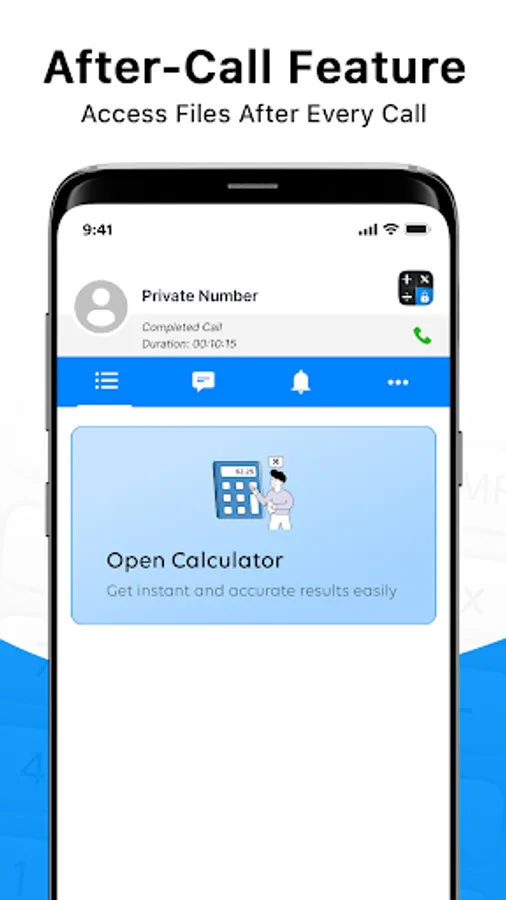
The Calculator Vault app provides an after-call feature that allows you to open the calculator immediately when a call ends. Get instant access to the calculator directly from the after-call screen for quick and easy calculations without switching apps.
Notes:
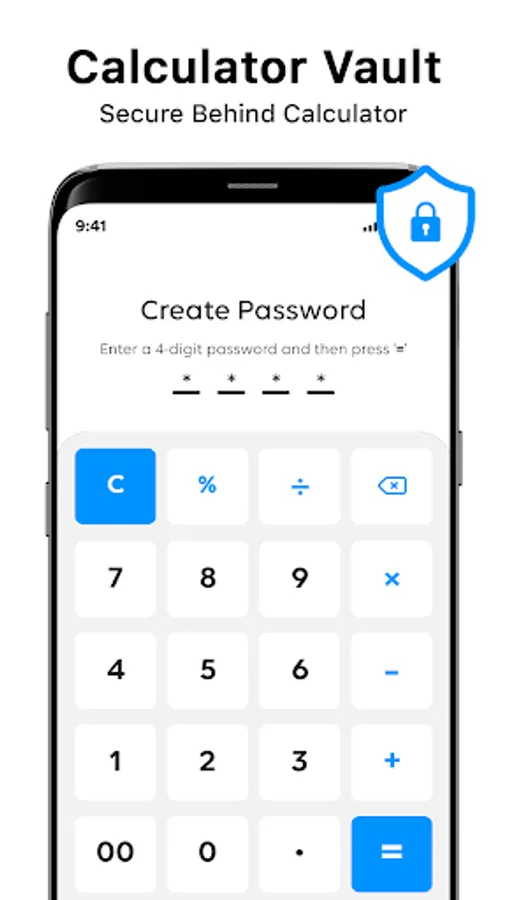
- If you forgot Password you can retrieve it by entering ‘888888’ into calculator and press the ‘=’ button, then retrieve your password by entering the answer of your security question
- You need to back up your files before uninstalling the app or clear data. otherwise, your data may be lost and cannot be restored after reinstalling the app.
- After reinstalling the app, set new passwords to hide your photos, videos, music, and more.
Permission Needed:
Storage Access: The calculator lock app requires this permission to access and hide files, photos, videos, and documents on the device. Your privacy is important to us! Our Calculator lock app does not copy or store your photos and videos.
Download the Calculator Lock & Photo Vault app today and keep your personal files safe and secure behind a secure lock. Protect your files with ease and restore deleted photo videos effortlessly!
Secure photo vault helps securely hide your personal files with a strong password. You can access these hidden files using your secret password. Additionally, if you accidentally delete any photos or videos, the secure vault allows you to easily restore them.
Key Features:
🔐Hide Photos & Hide Videos:
Calculator Lock lets you securely hide your personal photos and videos with a strong password.
🌐 Private Browser:
Explore the web safely and privately with the Private Browser. Protect your privacy with every search and site visit easily.
🔄 Restore Photo & Video:
Easily restore your hidden photos and videos from the Calculator Lock app. Simply access the secure photo vault with your Password.
📝Safe Secret Notes:
Securely add your private notes. Protect sensitive information by locking your notes within the app, accessible only with your secret password.
🛡 Secure Vault:
Protect your private photos, videos, files, and notes in a secure vault that only you can access with a secret password.
💡 Easy-to-Use App:
Simple and intuitive photo vault for managing and protecting private content like photos, videos, files, music, and notes.
📞 After Call Feature
The Calculator Vault app provides an after-call feature that allows you to open the calculator immediately when a call ends. Get instant access to the calculator directly from the after-call screen for quick and easy calculations without switching apps.
Notes:
- If you forgot Password you can retrieve it by entering ‘888888’ into calculator and press the ‘=’ button, then retrieve your password by entering the answer of your security question
- You need to back up your files before uninstalling the app or clear data. otherwise, your data may be lost and cannot be restored after reinstalling the app.
- After reinstalling the app, set new passwords to hide your photos, videos, music, and more.
Permission Needed:
Storage Access: The calculator lock app requires this permission to access and hide files, photos, videos, and documents on the device. Your privacy is important to us! Our Calculator lock app does not copy or store your photos and videos.
Download the Calculator Lock & Photo Vault app today and keep your personal files safe and secure behind a secure lock. Protect your files with ease and restore deleted photo videos effortlessly!