DevOps on Mobile
Canarys Automations Private Limited
1.8 ★
185 ratings
10,000+
downloads
Free
With this project management app, you can monitor Azure DevOps projects, review build statuses, and track work items. Includes a dashboard with key metrics, organization switching, and detailed work item views.
AppRecs review analysis
AppRecs rating 1.8. Trustworthiness 0 out of 100. Review manipulation risk 0 out of 100. Based on a review sample analyzed.
★☆☆☆☆
1.8
AppRecs Rating
Ratings breakdown
5 star
0%
4 star
10%
3 star
15%
2 star
20%
1 star
55%
What to know
✓
Authentic reviews
Natural distribution, no red flags
⚠
Mixed user feedback
Average 1.8★ rating suggests room for improvement
⚠
High negative review ratio
75% of sampled ratings are 1–2 stars
About DevOps on Mobile
The ultimate app for the executives on the move is here. Now you can now track the details of your projects hosted on Azure DevOps right from your mobile phone and stay informed.
The app uses the API’s provided by Microsoft Azure DevOps to display the status of the projects.
Features of the App:
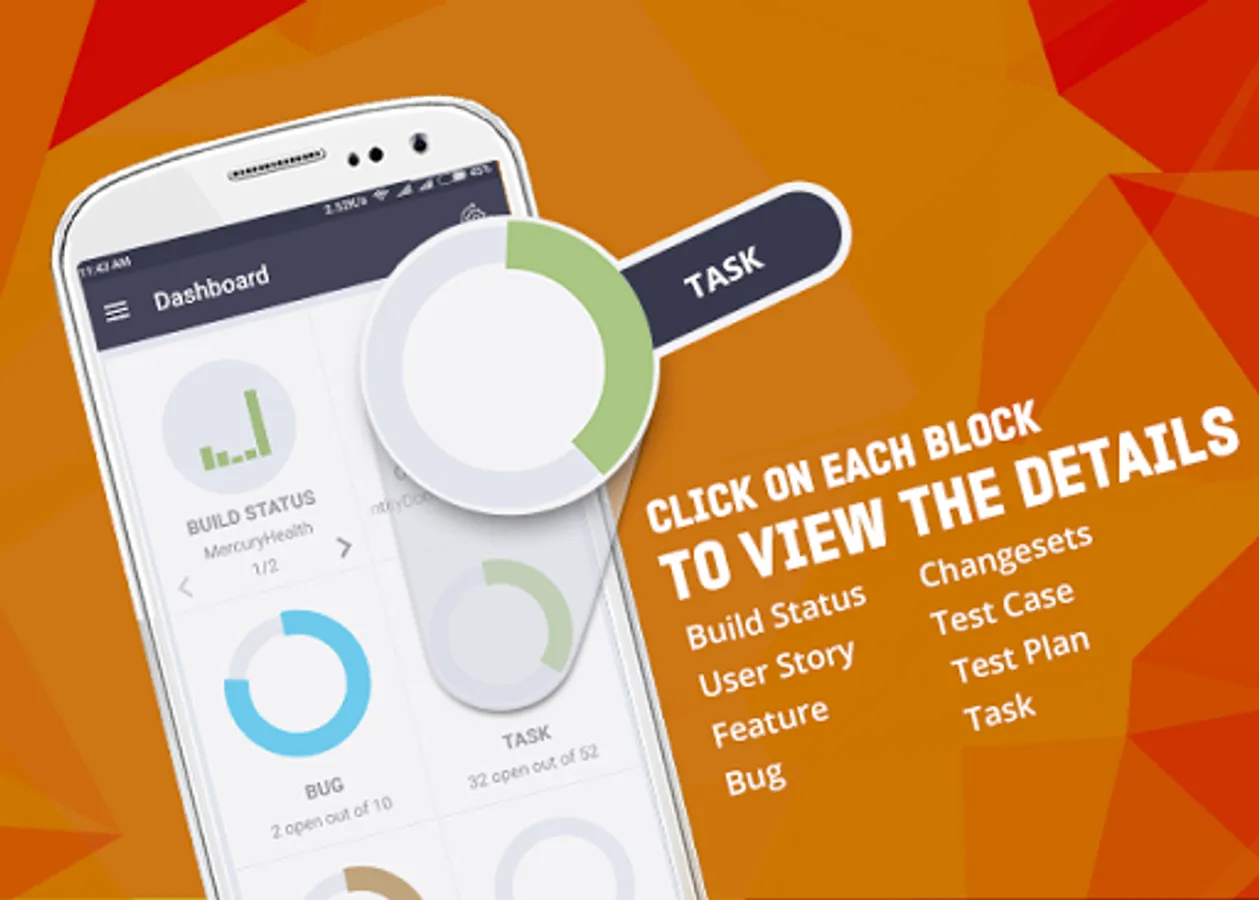
• Beautiful dashboard with key metrics represented graphically
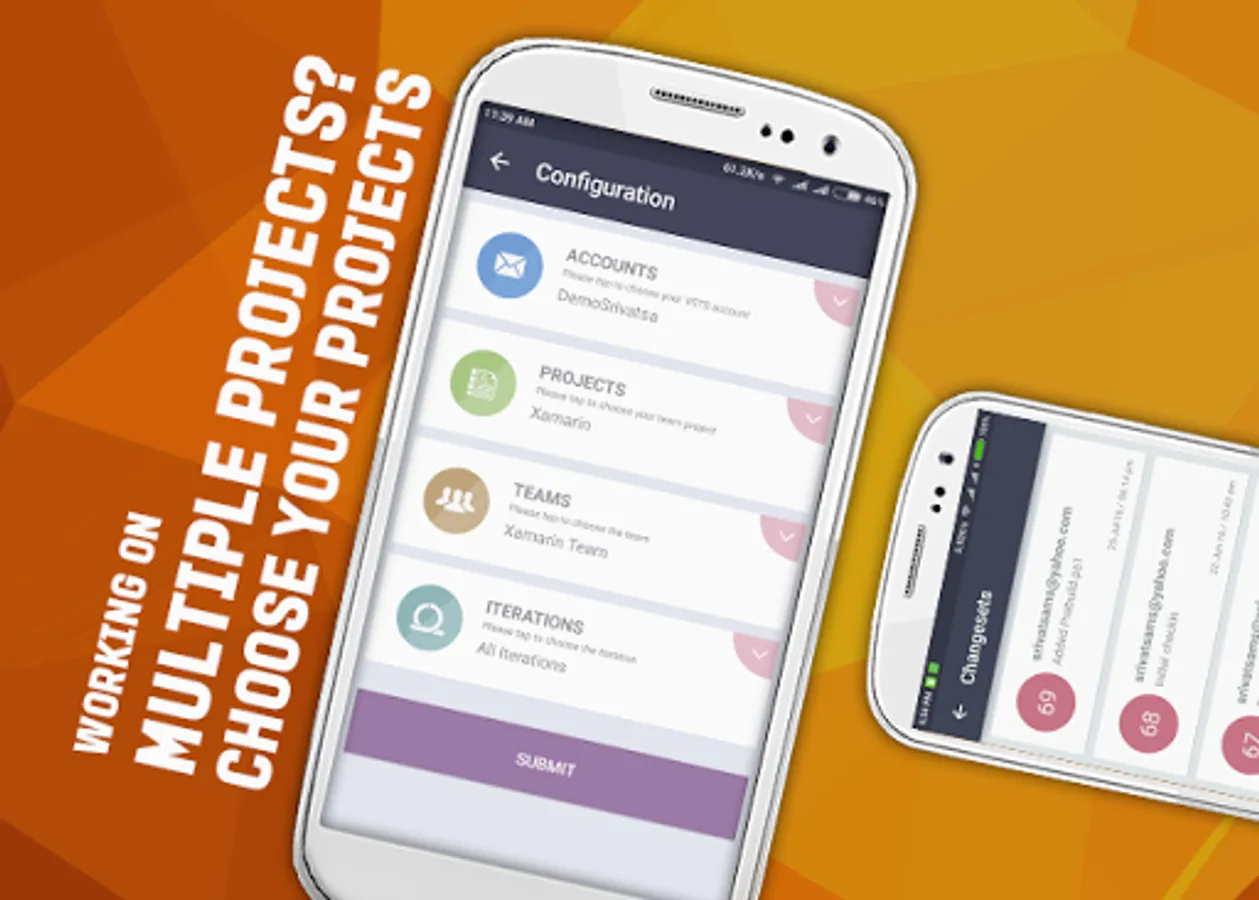
• Switch and work with multiple DevOps Organization, projects, teams and iterations seamlessly
• View build status for the various build definitions in the project
• View the changesets created by your team
• View the team member assignments and current status of the various work items in the project
• Drill-down into the work items to view the status
• View the details of the work items
Audience:
• Team Leads and Team Managers
• Account Managers
• Stakeholders
The app uses the API’s provided by Microsoft Azure DevOps to display the status of the projects.
Features of the App:
• Beautiful dashboard with key metrics represented graphically
• Switch and work with multiple DevOps Organization, projects, teams and iterations seamlessly
• View build status for the various build definitions in the project
• View the changesets created by your team
• View the team member assignments and current status of the various work items in the project
• Drill-down into the work items to view the status
• View the details of the work items
Audience:
• Team Leads and Team Managers
• Account Managers
• Stakeholders