EPUB to PDF Pro
Canyua Software Technology Co., Ltd.
5,000+
downloads
Free
+ in-app
AppRecs review analysis
AppRecs rating 1.2. Trustworthiness 77 out of 100. Review manipulation risk 25 out of 100. Based on a review sample analyzed.
★☆☆☆☆
1.2
AppRecs Rating
Ratings breakdown
5 star
11%
4 star
0%
3 star
0%
2 star
0%
1 star
89%
What to know
✓
Low review manipulation risk
25% review manipulation risk
✓
Credible reviews
77% trustworthiness score from analyzed reviews
⚠
Mixed user feedback
Average 1.4★ rating suggests room for improvement
About EPUB to PDF Pro
View, edit, convert EPUB document like never before on your Android device !
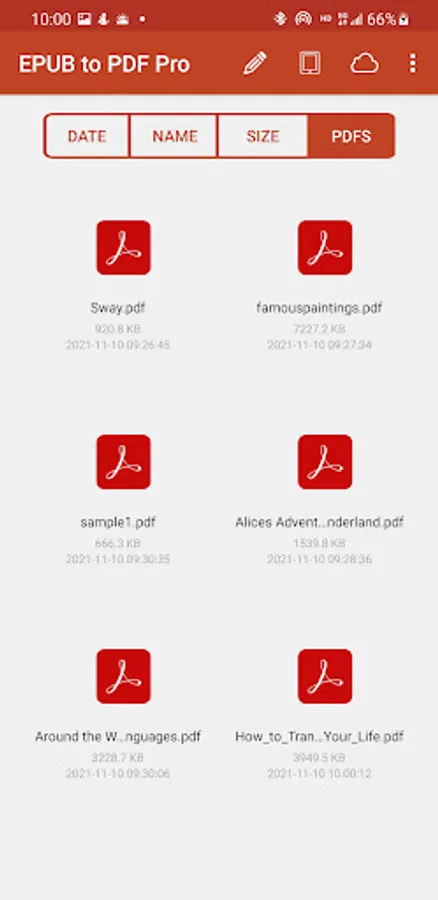
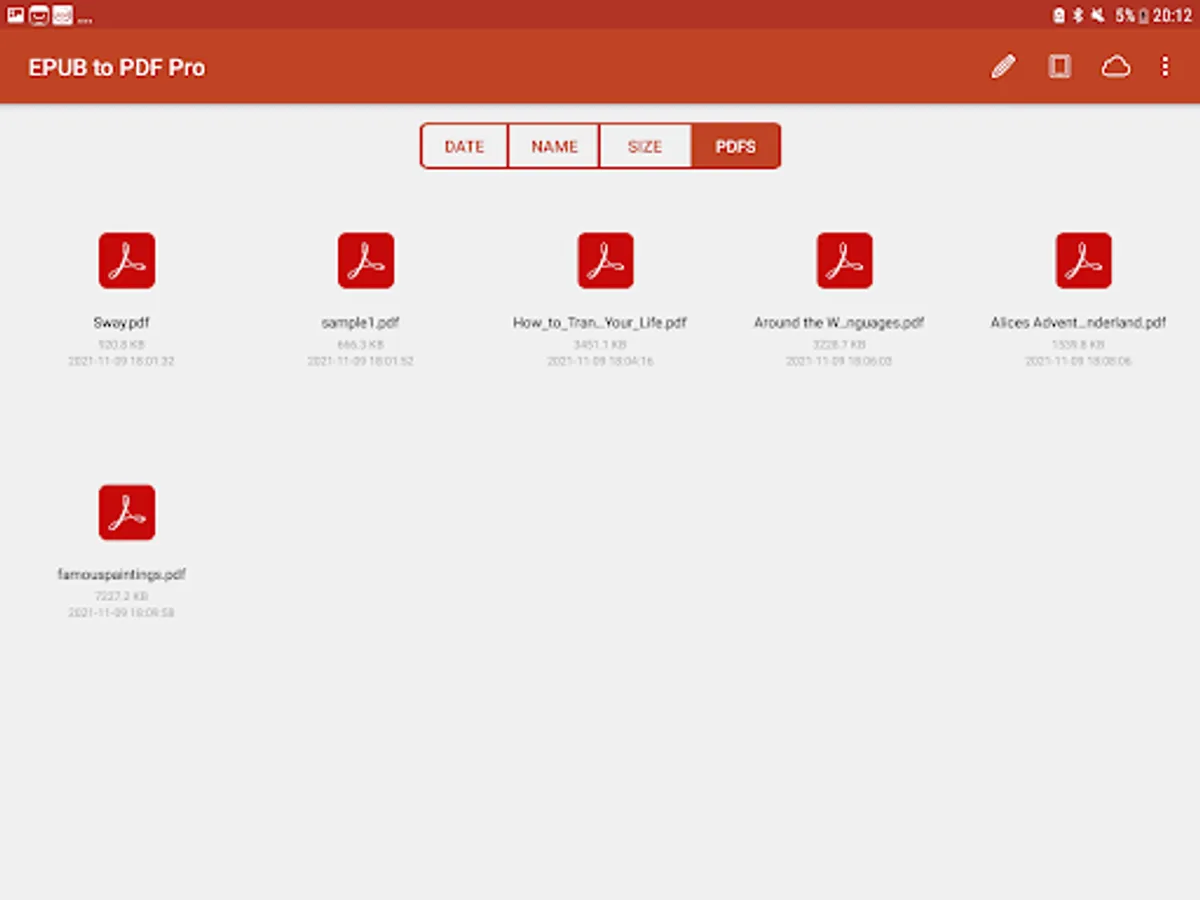
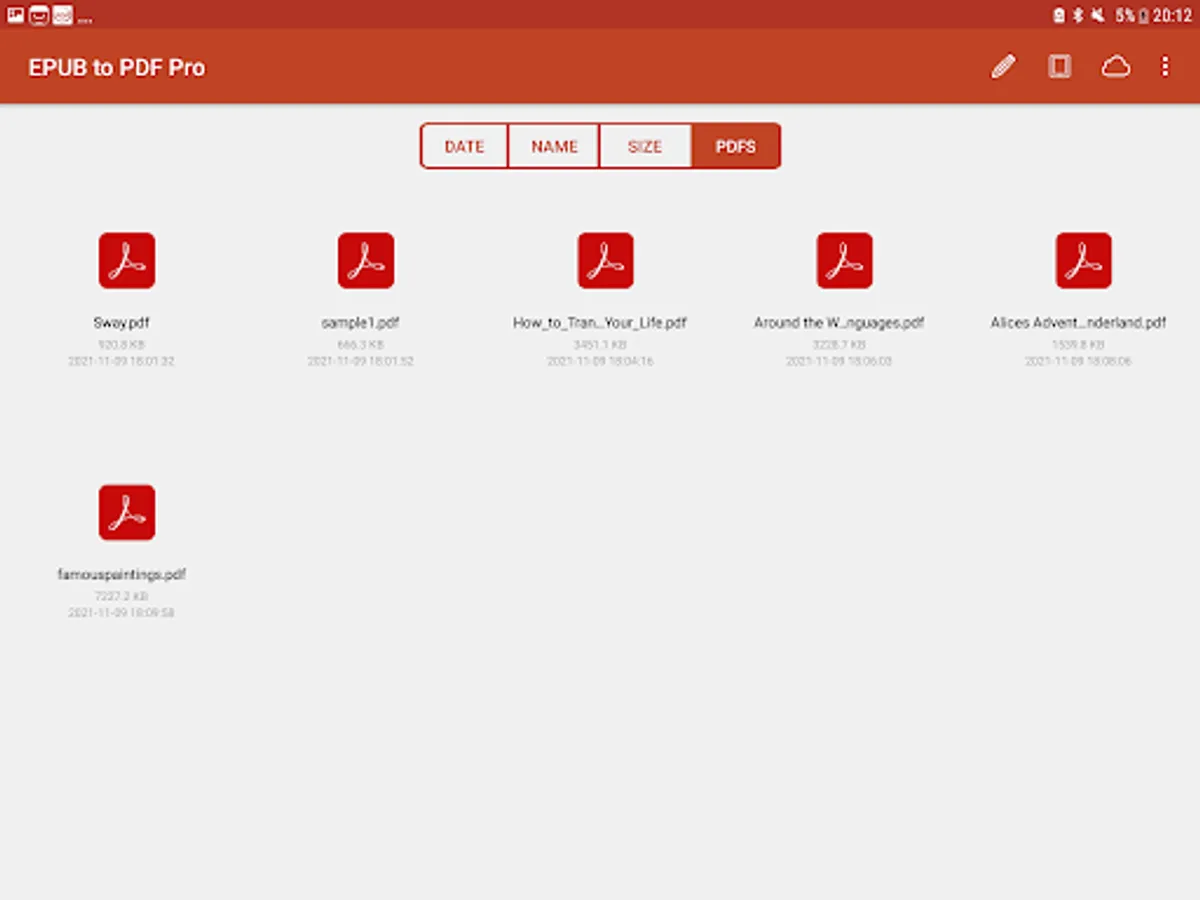
EPUB to PDF Pro is an advanced yet easy-to-use EPUB document editor & converter app. It allows you to read, edit, save, print, convert EPUB document to PDF, JPG, PNG, SVG. Moreover, you can easily edit converted PDF document with text, table, image, shape and so on.
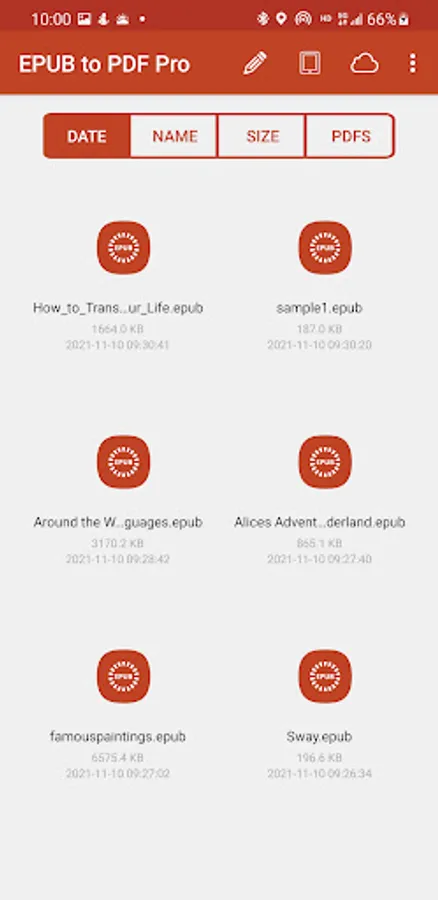
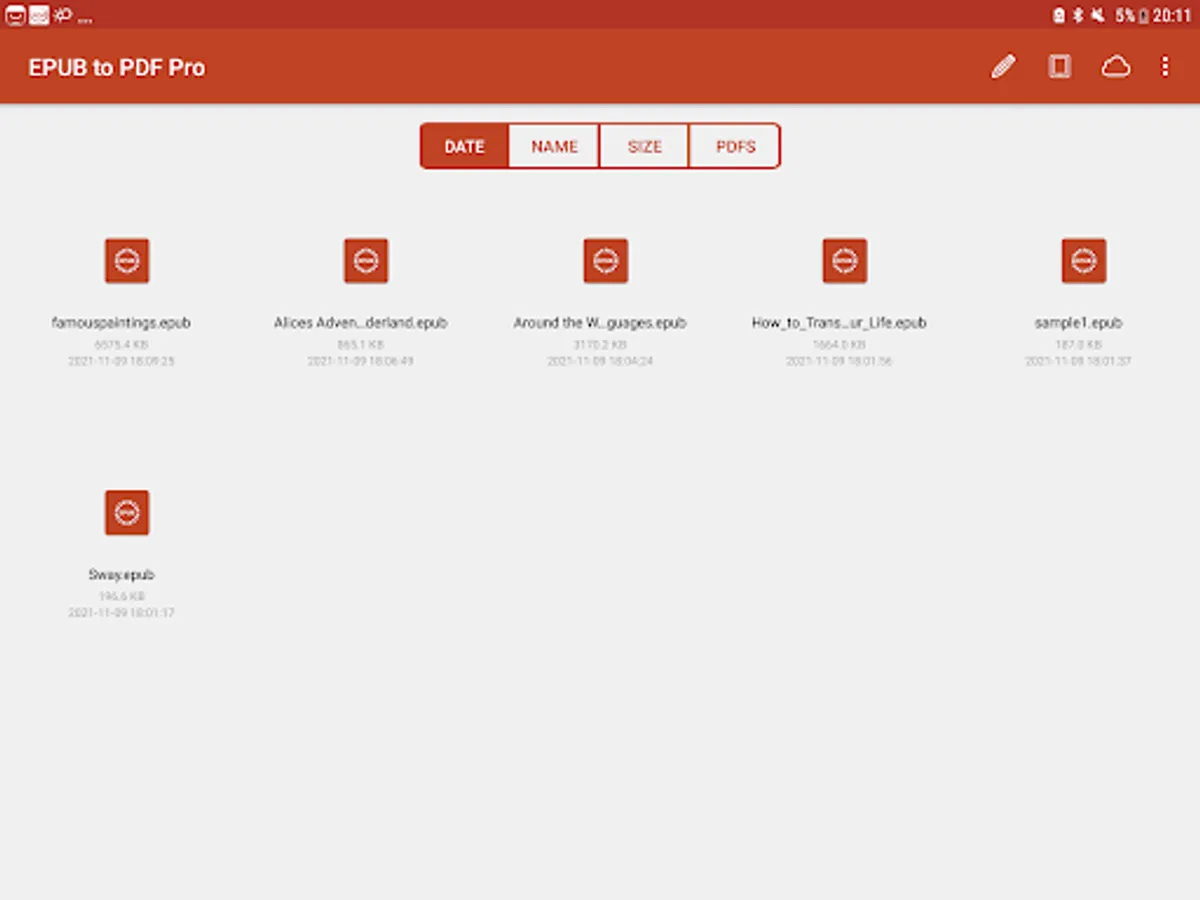
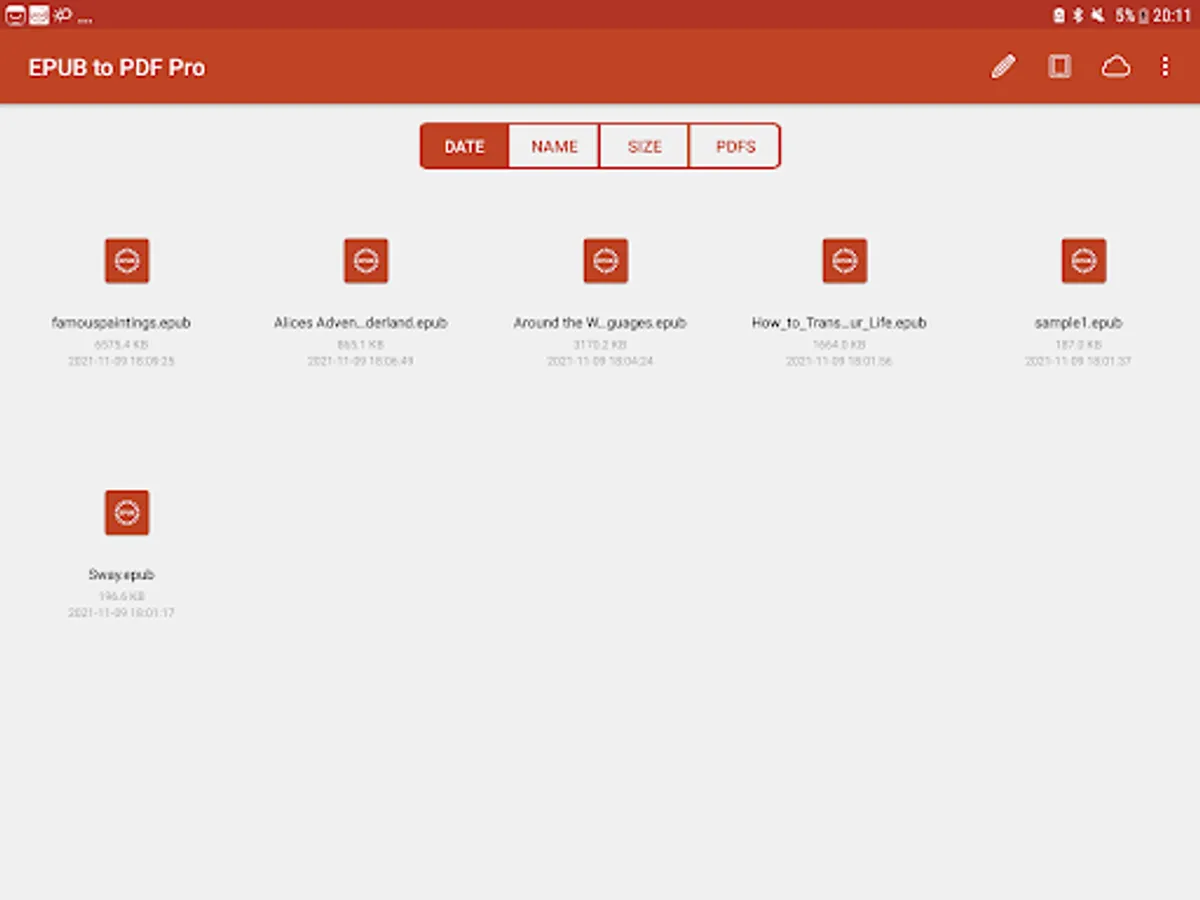
EPUB to PDF Pro provides the better editor and converter experience for EPUB document. You can open various .epub files. EPUB document can be from anywhere on your device, email attachments, documents on the Dropbox, Box, OneDrive, Google Drive and in other Android applications you can store them in EPUB to PDF Pro. Easily open, edit, export as PDF, JPG, PNG, and SVG to share and email back again.
EPUB to PDF Pro works completely offline and you don't need internet connection to make the app working. Unlike other EPUB to PDF converter apps, they need internet connection, and need upload your EPUB files, this is not safe for your files.
with EPUB to PDF Pro you can:
Read Document
Each EPUB document page will be parsed with high accuracy, almost all of the document original format and layout can be kept successfully, you can easily view it from one page to another.
- Edit Document -
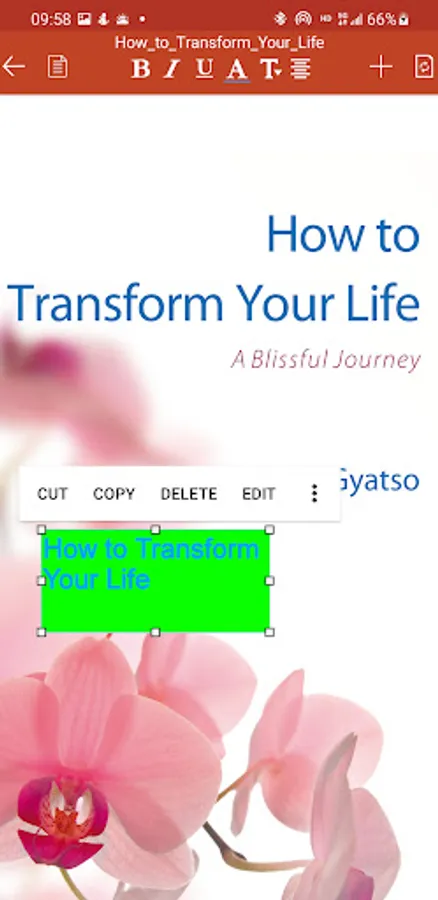
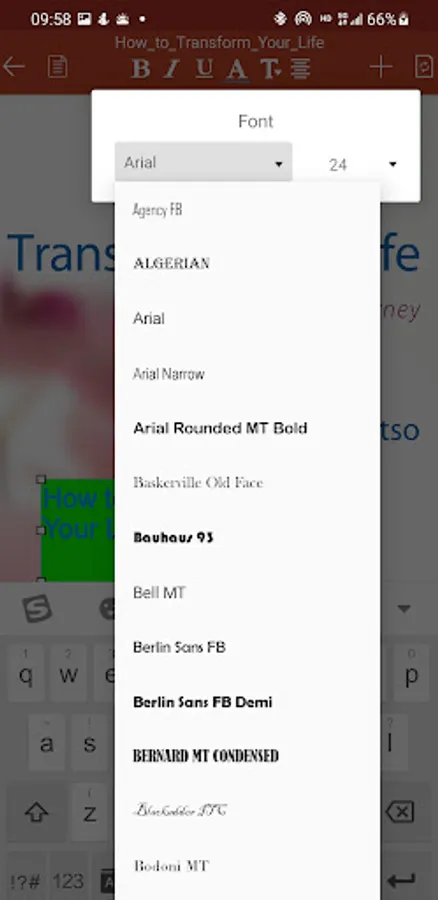
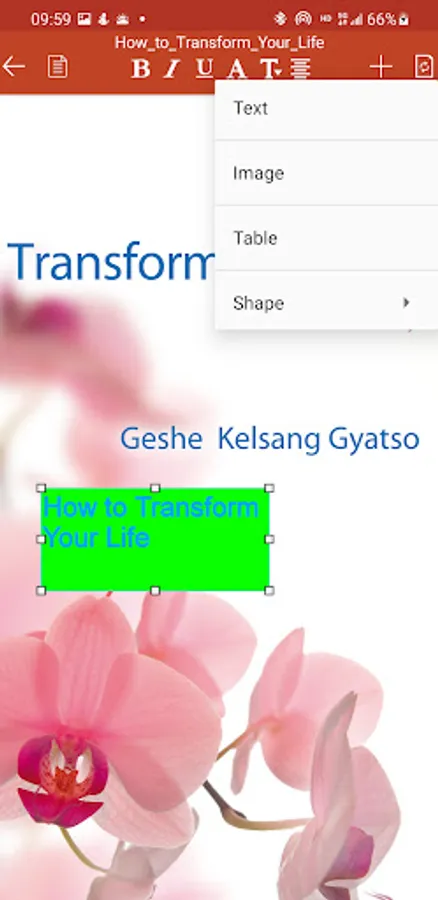
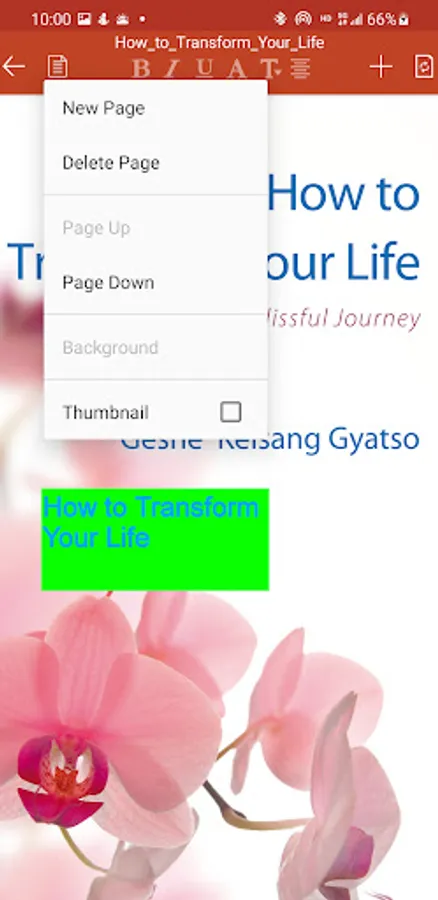
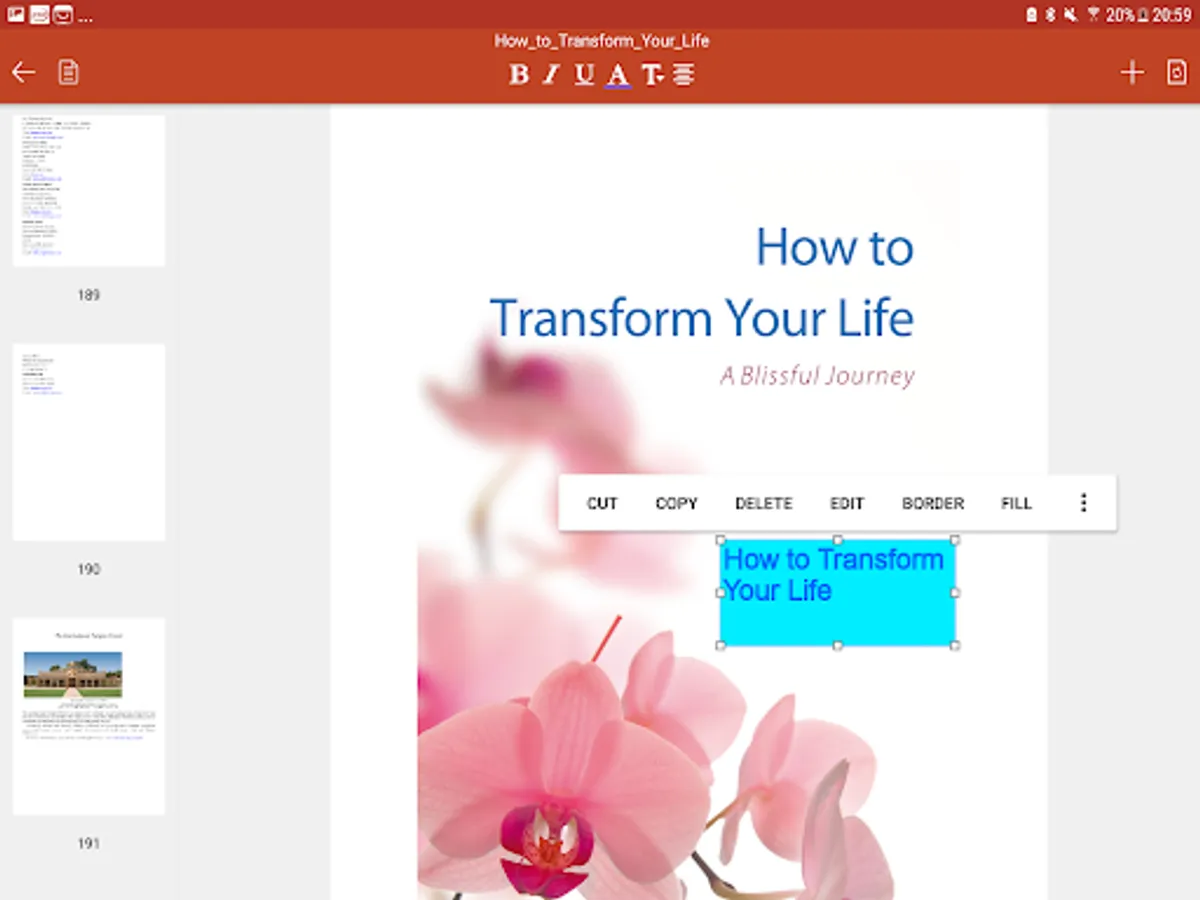
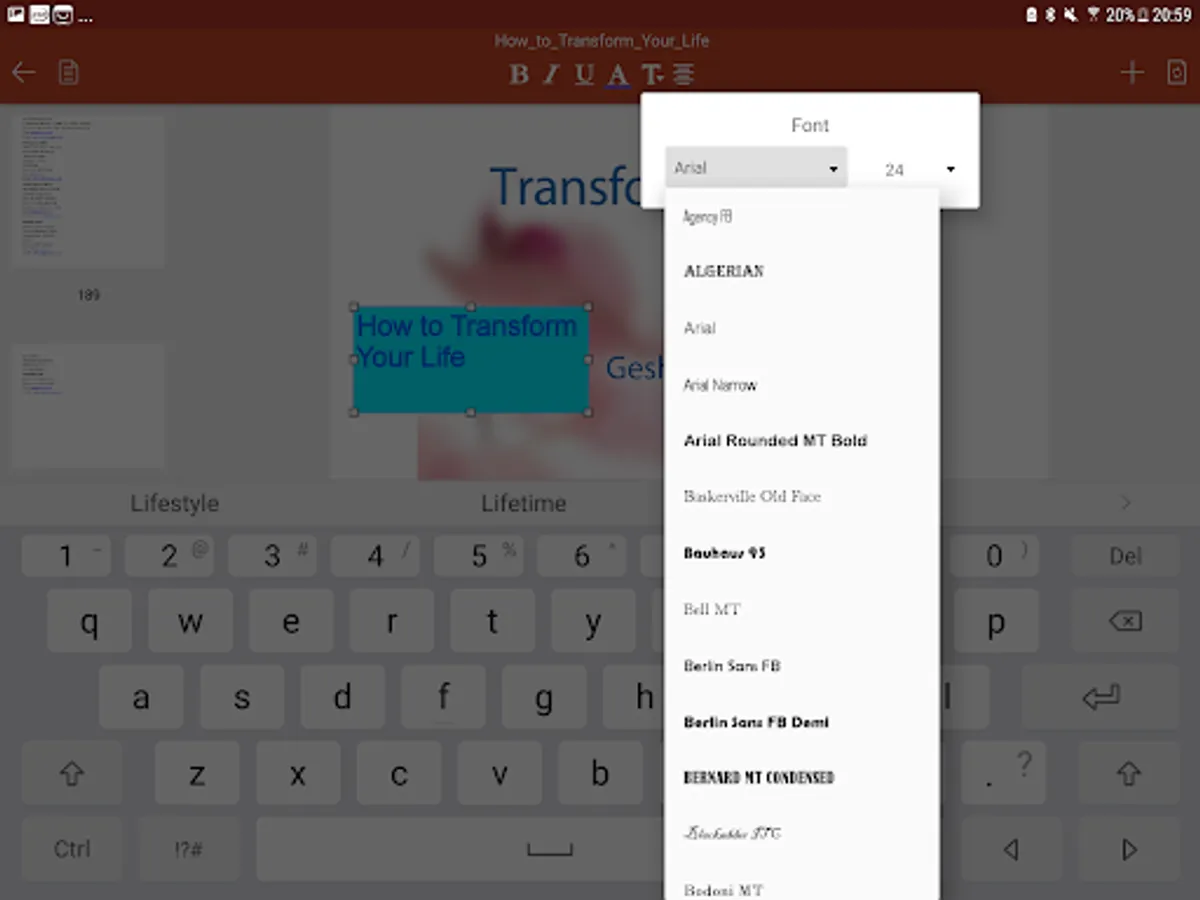
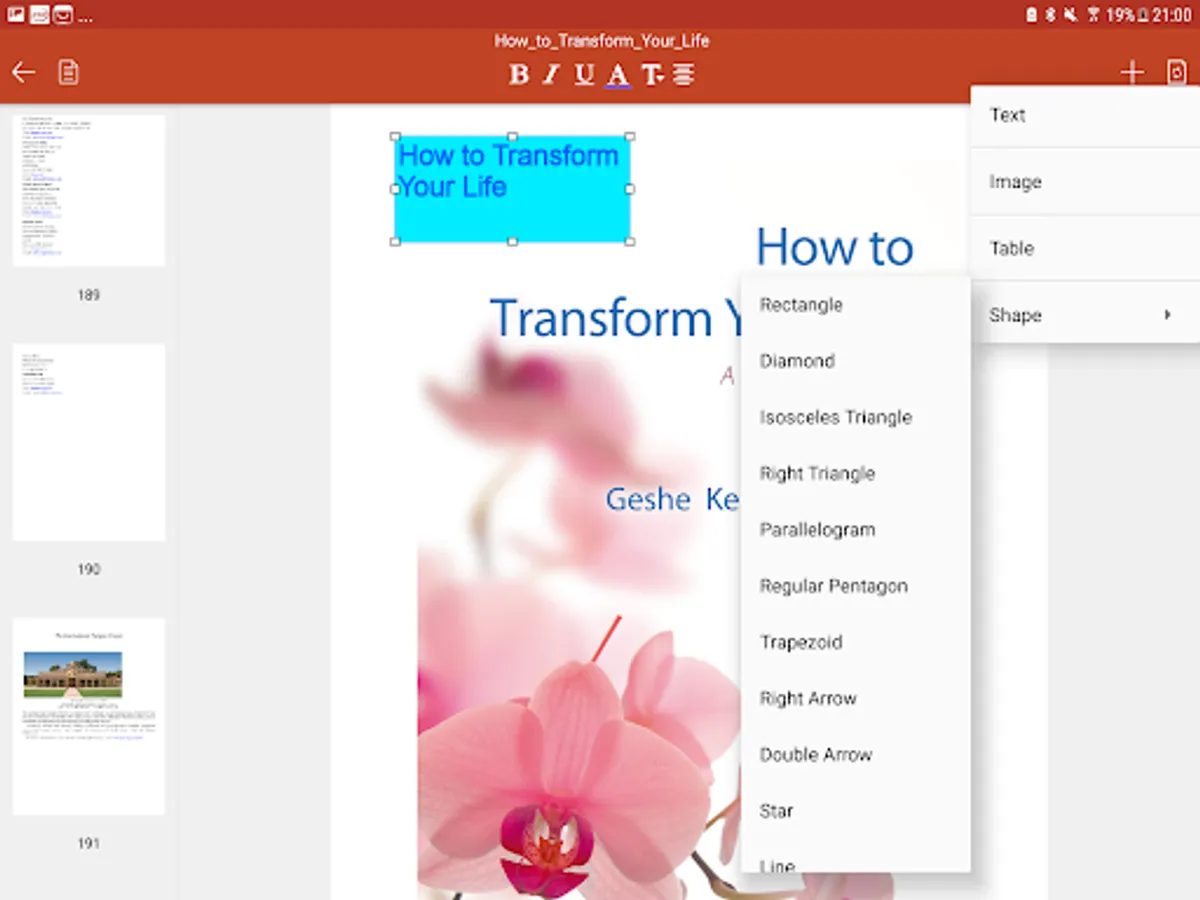
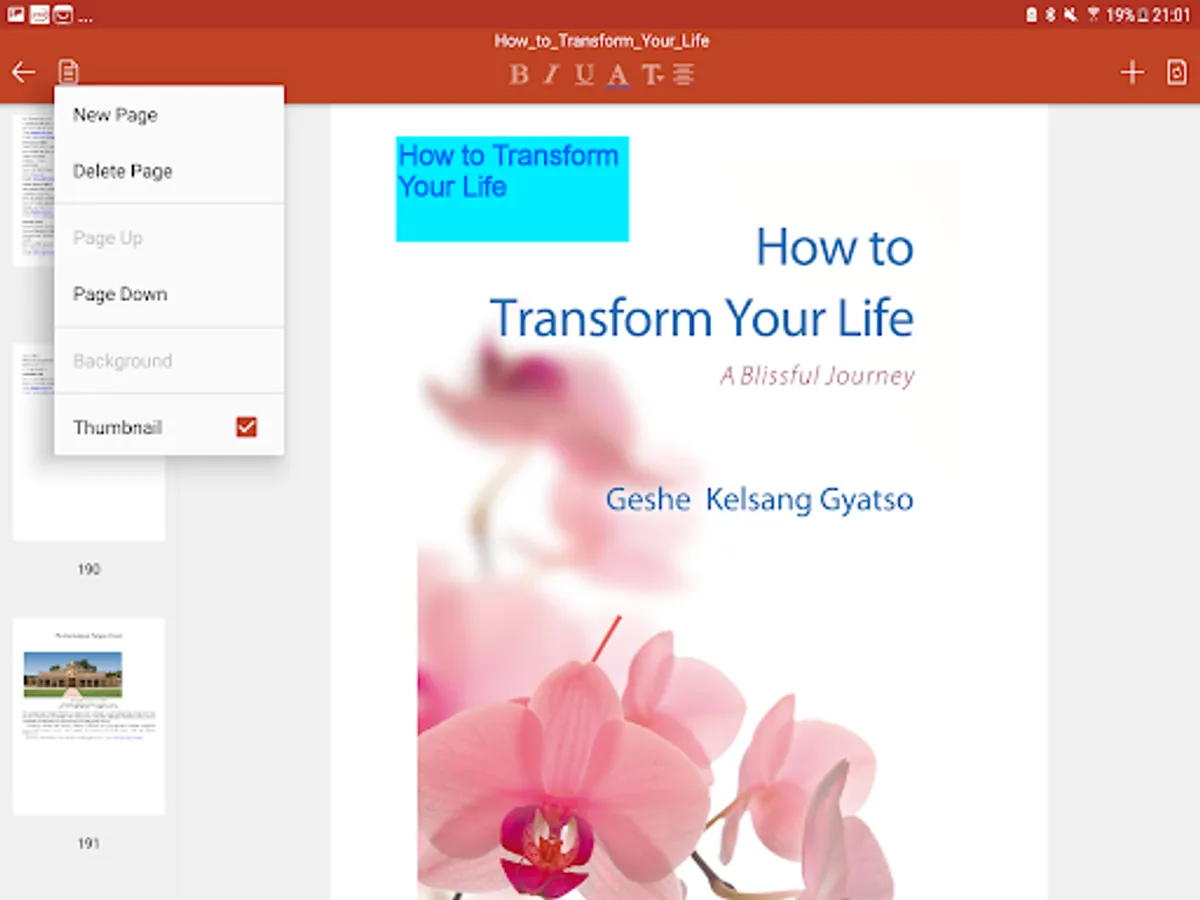
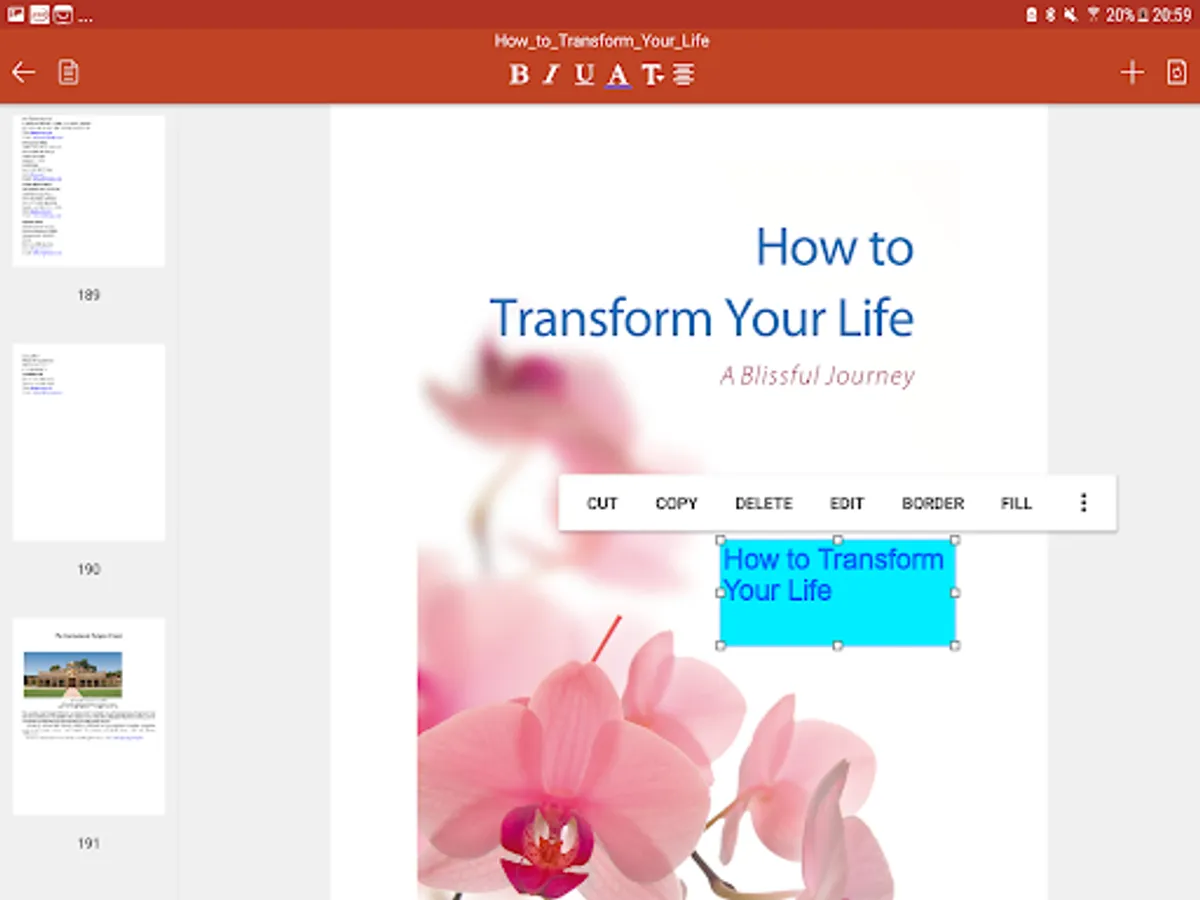
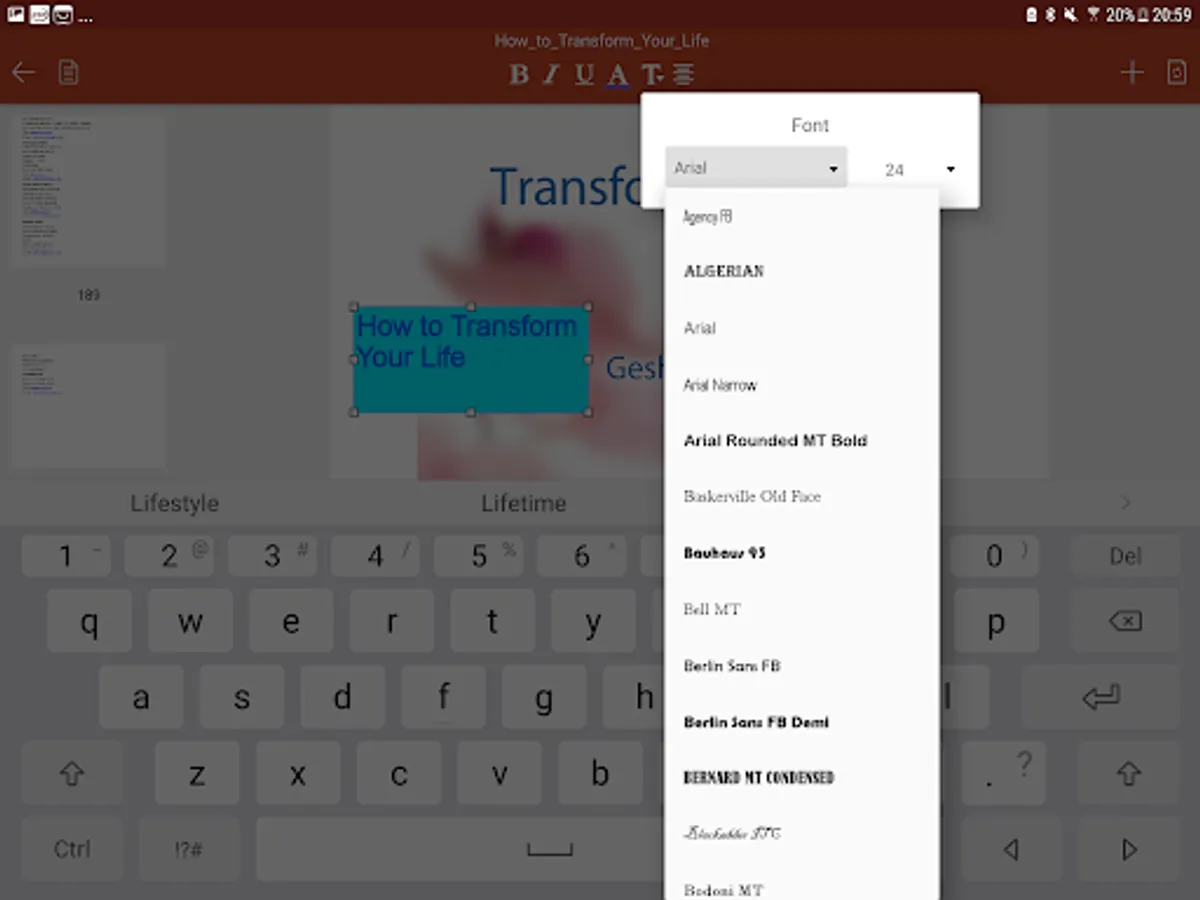
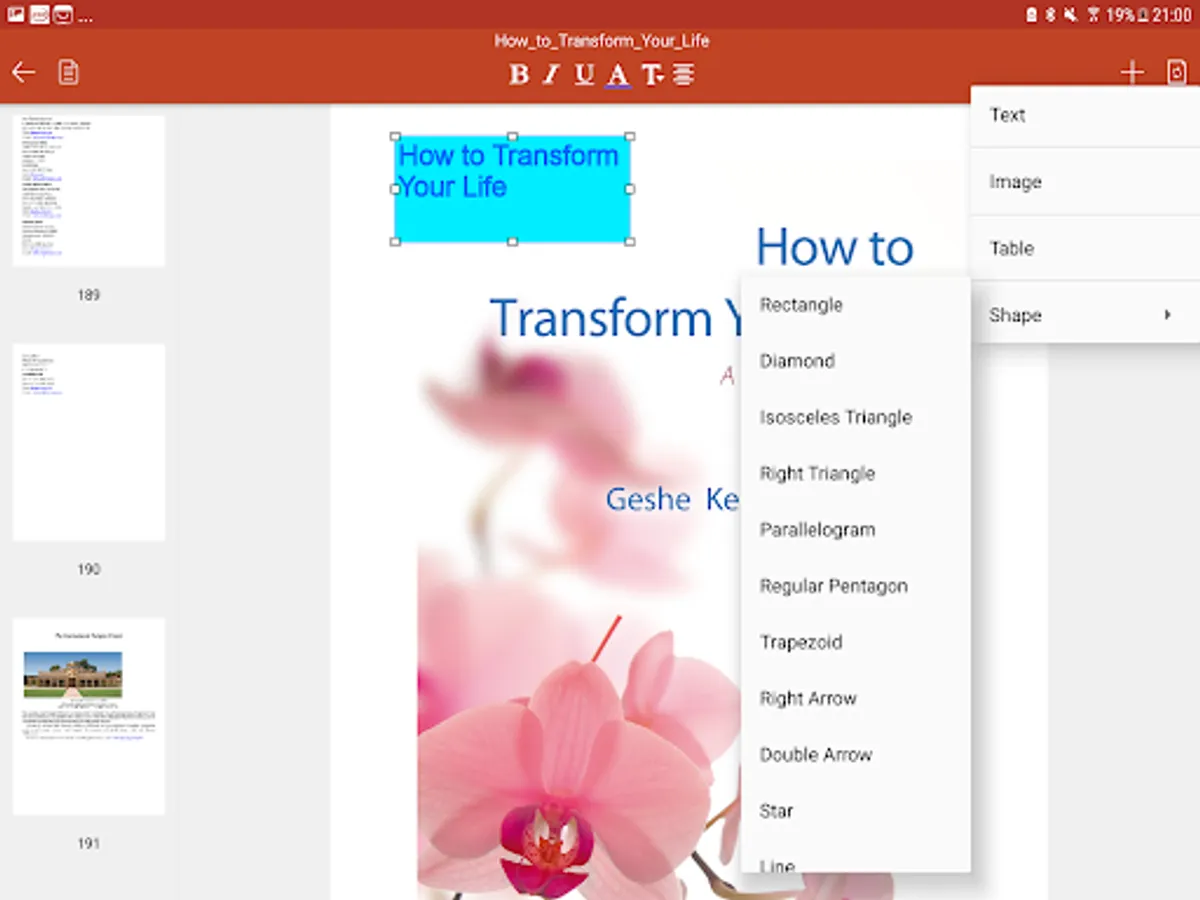
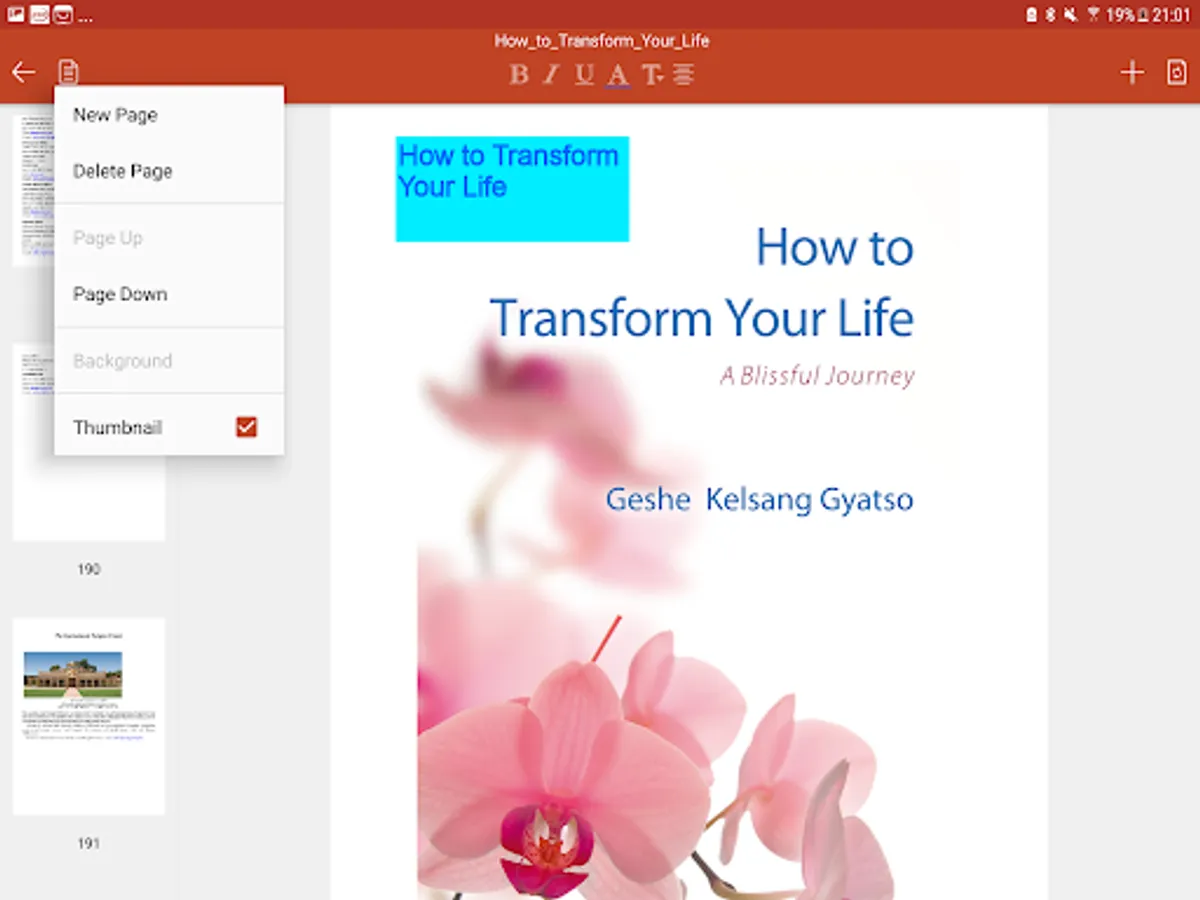
EPUB to PDF Pro has full compatible object library for PDF document, you can easily edit converted PDF document with same object style settings. EPUB to PDF Pro supports the text, shape(rectangle, triangle, parallelogram, trapezoid, diamond, pentagon, arrow, star, line, line with arrow, dashed line, etc.), image, table editing, and also allows you insert new text, shape, picture and table. EPUB to PDF Pro can easily format these objects, change text font, color, border, fill and rotation, change picture, table, shape, border, fill and rotation. You can easily cut/copy/paste object, insert and delete page, set page background, and so on. Bring to front and send to back object, so that you can rearrange these elements. All of these will be very convenient for your editing.
- Reorder Page -
EPUB to PDF Pro can easily reorder, insert, delete PDF page.
- Page Background -
EPUB to PDF Pro has page background features. You can easily set PDF background with it.
EPUB to PDF
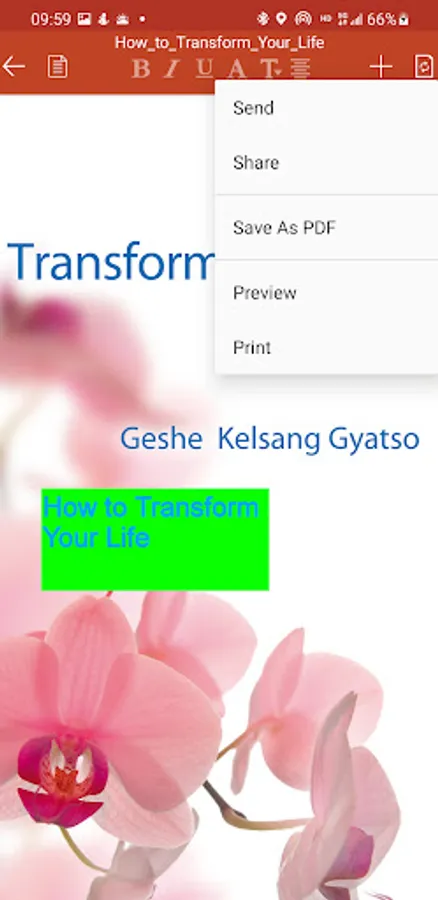
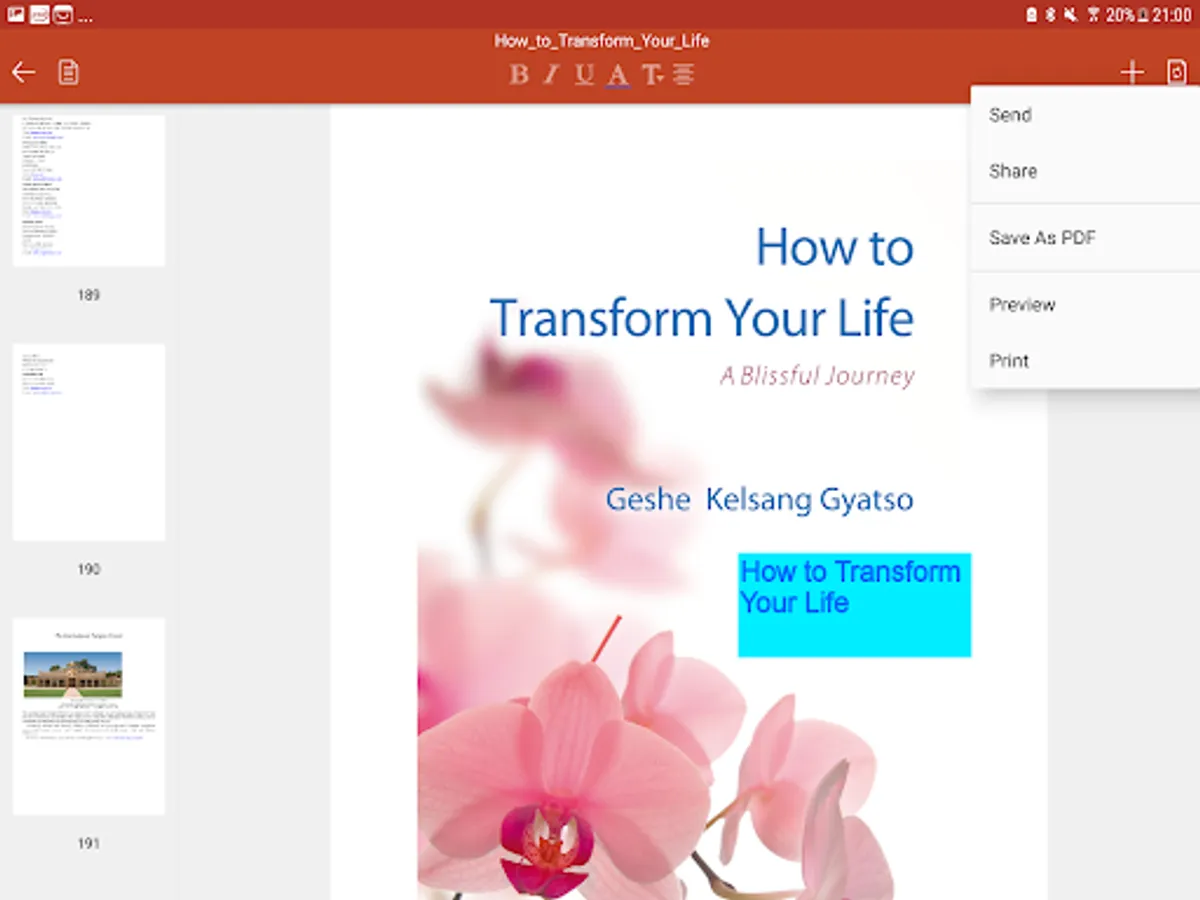
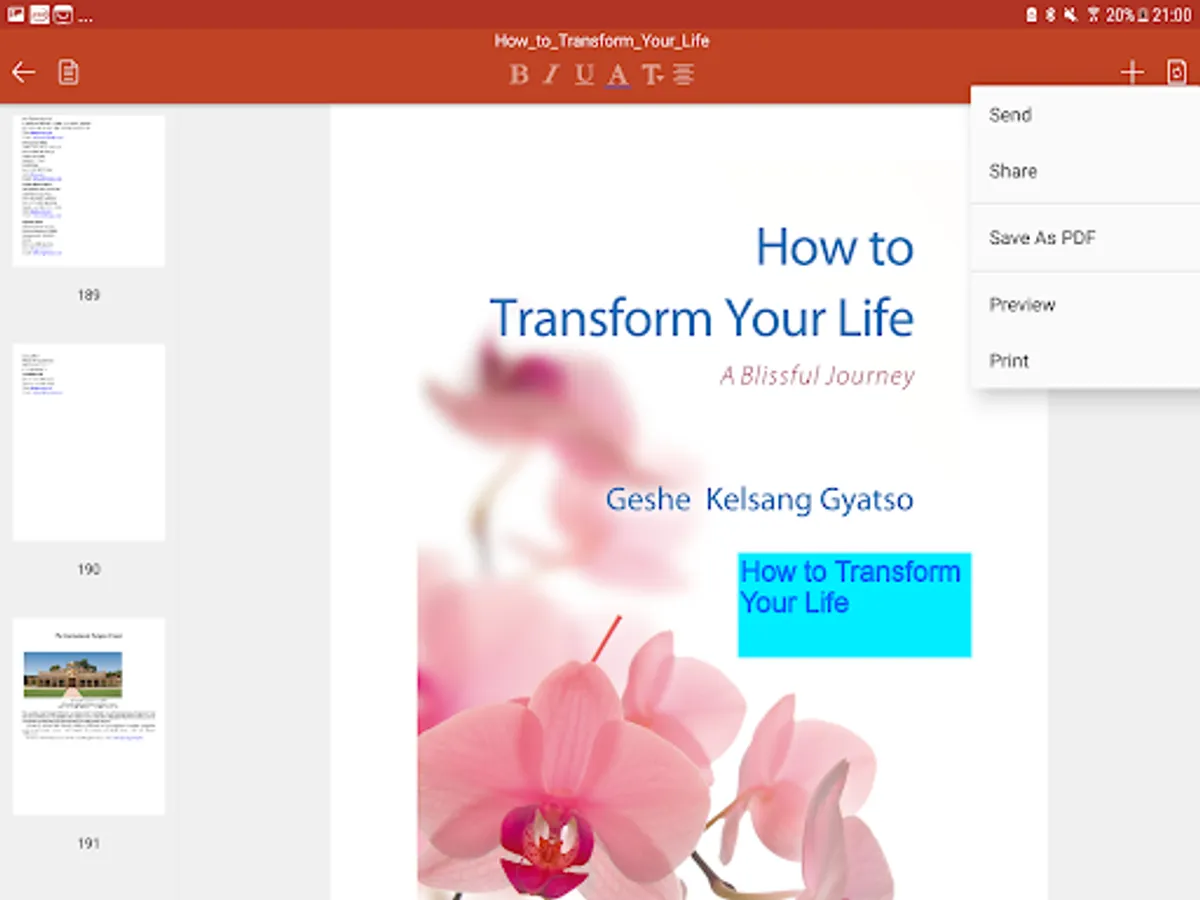
EPUB to PDF Pro can easily export as PDF format.
EPUB to Image
EPUB to PDF Pro can easily export as image(JPG,PNG,SVG) format.
Print Document
EPUB to PDF Pro can easily print your EPUB document.
Other things EPUB App lets you do:
+ Save email attachments
Open attachments directly from the Mail app. Also you can open EPUB document from any app on the Android device.
+ Edit & share document on a variety of storage
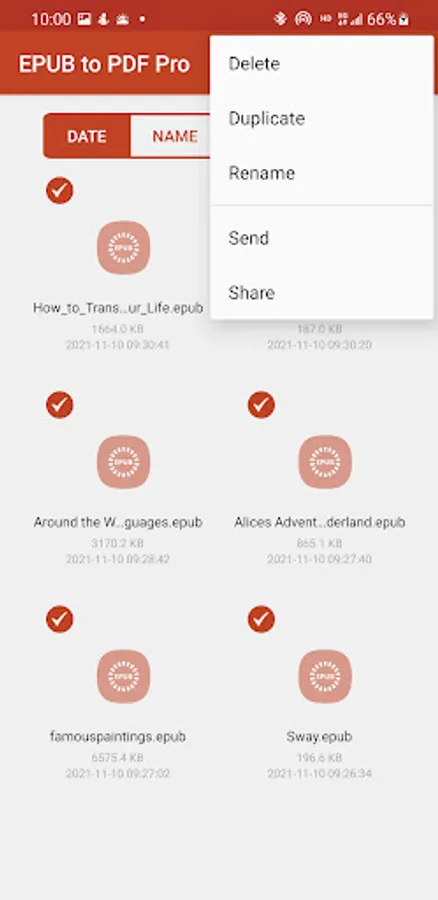
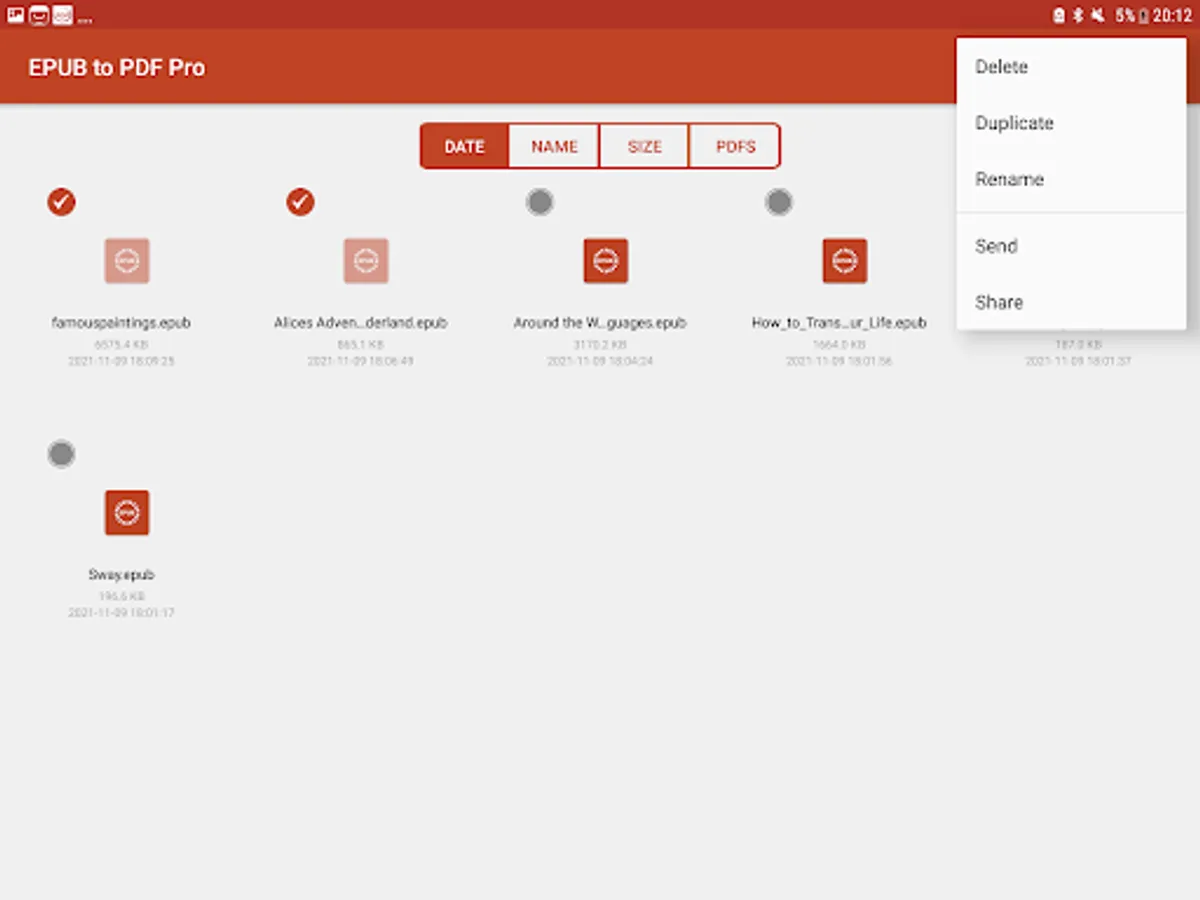
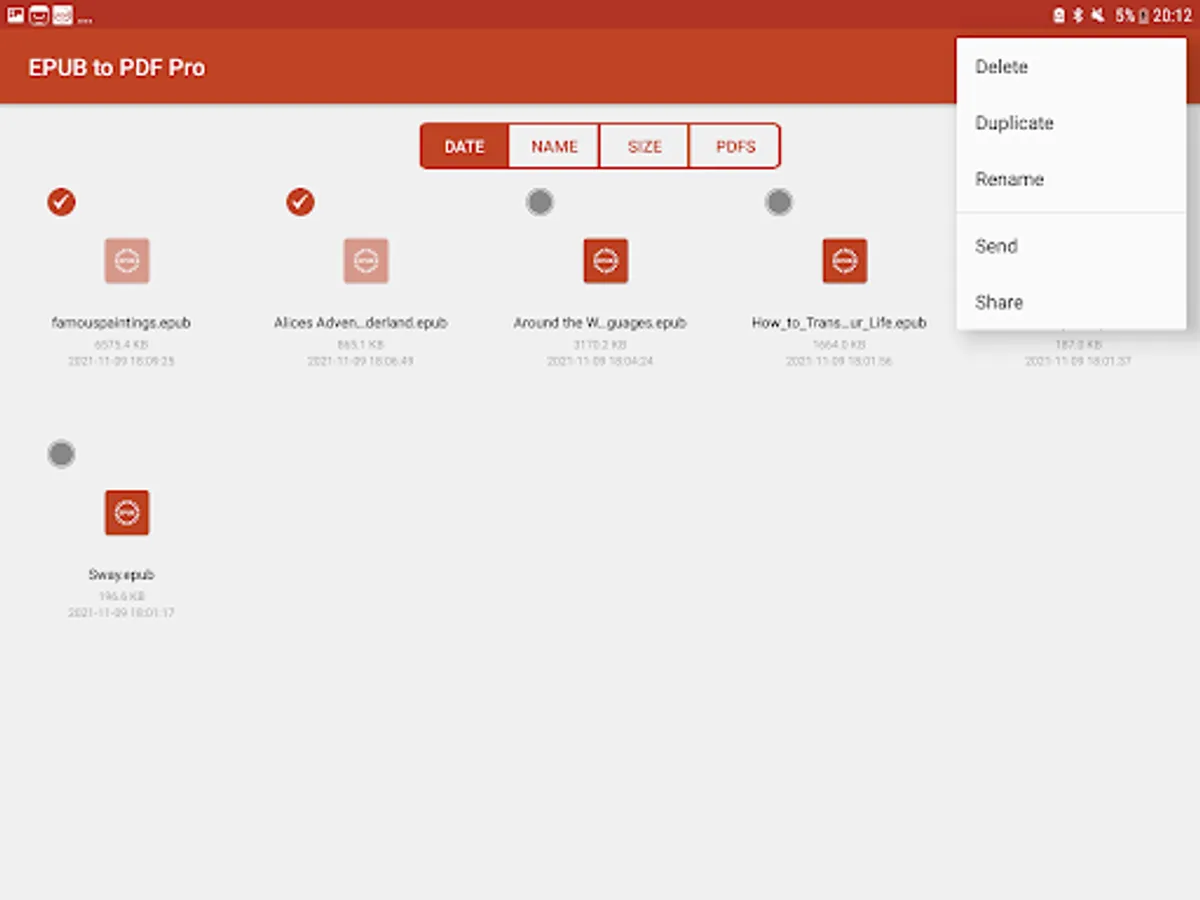
EPUB to PDF Pro allows you to import files from Dropbox, OneDrive, Box, Google Drive, and so on. Also share document on them.
For any question, suggestions, or bugs, please email us at support@canyua.com. We cannot respond directly to user reviews, so we encourage you to email us directly for the fastest response. We want to hear your thoughts and make improvements to future versions of this app to kept you happy. We plan to make active updates powered by your love and support! Every bit helps!:).
EPUB to PDF Pro is an advanced yet easy-to-use EPUB document editor & converter app. It allows you to read, edit, save, print, convert EPUB document to PDF, JPG, PNG, SVG. Moreover, you can easily edit converted PDF document with text, table, image, shape and so on.
EPUB to PDF Pro provides the better editor and converter experience for EPUB document. You can open various .epub files. EPUB document can be from anywhere on your device, email attachments, documents on the Dropbox, Box, OneDrive, Google Drive and in other Android applications you can store them in EPUB to PDF Pro. Easily open, edit, export as PDF, JPG, PNG, and SVG to share and email back again.
EPUB to PDF Pro works completely offline and you don't need internet connection to make the app working. Unlike other EPUB to PDF converter apps, they need internet connection, and need upload your EPUB files, this is not safe for your files.
with EPUB to PDF Pro you can:
Read Document
Each EPUB document page will be parsed with high accuracy, almost all of the document original format and layout can be kept successfully, you can easily view it from one page to another.
- Edit Document -
EPUB to PDF Pro has full compatible object library for PDF document, you can easily edit converted PDF document with same object style settings. EPUB to PDF Pro supports the text, shape(rectangle, triangle, parallelogram, trapezoid, diamond, pentagon, arrow, star, line, line with arrow, dashed line, etc.), image, table editing, and also allows you insert new text, shape, picture and table. EPUB to PDF Pro can easily format these objects, change text font, color, border, fill and rotation, change picture, table, shape, border, fill and rotation. You can easily cut/copy/paste object, insert and delete page, set page background, and so on. Bring to front and send to back object, so that you can rearrange these elements. All of these will be very convenient for your editing.
- Reorder Page -
EPUB to PDF Pro can easily reorder, insert, delete PDF page.
- Page Background -
EPUB to PDF Pro has page background features. You can easily set PDF background with it.
EPUB to PDF
EPUB to PDF Pro can easily export as PDF format.
EPUB to Image
EPUB to PDF Pro can easily export as image(JPG,PNG,SVG) format.
Print Document
EPUB to PDF Pro can easily print your EPUB document.
Other things EPUB App lets you do:
+ Save email attachments
Open attachments directly from the Mail app. Also you can open EPUB document from any app on the Android device.
+ Edit & share document on a variety of storage
EPUB to PDF Pro allows you to import files from Dropbox, OneDrive, Box, Google Drive, and so on. Also share document on them.
For any question, suggestions, or bugs, please email us at support@canyua.com. We cannot respond directly to user reviews, so we encourage you to email us directly for the fastest response. We want to hear your thoughts and make improvements to future versions of this app to kept you happy. We plan to make active updates powered by your love and support! Every bit helps!:).