Screen mirroring TCL TV
Guile Developper
4.0 ★
45 ratings
10,000+
downloads
Free
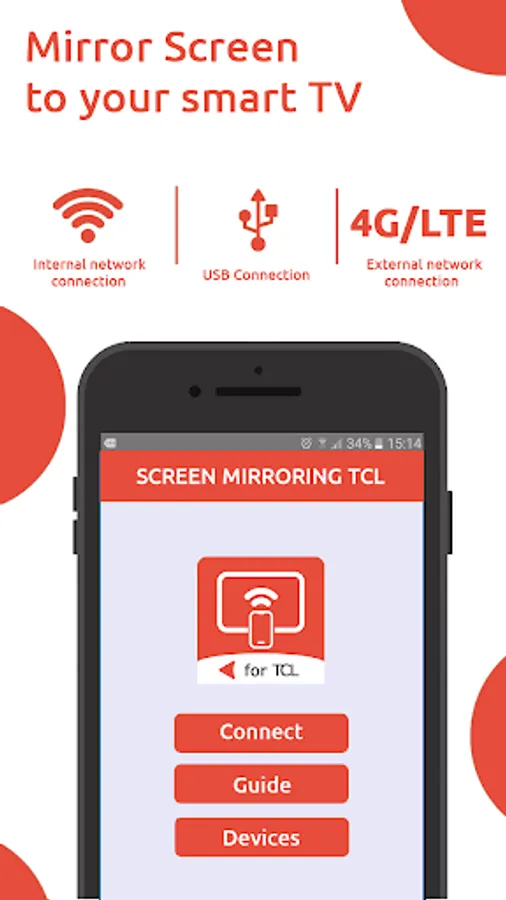
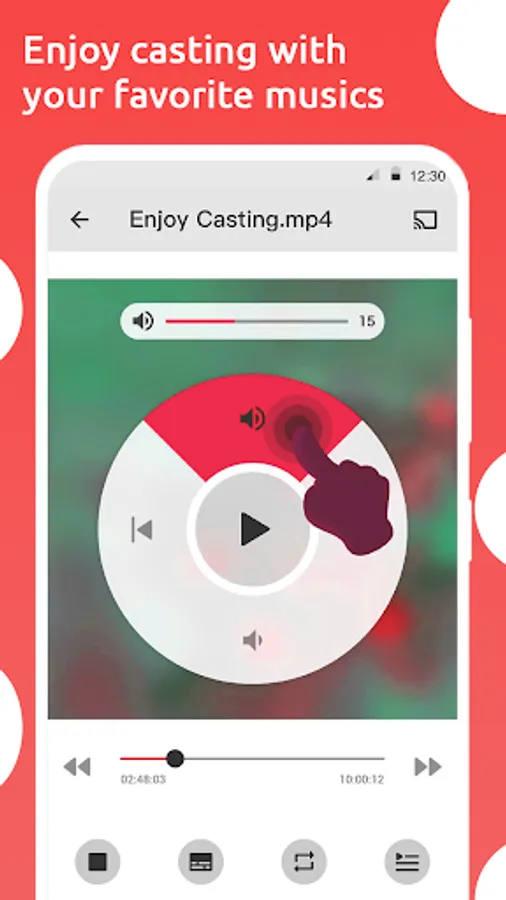
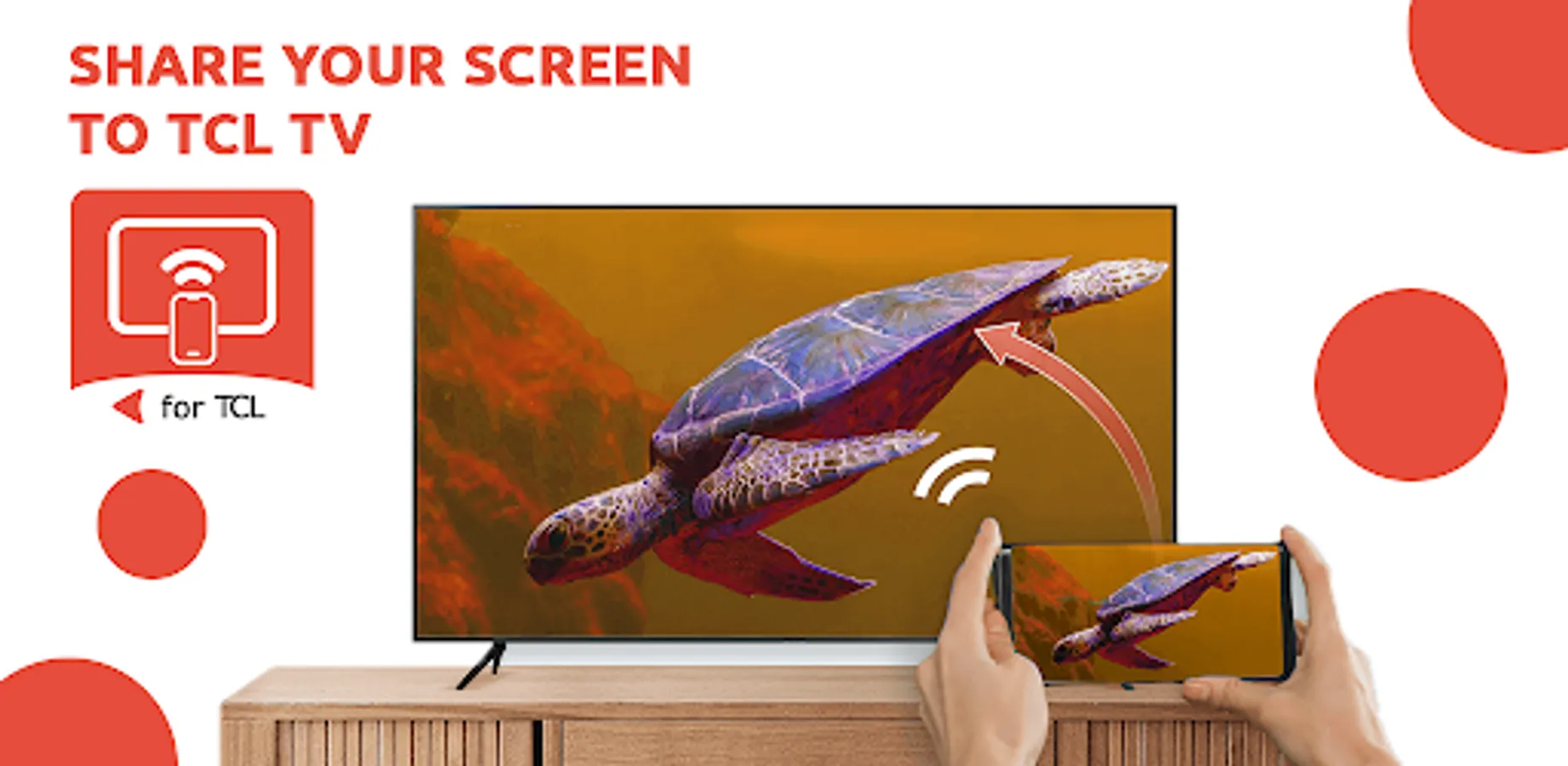
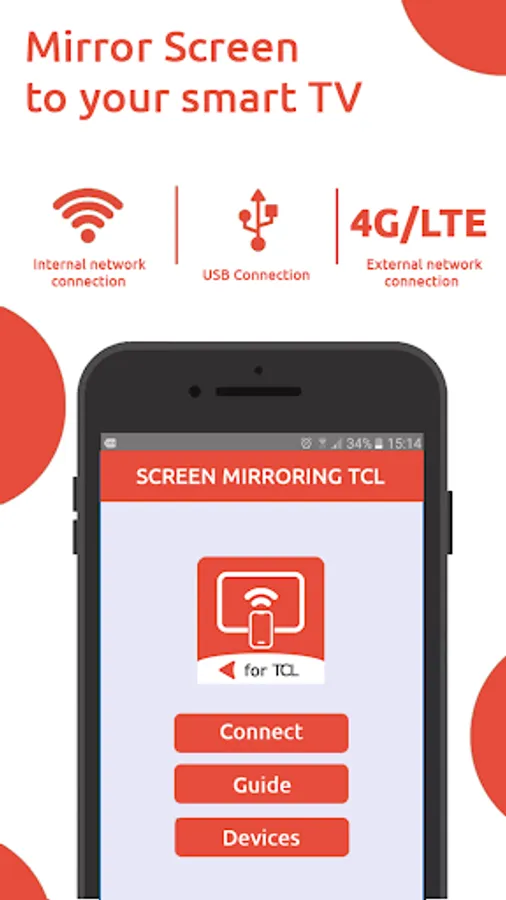
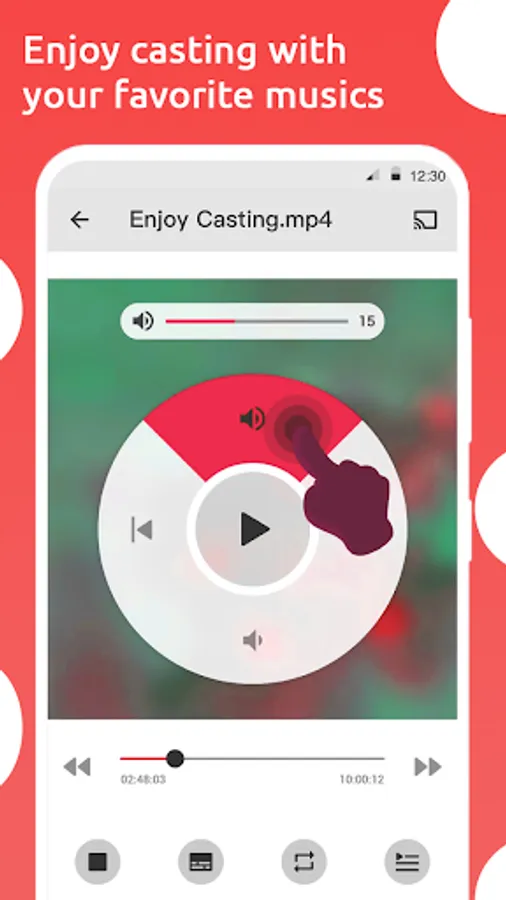
In this screen mirroring app, you can connect your mobile device wirelessly to your TCL TV and mirror photos, videos, and apps in real time. Includes Wi-Fi connection setup, adjustable resolution, and remote control features.
AppRecs review analysis
AppRecs rating 4.0. Trustworthiness 79 out of 100. Review manipulation risk 33 out of 100. Based on a review sample analyzed.
★★★★☆
4.0
AppRecs Rating
Ratings breakdown
5 star
60%
4 star
20%
3 star
0%
2 star
0%
1 star
20%
What to know
✓
Credible reviews
79% trustworthiness score from analyzed reviews
✓
High user satisfaction
80% of sampled ratings are 4+ stars (4.0★ average)
About Screen mirroring TCL TV
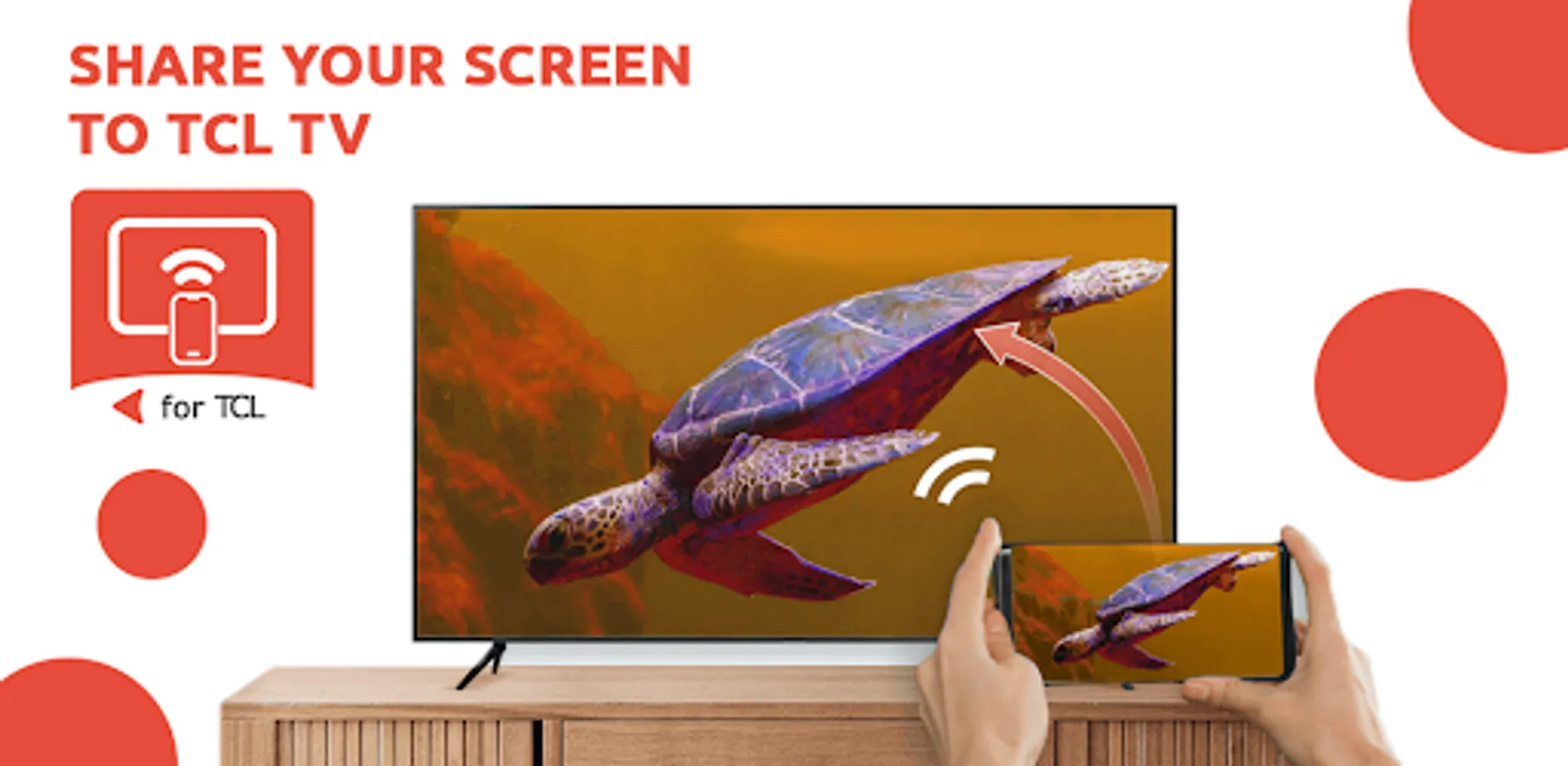
Welcome to the ultimate screen mirroring experience with TCL TV Screen Mirroring!
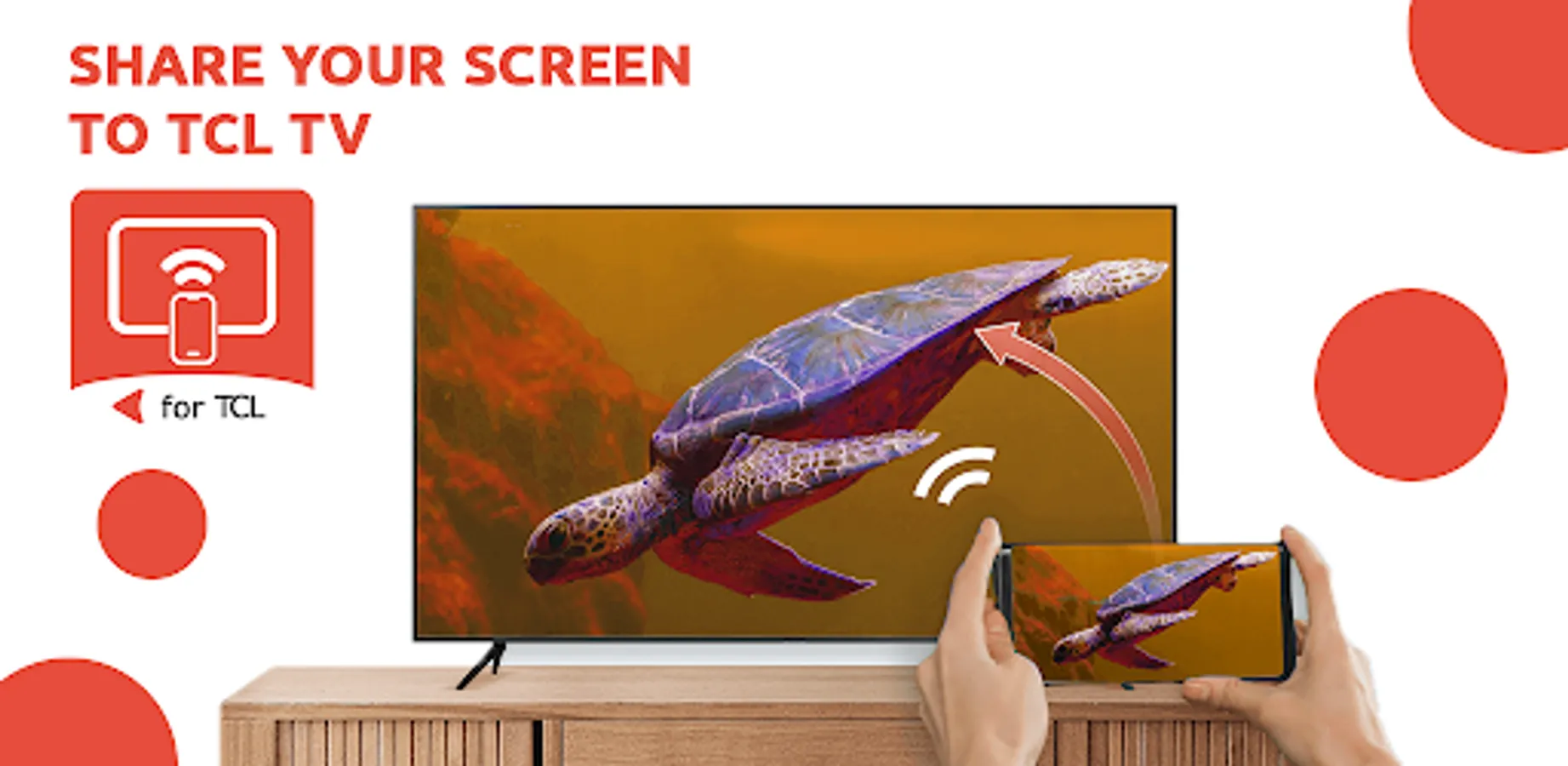
This cutting-edge mobile app allows you to seamlessly mirror your mobile device's screen, including photos, videos, apps, and games, directly to your TCL TV for an immersive viewing experience like never before.
You don't need any additional gear or cords when utilizing TCL TV Screen Mirroring to quickly and effortlessly link your Android device to your TCL TV through Wi-Fi. Use a larger screen to enjoy your favorite movies and TV shows, or use a gorgeous display to share your priceless memories with friends and family.
Follow these simple steps to mirror your phone to your TCL TV:
1- Connect your phone and TV to WiFi
2- Turn on TV display settings
3- Enable mirroring on your phone
4- Select your TV
5- Enjoy your content!
Essential Sharp TV Screen Mirroring features:
- Seamlessly mirror your Android device's screen to your TCL TV
- Real-time screen mirroring with low latency for smooth and lag-free performance
- High-quality video and audio streaming for an immersive viewing experience
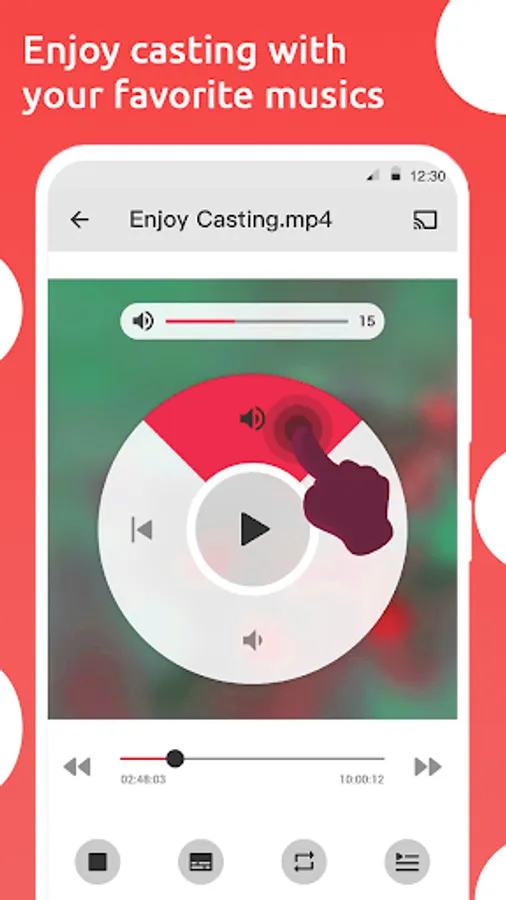
- Easy-to-use controls for adjusting screen resolution, aspect ratio, and orientation
- Navigate your mobile device from your TV remote for convenient control
- No additional hardware or cables required, just connect using Wi-Fi
With TCL TV Screen Mirroring, you can enhance your entertainment experience while taking advantage of the ease of wirelessly reflecting the screen of your mobile device to your TCL TV. Download right away to discover an endless universe of pleasure and productive opportunities!
Questions about screen mirroring setup? Contact our device support team anytime at ryu.guile20@gmail.com.
Disclaimer: This mobile app operates independently from Sharp Corporation and other mentioned brands.
This cutting-edge mobile app allows you to seamlessly mirror your mobile device's screen, including photos, videos, apps, and games, directly to your TCL TV for an immersive viewing experience like never before.
You don't need any additional gear or cords when utilizing TCL TV Screen Mirroring to quickly and effortlessly link your Android device to your TCL TV through Wi-Fi. Use a larger screen to enjoy your favorite movies and TV shows, or use a gorgeous display to share your priceless memories with friends and family.
Follow these simple steps to mirror your phone to your TCL TV:
1- Connect your phone and TV to WiFi
2- Turn on TV display settings
3- Enable mirroring on your phone
4- Select your TV
5- Enjoy your content!
Essential Sharp TV Screen Mirroring features:
- Seamlessly mirror your Android device's screen to your TCL TV
- Real-time screen mirroring with low latency for smooth and lag-free performance
- High-quality video and audio streaming for an immersive viewing experience
- Easy-to-use controls for adjusting screen resolution, aspect ratio, and orientation
- Navigate your mobile device from your TV remote for convenient control
- No additional hardware or cables required, just connect using Wi-Fi
With TCL TV Screen Mirroring, you can enhance your entertainment experience while taking advantage of the ease of wirelessly reflecting the screen of your mobile device to your TCL TV. Download right away to discover an endless universe of pleasure and productive opportunities!
Questions about screen mirroring setup? Contact our device support team anytime at ryu.guile20@gmail.com.
Disclaimer: This mobile app operates independently from Sharp Corporation and other mentioned brands.