
Inputting Plus: Ctrl + Z/F/C/V
Ruoxin He
3.6 ★
1K ratings
100,000+
downloads
Free
+ in-app
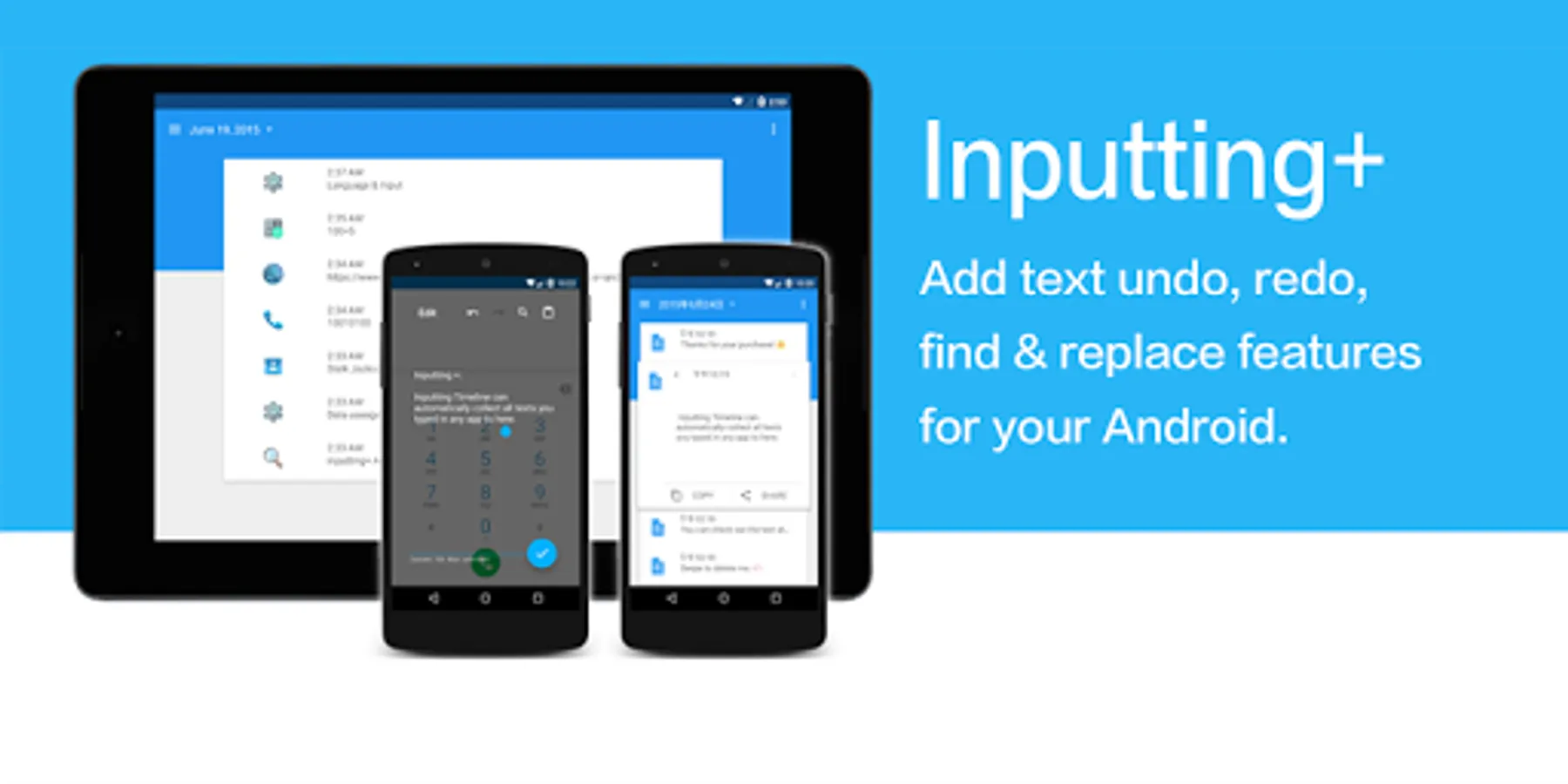
In this input management app, you can undo, redo, and find text easily using accessibility features. Includes clipboard history, automatic text collection, and quick editing tools.
AppRecs review analysis
AppRecs rating 3.4. Trustworthiness 88 out of 100. Review manipulation risk 19 out of 100. Based on a review sample analyzed.
★★★☆☆
3.4
AppRecs Rating
Ratings breakdown
5 star
50%
4 star
13%
3 star
6%
2 star
4%
1 star
27%
What to know
✓
Low review manipulation risk
19% review manipulation risk
✓
Credible reviews
88% trustworthiness score from analyzed reviews
⚠
High negative review ratio
31% of sampled ratings are 1–2 stars
About Inputting Plus: Ctrl + Z/F/C/V
************
- Lifehacker: Inputting+ helps by bringing some key features, including undo, redo, and find and replace as easy as a desktop.
- Android Police: If you have ever had an app crash or accidental button press make you lose something you've written, I won't need to convince you that this new app is worth a shot.
Very material stuff here. The developer definitely knocked the animations out of the park.
************
Inputting Notification
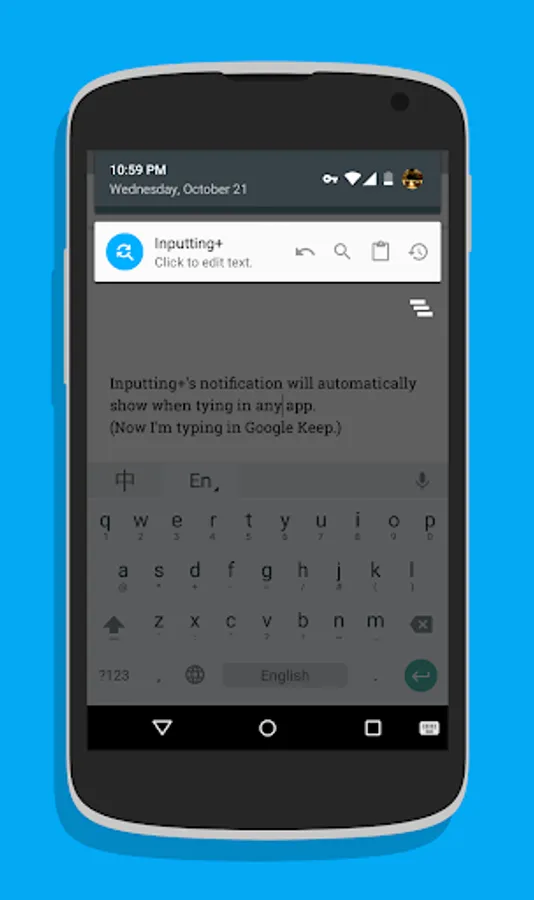
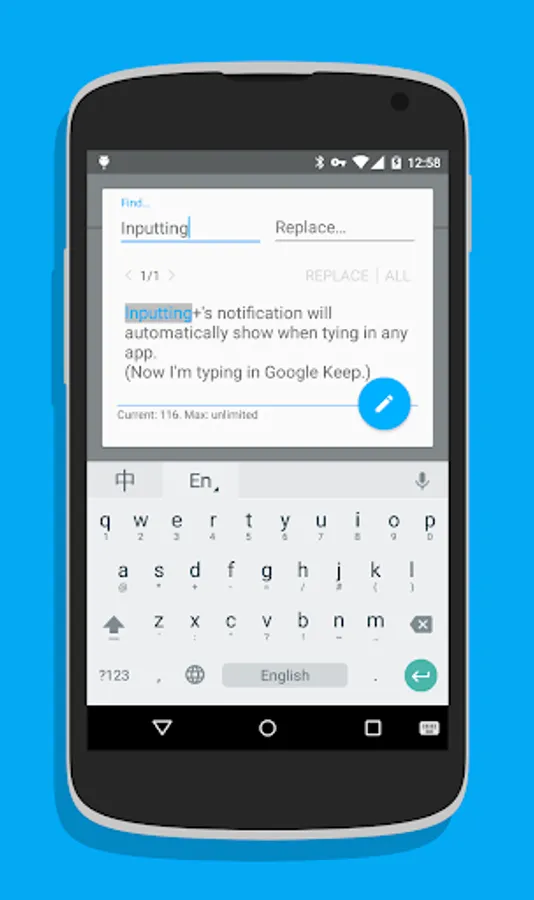
Inputting+'s notification will automatically appear when typing. It can help you undo, redo, find & replace text, just like ctrl+z, ctrl+f, ctrl+c, ctrl+v on computer. And even quick insert clipboard history!
Due to system limitations, inputting texts in WebView(such as Google Chrome) are not supported yet.
Inputting Timeline
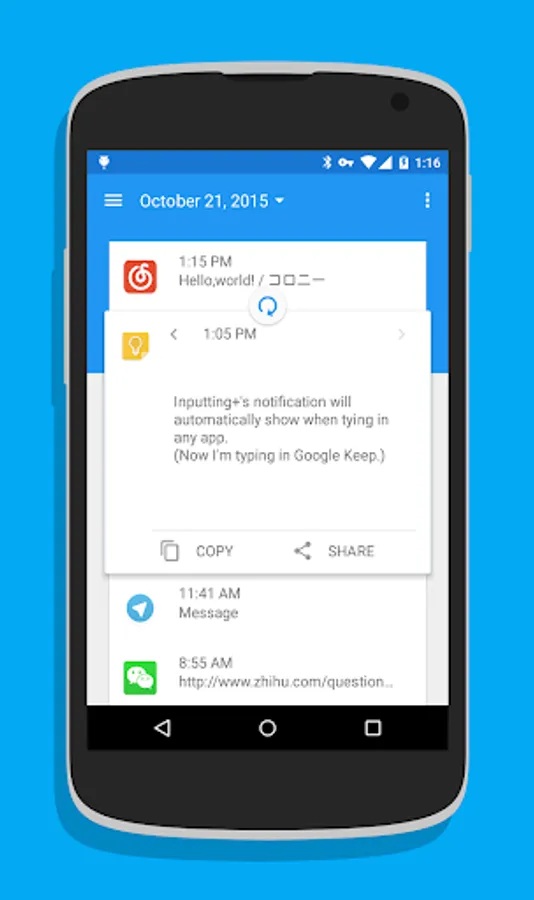
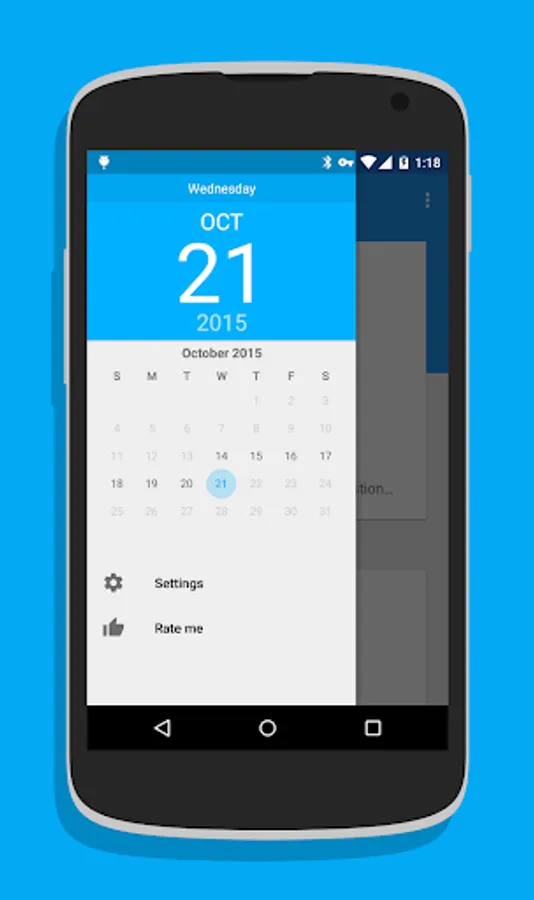
Have you ever got a moment that you lost something very important in case of the app crash or network connection failure? Inputting Timeline can automatically collect all texts you typed in other apps to a simple timeline. You can check out the text at each moments and copy it. You wont lose it again.
Permissions Usage:
This app uses Accessibility services.
This app uses Accessibility services to read text you typed on screen.
BIND_ACCESSIBILITY_SERVICE: For reading the text you typed on screen.
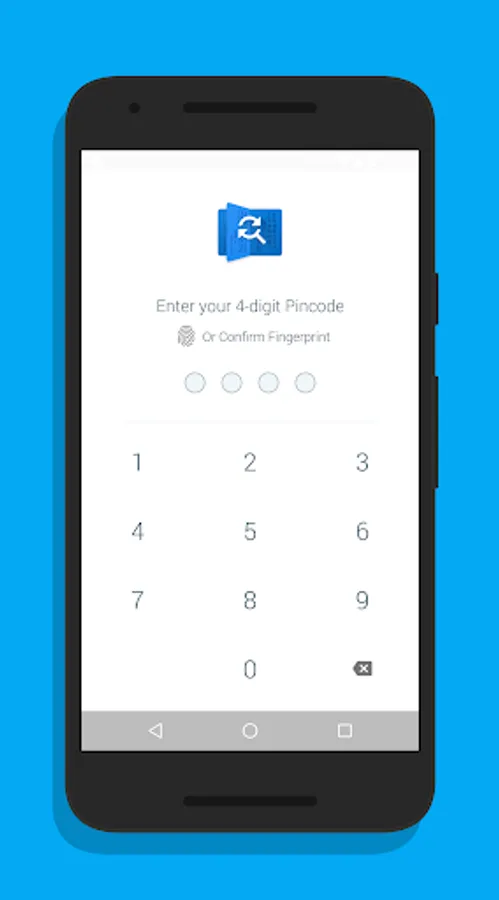
USE_FINGERPRINT: Use fingerprint instead of PIN lock.
RECEIVE_BOOT_COMPLETED: Start service at start up.
INTERNET: For Google Fabric crash report. Inputting+ will NOT upload any sensitive data.
COM.ANDROID.VENDING.BILLING: For in app purchase.
Inputting Plus: Ctrl + Z/F/C/V Screenshots
Tap to Rate:
Reviews for Inputting Plus: Ctrl + Z/F/C/V
Matthew Clowney
12/27/2025
Pro version no longer seems to be working. The floating app icon remains, but the app no longer opens when I click the icon. When I open the app directly & go into settings, it says , "Unlock Pro." I DID already pay for the pro version some time ago, and indeed, when I click on Unlock Pro, it says "you already own this item." Can't figure out a way to get it to work again. I really like Inputting Plus, would be sad to lose its extremely useful otherwise-5-star functionality permanently.
Jean-Marc DELATRE
11/22/2025
Terrific app, but PRO no longer working! Moreover no reply to my support request. So, set 1 star instead of 5, and I repost here my request => I bought Inputting Plus years ago. Today I reinstalled it on my new phone, but it tells me that I'm not in PRO version. So I tried to click to "Unlock PRO", but then I get "You already own this item.", and nothing more, and l'm still limited to 5 copies! So how can I re-enable PRO mode please?