Mkv to mp4 converter
Christopher Enim
1,000+
downloads
Free
AppRecs review analysis
AppRecs rating 2.0. Trustworthiness 55 out of 100. Review manipulation risk 20 out of 100. Based on a review sample analyzed.
★★☆☆☆
2.0
AppRecs Rating
Ratings breakdown
5 star
0%
4 star
0%
3 star
0%
2 star
100%
1 star
0%
What to know
⚠
Mixed user feedback
Average 2.0★ rating suggests room for improvement
About Mkv to mp4 converter
MKV to MP4 Converter is a simple and reliable tool that helps you convert .mkv video files to the widely supported .mp4 format with ease. If you're looking to make your videos compatible with more devices or streamline sharing, this app makes the conversion fast and effortless — all right on your phone.
Key Features
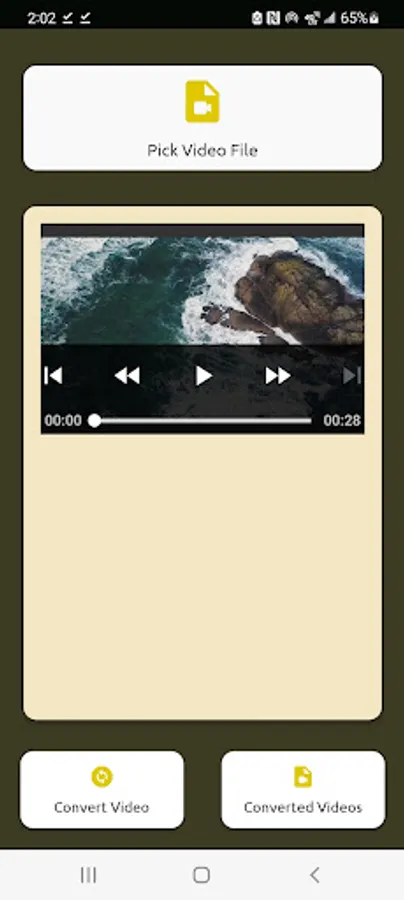
i. Select MKV or other supported video formats from Storage
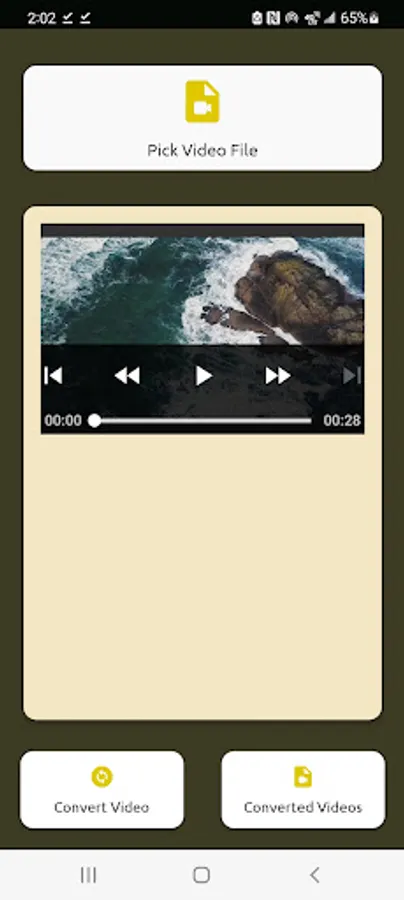
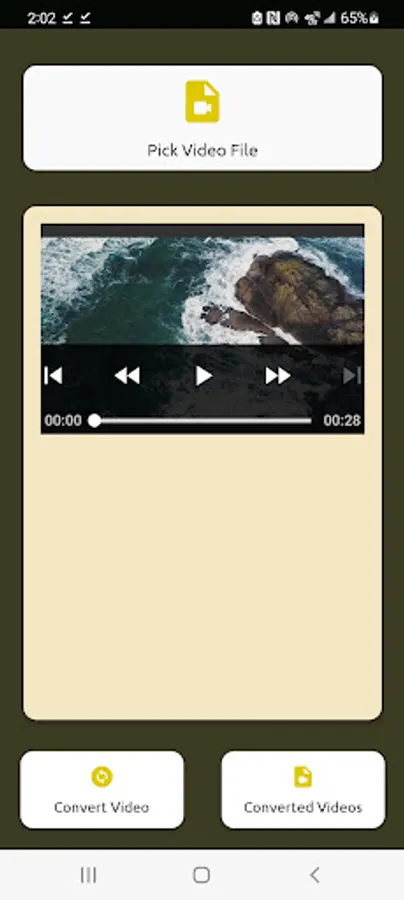
Pick a video from your device — while optimized for .mkv files, the app accepts most video formats and converts them seamlessly to .mp4.
ii. One-Tap Conversion
Just tap the “Convert Video” button to begin converting your selected video. .
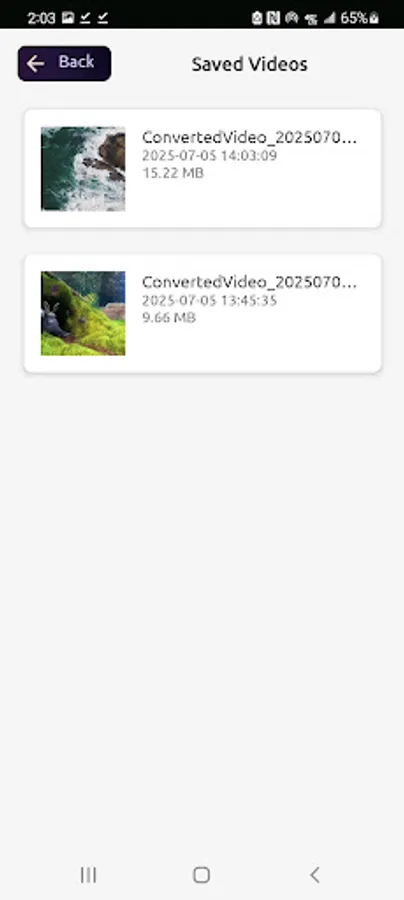
iii. View Converted Files Instantly
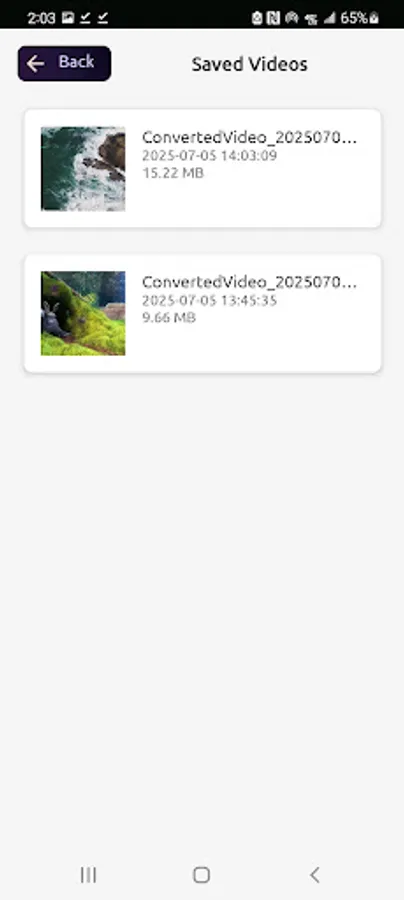
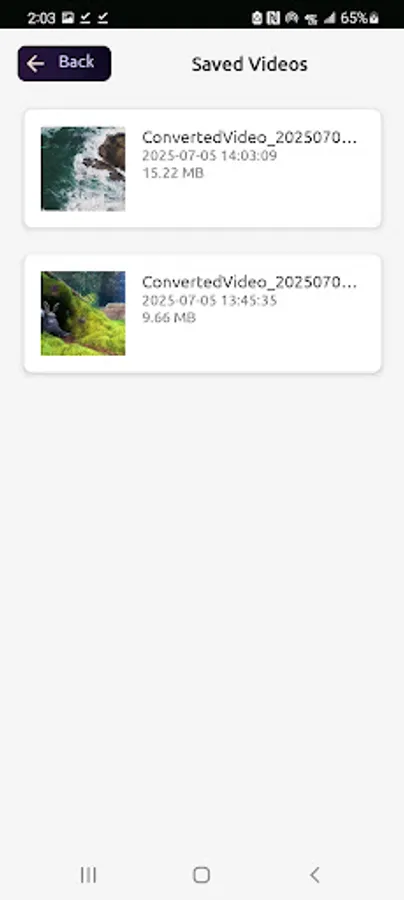
Use the “Converted Videos” button to browse and play all your converted .mp4 videos directly within the app.
iv. Offline and Fast
No internet connection is required.
Note: If the selected file is not supported or fails to convert, the app will alert you to pick a different one.
Legal Notice :
This app uses FFmpeg under the GNU General Public License (GPL) v3.
FFmpeg is a trademark of the FFmpeg developers. Learn more at https://ffmpeg.org.
In compliance with the license, the source code for this app is available upon request. To request a copy of the source code, please contact:chrismcdelait@gmail.com
Key Features
i. Select MKV or other supported video formats from Storage
Pick a video from your device — while optimized for .mkv files, the app accepts most video formats and converts them seamlessly to .mp4.
ii. One-Tap Conversion
Just tap the “Convert Video” button to begin converting your selected video. .
iii. View Converted Files Instantly
Use the “Converted Videos” button to browse and play all your converted .mp4 videos directly within the app.
iv. Offline and Fast
No internet connection is required.
Note: If the selected file is not supported or fails to convert, the app will alert you to pick a different one.
Legal Notice :
This app uses FFmpeg under the GNU General Public License (GPL) v3.
FFmpeg is a trademark of the FFmpeg developers. Learn more at https://ffmpeg.org.
In compliance with the license, the source code for this app is available upon request. To request a copy of the source code, please contact:chrismcdelait@gmail.com