
About Change Video Speed
Change Video Speed is a simple and effective tool that lets you adjust the playback speed of videos on your device. If you want to create smooth slow-motion effects or speed up boring scenes, this app makes it easy.
💡 How it works:
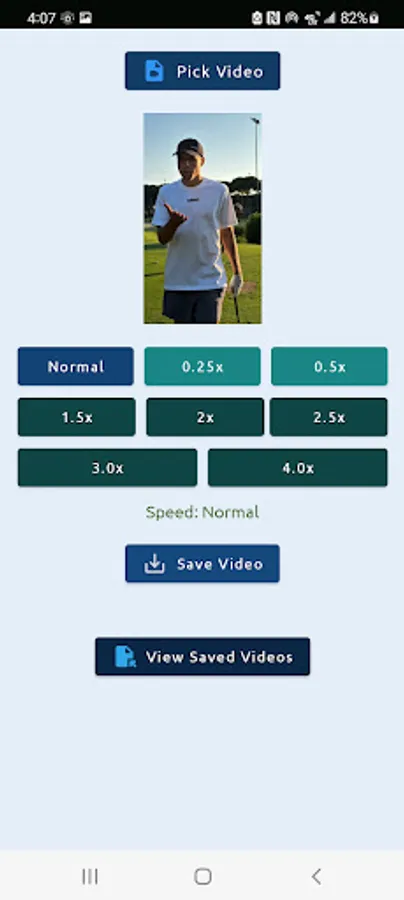
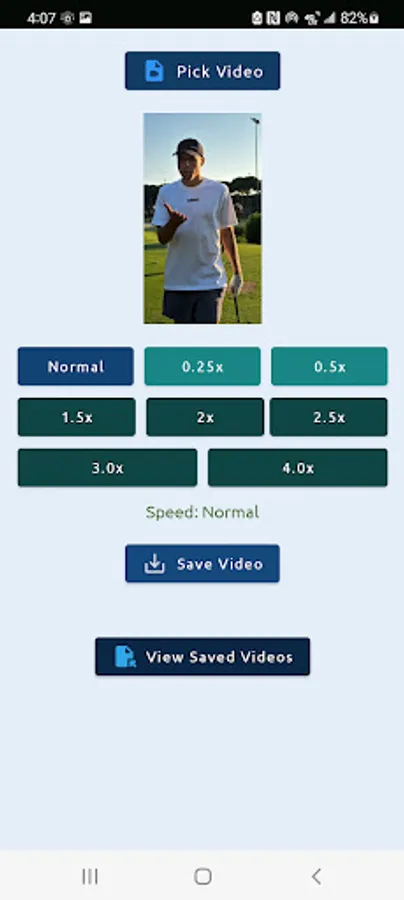
Choose a video from your gallery
1.Select a playback speed – from slow (0.25x) to fast (4.0x)
2.Tap "Save Video" – your video will be processed and saved in MP4 format
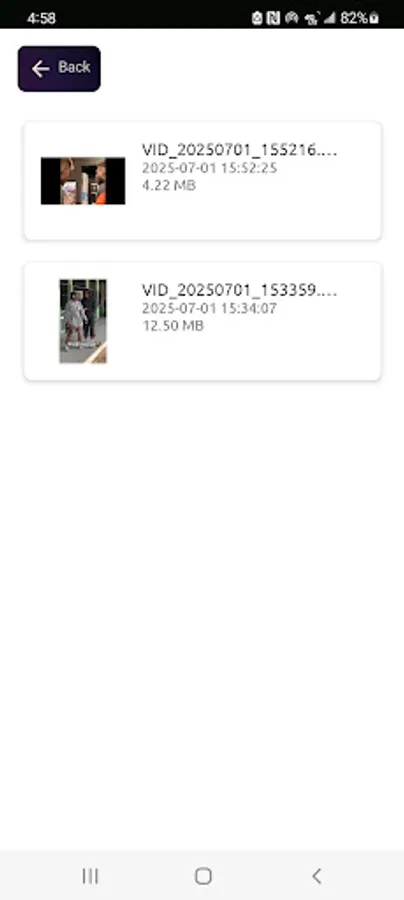
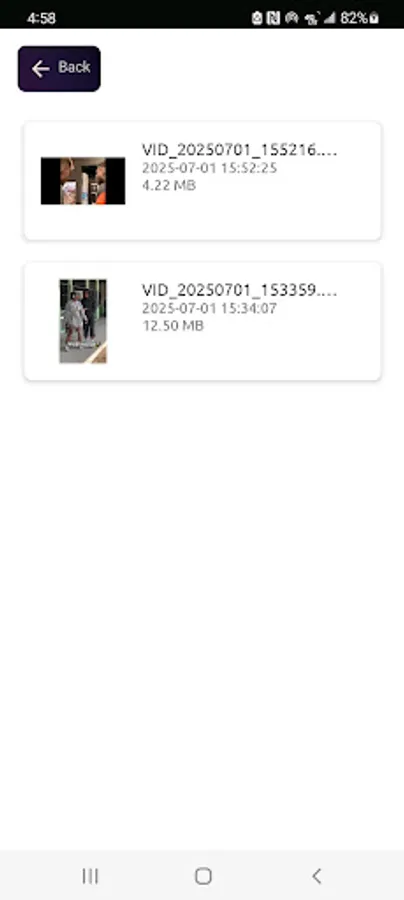
3.Watch your edited videos anytime with the built-in video viewer
✅ Features:
1.Easy-to-use speed controls (slow/normal/fast)
2.Supports many popular video formats (Eg: MP4, WEBM, MKV)
3.Automatically saves to your device
4.Alerts you if a video can't be processed (corrupted or unsupported)
⚠️ Note: Some rare video formats or damaged files may not process correctly. In such cases, the app will inform you with a helpful message so you can try another video.
📄 Legal Notice
This app uses FFmpeg under the GNU General Public License (GPL) v3.
FFmpeg is a trademark of the FFmpeg developers. Learn more at https://ffmpeg.org.
In compliance with the license, the source code for this app is available upon request.
To request a copy of the source code, please contact: enimchristopher@gmail.com
💡 How it works:
Choose a video from your gallery
1.Select a playback speed – from slow (0.25x) to fast (4.0x)
2.Tap "Save Video" – your video will be processed and saved in MP4 format
3.Watch your edited videos anytime with the built-in video viewer
✅ Features:
1.Easy-to-use speed controls (slow/normal/fast)
2.Supports many popular video formats (Eg: MP4, WEBM, MKV)
3.Automatically saves to your device
4.Alerts you if a video can't be processed (corrupted or unsupported)
⚠️ Note: Some rare video formats or damaged files may not process correctly. In such cases, the app will inform you with a helpful message so you can try another video.
📄 Legal Notice
This app uses FFmpeg under the GNU General Public License (GPL) v3.
FFmpeg is a trademark of the FFmpeg developers. Learn more at https://ffmpeg.org.
In compliance with the license, the source code for this app is available upon request.
To request a copy of the source code, please contact: enimchristopher@gmail.com
Change Video Speed Screenshots
Tap to Rate: