
My CenturyLink
CenturyLink, Inc
3.9 ★
66K ratings
1,000,000+
downloads
Free
AppRecs review analysis
AppRecs rating 3.6. Trustworthiness 81 out of 100. Review manipulation risk 19 out of 100. Based on a review sample analyzed.
★★★☆☆
3.6
AppRecs Rating
Ratings breakdown
5 star
61%
4 star
11%
3 star
6%
2 star
3%
1 star
19%
What to know
✓
Low review manipulation risk
19% review manipulation risk
✓
Credible reviews
81% trustworthiness score from analyzed reviews
⚠
Pricing complaints
Many low ratings mention paywalls or pricing
About My CenturyLink
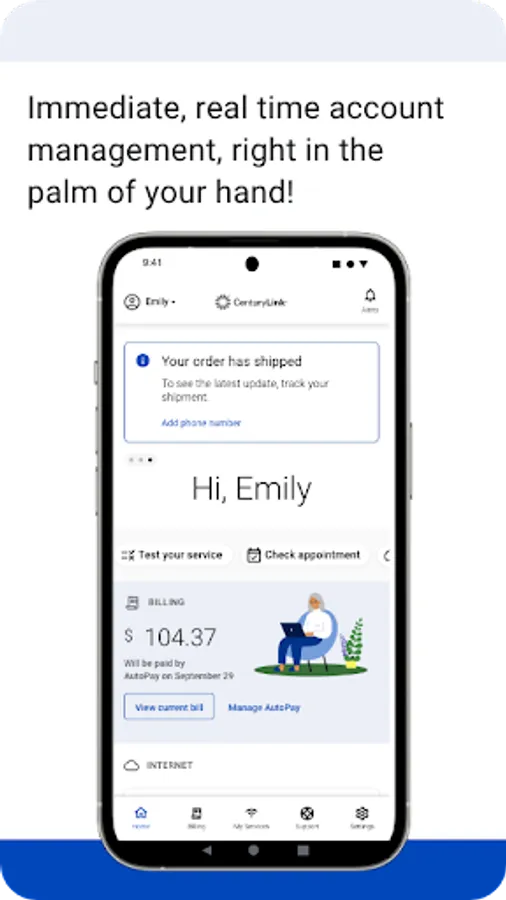
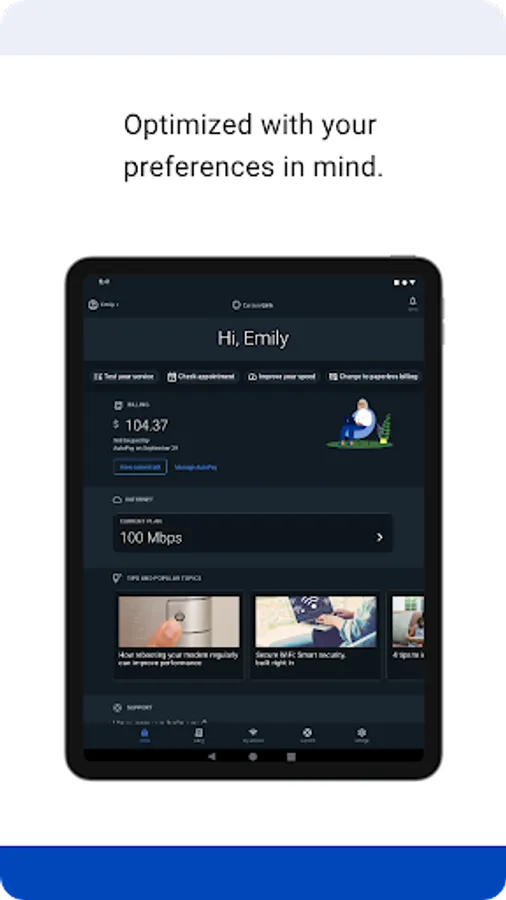
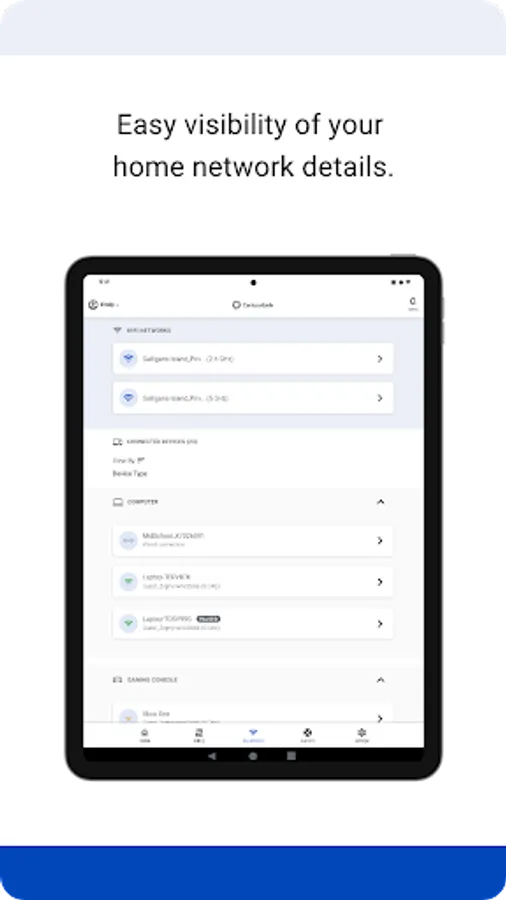
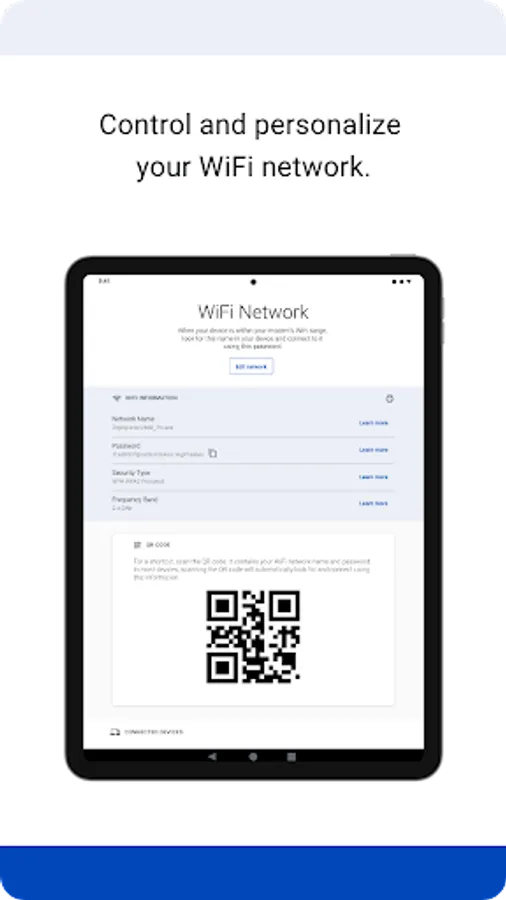
You can use the app to:
• Connect your new service quickly with modem self-install.
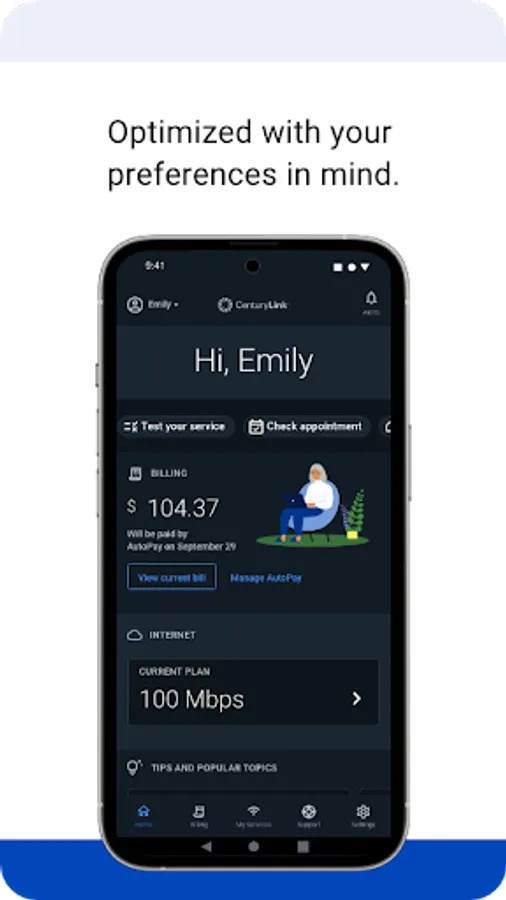
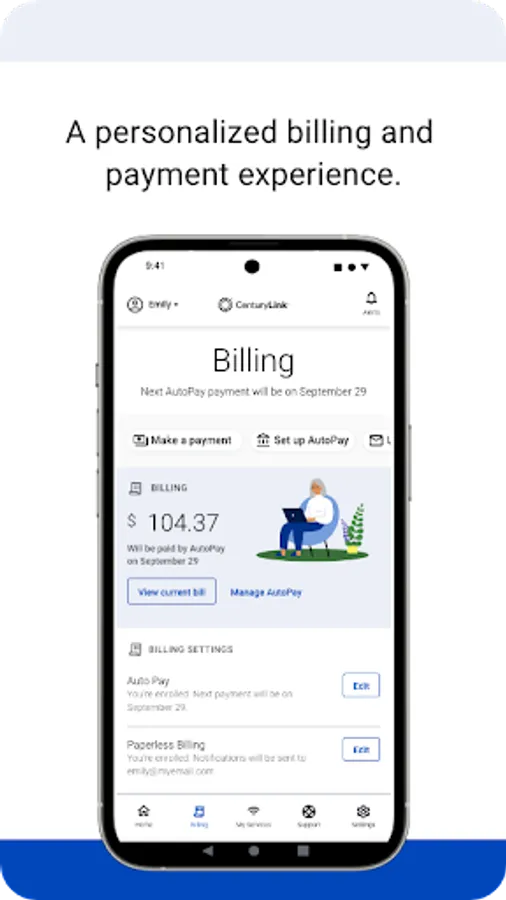
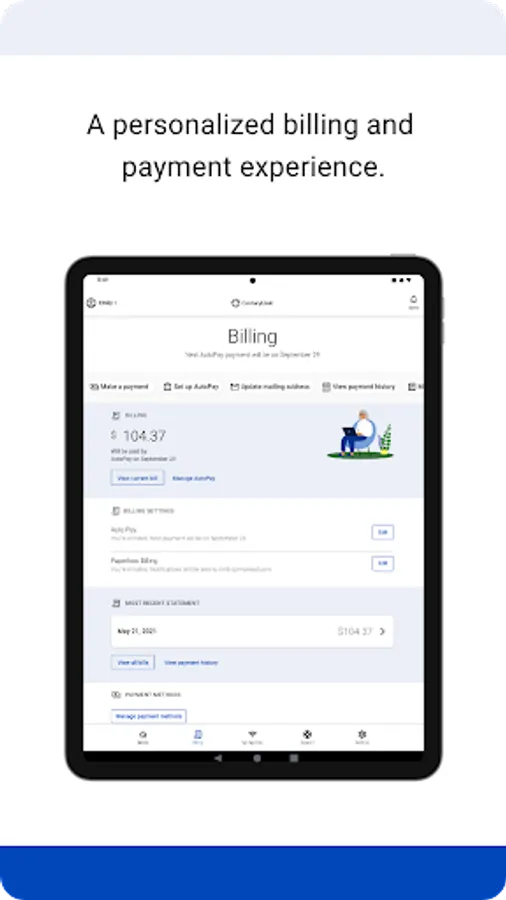
• View and manage your bill payment with convenience and ease.
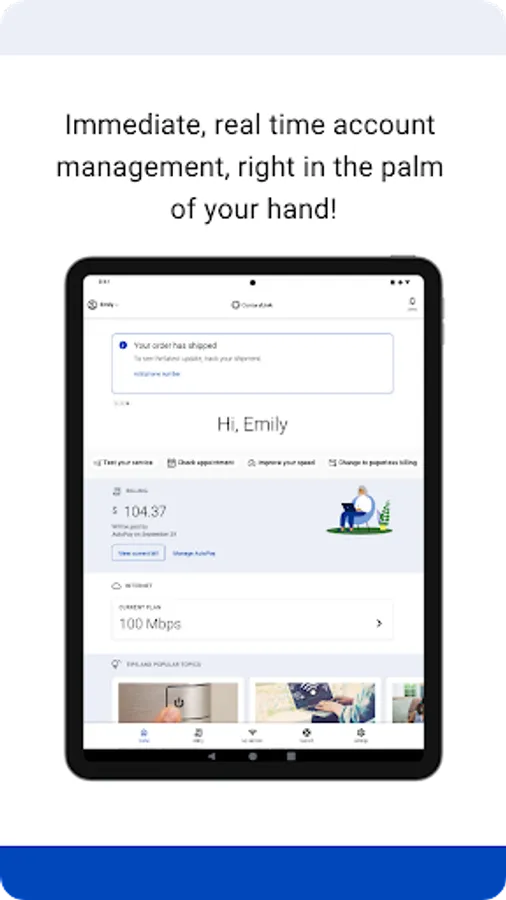
• Check your services, upgrade your Internet speed (if available in your area).
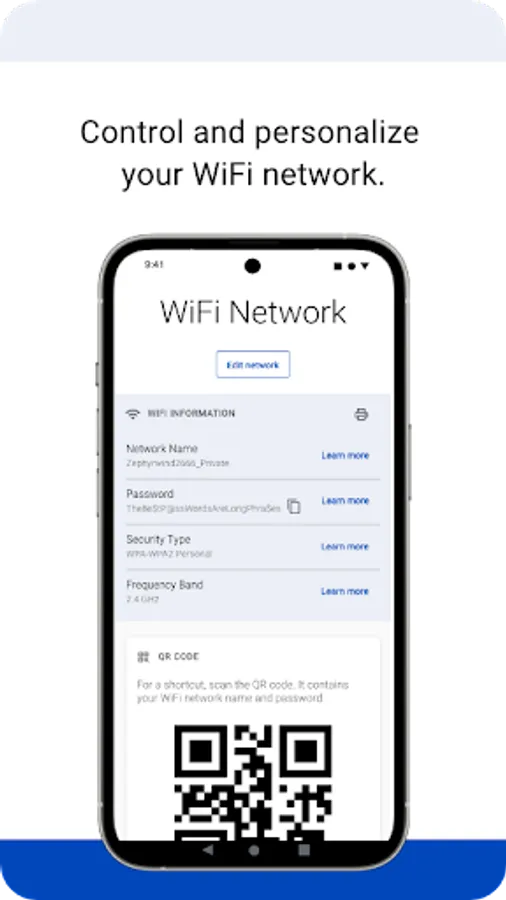
• Manage your settings.
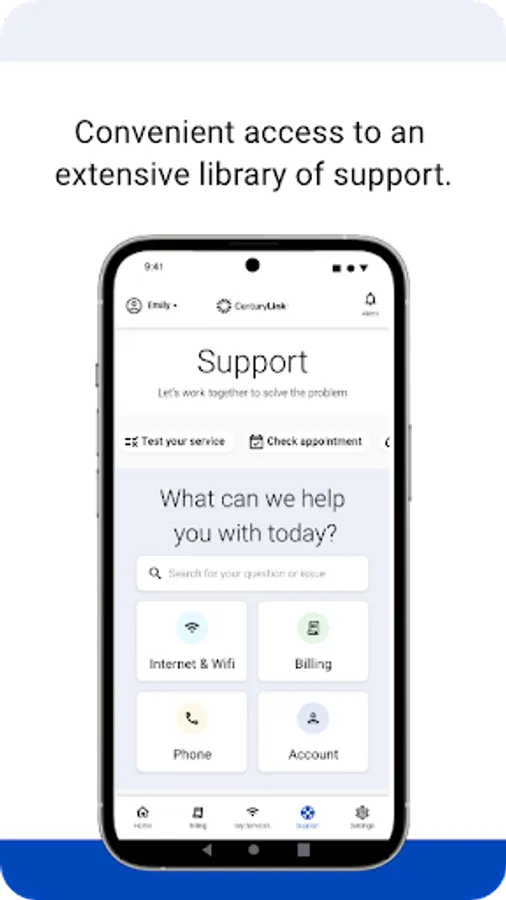
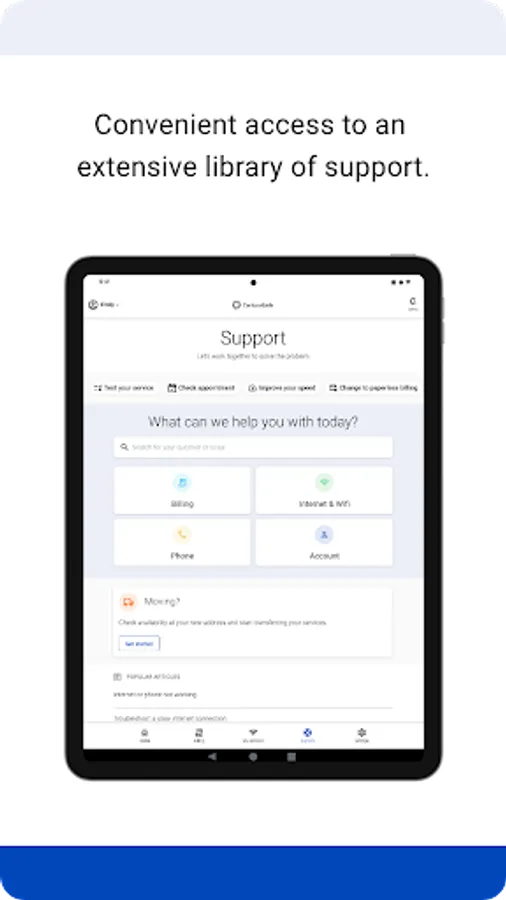
• Visit Support to troubleshoot or optimize your service through self-help tools and videos.
• Get personalized alerts, so you can see the status of your order, or find out if there is an interruption to your Internet service.
• Plus, so much more.
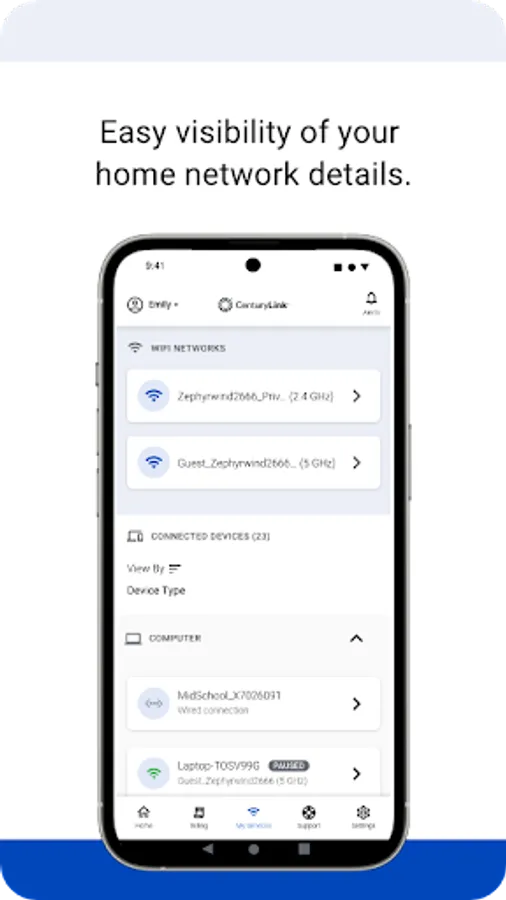
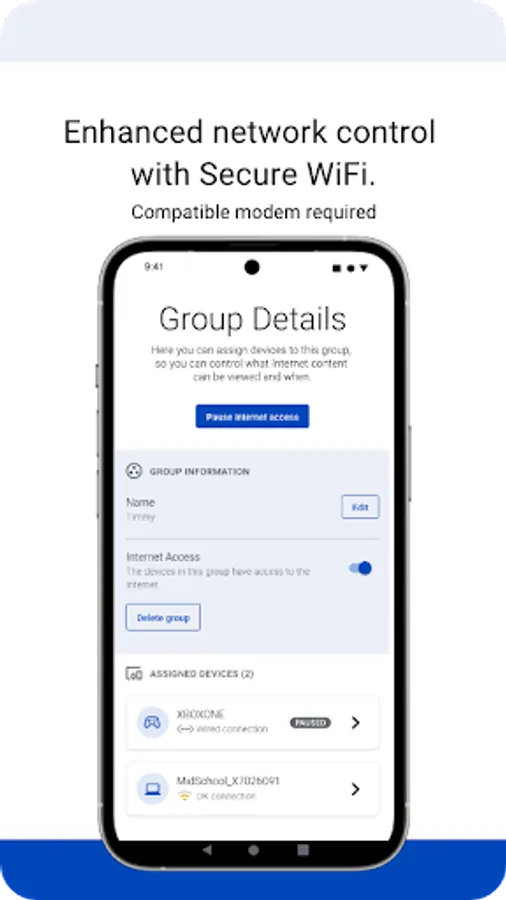
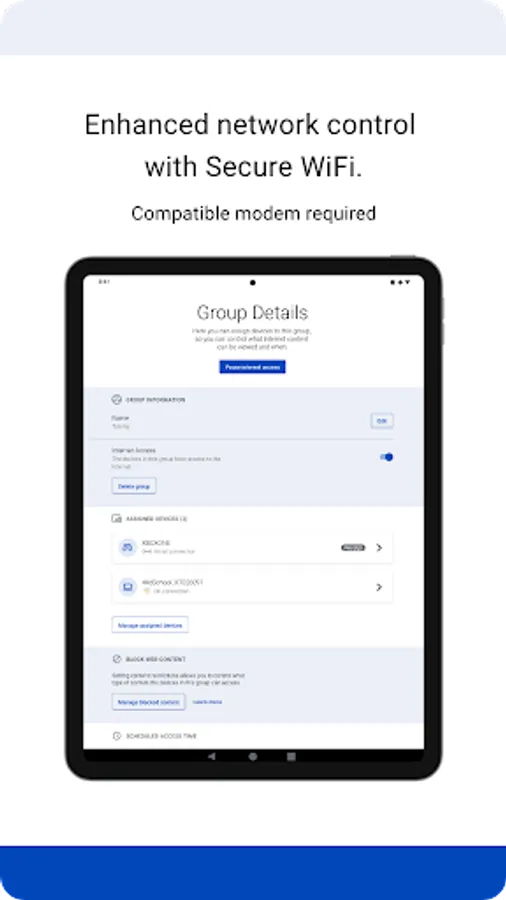
Additional features for our Secure WiFi customers (Secure WiFi is available on compatible modems leased from CenturyLink):
• Parental controls to guard against inappropriate web content.
• Pause and resume internet access of devices on our WiFi.
• Schedule online and offline times for devices and users.
Learn more about Secure WiFi by visiting https://centurylink.com/home/help/internet/secure-wifi
We're here to help! You can get in touch via http://www.centurylink.com/contact
My CenturyLink Screenshots
Tap to Rate:
Reviews for My CenturyLink
kimberly drumm
12/28/2025
not letting me make a payment
Lindsey Wells
12/27/2025
They were soliciting Wifi door to door when i first started my account with Century Link. They told me my rate would never change but slowly over about a year it has gone up $20 higher. The service is honestly not that great and I'm sure they slow it down when you aren't paying for the best they have to offer.