LIRC-Client
Free
rated 1.0 stars
5,000+
downloads
About LIRC-Client
ATTENTION: This app requires a fully configured LIRC server including a working configuration file. In addition, your LIRC server HAS to be started with the parameter "--listen" in order to accept incoming network requests. It is also recommended to use command names of the LIRC namespace whenever possible.
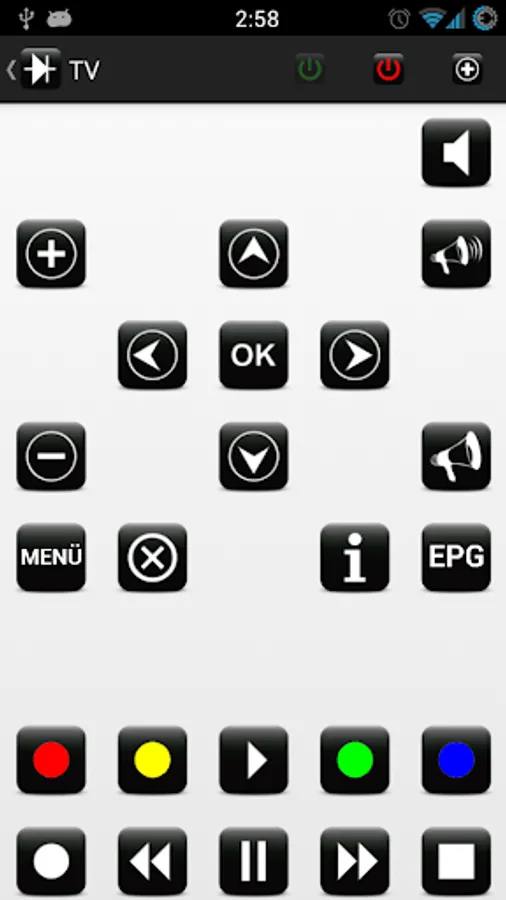
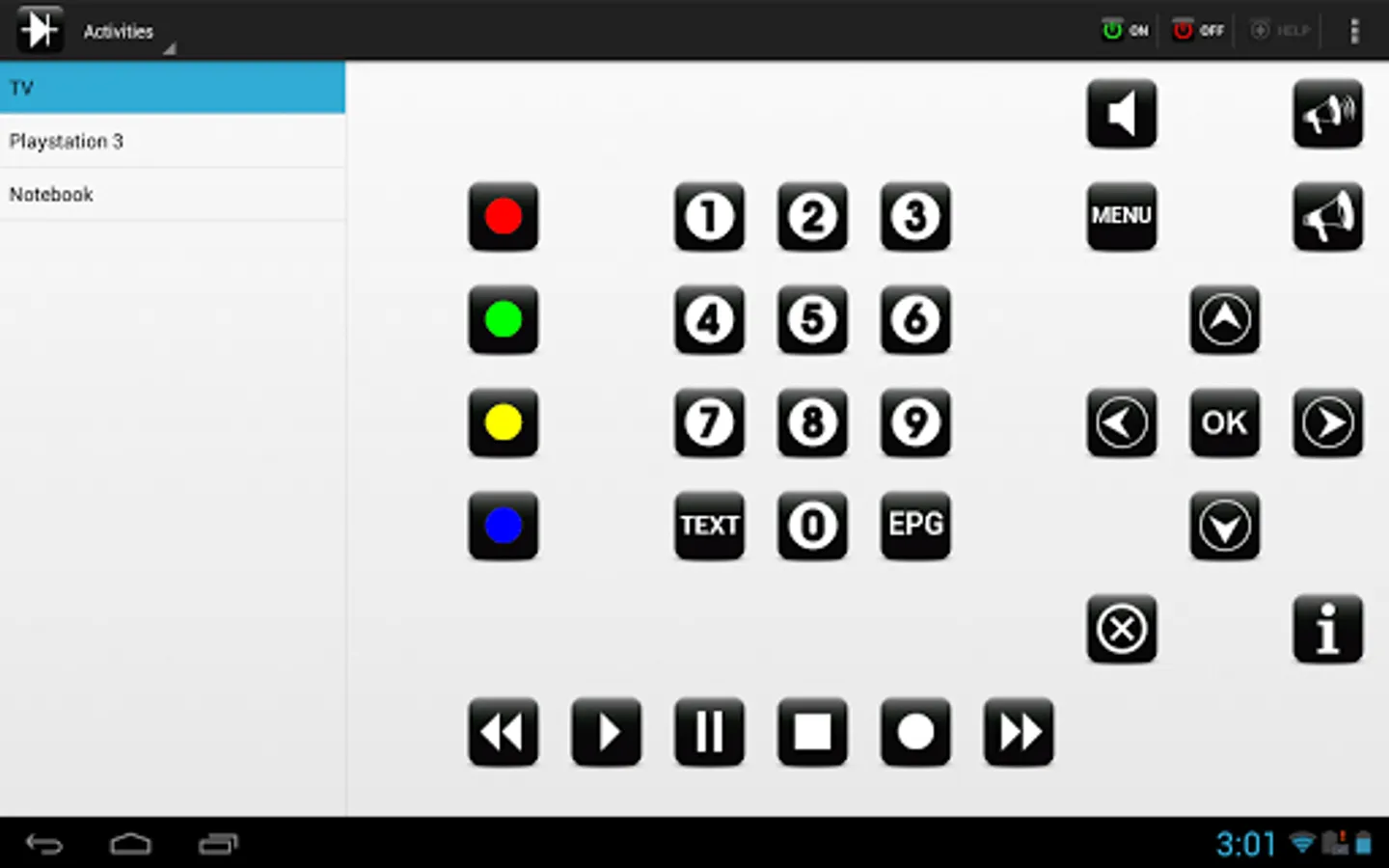
This app is split into two modes: Devices and Activities. The active mode can be selected from the drop-down box in the action bar.
When using the mode "Devices", individual remotes can be set up by mapping commands to visual buttons.
If the mode "Activities" is used, device-independent commands can be mapped to visual buttons. Besides, it is possible to define start and stop actions to power on or power off multiple devices at once. This way you can turn your phone into a multi-purpose remote control.
LIRC-Client Screenshots
Reviews for LIRC-Client
player one
8/8/2020
works flawlessly. just uncomment #server:port line in /etc/lirc/lircd_options.conf and then systemctl restart lircd thank you!!
A Google user
12/11/2019
Does what it says. 3 additions will be great : 1 add a independant delay function, 2 add export/inport of setup, 3 add "copy macro" function.
A Google user
11/4/2019
horrible, all those tiles are empy, unable to assign anything, selection window pops up blank. Lirc config is tested and working, but app doesn't read it
A Google user
11/30/2017
Awesome app!! It would be very nice to have large buttons customization ability (size, more icons). Also voice command recognition would be perfect!=)
A Google user
7/30/2014
Variable delay times in macros are an essential feature of any decent universal remote. I have a digital projector that takes about 45 seconds to warm up before it can accept any other IR commands. That means I need a 45 second delay in a macro between powering it on and changing the input. However, I do NOT want a 45 second delay between all commands in all macros.
Tap to Rate: