AppRecs review analysis
AppRecs rating 4.5. Trustworthiness 55 out of 100. Review manipulation risk 33 out of 100. Based on a review sample analyzed.
★★★★☆
4.5
AppRecs Rating
Ratings breakdown
5 star
100%
4 star
0%
3 star
0%
2 star
0%
1 star
0%
What to know
✓
High user satisfaction
100% of sampled ratings are 5 stars
About Precise Mgmt
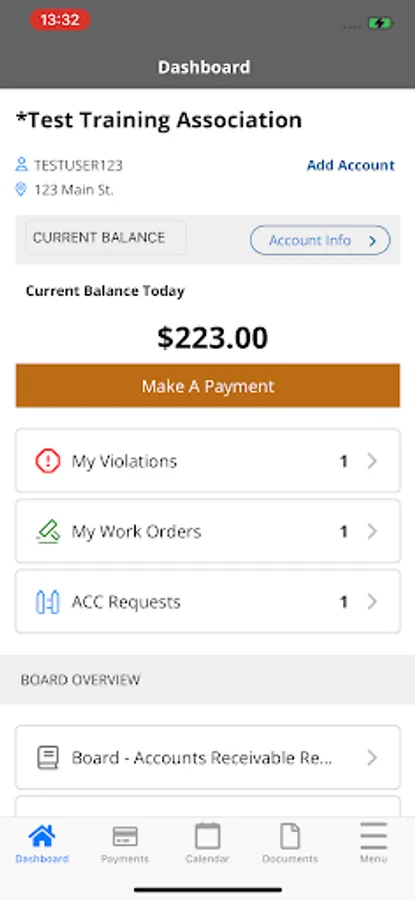
The Precise HOA Management Homeowner and Board App is a mobile-friendly way to interface with your community association. You will be able to make payments, view your account, and access community information all in one place!
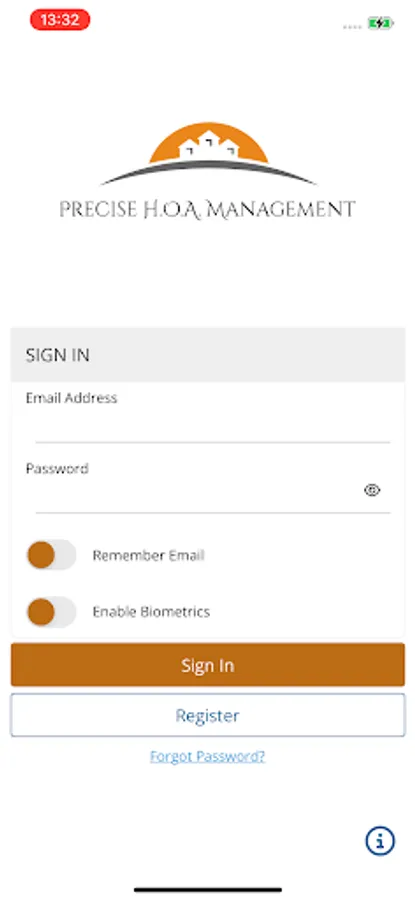
Simply click the register button and submit your information. Once your registration is approved, you will receive an email with a link to set your password and then you will be able to log in to your account directly from this app.
If you already have a login and do not remember your password, click the Forgot Password link, enter your email address to request a password reset and you will receive an email with a link to set your password. Once set, you can log in with your email address and new password.
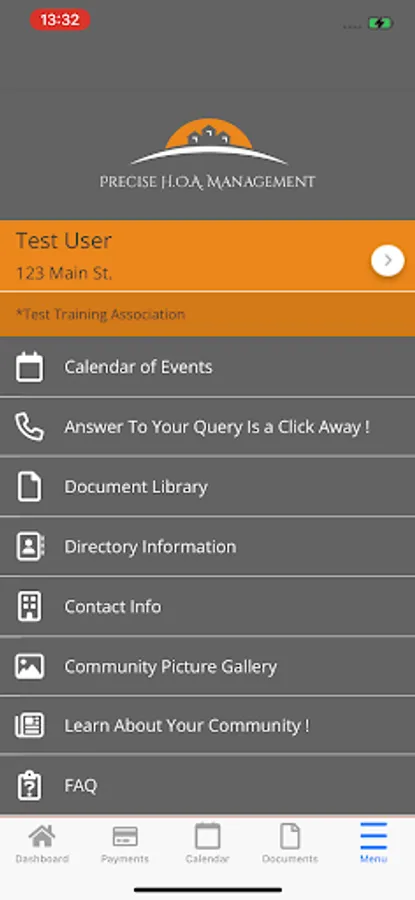
Once logged in, Homeowners will have direct access to the following features:
a. Easily switch between accounts if multiple properties are owned
b. Homeowner Dashboard
c. Access association documents
d. Access association directories
e. Access association photos
f. Access Contact Us Page
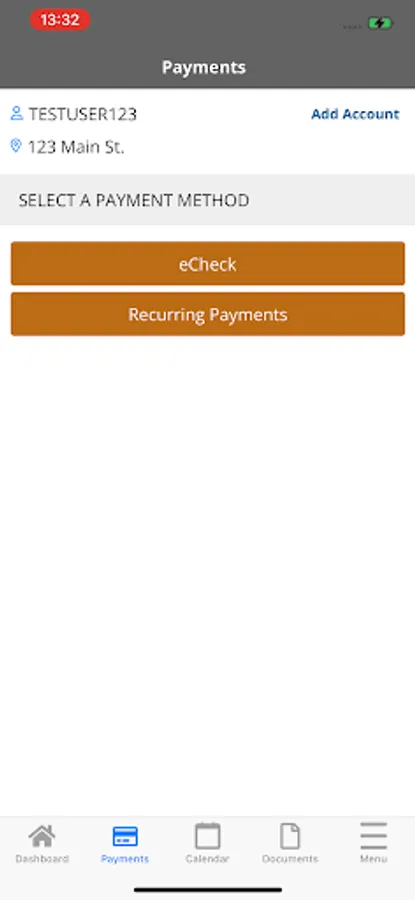
g. Pay Assessments
h. Access violations – add comments and take pictures from mobile device to add to violation
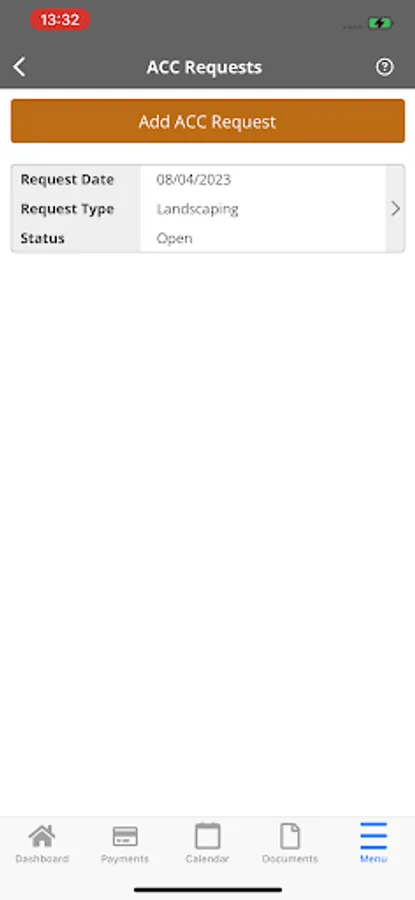
i. Submit ACC Requests and include pictures and attachments (pictures can be taken from mobile device)
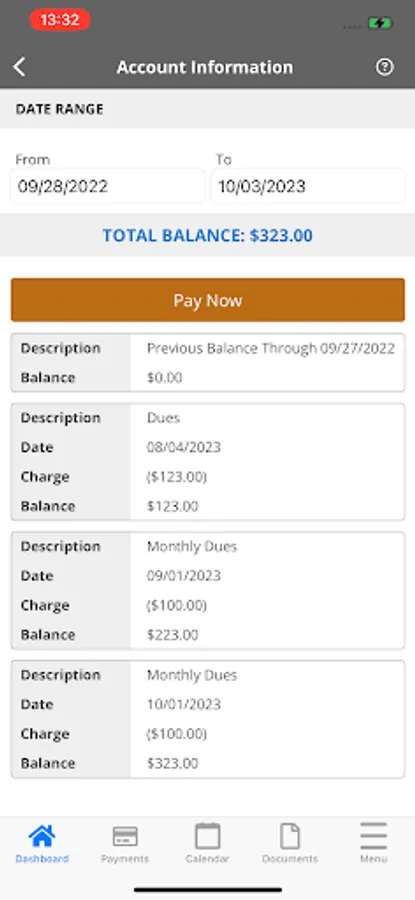
j. Access homeowner ledger
k. Submit work orders and check on status of their work orders (add comments and take pictures from mobile device)
l. Submit Architectural Applications for review and approval.
In addition, Board Members will be able to take advantage of the following features:
a. Board Tasks
b. ACC Review
c. Board documents
d. Violations Review
e. Invoice Approval
Simply click the register button and submit your information. Once your registration is approved, you will receive an email with a link to set your password and then you will be able to log in to your account directly from this app.
If you already have a login and do not remember your password, click the Forgot Password link, enter your email address to request a password reset and you will receive an email with a link to set your password. Once set, you can log in with your email address and new password.
Once logged in, Homeowners will have direct access to the following features:
a. Easily switch between accounts if multiple properties are owned
b. Homeowner Dashboard
c. Access association documents
d. Access association directories
e. Access association photos
f. Access Contact Us Page
g. Pay Assessments
h. Access violations – add comments and take pictures from mobile device to add to violation
i. Submit ACC Requests and include pictures and attachments (pictures can be taken from mobile device)
j. Access homeowner ledger
k. Submit work orders and check on status of their work orders (add comments and take pictures from mobile device)
l. Submit Architectural Applications for review and approval.
In addition, Board Members will be able to take advantage of the following features:
a. Board Tasks
b. ACC Review
c. Board documents
d. Violations Review
e. Invoice Approval