Simple Sticky Note Widget Plus
michael lin
4.4 ★
store rating
5,000+
downloads
$1.99
AppRecs review analysis
AppRecs rating 4.7. Trustworthiness 85 out of 100. Review manipulation risk 20 out of 100. Based on a review sample analyzed.
★★★★☆
4.7
AppRecs Rating
Ratings breakdown
5 star
77%
4 star
11%
3 star
1%
2 star
2%
1 star
8%
What to know
✓
Low review manipulation risk
20% review manipulation risk
✓
Credible reviews
85% trustworthiness score from analyzed reviews
✓
High user satisfaction
89% of sampled ratings are 4+ stars (4.4★ average)
About Simple Sticky Note Widget Plus
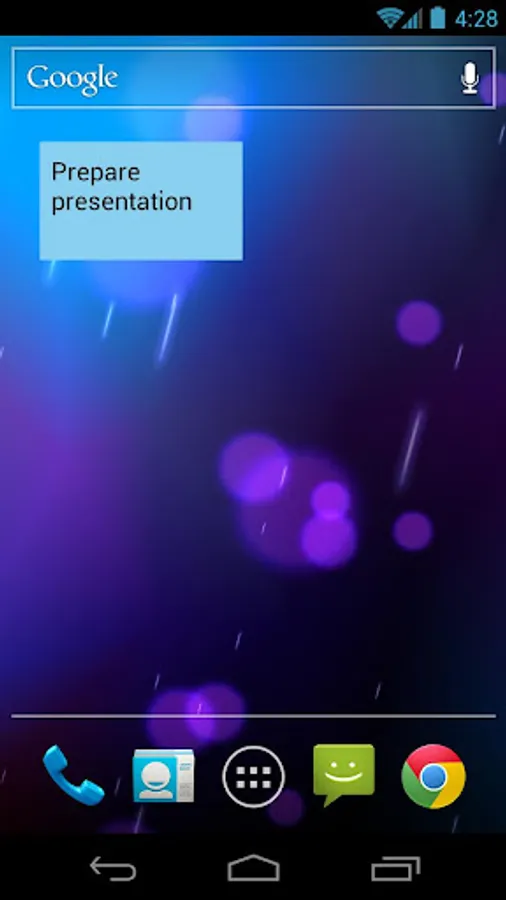
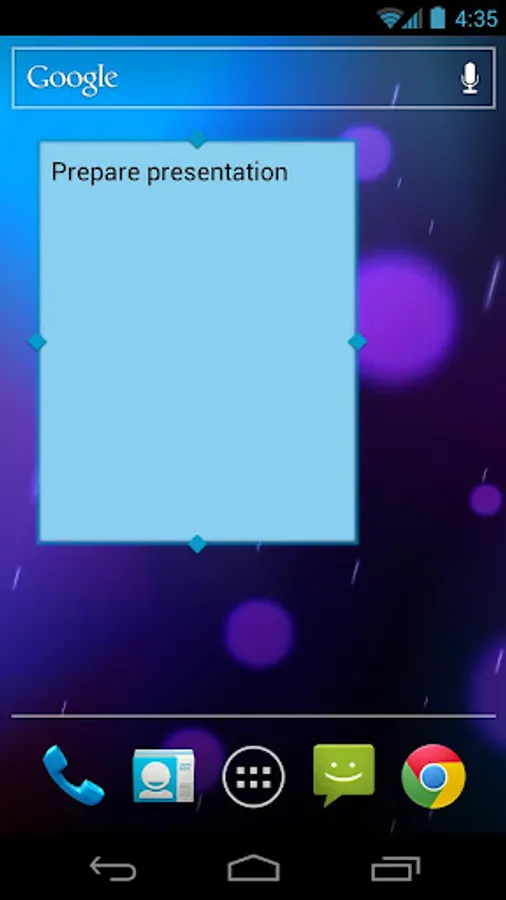
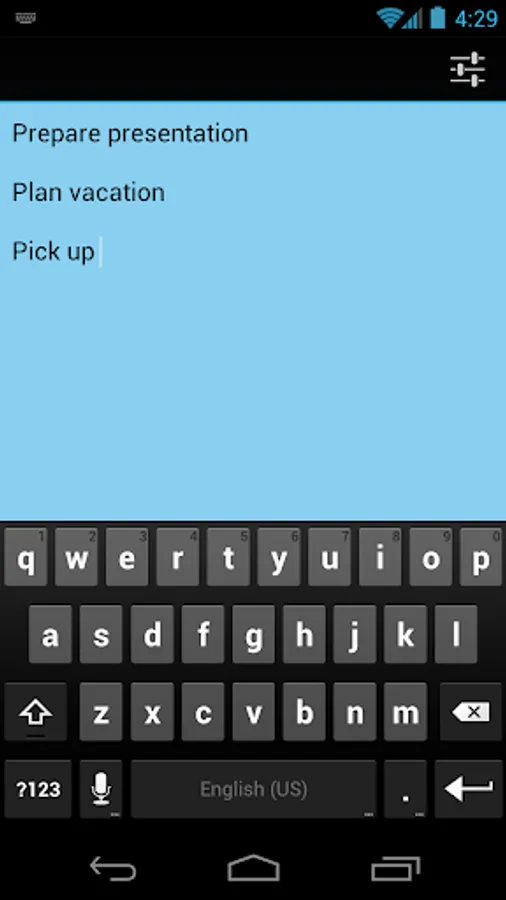
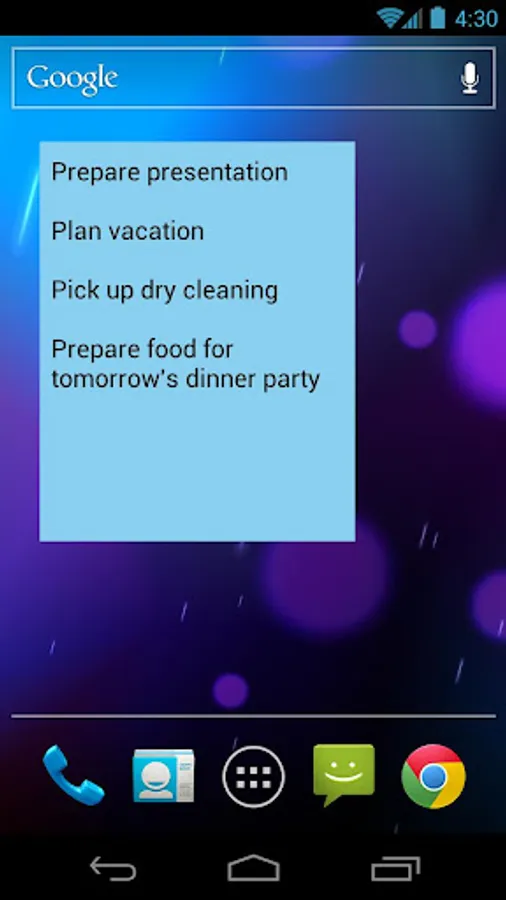
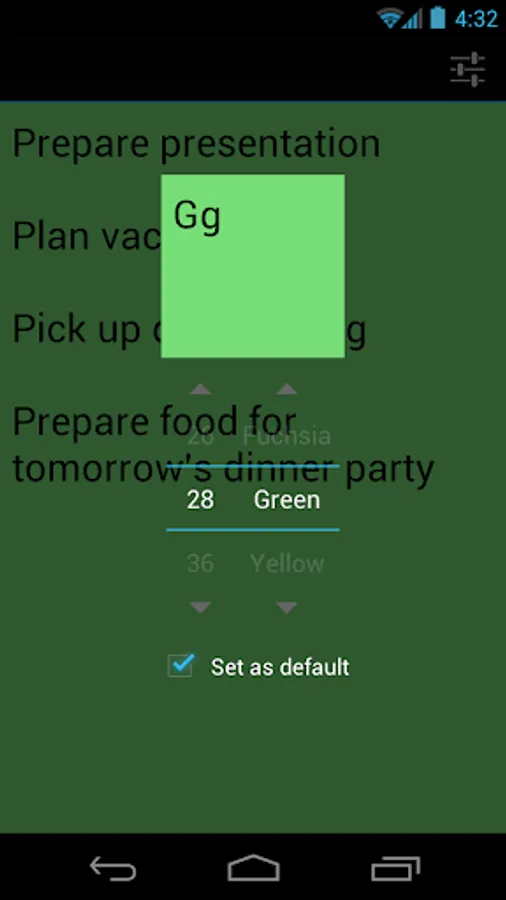
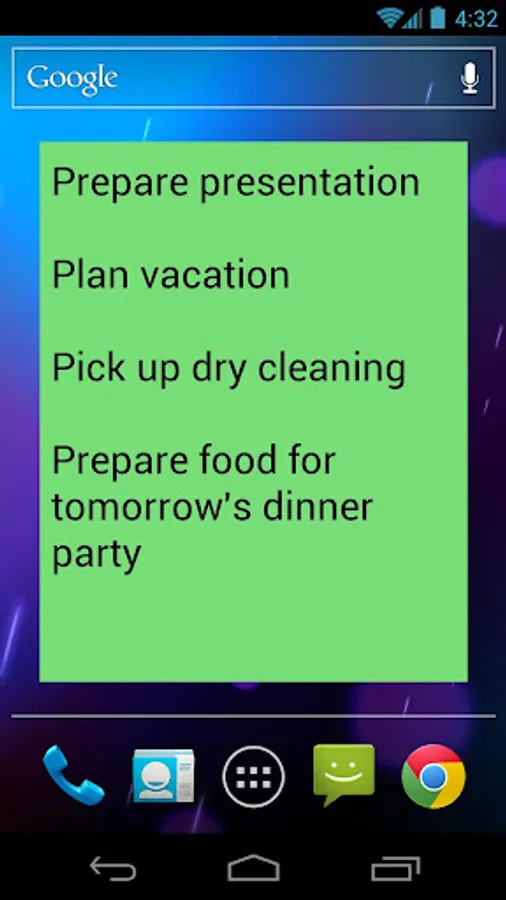
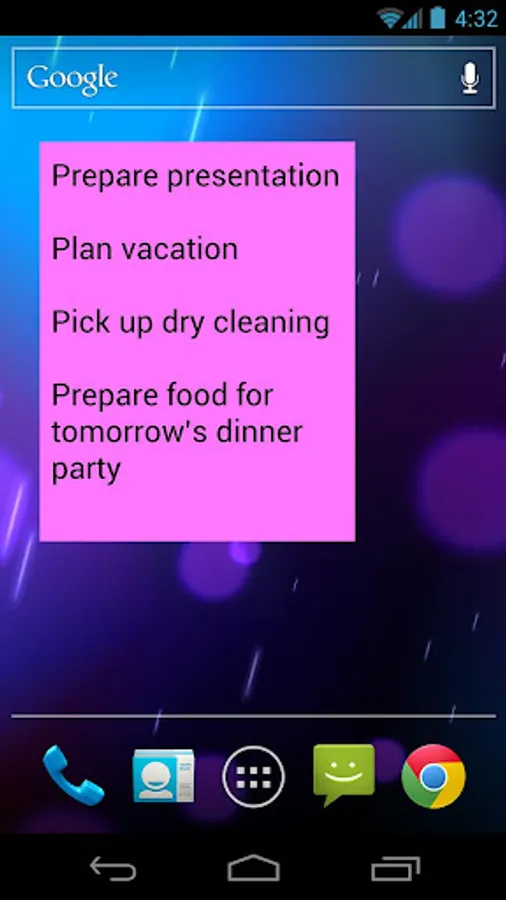
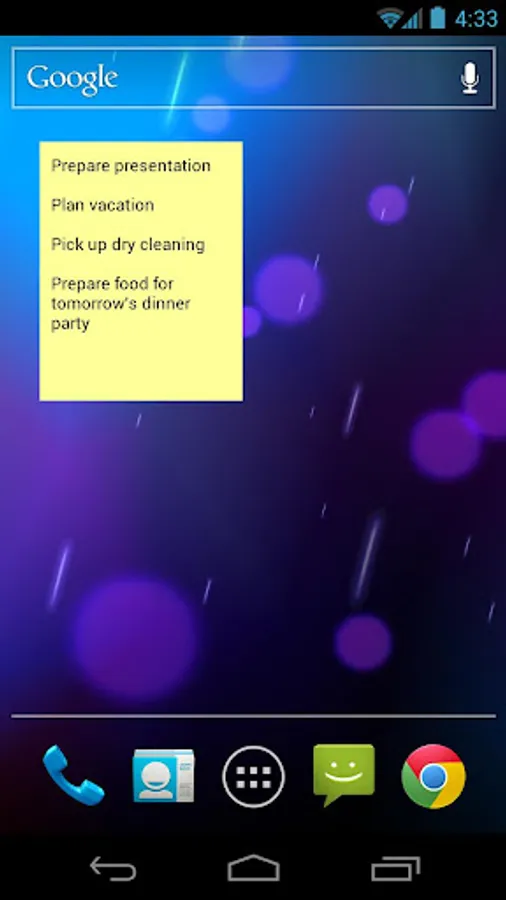
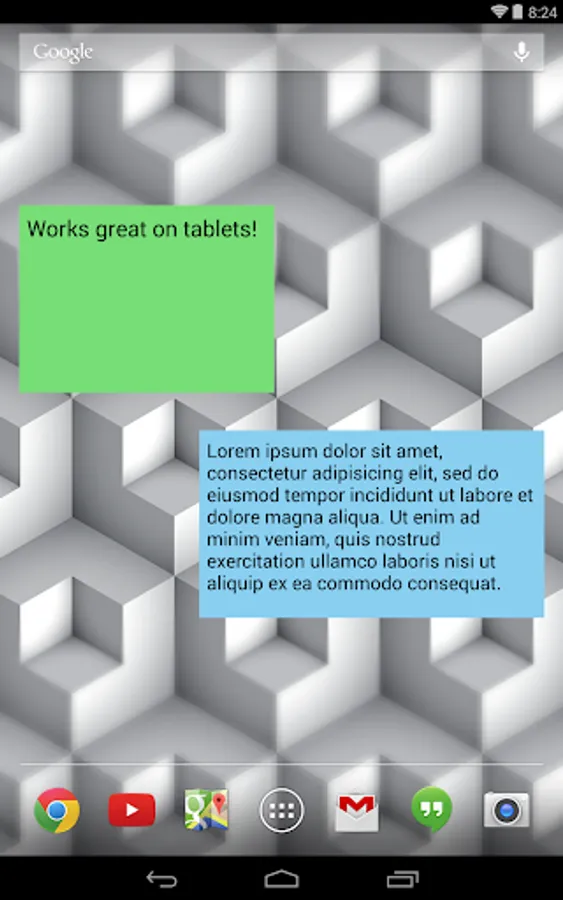
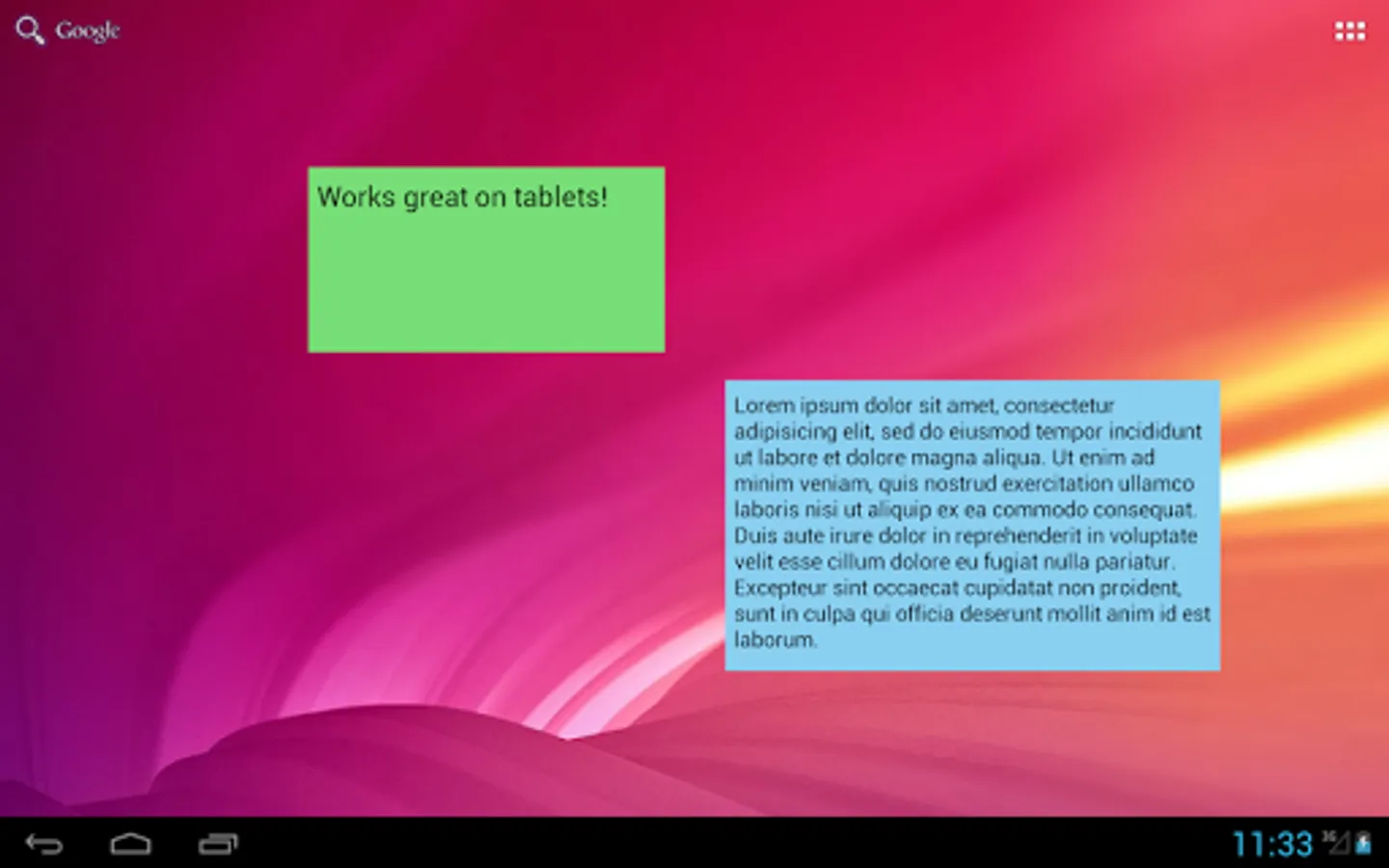
A lightweight, no-nonsense sticky note widget! Resizable, scrollable, and enabled for both your home screen and (on devices running Jelly Bean and KitKat) lock screen. No permissions required! The Plus version allows you to choose background color, background transparency, font size, and share note text to other apps.
There is a hidden sticky note history feature that allows users to view their sticky note edits from the past 24 hours (in case of accidental deletion, etc). To access the feature:
1) Add a sticky note widget to your home screen.
2) Open the sticky note widget editor by tapping on the widget.
3) Double-tap the editor screen 5 times in quick succession.
4) Swipe left and right on the history screen to see the available notes
Received "Excellent" rating from CNET Editors.
*You may need to restart your device before this widget shows up in your widget list.
*Due to Android limitations this app may not be visible when installed on the SD card.
There is a hidden sticky note history feature that allows users to view their sticky note edits from the past 24 hours (in case of accidental deletion, etc). To access the feature:
1) Add a sticky note widget to your home screen.
2) Open the sticky note widget editor by tapping on the widget.
3) Double-tap the editor screen 5 times in quick succession.
4) Swipe left and right on the history screen to see the available notes
Received "Excellent" rating from CNET Editors.
*You may need to restart your device before this widget shows up in your widget list.
*Due to Android limitations this app may not be visible when installed on the SD card.