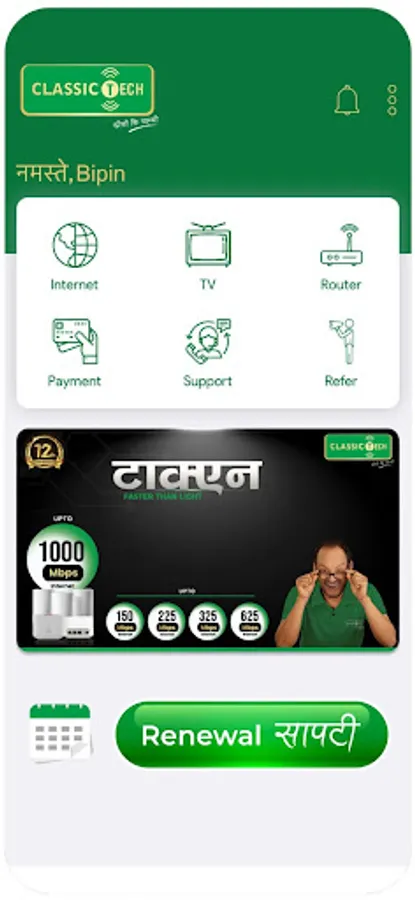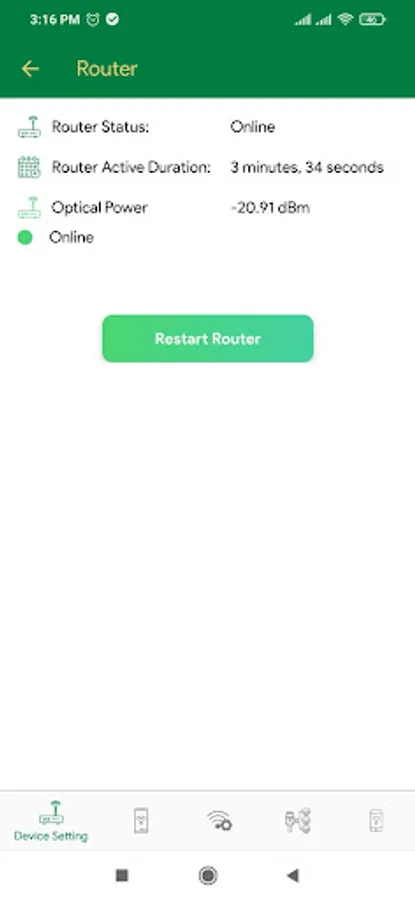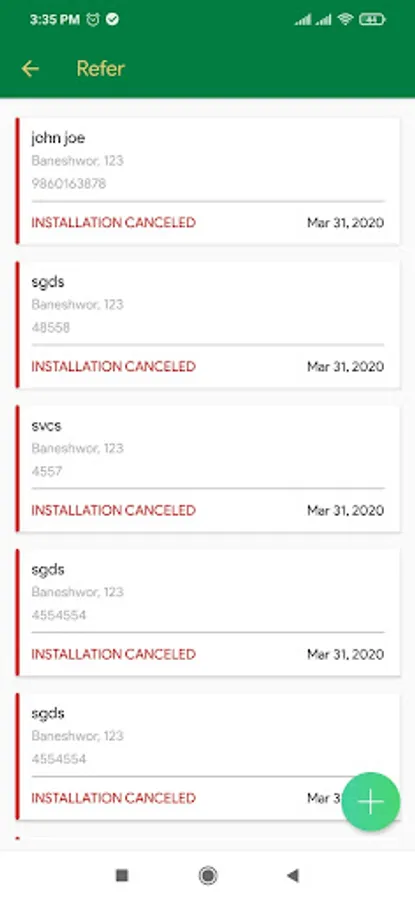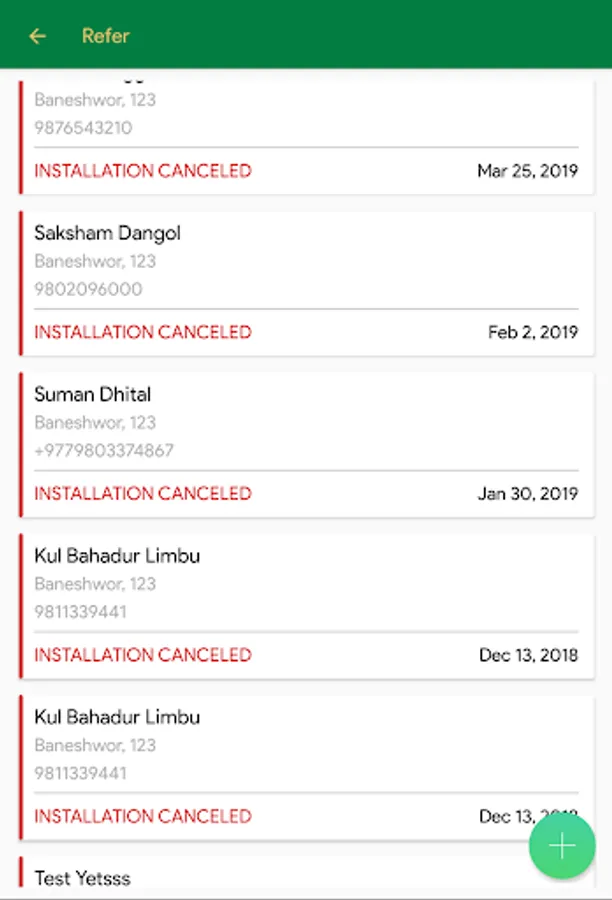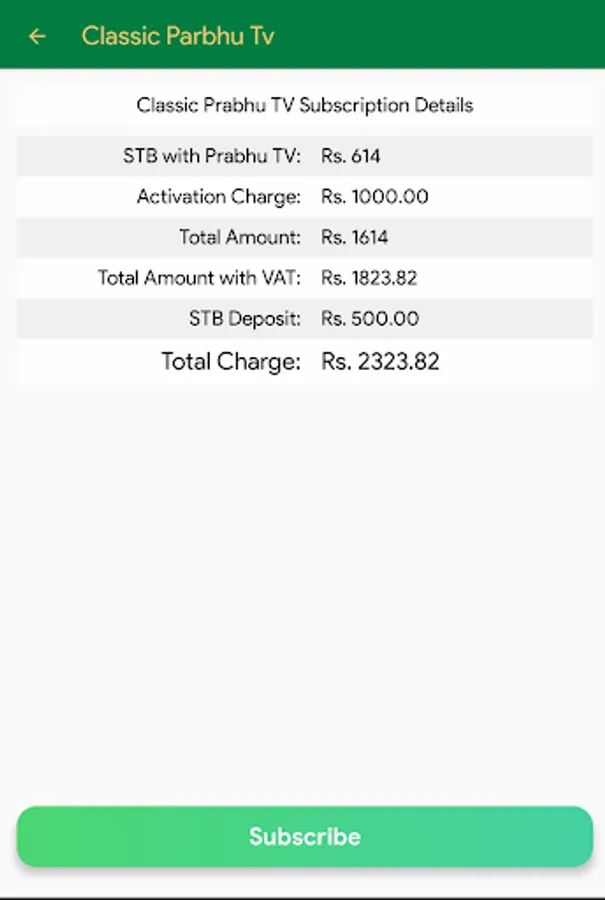
With this app, you can manage payments, control router settings, view account details, and access customer support. Includes secure payment options, device management, usage tracking, and contact information.
AppRecs review analysis
AppRecs rating 1.6. Trustworthiness 78 out of 100. Review manipulation risk 22 out of 100. Based on a review sample analyzed.
★☆☆☆☆
1.6
AppRecs Rating
Ratings breakdown
5 star
16%
4 star
1%
3 star
1%
2 star
2%
1 star
80%
What to know
⚠
Pricing complaints
Many low ratings mention paywalls or pricing
⚠
Mixed user feedback
Average 1.7★ rating suggests room for improvement
⚠
High negative review ratio
82% of sampled ratings are 1–2 stars
About Classic Tech
Classic Tech App is an exclusive application developed for our customers to provide various services in the digital platform. Customers can get all types of care services through this app without any issues and hassle. All of the services provided to customers can be used via this application.
The details of the services provided to our customers have been briefly described below:
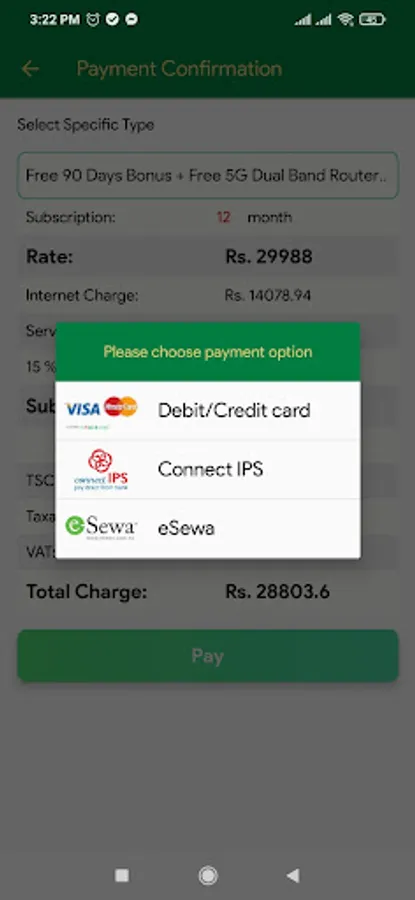
Payment is easy, reliable, and secure
• Pay for new installment and recharge in just 3 clicks with payment breakdown.
• Payment can be made from eSewa, Khalti, Connect IPS, iPay, and Debit/Credit card
• View Payment History
Control router settings
• View list of connected devices
• Change Wi-Fi SSID and password
• Option to publicly show SSID or not
• Port Status
• Add or remove MAC Filtering
Account Information is transparent
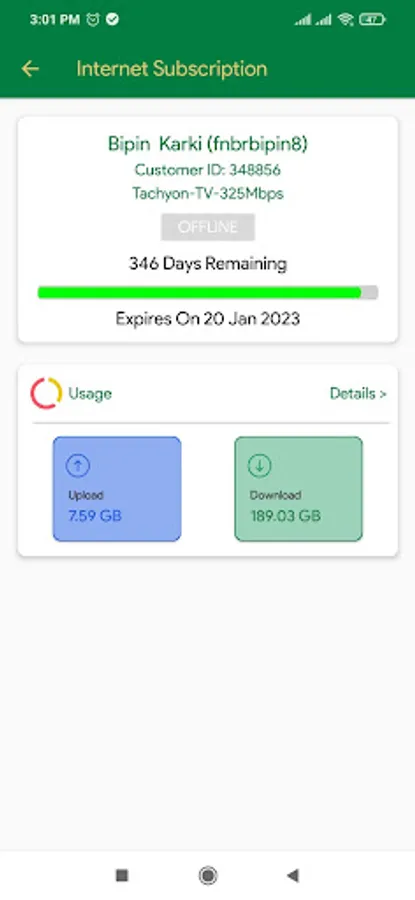
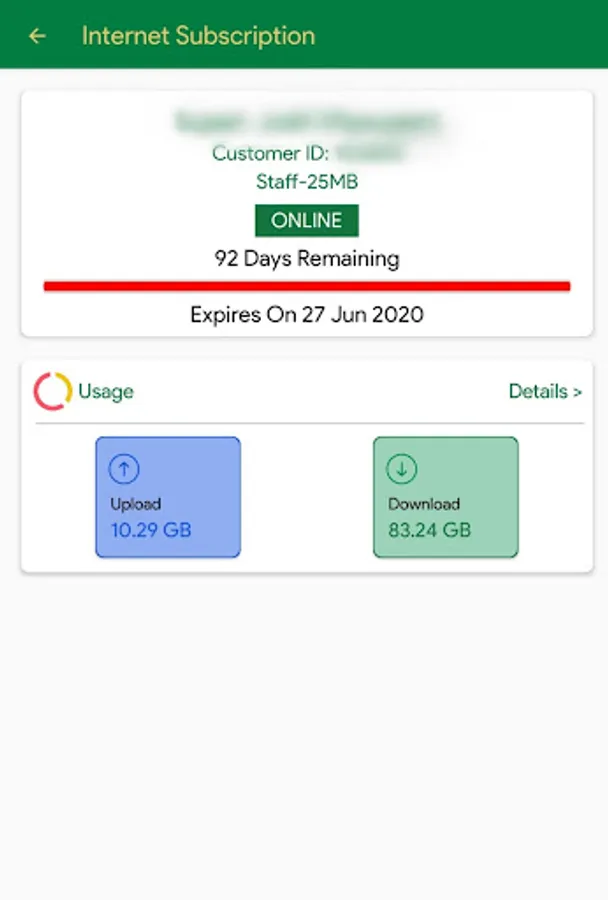
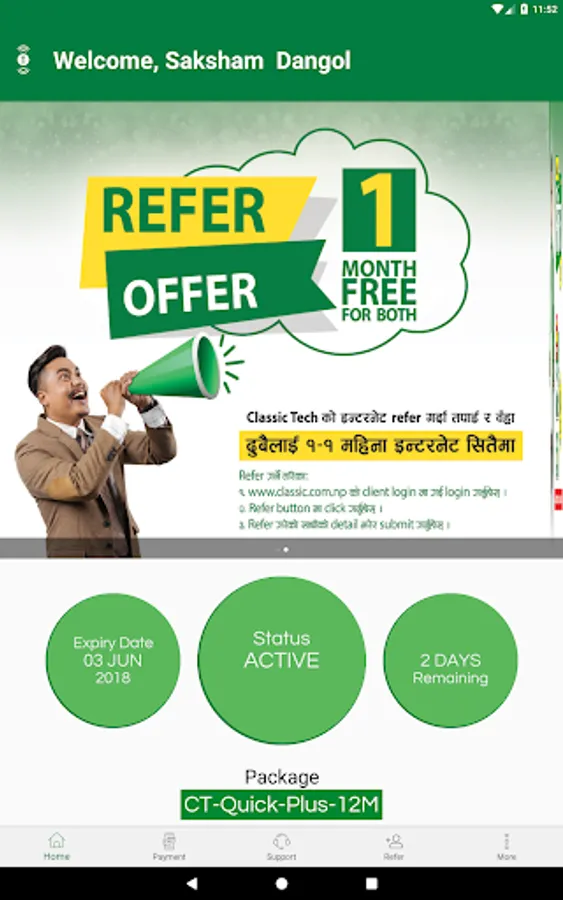
• View information regarding expiry date, grace period, and package.
• View daily and monthly usage of the last 3 months in graph and list.
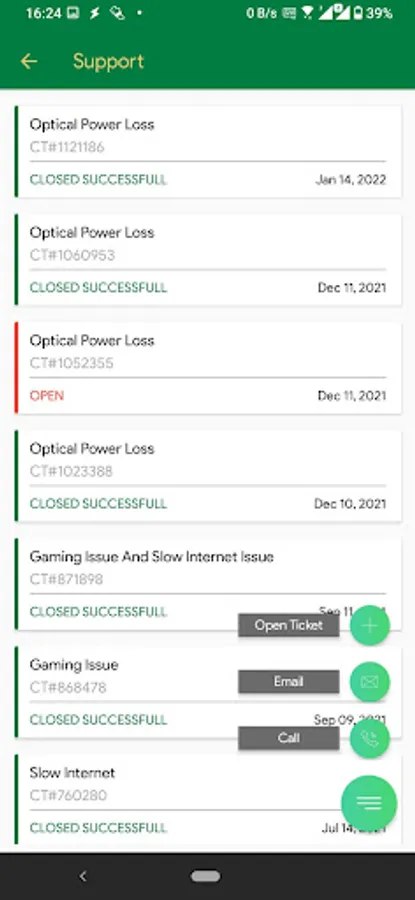
24 x 7 Customer Support
• If a customer is facing any issue or is having any technical difficulties, the customer can either create a ticket or call/email us for immediate support.
Other Services
• View and edit profile information
• Speed Test
• Branch contact information
The details of the services provided to our customers have been briefly described below:
Payment is easy, reliable, and secure
• Pay for new installment and recharge in just 3 clicks with payment breakdown.
• Payment can be made from eSewa, Khalti, Connect IPS, iPay, and Debit/Credit card
• View Payment History
Control router settings
• View list of connected devices
• Change Wi-Fi SSID and password
• Option to publicly show SSID or not
• Port Status
• Add or remove MAC Filtering
Account Information is transparent
• View information regarding expiry date, grace period, and package.
• View daily and monthly usage of the last 3 months in graph and list.
24 x 7 Customer Support
• If a customer is facing any issue or is having any technical difficulties, the customer can either create a ticket or call/email us for immediate support.
Other Services
• View and edit profile information
• Speed Test
• Branch contact information