
Clean Toolkit
StarsStars Vision
4.2 ★
2K ratings
1,000,000+
downloads
Free
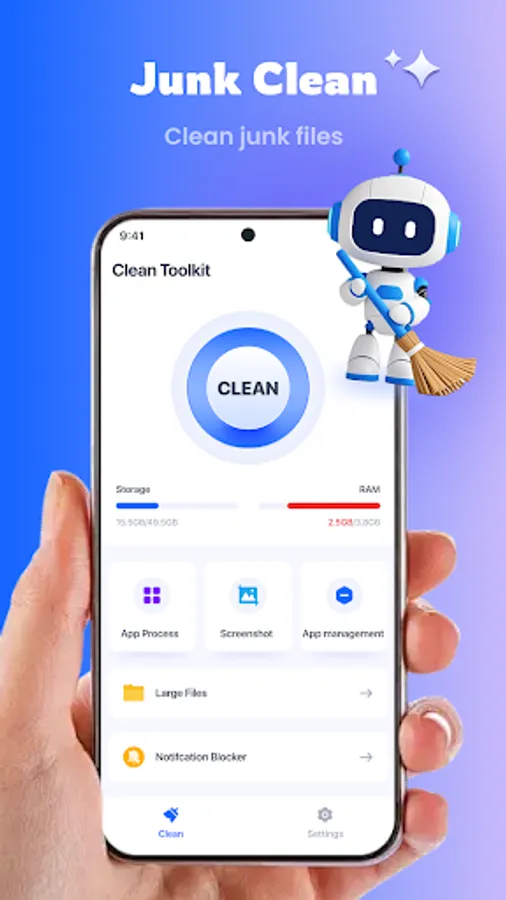
With this utility app, you can clean junk files, optimize background processes, and manage large files. Includes features for screenshot cleanup, battery monitoring, and app uninstallation.
AppRecs review analysis
AppRecs rating 4.3. Trustworthiness 65 out of 100. Review manipulation risk 34 out of 100. Based on a review sample analyzed.
★★★★☆
4.3
AppRecs Rating
Ratings breakdown
5 star
60%
4 star
20%
3 star
9%
2 star
3%
1 star
9%
What to know
✓
High user satisfaction
79% of sampled ratings are 4+ stars (4.2★ average)
✓
Authentic reviews
Natural distribution, no red flags
About Clean Toolkit
Main Features:
1. Junk Cleaning: Accurately identify and remove system junk and residual files.
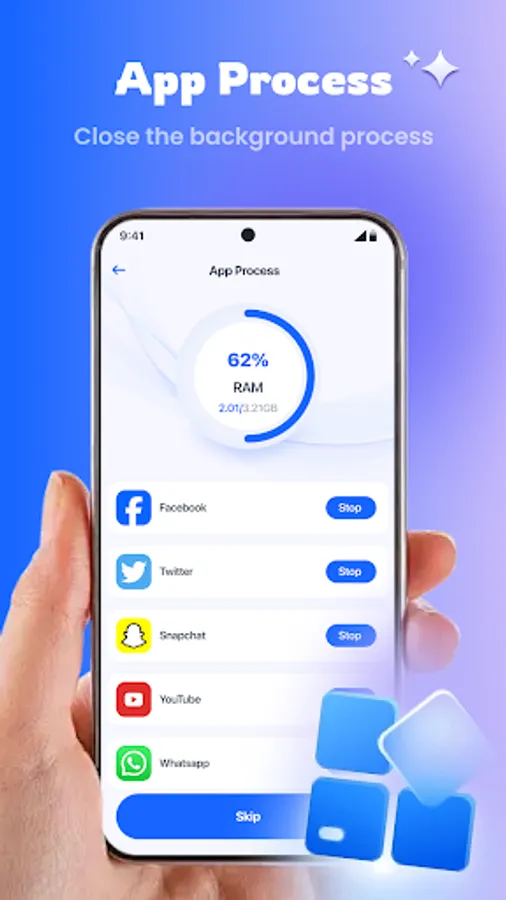
2. Background Process Optimization: Close apps in the background with one tap.
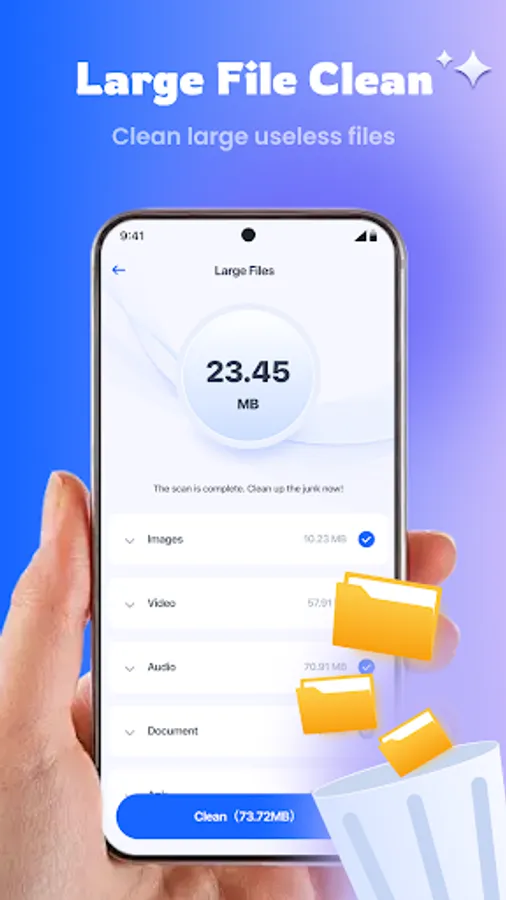
3. Large File Cleanup: Quickly locate and delete large files like videos and game data packets.
4. Screenshot Cleanup: Smartly delete screenshot for a tidier photo album.
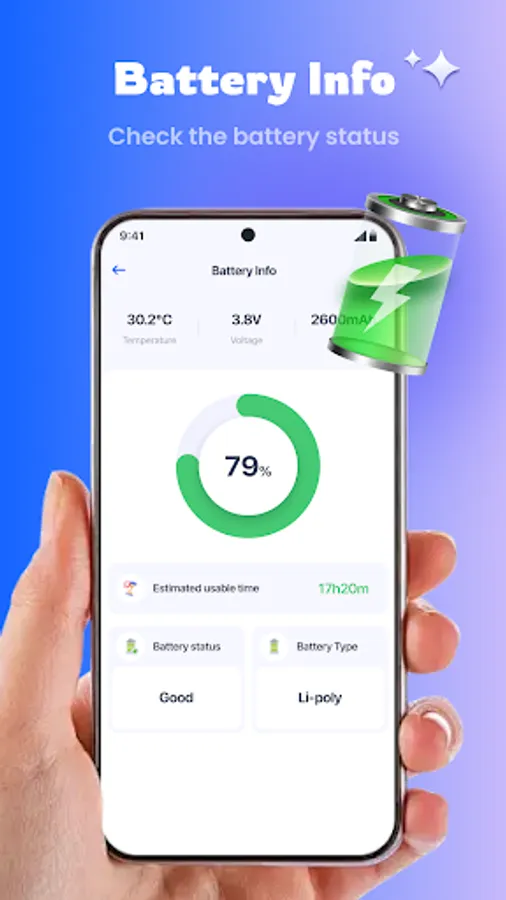
5. Battery Status Check: Keep track of phone battery information.
6. Quick App Uninstall: Uninstall redundant apps with one tap to simplify your mobile experience.
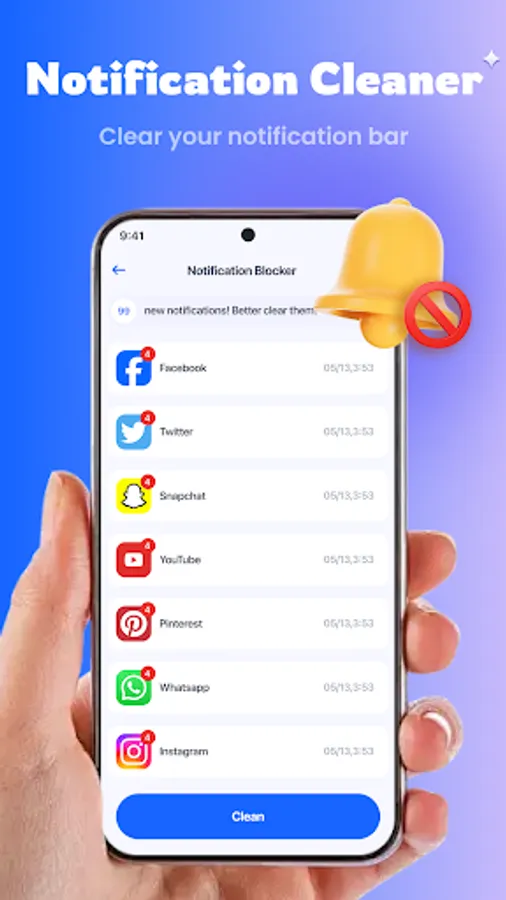
7. Intelligent Notification Management: Customize permissions to filter out invalid alerts, ensuring important notifications never miss.
1. Junk Cleaning: Accurately identify and remove system junk and residual files.
2. Background Process Optimization: Close apps in the background with one tap.
3. Large File Cleanup: Quickly locate and delete large files like videos and game data packets.
4. Screenshot Cleanup: Smartly delete screenshot for a tidier photo album.
5. Battery Status Check: Keep track of phone battery information.
6. Quick App Uninstall: Uninstall redundant apps with one tap to simplify your mobile experience.
7. Intelligent Notification Management: Customize permissions to filter out invalid alerts, ensuring important notifications never miss.
Clean Toolkit Screenshots
Tap to Rate:
Reviews for Clean Toolkit
Marilyn Coates
12/29/2025
does a nice job
Louise Wilson
12/29/2025
it's ok just pops up too many times