Rotate Video, Cut Video
CodeEdifice
3.3 ★
store rating
100,000+
downloads
Free
AppRecs review analysis
AppRecs rating 2.6. Trustworthiness 79 out of 100. Review manipulation risk 26 out of 100. Based on a review sample analyzed.
★★☆☆☆
2.6
AppRecs Rating
Ratings breakdown
5 star
49%
4 star
6%
3 star
5%
2 star
1%
1 star
38%
What to know
⚠
Ad complaints
Many low ratings mention excessive ads
⚠
Review quality concerns
44% of sampled 5-star reviews are very short
⚠
High negative review ratio
39% of sampled ratings are 1–2 stars
About Rotate Video, Cut Video
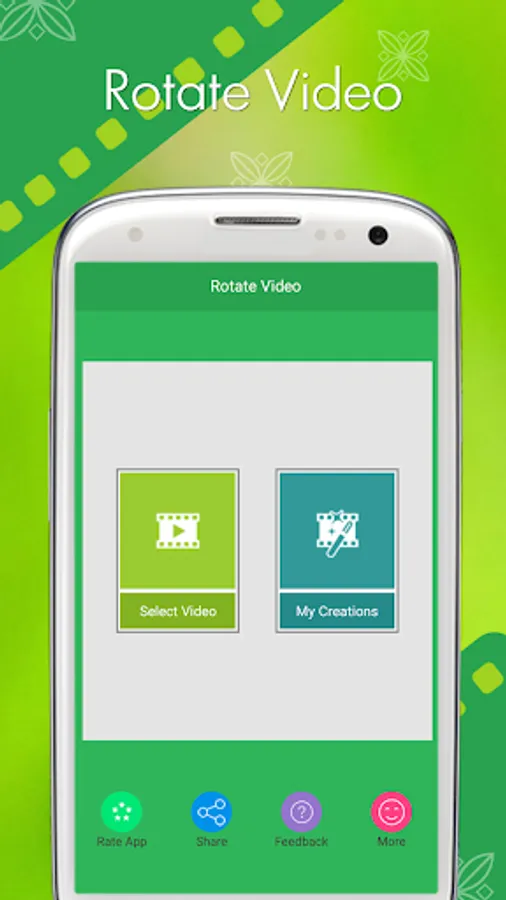
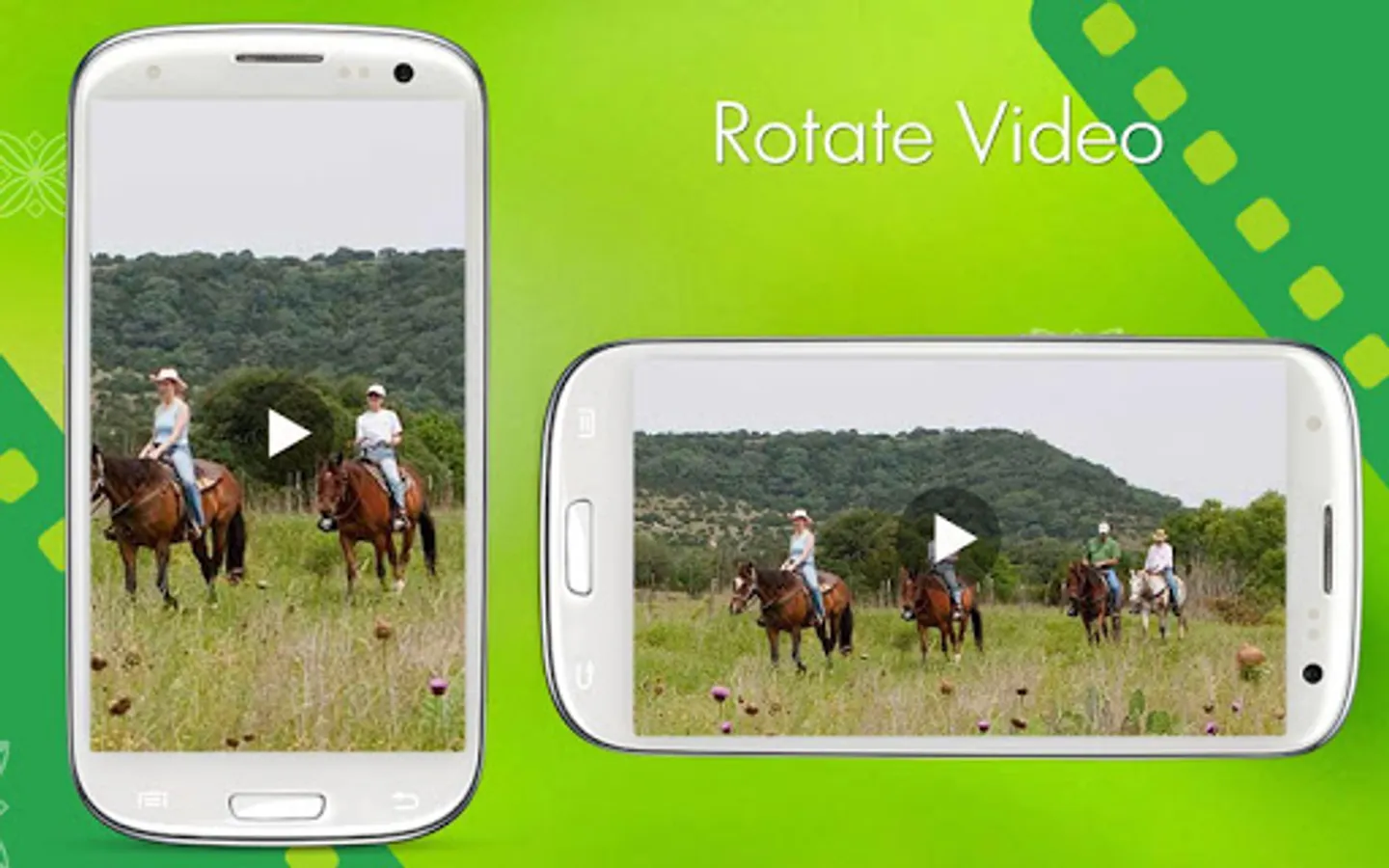
This application is for Rotate a video in all angles 90 degrees, 180 degrees, 270 degrees.Using this Rotate Video you can rotate and trim a video.
Rotate Video is easy to use and free app to rotate and trim a video,With this Rotate Video you can easily rotate a video.
This application is so easy to use.
Feature:
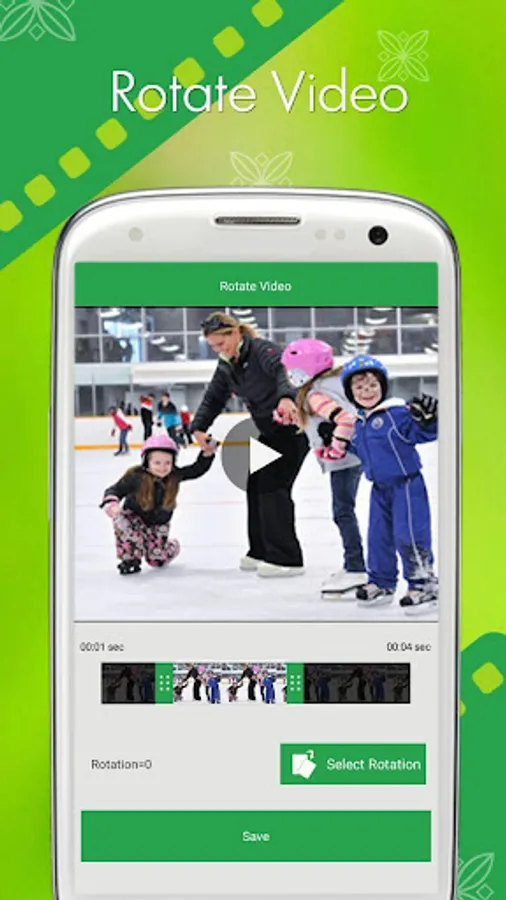
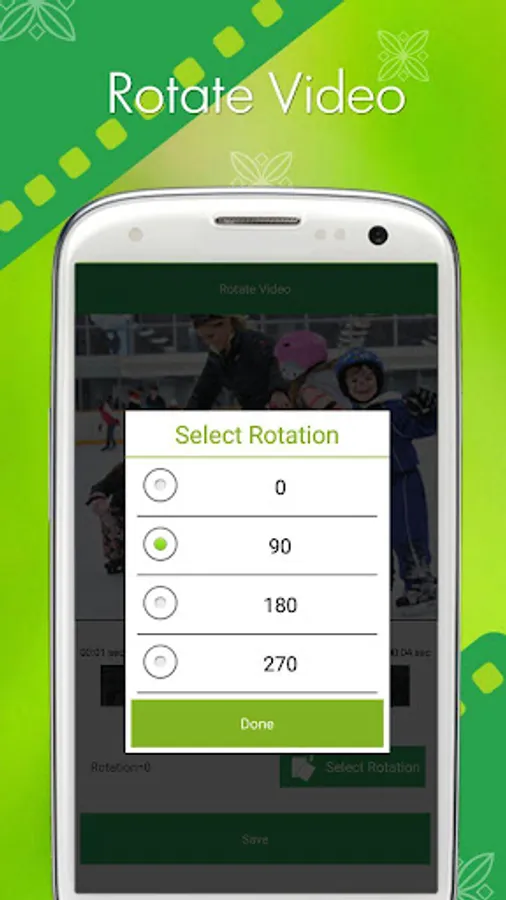
► Easily Rotate a video in all angles 90,180 or 270 degrees
► You can also Trim Video in this app.
► You can also add your favorite music in video.
► You can also remove audio from video(Mute Video).
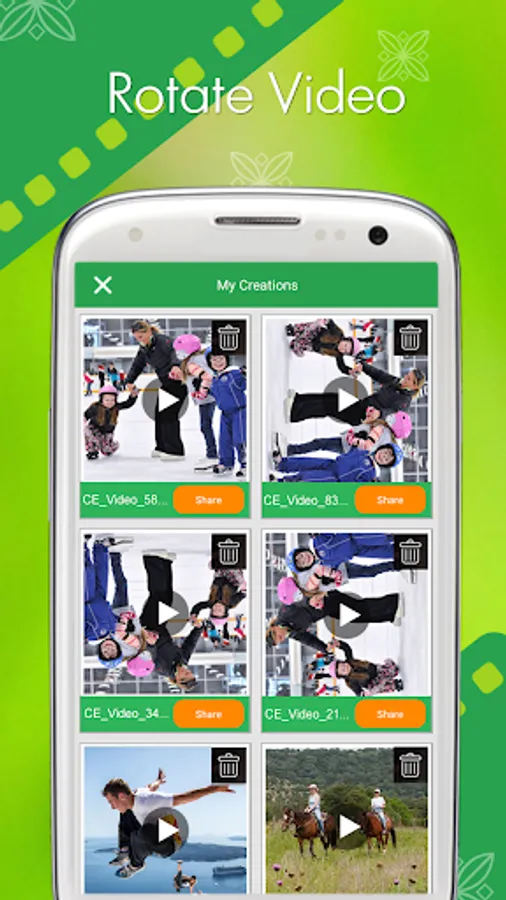
► You can play your Rotated video
►You can share these video's to social network like Facebook, Gmail etc
► Save & Delete
How to USE?
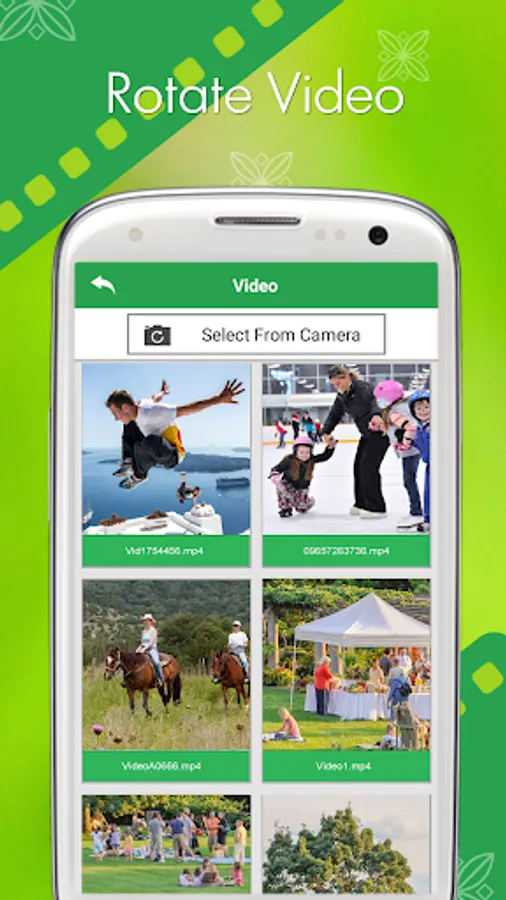
► Select videos from your Gallery / Camera
► Select rotation (90 degrees, 180 degrees, 270 degrees)
► Click on “Save” Button
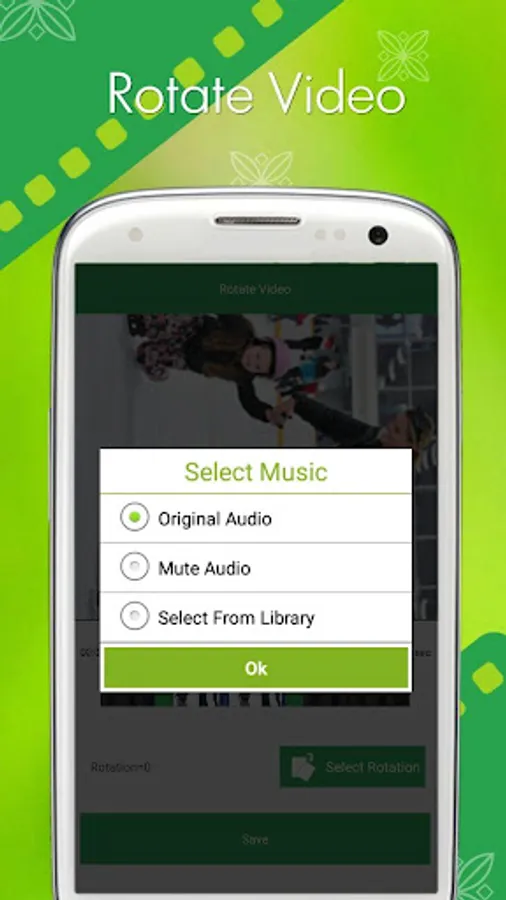
► Select audio option (“Original Audio”, "Mute Audio" and “select from Gallery”)
► Click on “Ok” Button
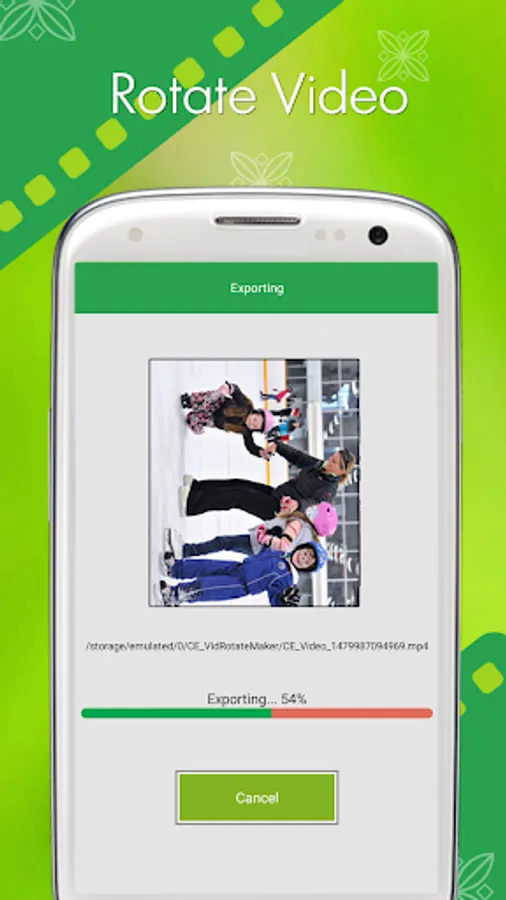
► Wait for complete process
► Easily Share your Rotated Video With your Friends
Rotate Video is easy to use and free app to rotate and trim a video,With this Rotate Video you can easily rotate a video.
This application is so easy to use.
Feature:
► Easily Rotate a video in all angles 90,180 or 270 degrees
► You can also Trim Video in this app.
► You can also add your favorite music in video.
► You can also remove audio from video(Mute Video).
► You can play your Rotated video
►You can share these video's to social network like Facebook, Gmail etc
► Save & Delete
How to USE?
► Select videos from your Gallery / Camera
► Select rotation (90 degrees, 180 degrees, 270 degrees)
► Click on “Save” Button
► Select audio option (“Original Audio”, "Mute Audio" and “select from Gallery”)
► Click on “Ok” Button
► Wait for complete process
► Easily Share your Rotated Video With your Friends