PDF Annotator – Editor & Notes
Code!nk Technologies
100+
downloads
Free
+ in-app
AppRecs review analysis
AppRecs rating 3.8. Trustworthiness 75 out of 100. Review manipulation risk 21 out of 100. Based on a review sample analyzed.
★★★☆☆
3.8
AppRecs Rating
Ratings breakdown
5 star
0%
4 star
100%
3 star
0%
2 star
0%
1 star
0%
What to know
✓
Low review manipulation risk
21% review manipulation risk
✓
Credible reviews
75% trustworthiness score from analyzed reviews
✓
High user satisfaction
100% of sampled ratings are 4+ stars (4.0★ average)
About PDF Annotator – Editor & Notes
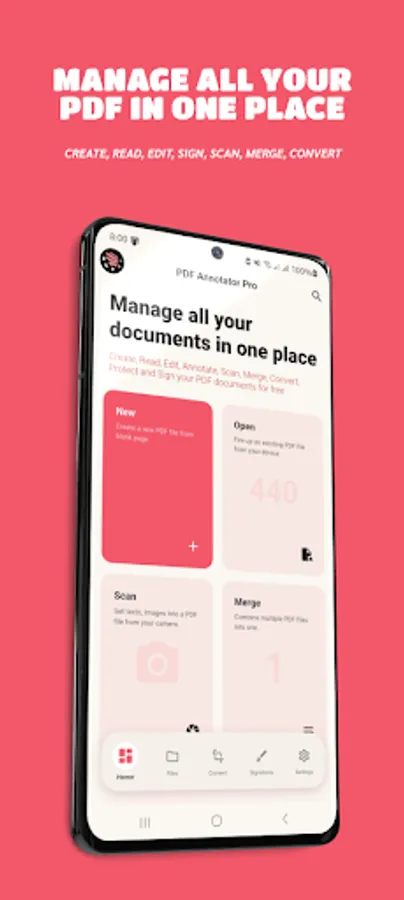
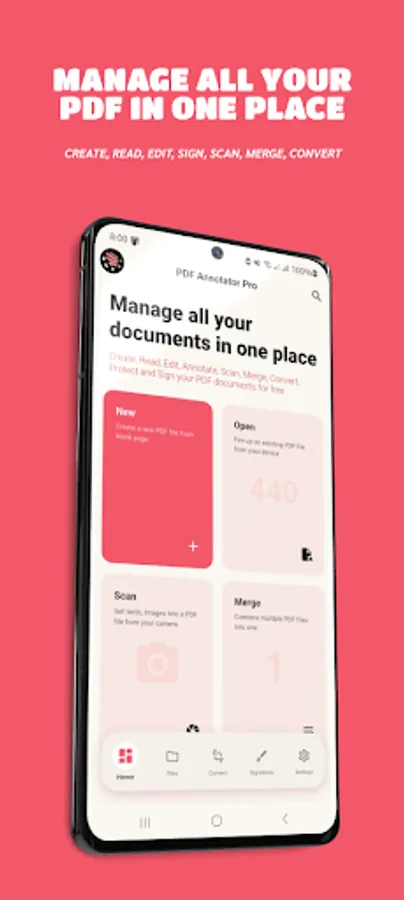
PDF Annotator is your all-in-one offline tool to create, read, edit, annotate, sign, highlight, merge, set password, convert, design templating and organize PDF documents. Designed for professionals, students and everyday users, it delivers a fast, smooth and powerful PDF experience on your device. Whether you want to mark up lecture notes, sign business papers, scan documents or organize files, PDF Annotator gives you everything you need in one place.
Annotate with precision
Highlight text, underline important lines, add sticky notes, draw freely with the pen tool, insert shapes, add comments or mark corrections. Every annotation is stored instantly and works offline.
Powerful PDF Editing Tools
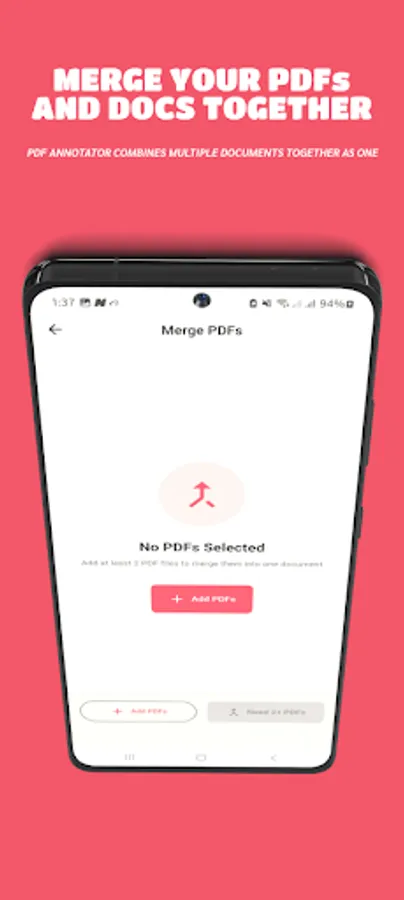
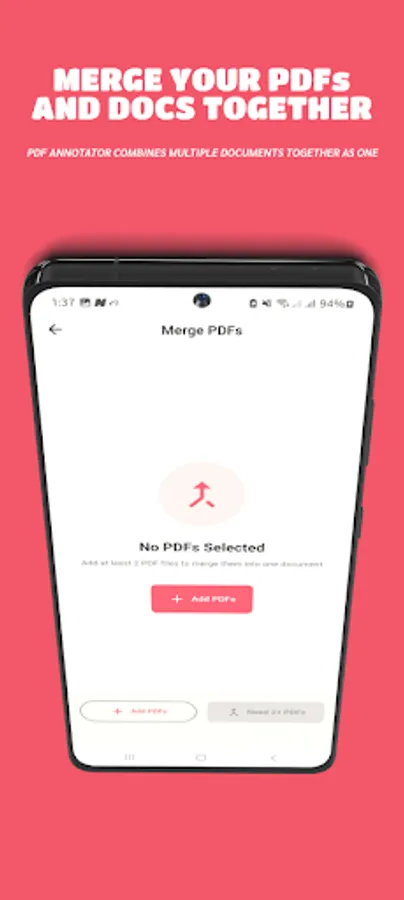
Rearrange pages, rotate pages, extract pages, or merge multiple PDFs into one. Insert images, add watermarks, edit text elements or create new pages directly inside your document.
Advanced Document Tools
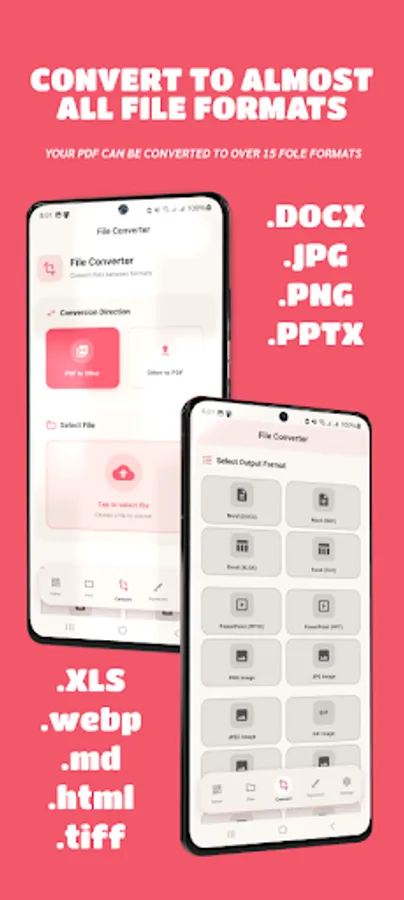
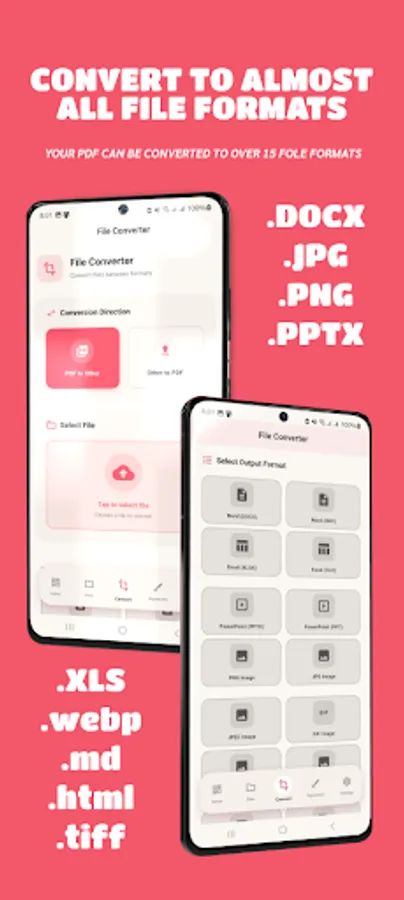
Convert photos to PDF, scan documents with auto-crop, compress PDFs, password-lock files, and export your work in high quality. Everything happens securely on your device.
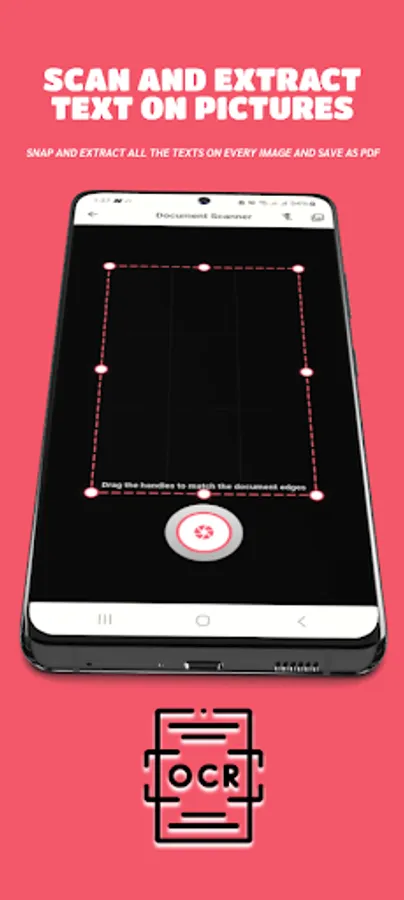
Scan to PDF
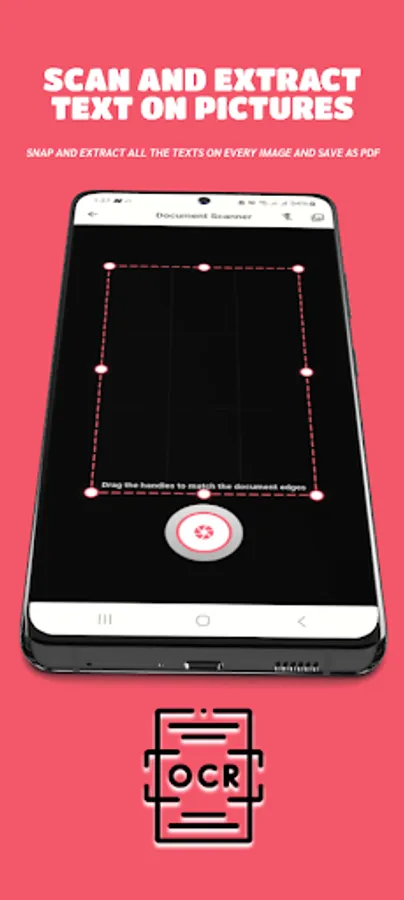
Turn your camera into a handheld scanner. Detect edges automatically, enhance documents with smart filters, and save them instantly as clean, high-quality PDFs.
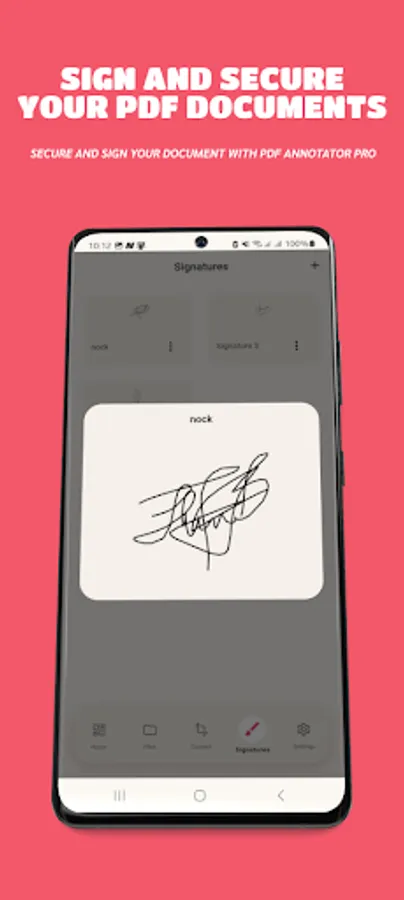
Write & Sign Documents
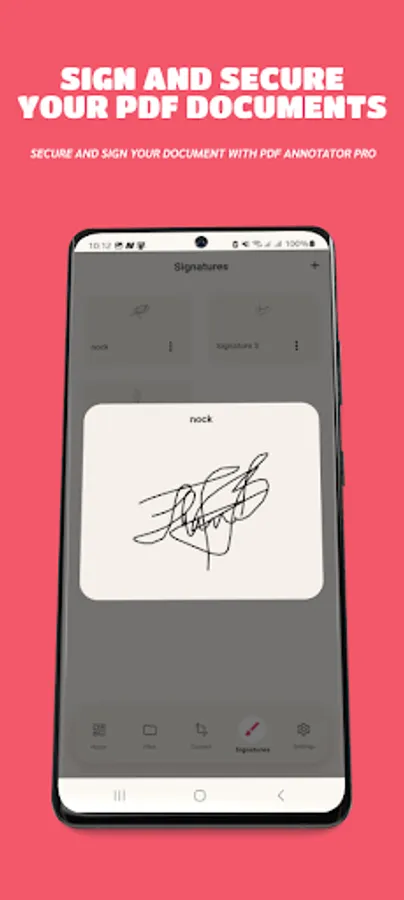
Add signatures, save multiple signature styles, and sign contracts, invoices and forms without printing. Signing a PDF becomes effortless.
Work 100% Offline
Your files stay on your device. No cloud, no server, no internet required.
Key Features:
• PDF annotation (highlight, pen, shapes, text)
• Add notes & comments
• Merge & split PDFs
• Scan documents to PDF
• Insert images, text & watermarks
• Rotate, reorder & extract pages
• Offline signatures
• Convert JPG/PNG to PDF
• Document compression
• Password protection
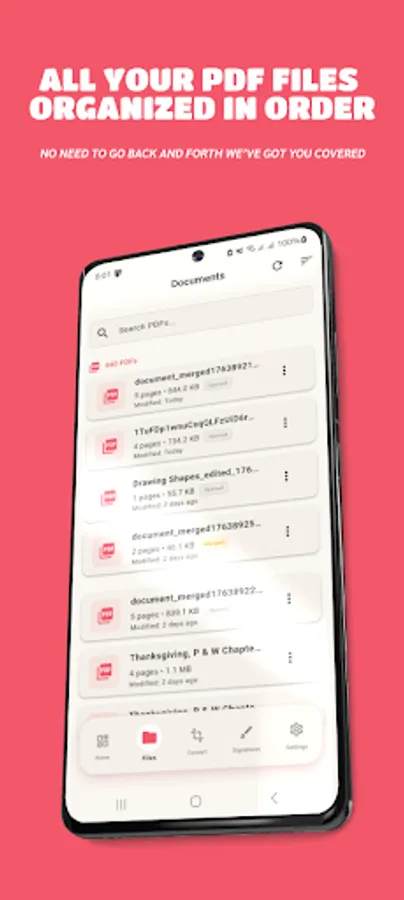
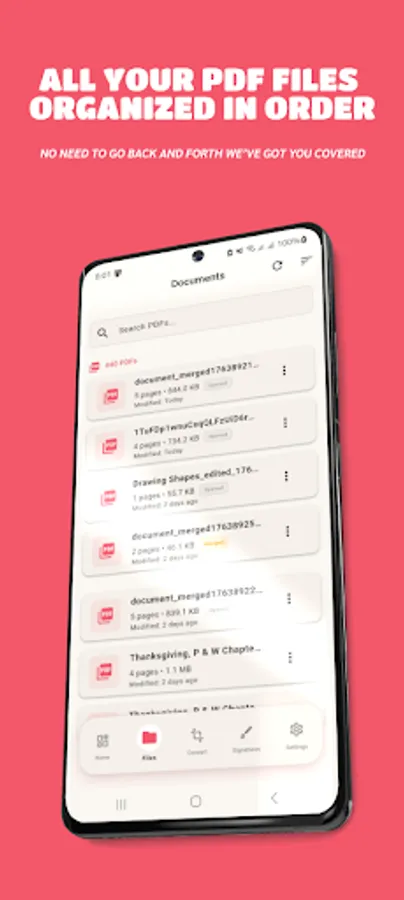
• File manager
• Dark & light mode
PDF Annotator gives you the freedom to work fast, stay organized and handle professional documents with ease — all in one simple, modern, offline app.
In all, PDF Annotator gives you:
Primary:
pdf annotator, pdf editor, pdf reader, pdf highlighter, pdf notes, pdf markups
Secondary:
pdf tools, pdf merge, pdf split, pdf scanner, sign pdf, annotate document, pdf converter
Professionally:
offline pdf annotator, , pdf annotation for students and professionals,
pdf handwriting notes, pdf viewer and editor
Annotate with precision
Highlight text, underline important lines, add sticky notes, draw freely with the pen tool, insert shapes, add comments or mark corrections. Every annotation is stored instantly and works offline.
Powerful PDF Editing Tools
Rearrange pages, rotate pages, extract pages, or merge multiple PDFs into one. Insert images, add watermarks, edit text elements or create new pages directly inside your document.
Advanced Document Tools
Convert photos to PDF, scan documents with auto-crop, compress PDFs, password-lock files, and export your work in high quality. Everything happens securely on your device.
Scan to PDF
Turn your camera into a handheld scanner. Detect edges automatically, enhance documents with smart filters, and save them instantly as clean, high-quality PDFs.
Write & Sign Documents
Add signatures, save multiple signature styles, and sign contracts, invoices and forms without printing. Signing a PDF becomes effortless.
Work 100% Offline
Your files stay on your device. No cloud, no server, no internet required.
Key Features:
• PDF annotation (highlight, pen, shapes, text)
• Add notes & comments
• Merge & split PDFs
• Scan documents to PDF
• Insert images, text & watermarks
• Rotate, reorder & extract pages
• Offline signatures
• Convert JPG/PNG to PDF
• Document compression
• Password protection
• File manager
• Dark & light mode
PDF Annotator gives you the freedom to work fast, stay organized and handle professional documents with ease — all in one simple, modern, offline app.
In all, PDF Annotator gives you:
Primary:
pdf annotator, pdf editor, pdf reader, pdf highlighter, pdf notes, pdf markups
Secondary:
pdf tools, pdf merge, pdf split, pdf scanner, sign pdf, annotate document, pdf converter
Professionally:
offline pdf annotator, , pdf annotation for students and professionals,
pdf handwriting notes, pdf viewer and editor