
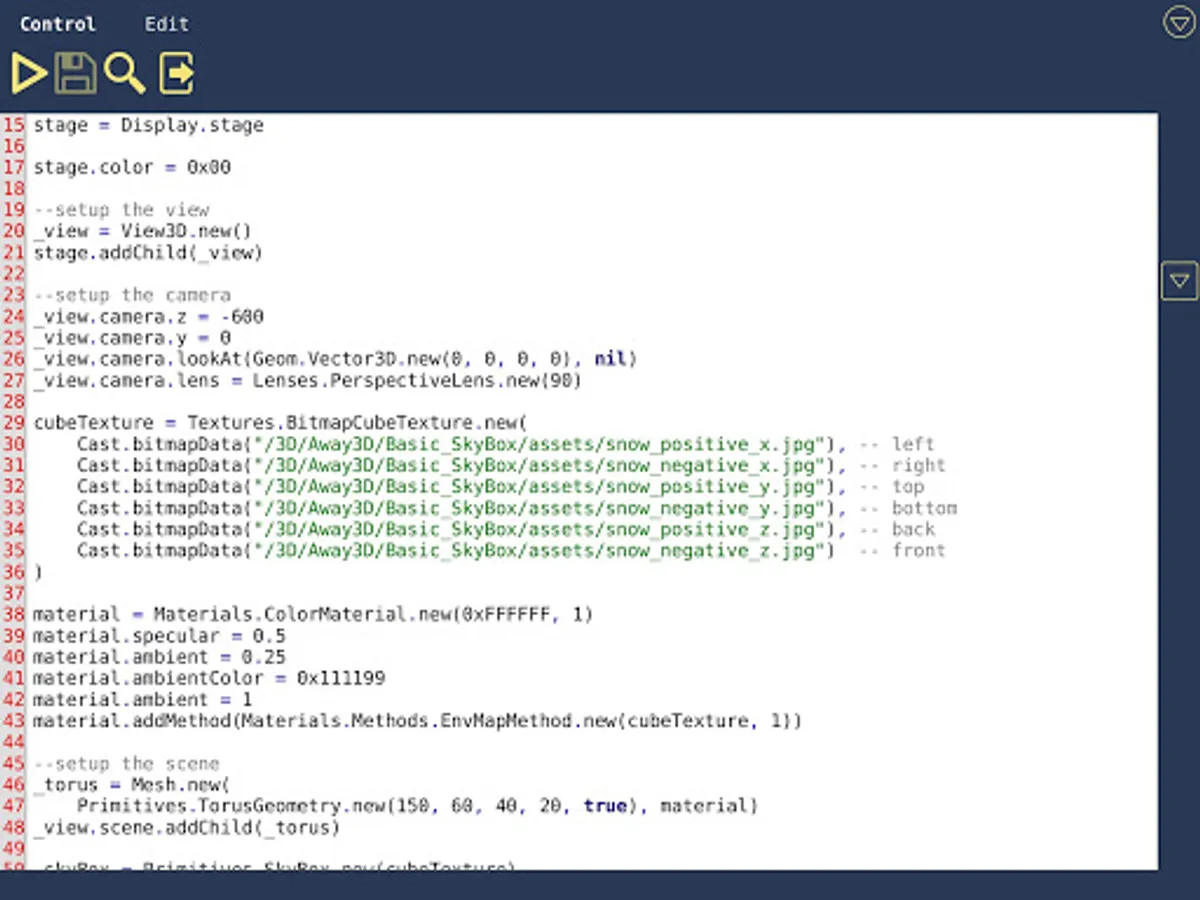
With this code editor, you can create and run Lua scripts, access a variety of libraries, and manage files easily. Includes cloud storage, shortcut-keys, and sample scripts.
AppRecs review analysis
AppRecs rating 4.1. Trustworthiness 0 out of 100. Review manipulation risk 0 out of 100. Based on a review sample analyzed.
★★★★☆
4.1
AppRecs Rating
Ratings breakdown
5 star
53%
4 star
30%
3 star
0%
2 star
5%
1 star
12%
What to know
✓
High user satisfaction
83% of sampled ratings are 4+ stars (4.1★ average)
✓
Authentic reviews
Natural distribution, no red flags
About LuaStudio
This application allows you create and run Lua code. Check samples for more details.
Save and load files to/from cloud. Long press on file/folder/project gives you more options.
Wide range of available libraries.
Best with physical keyboard. Use shortcut-keys for:
- save code: ctrl + s
- run code: ctrl + r
- search text in file: ctrl + f
- quick access window: ctrl + w
- exit from code editor: ctrl + e
- select all text: ctrl + a
- copy text: ctrl + c
- cut text: ctrl + x
- paste text: ctrl + v
- undo: ctrl + z
- redo: ctrl + shift + z
Use arrows for changing cursor position and + shift for selecting text.
Save and load files to/from cloud. Long press on file/folder/project gives you more options.
Wide range of available libraries.
Best with physical keyboard. Use shortcut-keys for:
- save code: ctrl + s
- run code: ctrl + r
- search text in file: ctrl + f
- quick access window: ctrl + w
- exit from code editor: ctrl + e
- select all text: ctrl + a
- copy text: ctrl + c
- cut text: ctrl + x
- paste text: ctrl + v
- undo: ctrl + z
- redo: ctrl + shift + z
Use arrows for changing cursor position and + shift for selecting text.
LuaStudio Screenshots



Tap to Rate: