About Price Comparison
This app empowers consumers to independently compare prices by manually entering product information, including prices and conditions from various merchants. It helps users make more rational and cost-effective shopping decisions. Unlike traditional price comparison apps, this app focuses on user engagement and flexibility, giving users full control to decide which merchants' price data to compare and, based on that, providing comprehensive shopping recommendations.
Key Features/Functions:
☆ Product Information Input**: Users can manually input product names, brands, models, and other details, allowing them to accurately compare all the relevant details of the items they're interested in, not just the price.
☆ Comparison Results Display**: The app will clearly display the prices from different merchants based on the product information entered by the user, making it easier for the user to quickly make a decision.
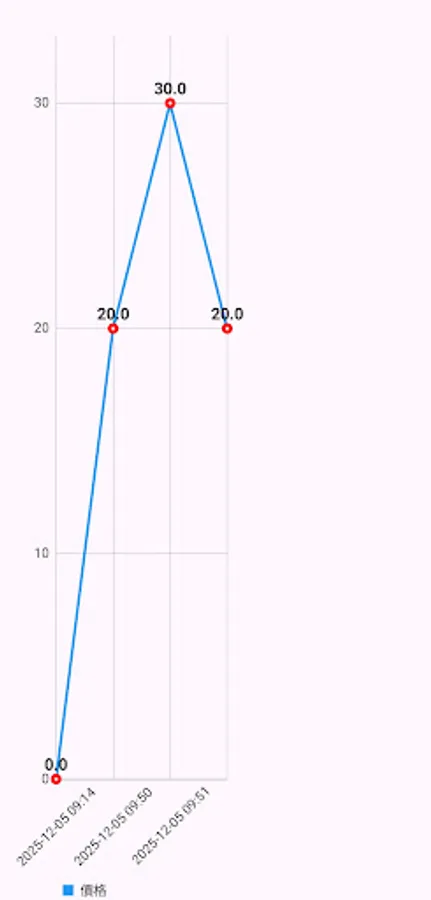
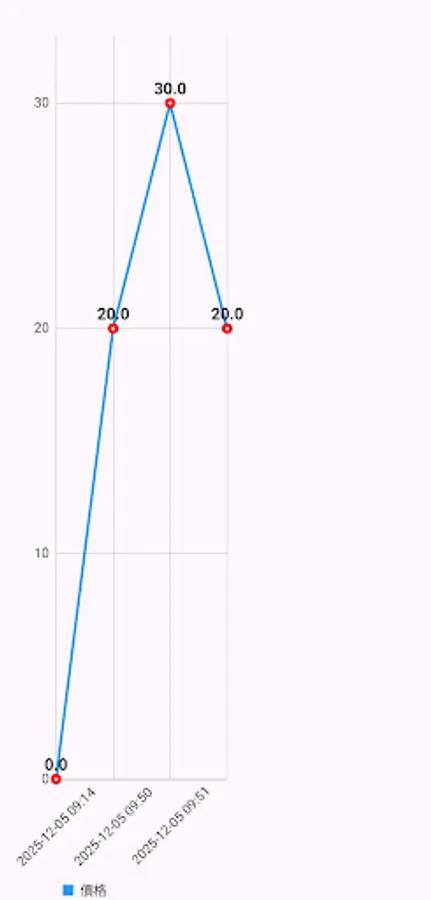
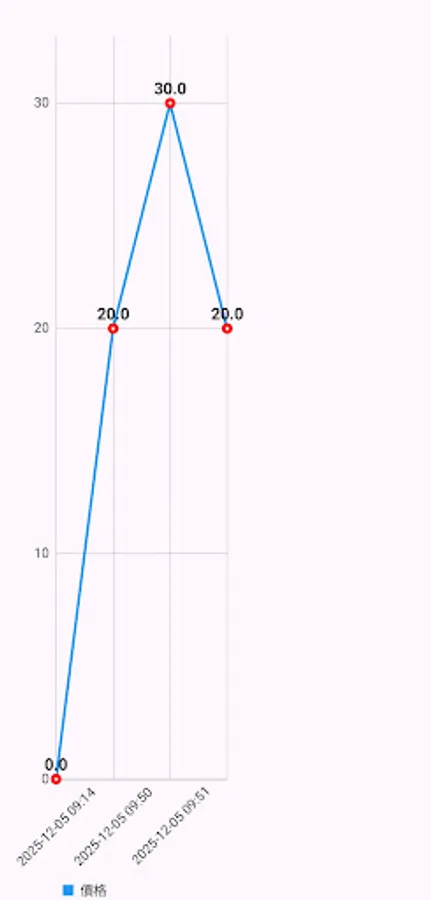
☆ History and Favorites**: Users can save comparison history and review past results at any time, making it easier for future comparisons or decisions.
Process Overview:
1. Create a Shopping List
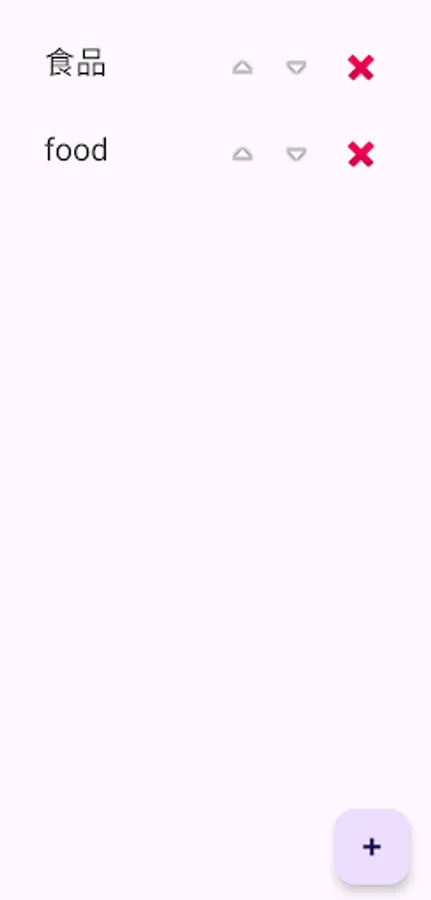
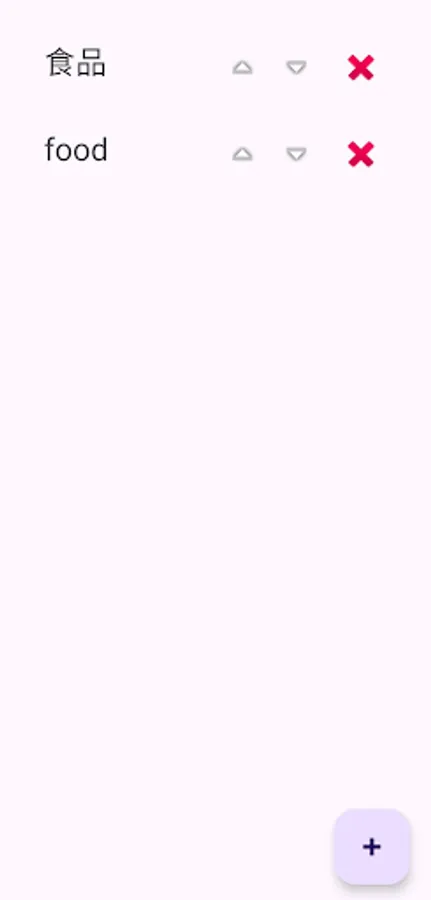
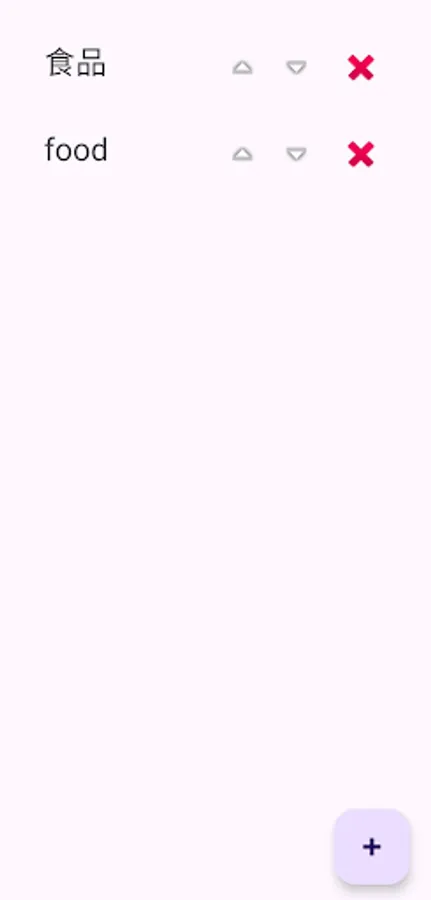
Users first create a shopping list, which can be categorized by type, such as "Food," "Fish," "Home Goods," etc. This allows users to easily manage and organize their shopping items based on different needs.
2. Enter Product Information
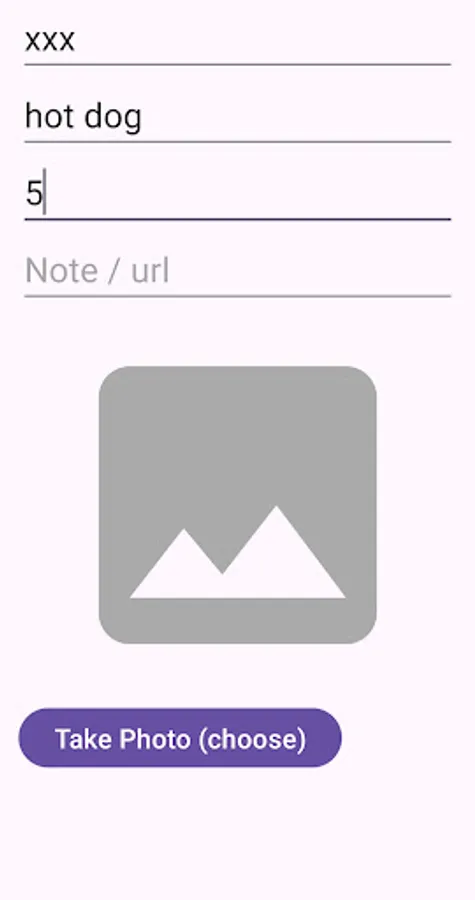
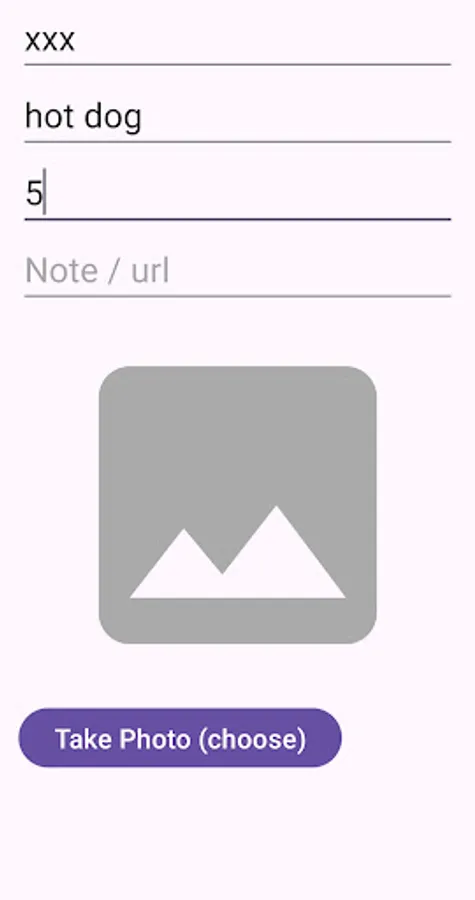
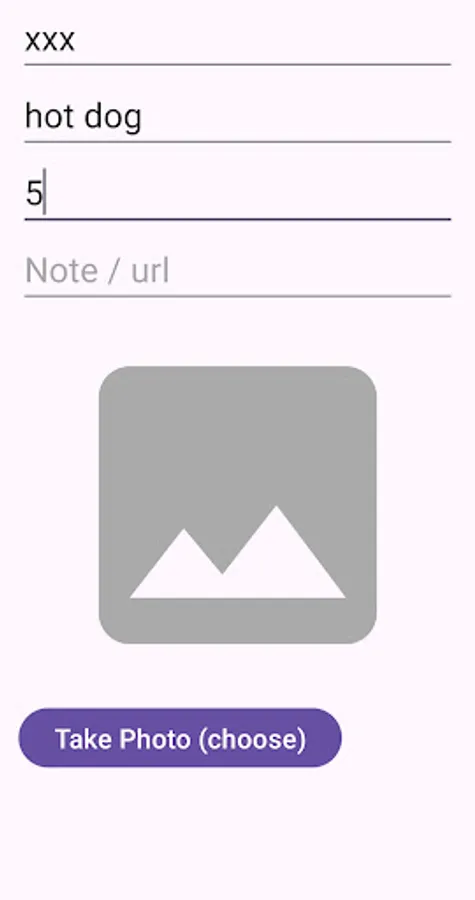
For each item, users can input detailed product information, including the following:
☆ Purchase Location: Users can select or enter the specific location where they plan to buy the product, such as a supermarket, online store, or wholesale market, to facilitate future price comparisons across different stores.
☆ Product Name: Users input the name of the product they want to buy to help clearly identify each item and avoid omissions or confusion.
☆ Price: Users enter the product's price, helping them track their budget and manage costs.
3. Notes and Reminders
Users can add notes to each product entry, including things like purchase reminders, usage suggestions, or special requirements for specific products. For example, they might remind themselves to check an item’s expiration date, suggest certain brands, or note specific purchase conditions.
4. Photo Feature
To better identify and document products, users can use the built-in camera function to take instant photos of the product. This helps record the product's appearance (e.g., shape, packaging, etc.) and provides a clearer visual reference when they are unsure about product details or names. This is especially useful for identifying hard-to-recognize or special products, preventing forgetfulness or misidentification.
5. Dynamic Management and Review
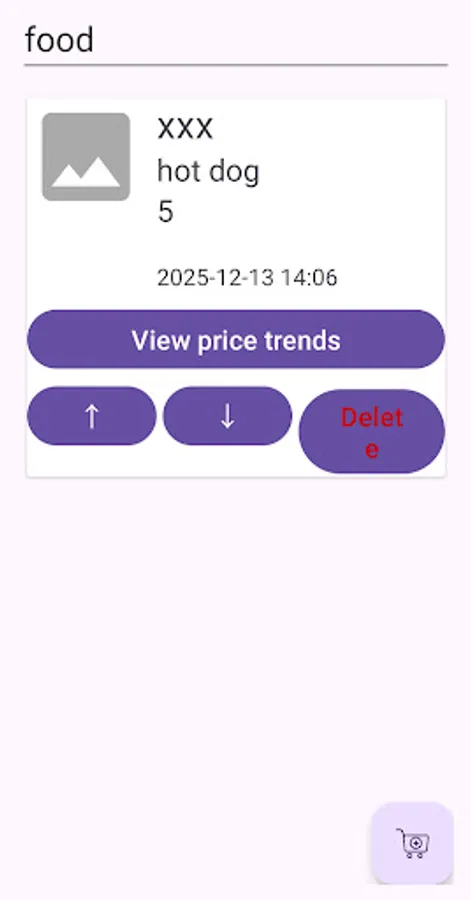
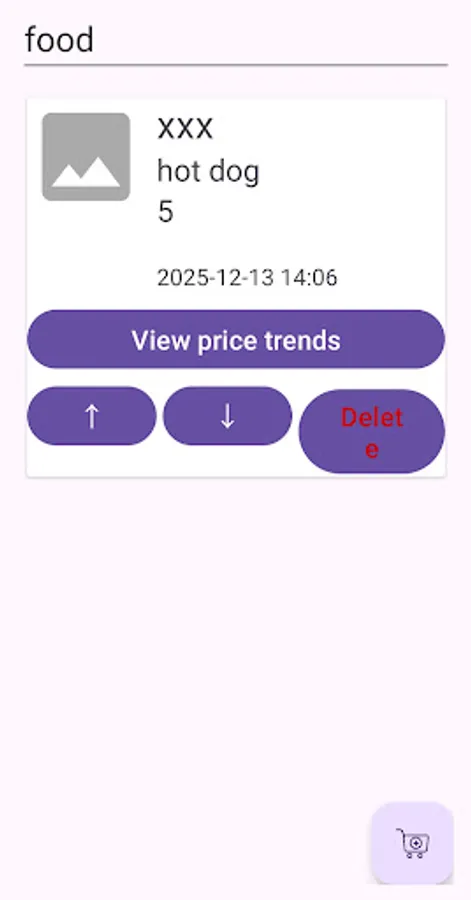
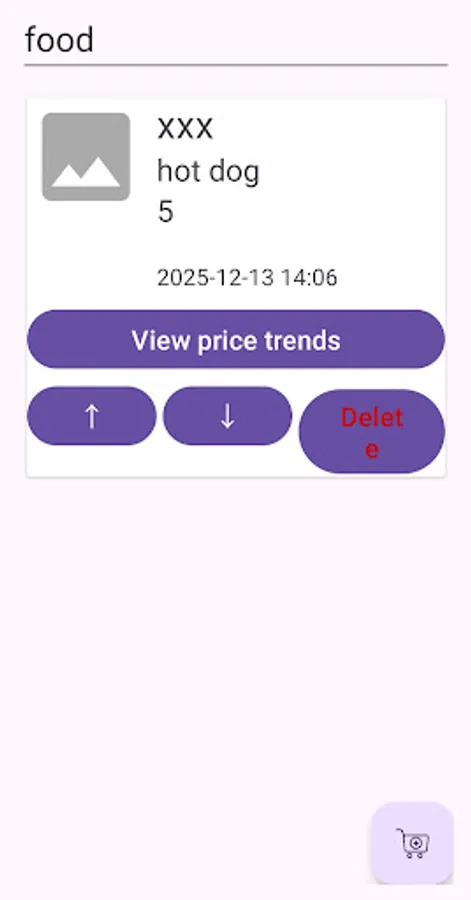
Once the list is complete, users can easily review their shopping list at any time to see the detailed information, prices, notes, and photos for all entered products. If any changes or adjustments are needed during the shopping process, users can easily update the list to keep it up-to-date.
Key Features/Functions:
☆ Product Information Input**: Users can manually input product names, brands, models, and other details, allowing them to accurately compare all the relevant details of the items they're interested in, not just the price.
☆ Comparison Results Display**: The app will clearly display the prices from different merchants based on the product information entered by the user, making it easier for the user to quickly make a decision.
☆ History and Favorites**: Users can save comparison history and review past results at any time, making it easier for future comparisons or decisions.
Process Overview:
1. Create a Shopping List
Users first create a shopping list, which can be categorized by type, such as "Food," "Fish," "Home Goods," etc. This allows users to easily manage and organize their shopping items based on different needs.
2. Enter Product Information
For each item, users can input detailed product information, including the following:
☆ Purchase Location: Users can select or enter the specific location where they plan to buy the product, such as a supermarket, online store, or wholesale market, to facilitate future price comparisons across different stores.
☆ Product Name: Users input the name of the product they want to buy to help clearly identify each item and avoid omissions or confusion.
☆ Price: Users enter the product's price, helping them track their budget and manage costs.
3. Notes and Reminders
Users can add notes to each product entry, including things like purchase reminders, usage suggestions, or special requirements for specific products. For example, they might remind themselves to check an item’s expiration date, suggest certain brands, or note specific purchase conditions.
4. Photo Feature
To better identify and document products, users can use the built-in camera function to take instant photos of the product. This helps record the product's appearance (e.g., shape, packaging, etc.) and provides a clearer visual reference when they are unsure about product details or names. This is especially useful for identifying hard-to-recognize or special products, preventing forgetfulness or misidentification.
5. Dynamic Management and Review
Once the list is complete, users can easily review their shopping list at any time to see the detailed information, prices, notes, and photos for all entered products. If any changes or adjustments are needed during the shopping process, users can easily update the list to keep it up-to-date.