Quick Buttons - Navigation Bar
Color Studios
4.1 ★
192 ratings
10,000+
downloads
Free
In this app, you can customize your navigation and volume controls with on-screen buttons and panels. Includes options for color customization, multiple layouts, and quick access features.
AppRecs review analysis
AppRecs rating 4.1. Trustworthiness 79 out of 100. Review manipulation risk 24 out of 100. Based on a review sample analyzed.
★★★★☆
4.1
AppRecs Rating
Ratings breakdown
5 star
71%
4 star
0%
3 star
12%
2 star
6%
1 star
12%
What to know
✓
Low review manipulation risk
24% review manipulation risk
✓
Credible reviews
79% trustworthiness score from analyzed reviews
✓
High user satisfaction
71% of sampled ratings are 4+ stars (4.1★ average)
About Quick Buttons - Navigation Bar
Do you prefer a colorful navigation bar or using buttons for the power and volume instead of your device's hard phone buttons? Would you like to have navigation bar of other manufacturers in your phone? If so, you're in the right place!
Get two features in one! This app can replace hard navigation bar (back, home, recents button) with on-screen navigation bar. Additionally, this app can replace volume button with on-screen volume button.
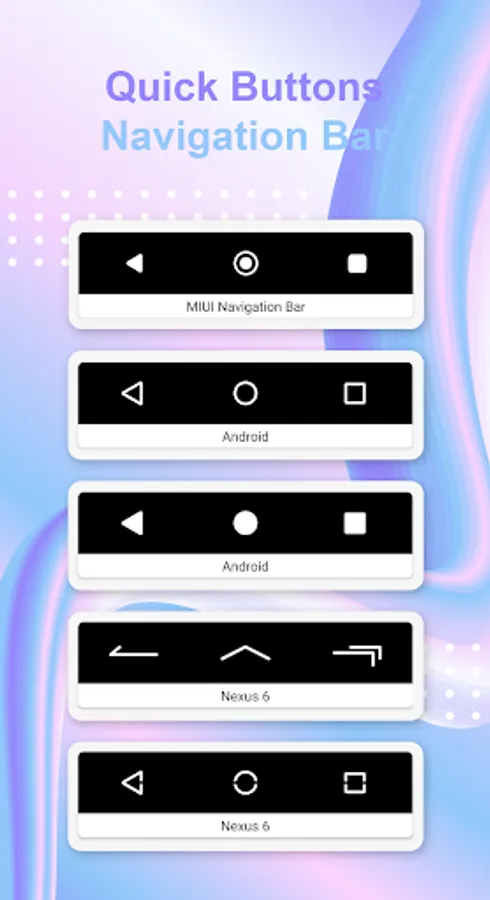
This app offers a bottom navigation bar featuring the back, home, recent apps buttons, along with addition function buttons such as lock screen, flashlight, open notification panel, open volume panel. If your back button, home button, or volume button has stopped working or is damaged, this app is the solution for you.
Quick Buttons - Navigation Bar features:
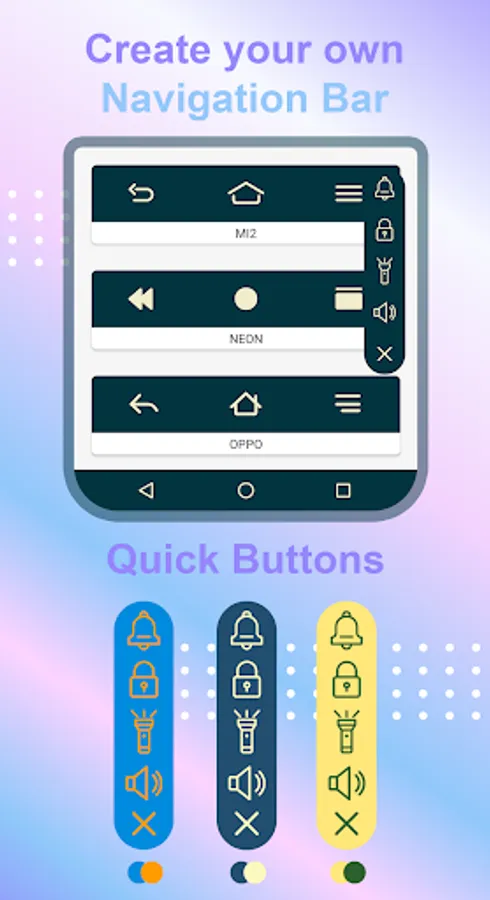
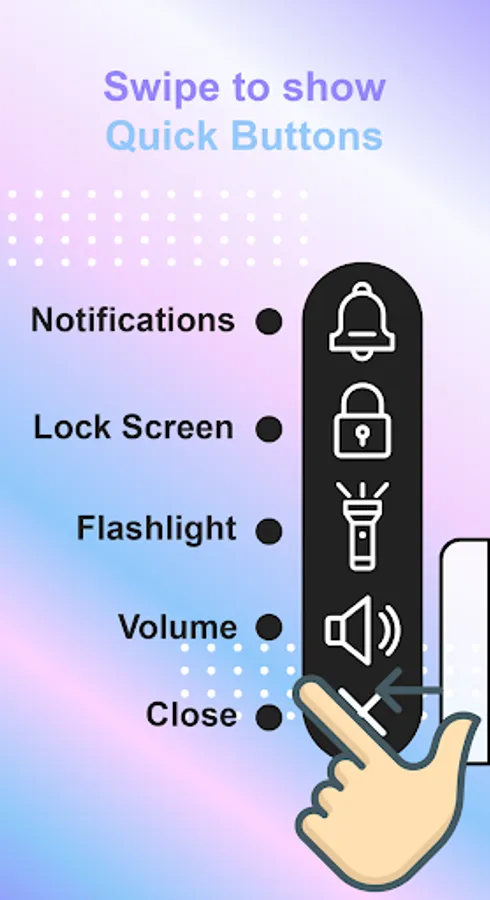
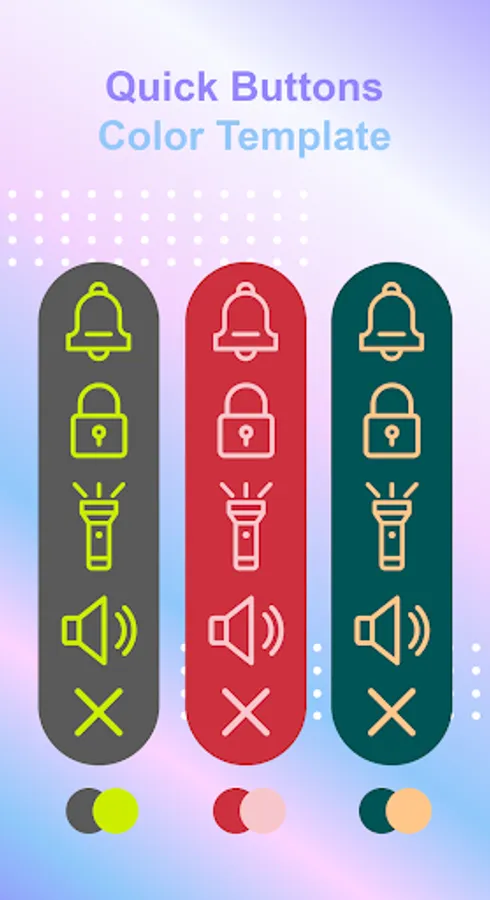
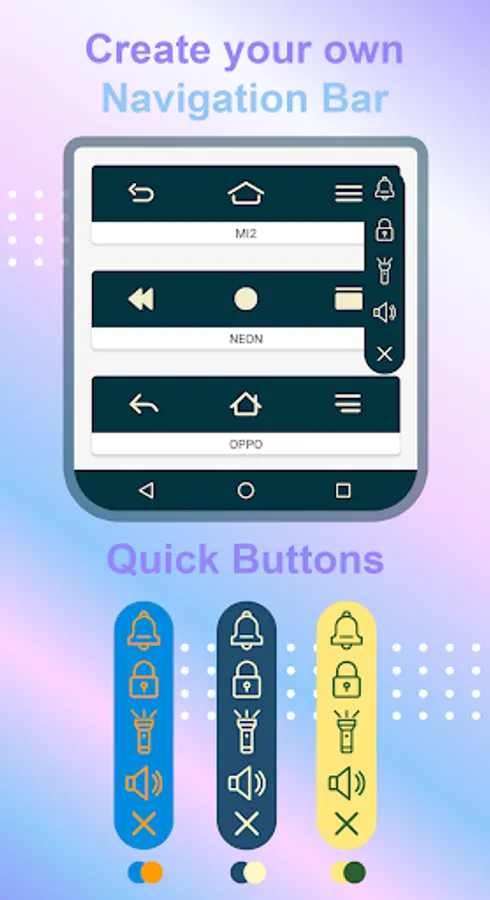
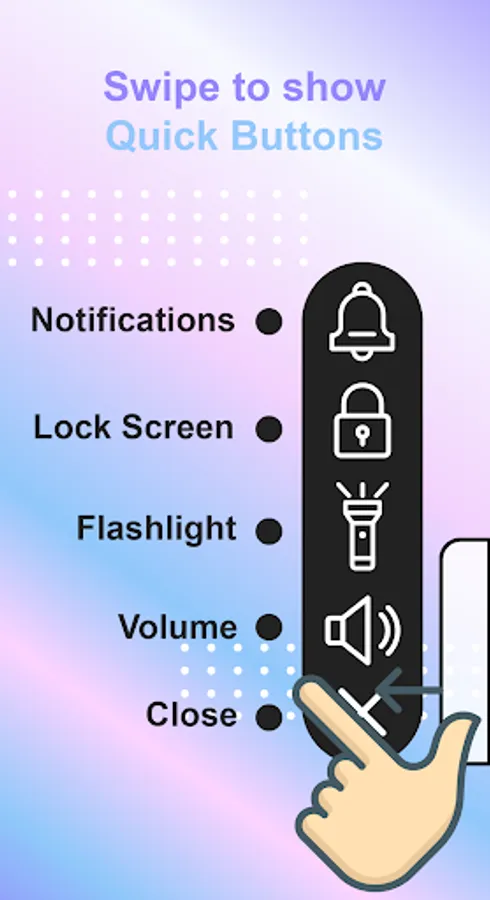
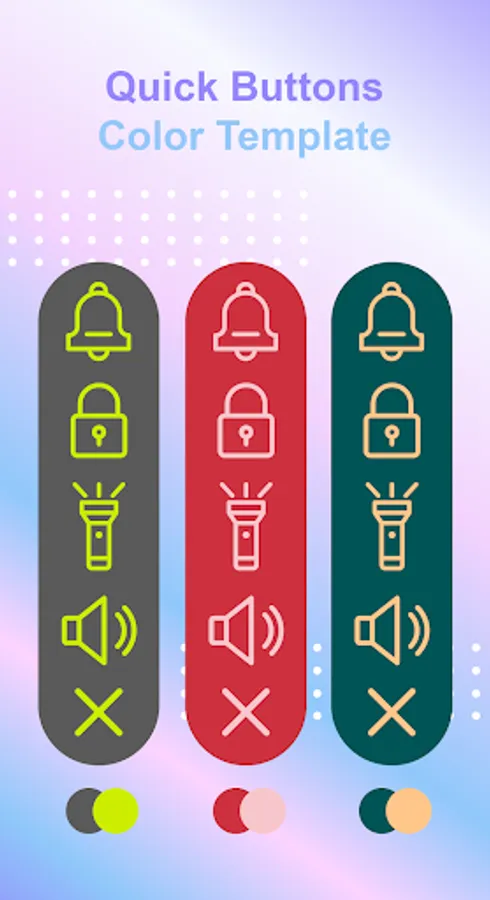
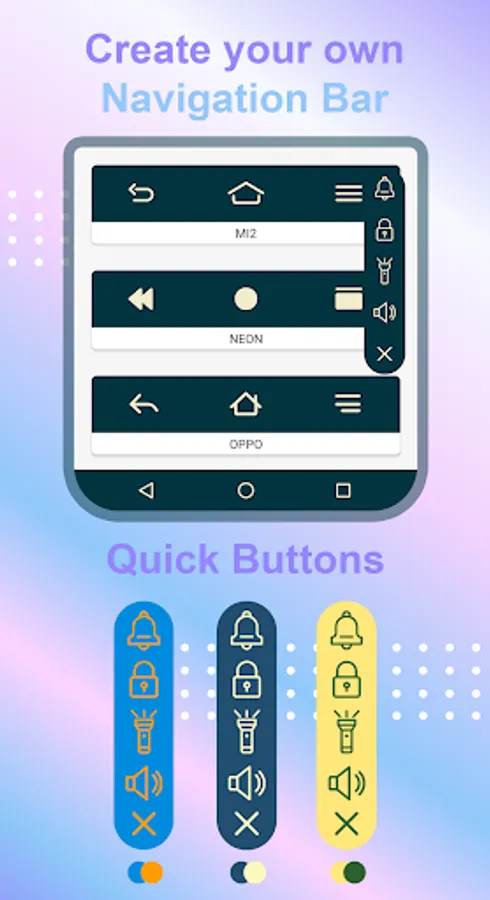
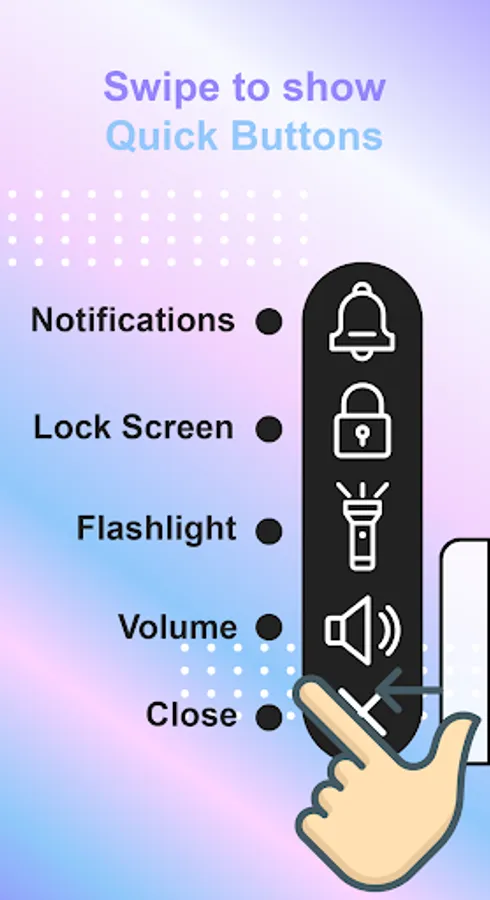
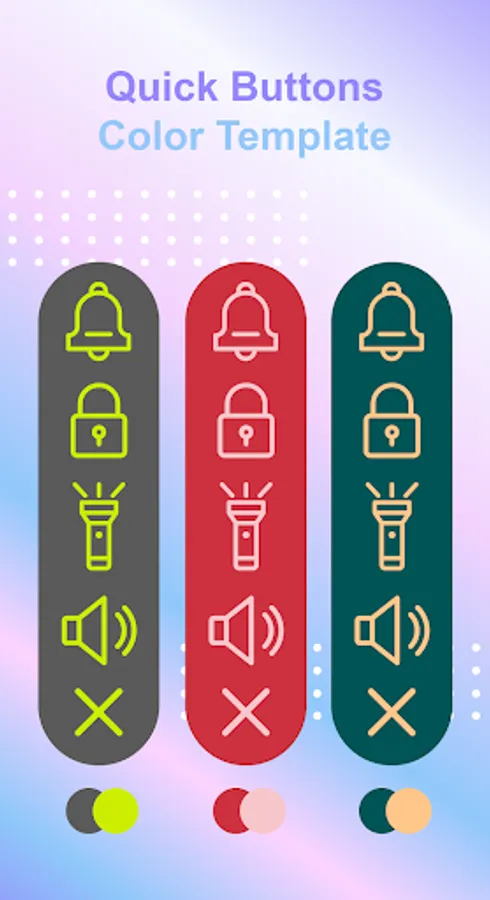
* Quick Buttons: Swipe to show Quick Buttons panel, with this panel you can open notification, open volume panel, lock you screen, turn on flashlight. You can change color of panel, color of icons.
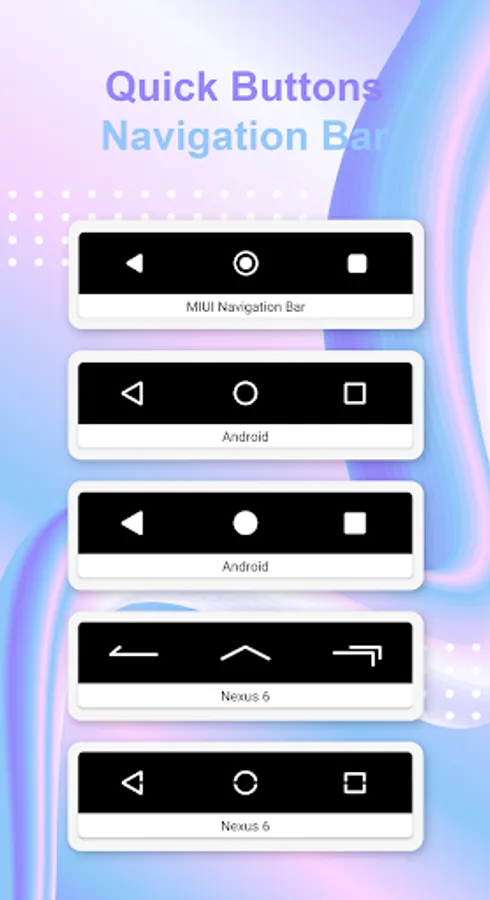
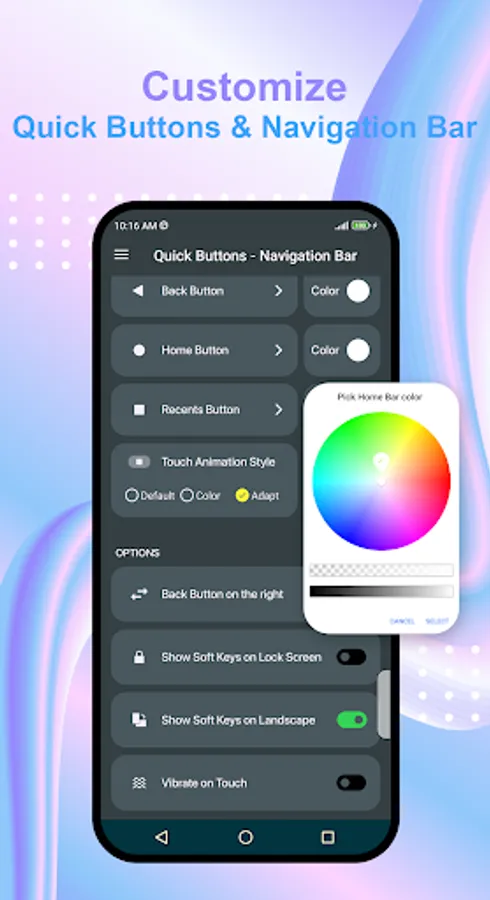
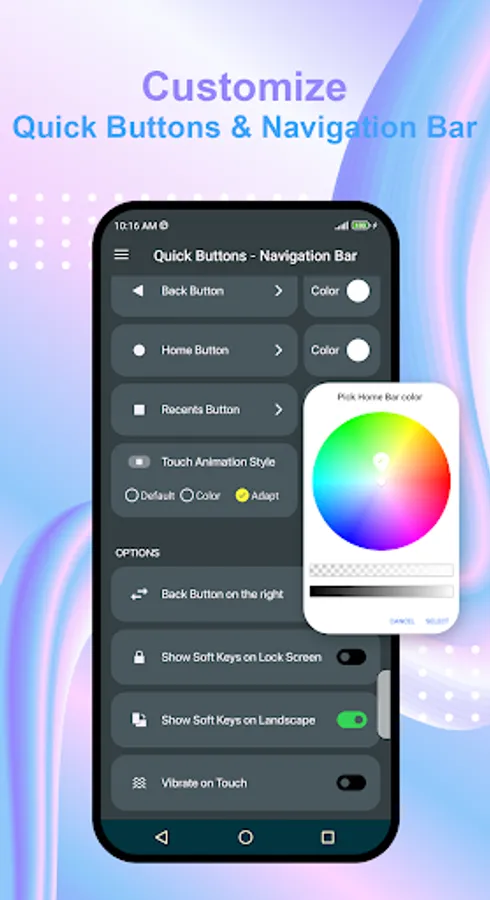
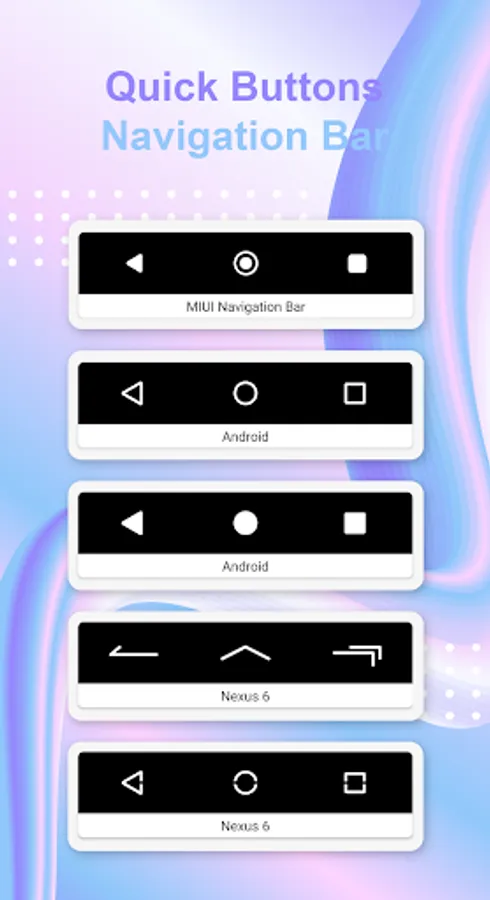
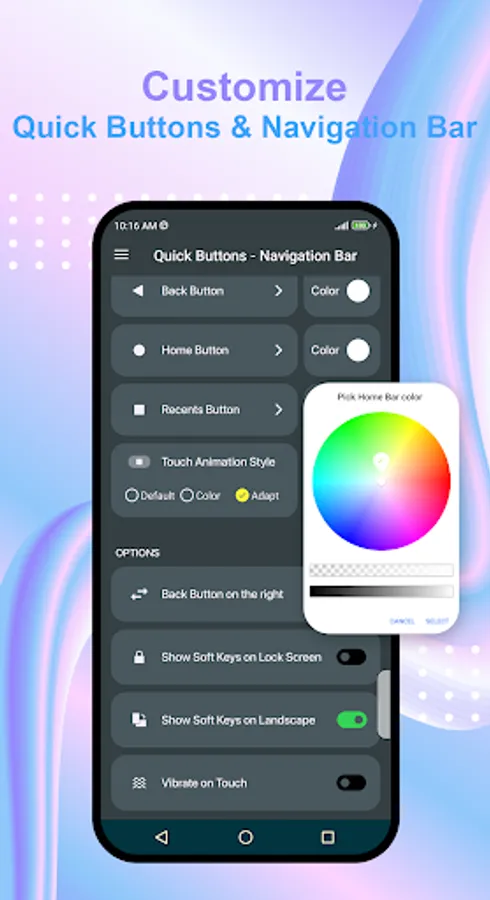
* Navigation Bar: Active the on-screen keys to replace a failed or broken hard buttons. Additionally, you can create your own navigation bar. Ability to change home, back, recent button icon, color, position.
* Vertical an horizontal support, auto rotation navigation bar, quick buttons icons when your phone in landscape mode.
Accessibility Service Usage
Quick Buttons - Navigation Bar requires accessibility service permission in order to enable core functionality and to show Quick Buttons - Navigation Bar view on mobile screen and start several Accessibility actions: action to Home, Back, show Recents Screen.
The application will not read the sensitive data and any content on your screen. In addition, the application will not collect and share the data from accessibility service with any third-party.
By enabling the service, the application will support commands for press actions with the following features:
- Back action
- Home action
- Recent actions
- Lock Screen
- Popup notification
If you disable the accessibility service, the main features cannot work properly.
Thank you for your download, please give us feedback for better performance.
Legal notice:
E-mail: colorstudioapp@gmail.com
Get two features in one! This app can replace hard navigation bar (back, home, recents button) with on-screen navigation bar. Additionally, this app can replace volume button with on-screen volume button.
This app offers a bottom navigation bar featuring the back, home, recent apps buttons, along with addition function buttons such as lock screen, flashlight, open notification panel, open volume panel. If your back button, home button, or volume button has stopped working or is damaged, this app is the solution for you.
Quick Buttons - Navigation Bar features:
* Quick Buttons: Swipe to show Quick Buttons panel, with this panel you can open notification, open volume panel, lock you screen, turn on flashlight. You can change color of panel, color of icons.
* Navigation Bar: Active the on-screen keys to replace a failed or broken hard buttons. Additionally, you can create your own navigation bar. Ability to change home, back, recent button icon, color, position.
* Vertical an horizontal support, auto rotation navigation bar, quick buttons icons when your phone in landscape mode.
Accessibility Service Usage
Quick Buttons - Navigation Bar requires accessibility service permission in order to enable core functionality and to show Quick Buttons - Navigation Bar view on mobile screen and start several Accessibility actions: action to Home, Back, show Recents Screen.
The application will not read the sensitive data and any content on your screen. In addition, the application will not collect and share the data from accessibility service with any third-party.
By enabling the service, the application will support commands for press actions with the following features:
- Back action
- Home action
- Recent actions
- Lock Screen
- Popup notification
If you disable the accessibility service, the main features cannot work properly.
Thank you for your download, please give us feedback for better performance.
Legal notice:
E-mail: colorstudioapp@gmail.com
Quick Buttons - Navigation Bar Screenshots
Tap to Rate:
Reviews for Quick Buttons - Navigation Bar
Chris Gardner
12/28/2025
The ads are obnoxious and non-stop when customizing a button. To top it off, reversing the back button placement is not saved. It just reverts back. Junk.
Estela Hernandez
11/21/2025
I Loved It!