
ColorSnap® Visualizer
Sherwin-Williams
2.3 ★
10K ratings
1,000,000+
downloads
Free
Use this app to preview Sherwin-Williams colors on walls with augmented reality or photos. Includes color matching, store locator, and palette creation features.
AppRecs review analysis
AppRecs rating 2.3. Trustworthiness 81 out of 100. Review manipulation risk 24 out of 100. Based on a review sample analyzed.
★★☆☆☆
2.3
AppRecs Rating
Ratings breakdown
5 star
23%
4 star
6%
3 star
6%
2 star
9%
1 star
56%
What to know
✓
Low review manipulation risk
24% review manipulation risk
⚠
Mixed user feedback
Average 2.3★ rating suggests room for improvement
⚠
High negative review ratio
65% of sampled ratings are 1–2 stars
About ColorSnap® Visualizer
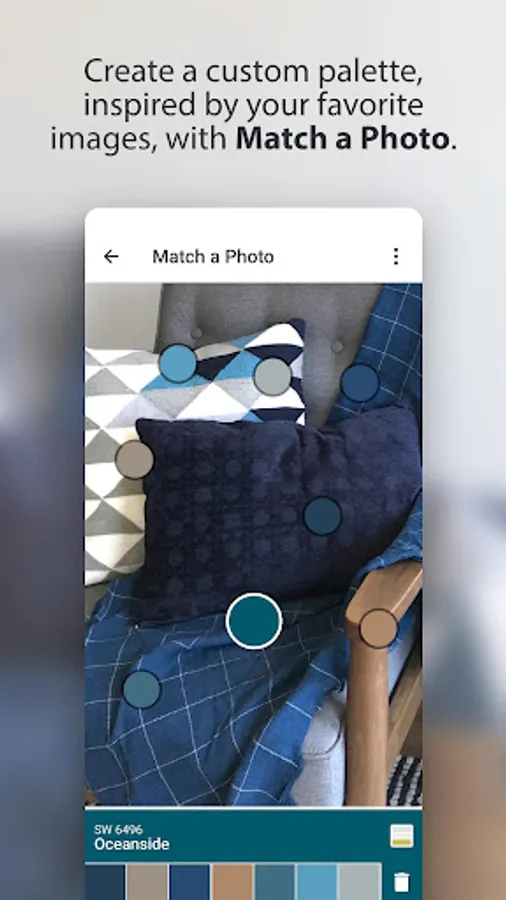
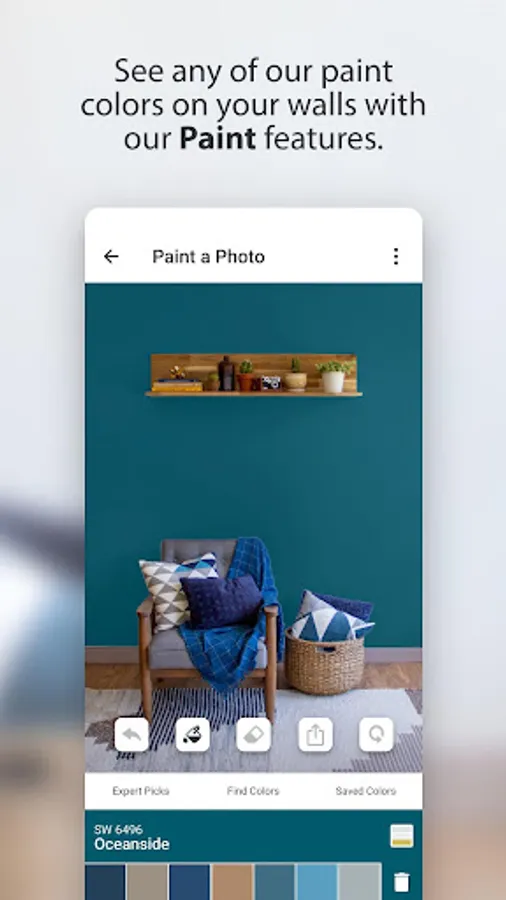
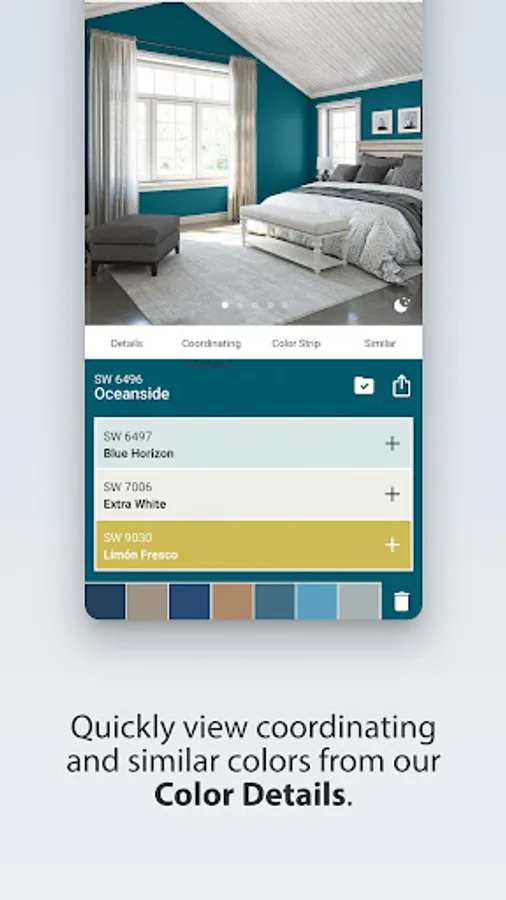
Instantly see any Sherwin-Williams color on your own walls, in real time. With ColorSnap Visualizer’s Paint features, you can use augmented reality or a photo of your space, and tap the wall to change its color instantly. Other features let you match the colors in a photo and quickly get color details, like where to find it in our stores and what colors complement it. Get ready to make faster, more confident color decisions with ColorSnap—only from Sherwin-Williams. In addition to overall enhancements, you can now:
• Always get to the feature you want, using the Explore, Paint and Resources tabs at the bottom of your screen
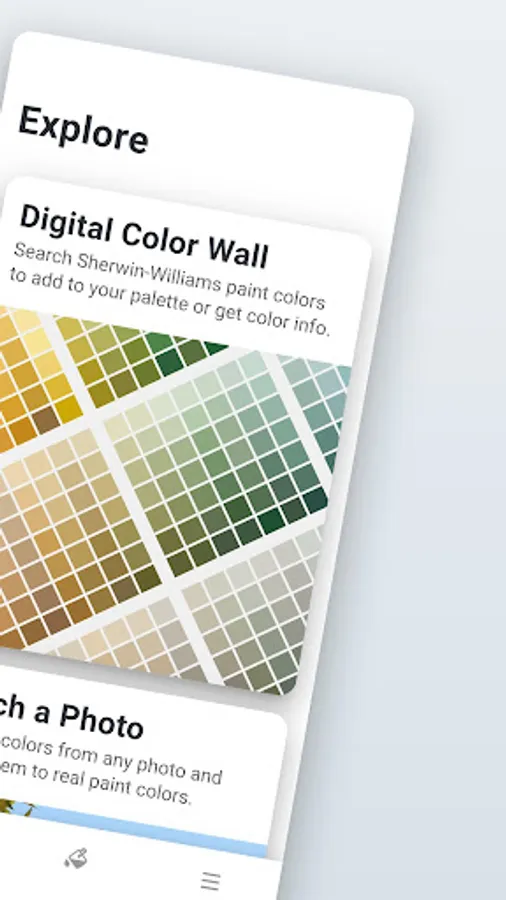
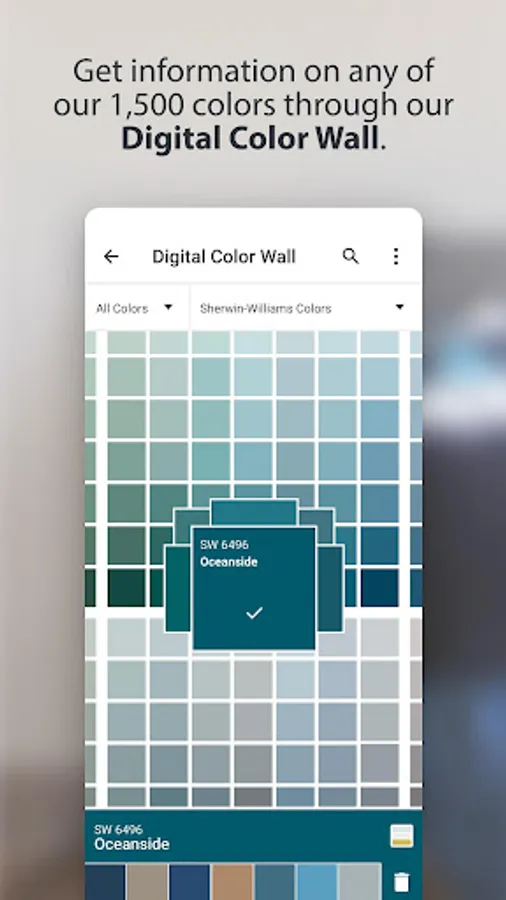
• In Explore see all our colors on the digital color wall, match a photo or scan a color number.
• In Paint see our colors in context with Instant Paint or Paint a Photo.
• In Resources to find a store, figure out how much paint you need and log into mySW to see any colors you’ve saved, even if you did it on your computer or tablet.
• More easily create, save and share your own paint color palettes
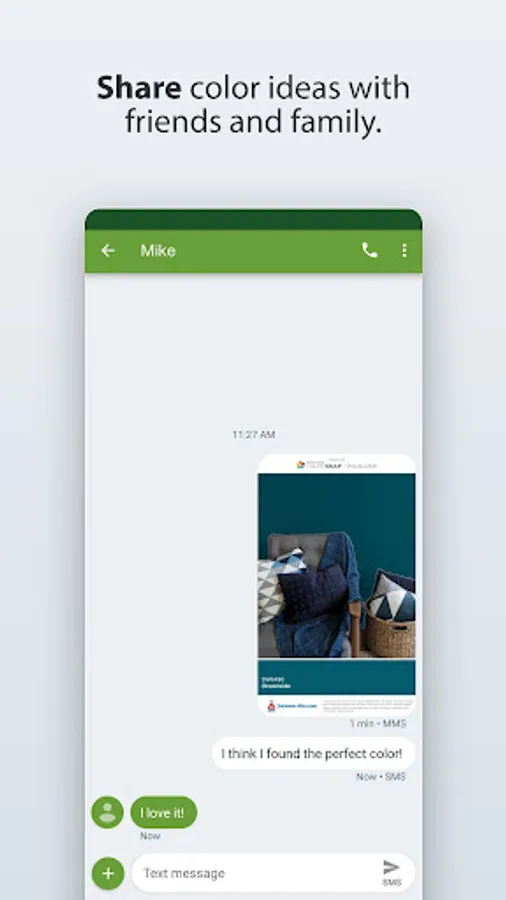
• Quickly share images of rooms you’ve “painted” in the app
• Always get to the feature you want, using the Explore, Paint and Resources tabs at the bottom of your screen
• In Explore see all our colors on the digital color wall, match a photo or scan a color number.
• In Paint see our colors in context with Instant Paint or Paint a Photo.
• In Resources to find a store, figure out how much paint you need and log into mySW to see any colors you’ve saved, even if you did it on your computer or tablet.
• More easily create, save and share your own paint color palettes
• Quickly share images of rooms you’ve “painted” in the app
ColorSnap® Visualizer Screenshots
Tap to Rate:
Reviews for ColorSnap® Visualizer
CeCe Wimbauer-Eisen
11/25/2025
This is a very helpful app when choosing colors!
MoDred_13th
10/2/2025
certain colours I can't tell..like the magenta etc..but basic colours I can see..but still I've been categorised as colour blindness..and this app helps a lot..