
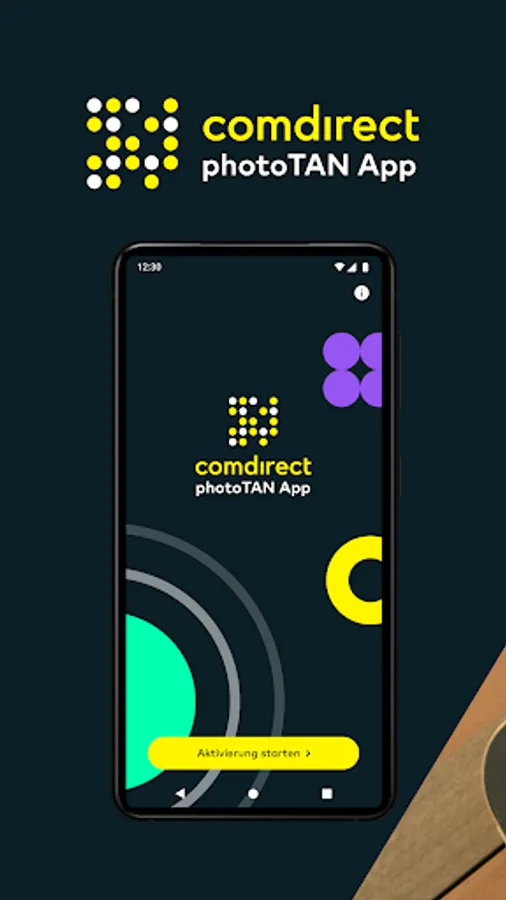
comdirect photoTAN App
Free
rated 4.1 stars
1,000,000+
downloads
About comdirect photoTAN App
This is how the photoTAN process works via the computer:
You make a transaction on another device; e.g. B. a PC.
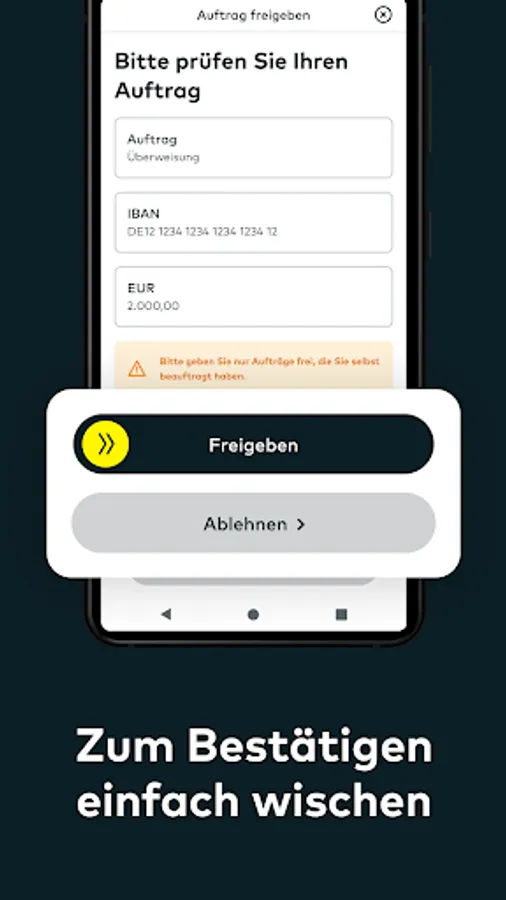
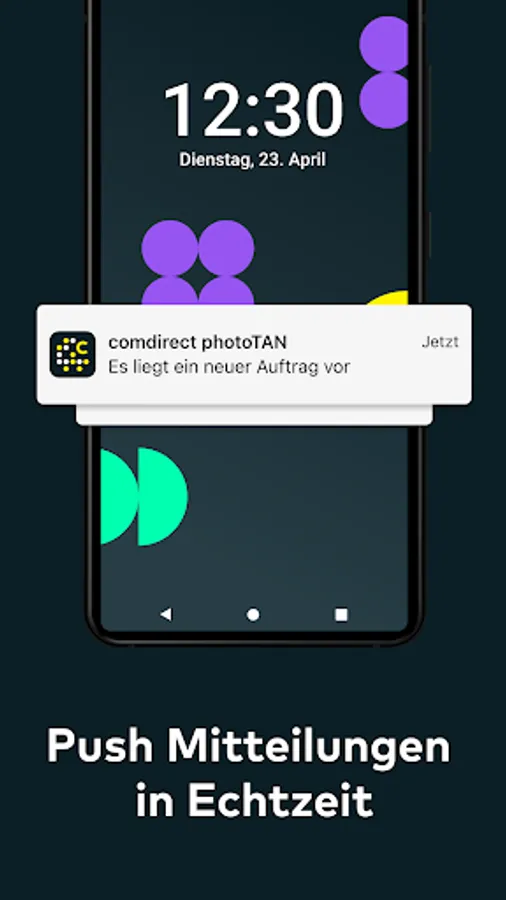
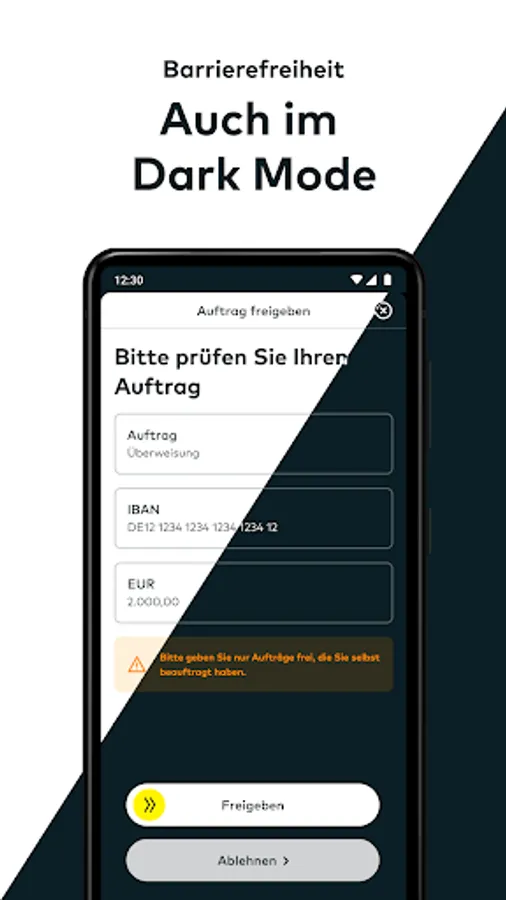
Your transaction will be automatically transferred to the comdirect photoTAN app and a notification will appear on your smartphone. When you tap on the message, the photoTAN app opens. Check the transaction and release the TAN by sliding the arrow from left to right.
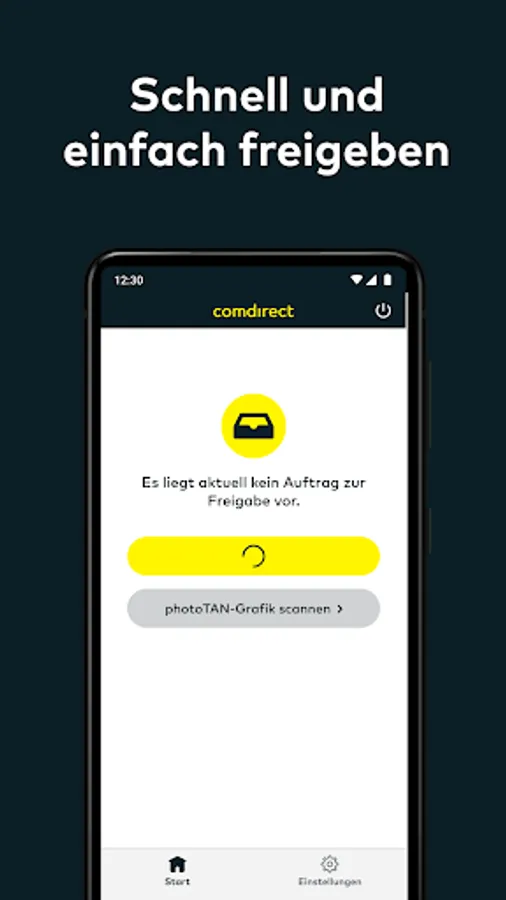
The usual scanning function of the comdirect photoTAN app is retained. This is recommended, for example, if your smartphone is not connected to the Internet. To do this, select the photoTAN procedure “photoTAN graphic” on your computer and then open the scan function at the bottom left of the comdirect photoTAN app on your smartphone.
This is how the App2App process works:
You carry out a transaction in another comdirect app. The photoTAN app opens automatically during the approval process for your transaction. Confirm your order by sliding the arrow from left to right.
The following comdirect apps support the App2App process:
- comdirect app
- comdirect trading app
-comdirect Young
How to activate the photoTAN app before using it for the first time:
Log in to the comdirect personal area with your access number and PIN and follow the instructions “Activate photoTAN” until the activation graphic is displayed. Download the comdirect photoTAN app onto your smartphone and follow the instructions in the app. Once the app is activated, you can use the two methods mentioned above.
FAQ “What permissions does the app use?”
The “Camera” authorization is required in the standard procedure for scanning the photoTAN graphic.
FAQ “Does the app work with multiple comdirect accounts”?
You can connect the app to up to 8 accounts. You need a separate activation letter for each account.
Further information about photoTAN can be found at www.comdirect.de/photoTAN
If you have any questions or suggestions about photoTAN, we are happy to help you around the clock:
By email to info@comdirect.de
or by phone:
Customers: + 49 (0) 41 06 - 708 25 00
Interested parties: + 49 (0) 41 06 - 708 25 38
comdirect photoTAN App Screenshots


Reviews for comdirect photoTAN App
Yaakov vom Wege
12/8/2025
no good
Chris Volk
12/5/2025
keeps closing. cannot be used anymore. OneNote pro 12, all updates installed. (update 2025-12-05 I did get a response to this review, however without contact information. I did contact Comdirect via email with all relevant version information and screenshots, but did not receive a response. so the response to this review does not change my rating and does not help me yet)
Plaster Wednesday
12/2/2025
You killed the app for my Android 7. What am I supposed to do? (cant get a new phone atm). Please reply ASAP, thanks!!
Daniel S
12/2/2025
Will nicht auf gerooteten Geräten starten, ist ja wohl meine Entscheidung, was ich mit meinem Telefon machen. Unverschämt, immer diese Bevormundung. Update 2023: Jetzt geht die App schon wieder nicht mehr.
magen bluten
12/1/2025
works as expected. seems like proper 2 factor auth cz its not integrated into the main app.
Tap to Rate: