Command Prompt Handbook
Bladevampirek
4.4 ★
98 ratings
10,000+
downloads
Free
With this command prompt handbook, you can learn to navigate folders, change colors, and perform system tasks using cmd codes. Includes command lists, troubleshooting tips, and instructions for creating bootable Linux USBs.
AppRecs review analysis
AppRecs rating 4.4. Trustworthiness 0 out of 100. Review manipulation risk 0 out of 100. Based on a review sample analyzed.
★★★★☆
4.4
AppRecs Rating
Ratings breakdown
5 star
68%
4 star
16%
3 star
7%
2 star
0%
1 star
8%
What to know
✓
High user satisfaction
85% of sampled ratings are 4+ stars (4.4★ average)
✓
Authentic reviews
Natural distribution, no red flags
About Command Prompt Handbook
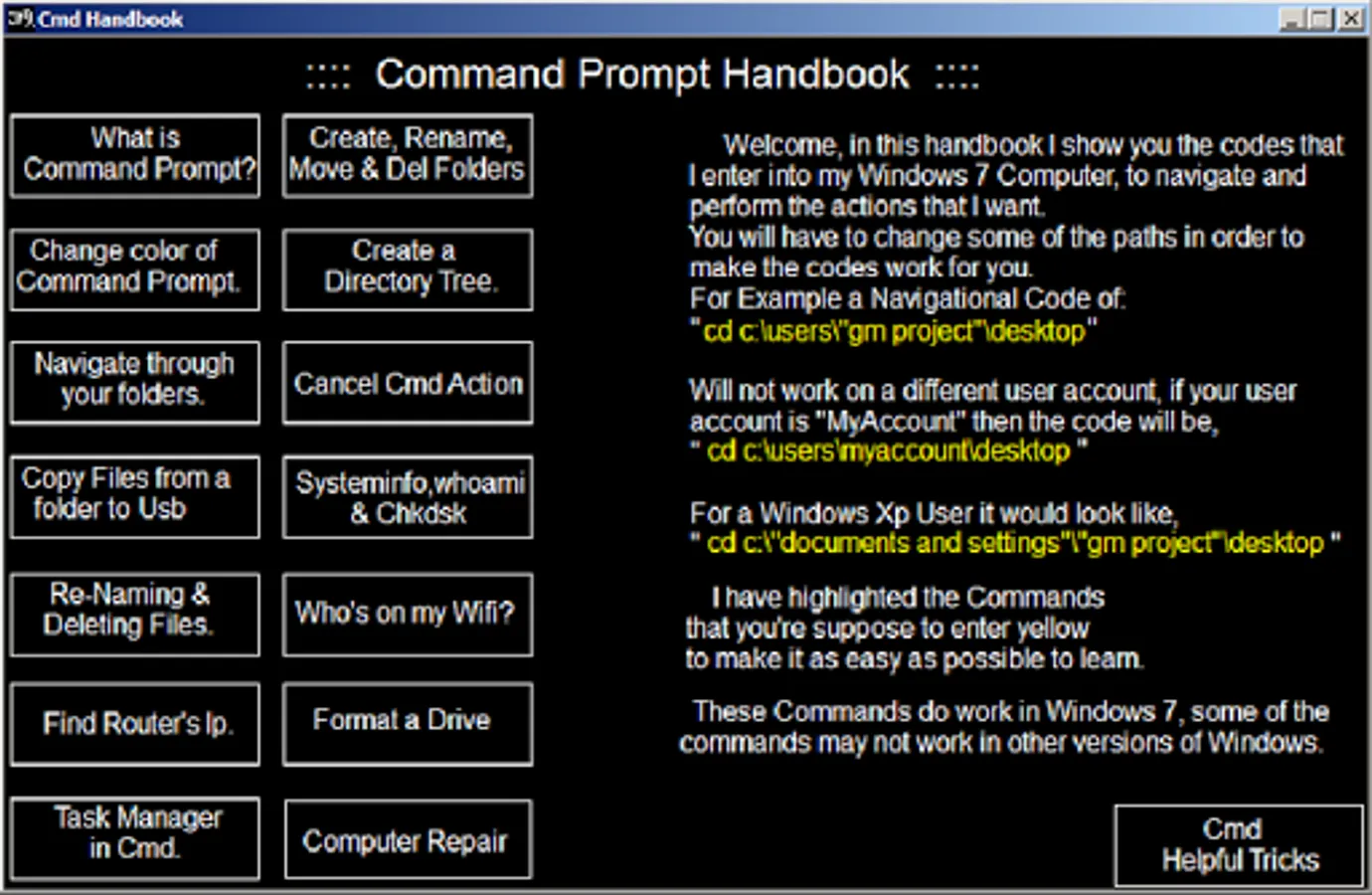
Cmd Codes that I use to navigate and perform tasks on my Windows 7 Computer. After learning what is in this handbook, you should be able to navigate with ease in the Command Prompt, and perform other tasks such as,
1. Change the color of your Command Prompt.
2. Navigate through your folders
3. Copy files from a folder to Usb Drive.
4. Re-naming & deleting files.
5. Find Router's Ip.
6. View the Task Manager in Cmd.
7. Create, Re-name, and Delete Folders/Directories.
8. Create a Directory Tree.
9. Cancel most Cmd Actions.
10. Find out your system's info, perform a Chkdsk on your window files.
11. Find out who's using your Wifi.
12. Format a Drive, Usb Drive, Sd Card.
13. A small list of commands that I used for Computer Repair.
14. Some Cmd Helpful Tricks, to help you use the Command Prompt with ease.
15. (New) Create a Linux Bootable Usb. & Linux App Introduction.
If you have enjoyed this App, or have improvement ideas for it. Please let me know. I appreciate your feedback, and believe that it has the ability to make things better.
1. Change the color of your Command Prompt.
2. Navigate through your folders
3. Copy files from a folder to Usb Drive.
4. Re-naming & deleting files.
5. Find Router's Ip.
6. View the Task Manager in Cmd.
7. Create, Re-name, and Delete Folders/Directories.
8. Create a Directory Tree.
9. Cancel most Cmd Actions.
10. Find out your system's info, perform a Chkdsk on your window files.
11. Find out who's using your Wifi.
12. Format a Drive, Usb Drive, Sd Card.
13. A small list of commands that I used for Computer Repair.
14. Some Cmd Helpful Tricks, to help you use the Command Prompt with ease.
15. (New) Create a Linux Bootable Usb. & Linux App Introduction.
If you have enjoyed this App, or have improvement ideas for it. Please let me know. I appreciate your feedback, and believe that it has the ability to make things better.
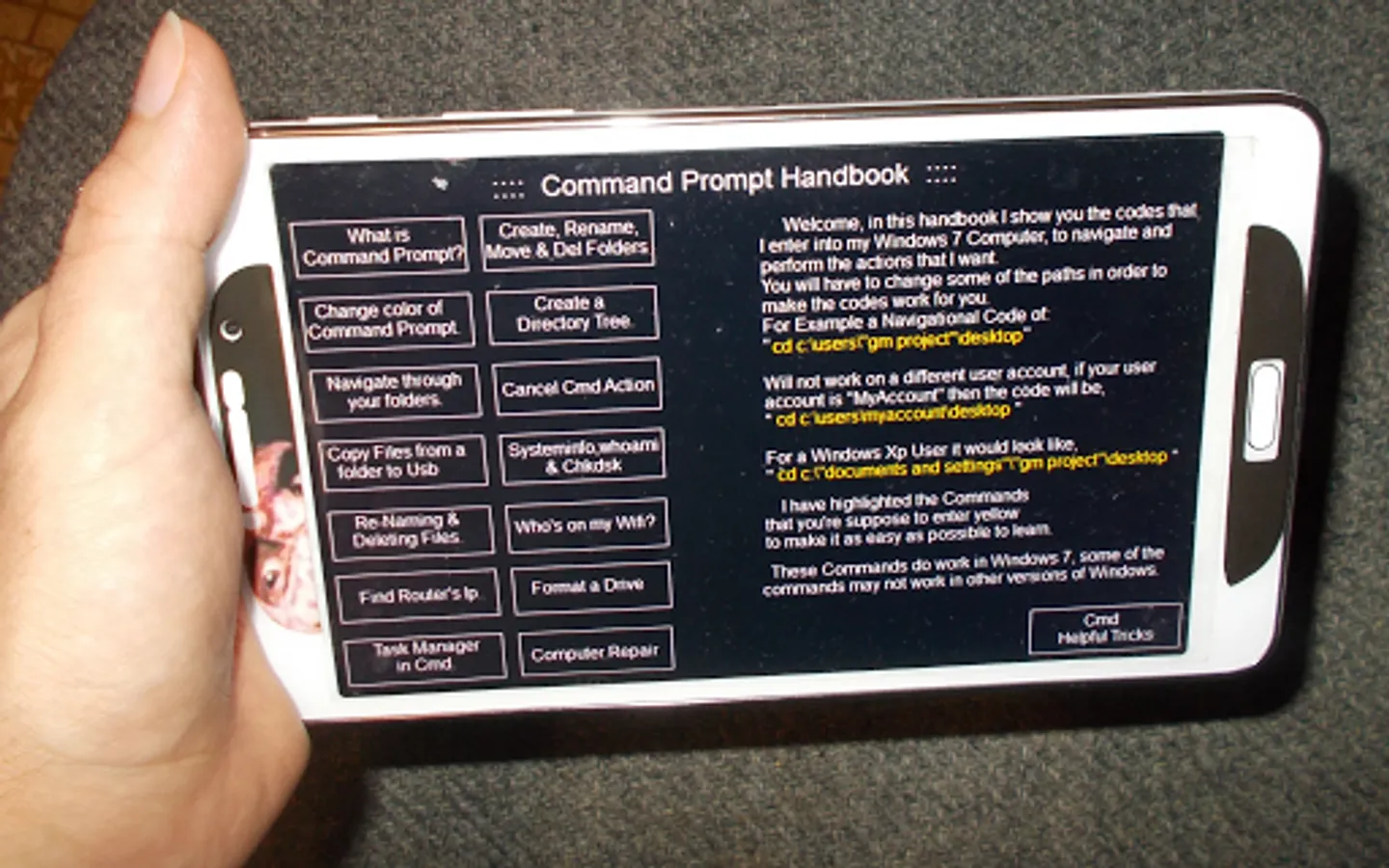
Command Prompt Handbook Screenshots
Tap to Rate: