
Background voice recorder
ChillPixel
4.2 ★
8K ratings
500,000+
downloads
Free
In this voice recording app, you can capture audio with one tap, schedule recordings, or use hardware buttons for control. Includes background recording, file management, multi-language support, and security features.
AppRecs review analysis
AppRecs rating 4.3. Trustworthiness 76 out of 100. Review manipulation risk 37 out of 100. Based on a review sample analyzed.
★★★★☆
4.3
AppRecs Rating
Ratings breakdown
5 star
71%
4 star
9%
3 star
2%
2 star
7%
1 star
11%
What to know
✓
Credible reviews
76% trustworthiness score from analyzed reviews
✓
High user satisfaction
80% of sampled ratings are 4+ stars (4.2★ average)
✓
Authentic reviews
Natural distribution, no red flags
About Background voice recorder
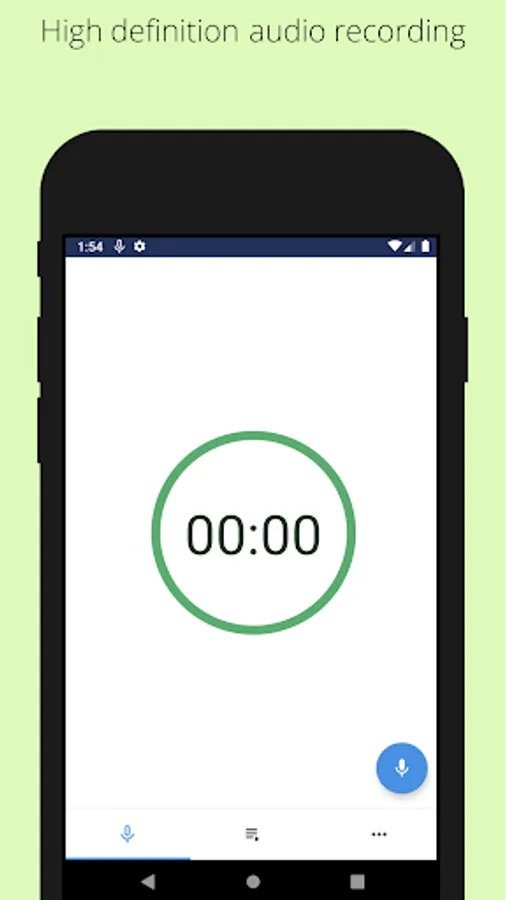
Background voice recorder is a voice recording application that helps you easily record voice with one tap. Useful features include continuous recording while the app is in the background, scheduled recording and support for multiple languages.
[Main Features]
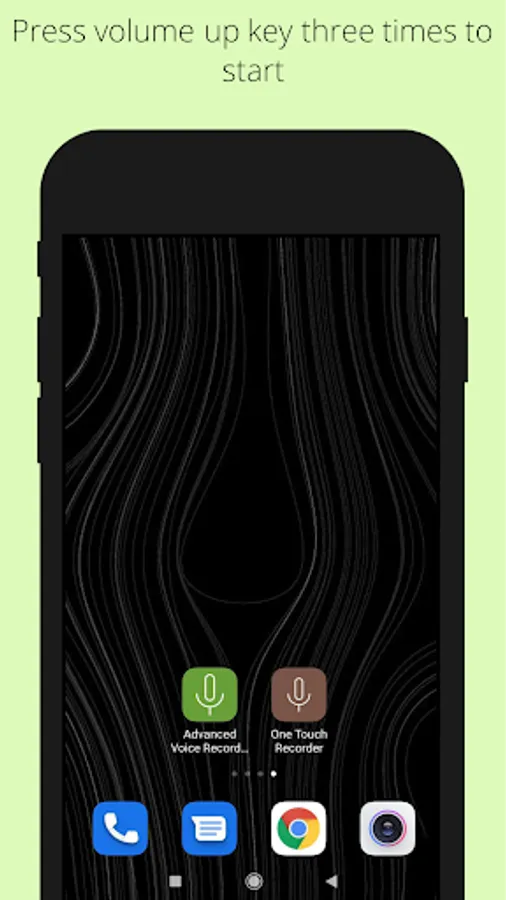
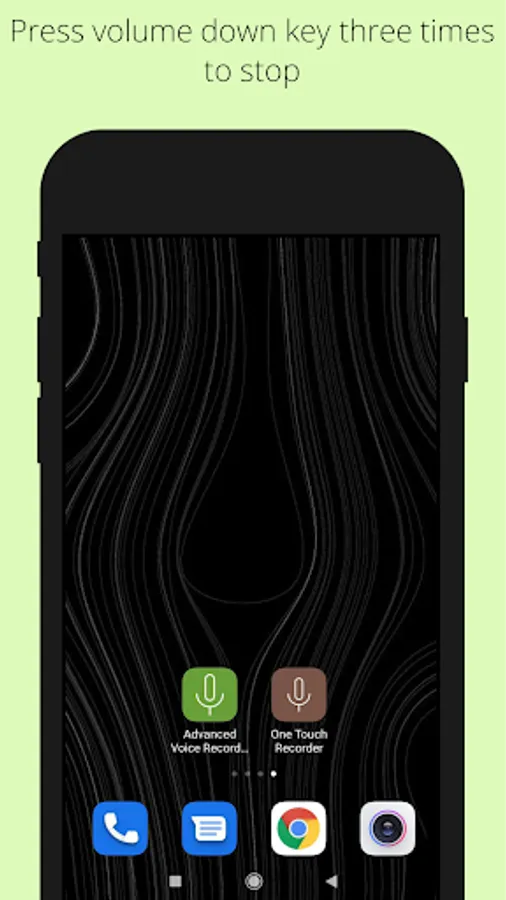
+ Volume buttons can be used to start or stop recording. (Press volume up button three times within two seconds to start. Press volume low button three times within two seconds to stop.)
+ Power button can be used to start or stop recording. (Press the power button three times in two seconds to start or stop recording.)
+ Shake the phone to start or stop video recording.
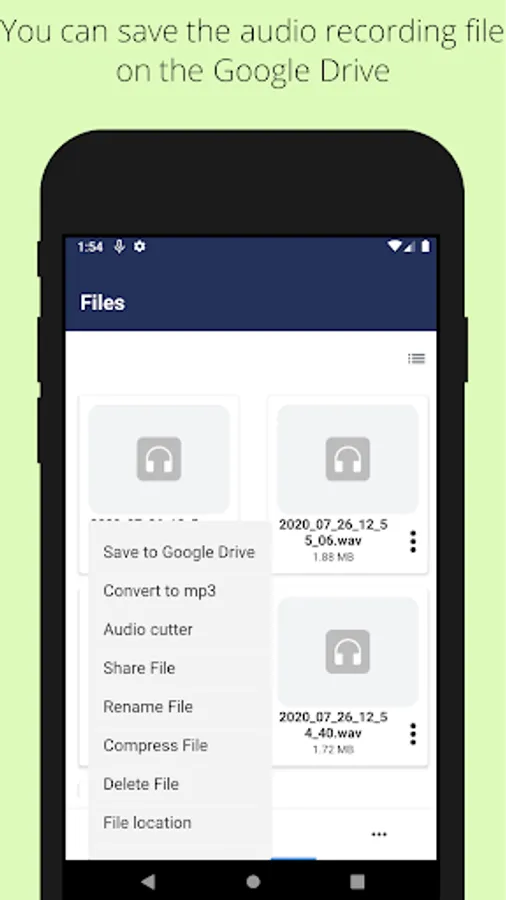
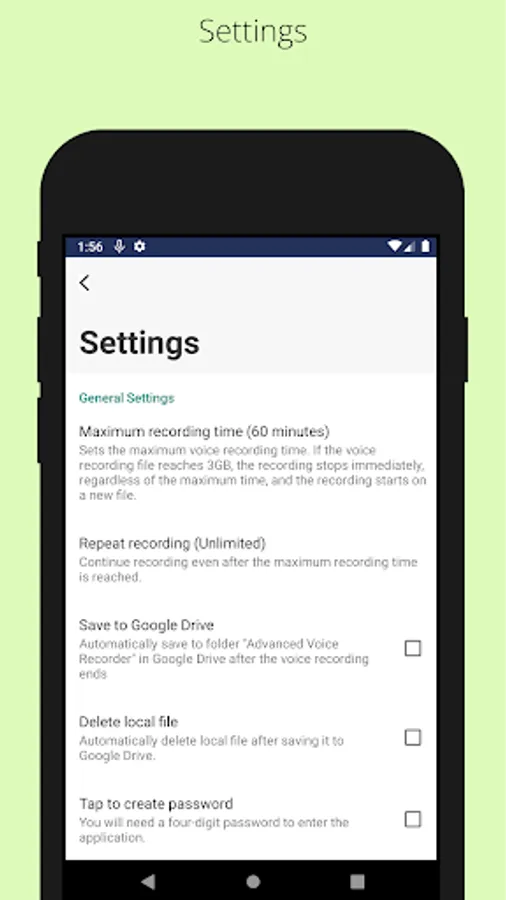
+ Upload the recorded files to the Google drive.
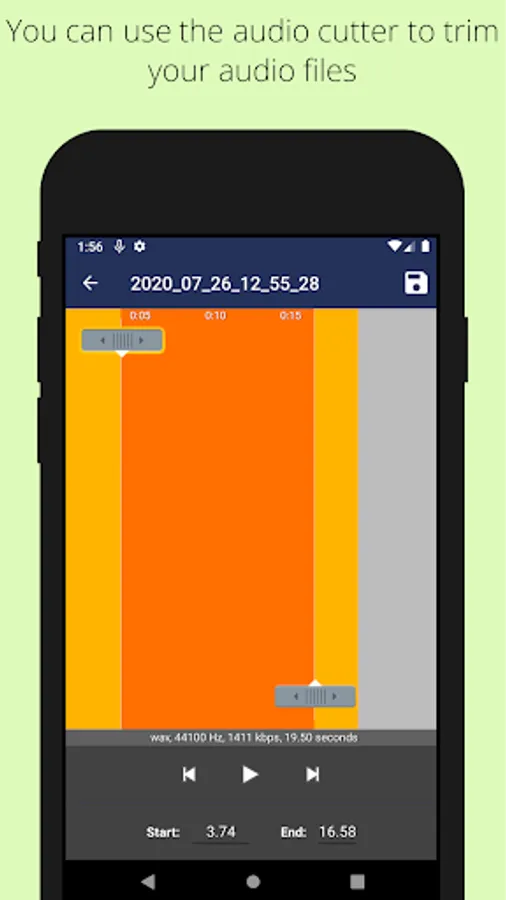
+ Trim voice after you record them
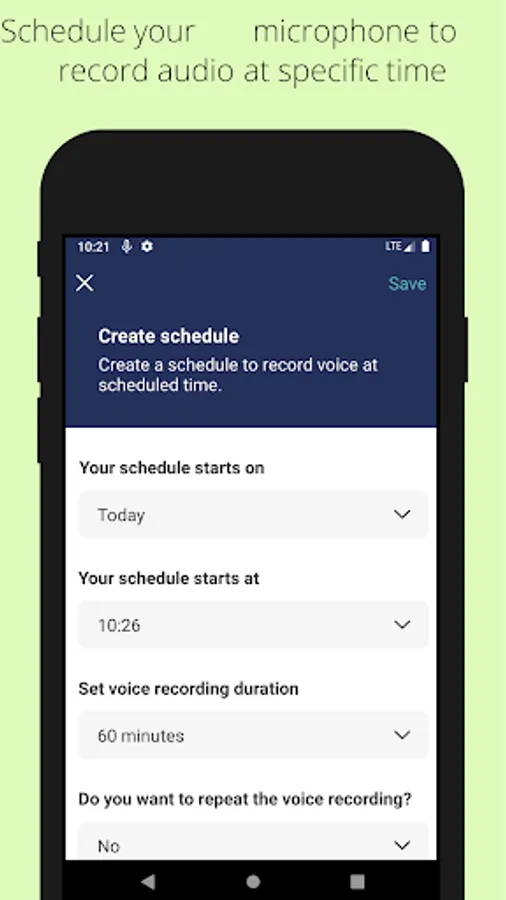
+ Schedule to record voice at specific times
+ Unlimited voice duration. Easily set the time duration you want to record
+ Supports “auto stop recording” when device storage is low
+ Secure well-coded app
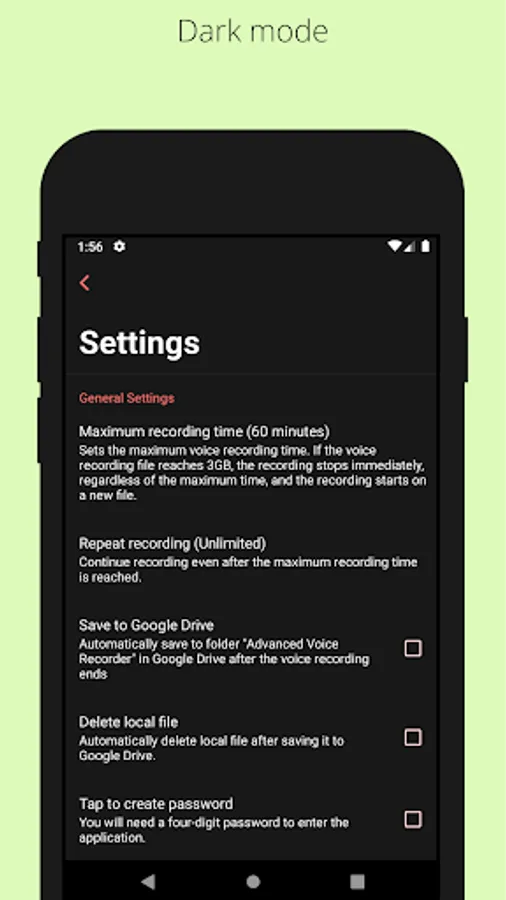
+ Beautiful material design GUI
+ Supports multiple languages
+ Share recording files.
+ Delete recording files.
+ Password protected.
+ Remove ads (you have to pay for this)
All feedback and feature requests can be sent to the following email nahid.coolncoolapps@gmail.com.
[Main Features]
+ Volume buttons can be used to start or stop recording. (Press volume up button three times within two seconds to start. Press volume low button three times within two seconds to stop.)
+ Power button can be used to start or stop recording. (Press the power button three times in two seconds to start or stop recording.)
+ Shake the phone to start or stop video recording.
+ Upload the recorded files to the Google drive.
+ Trim voice after you record them
+ Schedule to record voice at specific times
+ Unlimited voice duration. Easily set the time duration you want to record
+ Supports “auto stop recording” when device storage is low
+ Secure well-coded app
+ Beautiful material design GUI
+ Supports multiple languages
+ Share recording files.
+ Delete recording files.
+ Password protected.
+ Remove ads (you have to pay for this)
All feedback and feature requests can be sent to the following email nahid.coolncoolapps@gmail.com.
Background voice recorder Screenshots
Tap to Rate:
Reviews for Background voice recorder
Mohamed Ibrahim
12/17/2025
As first impression, it looks good.
Architect & Building Consultant- ABC
12/7/2025
best