數位水平儀
GDSoft
10+
downloads
Free
About 數位水平儀
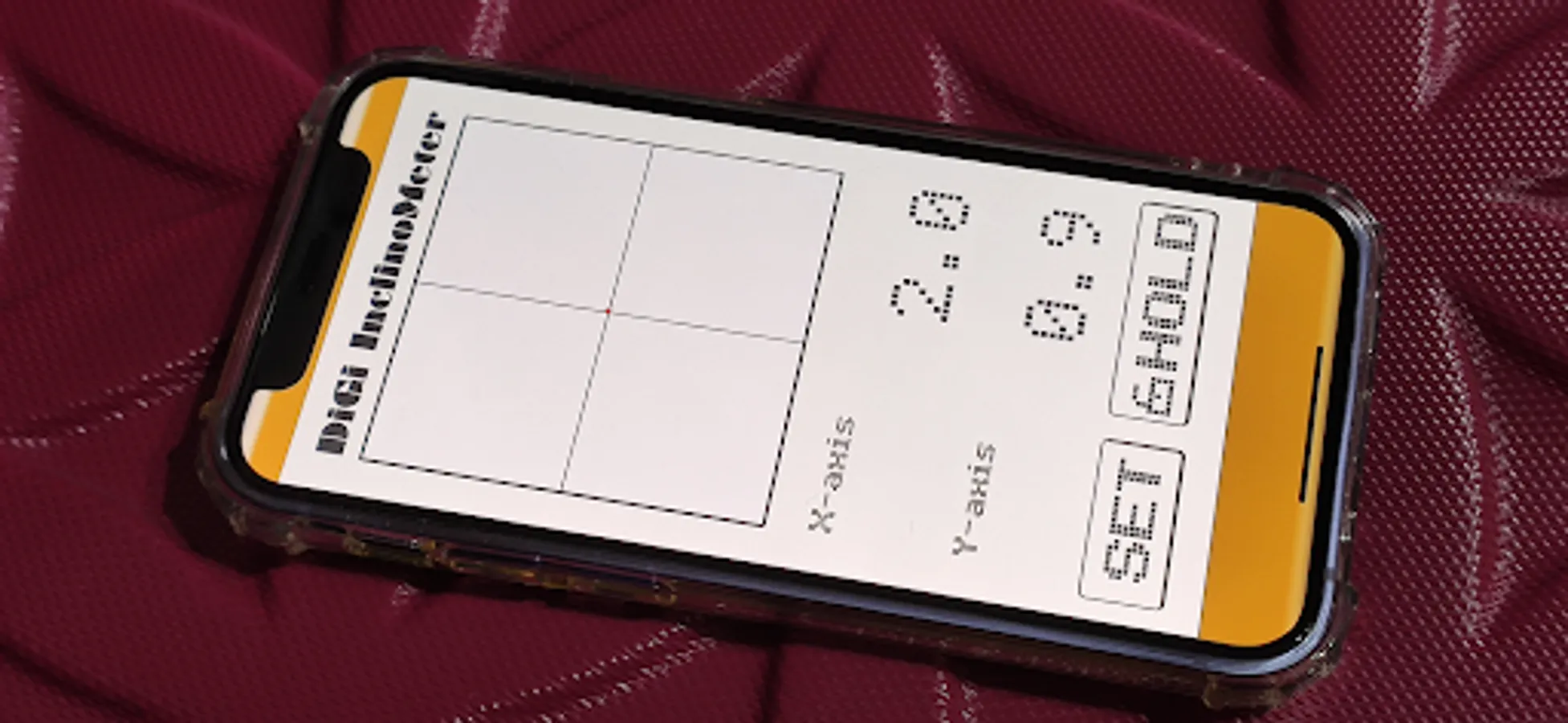
Place the desktop flat to accurately measure the offset angle data of the desktop, with correction and fine-tuning functions
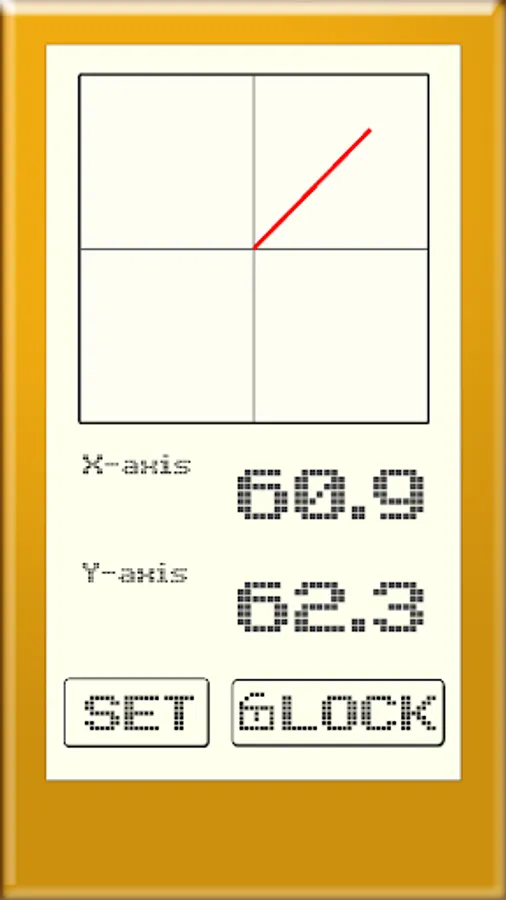
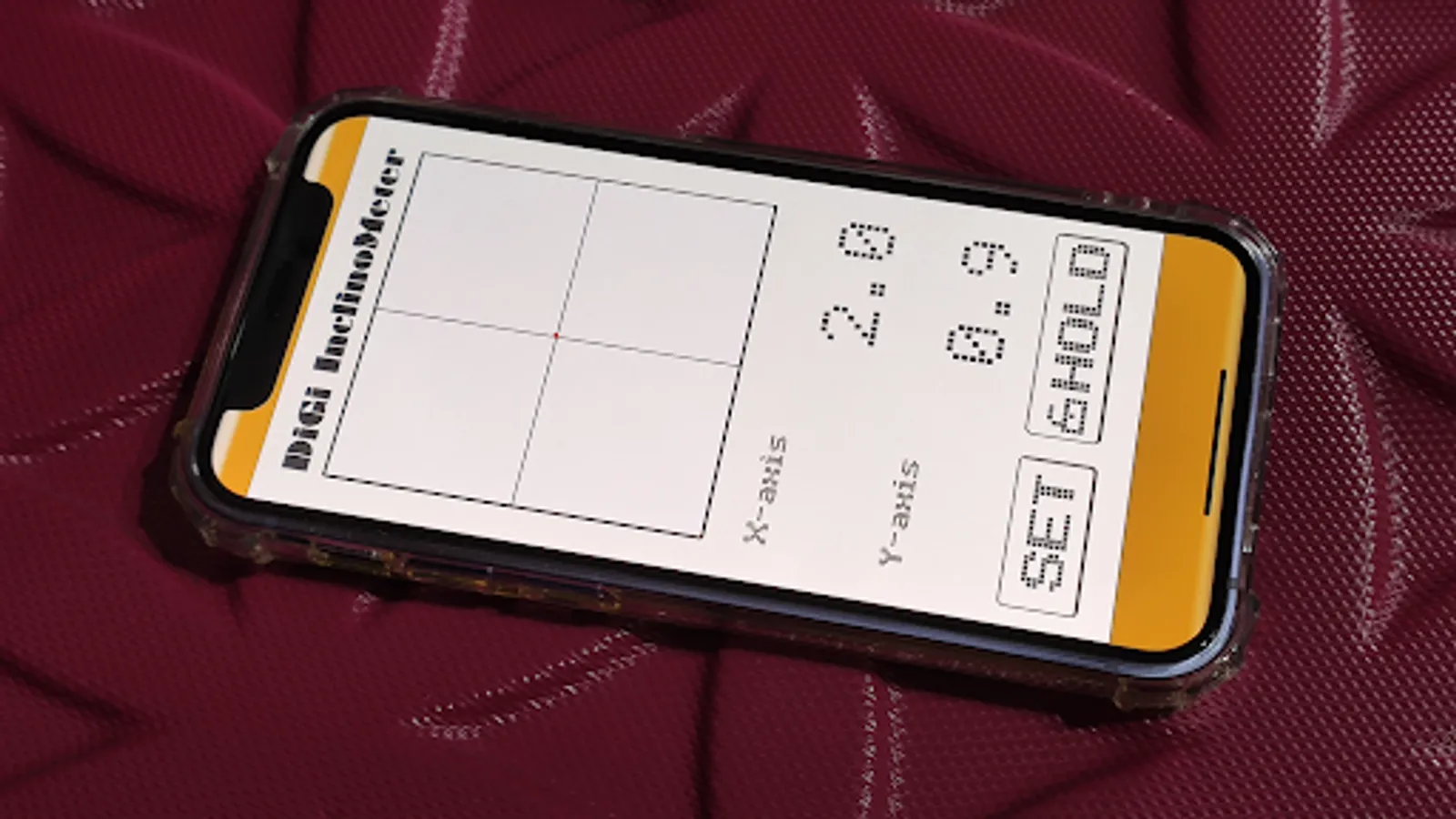
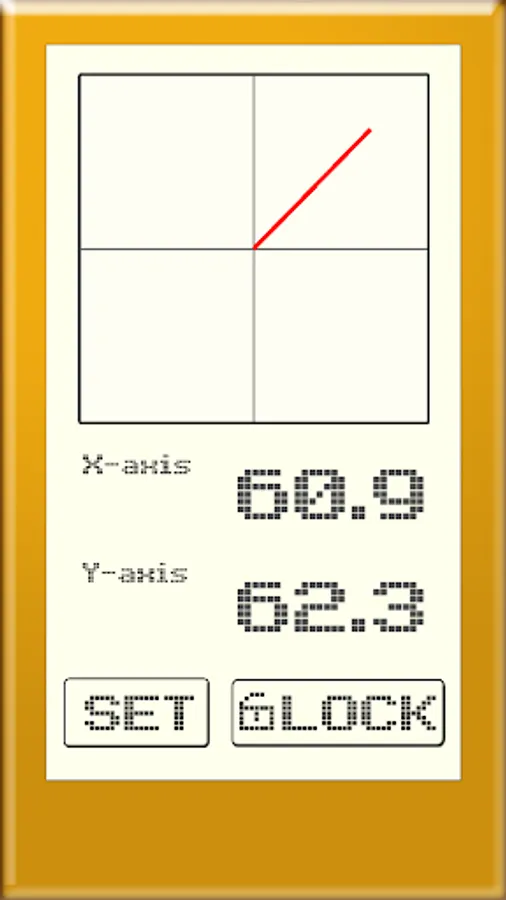
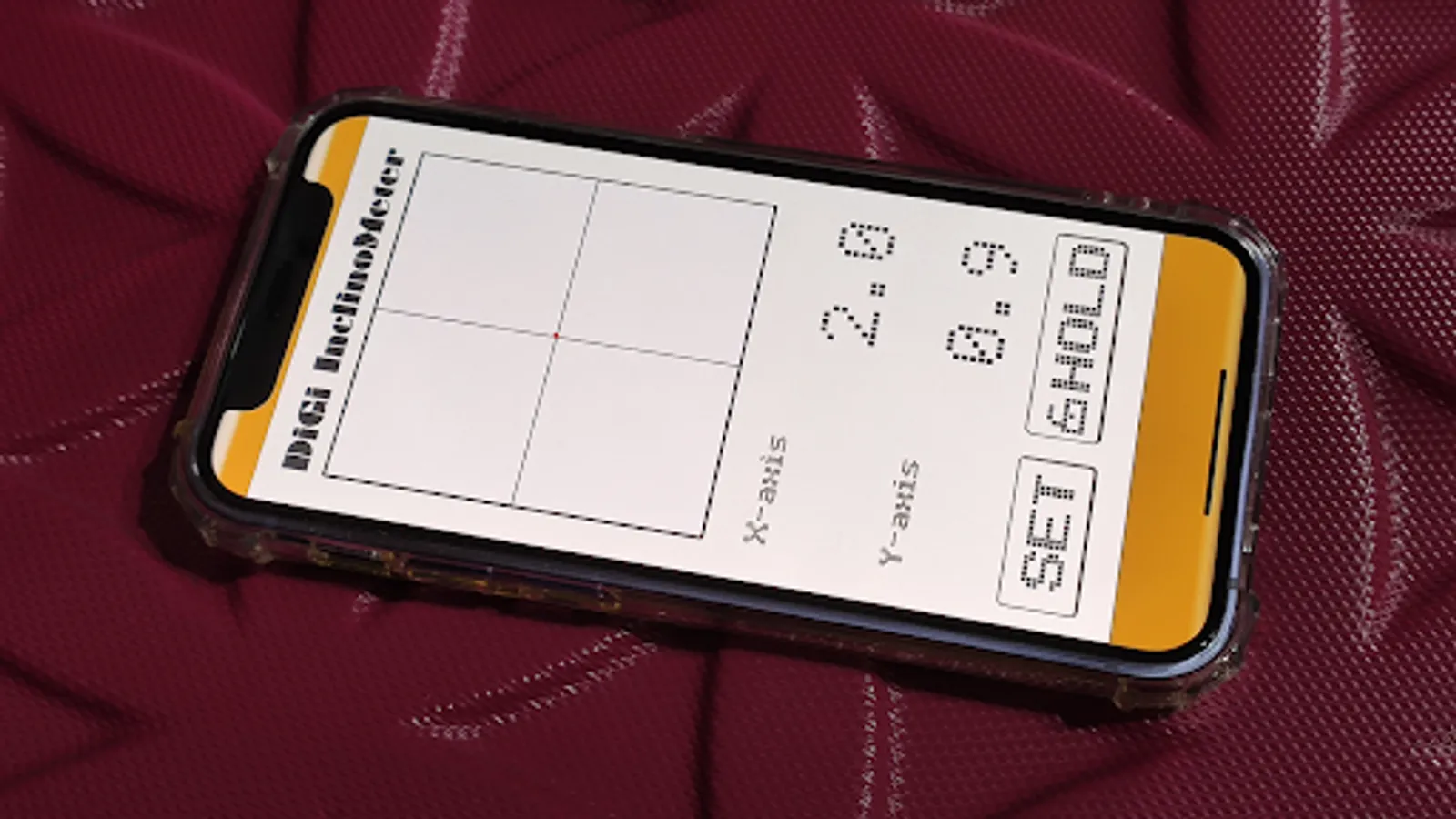
Use the dual display of graphics and data, so that the current angle status can be seen at a glance
Setting method:
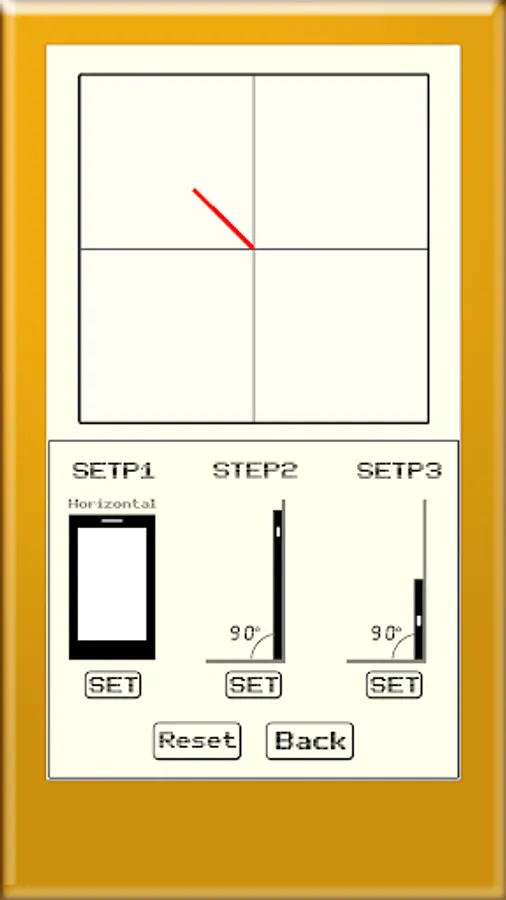
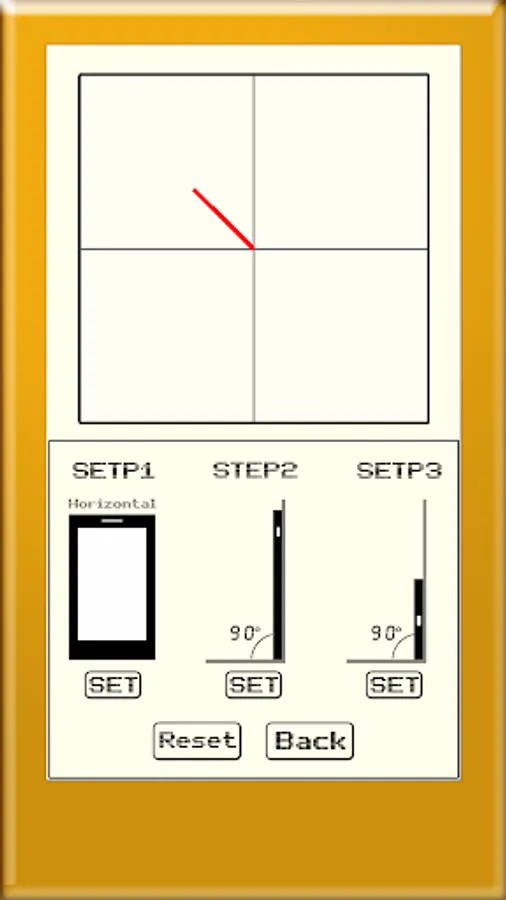
When you turn it on for the first time, please display to select SET settings and calibrate your phone, the method is as follows
A. Place the phone horizontally on an absolutely horizontal plane, and press the SET button of SETP1 after the X and Y data in the upper left corner stop changing
B. Stand the phone upright, place the phone upright at an absolute 90 degree position, and press the SETP2 SET button after the X and Y data in the upper left corner stop changing
C. Put the phone on its side, put the phone upright at an absolute 90 degree position, and press the SETP3 SET button after the X and Y data in the upper left corner stop changing
D. Keep the phone in the B or C state and set the offset value to close to 90 (approximately)
E. After the setting is completed, click Back and the system will save the data, and there is no need to set up the phone again after use
Instructions:
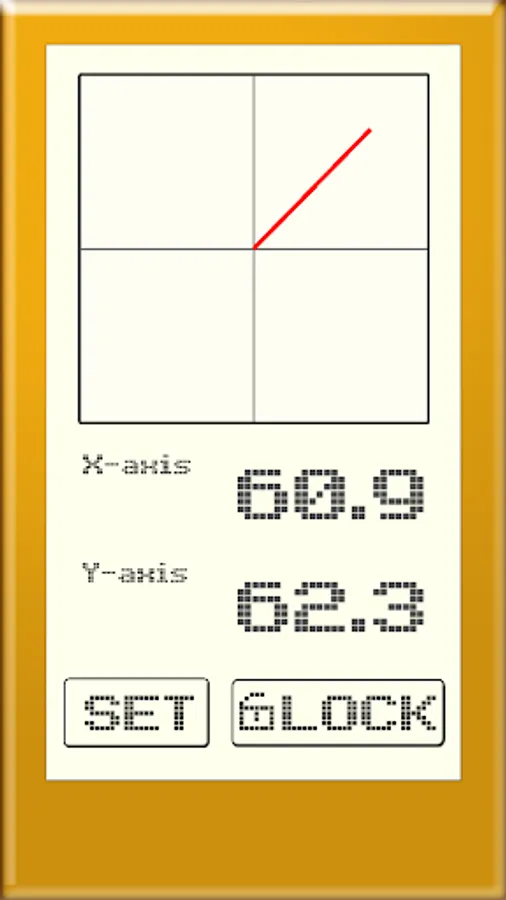
A. Measuring the level of the desktop, open the software and place the phone on the desktop, the X and Y axis offset angles will be displayed, and the red line in the box above represents the oblique direction
B. Measuring the wall or vertical method, placing the phone vertically or horizontally, the line will always remain at 90 degrees perpendicular to the ground and the X, Y axis data will be displayed
Use the dual display of graphics and data, so that the current angle status can be seen at a glance
Setting method:
When you turn it on for the first time, please display to select SET settings and calibrate your phone, the method is as follows
A. Place the phone horizontally on an absolutely horizontal plane, and press the SET button of SETP1 after the X and Y data in the upper left corner stop changing
B. Stand the phone upright, place the phone upright at an absolute 90 degree position, and press the SETP2 SET button after the X and Y data in the upper left corner stop changing
C. Put the phone on its side, put the phone upright at an absolute 90 degree position, and press the SETP3 SET button after the X and Y data in the upper left corner stop changing
D. Keep the phone in the B or C state and set the offset value to close to 90 (approximately)
E. After the setting is completed, click Back and the system will save the data, and there is no need to set up the phone again after use
Instructions:
A. Measuring the level of the desktop, open the software and place the phone on the desktop, the X and Y axis offset angles will be displayed, and the red line in the box above represents the oblique direction
B. Measuring the wall or vertical method, placing the phone vertically or horizontally, the line will always remain at 90 degrees perpendicular to the ground and the X, Y axis data will be displayed