5G 4G LTE WIFI & Network Tools
CreativeIt
3.8 ★
3K ratings
1,000,000+
downloads
Free
In this mobile network tools app, users can switch between different network modes and access detailed connection information. Includes options for network switching, signal monitoring, and data usage analysis.
AppRecs review analysis
AppRecs rating 3.4. Trustworthiness 79 out of 100. Review manipulation risk 35 out of 100. Based on a review sample analyzed.
★★★☆☆
3.4
AppRecs Rating
Ratings breakdown
5 star
63%
4 star
6%
3 star
3%
2 star
6%
1 star
21%
What to know
✓
Credible reviews
79% trustworthiness score from analyzed reviews
✓
Good user ratings
69% positive sampled reviews
⚠
Ad complaints
Many low ratings mention excessive ads
About 5G 4G LTE WIFI & Network Tools
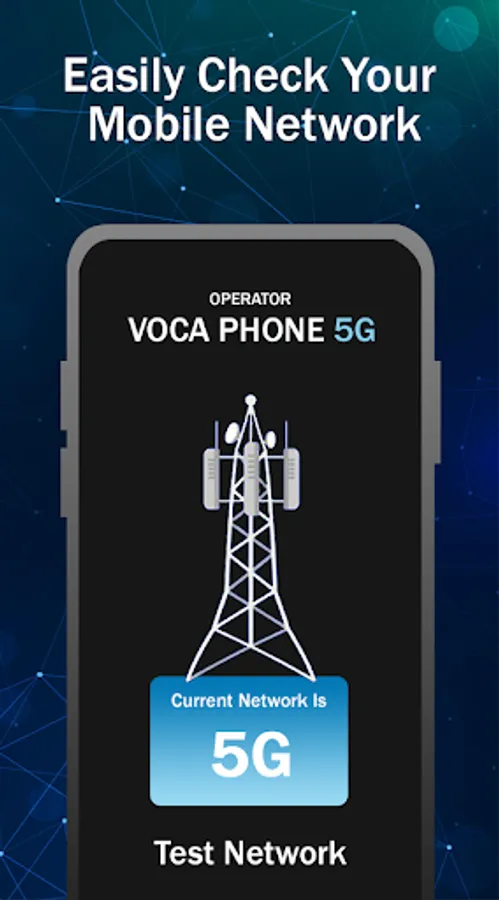
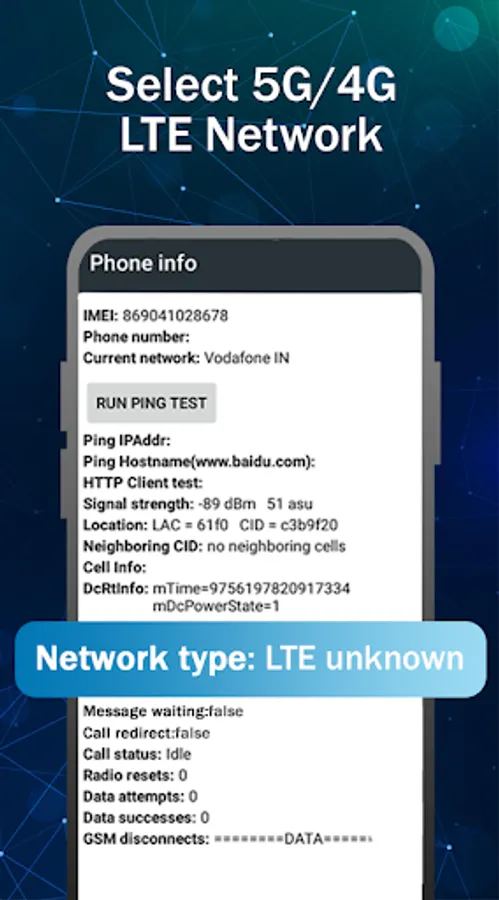
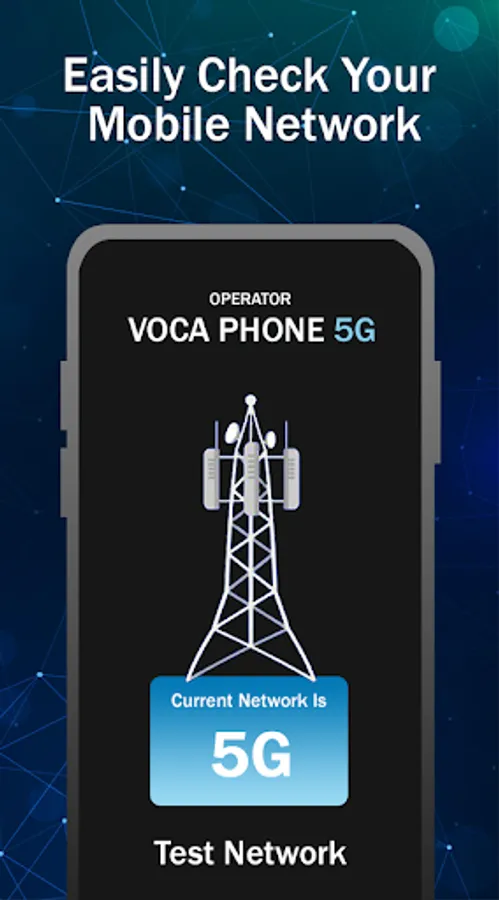
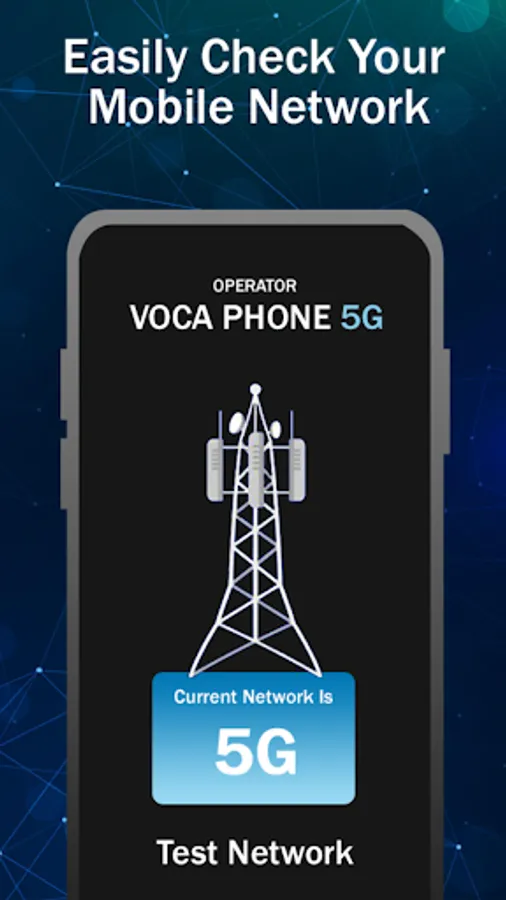
This Application allows you to change your smartphone network to 5G(If Supported), 4G LTE, 3G.
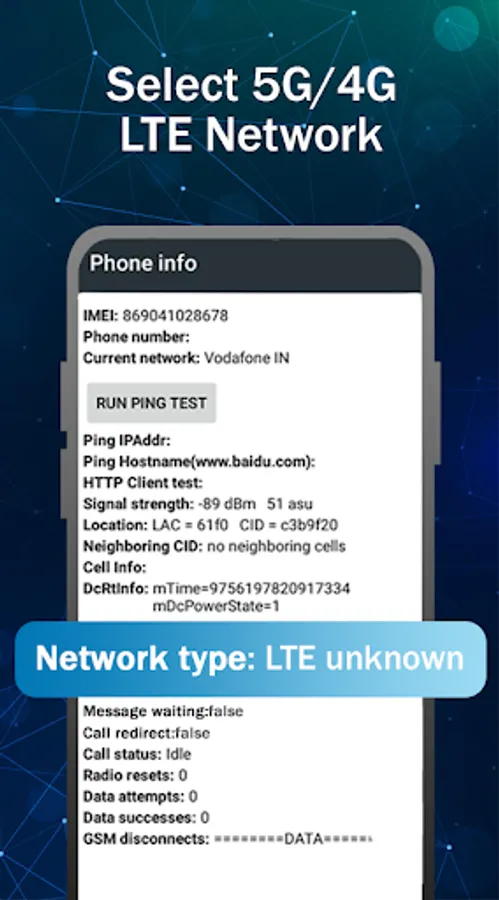
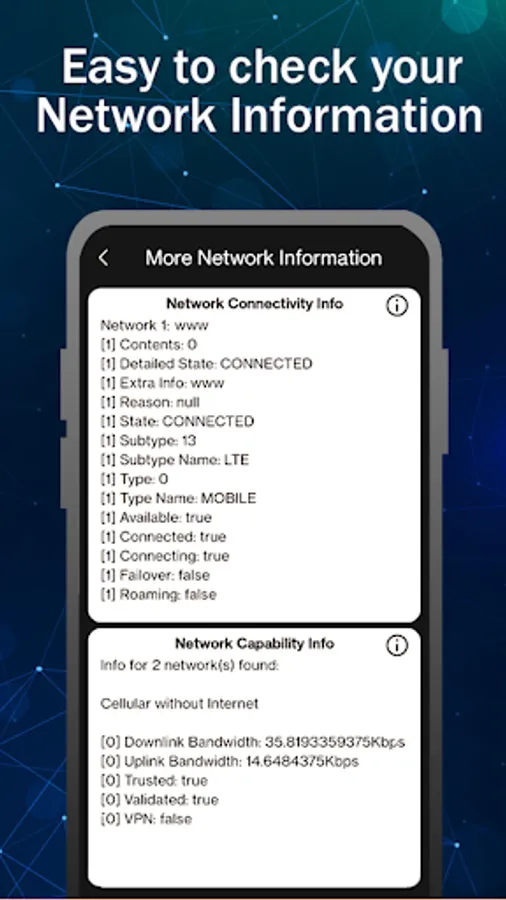
All information and details are available like sim info,wifi info,network info,data usage and Internet speed.
☆ Turn the internet on, before you start the app for the first time.
Main App Features :
* 5G/4G :
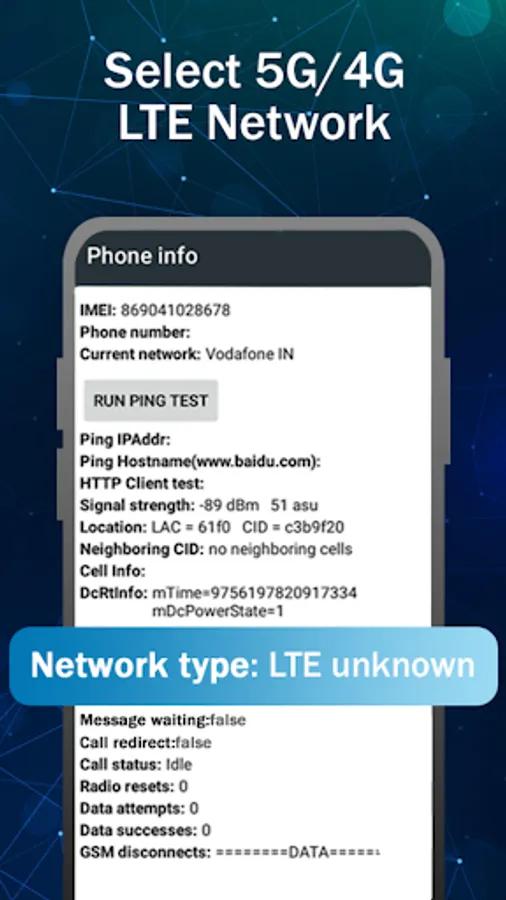
☆ Switch into 5G network (NR)(If Supported), LTE only(4G), EvDo only, CDMA only, WCDMA network, GSM only, just in one click.
☆ Advanced Network configurations.
☆ Lock your phone in 5G(If Supported)/4G/3G/2G mode for stable network signal.
☆ Check your Device Information.
☆ Switch mode for faster internet experience.
☆ Check Wifi Strength.
☆ Identify nearby Access Points.
☆ Graph channels signal strength.
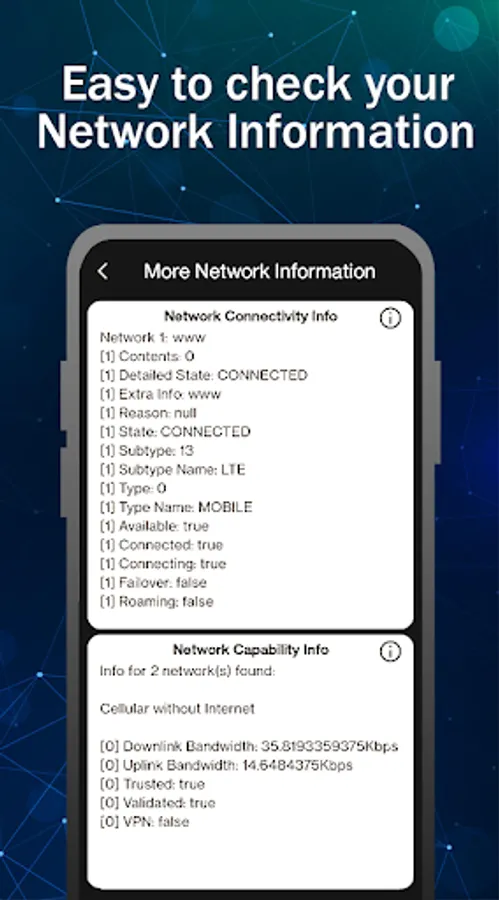
* Network Info
Get following details :
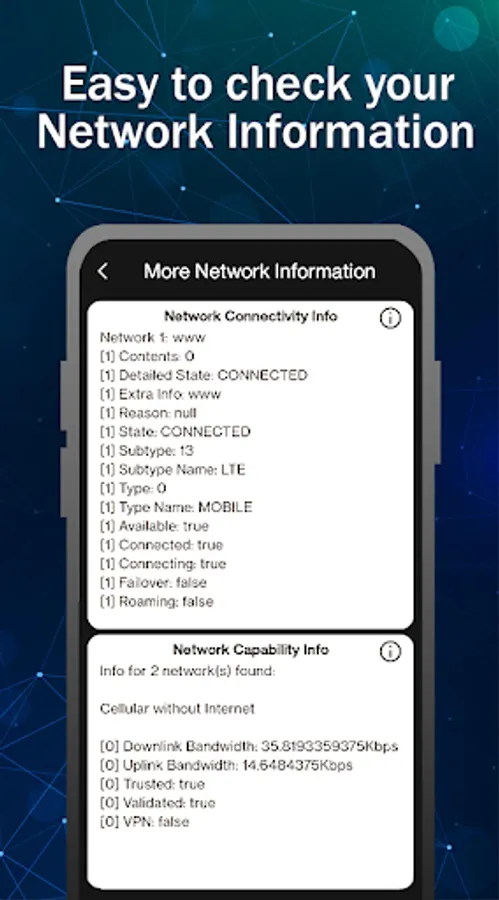
☆ Connection Status
☆ IPV4 & IPV6
☆ MAC address
☆ Network type status
☆ Roaming status
☆ 4G/5G/Volte status
* Bandwidth Info
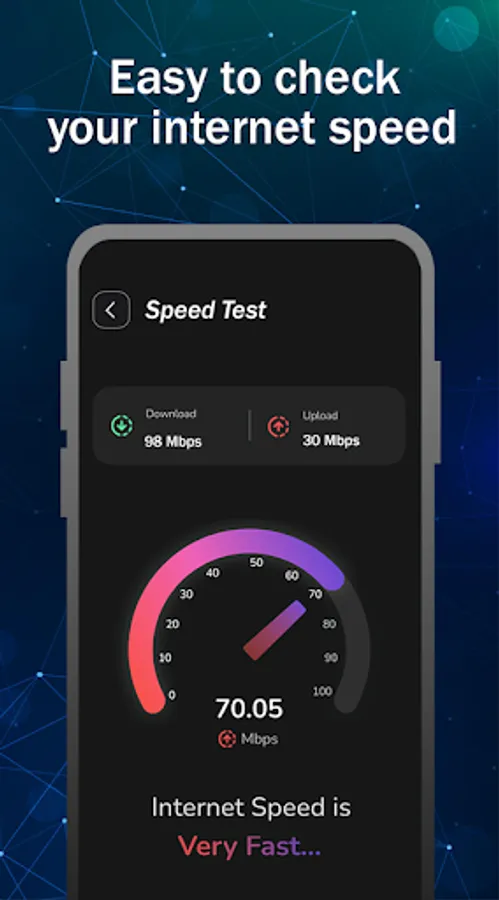
☆ download speed.
☆ byte received since boot
☆ byte transmitted since boot.
* Mobile data Info
Get the following Sim Info
☆ Network operator code
☆ Network operator name
☆ Sim technology type details like GSM or CDMA
☆ Sim Operator code
☆ Phone number of Sim
☆ Dual sim support available or not.
☆ IMEI number of all sim
* Operator Info
☆ Sim Operator 1
☆ Sim Operator 2
☆ Sim Number
☆ Connected Wifi
☆ Available Wifi
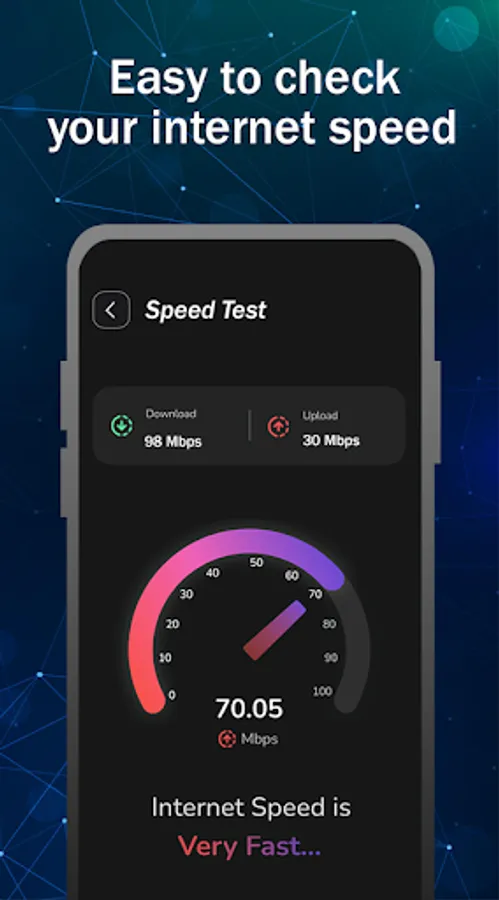
* Internet Speed
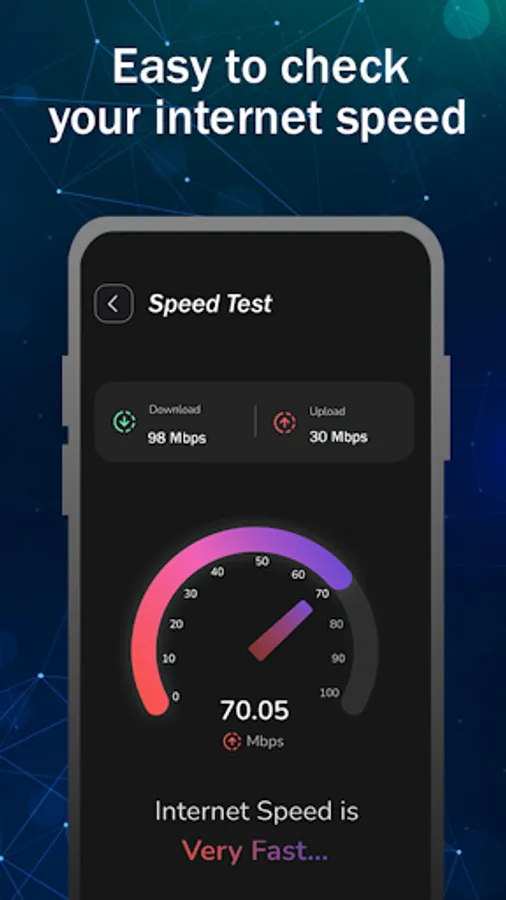
☆ You can check Internet speed your mobiledata or wifi.
☆ Display Ping.
☆ Display Download speed.
☆ Display Upload speed.
☆ Fetch location.
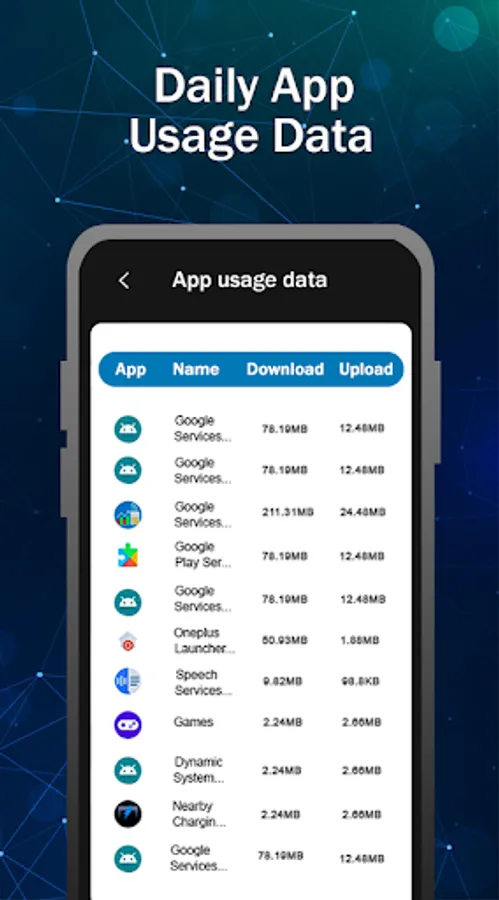
* Data Usage
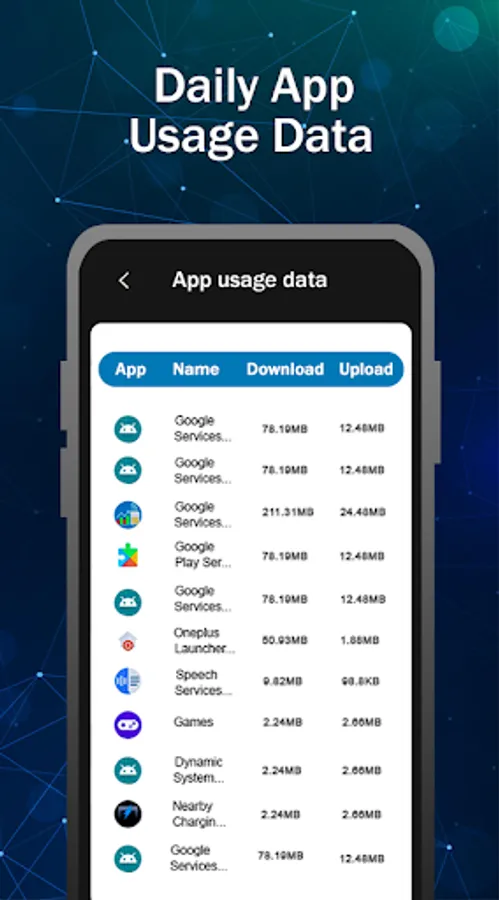
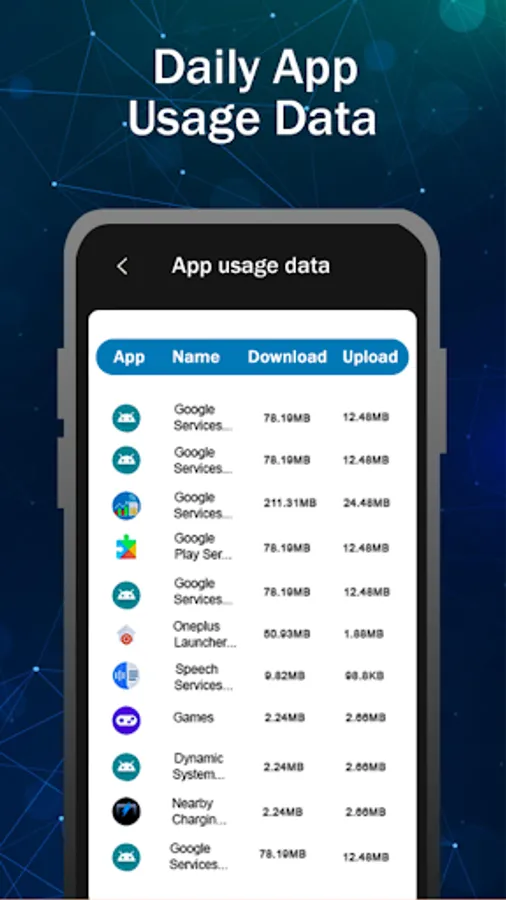
☆ Fetched data usage your wifi or mobile data day-wise,Week-wise and Month wise.
☆ Graph available.
⭐ How to Use ⭐
---------------------------------------
☆ Open 5G 4G LTE app.
☆ Click on SIM LTE|3g|2G Settings button to switch 4g mode.
☆ Find the Option check "Set preferred network type".
☆ Click on LTE ONLY.
* Disclaimer:
⛔️. This 5G/4G Force LTE Only app is not work on all smartphones. Some smartphones restrict the force switching mode.
All information and details are available like sim info,wifi info,network info,data usage and Internet speed.
☆ Turn the internet on, before you start the app for the first time.
Main App Features :
* 5G/4G :
☆ Switch into 5G network (NR)(If Supported), LTE only(4G), EvDo only, CDMA only, WCDMA network, GSM only, just in one click.
☆ Advanced Network configurations.
☆ Lock your phone in 5G(If Supported)/4G/3G/2G mode for stable network signal.
☆ Check your Device Information.
☆ Switch mode for faster internet experience.
☆ Check Wifi Strength.
☆ Identify nearby Access Points.
☆ Graph channels signal strength.
* Network Info
Get following details :
☆ Connection Status
☆ IPV4 & IPV6
☆ MAC address
☆ Network type status
☆ Roaming status
☆ 4G/5G/Volte status
* Bandwidth Info
☆ download speed.
☆ byte received since boot
☆ byte transmitted since boot.
* Mobile data Info
Get the following Sim Info
☆ Network operator code
☆ Network operator name
☆ Sim technology type details like GSM or CDMA
☆ Sim Operator code
☆ Phone number of Sim
☆ Dual sim support available or not.
☆ IMEI number of all sim
* Operator Info
☆ Sim Operator 1
☆ Sim Operator 2
☆ Sim Number
☆ Connected Wifi
☆ Available Wifi
* Internet Speed
☆ You can check Internet speed your mobiledata or wifi.
☆ Display Ping.
☆ Display Download speed.
☆ Display Upload speed.
☆ Fetch location.
* Data Usage
☆ Fetched data usage your wifi or mobile data day-wise,Week-wise and Month wise.
☆ Graph available.
⭐ How to Use ⭐
---------------------------------------
☆ Open 5G 4G LTE app.
☆ Click on SIM LTE|3g|2G Settings button to switch 4g mode.
☆ Find the Option check "Set preferred network type".
☆ Click on LTE ONLY.
* Disclaimer:
⛔️. This 5G/4G Force LTE Only app is not work on all smartphones. Some smartphones restrict the force switching mode.
5G 4G LTE WIFI & Network Tools Screenshots
Tap to Rate:
Reviews for 5G 4G LTE WIFI & Network Tools
Haikal Kassim
12/16/2025
it 👍
My Rator Kingo
12/3/2025
really good