Network Tools - DNS Changer
Creative Tech Innovation
4.6 ★
store rating
50,000+
downloads
Free
+ in-app
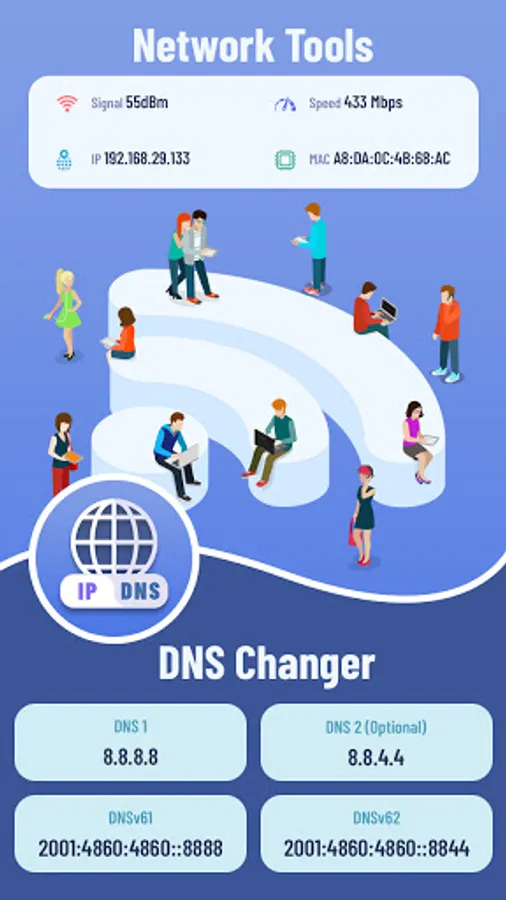
With this DNS changer app, you can modify DNS settings, test DNS speed, and secure your browsing. Includes tools for IP information, Whois queries, ping, traceroute, LAN scanning, and WiFi signal detection.
AppRecs review analysis
AppRecs rating 3.9. Trustworthiness 71 out of 100. Review manipulation risk 36 out of 100. Based on a review sample analyzed.
★★★☆☆
3.9
AppRecs Rating
Ratings breakdown
5 star
77%
4 star
15%
3 star
2%
2 star
0%
1 star
6%
What to know
✓
Credible reviews
71% trustworthiness score from analyzed reviews
✓
High user satisfaction
77% of sampled ratings are 5 stars
⚠
Review quality concerns
61% of sampled 5-star reviews are very short
About Network Tools - DNS Changer
*My IP Information - IP Tools
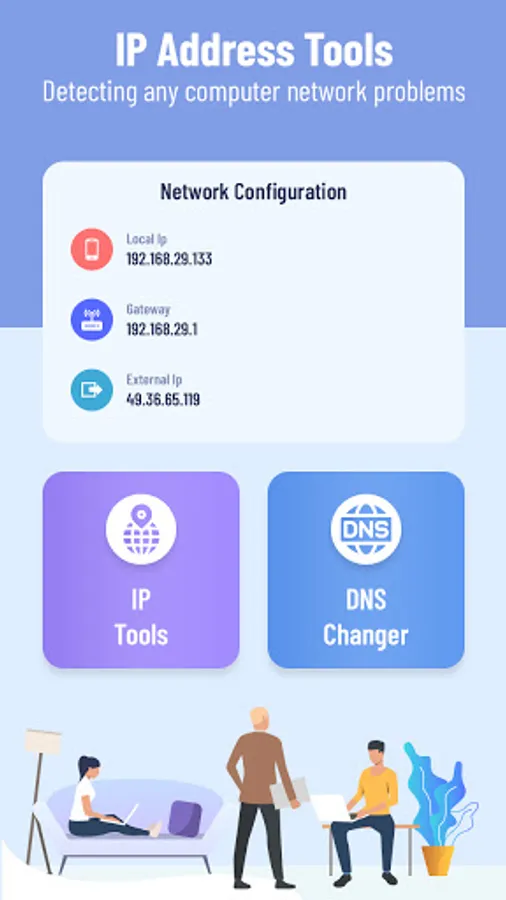
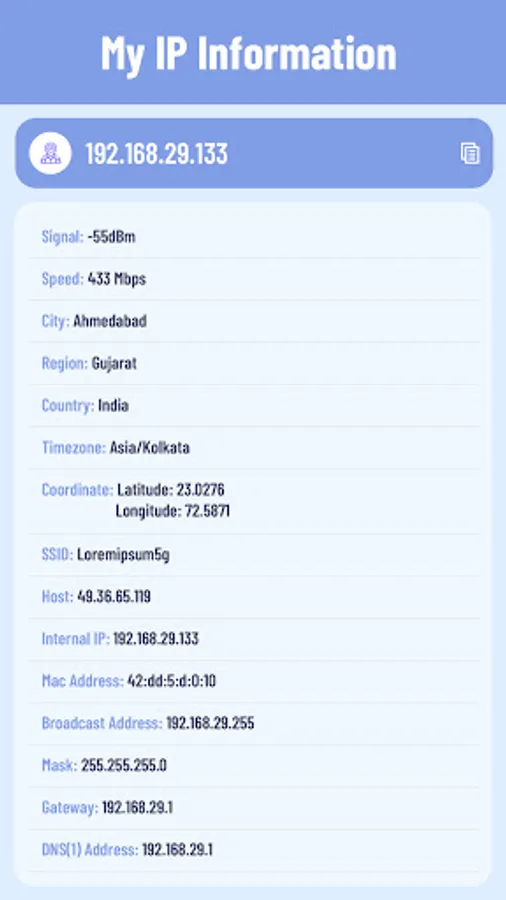
- This IP Address Tools provides details about an IP address. It’s estimated physical location (country, state, and city) and a map.
- Get the most accurate device recognition of IP address, MAC address, device name, model, vendor and manufacturer.
Why to change your DNS server?
✔ Improve online gaming experience
✔ Stay more secure on public Wi-Fi
✔ Freely explore on your favorite sites & apps
✔ Enjoy the fast and private internet browsing experience
✔ Accessing restricted websites easily
*DNS Changer
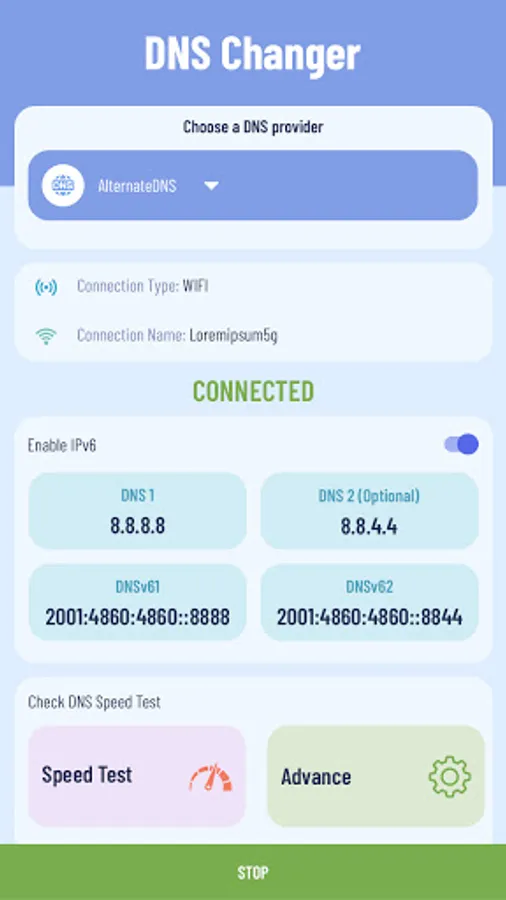
- Easiest way to change your DNS and check DNS Speed Test - get the best DNS server.
- Completely Works without root and works for both Mobile Network Data and WiFi Connection.
- Explore freely on your favorite sites & apps
- Enjoy the best net browsing performance and gaming experience
- Access websites & apps while abroad
- Browse privately and stay secure on public Wi-Fi
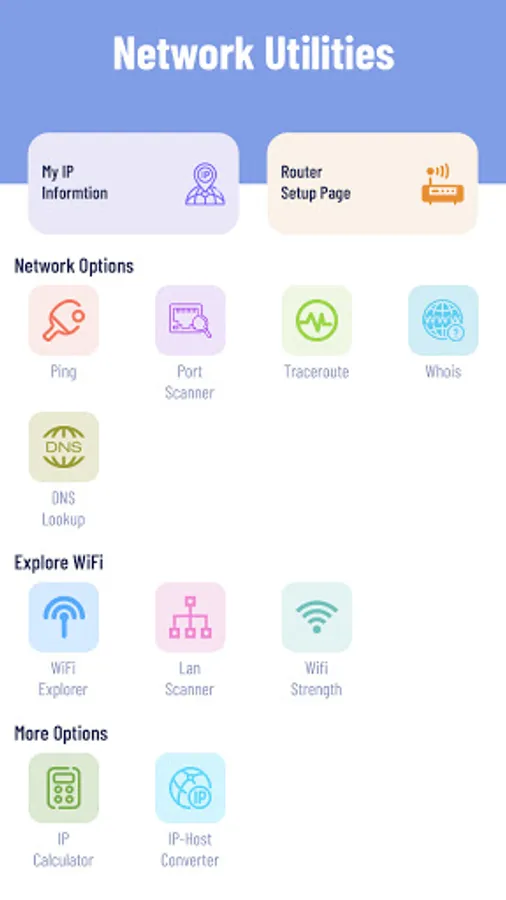
*Whois - WHOIS query will allow you to query multiple domain registrars’ databases.
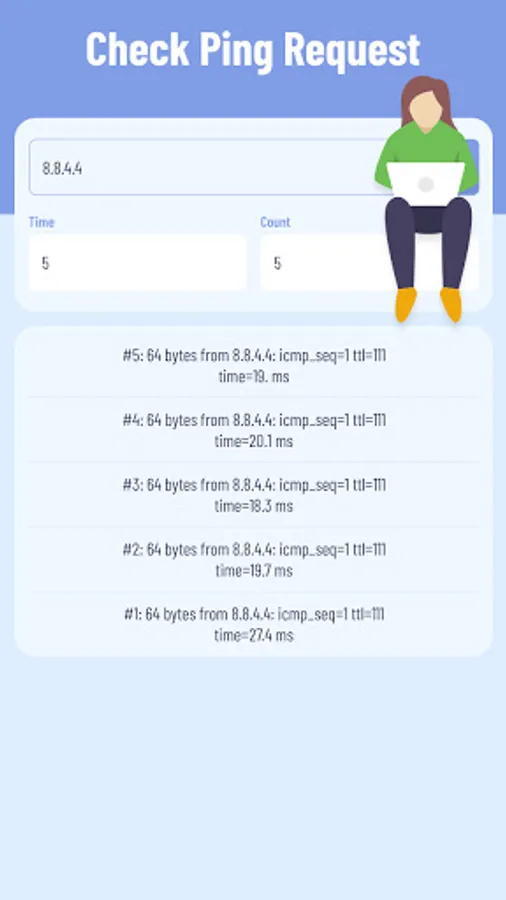
*Ping - To determine if a server is responding to requests, you can use Ping. You provide an IP address or a domain name, and you can see if the host is responding or not.
*Traceroute - Determining if there’s a specific server (or node) that is slow or unreachable.
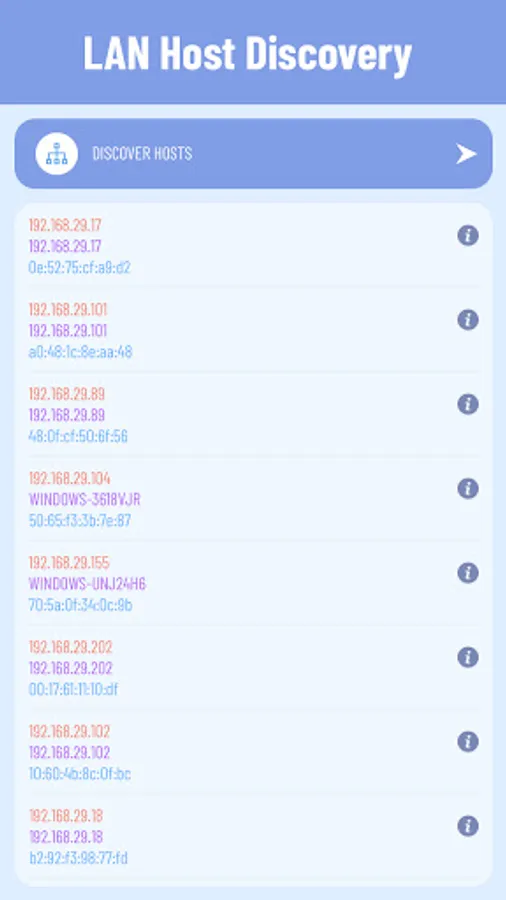
*Lan Scanner - LAN host discovery - allows you to discover hosts on your network and will display useful network information about your device and other hosts.
*IP Host Converter - IP to Hostname Lookup, This tool provides the hostname of an IP address.
*Router Setup Page - helps you easily access your router settings and control your WiFi network.
*WiFi Strength Meter - can view your current WiFi signal strength and detect WiFi Signal Strength around you in real time.
*DNS Lookup - The DNS Lookup tool retrieves domain name records for the domain name that you provide. You can use this to help diagnose problems and see if the problem originates from the domain name server.
Required Permissions And Privacy Notes:
VPNService: DNS Changer uses VPNService base class to create DNS & VPN connection.
- This IP Address Tools provides details about an IP address. It’s estimated physical location (country, state, and city) and a map.
- Get the most accurate device recognition of IP address, MAC address, device name, model, vendor and manufacturer.
Why to change your DNS server?
✔ Improve online gaming experience
✔ Stay more secure on public Wi-Fi
✔ Freely explore on your favorite sites & apps
✔ Enjoy the fast and private internet browsing experience
✔ Accessing restricted websites easily
*DNS Changer
- Easiest way to change your DNS and check DNS Speed Test - get the best DNS server.
- Completely Works without root and works for both Mobile Network Data and WiFi Connection.
- Explore freely on your favorite sites & apps
- Enjoy the best net browsing performance and gaming experience
- Access websites & apps while abroad
- Browse privately and stay secure on public Wi-Fi
*Whois - WHOIS query will allow you to query multiple domain registrars’ databases.
*Ping - To determine if a server is responding to requests, you can use Ping. You provide an IP address or a domain name, and you can see if the host is responding or not.
*Traceroute - Determining if there’s a specific server (or node) that is slow or unreachable.
*Lan Scanner - LAN host discovery - allows you to discover hosts on your network and will display useful network information about your device and other hosts.
*IP Host Converter - IP to Hostname Lookup, This tool provides the hostname of an IP address.
*Router Setup Page - helps you easily access your router settings and control your WiFi network.
*WiFi Strength Meter - can view your current WiFi signal strength and detect WiFi Signal Strength around you in real time.
*DNS Lookup - The DNS Lookup tool retrieves domain name records for the domain name that you provide. You can use this to help diagnose problems and see if the problem originates from the domain name server.
Required Permissions And Privacy Notes:
VPNService: DNS Changer uses VPNService base class to create DNS & VPN connection.