Hours Tracker Time Tracking
cribasoft, LLC
3.8 ★
store rating
1,000,000+
downloads
Free
+ in-app
AppRecs review analysis
AppRecs rating 3.3. Trustworthiness 87 out of 100. Review manipulation risk 22 out of 100. Based on a review sample analyzed.
★★★☆☆
3.3
AppRecs Rating
Ratings breakdown
5 star
55%
4 star
10%
3 star
8%
2 star
7%
1 star
19%
What to know
✓
Low review manipulation risk
22% review manipulation risk
⚠
Ad complaints
Many low ratings mention excessive ads
⚠
Pricing complaints
Many low ratings mention paywalls or pricing
About Hours Tracker Time Tracking
OVER 120,000 PEOPLE track their time and pay using HoursTracker ®. Try it today, and find out why it's the best and most highly-rated time tracker in Google Play!
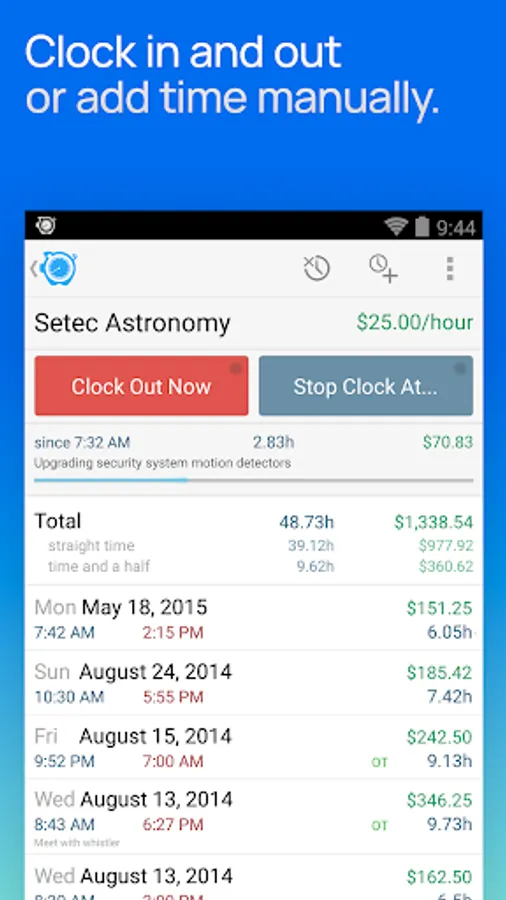
Easily track your time and earnings, whether you're an hourly employee, a contractor, or you just want to better manage your working hours.
QUICK AND EASY time entry and editing make time tracking painless
• Record time using timers, complete with support for Breaks and Pauses
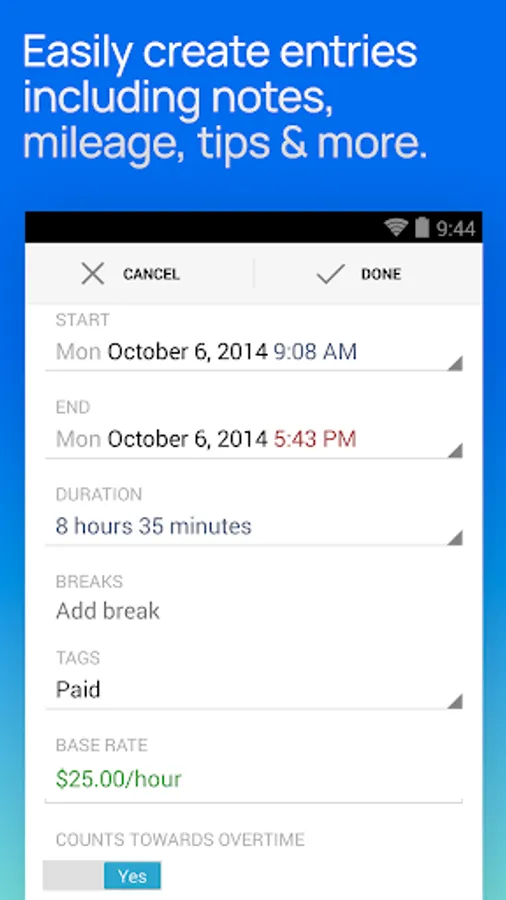
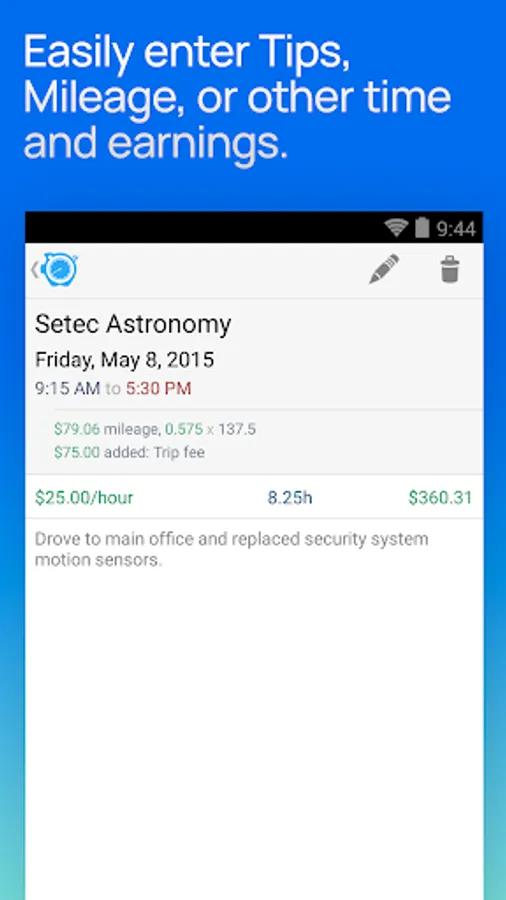
• Track your pay, including Tips, Mileage, and flexible ± time and earnings adjustments
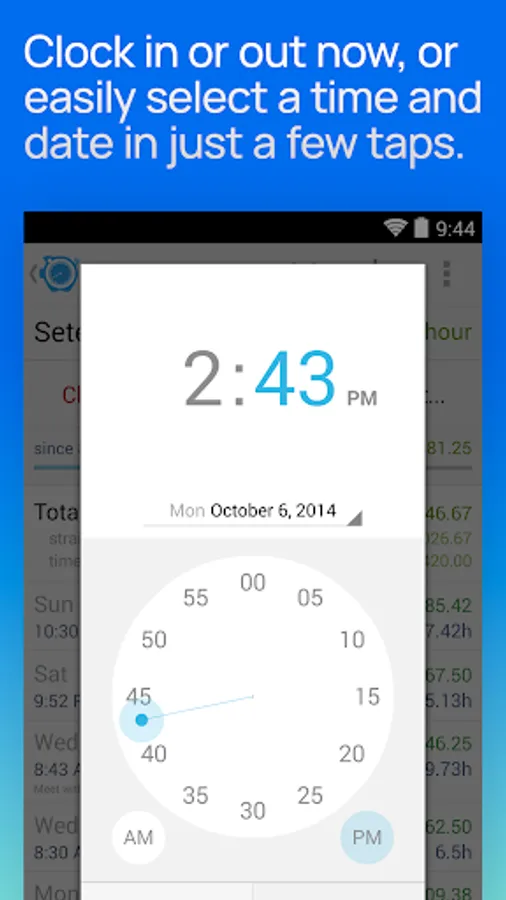
• Pick any time to start, stop, break or pause the timer (7 minutes ago, 10 minutes from now, whatever you need)
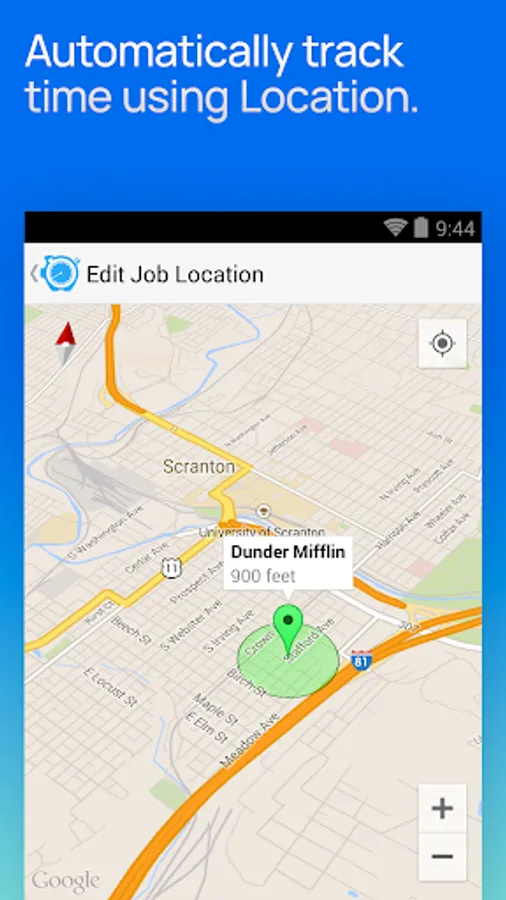
• Set job locations and get clock in and out reminders when you arrive or leave or fully automate your time tracking (geofencing)
• Manually enter time entries with minimal effort thanks to smart, adaptive defaults
• Enter comments of any length with your time entries and optionally include them in your exports
◆ ADVANCED FEATURES and customization set HoursTracker above the rest
• Automatic daily and weekly overtime earnings calculations
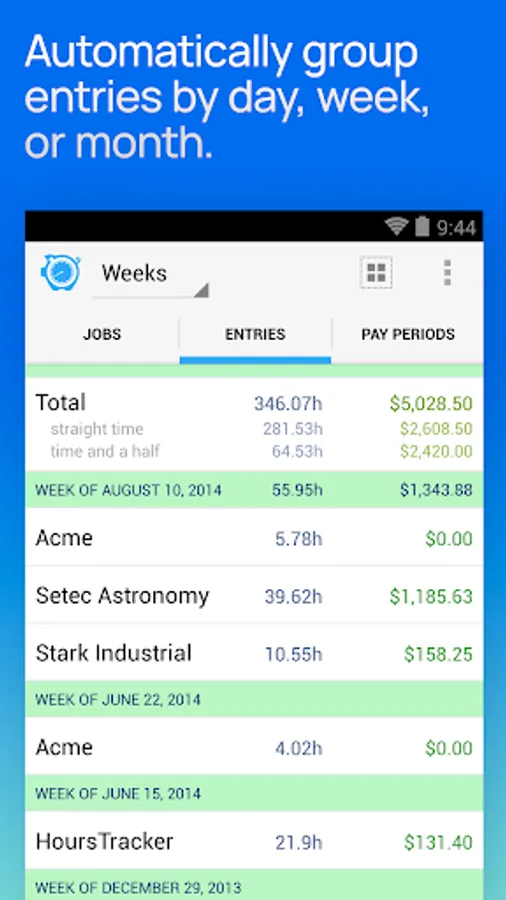
• Built-in reports by Day, Week, and Month and support for most common pay period schedules
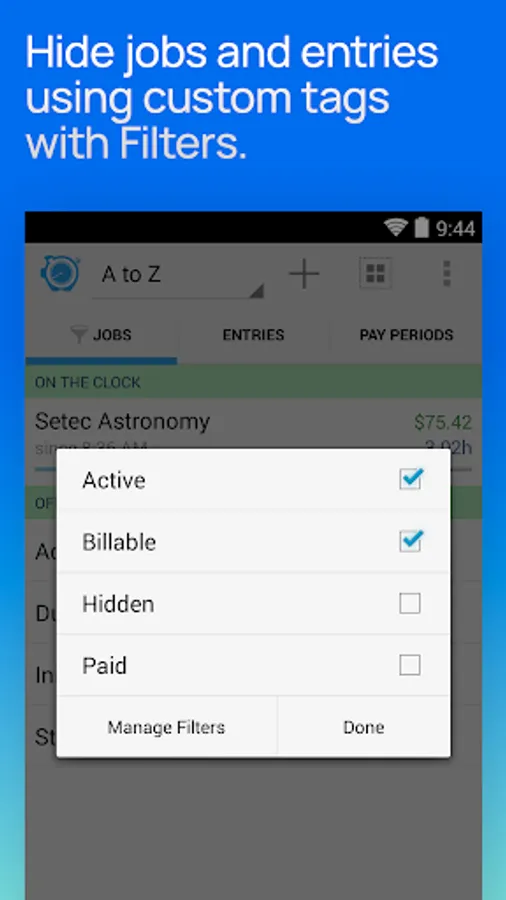
• Robust tagging and filtering allow you to build your own custom views
• Reminders when you've worked your target number of hours per day (even takes time rounding into account)
• Automatic time rounding: up, down, or to nearest (including 6 min)
• Ongoing notification lets you view time on the clock, even clock out take a break without launching the app
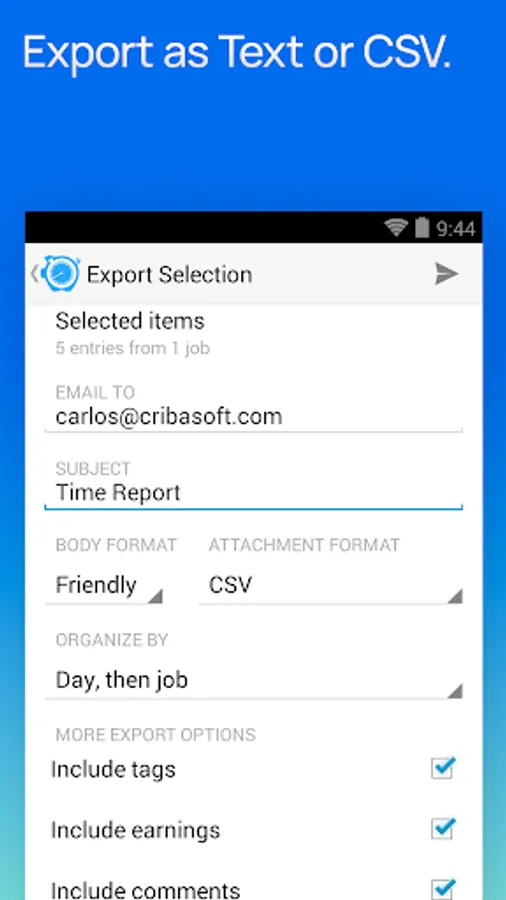
• CSV and formatted text export
• Cloud-based backup/restore with one re-usable backup slot included free (free account sign up is required)
• Web-based reporting access, including charts, graphs, desktop exports, and rolling backups available with optional subscription
• Customize your HoursTracker experience in the Preferences section under the More tab. Choose only one or many jobs clocked in at a time, opt-into prompts for comments, choose an elapsed time format (hours:minutes, or decimal hours), and more
"Free Edition" stores up to 3 jobs and 21 days of entries.
Visit our website at http://www.hourstrackerapp.com to learn more, and follow @HoursTracker on Twitter or facebook.com/HoursTracker to hear about upcoming features first.
If you have a question, problem, or need help, please send us a support request via e-mail.
Easily track your time and earnings, whether you're an hourly employee, a contractor, or you just want to better manage your working hours.
QUICK AND EASY time entry and editing make time tracking painless
• Record time using timers, complete with support for Breaks and Pauses
• Track your pay, including Tips, Mileage, and flexible ± time and earnings adjustments
• Pick any time to start, stop, break or pause the timer (7 minutes ago, 10 minutes from now, whatever you need)
• Set job locations and get clock in and out reminders when you arrive or leave or fully automate your time tracking (geofencing)
• Manually enter time entries with minimal effort thanks to smart, adaptive defaults
• Enter comments of any length with your time entries and optionally include them in your exports
◆ ADVANCED FEATURES and customization set HoursTracker above the rest
• Automatic daily and weekly overtime earnings calculations
• Built-in reports by Day, Week, and Month and support for most common pay period schedules
• Robust tagging and filtering allow you to build your own custom views
• Reminders when you've worked your target number of hours per day (even takes time rounding into account)
• Automatic time rounding: up, down, or to nearest (including 6 min)
• Ongoing notification lets you view time on the clock, even clock out take a break without launching the app
• CSV and formatted text export
• Cloud-based backup/restore with one re-usable backup slot included free (free account sign up is required)
• Web-based reporting access, including charts, graphs, desktop exports, and rolling backups available with optional subscription
• Customize your HoursTracker experience in the Preferences section under the More tab. Choose only one or many jobs clocked in at a time, opt-into prompts for comments, choose an elapsed time format (hours:minutes, or decimal hours), and more
"Free Edition" stores up to 3 jobs and 21 days of entries.
Visit our website at http://www.hourstrackerapp.com to learn more, and follow @HoursTracker on Twitter or facebook.com/HoursTracker to hear about upcoming features first.
If you have a question, problem, or need help, please send us a support request via e-mail.