Data Copy
LOGICLABS LIMITED
4.3 ★
511 ratings
50,000+
downloads
Free
+ in-app
With this data transfer app, you can copy contacts, photos, videos, and more between devices using various transfer methods. Includes cross-platform support, secure sharing, and options for Wi-Fi, Drive, or OneDrive transfers.
AppRecs review analysis
AppRecs rating 4.3. Trustworthiness 72 out of 100. Review manipulation risk 38 out of 100. Based on a review sample analyzed.
★★★★☆
4.3
AppRecs Rating
Ratings breakdown
5 star
68%
4 star
16%
3 star
2%
2 star
5%
1 star
9%
What to know
✓
Credible reviews
72% trustworthiness score from analyzed reviews
✓
High user satisfaction
84% of sampled ratings are 4+ stars (4.3★ average)
✓
Authentic reviews
Natural distribution, no red flags
About Data Copy
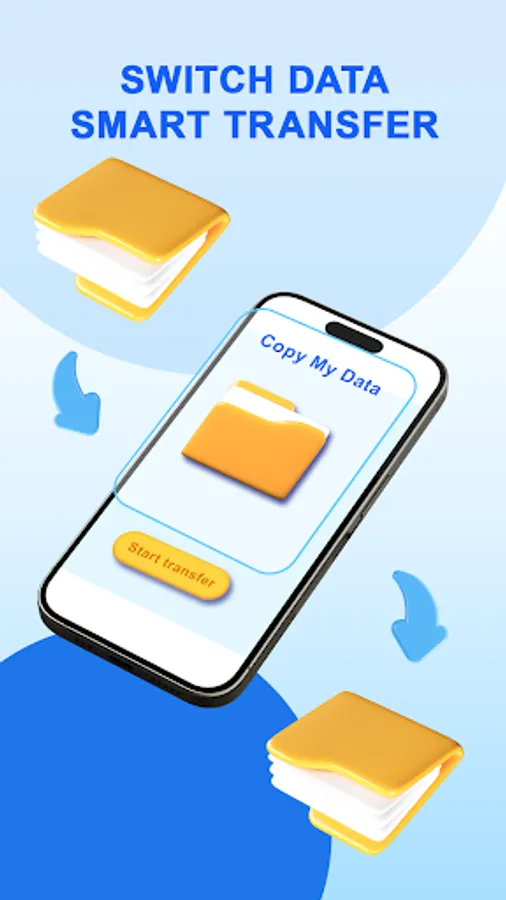
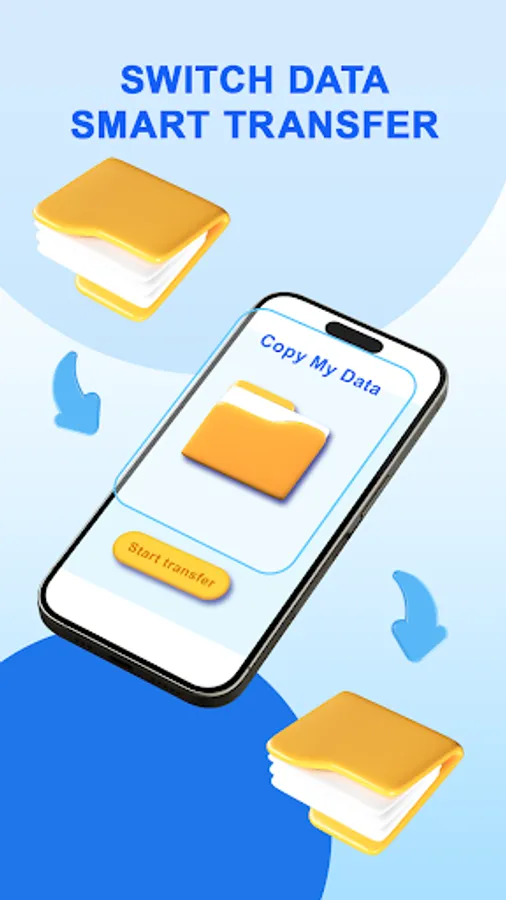
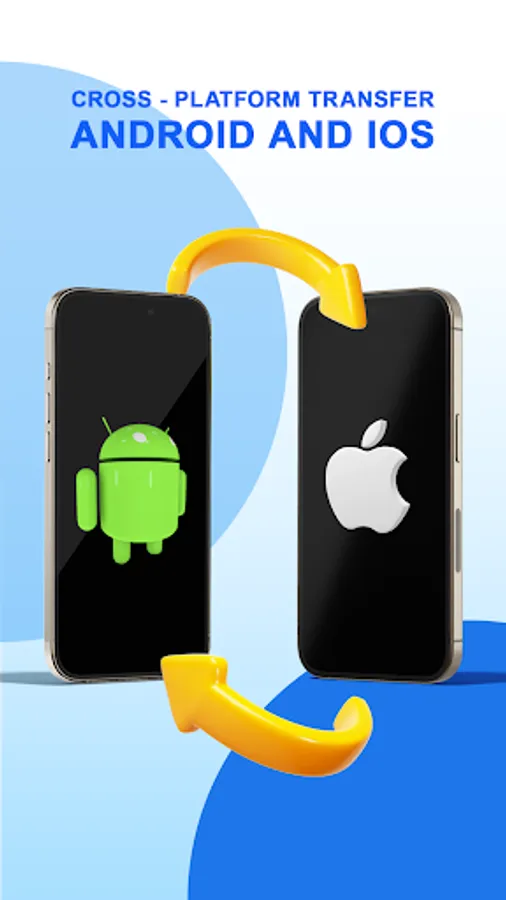
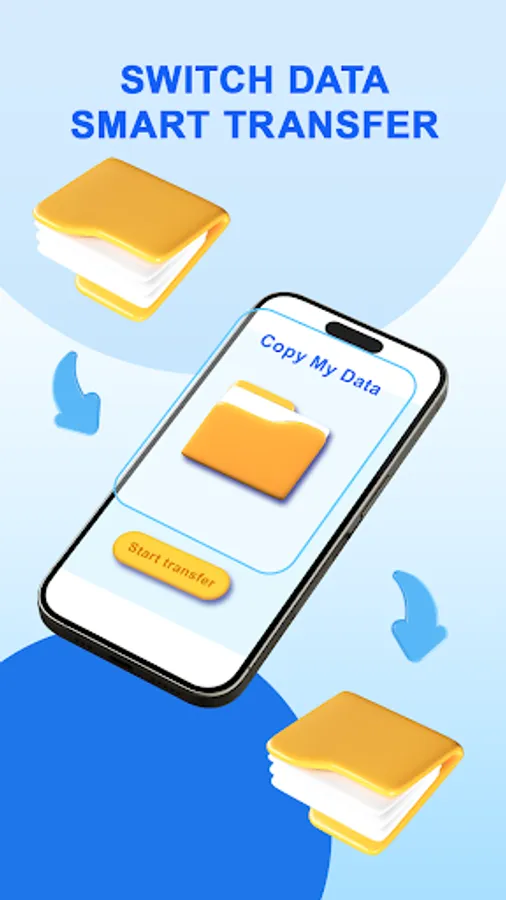
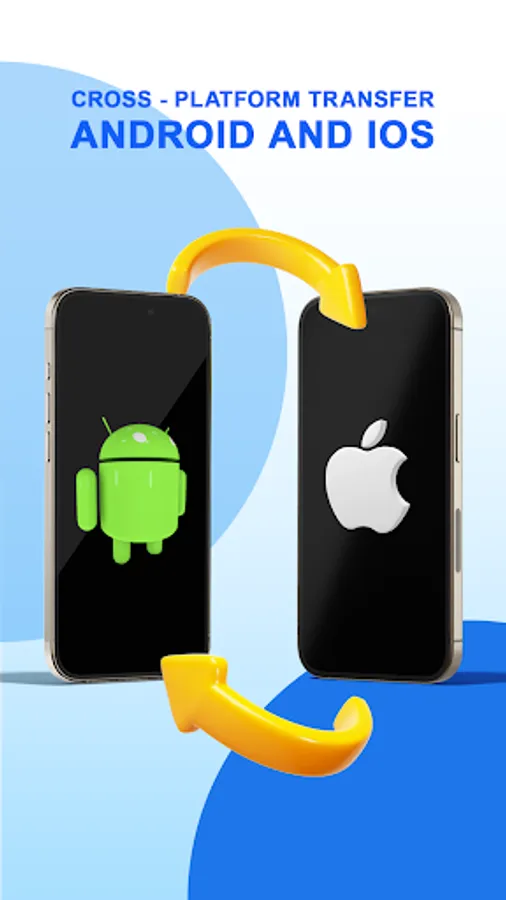
📱 Data Copy is the ultimate solution for data transfer between phones. Effortlessly copy your contacts, photos, videos and seamlessly transfer to new device. With cross-platform support, you can easily copy data from iPhone to Android or Android to iPhone, making switching devices hassle-free.
HOW TO USE
📲 Install Data Copy on both devices.
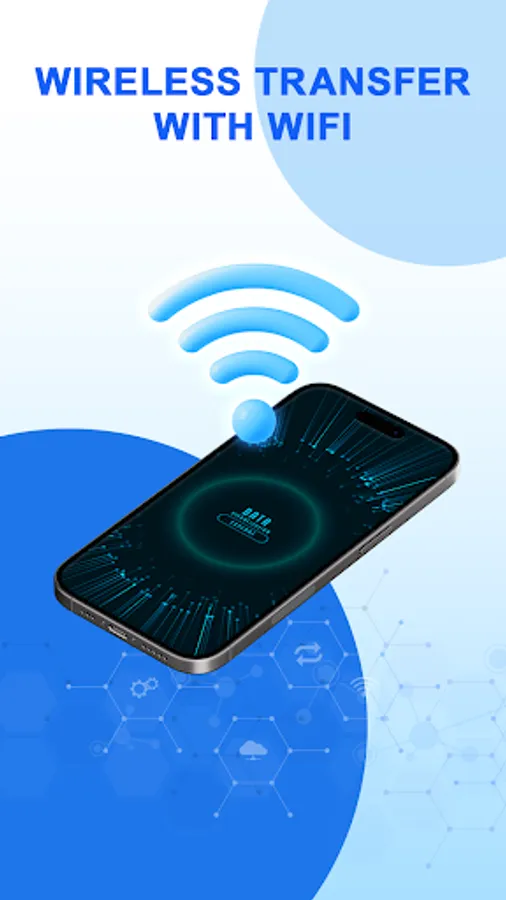
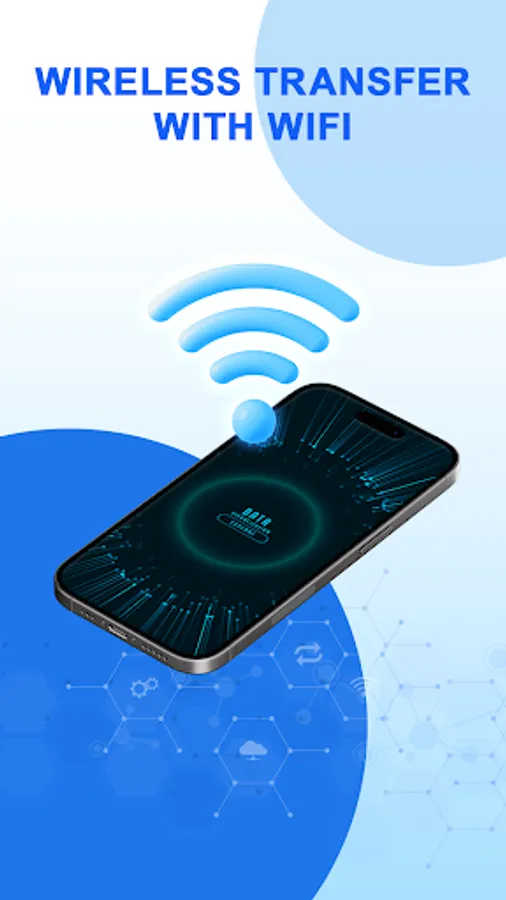
🌐 Connect both phones to the same Wi-Fi network.
🔄 Select the data you want to copy, including photos, videos, contacts, apps, and more.
🚀 Hit transfer, and let the app move your content in just a few moments.
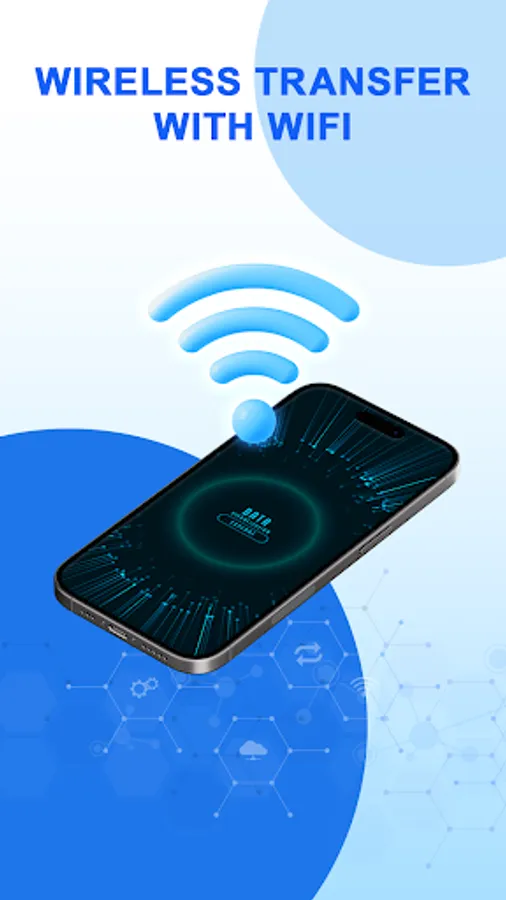
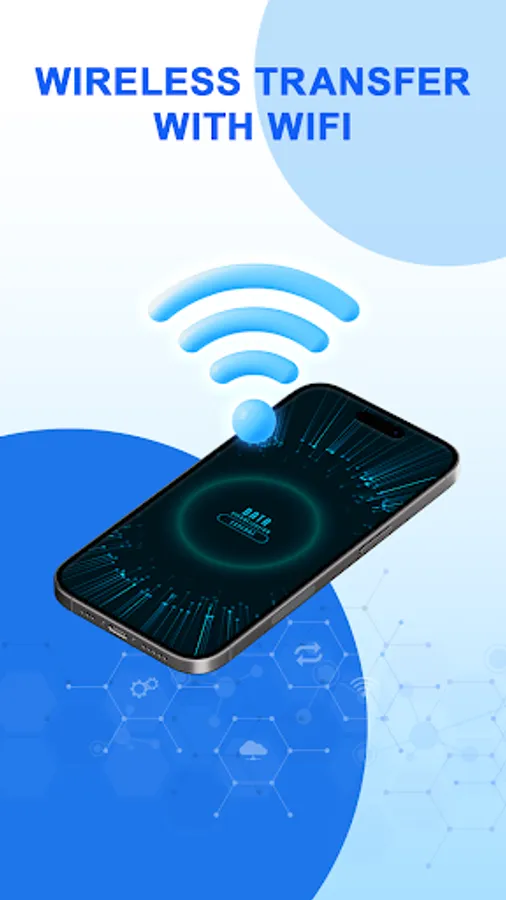
Experience fast, secure, and seamless data copy with Data Copy. No cables or data consumption required — just choose transfer option and start copying. You can also use multiple transfering way such as Wifi, Drive, OneDrive, etc.
KEY FEATURES
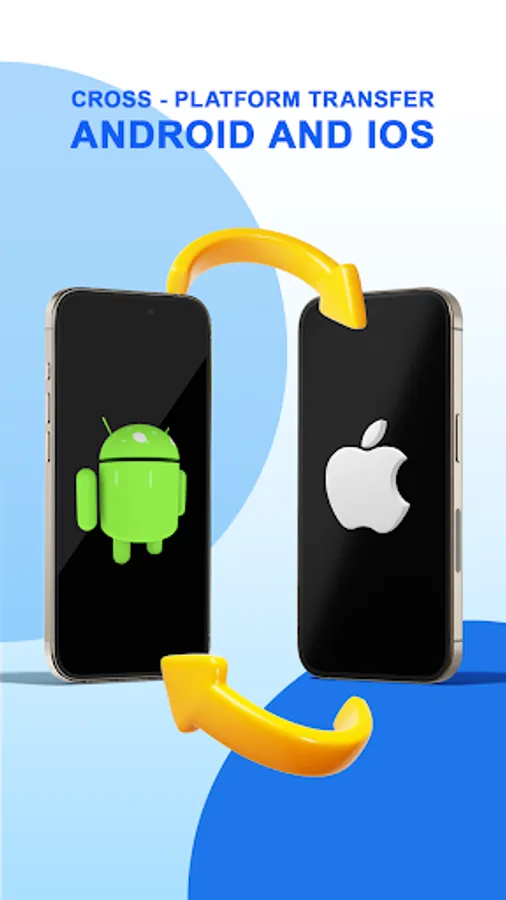
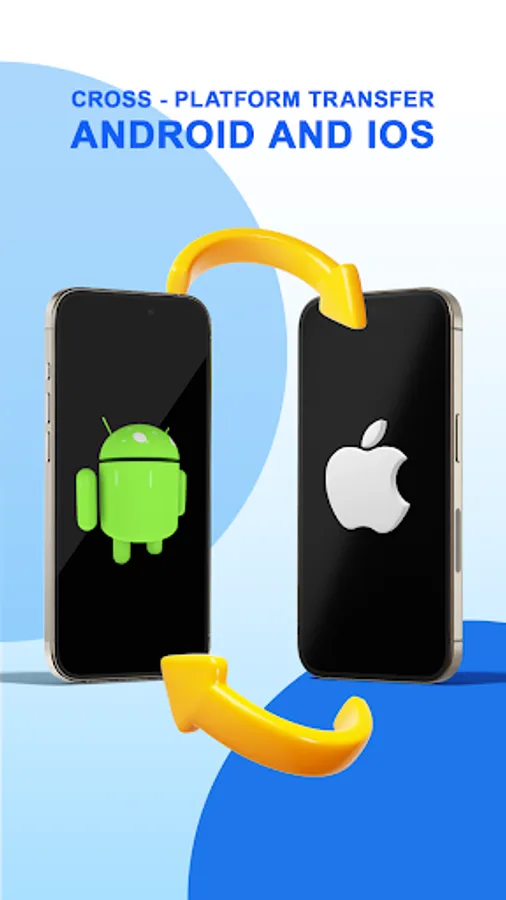
🔁 Cross-Platform Transfer: Easily transfer data and copy between Android and iOS.
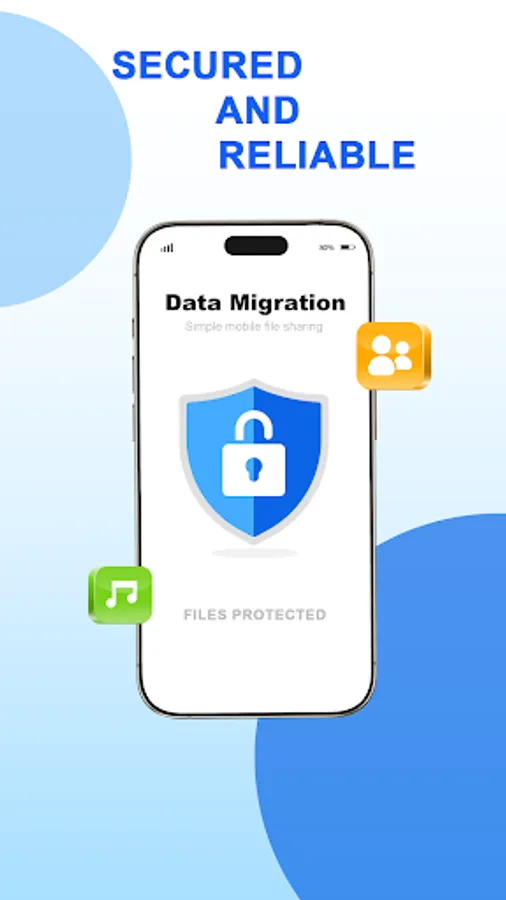
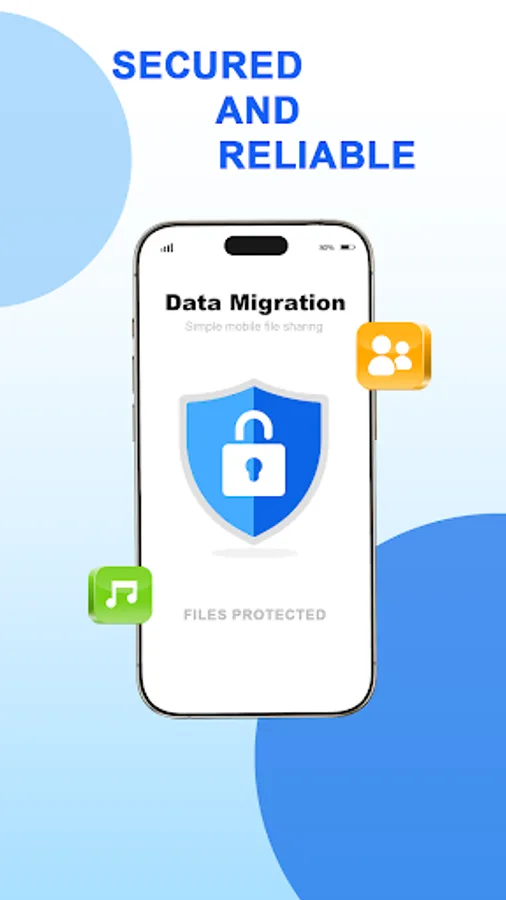
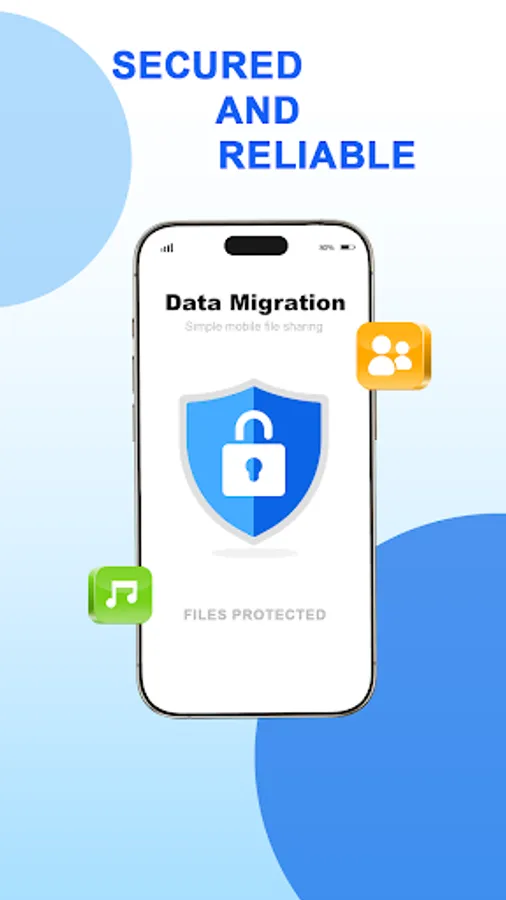
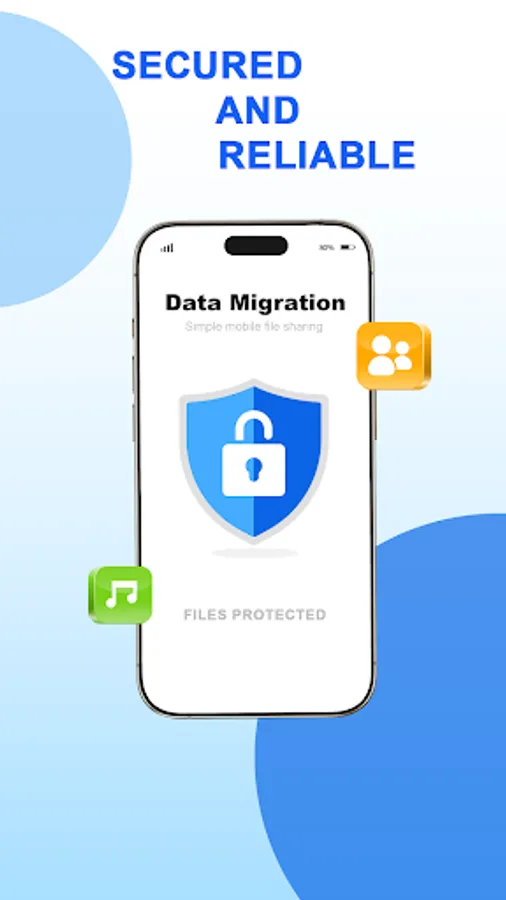
🔒 Secure File Sharing: Copy all data safely while ensuring privacy intact.
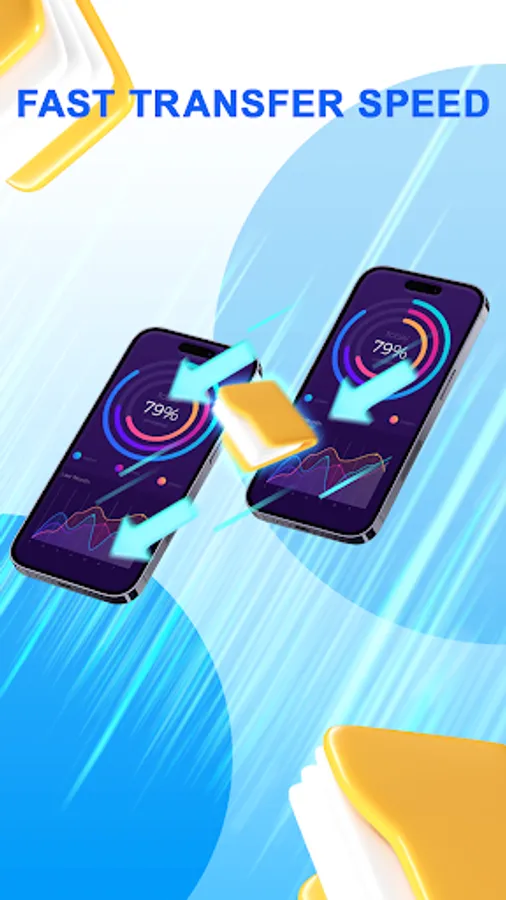
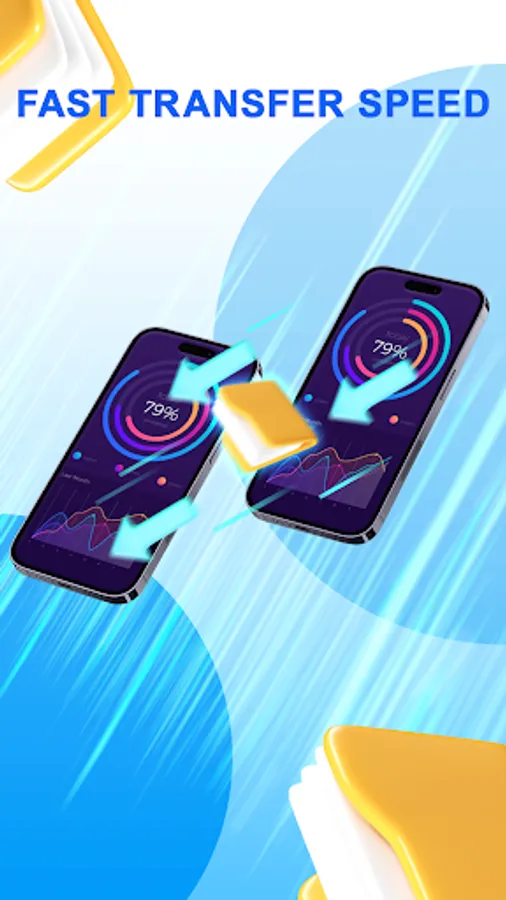
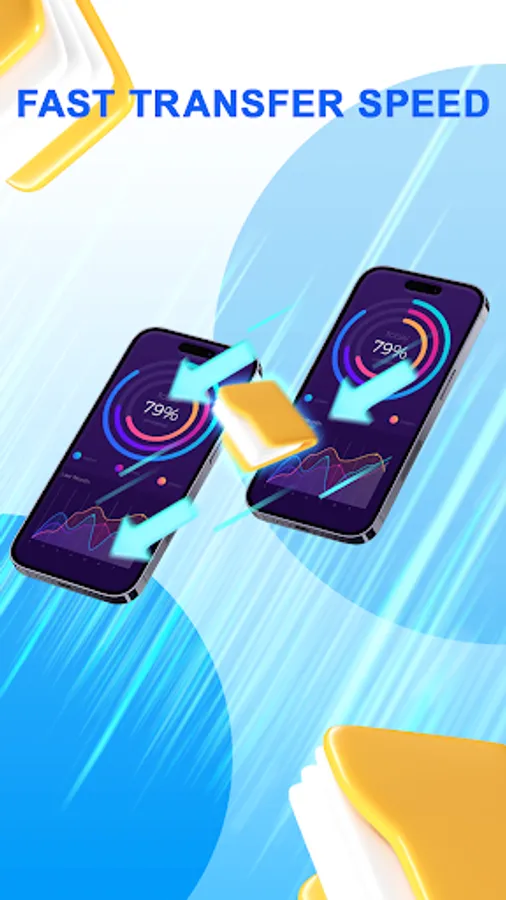
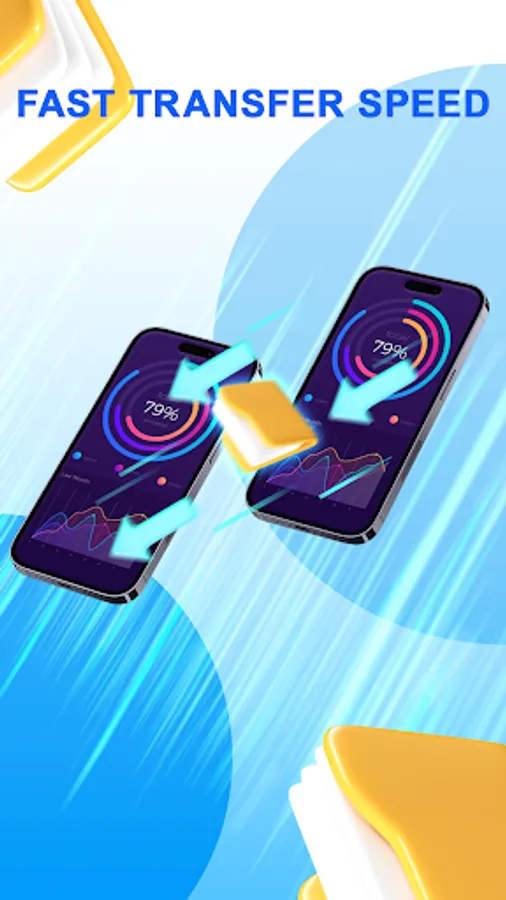
⚡ Fast & Efficient: Transfer large files quickly at speeds of up to 30MB/s.
🔄 Multiple Transfer Options: Choose between Wi-Fi or Drive for a flexible data transfer experience.
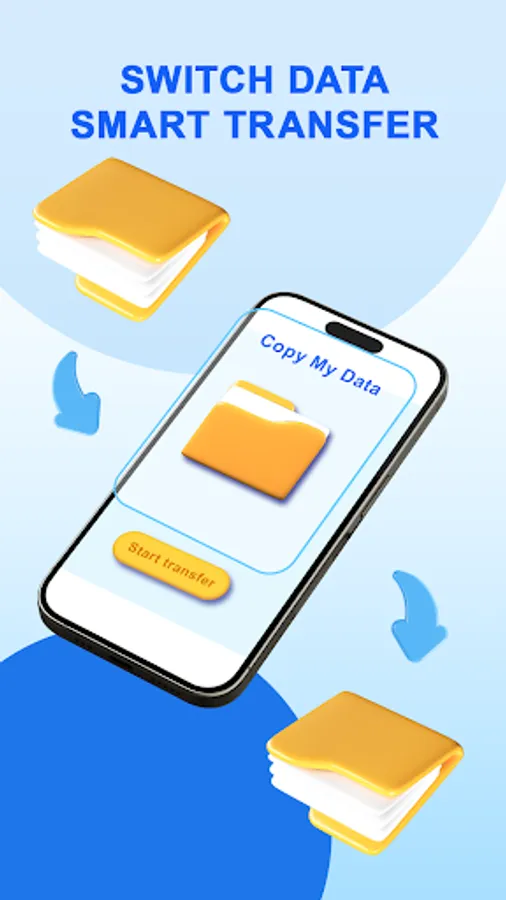
🔍 Selective Data Transfer: Choose specific data to copy or transfer everything in one go.
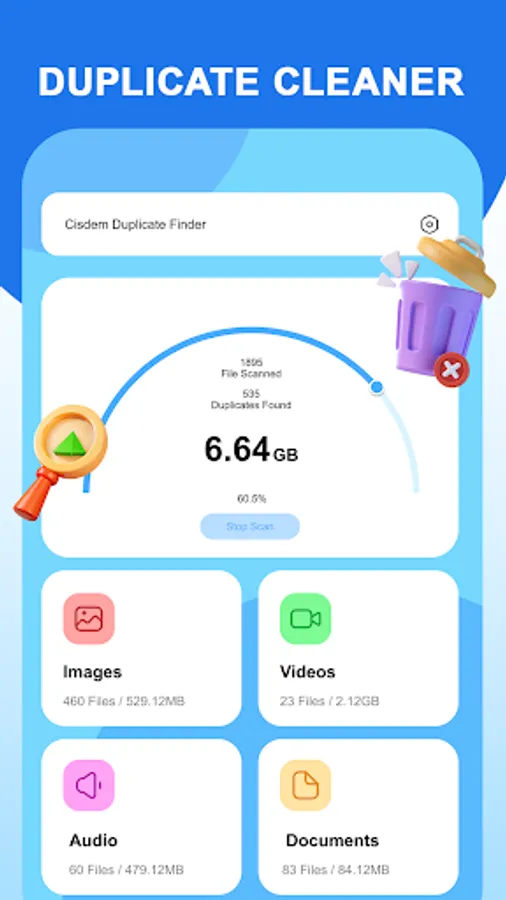
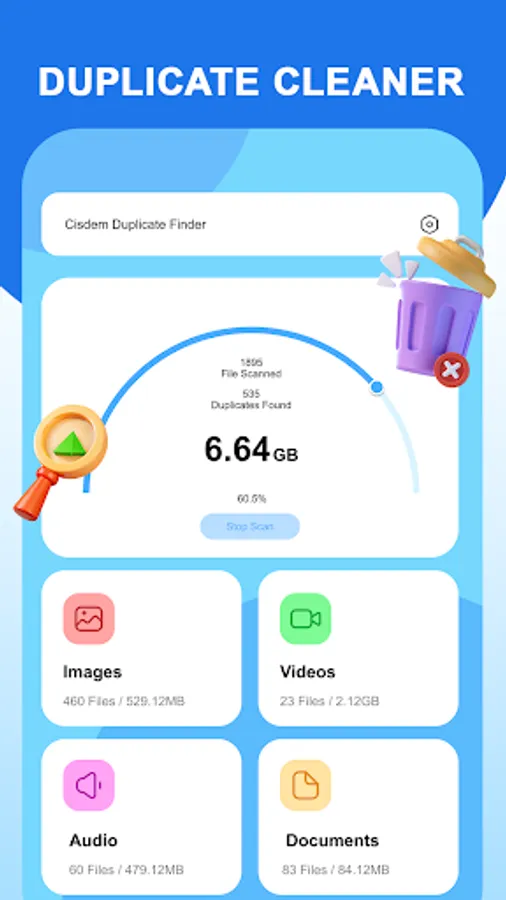
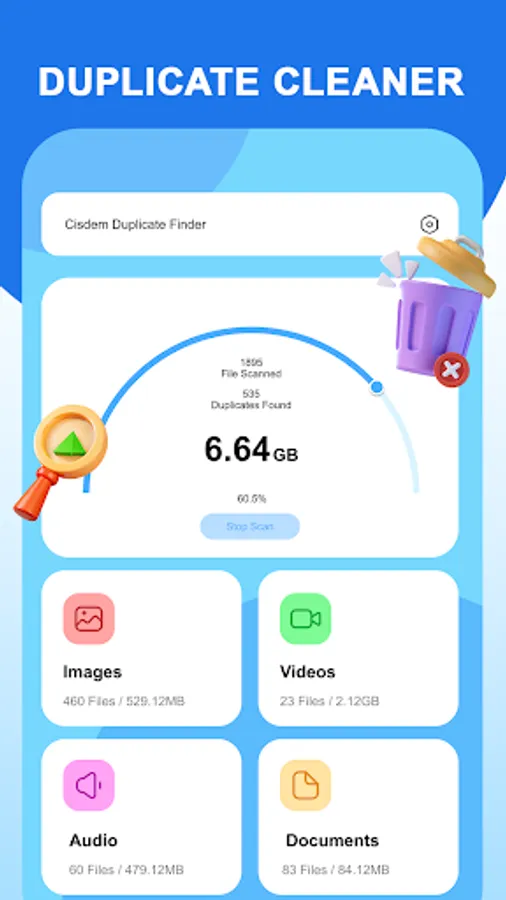
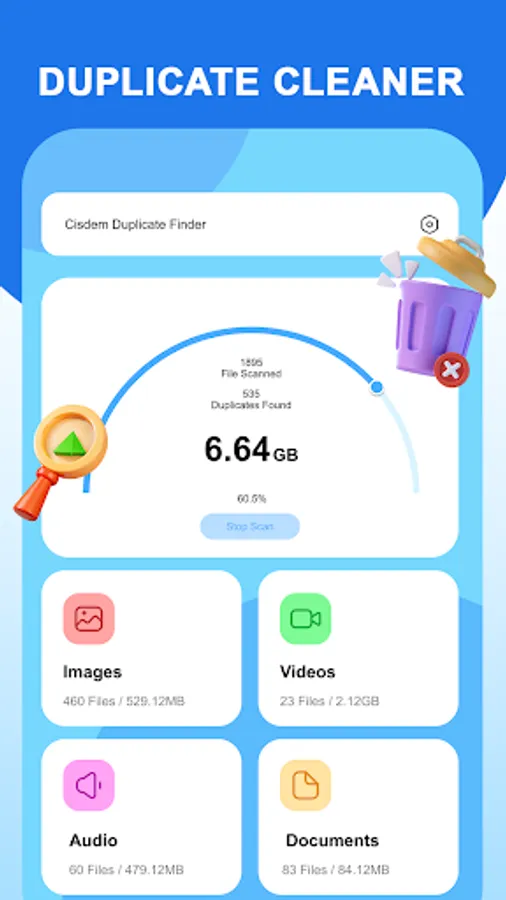
🧹 Duplicate Cleaner: Automatically detect and remove duplicates to keep your data organized.
📚 User-Friendly Design: Step-by-step instructions make data copying and backup simple.
🚀 Download now and enjoy hassle-free copying and transferring of all your important data. Say goodbye to complicated transfers — let Data Copy do all the work with just one button! 🚀
HOW TO USE
📲 Install Data Copy on both devices.
🌐 Connect both phones to the same Wi-Fi network.
🔄 Select the data you want to copy, including photos, videos, contacts, apps, and more.
🚀 Hit transfer, and let the app move your content in just a few moments.
Experience fast, secure, and seamless data copy with Data Copy. No cables or data consumption required — just choose transfer option and start copying. You can also use multiple transfering way such as Wifi, Drive, OneDrive, etc.
KEY FEATURES
🔁 Cross-Platform Transfer: Easily transfer data and copy between Android and iOS.
🔒 Secure File Sharing: Copy all data safely while ensuring privacy intact.
⚡ Fast & Efficient: Transfer large files quickly at speeds of up to 30MB/s.
🔄 Multiple Transfer Options: Choose between Wi-Fi or Drive for a flexible data transfer experience.
🔍 Selective Data Transfer: Choose specific data to copy or transfer everything in one go.
🧹 Duplicate Cleaner: Automatically detect and remove duplicates to keep your data organized.
📚 User-Friendly Design: Step-by-step instructions make data copying and backup simple.
🚀 Download now and enjoy hassle-free copying and transferring of all your important data. Say goodbye to complicated transfers — let Data Copy do all the work with just one button! 🚀
Data Copy Screenshots
Tap to Rate:
Reviews for Data Copy
Lalit Oli
6/24/2025
its very usefull app
Daniel Bryan
6/21/2025
good job