Sign In and Visitor Register
Schedule Display
100+
downloads
Free
AppRecs review analysis
AppRecs rating 4.5. Trustworthiness 62 out of 100. Review manipulation risk 20 out of 100. Based on a review sample analyzed.
★★★★☆
4.5
AppRecs Rating
Ratings breakdown
5 star
100%
4 star
0%
3 star
0%
2 star
0%
1 star
0%
What to know
✓
Low review manipulation risk
20% review manipulation risk
✓
High user satisfaction
100% of sampled ratings are 5 stars
About Sign In and Visitor Register
This is a digital solution for processing employee and visitor in-/out streams in companies.
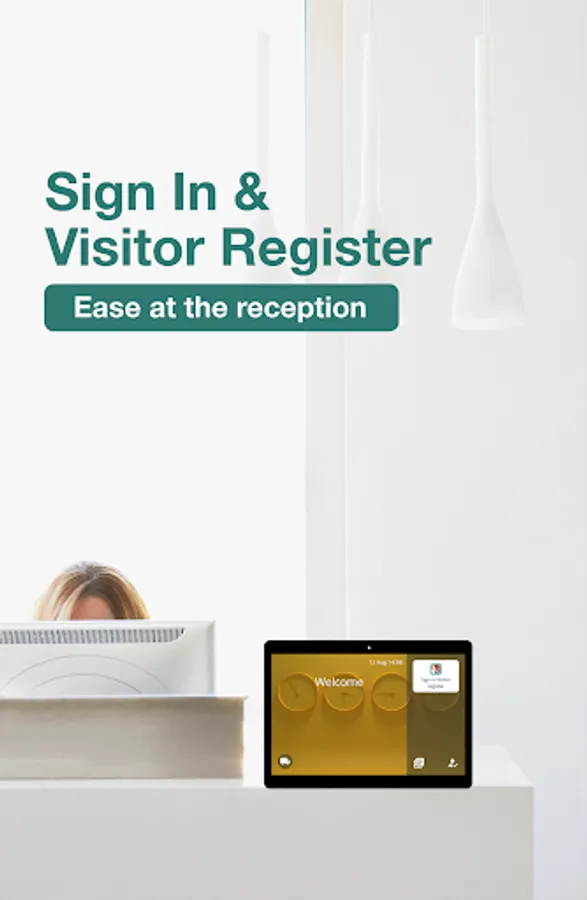
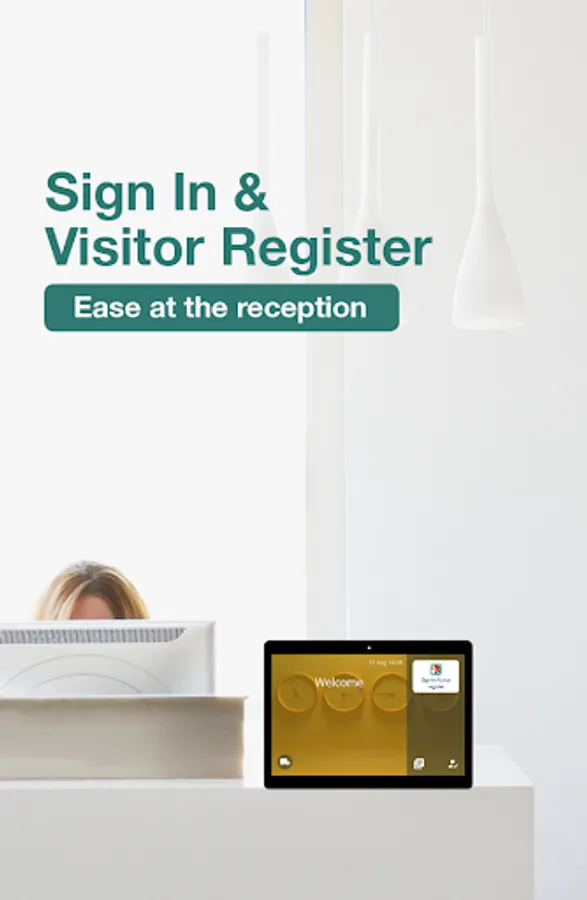
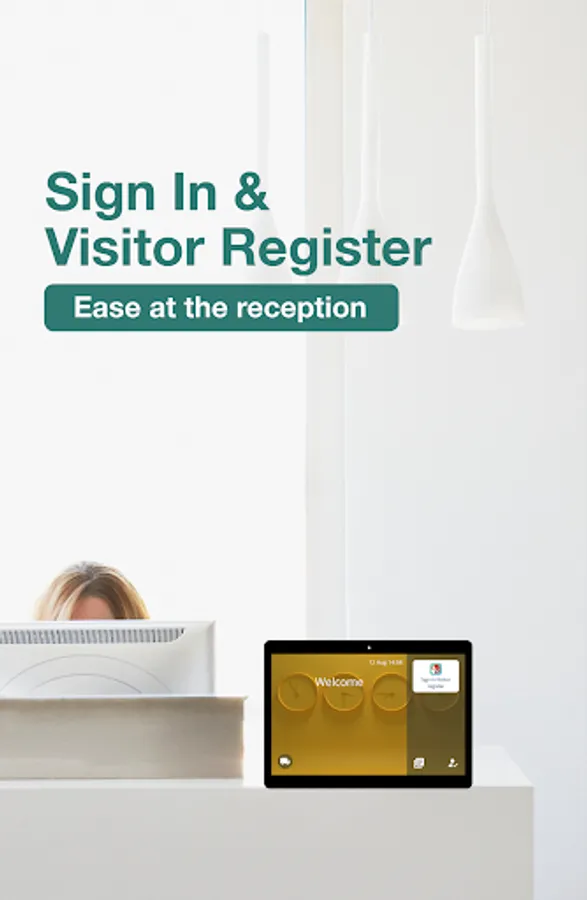
The tablet works as an unstaffed self-service reception OR reduces the load of the staff. In a staffed reception, the waiting time for the visitors is reduced due to the prior completion of formalities.
WHY?
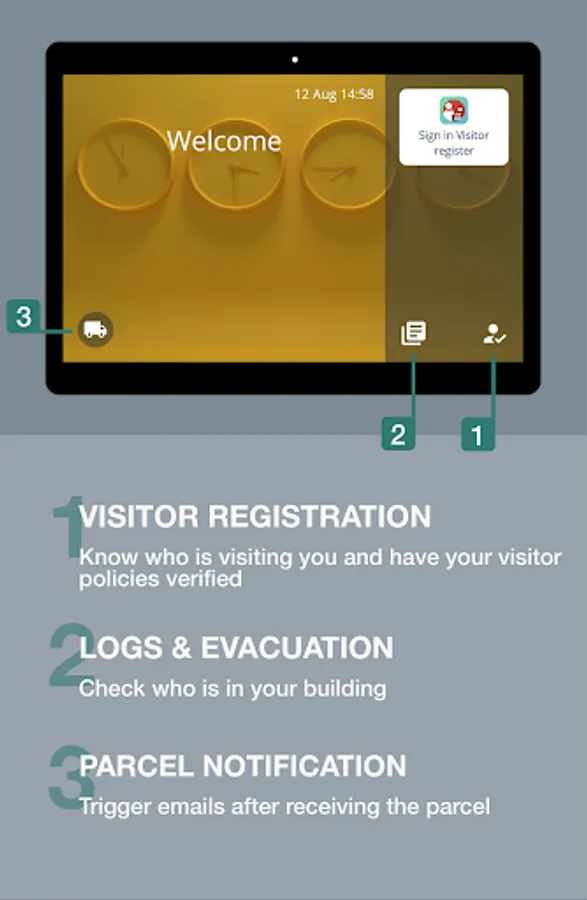
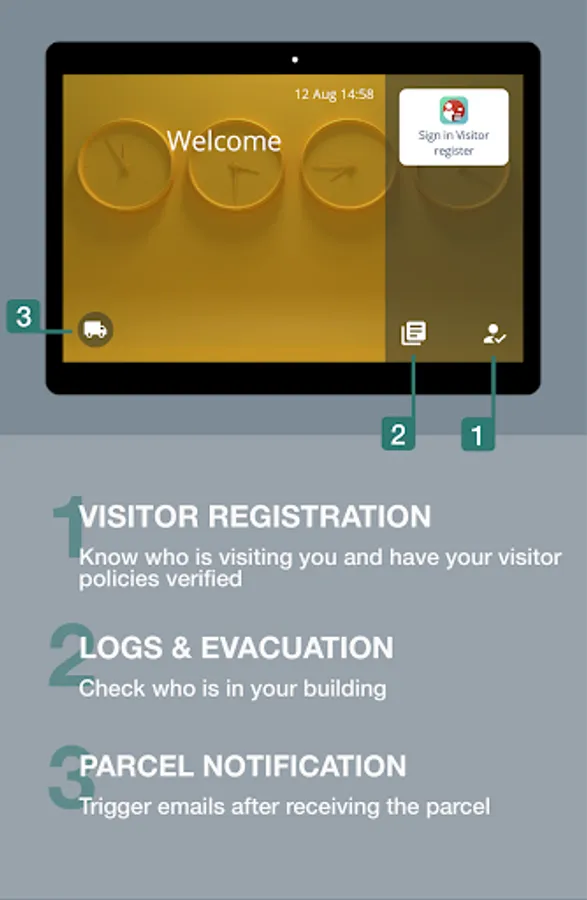
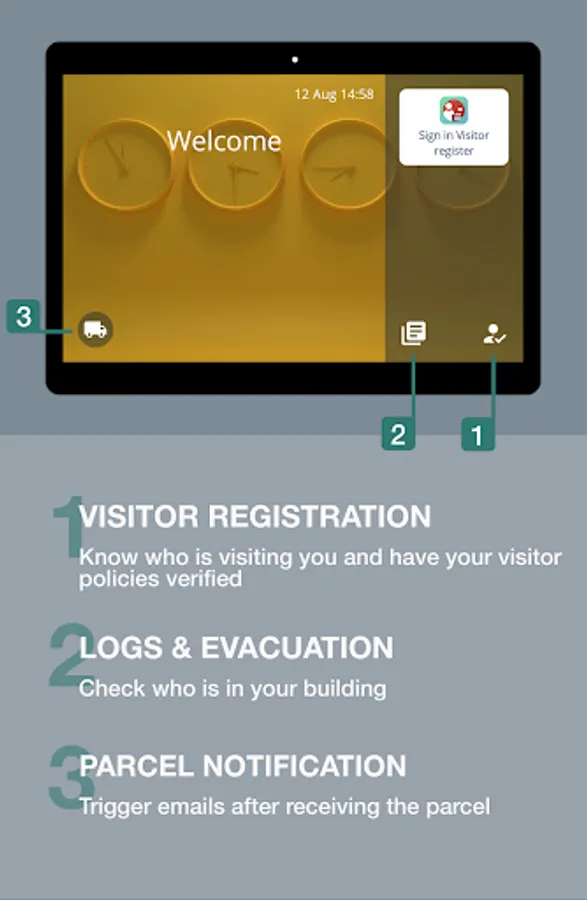
1) VISITOR REGISTRATION with contact details and notification of the visitee.
Have your visitor policies verified (emergencies, COVID19 rules, etc.).
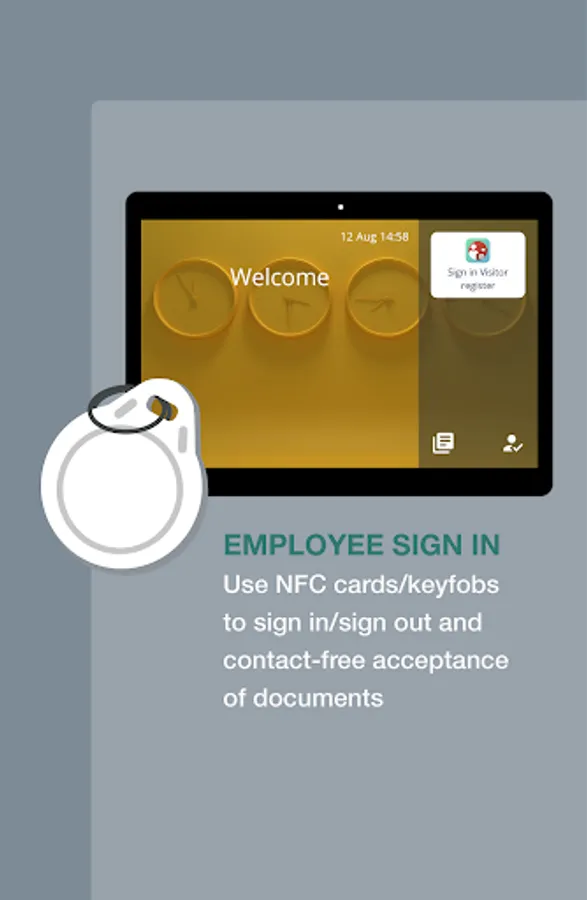
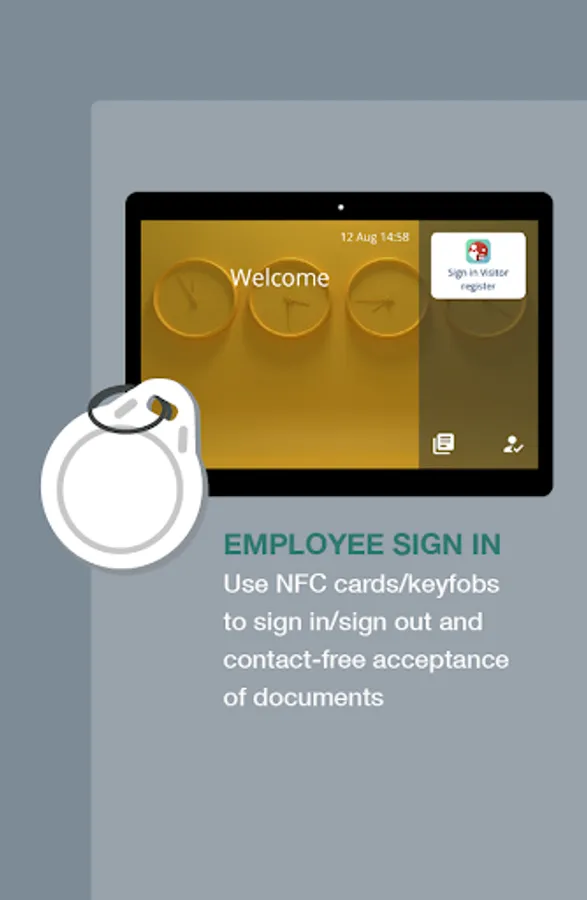
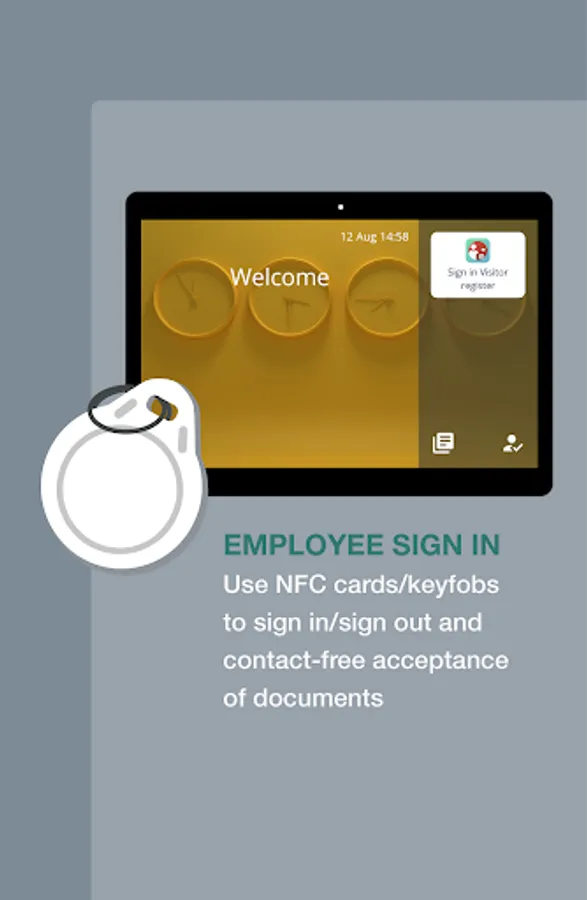
2) EMERGENCY EVACUATION. Employees log in and out with their NFC tags*. Visitors are registered. You‘ll know who is in the building.
Your assigned staff can do further sign-outs outside at the assembly point. Sign-outs are possible on mobile as well.
*Using NFC/RFID tags/fobs requires tablets with built-in readers or the integration of external readers. Contact us for project details.
3) PROTECTION of lone workers. Triggers emails warning your individual employees and notifying supervisors.
4) PARCEL NOTIFICATION Parcel deliveries piling up in your reception area? Trigger emails after receiving the parcel.
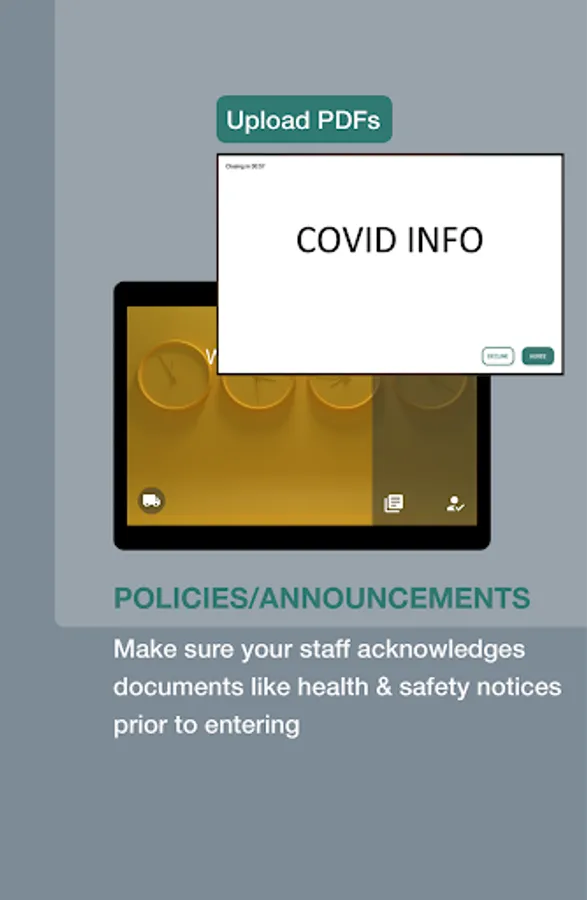
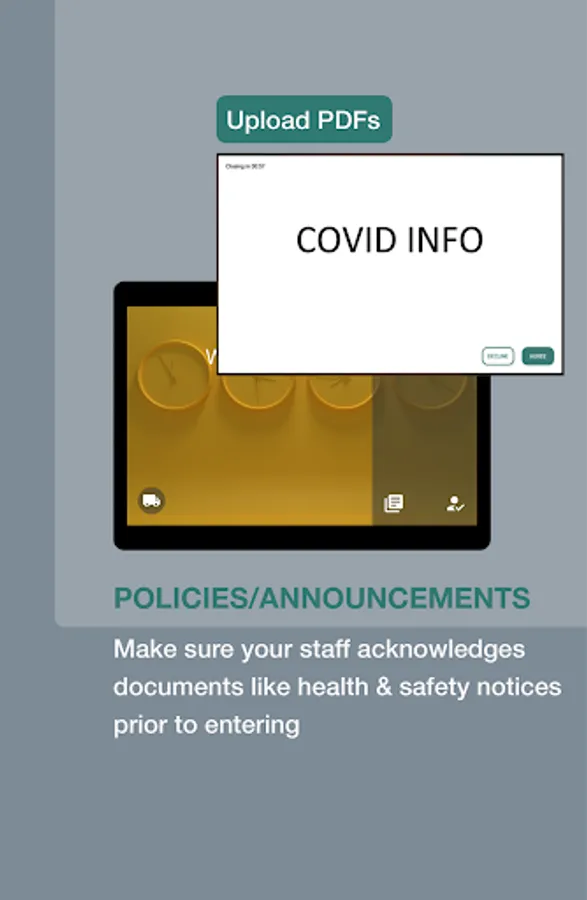
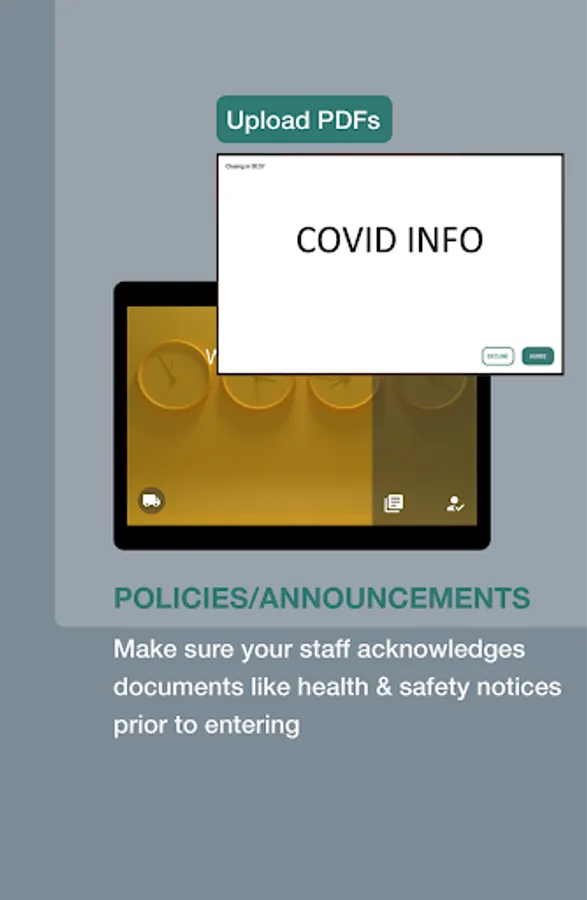
5) POLICIES/ANNOUNCEMENTS Make sure your staff accept acknowledge documents like health & safety notices prior to entering.
6) VISITOR BADGES Send visitor data to label printer (ask for supported model).
Check out our other apps. With our meeting room solution and desk reservation system, you’ll get further functionality through our integrations.
INSTALLATION
1. Install and open the app.
2. Tap the screen and open settings in the top right corner.
3. Go to the admin settings and register with your email.
4. The verification link will be sent to your email.
5. Check the admin website. Link will be provided in a 2nd email. Create your password and log in.
6. A free trial for one month is automatically activated after registration.
You can send us further questions or special requirements to the following e-mail:
support@scheduledisplay.com
The tablet works as an unstaffed self-service reception OR reduces the load of the staff. In a staffed reception, the waiting time for the visitors is reduced due to the prior completion of formalities.
WHY?
1) VISITOR REGISTRATION with contact details and notification of the visitee.
Have your visitor policies verified (emergencies, COVID19 rules, etc.).
2) EMERGENCY EVACUATION. Employees log in and out with their NFC tags*. Visitors are registered. You‘ll know who is in the building.
Your assigned staff can do further sign-outs outside at the assembly point. Sign-outs are possible on mobile as well.
*Using NFC/RFID tags/fobs requires tablets with built-in readers or the integration of external readers. Contact us for project details.
3) PROTECTION of lone workers. Triggers emails warning your individual employees and notifying supervisors.
4) PARCEL NOTIFICATION Parcel deliveries piling up in your reception area? Trigger emails after receiving the parcel.
5) POLICIES/ANNOUNCEMENTS Make sure your staff accept acknowledge documents like health & safety notices prior to entering.
6) VISITOR BADGES Send visitor data to label printer (ask for supported model).
Check out our other apps. With our meeting room solution and desk reservation system, you’ll get further functionality through our integrations.
INSTALLATION
1. Install and open the app.
2. Tap the screen and open settings in the top right corner.
3. Go to the admin settings and register with your email.
4. The verification link will be sent to your email.
5. Check the admin website. Link will be provided in a 2nd email. Create your password and log in.
6. A free trial for one month is automatically activated after registration.
You can send us further questions or special requirements to the following e-mail:
support@scheduledisplay.com