With this visualization system, you can monitor Cybro programmable controllers and customize layouts using configuration files. Includes support for multiple configurations, local and internet connections, and various visual styles.
AppRecs review analysis
AppRecs rating 4.5. Trustworthiness 0 out of 100. Review manipulation risk 0 out of 100. Based on a review sample analyzed.
★★★★☆
4.5
AppRecs Rating
Ratings breakdown
5 star
100%
4 star
0%
3 star
0%
2 star
0%
1 star
0%
What to know
✓
High user satisfaction
100% of sampled ratings are 5 stars
About CyBro Mini Scada
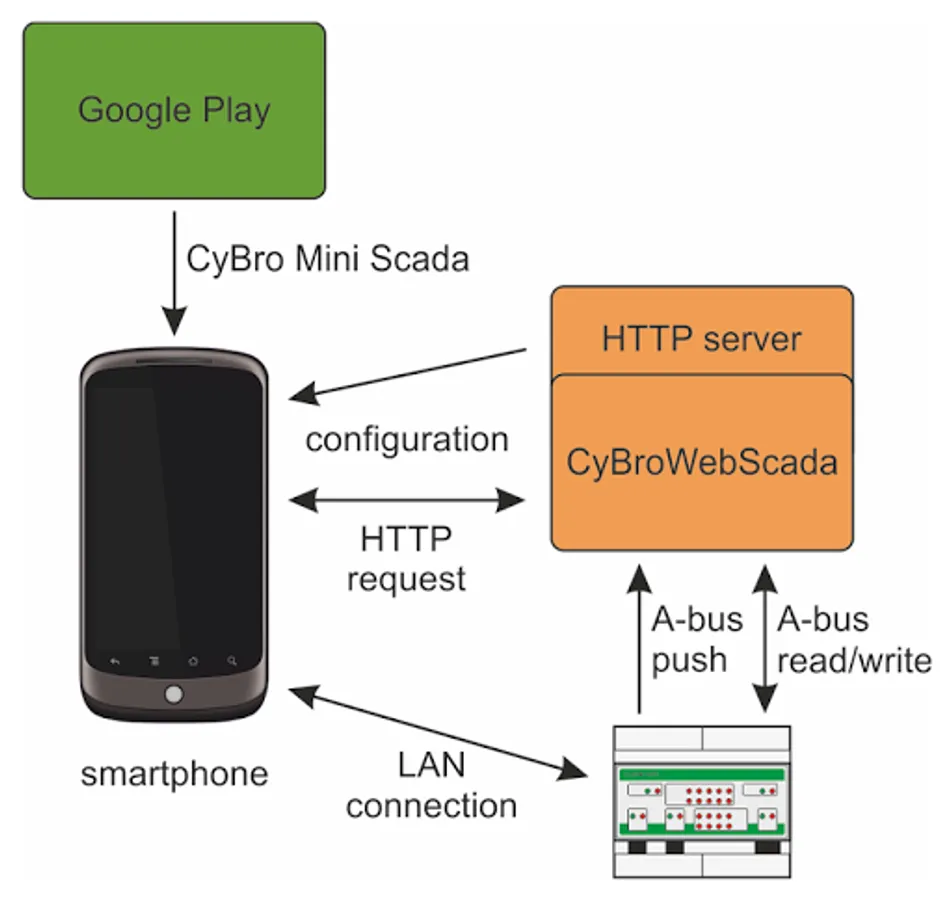
CyBro Mini Scada is visualization system for Cybro programmable controllers. It can be used for industry, solar plants, building management, home automation, or any other application where Cybro controllers are used. Both Cybro-2 and Cybro-3 are supported.
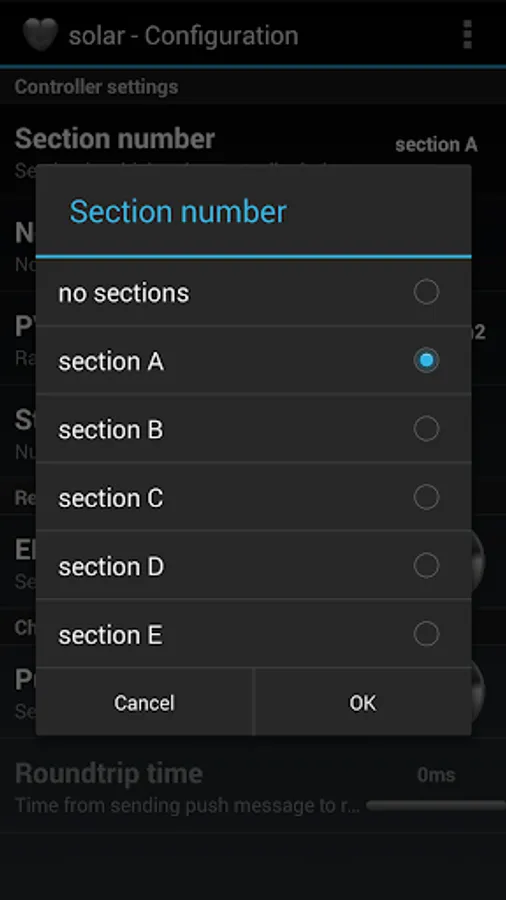
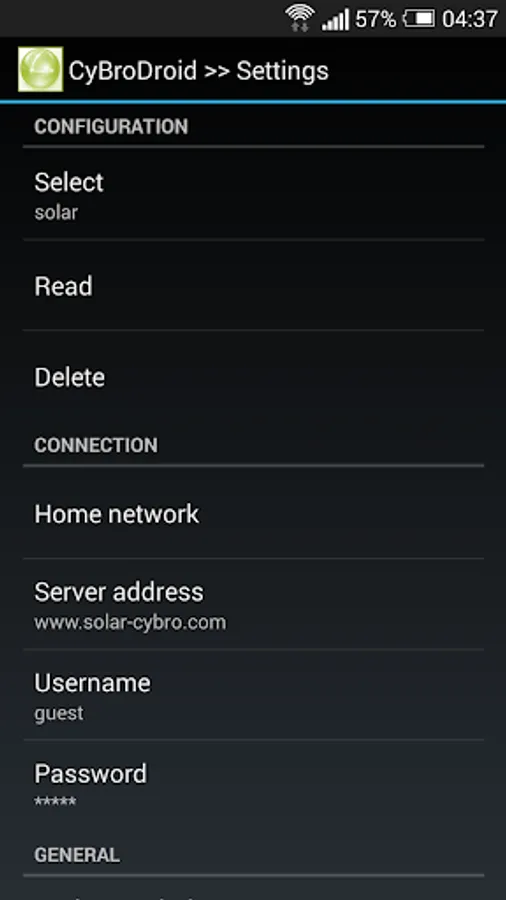
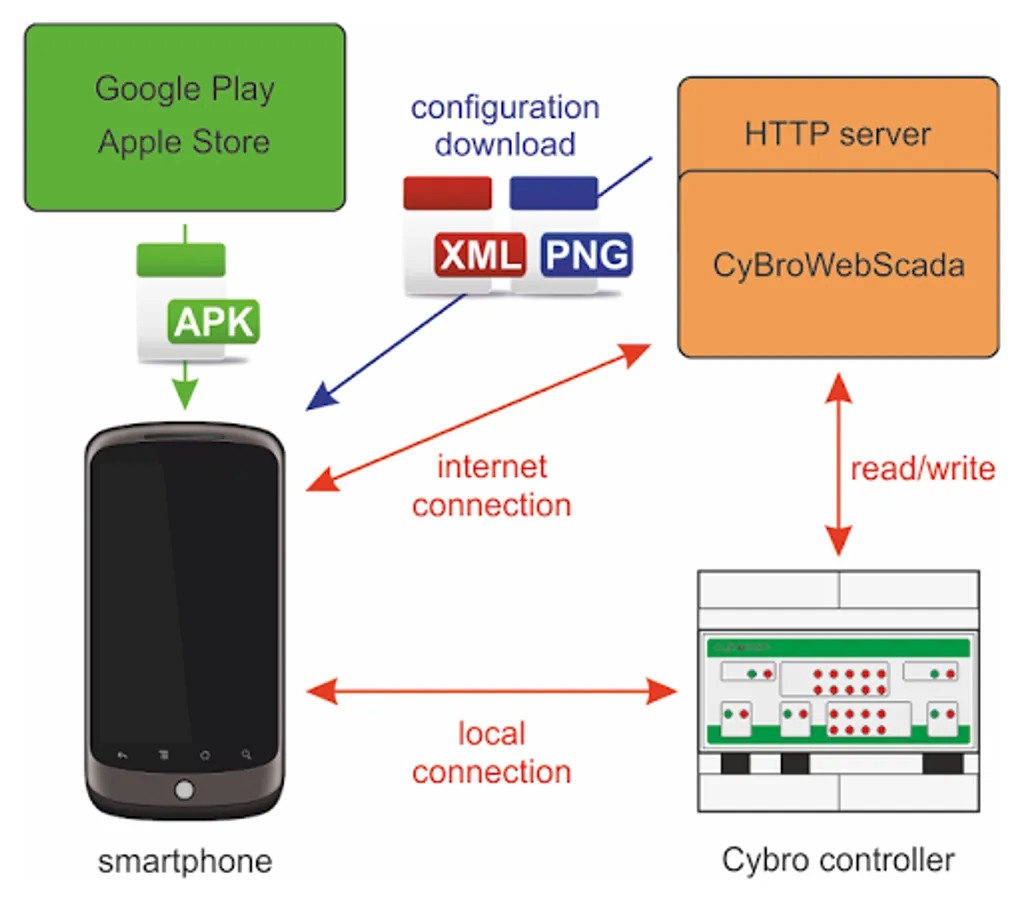
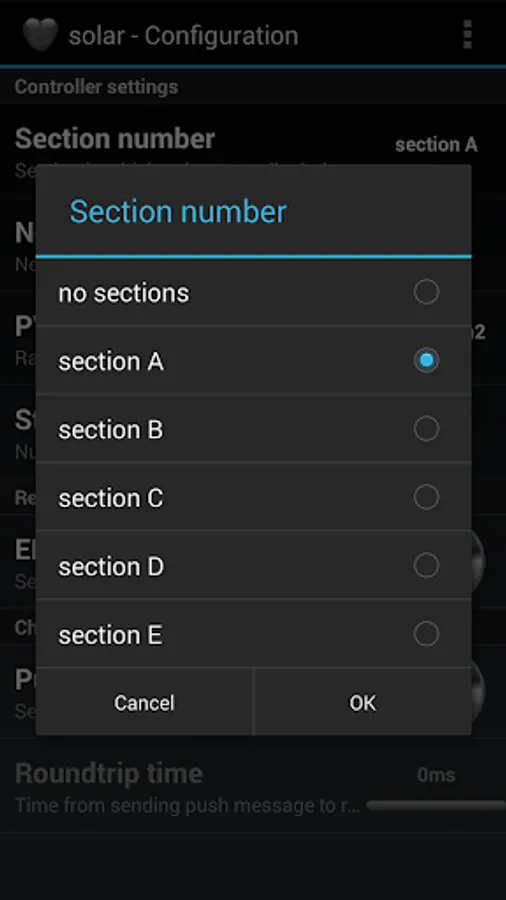
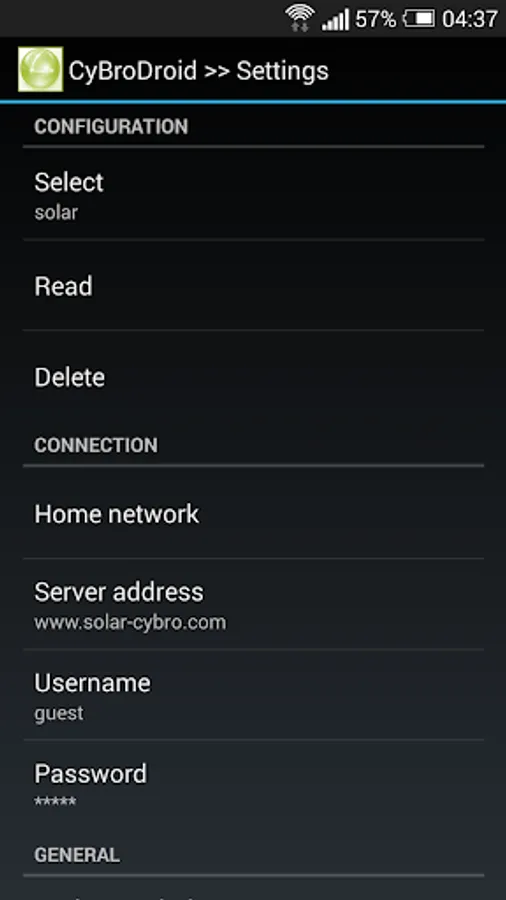
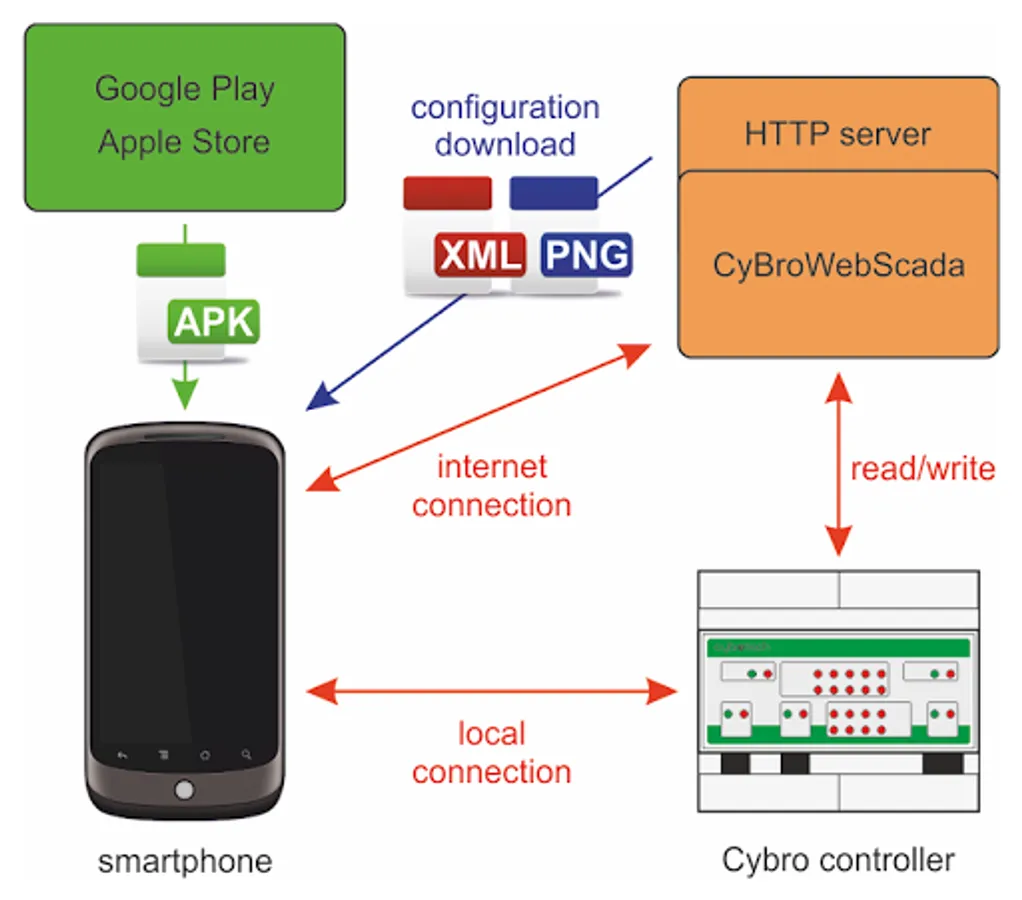
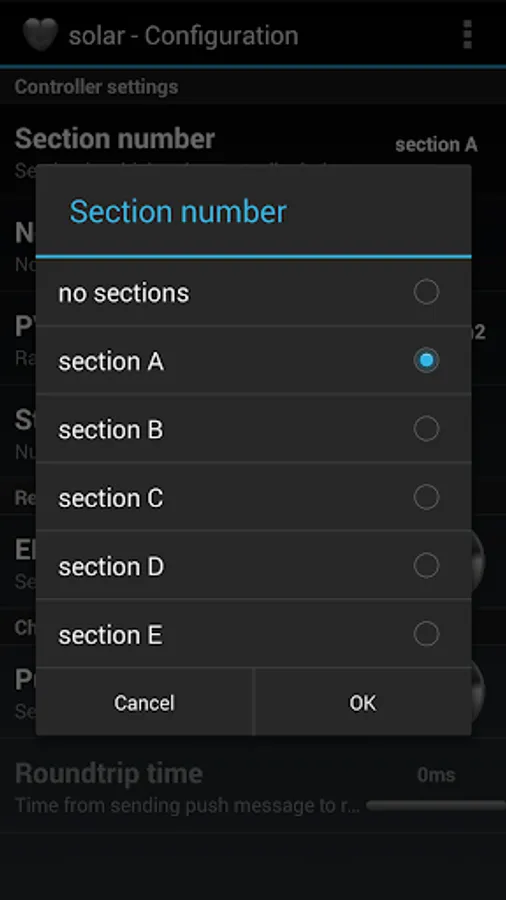
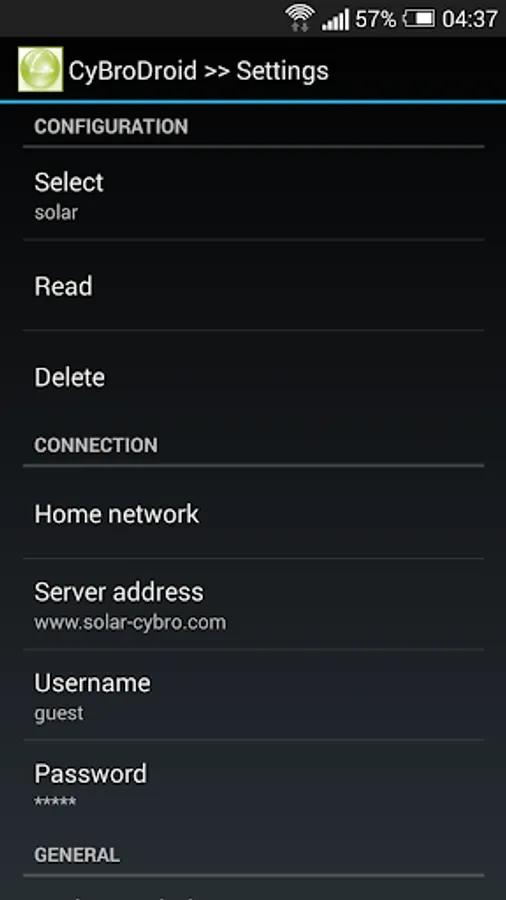
Screen layout is defined by configuration (config.xml) and image files (jpg/png). Application offer canvas and list rendering options. Both local (phone—cybro) and internet (phone—server—cybro) connection is supported. When started for the first time, default configuration is automatically activated (make sure Home network is set to None).
The following demo configurations are available:
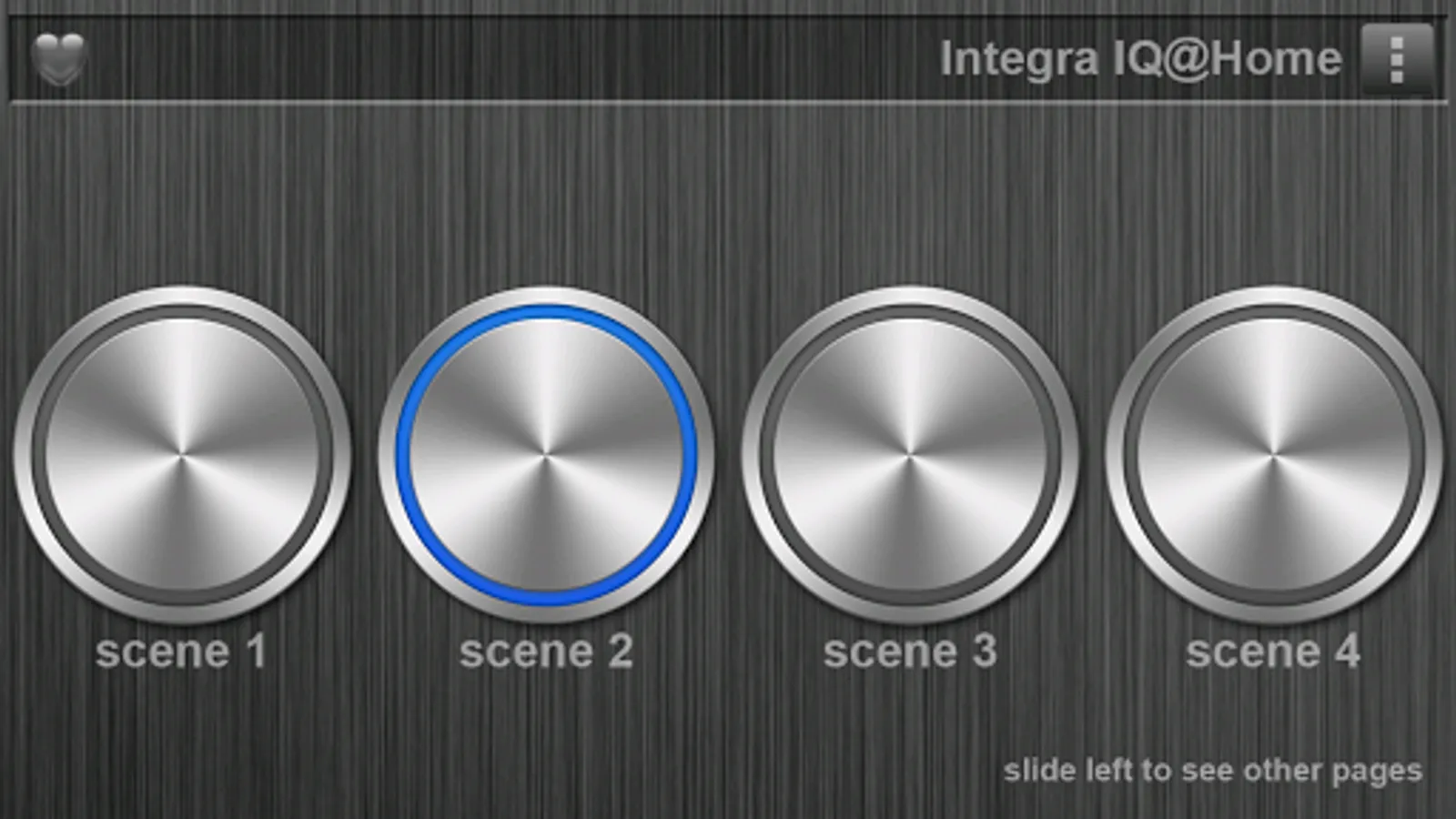
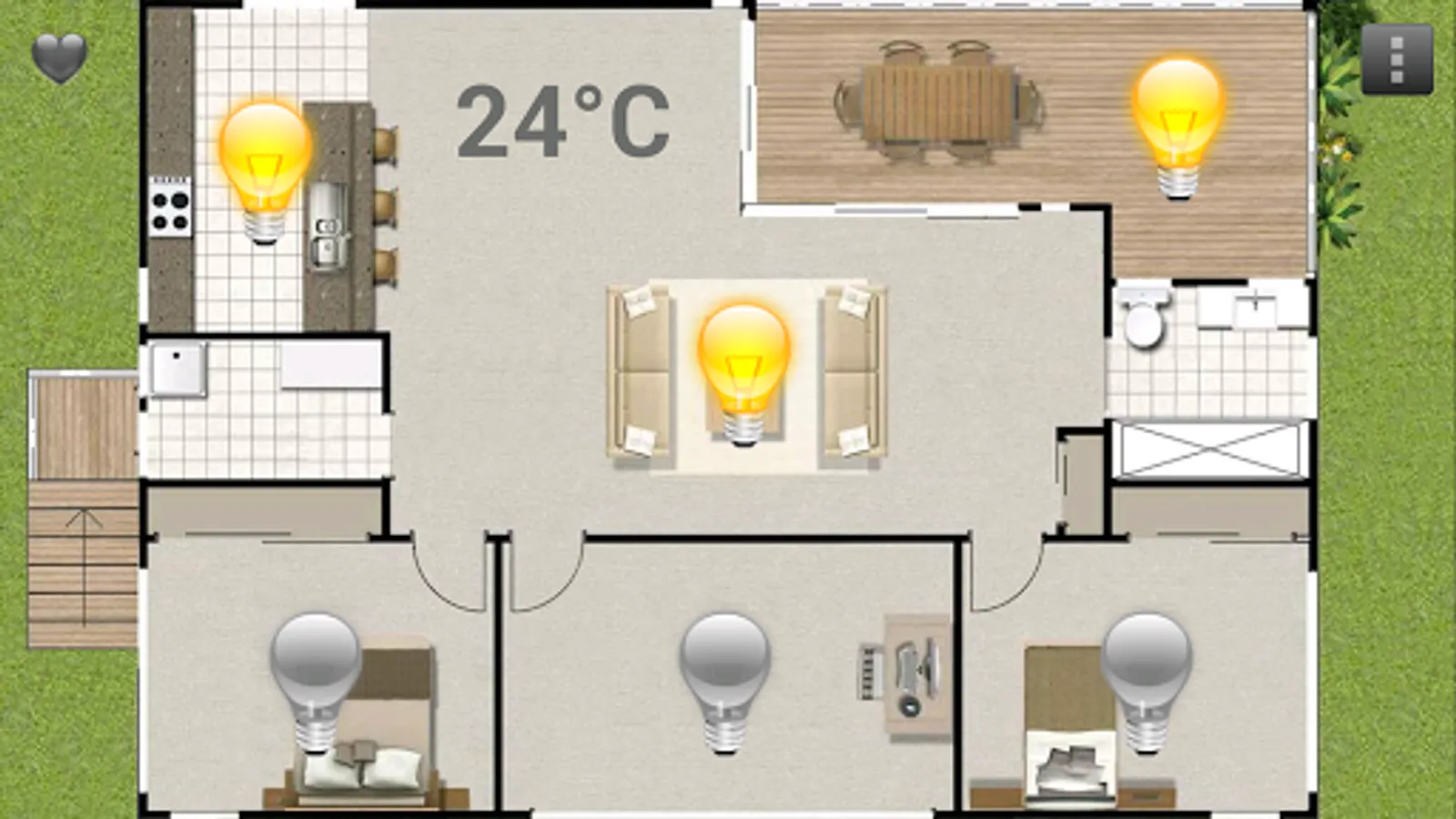
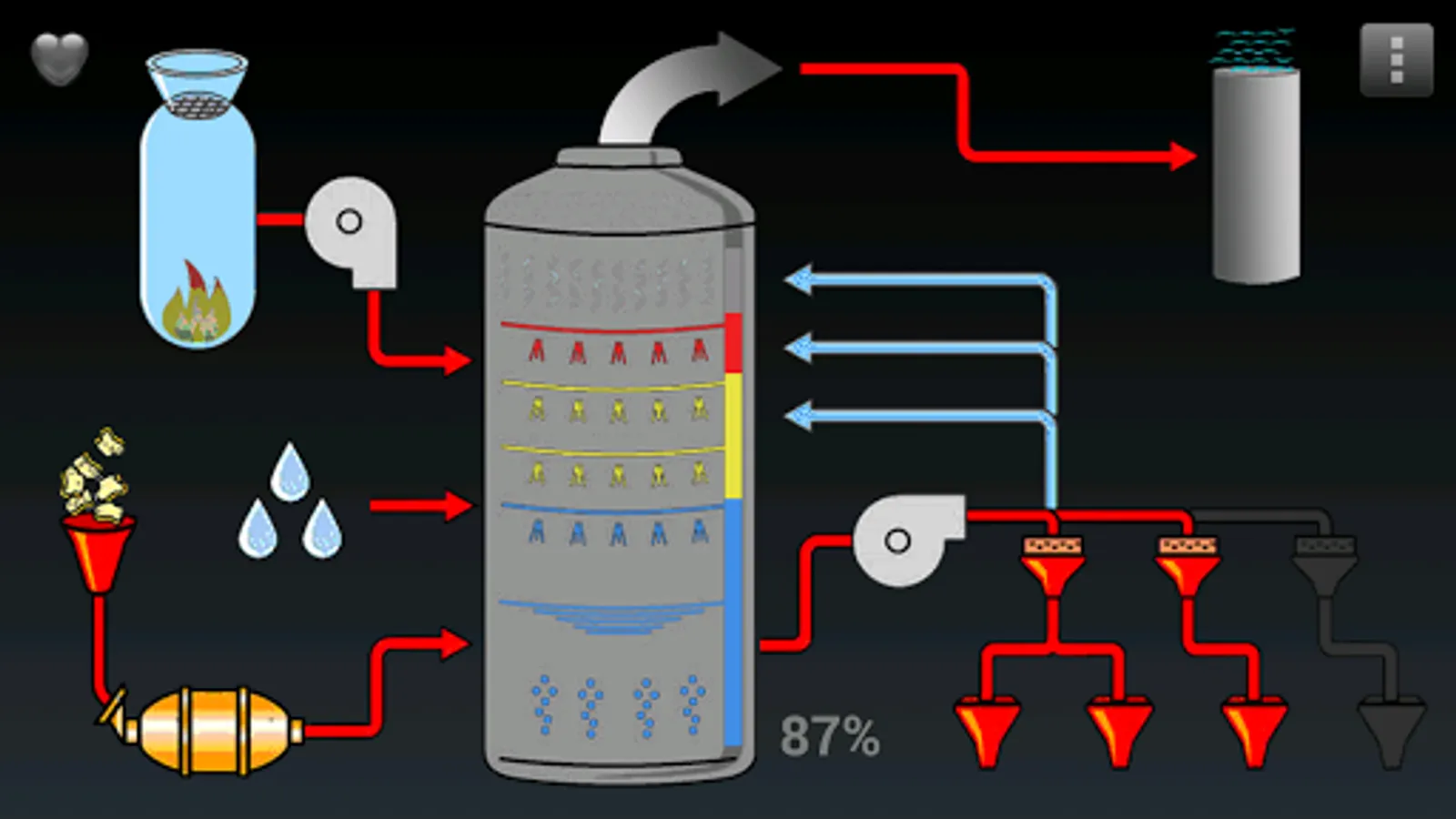
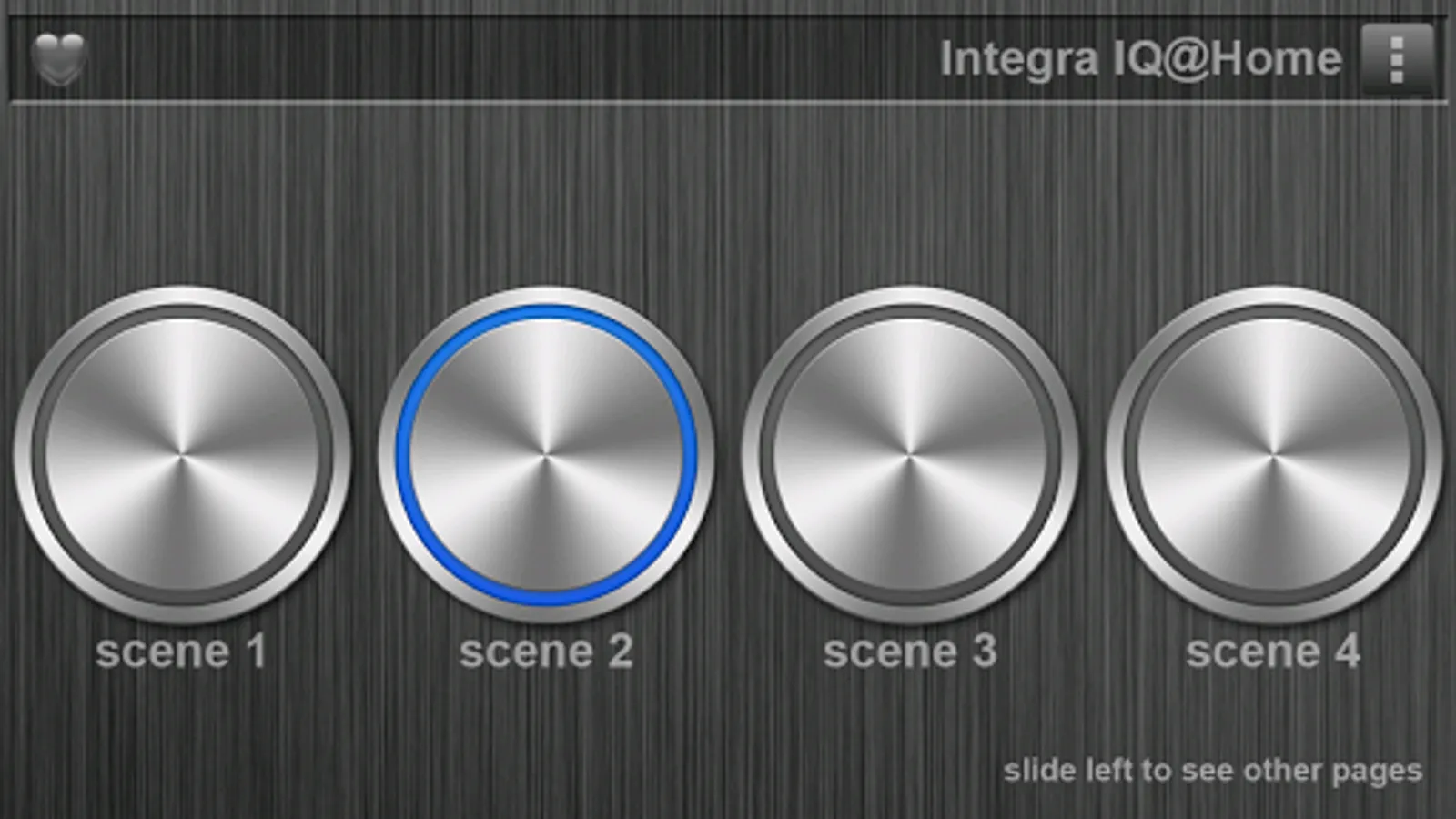
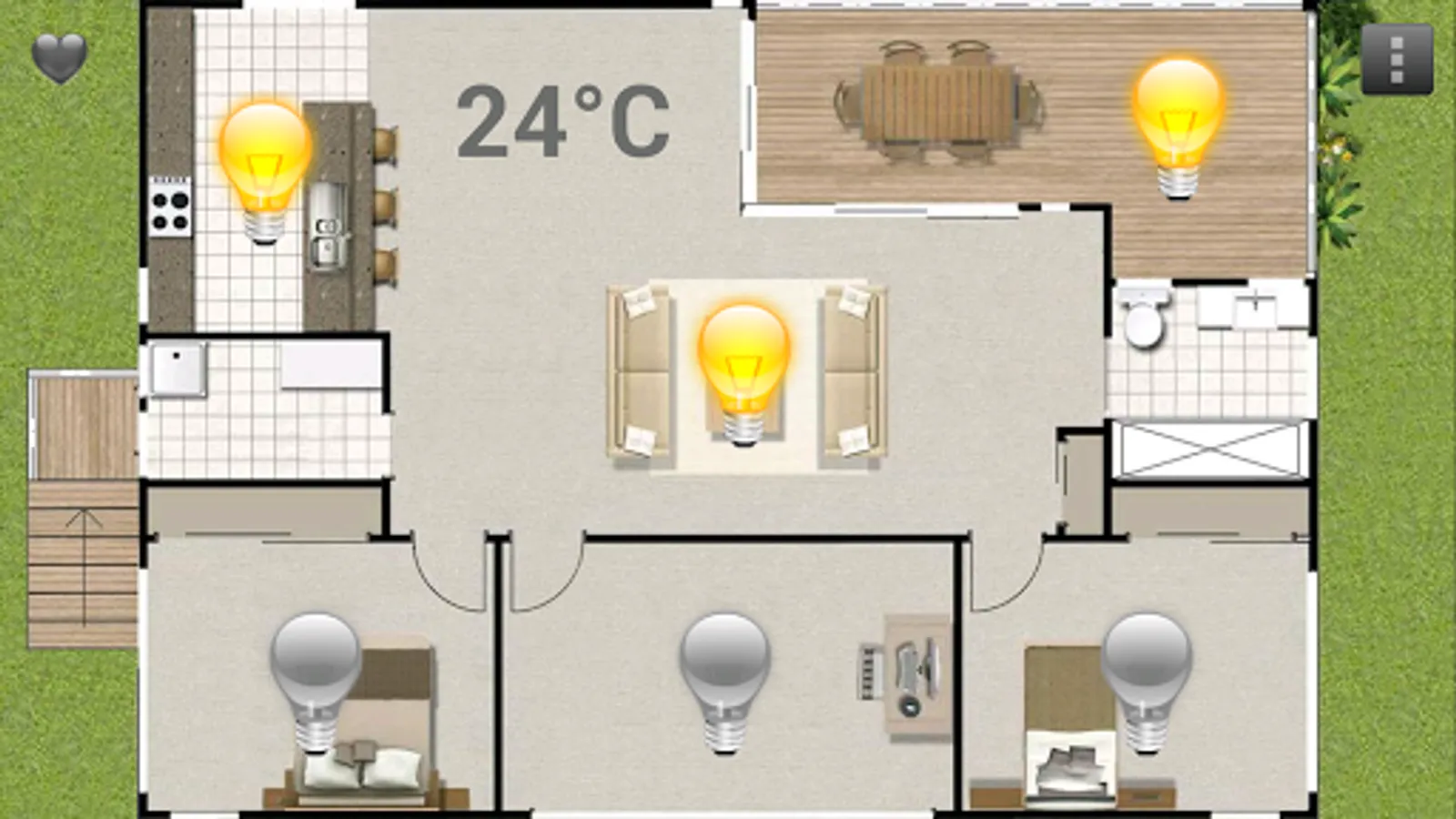
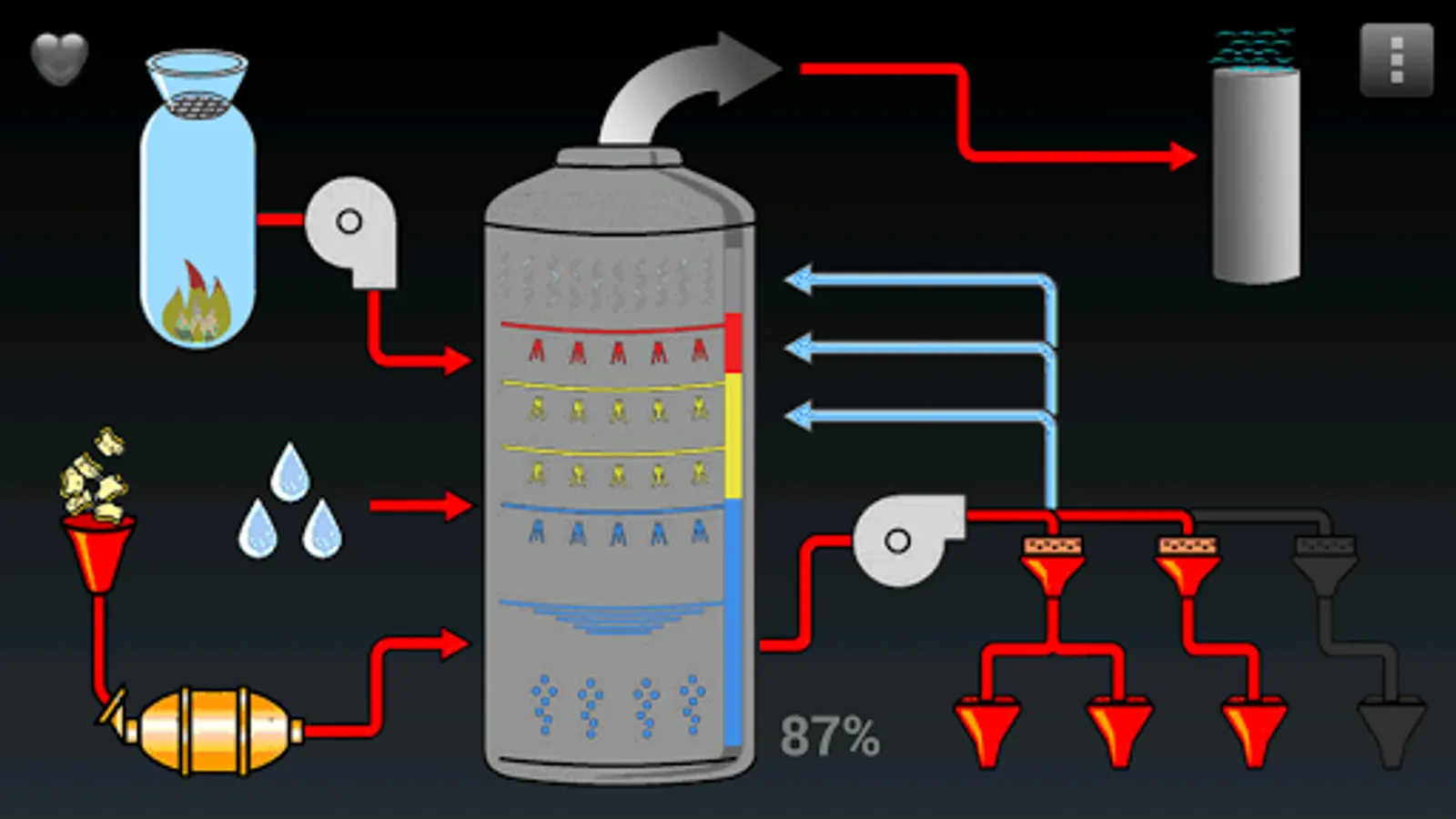
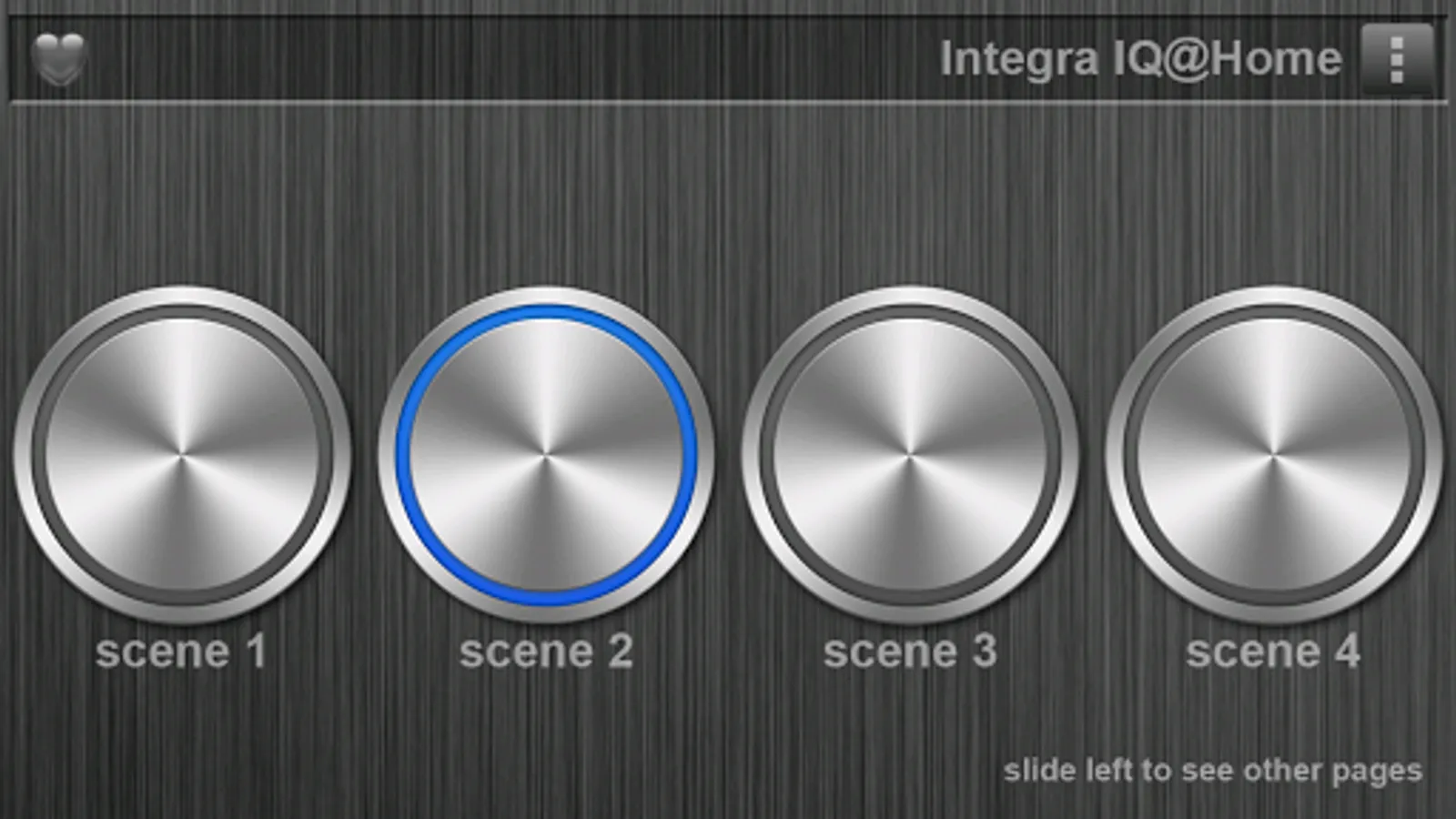
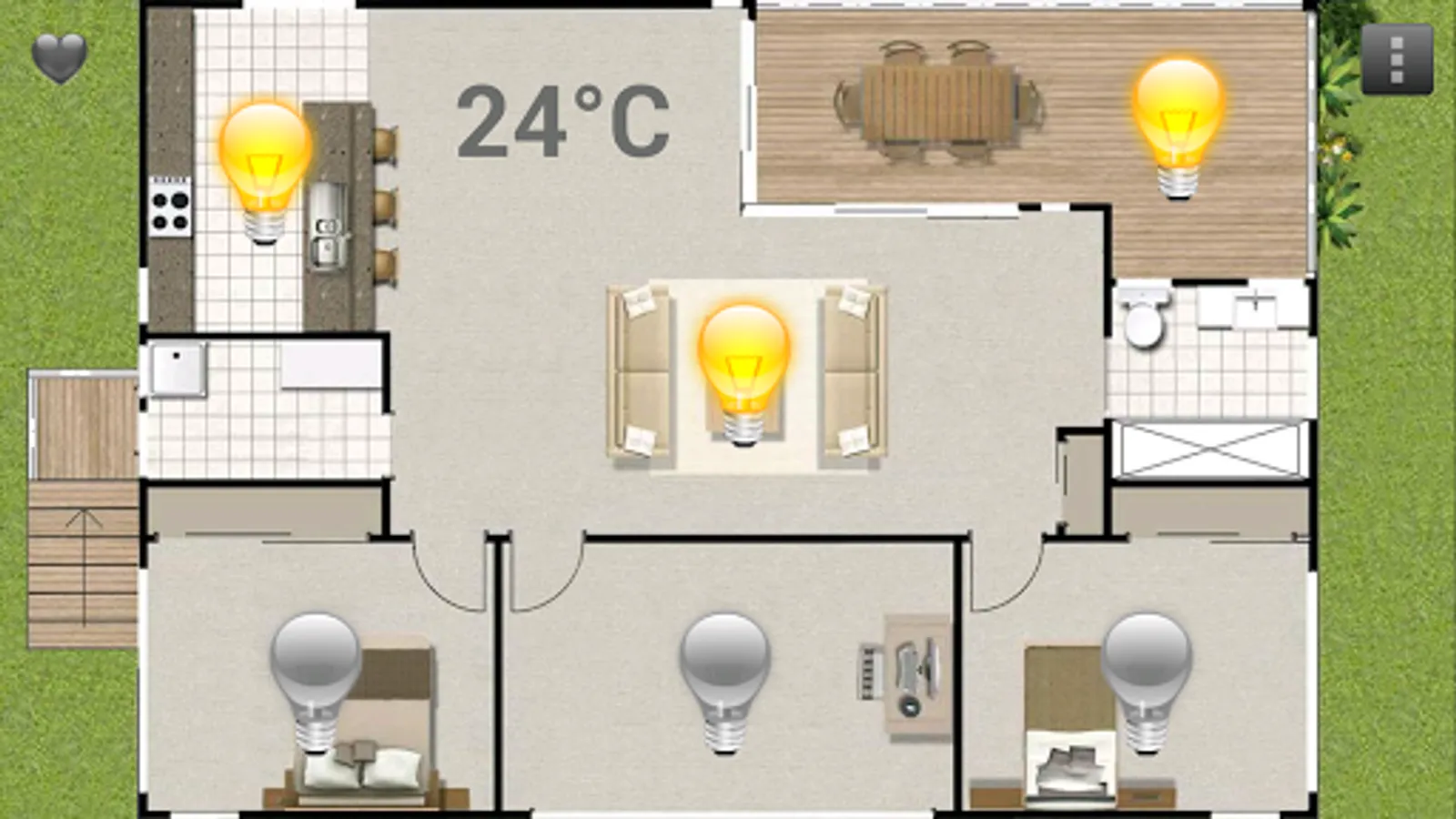
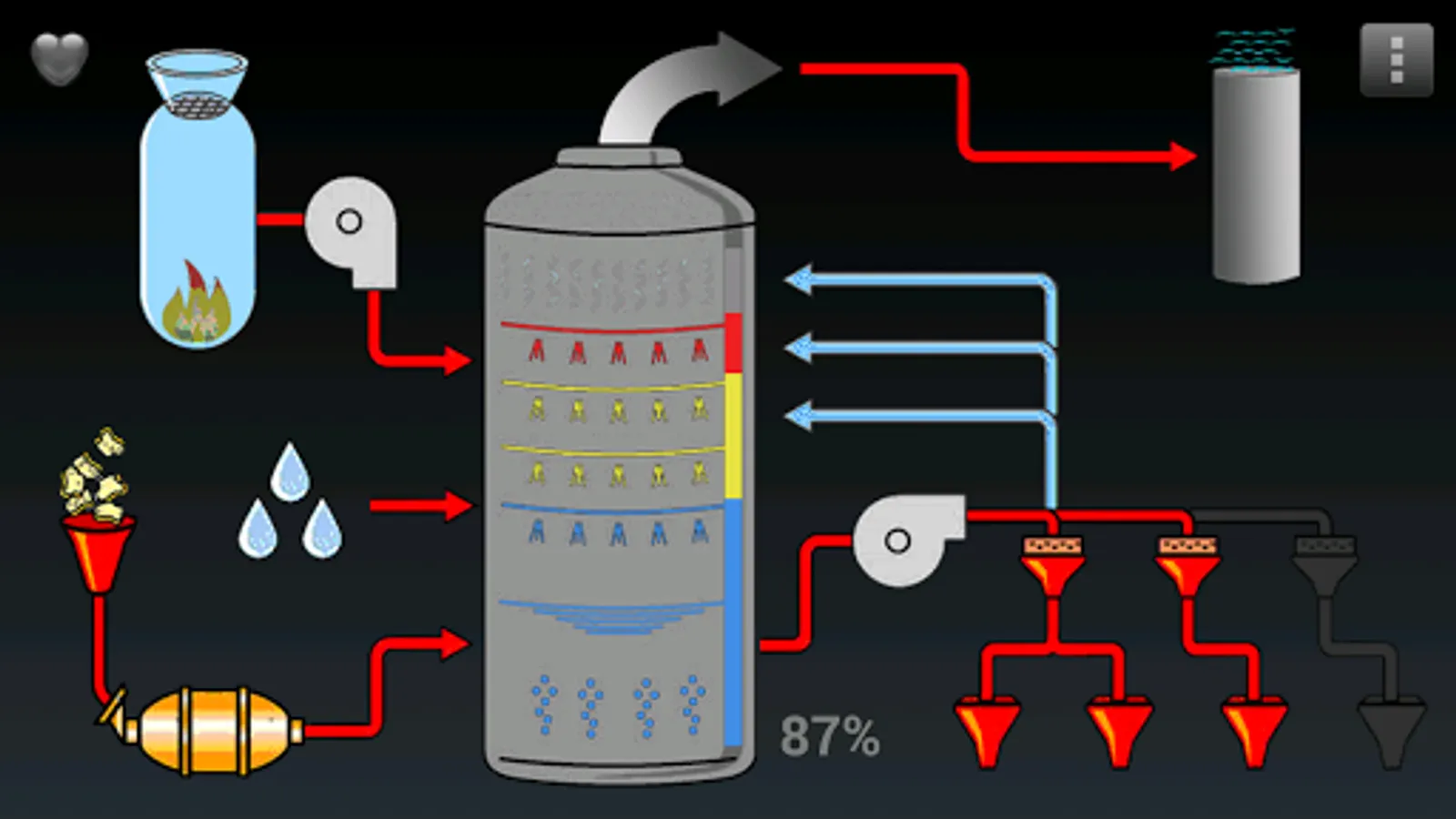
• default - scene, home plan and industry
• wooden - scene, alternate visual style
• bargraph - multicolor bargraph with cover
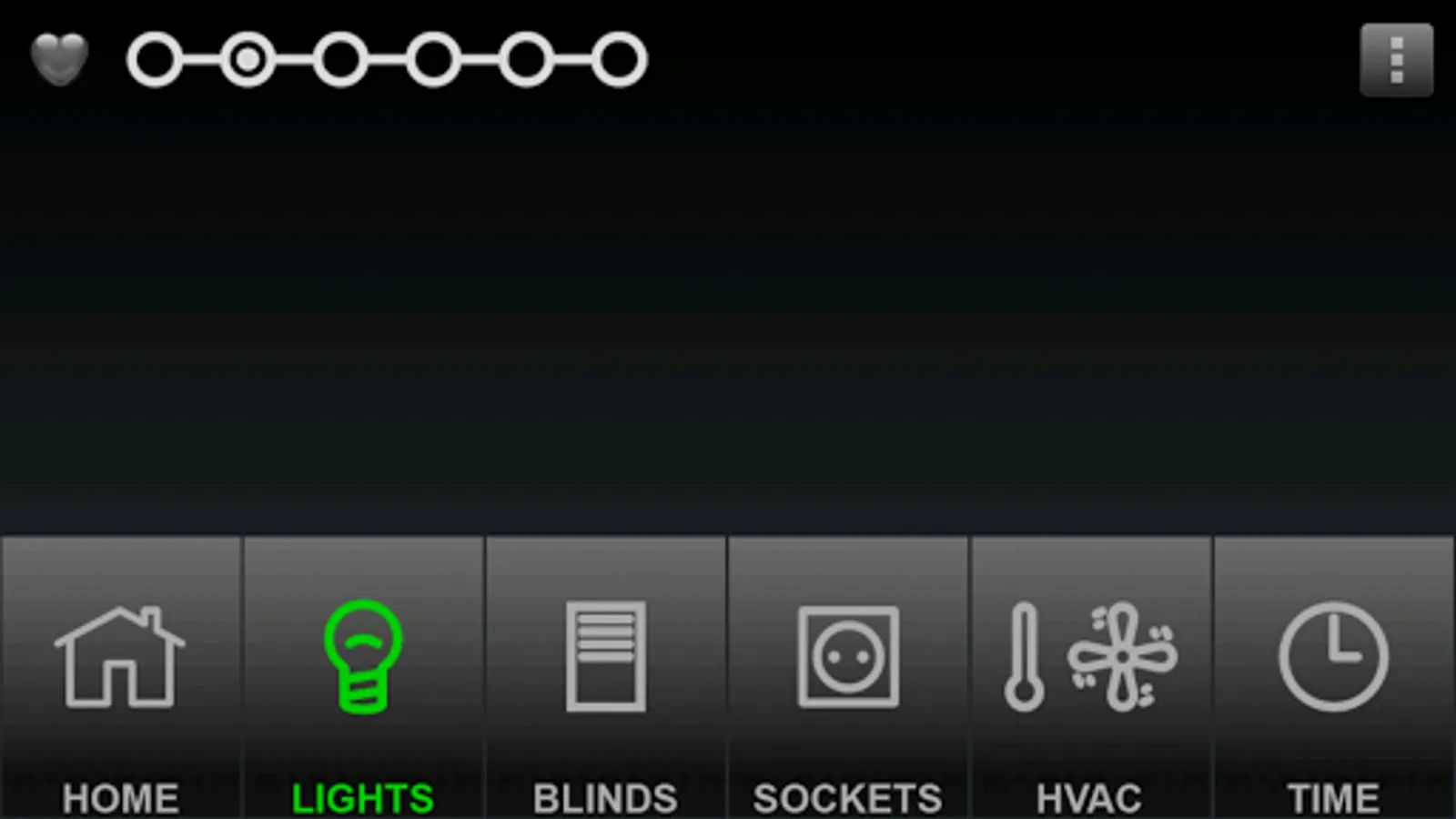
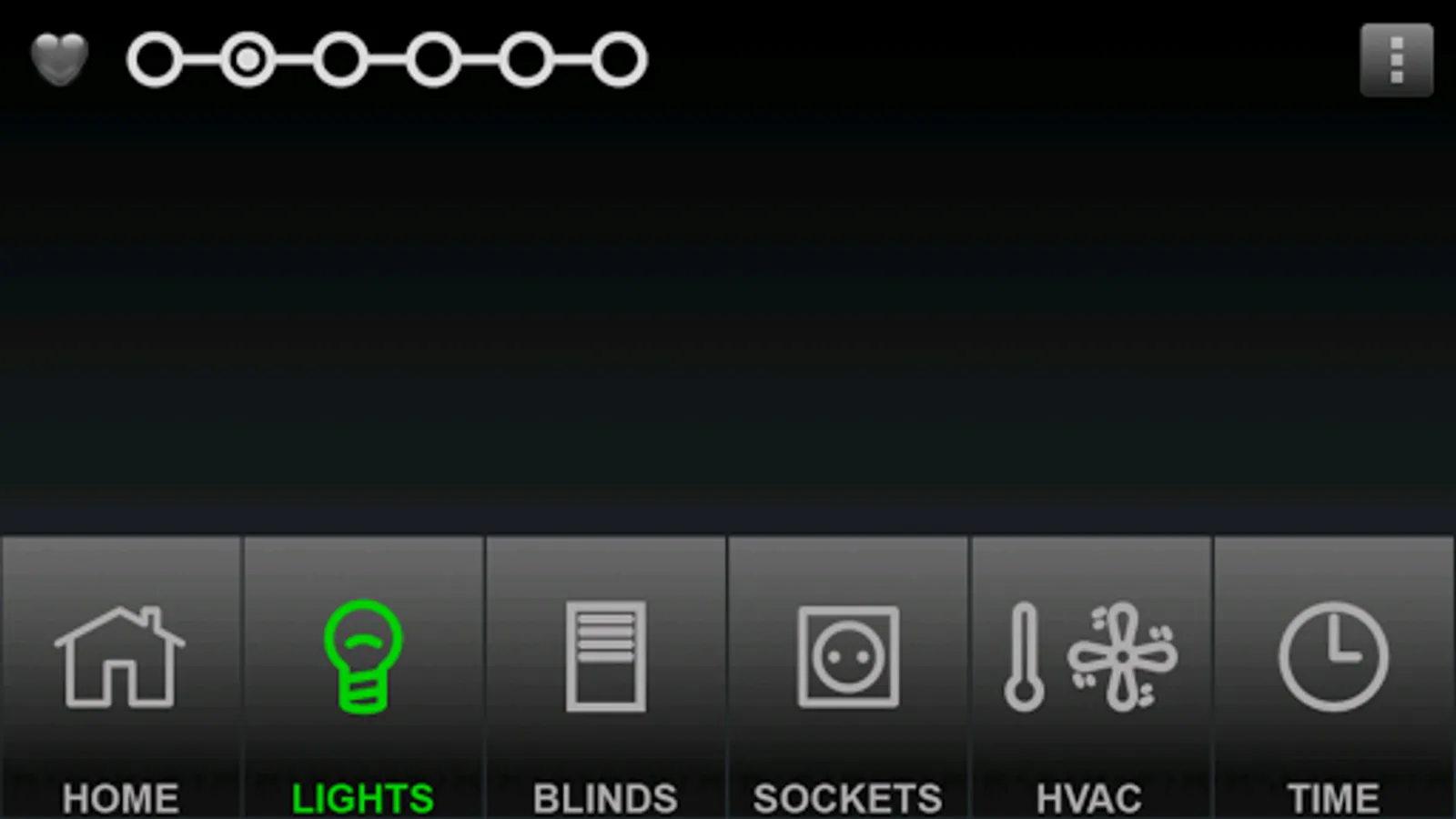
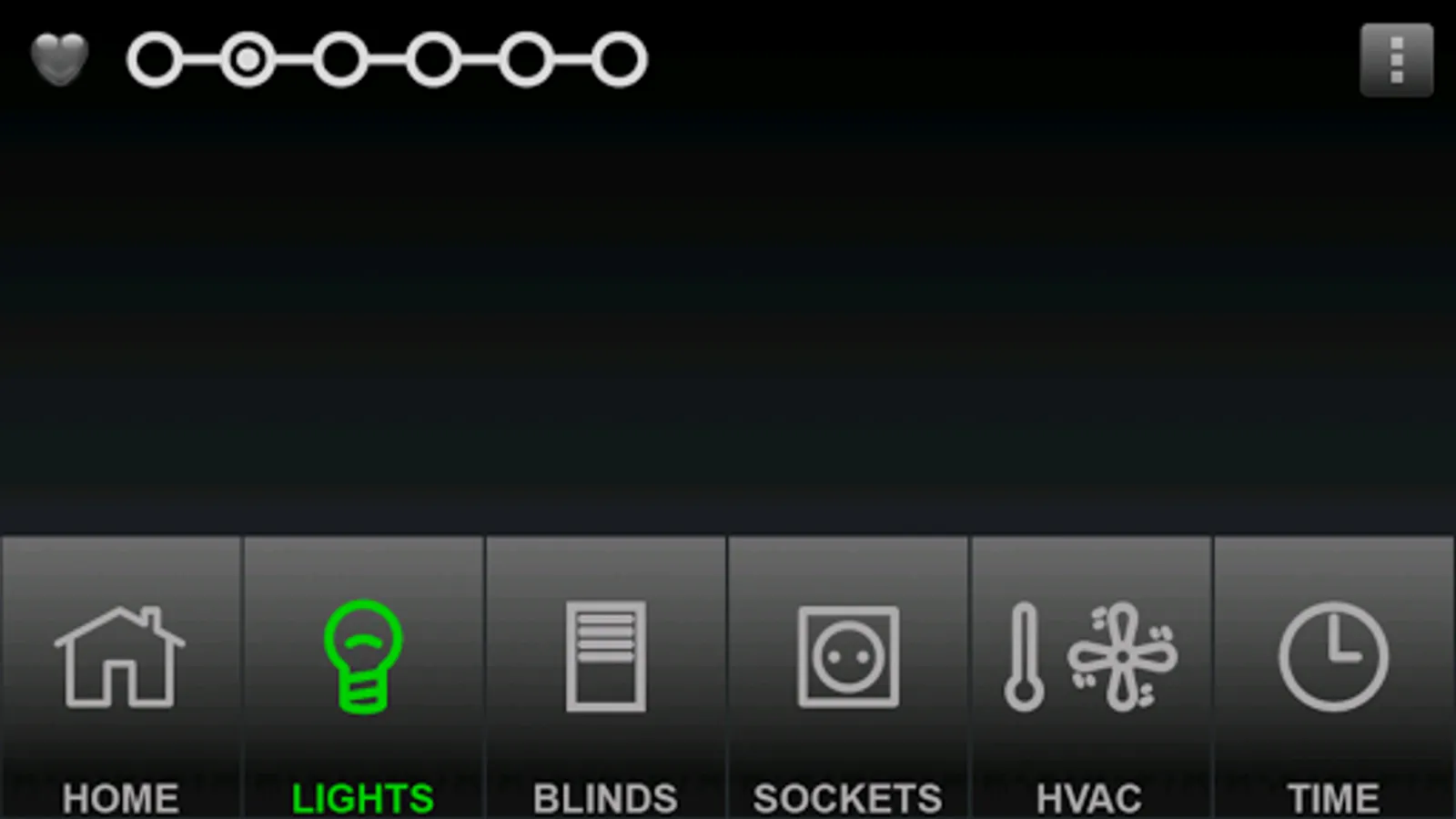
• pagemenu - page selection menu
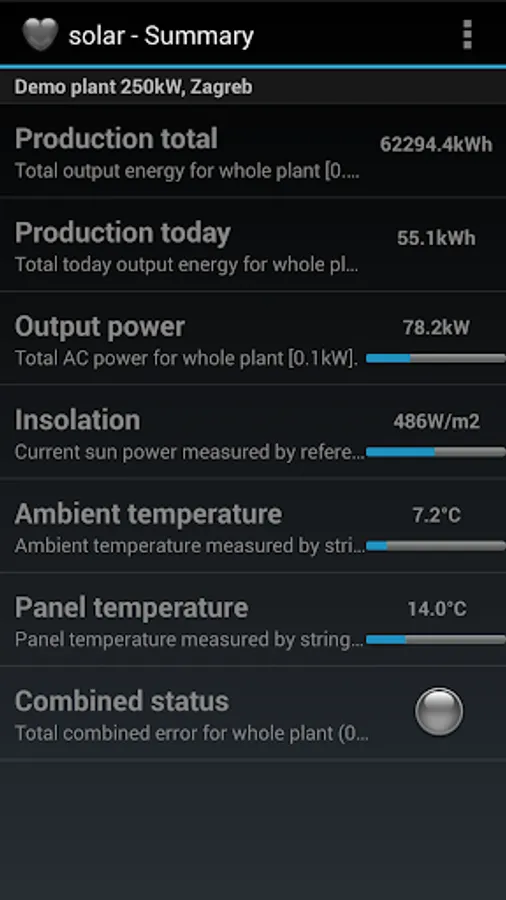
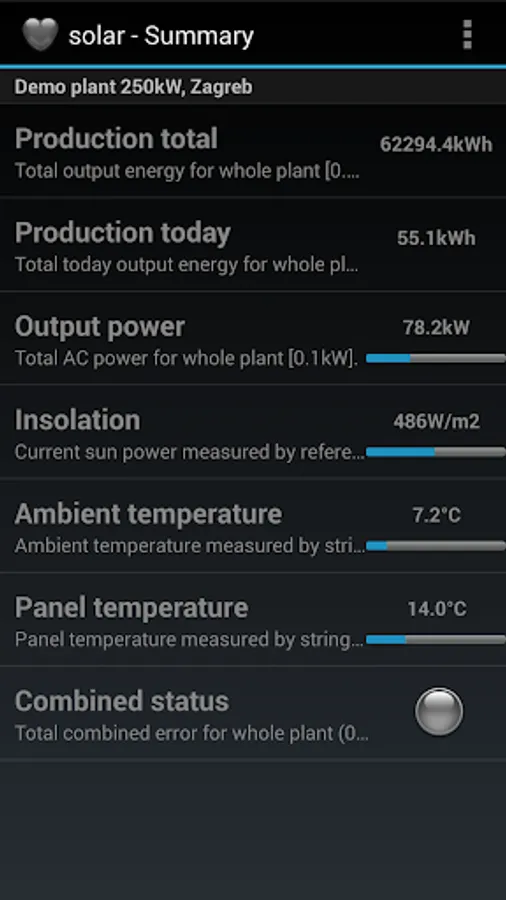
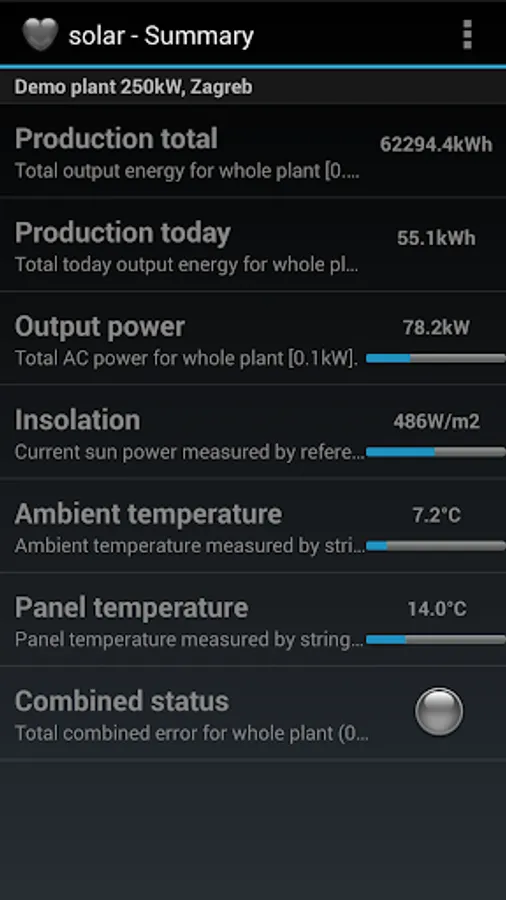
• solar - solar plant, list mode is used
To try out, read configuration from www.solar-cybro.com.
To explore how the given function is realized, each configuration can be downloaded to PC:
http://www.solar-cybro.com/data/default.zip
For other configurations, replace default.zip with the configuration name (wooden.zip, bargraph.zip...).
For more information about Mini Scada, Cybro controllers and other products, open http://www.cybrotech.com.
Screen layout is defined by configuration (config.xml) and image files (jpg/png). Application offer canvas and list rendering options. Both local (phone—cybro) and internet (phone—server—cybro) connection is supported. When started for the first time, default configuration is automatically activated (make sure Home network is set to None).
The following demo configurations are available:
• default - scene, home plan and industry
• wooden - scene, alternate visual style
• bargraph - multicolor bargraph with cover
• pagemenu - page selection menu
• solar - solar plant, list mode is used
To try out, read configuration from www.solar-cybro.com.
To explore how the given function is realized, each configuration can be downloaded to PC:
http://www.solar-cybro.com/data/default.zip
For other configurations, replace default.zip with the configuration name (wooden.zip, bargraph.zip...).
For more information about Mini Scada, Cybro controllers and other products, open http://www.cybrotech.com.