
With this app, you can sync notifications, control music, send files, and reply to messages between your phone and computer. Includes secure local network connection, device control features, and file sharing functionalities.
AppRecs review analysis
AppRecs rating 4.0. Trustworthiness 80 out of 100. Review manipulation risk 41 out of 100. Based on a review sample analyzed.
★★★★☆
4.0
AppRecs Rating
Ratings breakdown
5 star
58%
4 star
9%
3 star
14%
2 star
9%
1 star
9%
What to know
⚠
Questionable review patterns
41% review manipulation risk - some review patterns appear unusual
About Cyclop Connect
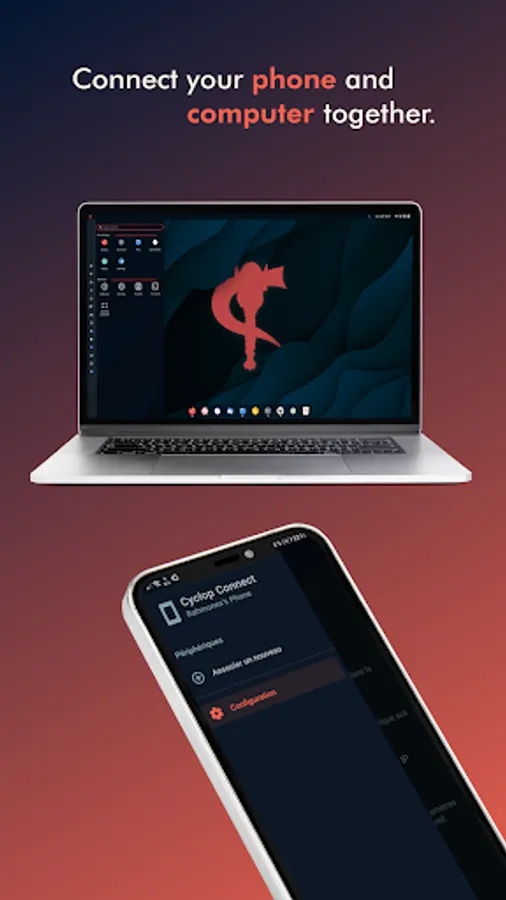
Cyclop Connect provides functionality to integrate your phone and your computer:
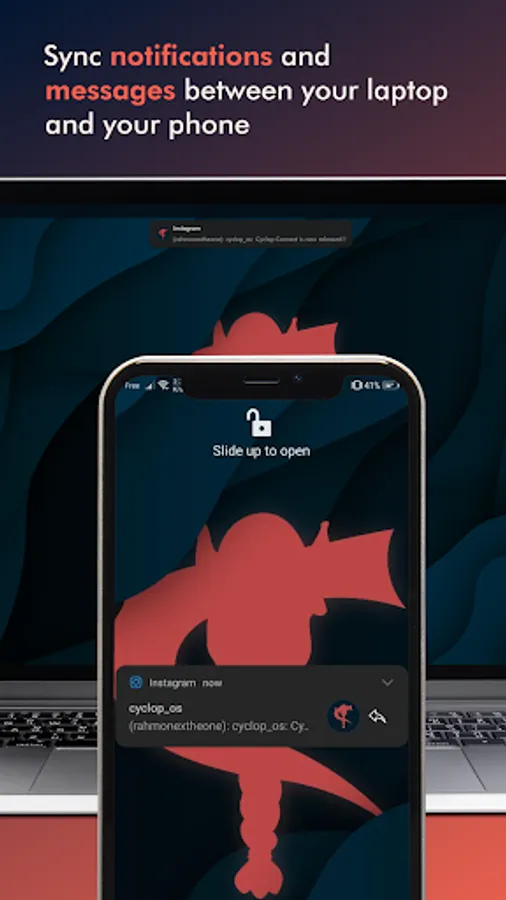
• Sync your phone's notifications with your computer
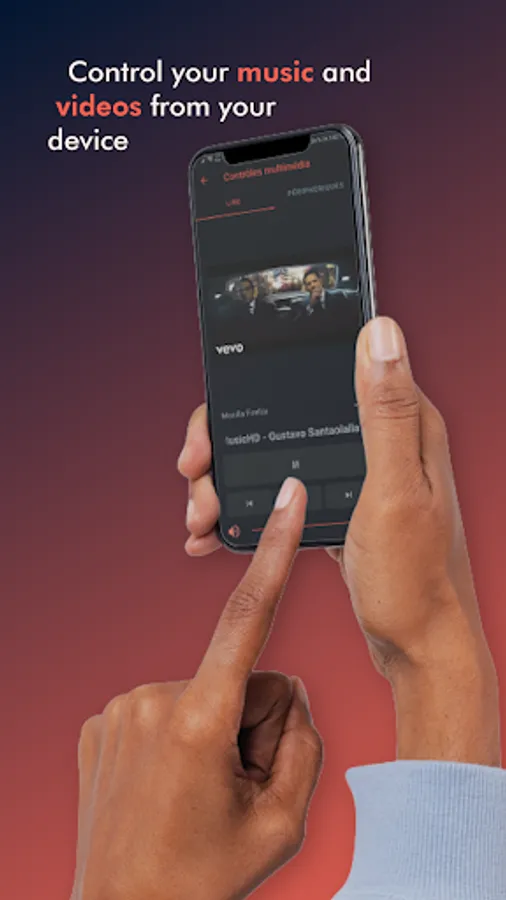
• Control your computer's music from your device
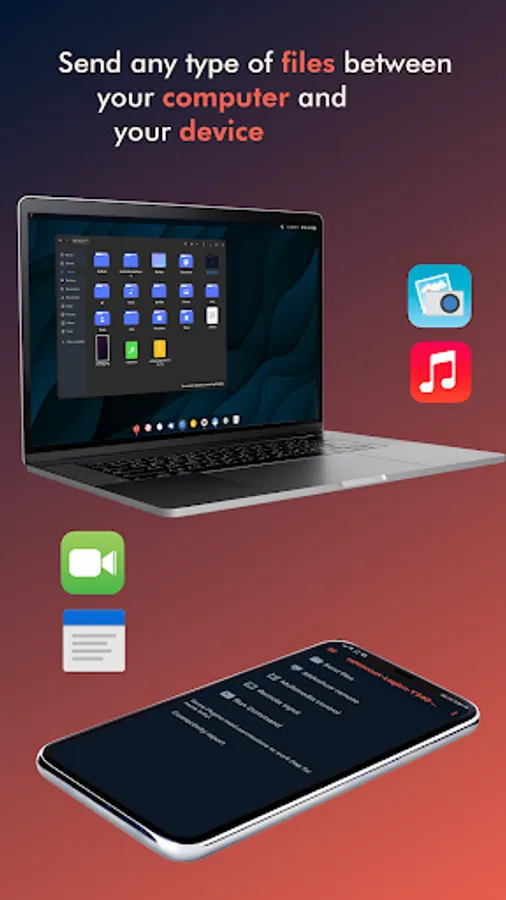
• Send files between your device and your computer
• Get all your device's notifications on your computer
• Reply to your messages from the Cyclop OS desktop
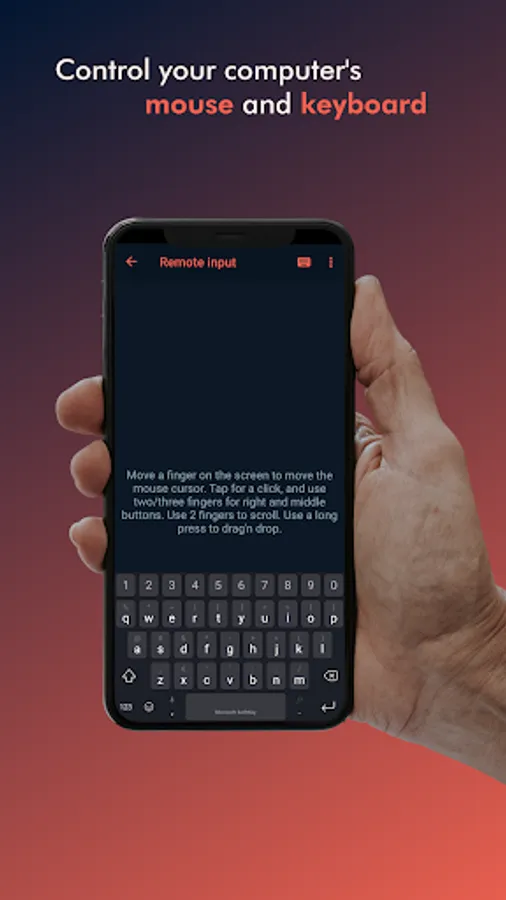
• Use your device as a mouse and keyboard for your computer
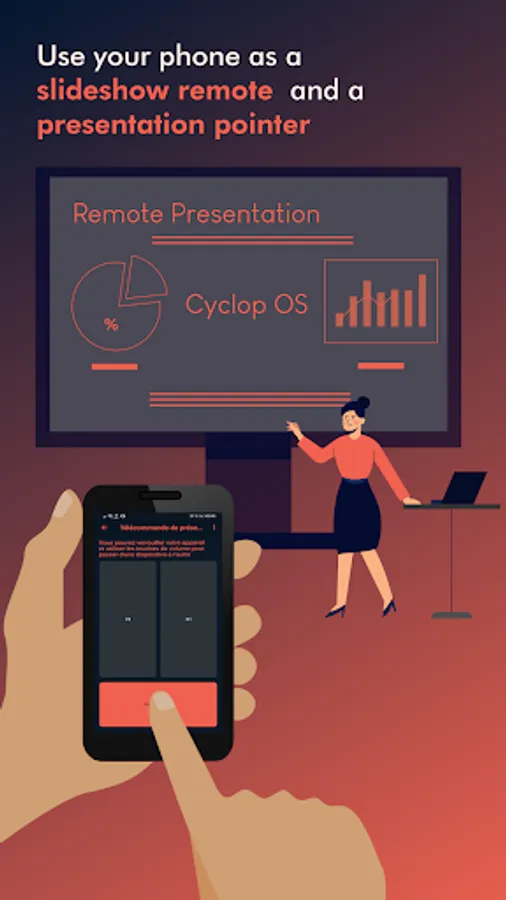
• Use your phone as a slideshow pointer for your computer
• Find your phone by pinging or ringing by your computer
The app seamlessly connects your computer and your mobile device over your local network, securely with RSA encryption.
Please note you will need to have Cyclop OS 3 or after installed and have enabled Cyclop Connect on your computer for this app to work.
The following permissions can be granted to enable core functionality in the app:
• SMS & MMS - To view and reply to SMS & MMS messages on your computer
• Phone & Call log - To get notifications for incoming calls
• Contacts - To display which contact is calling or sending messages
• Storage - To browse and send your phone's files to your computer
• Accessibility Service - To receive mouse input from other devices
• Sync your phone's notifications with your computer
• Control your computer's music from your device
• Send files between your device and your computer
• Get all your device's notifications on your computer
• Reply to your messages from the Cyclop OS desktop
• Use your device as a mouse and keyboard for your computer
• Use your phone as a slideshow pointer for your computer
• Find your phone by pinging or ringing by your computer
The app seamlessly connects your computer and your mobile device over your local network, securely with RSA encryption.
Please note you will need to have Cyclop OS 3 or after installed and have enabled Cyclop Connect on your computer for this app to work.
The following permissions can be granted to enable core functionality in the app:
• SMS & MMS - To view and reply to SMS & MMS messages on your computer
• Phone & Call log - To get notifications for incoming calls
• Contacts - To display which contact is calling or sending messages
• Storage - To browse and send your phone's files to your computer
• Accessibility Service - To receive mouse input from other devices
Cyclop Connect Screenshots
Tap to Rate:
Reviews for Cyclop Connect
George Viras (Porgie)
12/12/2024
Everything i can consume regulary !!!!????
Daisy OnMoto
9/29/2024
If this is a subscription. Please unsubscribe my acct and refund any fees. I didn't purchase this app and don't know where it came from