
Locker Password Manager
CyStack
4.1 ★
402 ratings
50,000+
downloads
Free
+ in-app
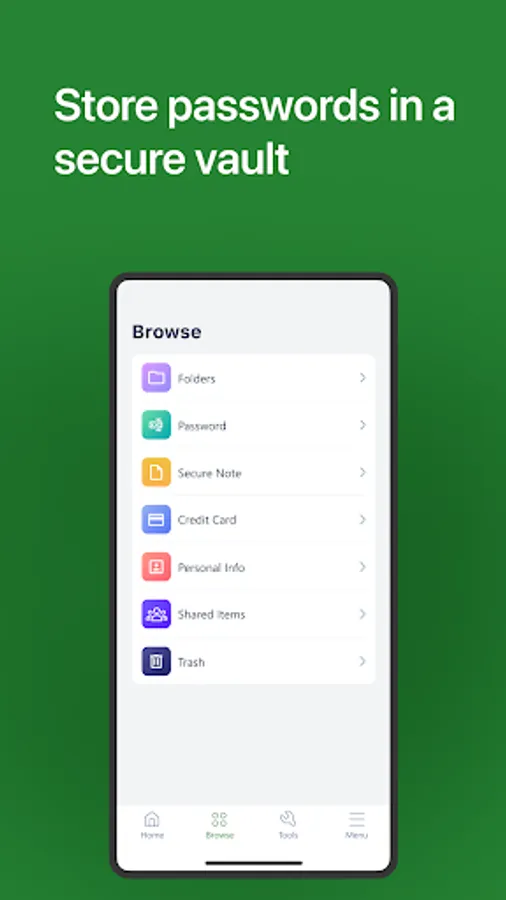
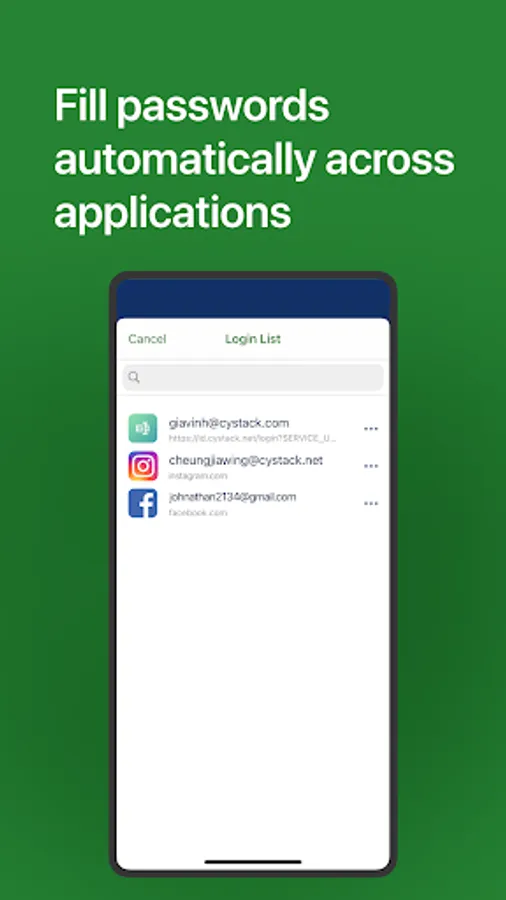
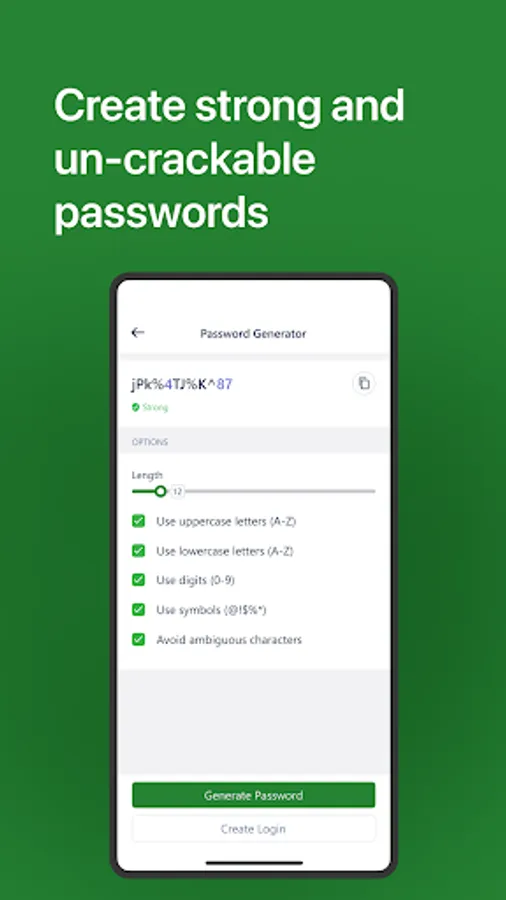
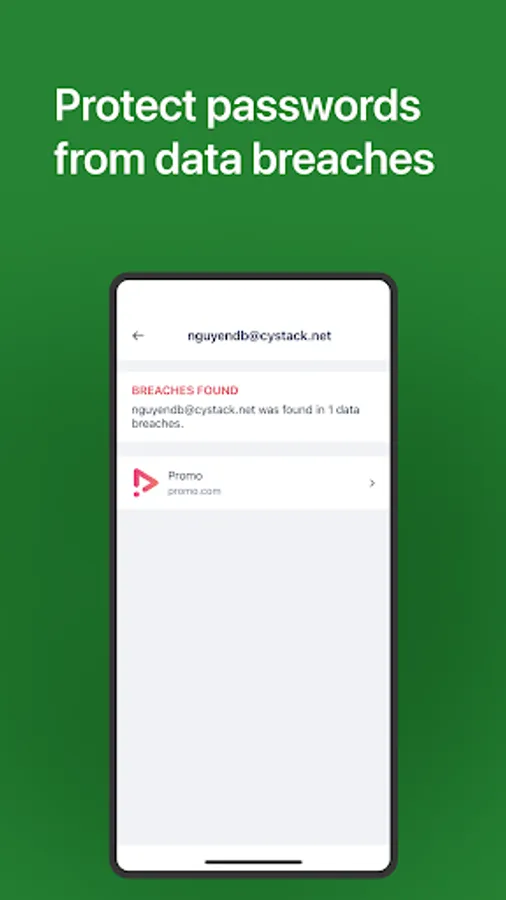
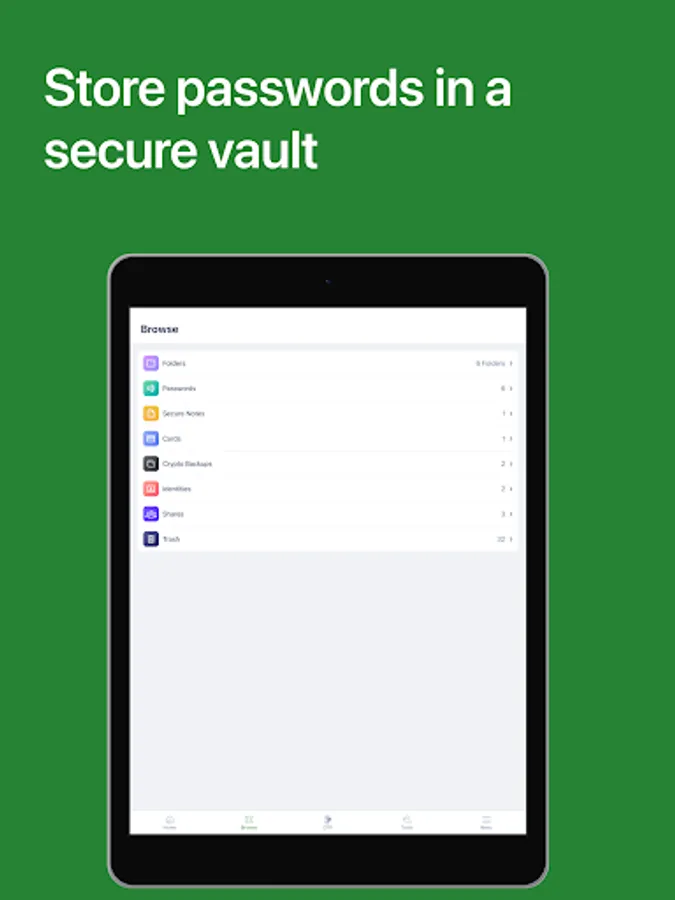
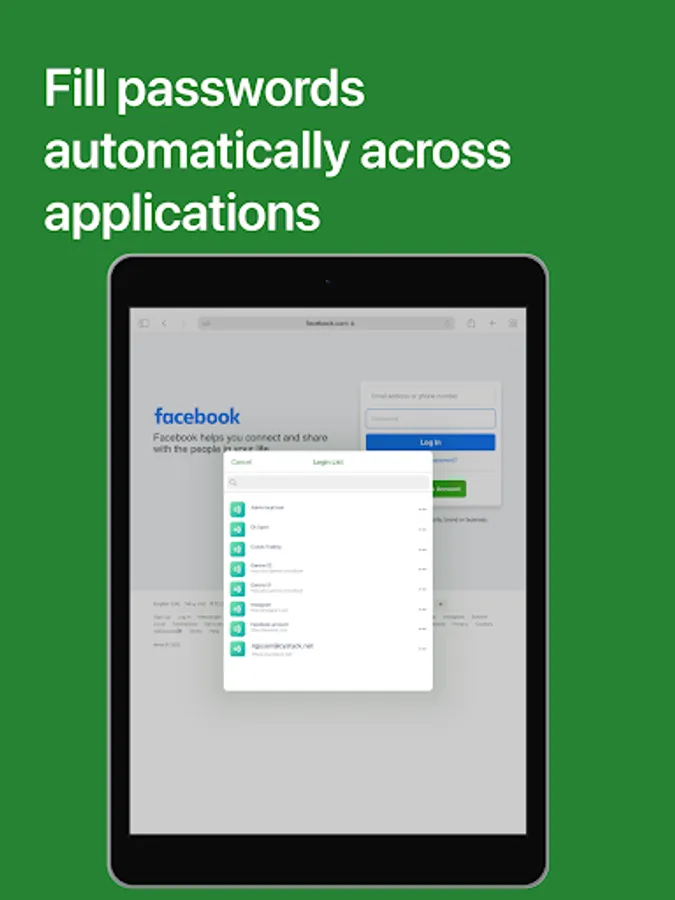
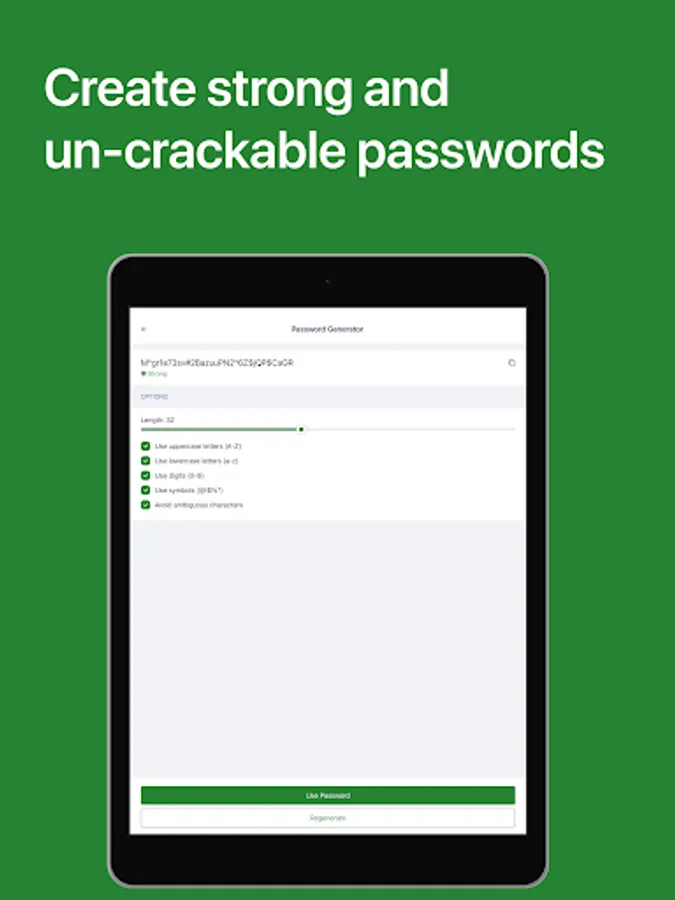
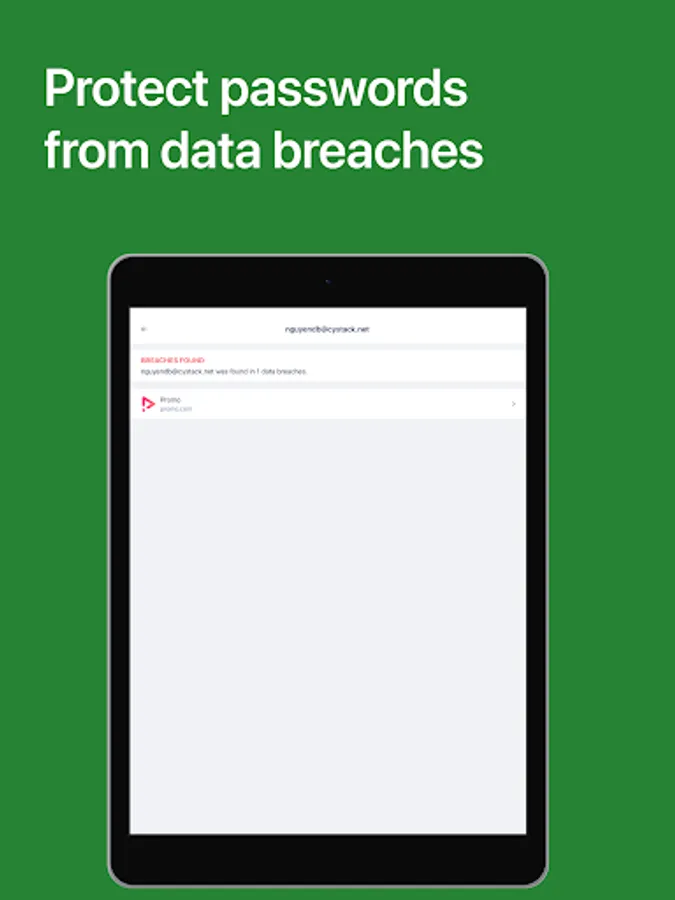
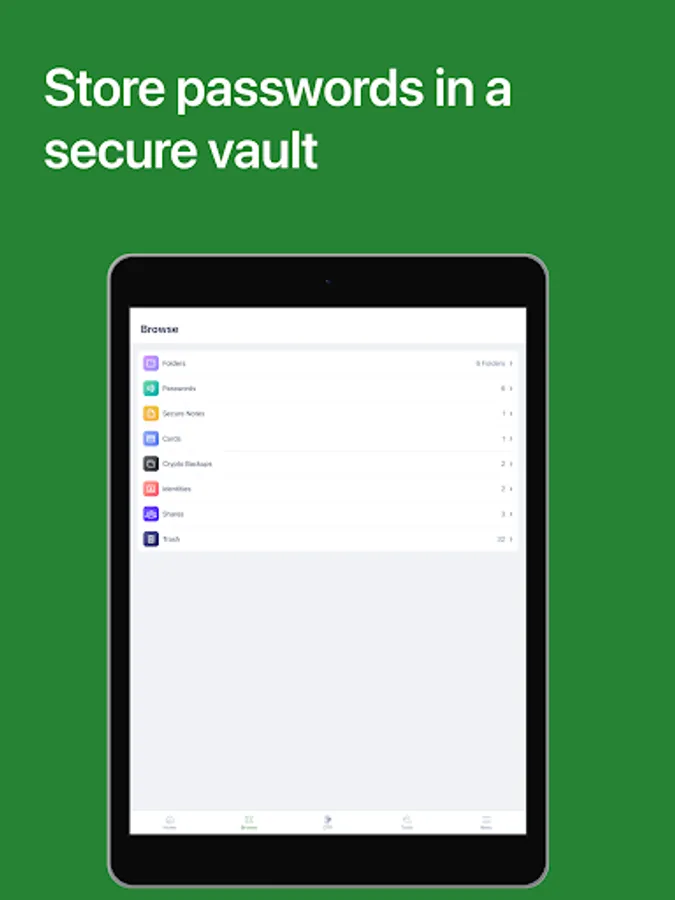
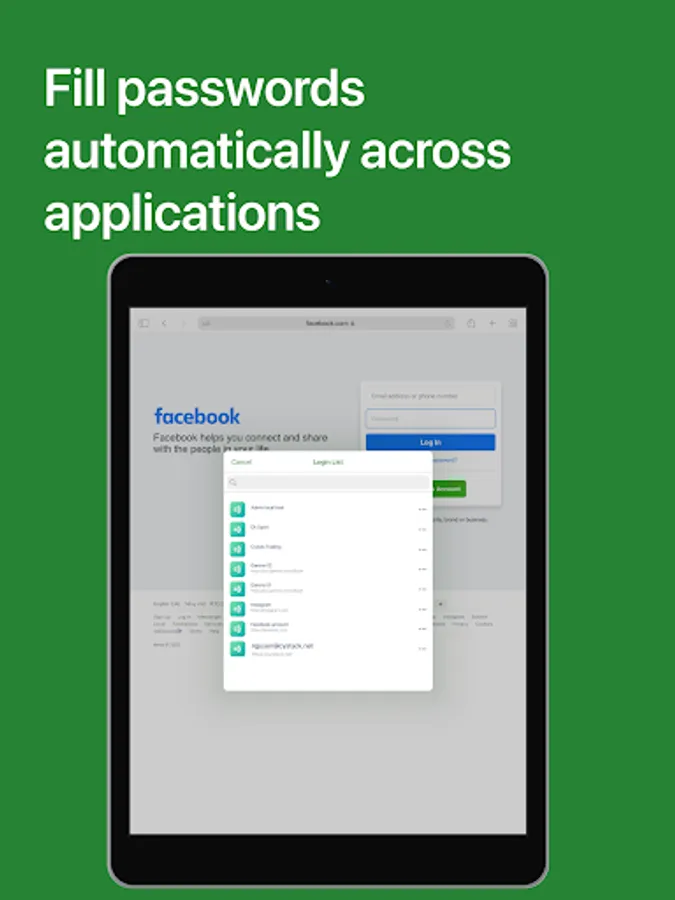
In this password manager app, you can securely store, organize, and autofill passwords, notes, and payment information. Includes encryption, unlimited sync, and an integrated two-factor authentication feature.
AppRecs review analysis
AppRecs rating 4.1. Trustworthiness 79 out of 100. Review manipulation risk 24 out of 100. Based on a review sample analyzed.
★★★★☆
4.1
AppRecs Rating
Ratings breakdown
5 star
69%
4 star
10%
3 star
0%
2 star
2%
1 star
18%
What to know
✓
Low review manipulation risk
24% review manipulation risk
✓
Credible reviews
79% trustworthiness score from analyzed reviews
✓
High user satisfaction
79% of sampled ratings are 4+ stars (4.1★ average)
About Locker Password Manager
Why choose Locker over other password managers?
1. Security
Locker uses military-grade encryption to secure your data. AES-256bit encryption combined with PBKDF2 and RSA algorithm makes your data un-crackable.
Your vault is encrypted with a Master Password, which is the only key to decrypt your data.
2. Privacy & Transparency
Your Master Password is only yours. Nobody, even us, can see your Master Password thanks to Zero-knowledge architecture and End-to-end encryption.
Locker is an open-source product. Everyone can inspect its source code. We believe transparency is the key to better security.
3. Unlimited Sync
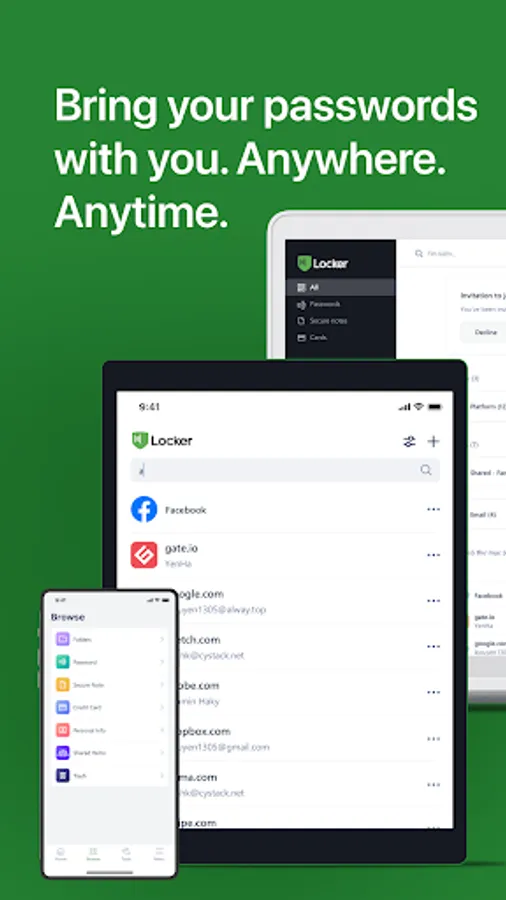
Once you add, edit, or remove items in your Locker on a device, the data will be synced across all other devices.
4. OTP is integrated right into the app
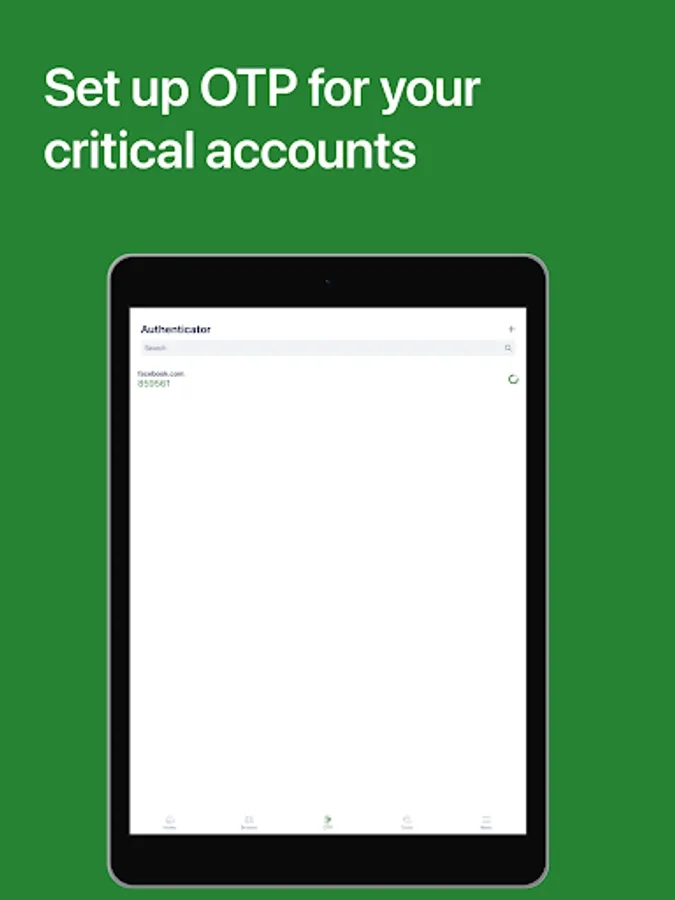
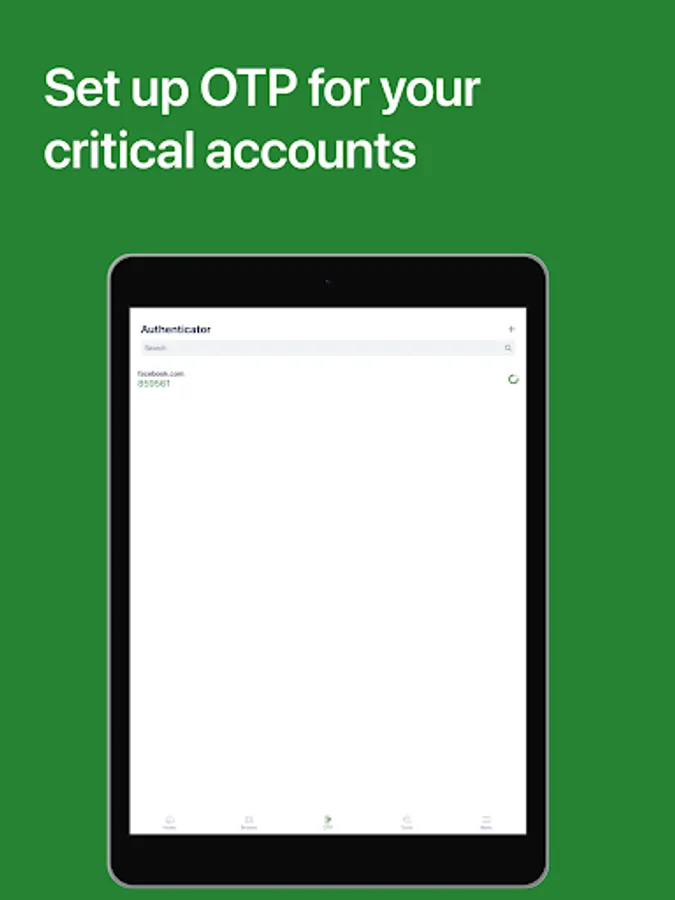
Protect your online accounts with an extra layer that is integrated right into Locker. One-time password (time-based) enables you to block hackers from accessing your accounts even when they've got the passwords. Let's open 2FA (two-factor authenticator) in your critical accounts and start using our authenticator feature.
5. Bring Your Passwords with You
With Offline Mode, you can use Locker anywhere, anytime, even when your phone is not connected to the internet.
No more password hassle.
Free Your Mind. Install Locker.
*Data is encrypted before leaving the current device.
**Offline Mode is only available on Locker mobile application.
Locker Password Manager Screenshots


Tap to Rate:
Reviews for Locker Password Manager
Christopher Safatli
12/22/2025
interesting
Cristian Balunan
11/11/2025
This application offers a convenient auto-fill password feature. I would appreciate the ability to utilize it offline, as it currently necessitates an internet connection for each use. Additionally, I've observed that opening mobile application redirects to the password section, preventing access to other functionalities such as my card details or personal informations etc...