Resume Builder - CV Maker PDF
Soluções Digitais - Smart Apps
4.5 ★
store rating
1,000,000+
downloads
Free
+ in-app
AppRecs review analysis
AppRecs rating 4.5. Trustworthiness 73 out of 100. Review manipulation risk 28 out of 100. Based on a review sample analyzed.
★★★★☆
4.5
AppRecs Rating
Ratings breakdown
5 star
75%
4 star
15%
3 star
2%
2 star
2%
1 star
6%
What to know
✓
Low review manipulation risk
28% review manipulation risk
✓
Credible reviews
73% trustworthiness score from analyzed reviews
✓
High user satisfaction
75% of sampled ratings are 5 stars
About Resume Builder - CV Maker PDF
Create the perfect resume for free in minutes and land your dream job!
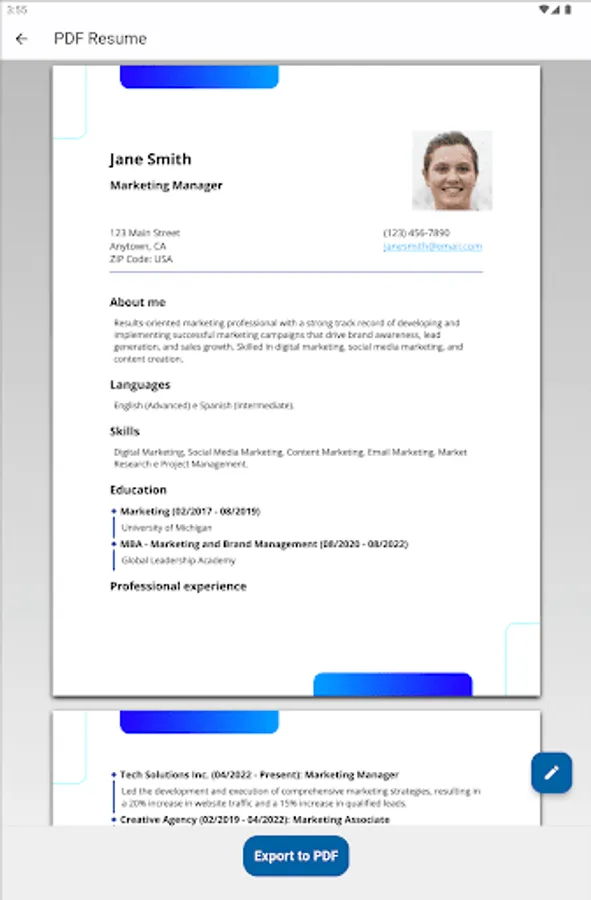
Introducing Resume Builder, the easy-to-use app that helps you craft a professional resume that will make you stand out from the crowd.
With Resume Builder, you can:
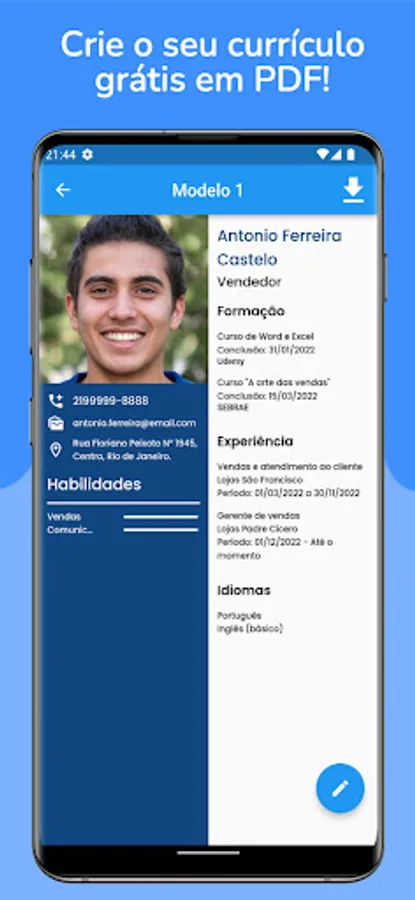
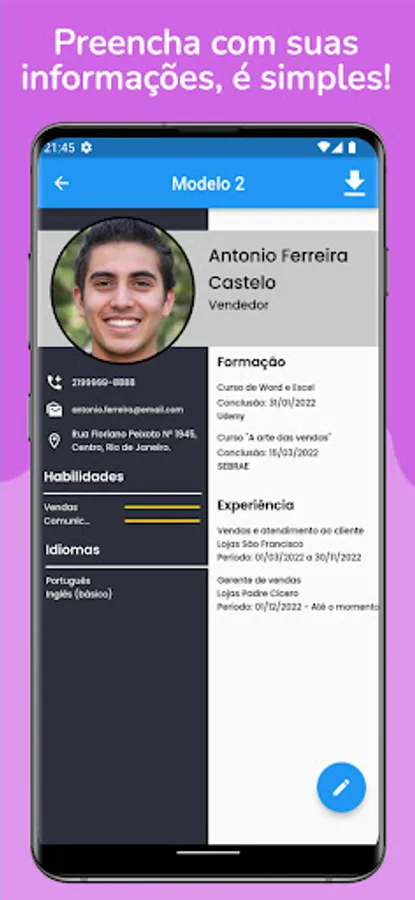
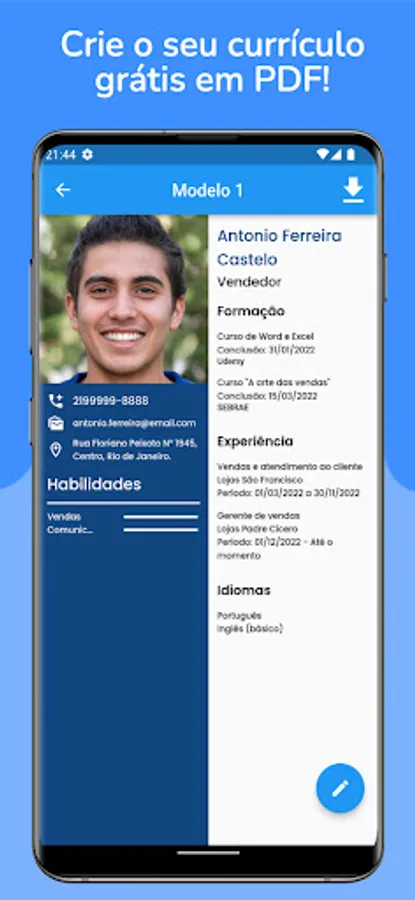
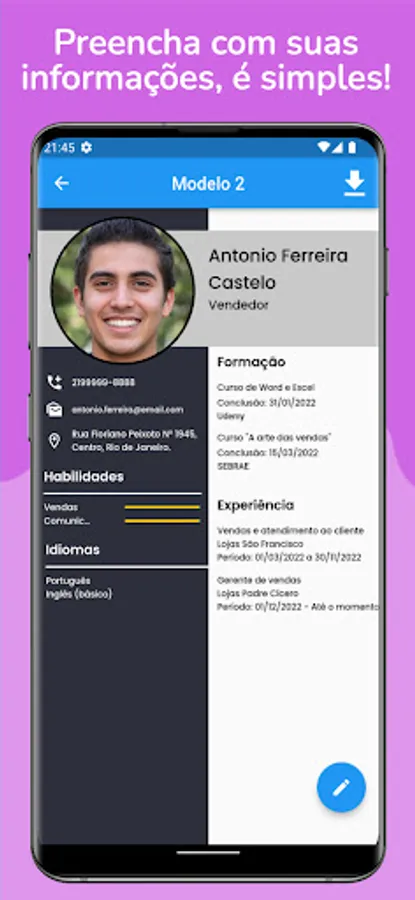
- Fill in your personal information, work experience, skills, languages, and educational information.
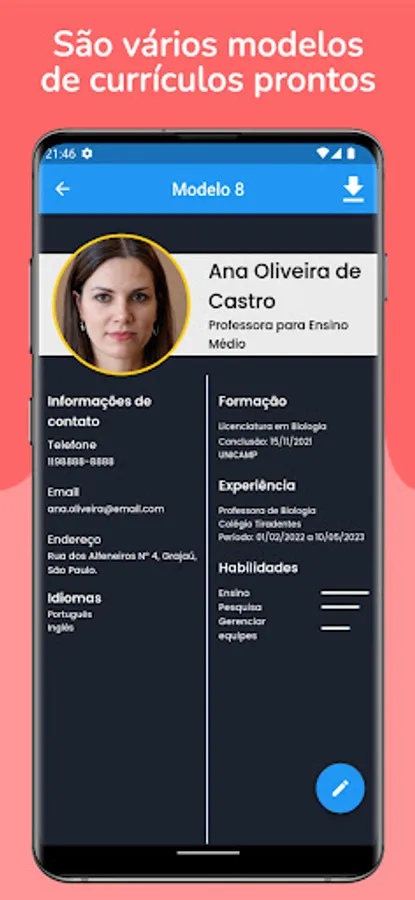
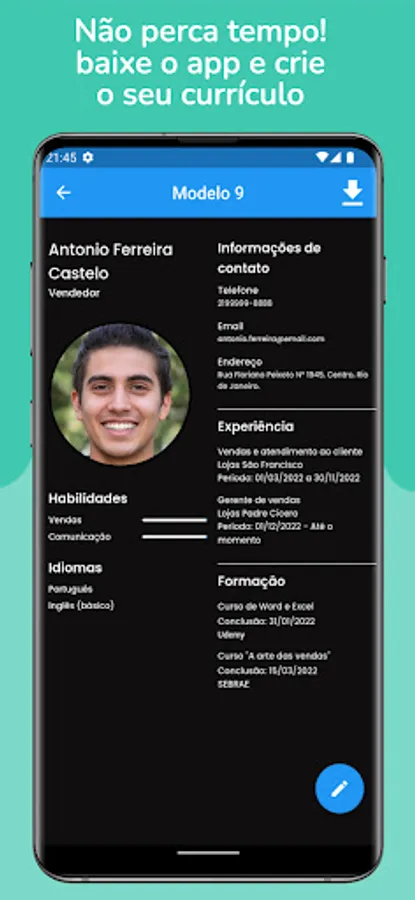
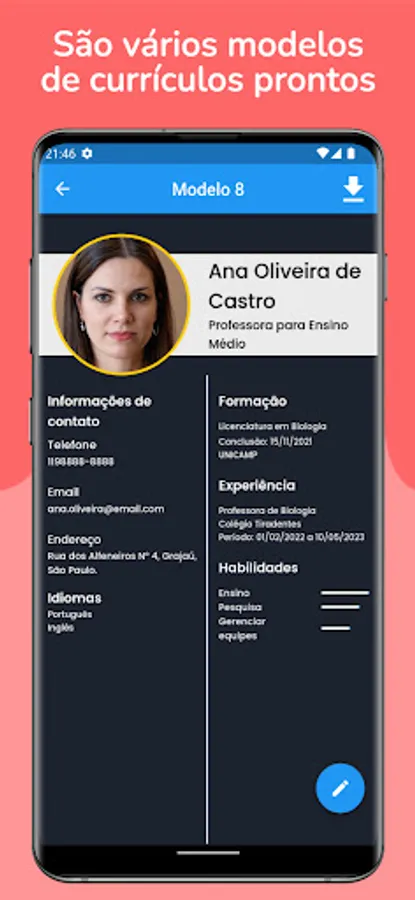
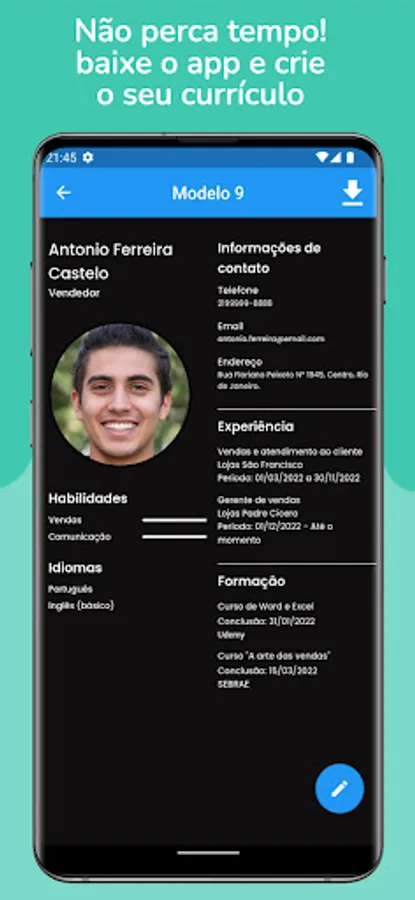
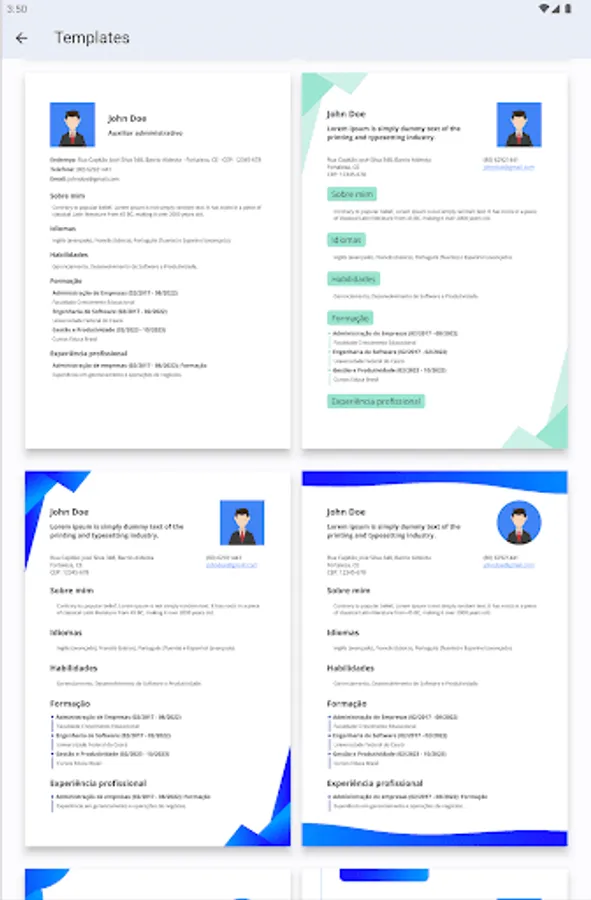
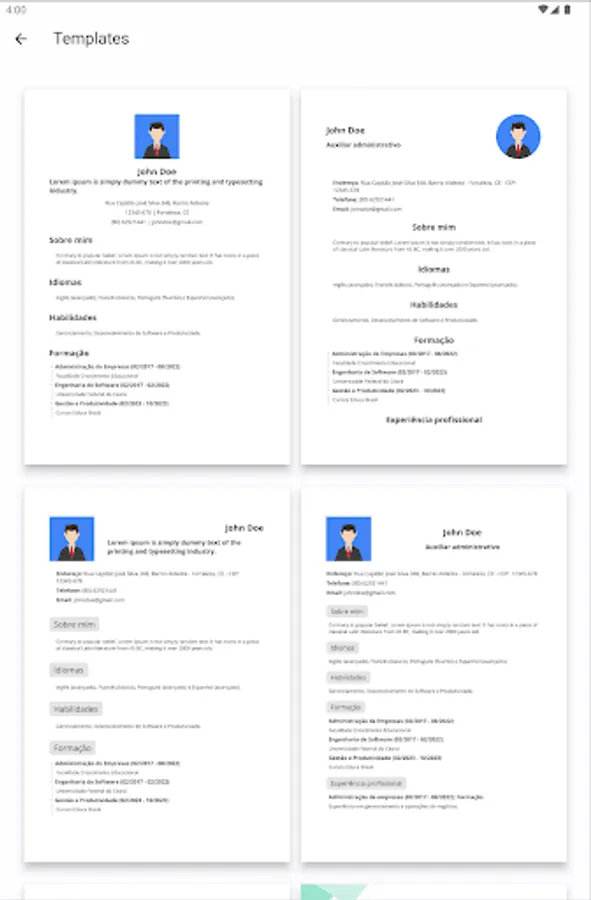
- Choose from a variety of professional resume templates.
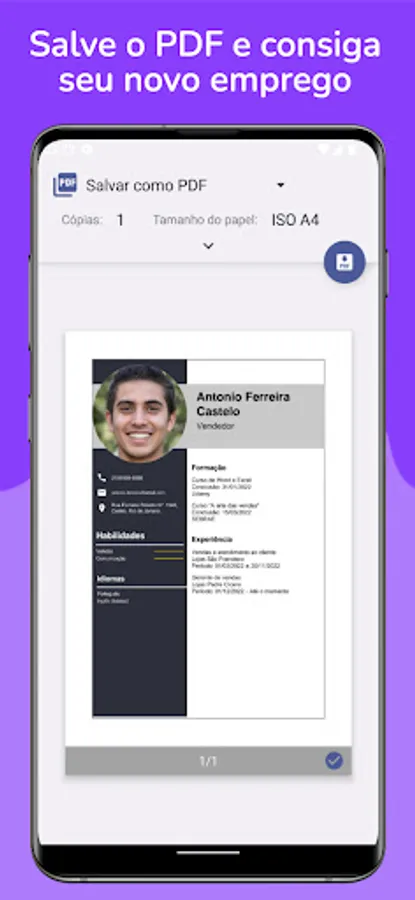
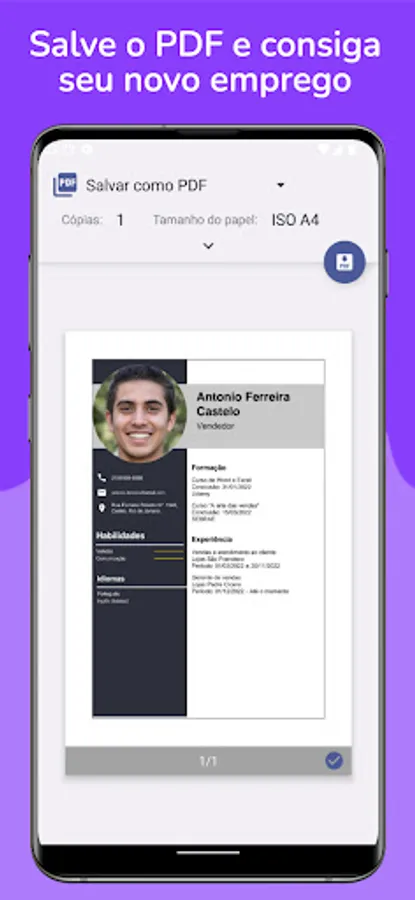
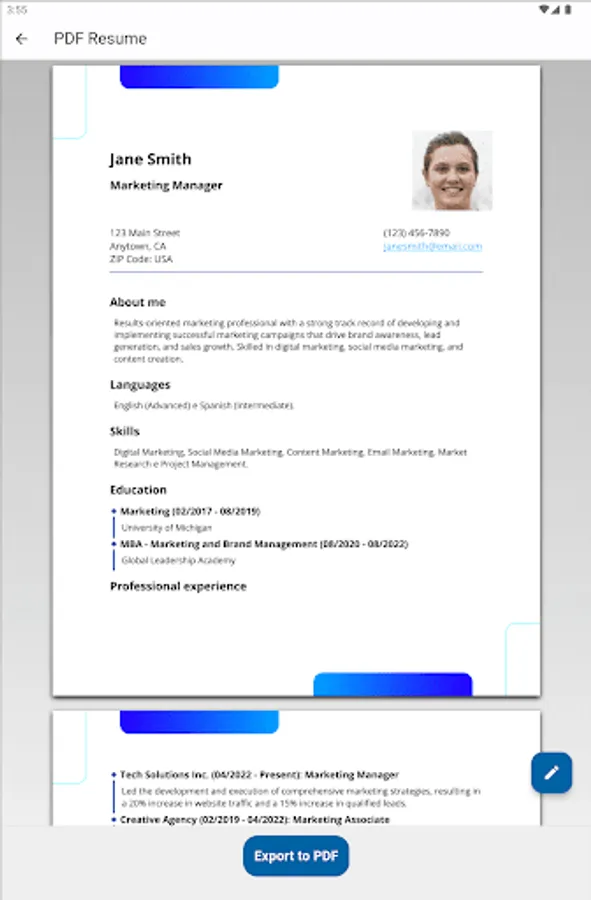
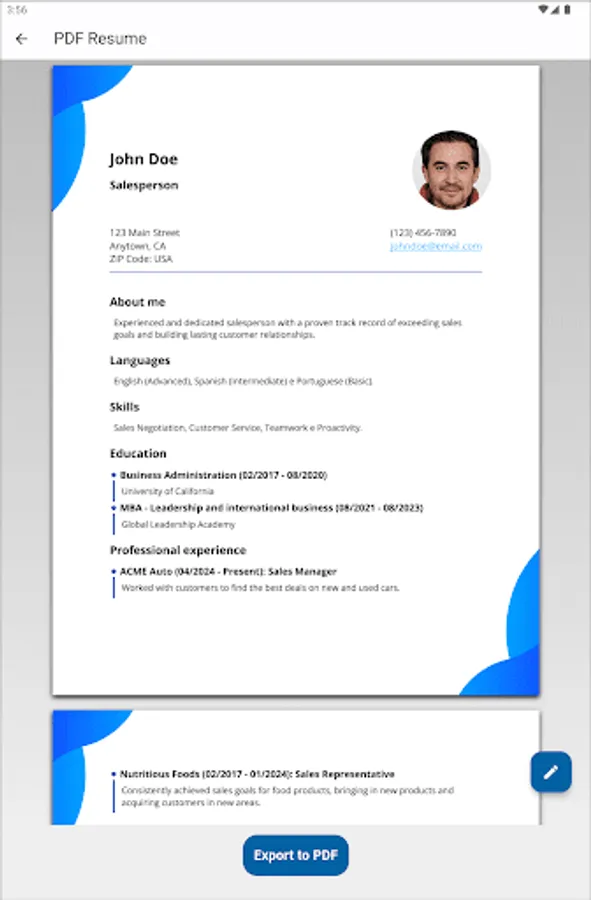
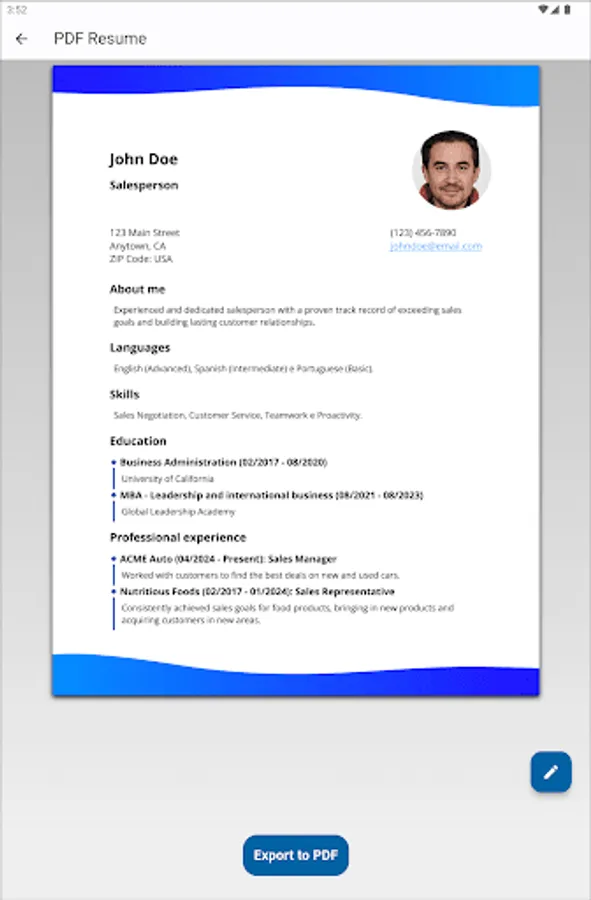
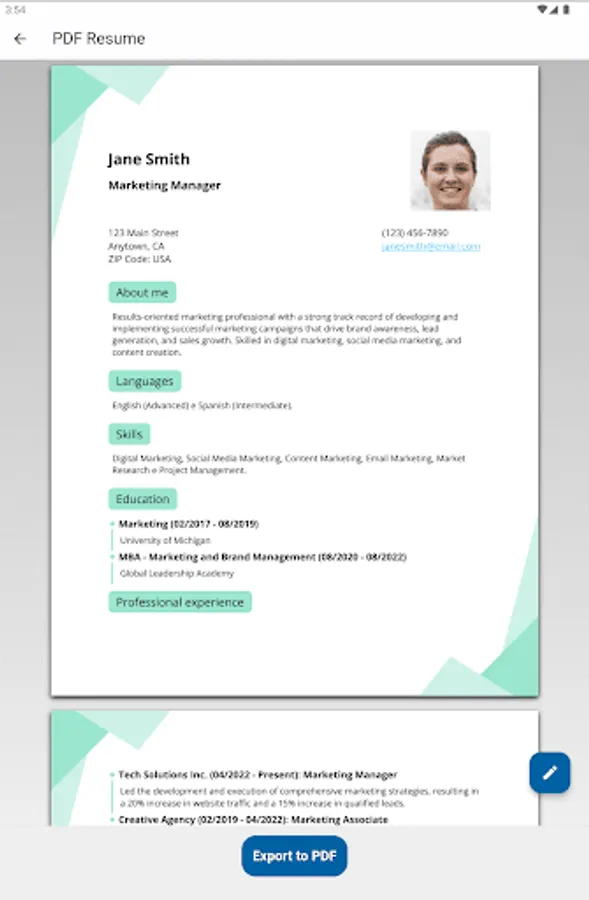
- Preview your resume and make sure it looks perfect.
- Download your resume in PDF format.
Here are some of the customization options available:
- Change the colors of your resume: Choose from a variety of color schemes to match your brand or personality.
- Align your resume sections: Choose from left, right, or center alignment for each section of your resume.
- Format your photo: Upload your photo and choose between a square or round photo format.
Why use Resume Builder?
- It's easy to use. Just fill in your information and choose a template.
- It's fast. You can create a resume in just minutes.
- It's affordable. Resume Builder is free to download and use.
- It's effective. A well-crafted resume can help you land your dream job.
- Download Resume Builder today and start your job search off right!
Resume Builder is the perfect app for:
- Job seekers who want to create a professional resume quickly and easily.
- Recent graduates who need to create their first resume.
- Anyone who wants to update their resume for a new job application.
Here are some additional tips for using Resume Builder:
- Keep your resume concise and to the point. Aim for one page for most resumes.
- Use keywords throughout your resume that are relevant to the job you are applying for.
- Proofread your resume carefully for any errors.
- Get feedback on your resume from a friend or family member.
- With Resume Builder, you can create a professional resume that will help you land your dream job!
Download Resume Builder today!
- Contact:
devclebson@gmail.com
Introducing Resume Builder, the easy-to-use app that helps you craft a professional resume that will make you stand out from the crowd.
With Resume Builder, you can:
- Fill in your personal information, work experience, skills, languages, and educational information.
- Choose from a variety of professional resume templates.
- Preview your resume and make sure it looks perfect.
- Download your resume in PDF format.
Here are some of the customization options available:
- Change the colors of your resume: Choose from a variety of color schemes to match your brand or personality.
- Align your resume sections: Choose from left, right, or center alignment for each section of your resume.
- Format your photo: Upload your photo and choose between a square or round photo format.
Why use Resume Builder?
- It's easy to use. Just fill in your information and choose a template.
- It's fast. You can create a resume in just minutes.
- It's affordable. Resume Builder is free to download and use.
- It's effective. A well-crafted resume can help you land your dream job.
- Download Resume Builder today and start your job search off right!
Resume Builder is the perfect app for:
- Job seekers who want to create a professional resume quickly and easily.
- Recent graduates who need to create their first resume.
- Anyone who wants to update their resume for a new job application.
Here are some additional tips for using Resume Builder:
- Keep your resume concise and to the point. Aim for one page for most resumes.
- Use keywords throughout your resume that are relevant to the job you are applying for.
- Proofread your resume carefully for any errors.
- Get feedback on your resume from a friend or family member.
- With Resume Builder, you can create a professional resume that will help you land your dream job!
Download Resume Builder today!
- Contact:
devclebson@gmail.com