
DB Secure Authenticator
Deutsche Bank AG
2.6 ★
3K ratings
500,000+
downloads
Free
In this authentication app, users can generate one-time passwords, scan QR codes, and respond to challenge requests for secure account access. Includes QR code scanning, OTP generation, and transaction authorization notifications.
AppRecs review analysis
AppRecs rating 2.7. Trustworthiness 0 out of 100. Review manipulation risk 0 out of 100. Based on a review sample analyzed.
★★☆☆☆
2.7
AppRecs Rating
Ratings breakdown
5 star
31%
4 star
6%
3 star
3%
2 star
6%
1 star
53%
What to know
⚠
Ad complaints
Many low ratings mention excessive ads
⚠
Mixed user feedback
Average 2.6★ rating suggests room for improvement
⚠
High negative review ratio
59% of sampled ratings are 1–2 stars
About DB Secure Authenticator
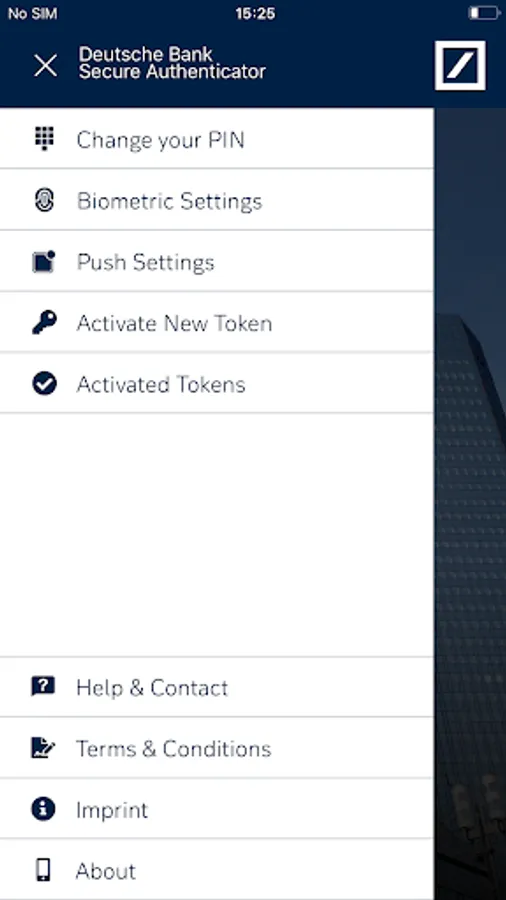
There is a choice of 4 functions within the app:
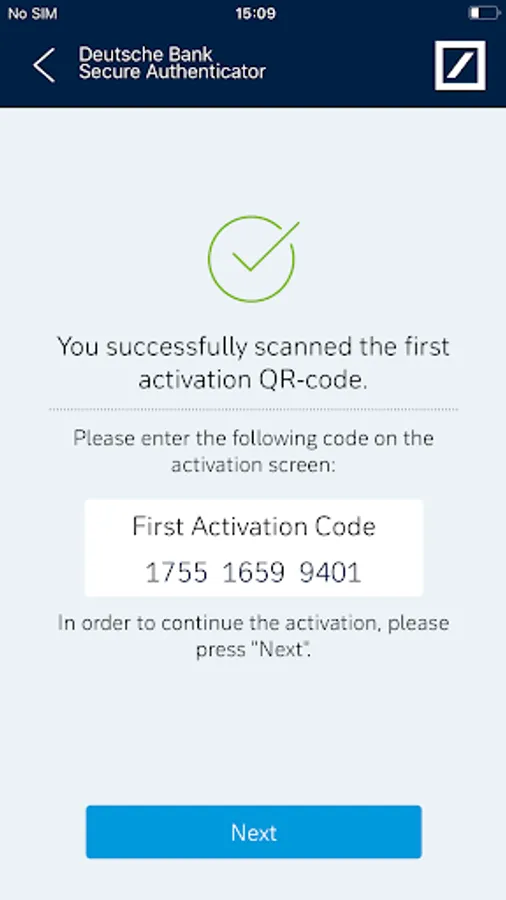
1. Scan QR Code: Using your phone’s camera, a QR-code is scanned on-screen and a numeric response code is provided. The code may be used for logging into a DB banking application or for authorising transactions.
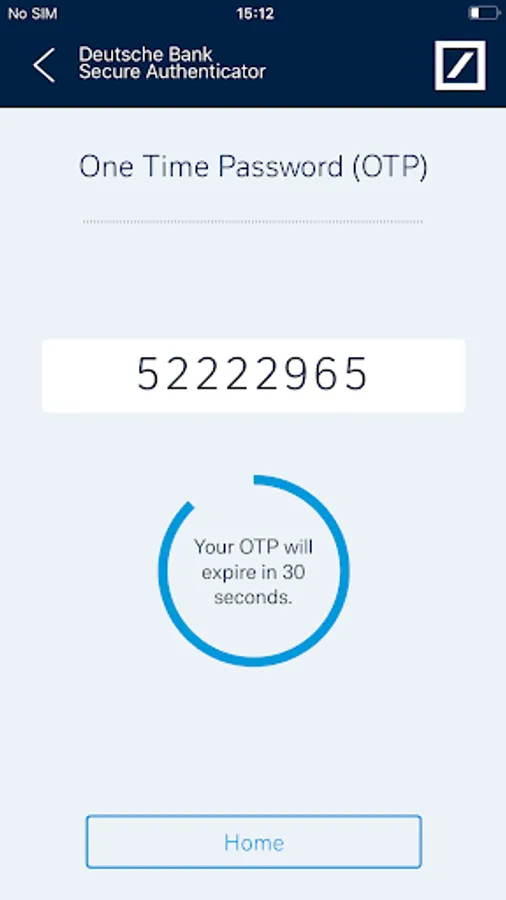
2. Generate a One-Time Password (OTP): On request, the app generates a numeric code which may be used for logging into a DB banking application.
3. Challenge / Response: When speaking with a DB customer service agent, an 8-digit number provided by the agent is entered into the app and a response code is provided. This function is used for customer identification via the telephone.
4. Authorising transactions: If enabled, Push Notifications can be received to inform the user of outstanding transactions. When the app is next opened the transaction details are displayed, and can be authorized without the need to scan a QR-code or type a code into the online banking application.
App setup:
Access to DB Secure Authenticator is controlled either via a 6 digit PIN, which you choose on first launch of the app or by using the device's biometric functionalities, such as fingerprint or facial recognition.
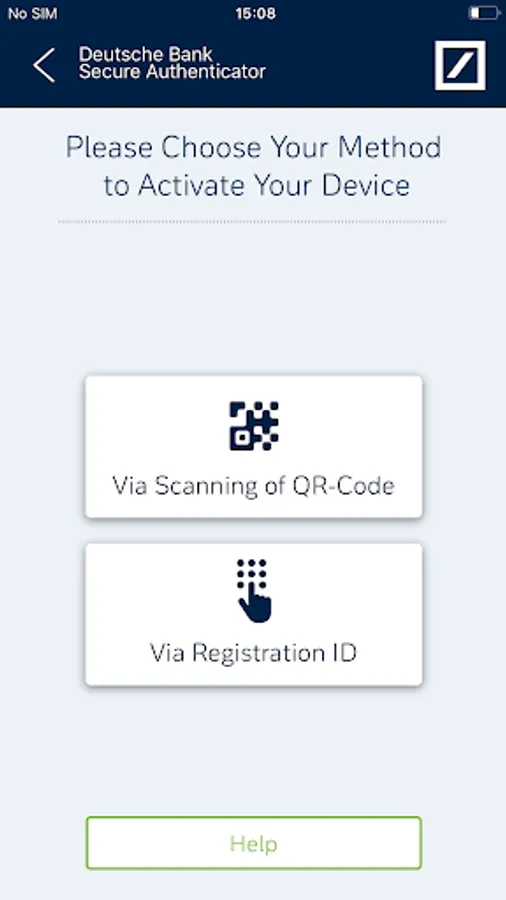
Following the PIN setup, you are required to activate the device. This is done by either entering a provided Registration ID or by scanning two QR-codes through the online activation portal.
DB Secure Authenticator Screenshots
Tap to Rate:
Reviews for DB Secure Authenticator
John Baldwin
2/11/2026
Yes, it sucks.
Paolo
2/5/2026
L'app viene utilizzata anche per approvare le chiamate al servizio clienti, solo che se non hai VoLTE e non sei in WiFi non riceverai alcuna notifica in quanto non avrà accesso ad internet, per cui è un collo di bottiglia. Inoltre, se provi ad aprirla dal menù invece che dalla notifica viene sempre chiesto di disabilitare adb e debug USB. Non oso pensare se avessi il root sul telefono.