Morse Player Pro
$1.99
rated 5.0 stars
500+
downloads
About Morse Player Pro
This is my first release to the Android market and I’m sure there are going to be issues with some of the platforms. Please contact me directly through email with bugs/issues and suggestions. I will gladly work with you to resolve the issues.
Features:
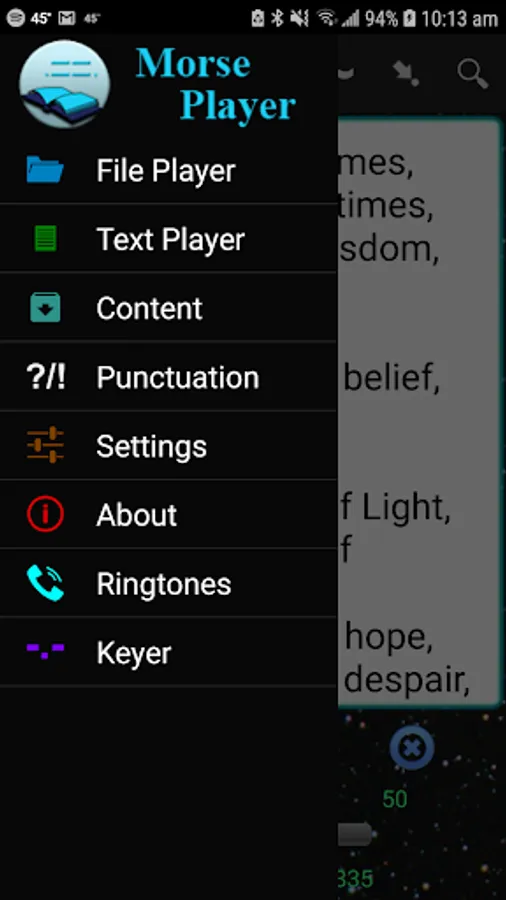
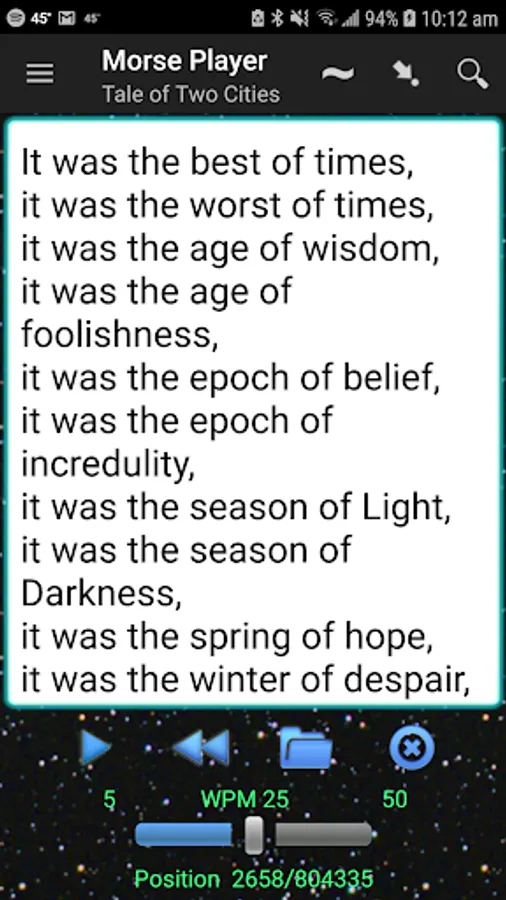
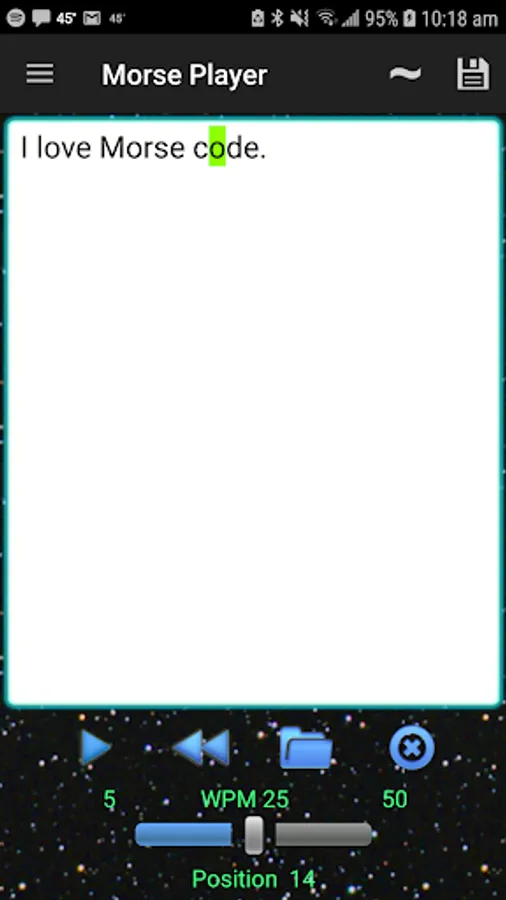
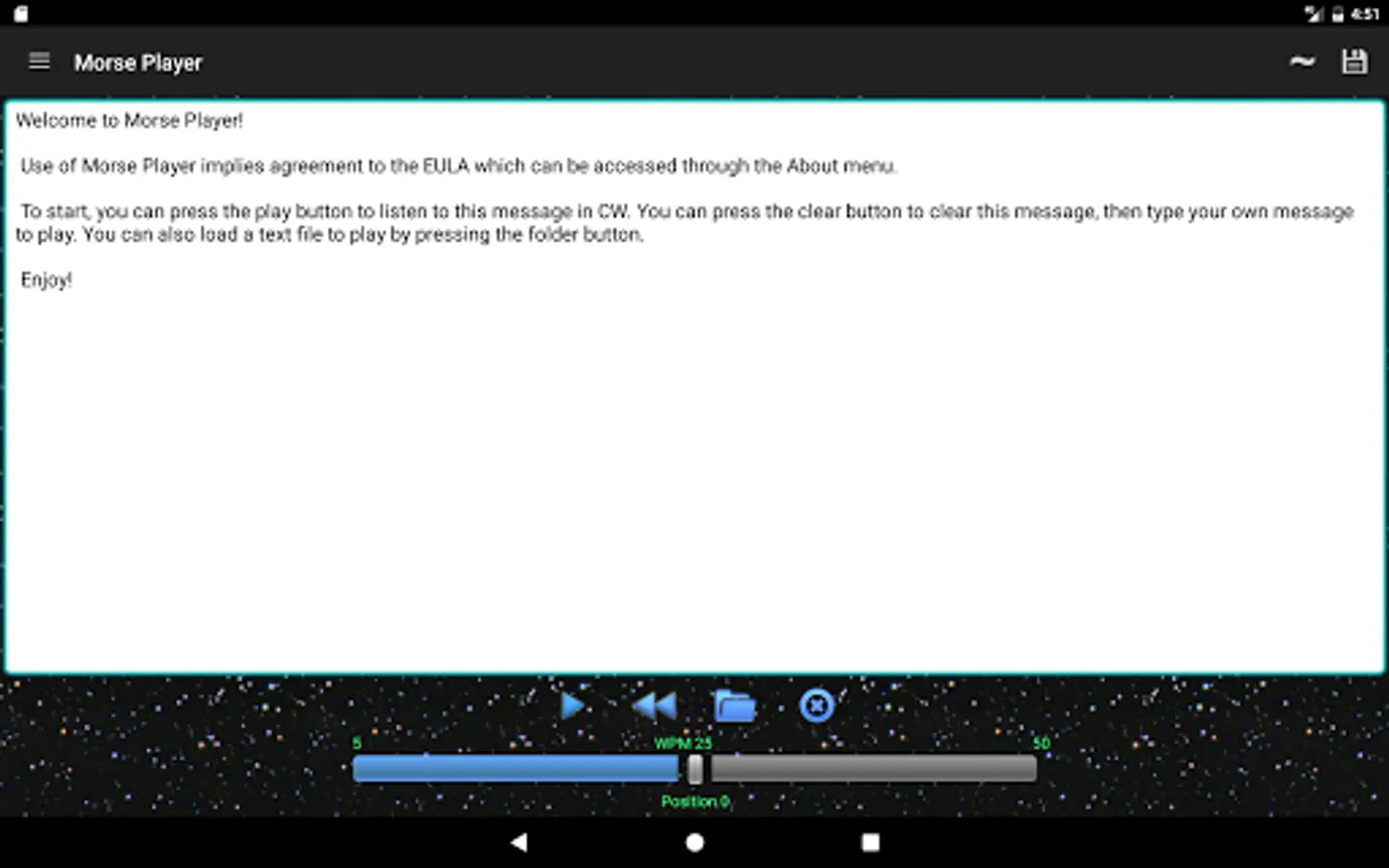
-Plays typed text in real time and text files in CW.
-Small memory footprint regardless of file size.
-Share text files directly from browser.
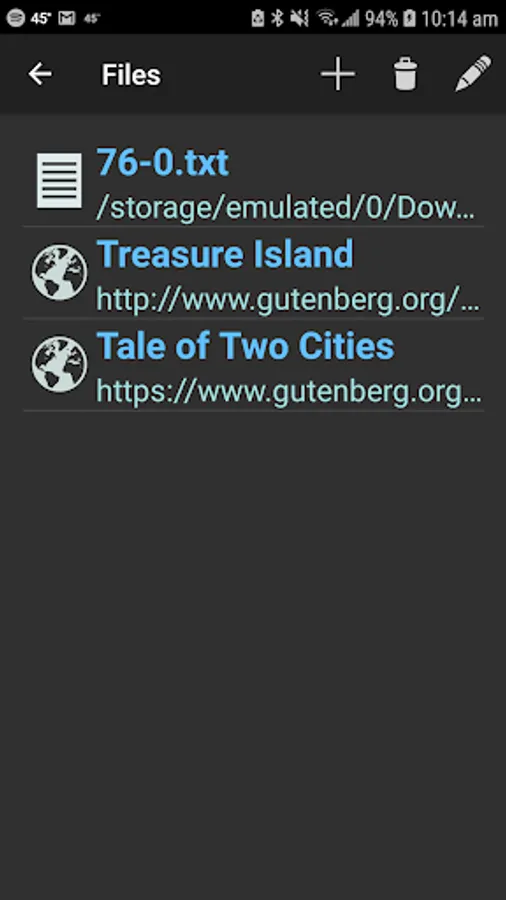
-Content screen that allows easy access to accessed content.
-Adjust CW parameters while playing (WPM and Frequency).
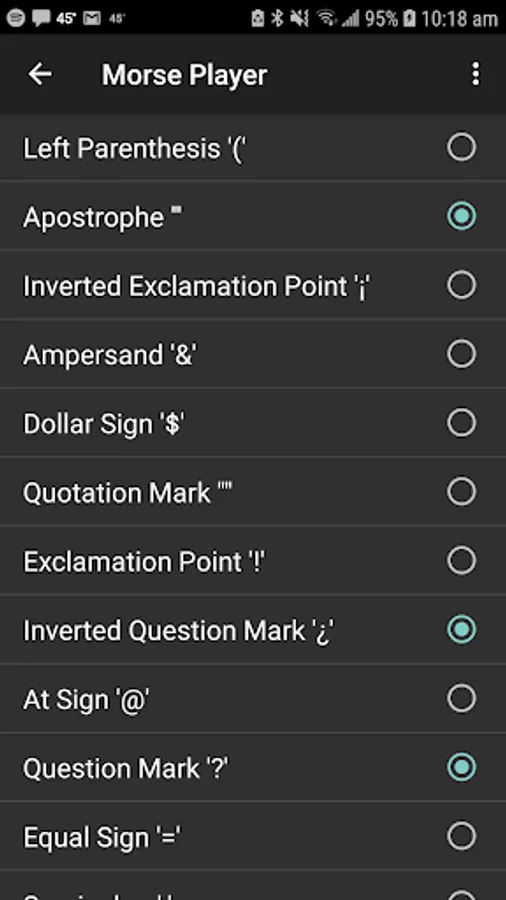
-Selectable punctuation.
-Chapter search to ease book navigation.
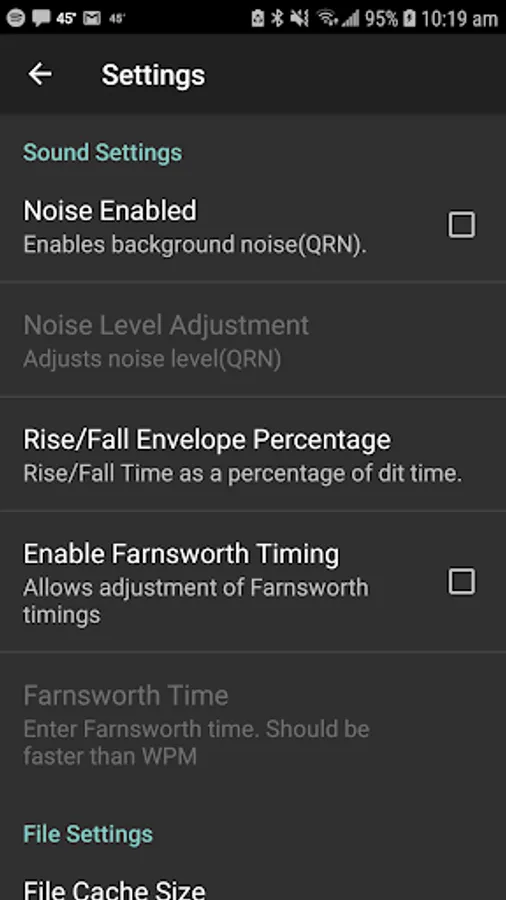
-Adjustable Farnsworth timing.
-Adjustable sound envelope rise and fall times.
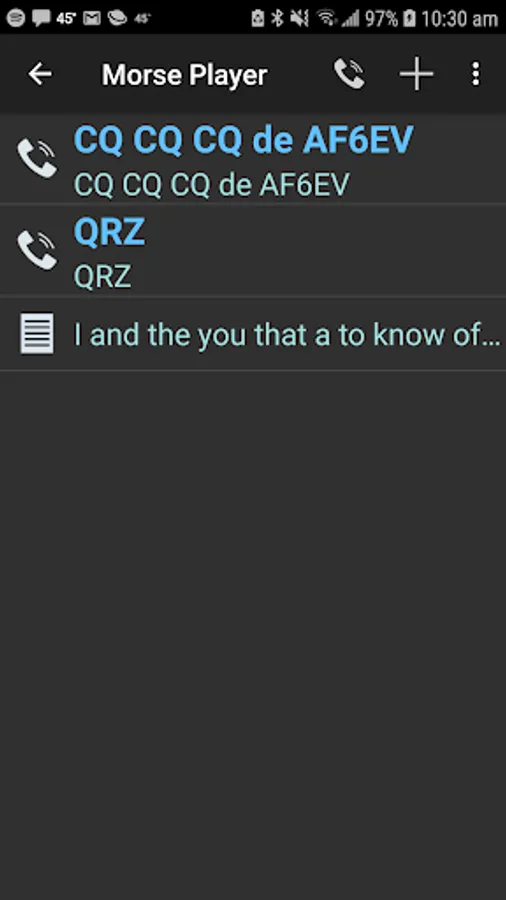
-Ability to save useful phrases to memory for recall later.
-Ability to save useful phrases as a ring tone.
-Support for pro-signs uses <> characters to delimit.
New Beta channel:
https://play.google.com/apps/testing/com.ddsoftware.cw.morseplayerpro
Version 1.0.9 added the Save Text feature. This feature will save the first 1K bytes in the edit buffer to new memory location. The first five memories will be added to the 'Save Text' menu for quick recall and play. The 'Manage' menu selection will navigate to the Save Text activity without adding a memory location.
From the Save Text activity a long press on any of the memory items will bring up a menu. This menu allows the playing, editing, the ability to move the item up and down in the list and the ability to delete the item. All memories can be deleted by using the main activity menu. If edit is chosen, it will put the text back into the player activity. Here it can be edited and the Save Text->Replace menu will replace the memory contents with the edit buffer from the player.
Version 1.0.11 added the ringtone feature. You can save any of the saved Morse code phrases as a ringtone by long pressing the saved item and choosing generate ringtone from the menu. This will ask for the name of the ring tone. This is the name that will identify the ring tone to the system. After choosing a name, the file will be encoded to the Ogg Vorbis format and will be added to the ringtone, notification and alarms databases. They will be accessible to use from the Android sound settings. When you delete a phrase the ringtone will be deleted along with it.
This app only generates the ringtones. You must go to the android sound settings to use it as a ringtone.
If the app crashes while encoding, please forward me the information and I will try to resolve it rather than writing a bad review.
With version 1.0.4, the READ_PHONE_STATE privilege is required. This will only be used to detect if a call is answered, so that the Morse code that is playing can be stopped.
Version 1.0.11 added the WRITE_EXTERNAL_STORAGE privilege requirement. This is so ring tone files created with Morse Player can be created and deleted in external storage.
Morse Player Pro Screenshots
Reviews for Morse Player Pro
RocketFriday
1/5/2023
The only app I could find that generates morse tones as a file! Thank you :) Would love to see other formats other than ogg but 10/10.
Tony Volpe
12/24/2021
I really like this app and use it from time to time to practice receiving. I save a text file (a whole book even) and listen to it in morse while I am doing something else. Terrific feature that.
Paul Harrison
10/1/2021
Cannot save ringtones, get error MSG
Margaret and Jim Smith
3/3/2021
Convenient, works great. Practice your Morse code anywhere, anytime.
A Google user
4/26/2020
Thank you for this app. This app is just a wondeful old friend. Totally reliable. Well designed. Brilliant! If you love morse code or just want to learn the language this app is worth every penny. I have listened to countless books or pasted pages of boring text into it and enjoyed listening to it all in morse.
Tap to Rate: