With this equipment management app, you can track equipment status, access manuals, and find parts using model or serial number. Includes equipment overview, maintenance scheduling, and dealer contact information.
AppRecs review analysis
AppRecs rating 2.9. Trustworthiness 71 out of 100. Review manipulation risk 15 out of 100. Based on a review sample analyzed.
★★☆☆☆
2.9
AppRecs Rating
Ratings breakdown
5 star
29%
4 star
8%
3 star
21%
2 star
8%
1 star
34%
What to know
✓
Low review manipulation risk
15% review manipulation risk
⚠
Mixed user feedback
Average 2.9★ rating suggests room for improvement
⚠
High negative review ratio
42% of sampled ratings are 1–2 stars
About Equipment Mobile
The app also connects with John Deere Operations Center using JDLink™ Connect, providing an easy, reliable connection between you and your equipment.
Equipment Mobile is your solution to access insights that help you proactively manage day-to-day operations and improve productivity.
Features include:
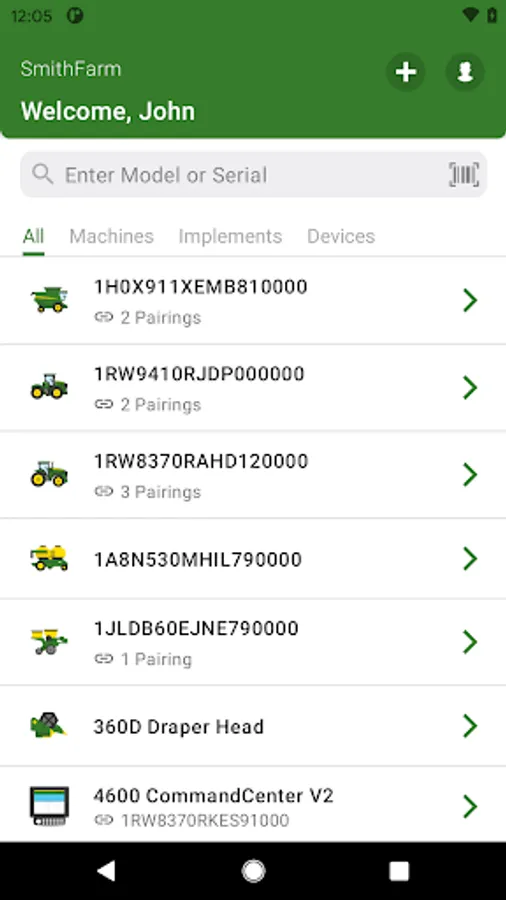
- View John Deere Operations Center equipment in one place
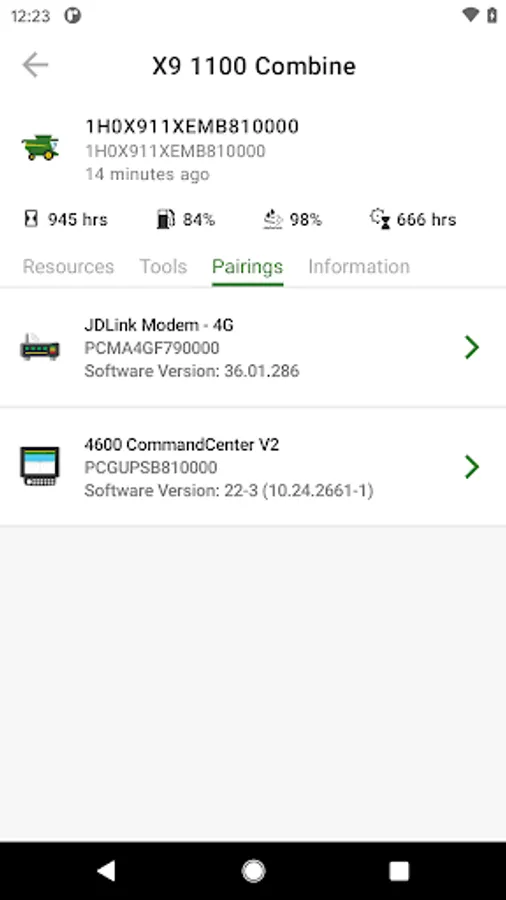
- View connected devices
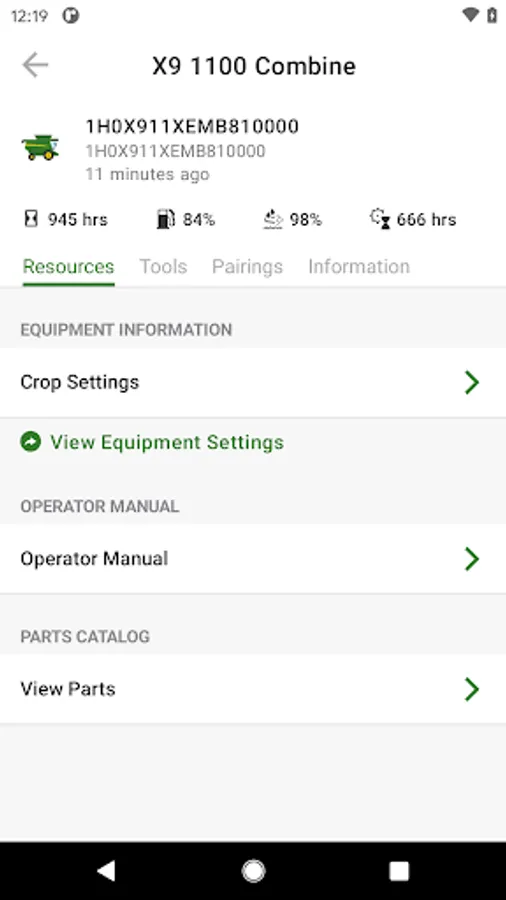
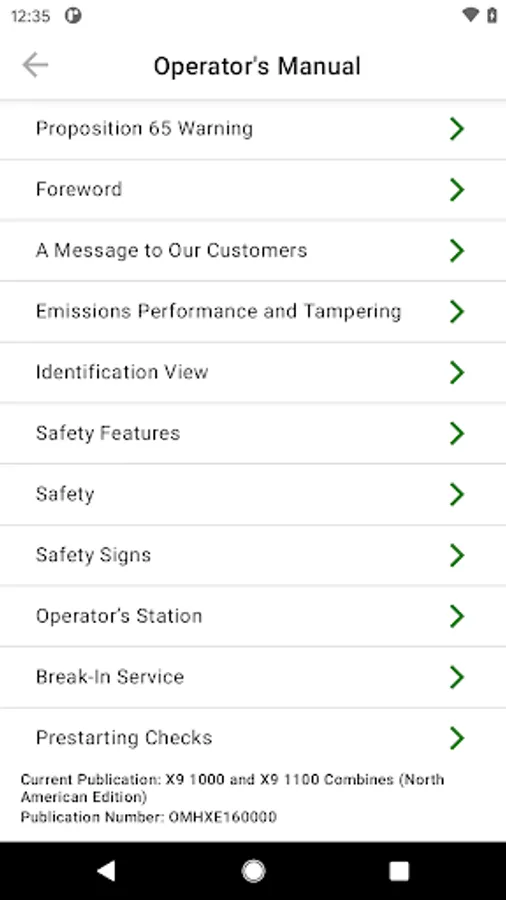
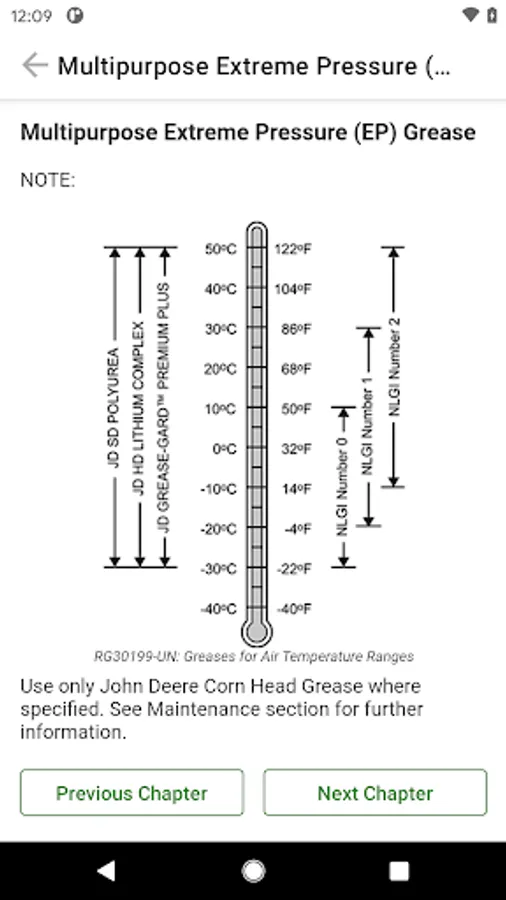
- Explore Operators Manuals for Deere equipment
- Find parts using equipment model or serial number
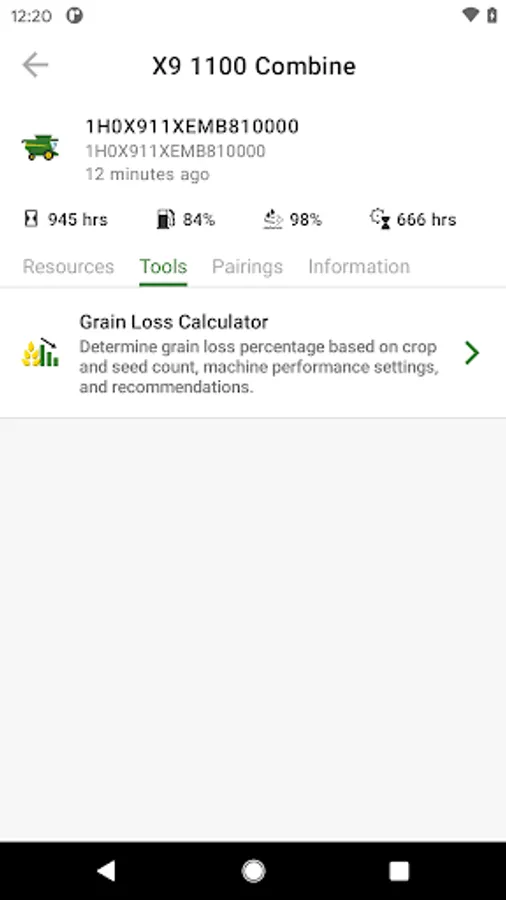
- Access work optimization guides and tools
- Add equipment to your organization by scanning the serial number
- Contact your preferred Dealer
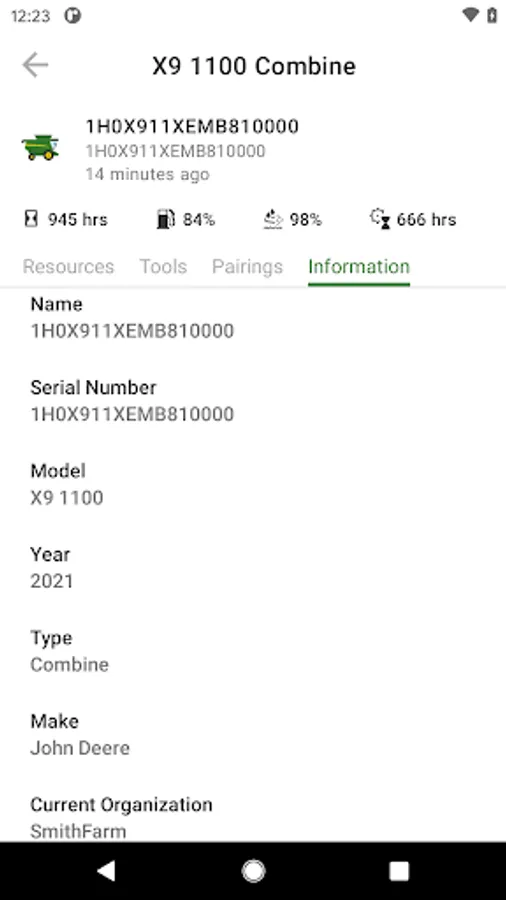
- Access machine information – serial number, model year, and software version
- Connected equipment capabilities such as fuel and hours
Equipment Mobile Screenshots
Tap to Rate:
Reviews for Equipment Mobile
edward stout
12/29/2025
good and quick. but have noticed that prices are different then at the actual dealer! what the app said for a metal line i needed for my skidloader was $267, at the dealer it was only $218 for the same part. A.I pricing? plus gotta pick my dealer every time I get on the app, shouldn't have to. and everytime I try to send feedback it has a error sending. imagine that. alot of stuff needs fixed and updated. other then that its a easy tool to look up parts and keep maintenance down
Daniel Gibson
11/28/2025
It put on the wrong dealer and I cannot find where to change it to my local dealer.