About Exambro Pro - Exam Browser
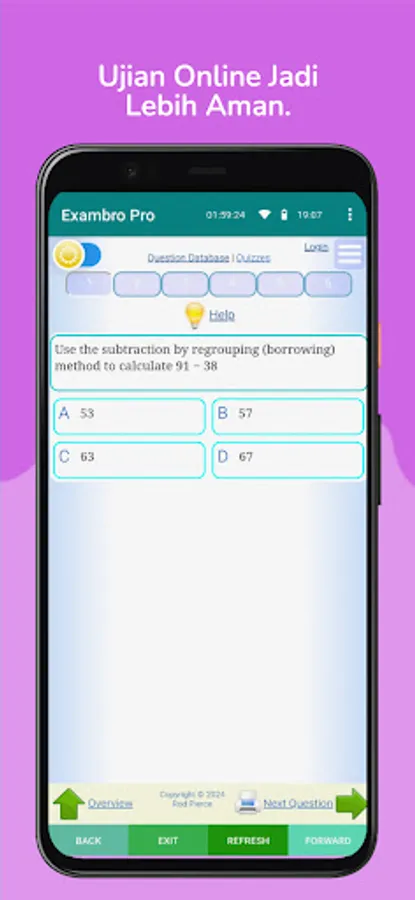
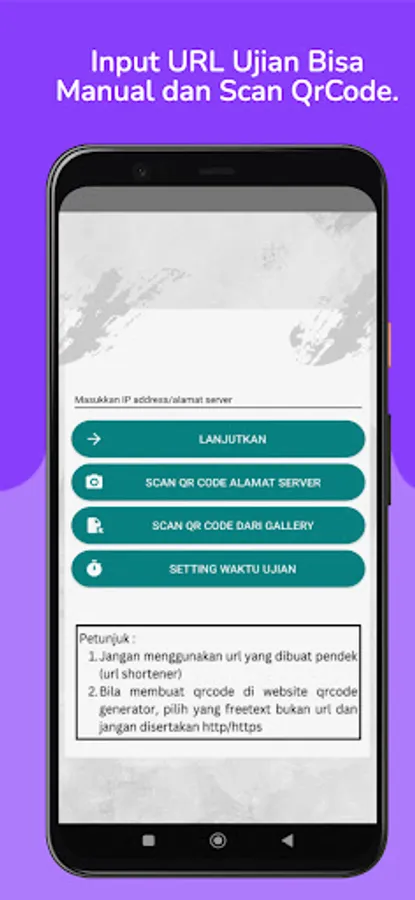
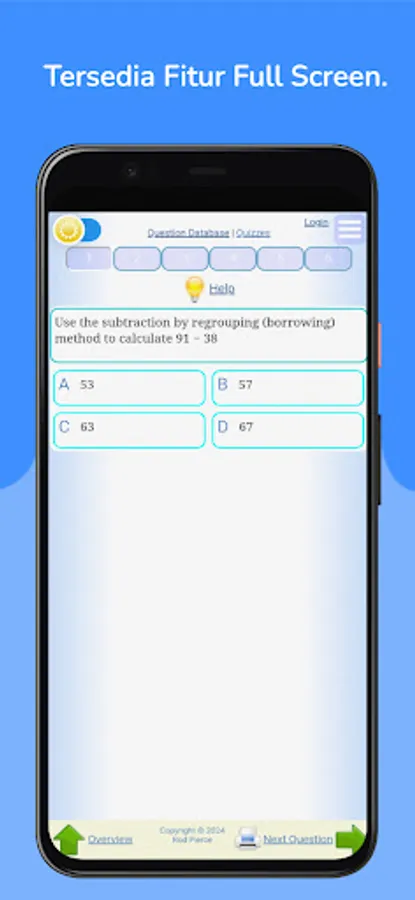
Exambro Pro is a light and simple Android-based Exam Browser, designed to support the implementation of Computer Based Tests (CBT).
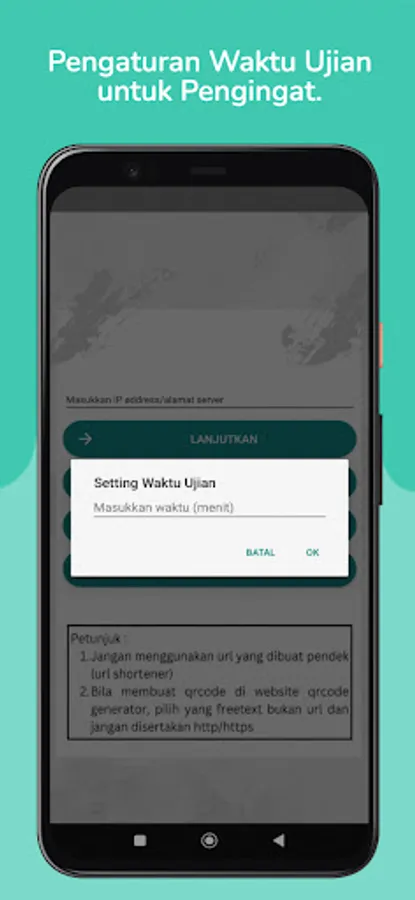
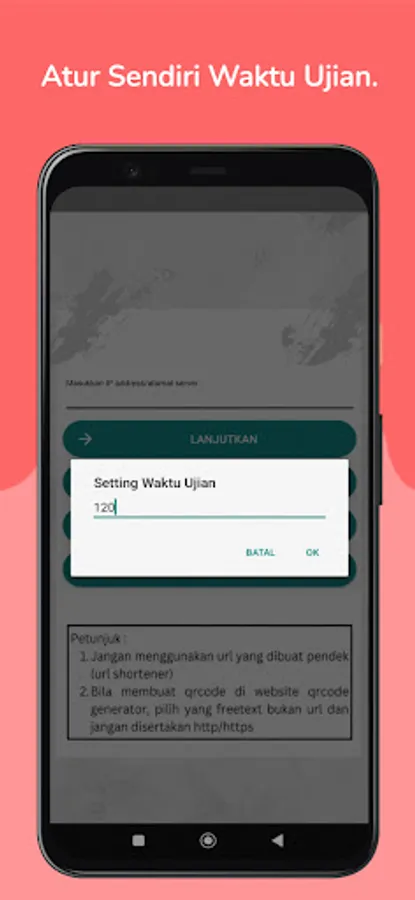
The Pro version comes without ads and is equipped with additional exam time setting features.
With a simple interface and optimal performance, Exambro Pro helps exam participants stay focused and minimizes cheating during exams.
The features include:
1. Disable Screenshots – Prevents taking screenshots during the exam.
2. Disable Split Screen – Locks the full display so that participants do not open other applications.
3. Floating Window Detection – Detects floating application windows
4. Block Notifications – Block incoming notifications from other applications, including chat applications.
5. Exit Mode Alarm – Sounds an alarm when a participant tries to exit embed mode.
6. Easy Navigation – Back and Forward buttons to easily switch question pages.
7. Headset/Earphone Detection – Detects the use of external audio devices during the exam.
8. Exam Time Settings – Set exam time limits as needed
The Pro version comes without ads and is equipped with additional exam time setting features.
With a simple interface and optimal performance, Exambro Pro helps exam participants stay focused and minimizes cheating during exams.
The features include:
1. Disable Screenshots – Prevents taking screenshots during the exam.
2. Disable Split Screen – Locks the full display so that participants do not open other applications.
3. Floating Window Detection – Detects floating application windows
4. Block Notifications – Block incoming notifications from other applications, including chat applications.
5. Exit Mode Alarm – Sounds an alarm when a participant tries to exit embed mode.
6. Easy Navigation – Back and Forward buttons to easily switch question pages.
7. Headset/Earphone Detection – Detects the use of external audio devices during the exam.
8. Exam Time Settings – Set exam time limits as needed