Dell Quick Resource Locator
Dell Inc.
3.2 ★
423 ratings
100,000+
downloads
Free
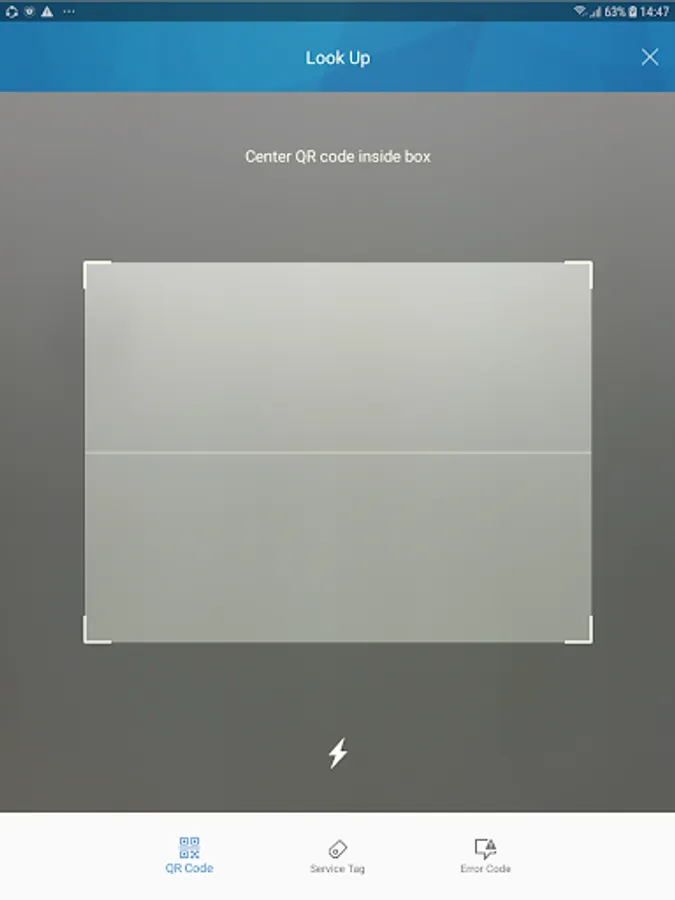
With this resource locator, you can scan QR codes to access system information and support videos. Includes advanced search, service tag lookup, and direct support links.
AppRecs review analysis
AppRecs rating 3.2. Trustworthiness 0 out of 100. Review manipulation risk 0 out of 100. Based on a review sample analyzed.
★★★☆☆
3.2
AppRecs Rating
Ratings breakdown
5 star
38%
4 star
11%
3 star
11%
2 star
10%
1 star
30%
What to know
✓
Authentic reviews
Natural distribution, no red flags
⚠
High negative review ratio
40% of sampled ratings are 1–2 stars
About Dell Quick Resource Locator
Description
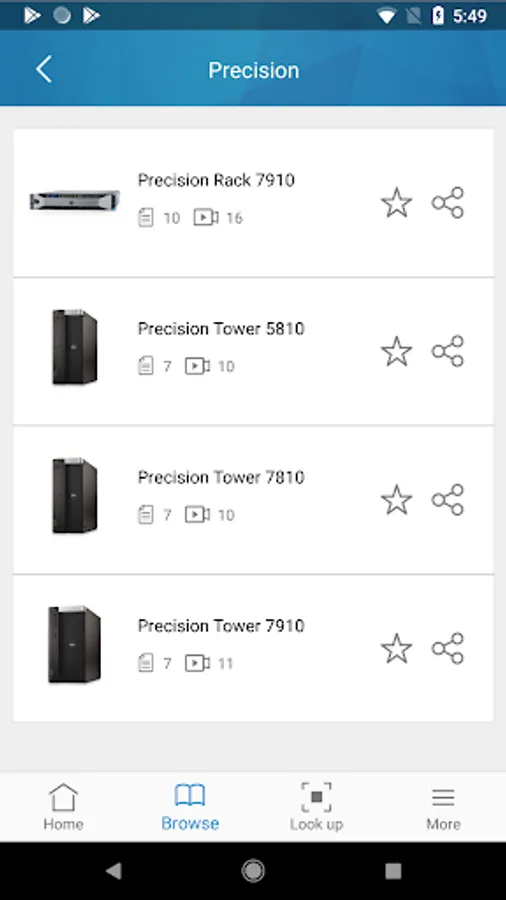
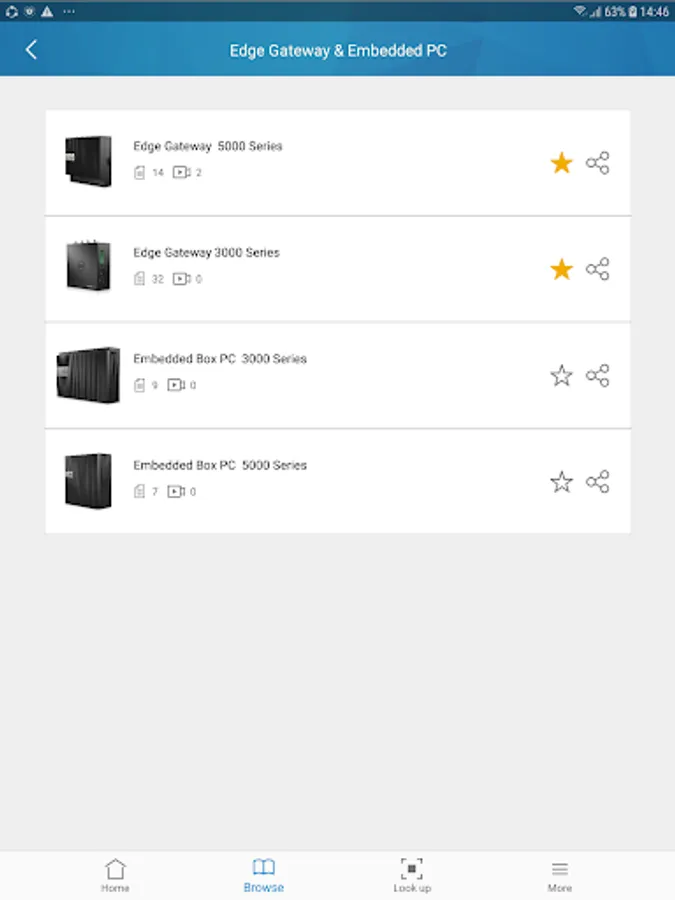
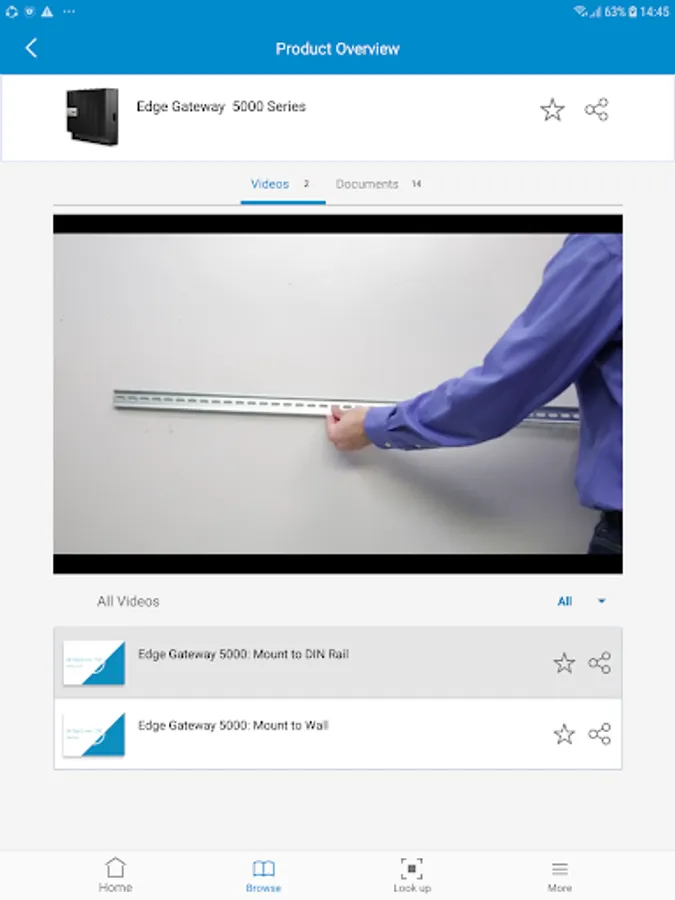
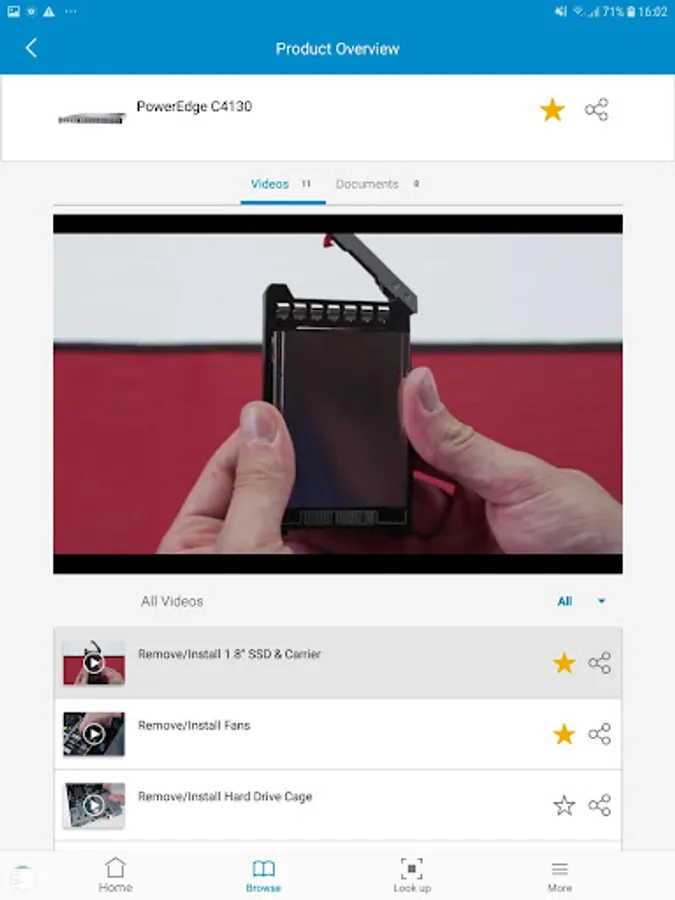
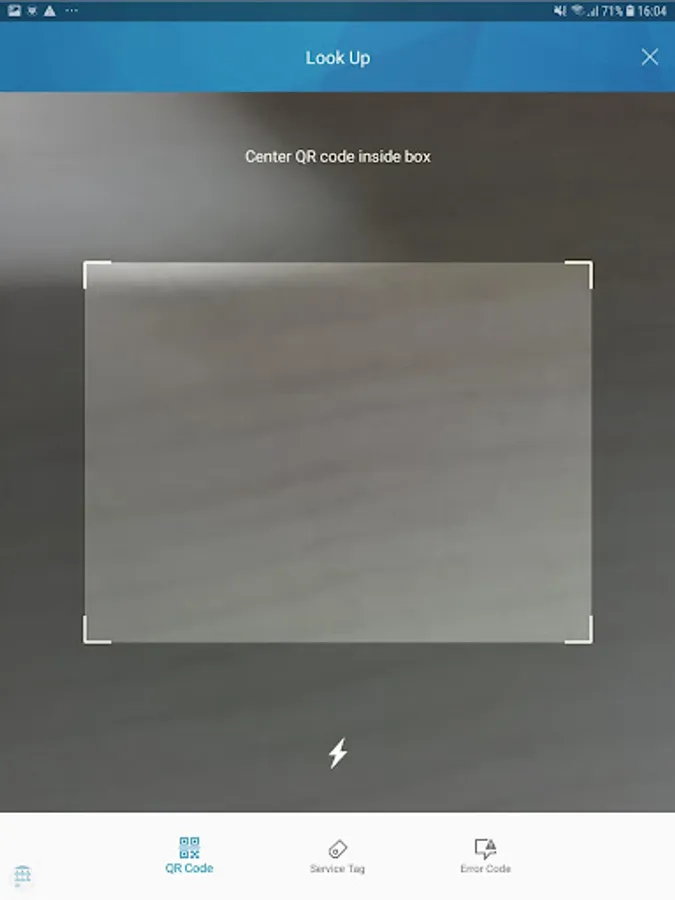
Use the Quick Resource Locator (QRL) to get immediate access to extensive system information and detailed how-to videos using your smartphone and a model specific QR code on Dell PowerEdge servers, Networking switches, Edge Gateways, and the latest Dell Precision Workstations. Find answers to your questions quicker, and easier than before.
New in version 4.0:
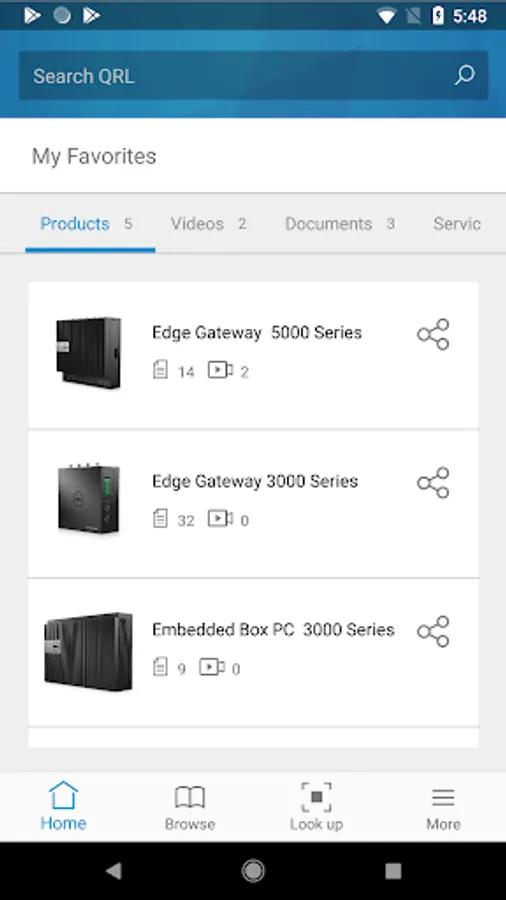
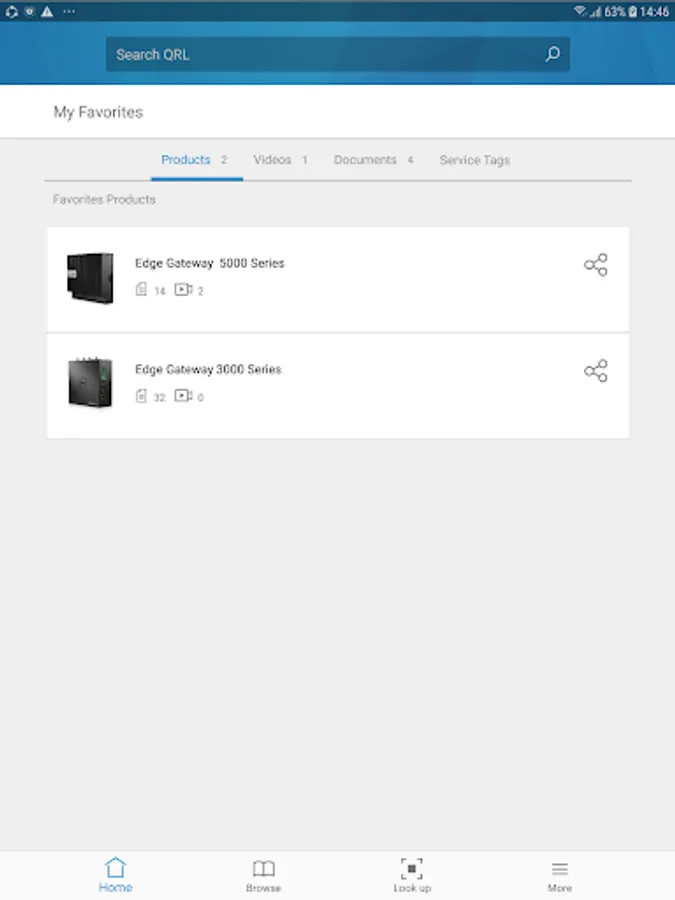
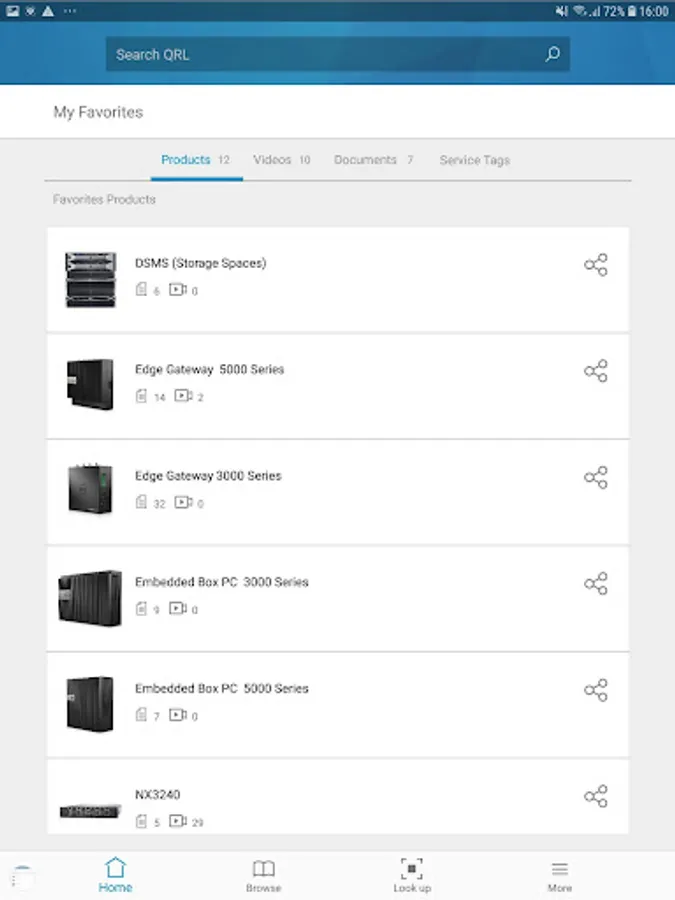
Home Page - Now you can save your favorite products, videos, documents, and service tags to your personalized home page for quicker and easier access to the information you need.
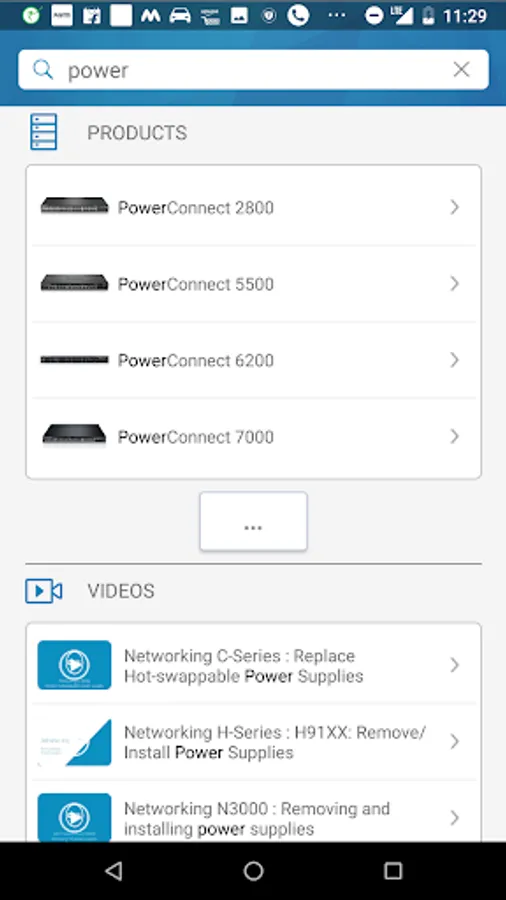
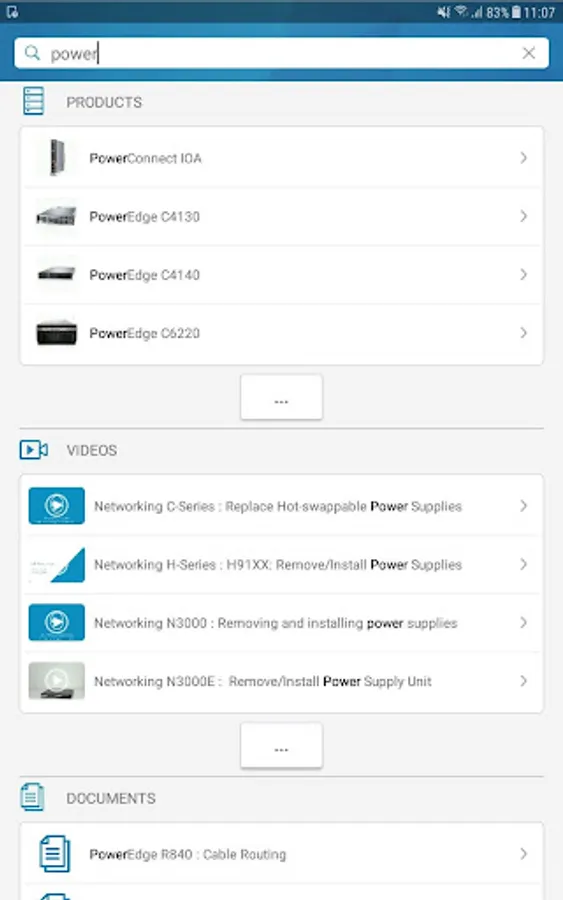
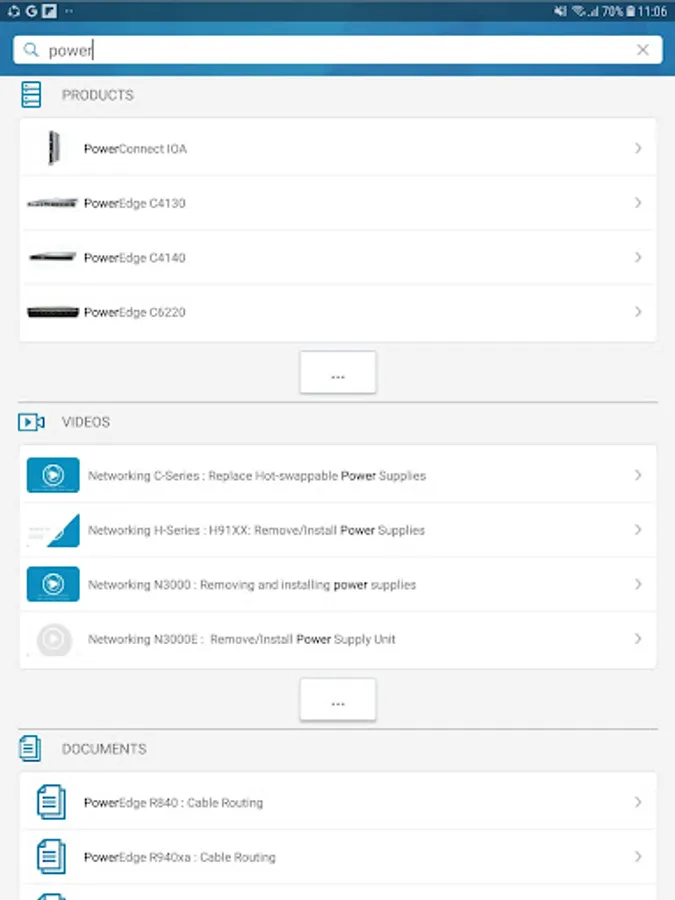
Search - Use the new search feature to find products, topics, and service tags quickly and easily.
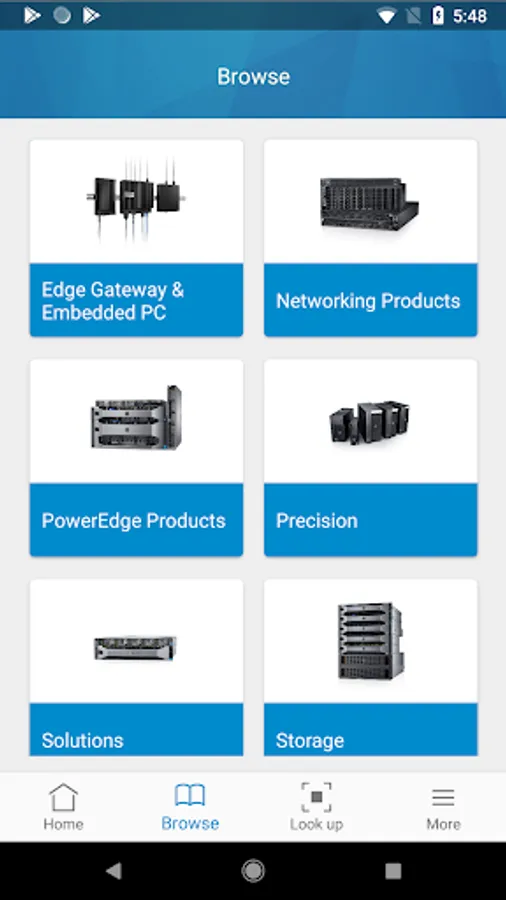
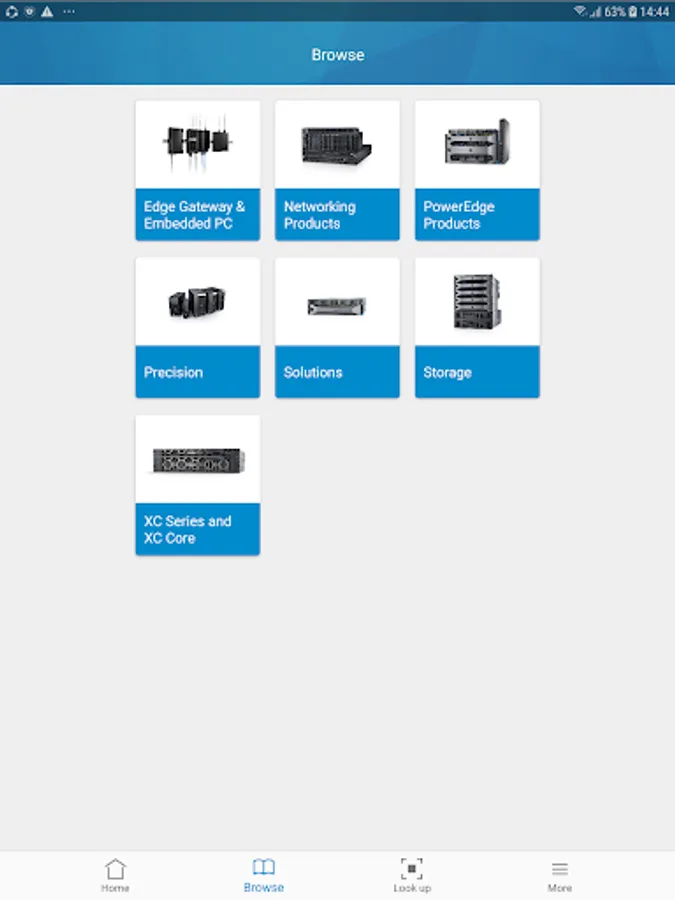
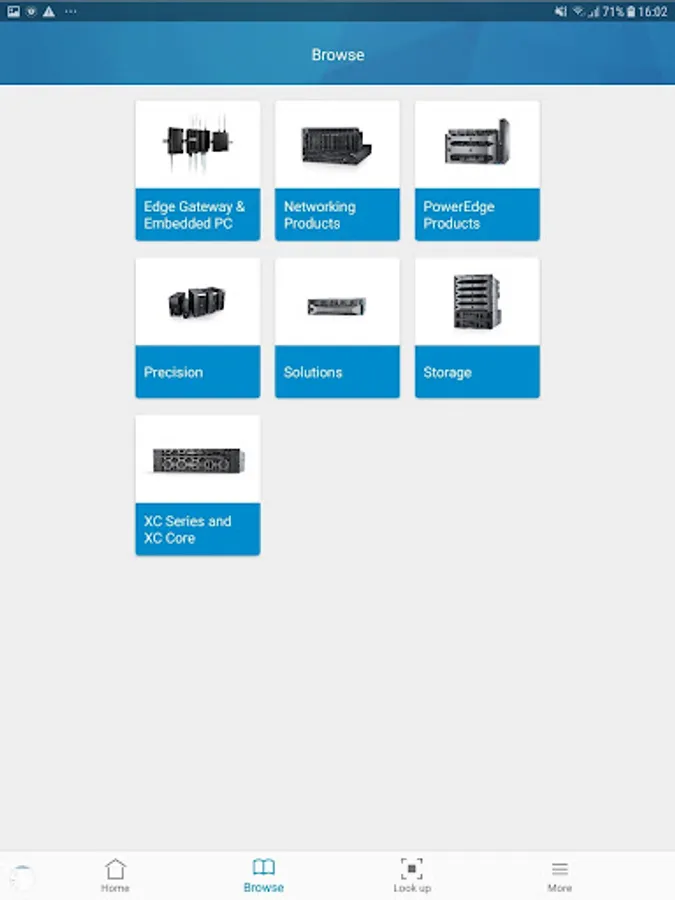
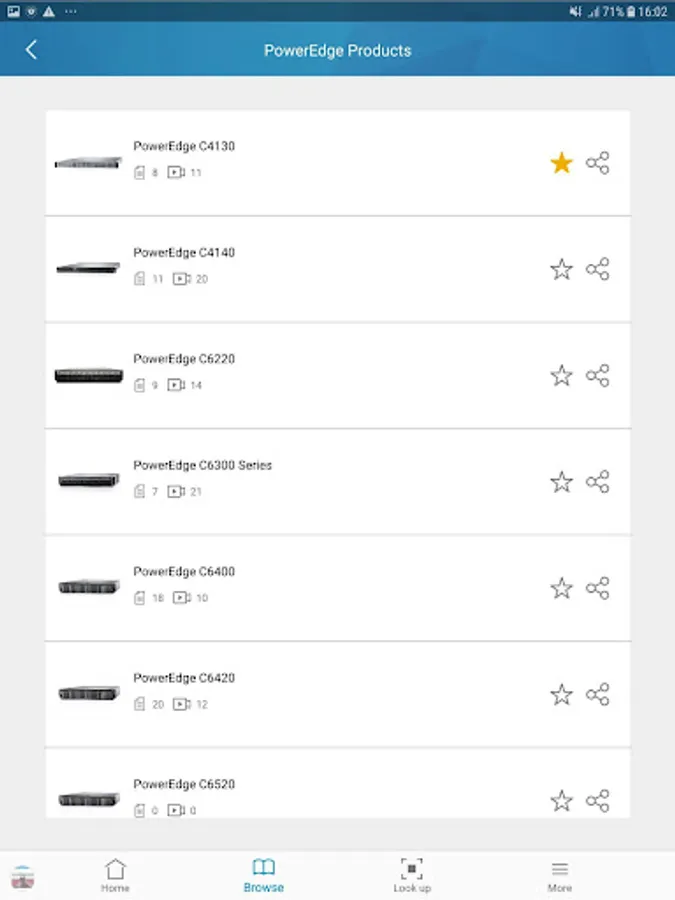
Navigation – Now it’s easier than ever to navigate QRL, and find the information you need.
Key features
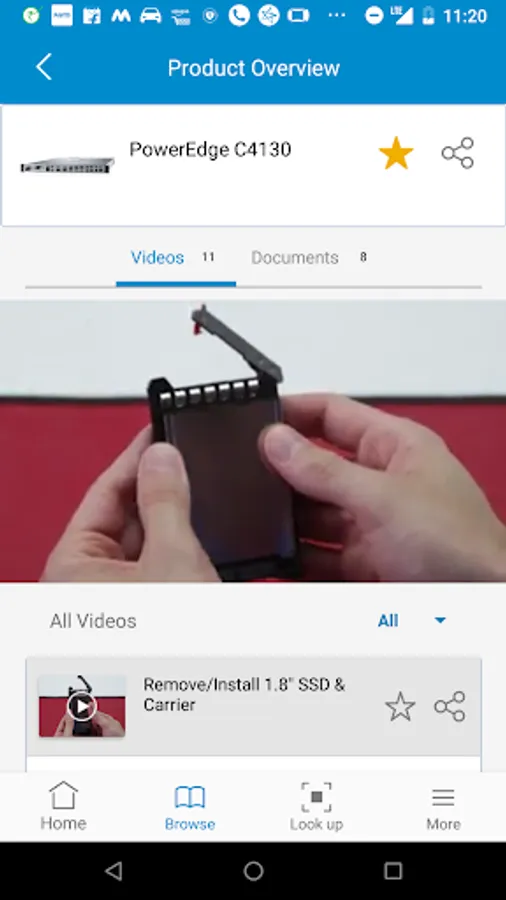
* Step by Step service videos for system components
* Software setup and configuration videos
* Searchable Owner’s manual formatted for mobile viewing
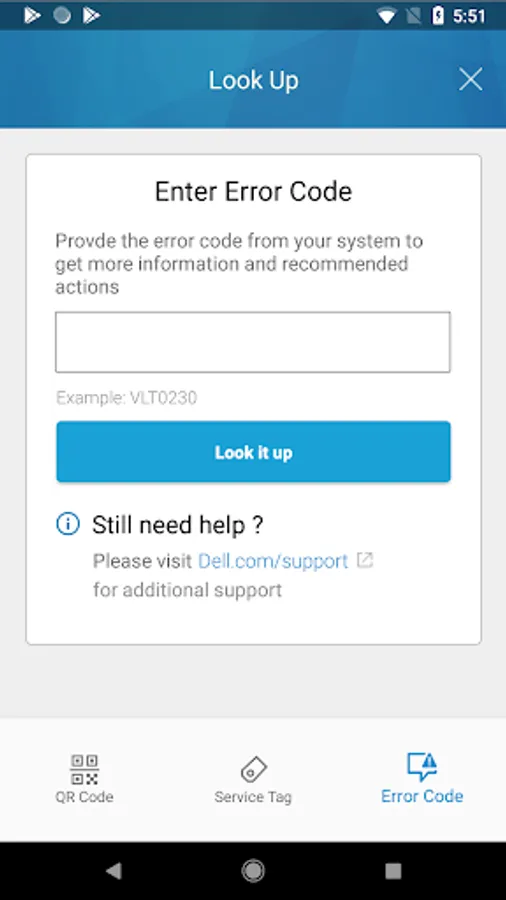
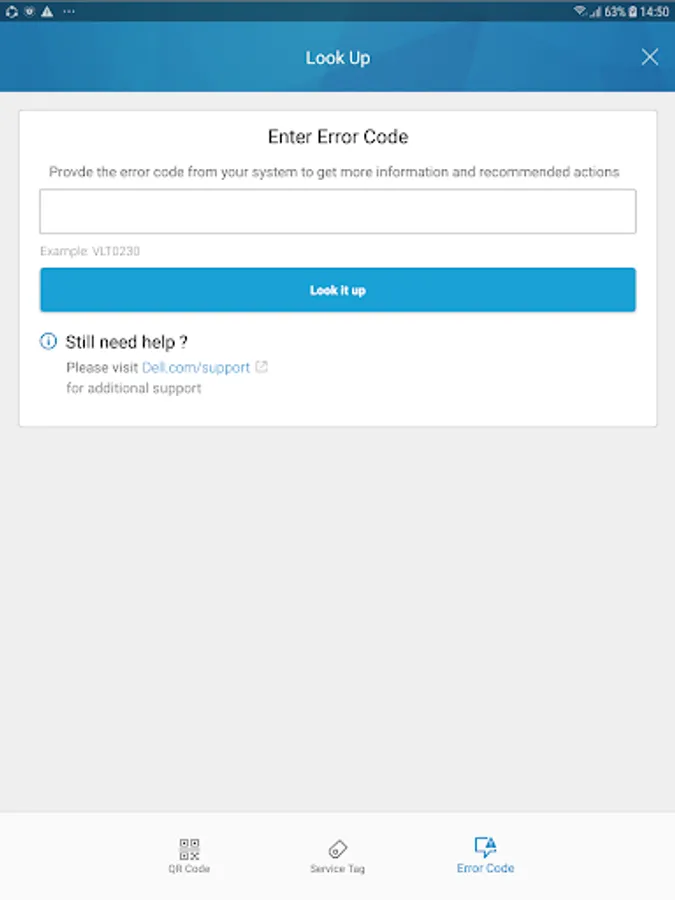
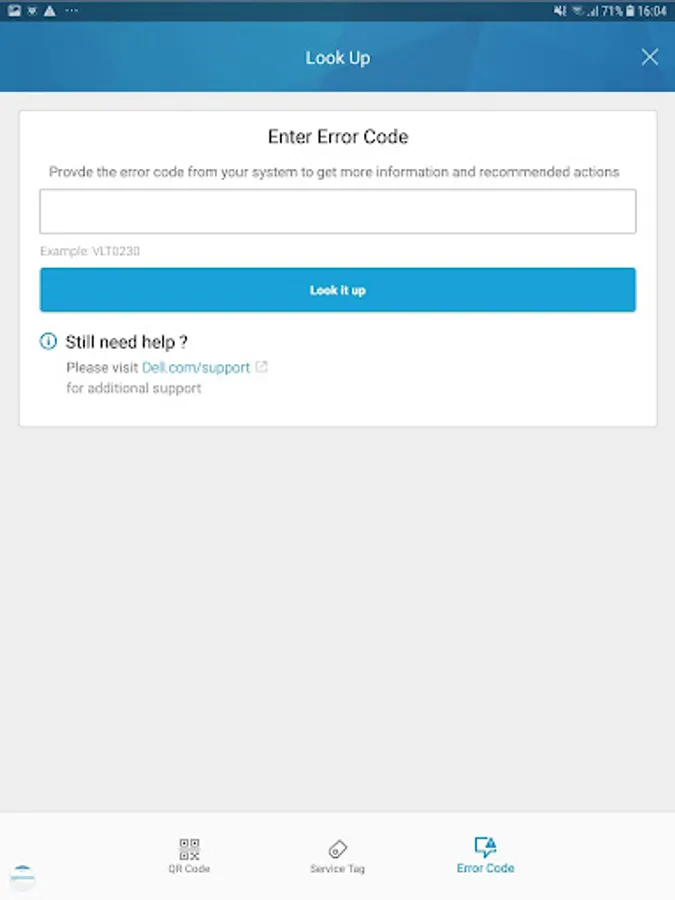
* PowerEdge error code look-up tool
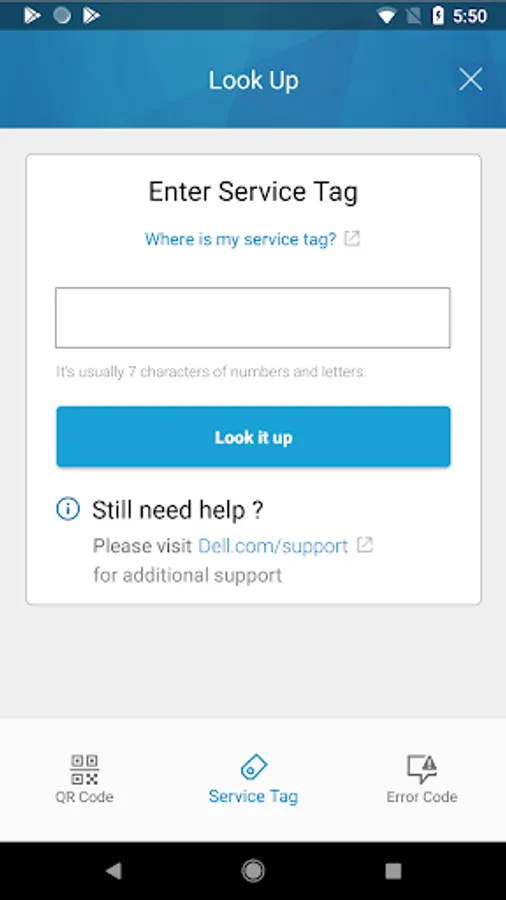
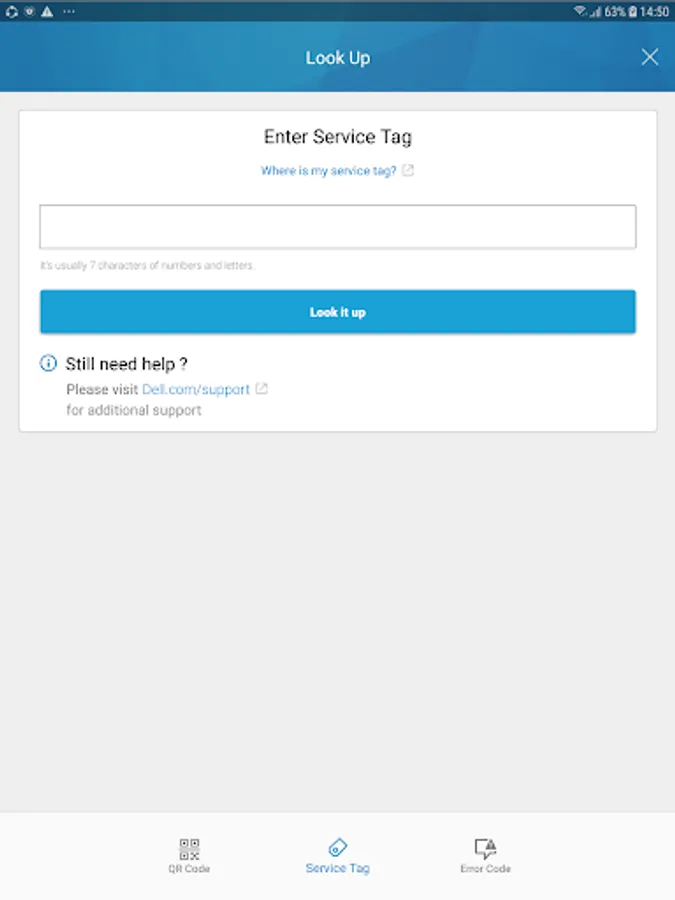
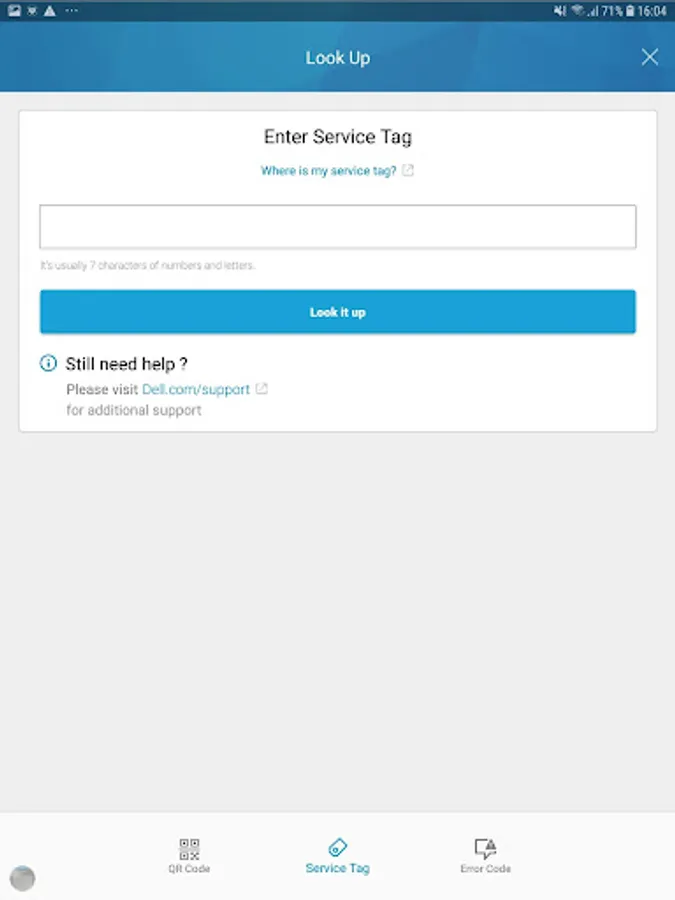
* Service Tag look-up tool providing warranty and original configuration details
* Intelligent search feature for all support content
* Direct link to contact Dell support
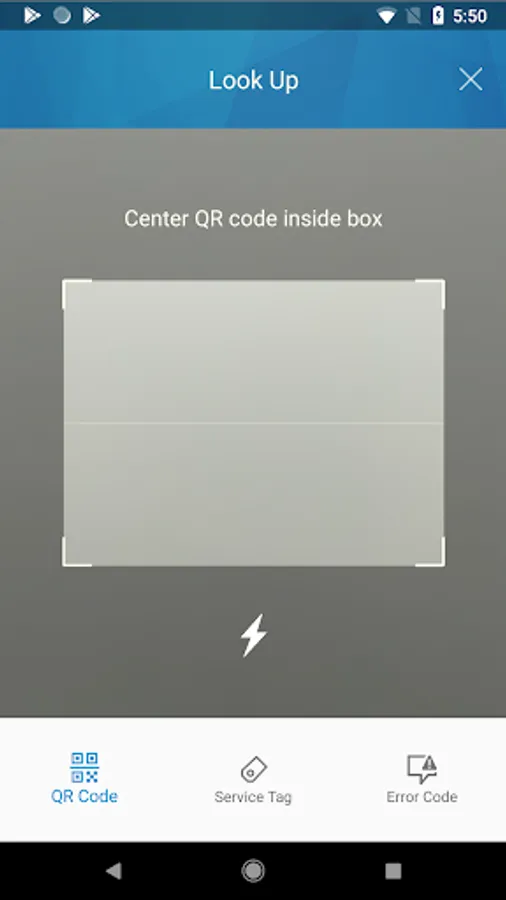
* Embedded QR code scanner
Use the Quick Resource Locator (QRL) to get immediate access to extensive system information and detailed how-to videos using your smartphone and a model specific QR code on Dell PowerEdge servers, Networking switches, Edge Gateways, and the latest Dell Precision Workstations. Find answers to your questions quicker, and easier than before.
New in version 4.0:
Home Page - Now you can save your favorite products, videos, documents, and service tags to your personalized home page for quicker and easier access to the information you need.
Search - Use the new search feature to find products, topics, and service tags quickly and easily.
Navigation – Now it’s easier than ever to navigate QRL, and find the information you need.
Key features
* Step by Step service videos for system components
* Software setup and configuration videos
* Searchable Owner’s manual formatted for mobile viewing
* PowerEdge error code look-up tool
* Service Tag look-up tool providing warranty and original configuration details
* Intelligent search feature for all support content
* Direct link to contact Dell support
* Embedded QR code scanner
Dell Quick Resource Locator Screenshots
Tap to Rate: