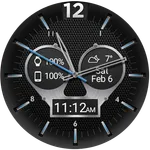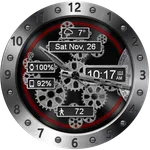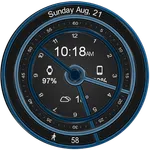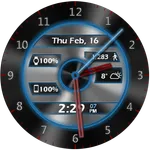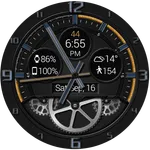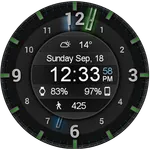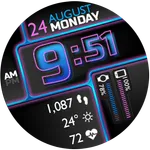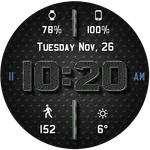
Metal Gears HD Watch Face
DeNitE Appz
4.8 ★
41 ratings
1,000+
downloads
$0.99
+ in-app
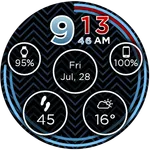
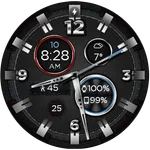
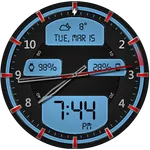
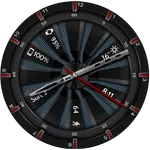
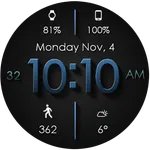
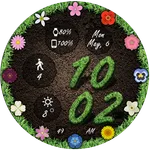
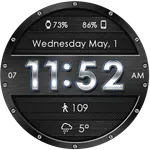
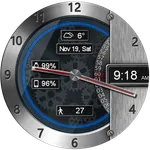
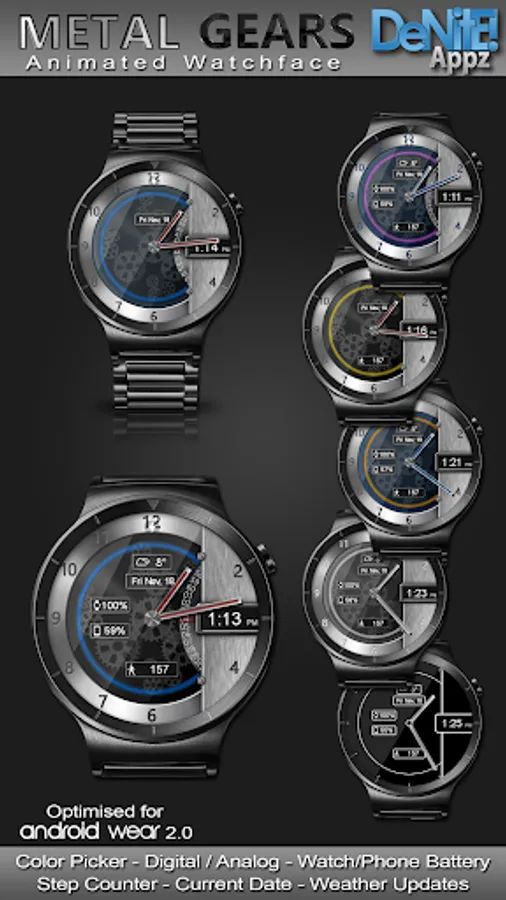
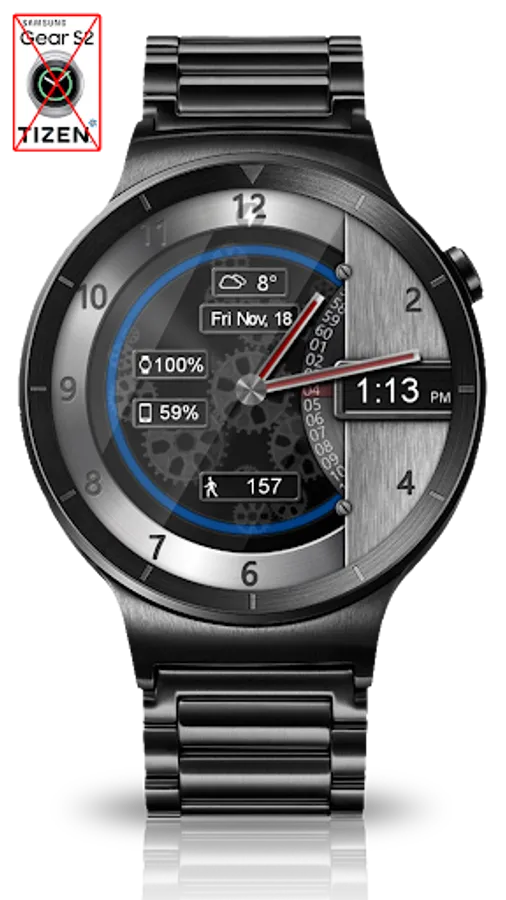
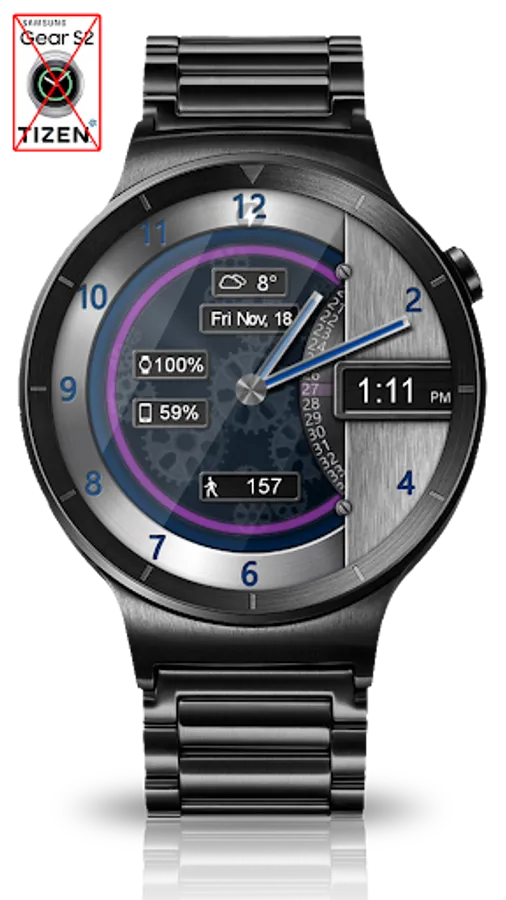
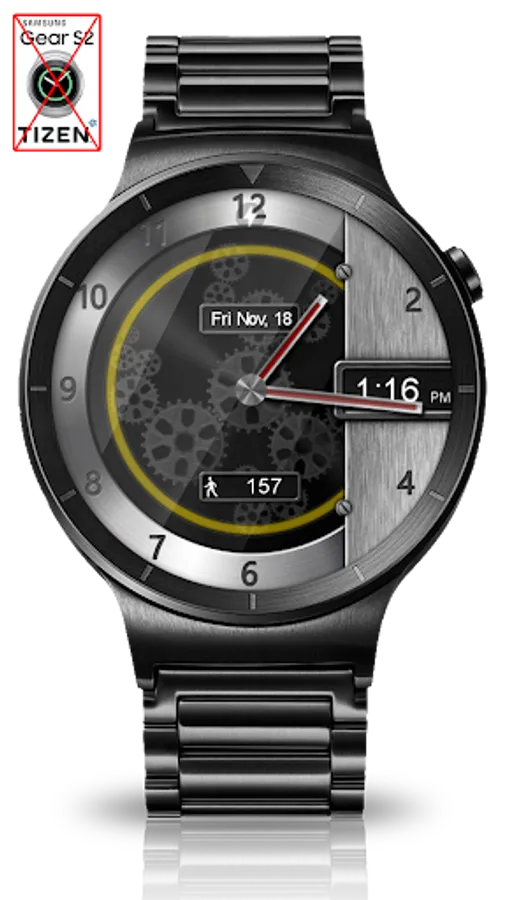
In this customizable watch face app, users can design and animate traditional gears with options for complications and color choices. Includes weather, battery levels, step counter, and personal themes customization.
AppRecs review analysis
AppRecs rating 4.8. Trustworthiness 80 out of 100. Review manipulation risk 30 out of 100. Based on a review sample analyzed.
★★★★☆
4.8
AppRecs Rating
Ratings breakdown
5 star
83%
4 star
18%
3 star
0%
2 star
0%
1 star
0%
What to know
✓
Low review manipulation risk
30% review manipulation risk
✓
Credible reviews
80% trustworthiness score from analyzed reviews
✓
High user satisfaction
83% of sampled ratings are 5 stars
About Metal Gears HD Watch Face
⭐ Compatible with all Wear OS watches including the new Samsung Galaxy Watch 4 Series! ⭐
❗ IMPORTANT ❗ - Not compatible with Samsung Watches that use Tizen or other smartwatches with other operating systems than Wear OS.
★Features★
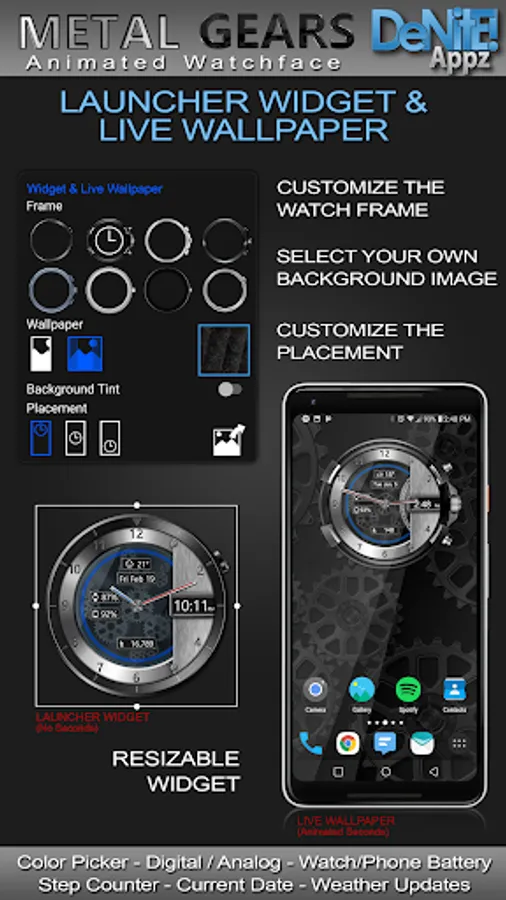
✔ Launcher Clock Widget (No second hand due to battery consumption)
✔ Widget Frames
✔ Live Wallpaper (Animated)
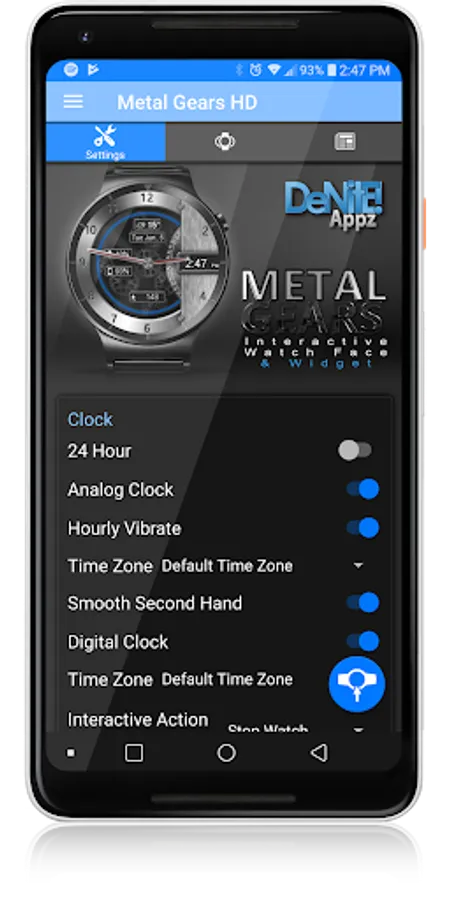
✔ Customizable digital & or analog clock
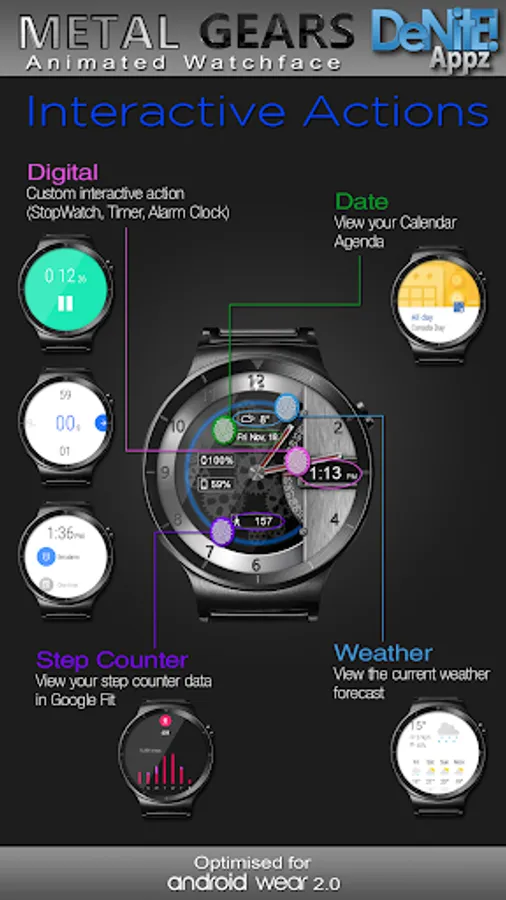
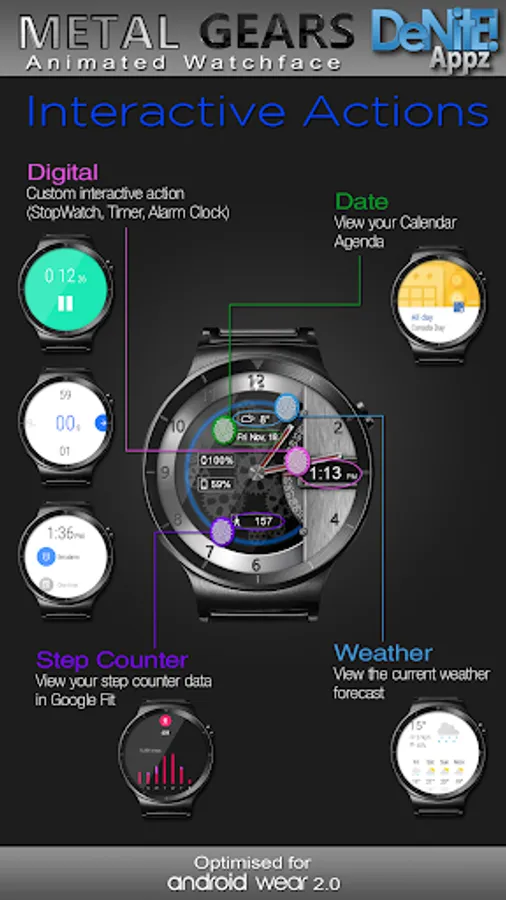
✔ Interactive Actions (Digital, Date)
✔ Time zone selection
✔ Custom date format picker
✔ Smooth second hand
✔ 24-Hour
✔ Burn-In protection
✔ Animated
✔ Square Compatible
✔ Custom Complications
✔ Screen Modes (Normal, Always Ambient, Always On)
✔ Screen on Time selection
✔ Interactive Actions (Weather, Step Counter)
✔ Peek card size selector
✔ Ambient modes selector
✔ Screen on-time selector
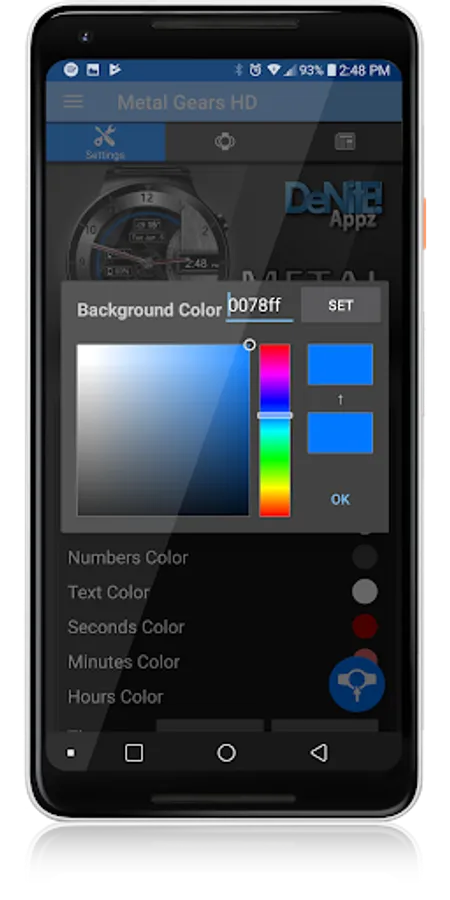
✔ Color picker to select any color you like for the background, clock hands, text, & numbers
✔ Save personal color themes (long press to delete theme)
✔ Clock numbers toggle
✔ Watch battery status
✔ Phone battery status (When connected to an Android Phone)
✔ Current date
✔ Step Counter
✔ Weather conditions (Yahoo Weather & OpenWeatherMap) (When connected to an Android Phone)
★Translations★
✔ English
✔ Chinese
✔ Czech
✔ Dutch
✔ French
✔ German
✔ Italian
✔ Japanese
✔ Korean
✔ Russian
✔ Spanish
✔ Swedish
★How to install★
Watch Face - Once you have installed from the Play store, you may be asked to grant permissions to the app on your phone - be sure to approve all permissions. Once the app has installed on your phone, it may take 5-10 minutes to transfer over to you watch and the Wear OS app. Please be patient. Once installed, simply long press on your watch face to bring up the selection menu, or select this watchface from the Wear OS app. Use the accompanying settings app to configure the settings and options
Widget - Depending on what launcher you are using, you can either long press on your launcher to place a widget, or select this widget from the App Drawer -> Widgets list. Customize and change the widget settings with the accompanying App.
Live Wallpaper - Depending on what launcher you are using, you can either long press on your launcher to select your Wallpaper, or you can select the Live Wallpaper from the Settings App
If you have any problems at all, please send me an email before leaving a negative review - I will do my best to fix the issue as soon as possible.
★Trouble Shooting★
http://deniteappz.com/watchface/troubleshooting.html
Stay tuned for more watch faces to come!
Metal Gears HD Watch Face Screenshots
Tap to Rate:
Reviews for Metal Gears HD Watch Face
Colin
8/4/2020
Paid to install on phone. Then tried to charge me on watch as well. Reluctantly tried to pay for it on watch but refused to work. Tried to get a refund for phone app as doesn't work on watch but refused. Ticpro watch.
A Google user
3/29/2017
Love the watch face but wish there was a way to turn off the second "ticker" on my Zenwatch 2 running Android Wear 1.5.