Game Mode
devayu labs
4.7 ★
store rating
1,000,000+
downloads
Free
+ in-app
AppRecs review analysis
AppRecs rating 3.7. Trustworthiness 66 out of 100. Review manipulation risk 37 out of 100. Based on a review sample analyzed.
★★★☆☆
3.7
AppRecs Rating
Ratings breakdown
5 star
89%
4 star
4%
3 star
3%
2 star
0%
1 star
4%
What to know
✓
High user satisfaction
89% of sampled ratings are 5 stars
⚠
Review quality concerns
56% of sampled 5-star reviews are very short
About Game Mode
Game Booster to Boost your gaming experience with Game Mode
Features
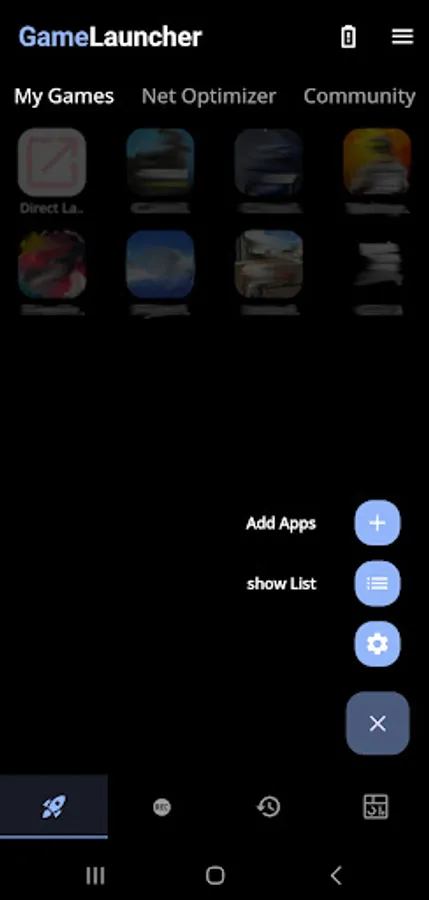
Game Launcher - create your own game space where you can add you favourite apps/games to the My Games section and directly launch your game from the game launcher.
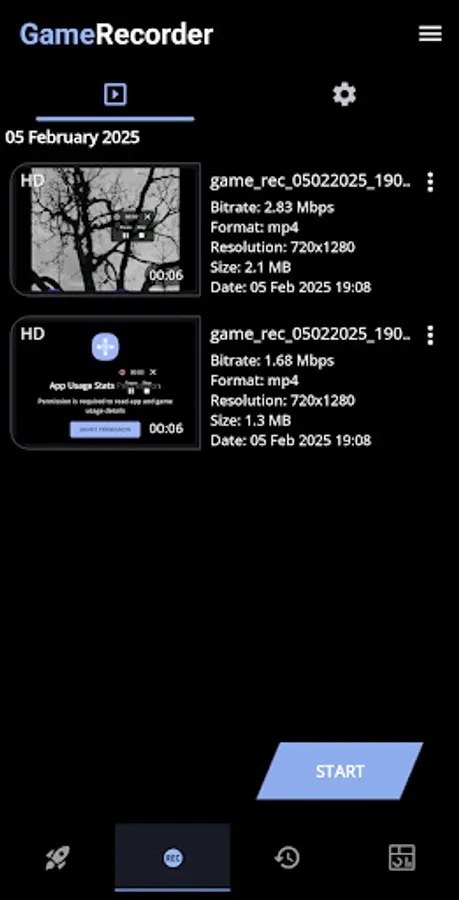
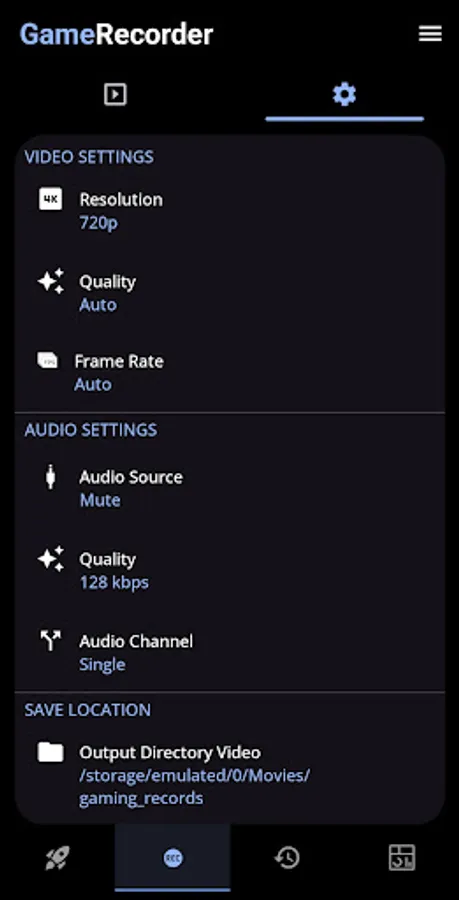
Sceencast - record or screenshot your screen and save files directly to your device.
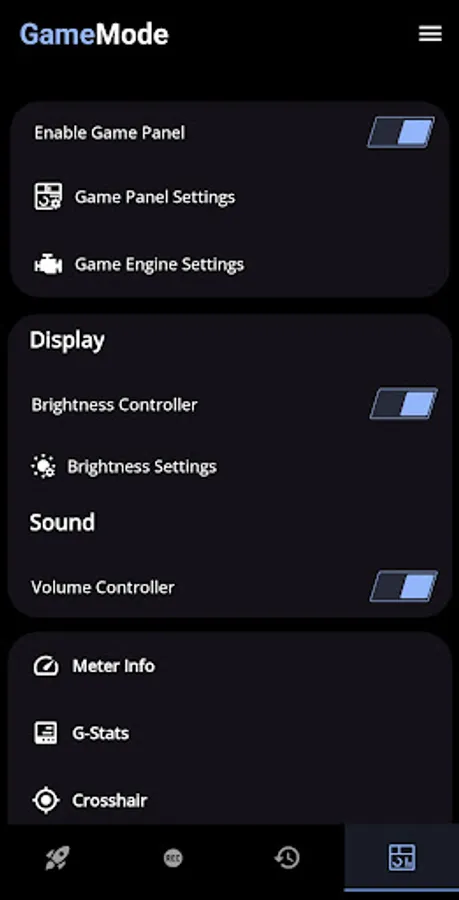
GameMode - it consist of various features listed below
● Brightness Controller
● Brightness Lock/Unlock Mode
● Volume Controller
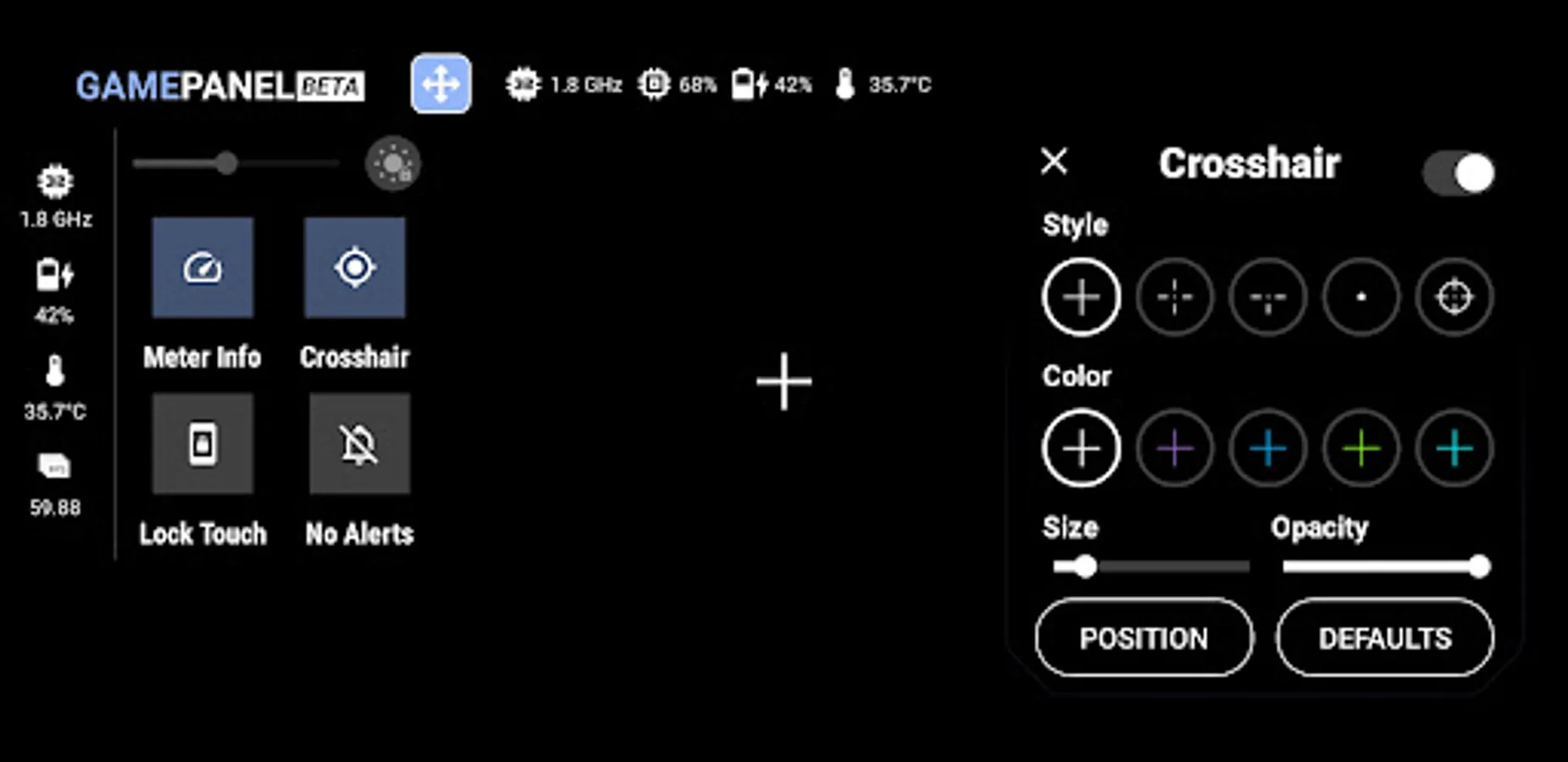
● Meter Info
● G-Stats
● Crosshair
● Touch Lock Mode
● Rotation Lock Mode
● Sound Viz
● Screencast
● Net Optimizer
● Haptic
Net Optimizer uses a VPN Service to only setup a local VPN Interface to change the DNS server address.
Your Device Network traffic will not be sent to a remote VPN Server.
How to use GameMode and its features ?
1. Turn on GameMode in the GameMode section.
2. Add your favourite apps or games to "My Games" in Game Launcher.
3. Click on a game in "My Games" to launch it and activate GameMode.
For support, feedback and suggestions, please contact us at devayulabs@gmail.com.
Features
Game Launcher - create your own game space where you can add you favourite apps/games to the My Games section and directly launch your game from the game launcher.
Sceencast - record or screenshot your screen and save files directly to your device.
GameMode - it consist of various features listed below
● Brightness Controller
● Brightness Lock/Unlock Mode
● Volume Controller
● Meter Info
● G-Stats
● Crosshair
● Touch Lock Mode
● Rotation Lock Mode
● Sound Viz
● Screencast
● Net Optimizer
● Haptic
Net Optimizer uses a VPN Service to only setup a local VPN Interface to change the DNS server address.
Your Device Network traffic will not be sent to a remote VPN Server.
How to use GameMode and its features ?
1. Turn on GameMode in the GameMode section.
2. Add your favourite apps or games to "My Games" in Game Launcher.
3. Click on a game in "My Games" to launch it and activate GameMode.
For support, feedback and suggestions, please contact us at devayulabs@gmail.com.