Digital Tasbeeh Counter
Kohati Studio
5.0 ★
178 ratings
10,000+
downloads
Free
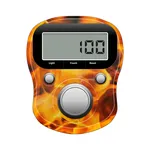
In this digital counter app, you can track counts for prayers or activities and save specific zikr for future reference. Includes options to read and forward duas and surahs, and to customize themes and sound settings.
AppRecs review analysis
AppRecs rating 4.5. Trustworthiness 64 out of 100. Review manipulation risk 34 out of 100. Based on a review sample analyzed.
★★★★☆
4.5
AppRecs Rating
Ratings breakdown
5 star
100%
4 star
0%
3 star
0%
2 star
0%
1 star
0%
What to know
✓
High user satisfaction
100% of sampled ratings are 5 stars
✓
Authentic reviews
No red flags detected
About Digital Tasbeeh Counter
Digital Tasbeeh Counter is a free and simple app which allows you to count any activity you wish.Offer tasbeeh prayers by using this tasbeeh counter app.Real Digital Tasbeeh Counter stores the value even after exiting. Ideal to use as a Digital Tasbeeh Counter. Digital Tasbeeh Counter is also a Tasbeeh Counter with Saving your specific ziker
with save button and later update it with save again button. Digital Tasbeeh counter also allows you to dete the save ziker from the list. Digital Tasbeeh Counter also allows user to read Dua's and Sura's and forward them by message or by social media apps. In Digital Tasbeeh Counter you can also save the text to clip board by clicking the save image.
Digital Tasbeeh Counter is Tasbih which is very simple and easy to use.
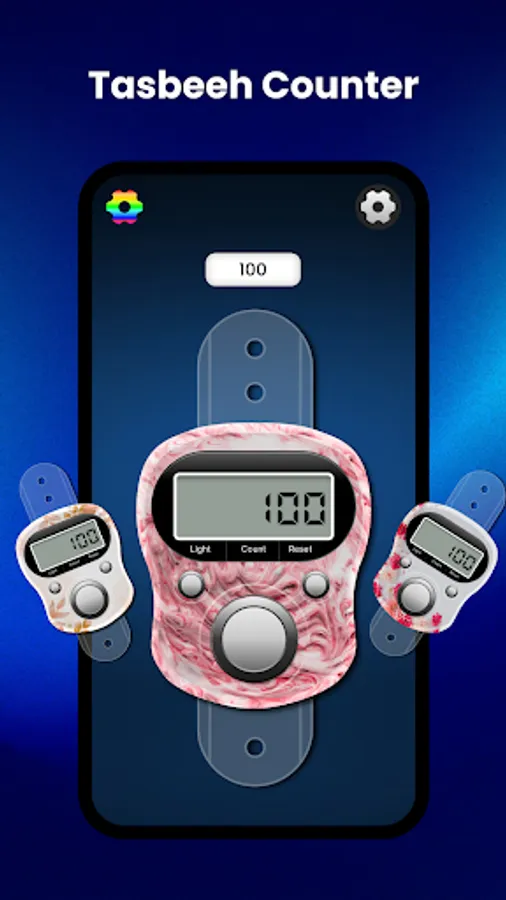
Tap count button in Digital Tasbeeh Counter on the screen to start counting.
Press reset button in Tasbih to reset counter.
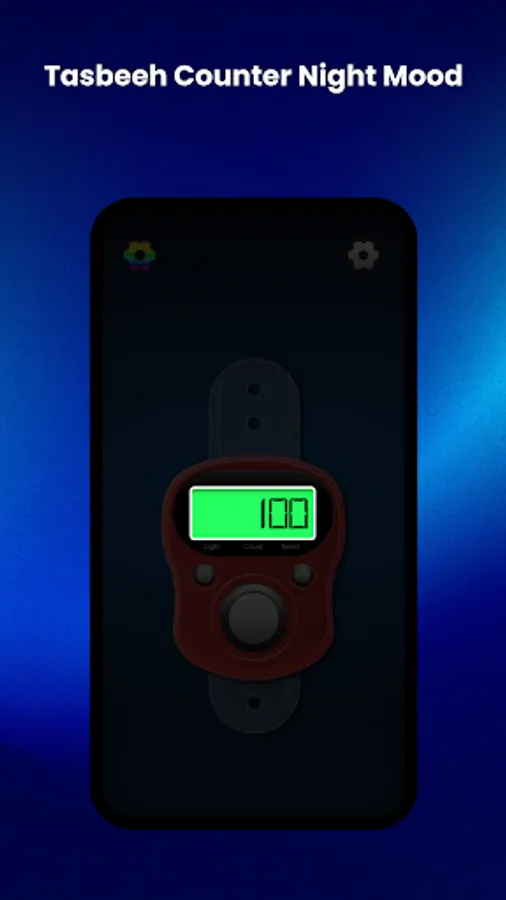
Press the LED button in Simple Tasbeeh to turn night mode on/off.
Press the Vibrate buttonin Tasbeeh Counter to turn vibration on/off.
Press star button to give rating to Digital Tasbeeh Counter.
Press save button to save text in Digital Tasbeeh Counter.
Press saveList Button to viewsaved ziker in Digital Tasbeeh Counter.
Press Remove to delete a specific saved record in Digital Tasbeeh Counter.
Press Continue to continue specific ziker in Digital Tasbeeh Counter.
Press Dua to view Dua's in Digital Tasbeeh Counter.
Press 10 Surah to read Surah's in Digital Tasbeeh Counter.
Press Zoom in to Zoom in Digital Tasbeeh Counter.
Press Zoom out to Zoom out Digital Tasbeeh Counter.
Press Copy to Clip Board to copy text from Digital Tasbeeh Counter.
Press forward button To Forward Dua/Surah from Digital Tasbeeh Counter.
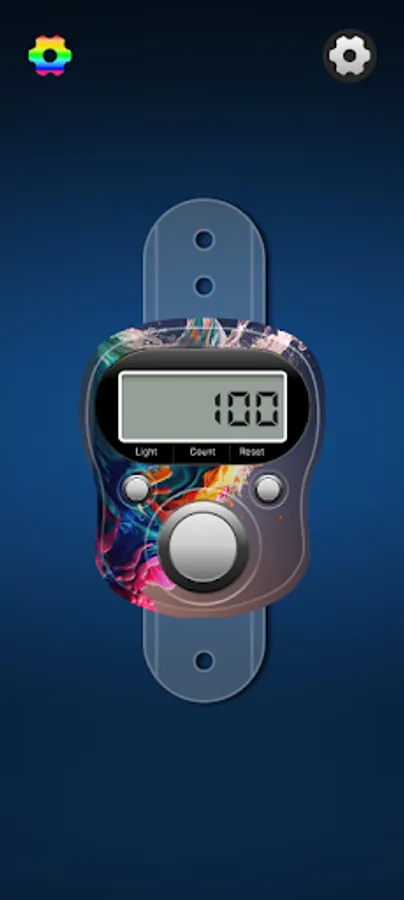
Elegant and simple design.
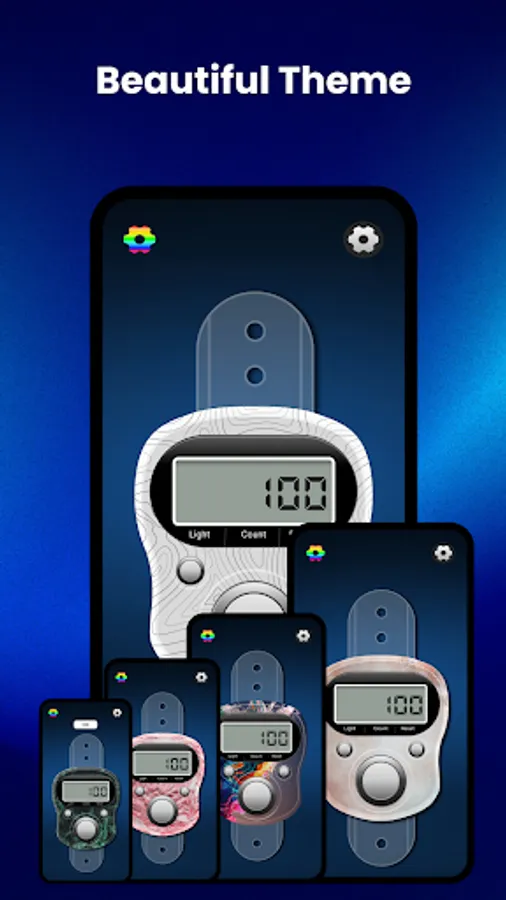
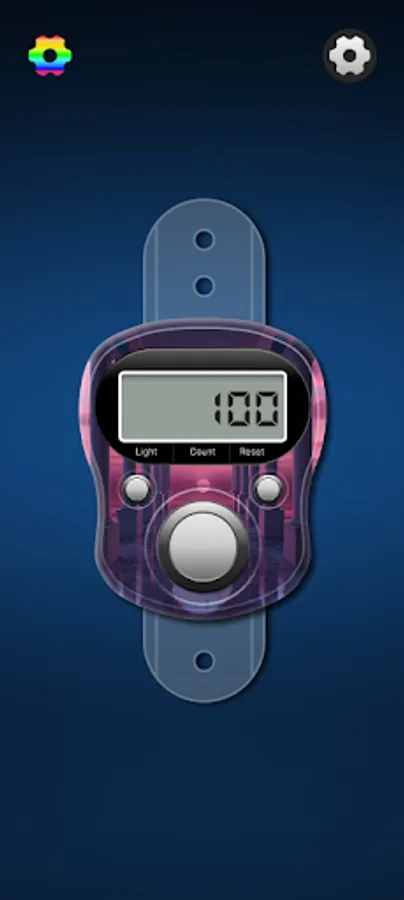
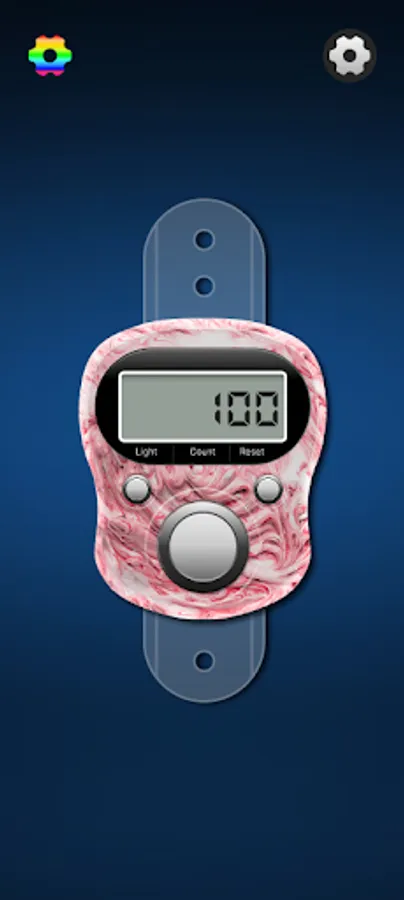
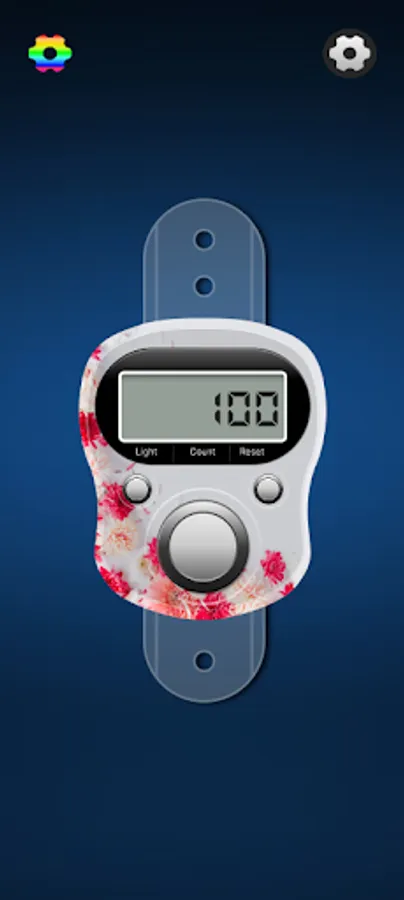
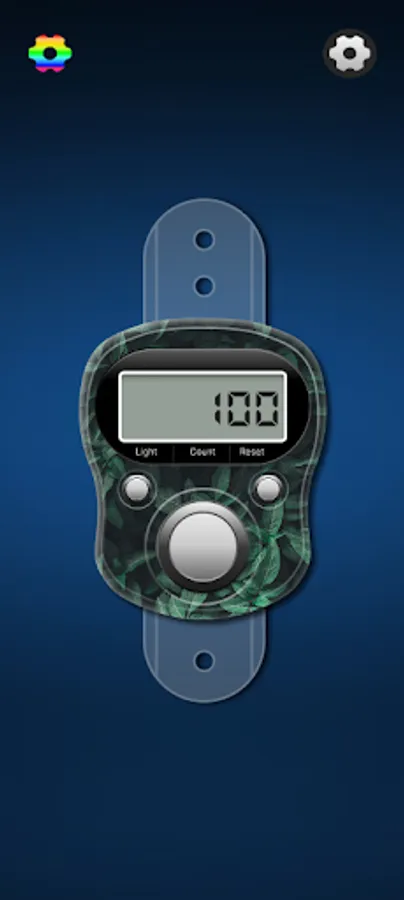
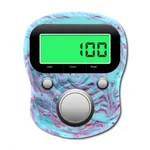
Changeable Themes.
Click sounds (can be turned on/off).
Mobile Vibration(can be turned on.off)
Stores the result even after exiting.
Night mode. (With L.E.D. button)
with save button and later update it with save again button. Digital Tasbeeh counter also allows you to dete the save ziker from the list. Digital Tasbeeh Counter also allows user to read Dua's and Sura's and forward them by message or by social media apps. In Digital Tasbeeh Counter you can also save the text to clip board by clicking the save image.
Digital Tasbeeh Counter is Tasbih which is very simple and easy to use.
How to Use
Tap count button in Digital Tasbeeh Counter on the screen to start counting.
Press reset button in Tasbih to reset counter.
Press the LED button in Simple Tasbeeh to turn night mode on/off.
Press the Vibrate buttonin Tasbeeh Counter to turn vibration on/off.
Press star button to give rating to Digital Tasbeeh Counter.
Press save button to save text in Digital Tasbeeh Counter.
Press saveList Button to viewsaved ziker in Digital Tasbeeh Counter.
Press Remove to delete a specific saved record in Digital Tasbeeh Counter.
Press Continue to continue specific ziker in Digital Tasbeeh Counter.
Press Dua to view Dua's in Digital Tasbeeh Counter.
Press 10 Surah to read Surah's in Digital Tasbeeh Counter.
Press Zoom in to Zoom in Digital Tasbeeh Counter.
Press Zoom out to Zoom out Digital Tasbeeh Counter.
Press Copy to Clip Board to copy text from Digital Tasbeeh Counter.
Press forward button To Forward Dua/Surah from Digital Tasbeeh Counter.
Features
Elegant and simple design.
Changeable Themes.
Click sounds (can be turned on/off).
Mobile Vibration(can be turned on.off)
Stores the result even after exiting.
Night mode. (With L.E.D. button)