
In this messaging app, you can synchronize SMS and notifications across multiple devices and set up auto-replies. Includes forwarding messages via phone number, email, Telegram, and URL, as well as scheduling and multiple receiver options.
AppRecs review analysis
AppRecs rating 4.0. Trustworthiness 77 out of 100. Review manipulation risk 33 out of 100. Based on a review sample analyzed.
★★★★☆
4.0
AppRecs Rating
Ratings breakdown
5 star
70%
4 star
6%
3 star
3%
2 star
6%
1 star
16%
What to know
✓
Credible reviews
77% trustworthiness score from analyzed reviews
✓
High user satisfaction
76% of sampled ratings are 4+ stars (4.1★ average)
⚠
Pricing complaints
Many low ratings mention paywalls or pricing
About Forward SMS
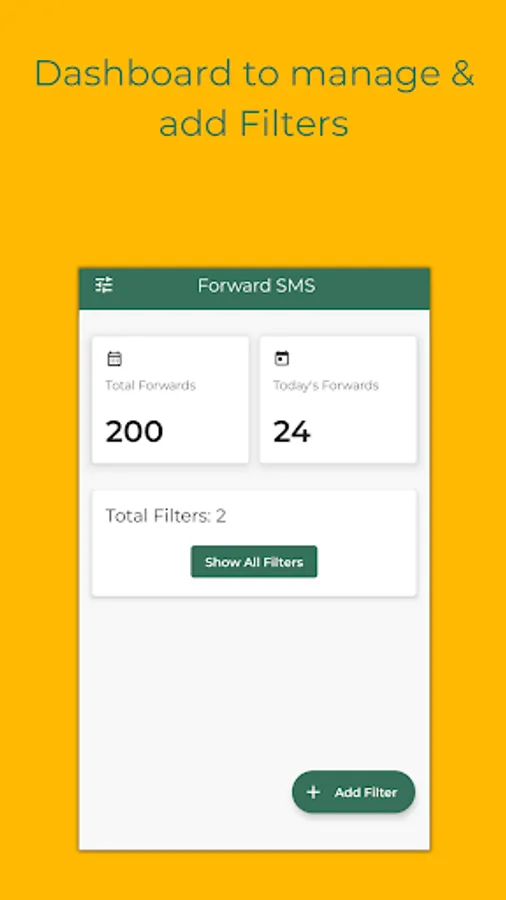
This is an app that can synchronize SMS or notifications between multiple devices (PC, Phone).
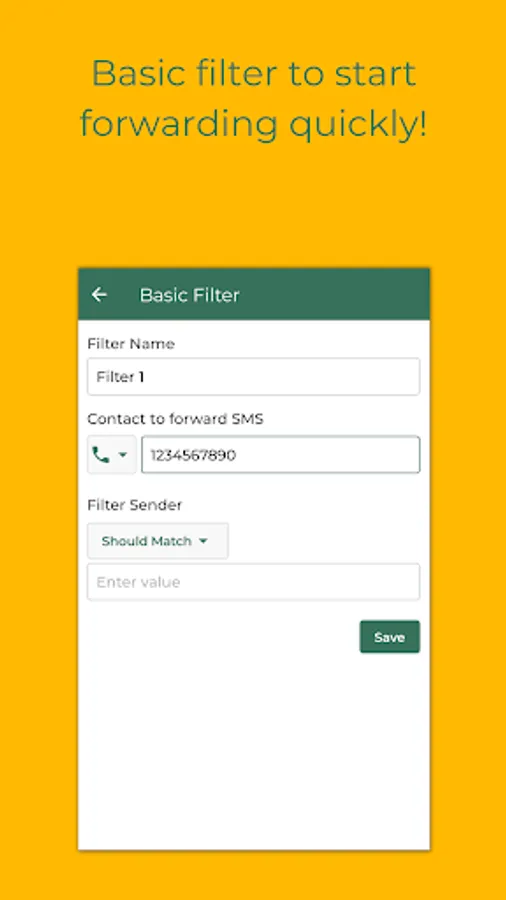
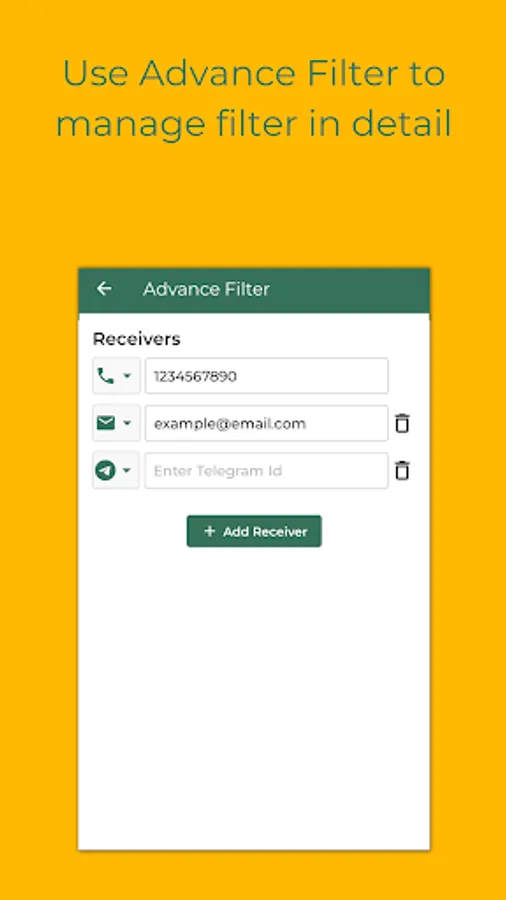
* This SMS Forwarder app automatically transfers the SMS received on your phone to a phone number, email, telegram, or URL.
* Only takes 1 minute to complete the app setup.
* You don't need to keep the app open.
* Notification Rule to forward notifications.
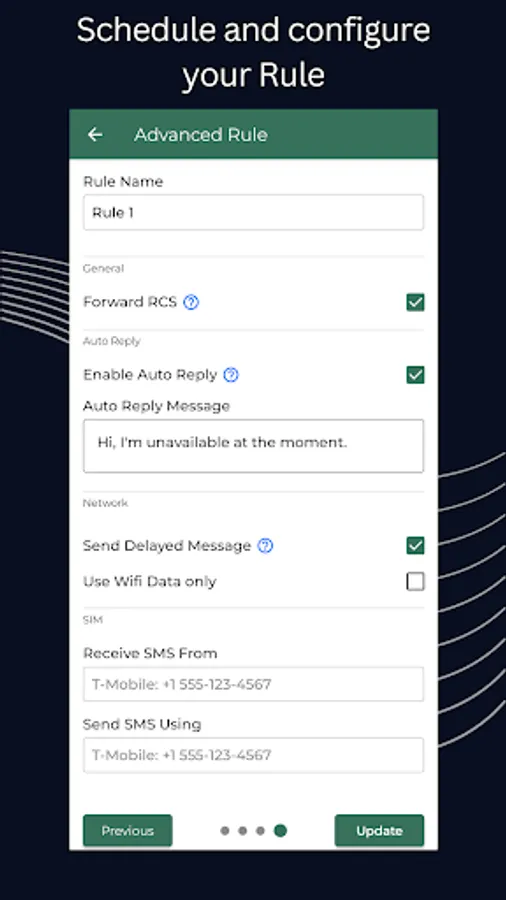
* Auto reply to text messages.
* The message will be forwarded to your contact details as soon as received.
* This app will silently run in the background so that you can focus on important things.
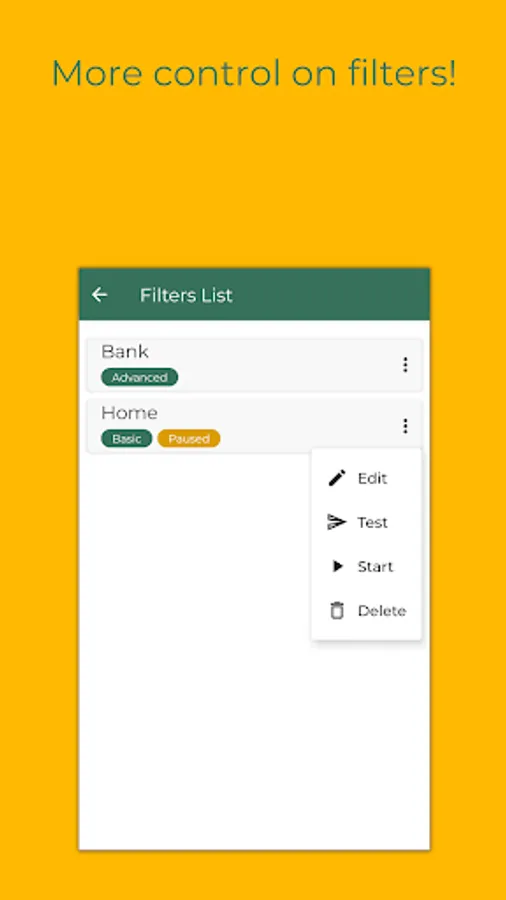
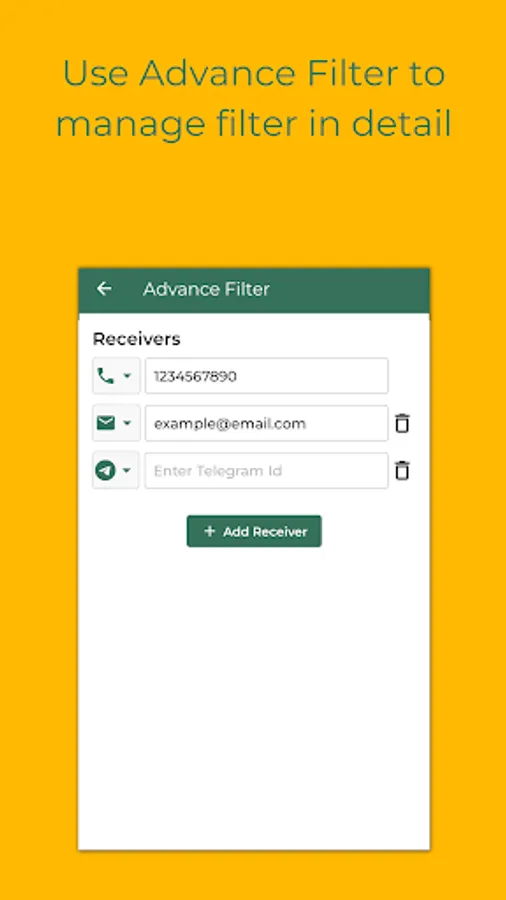
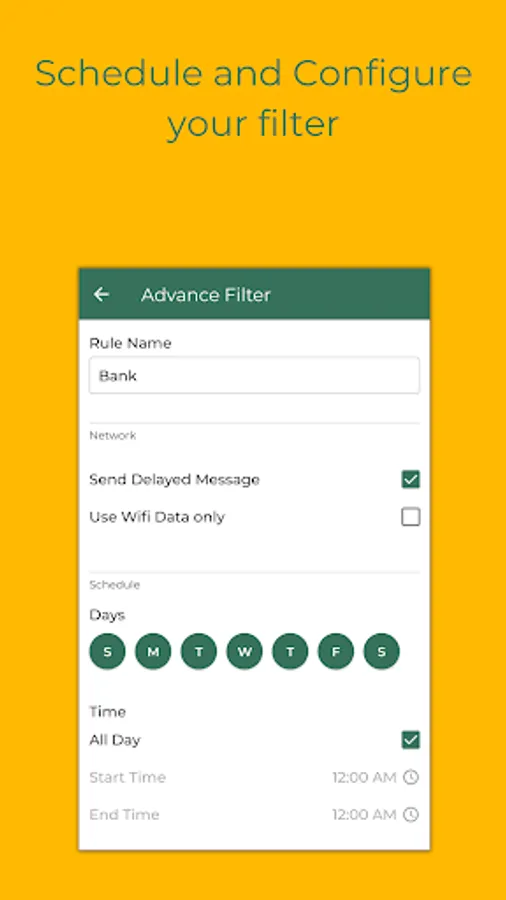
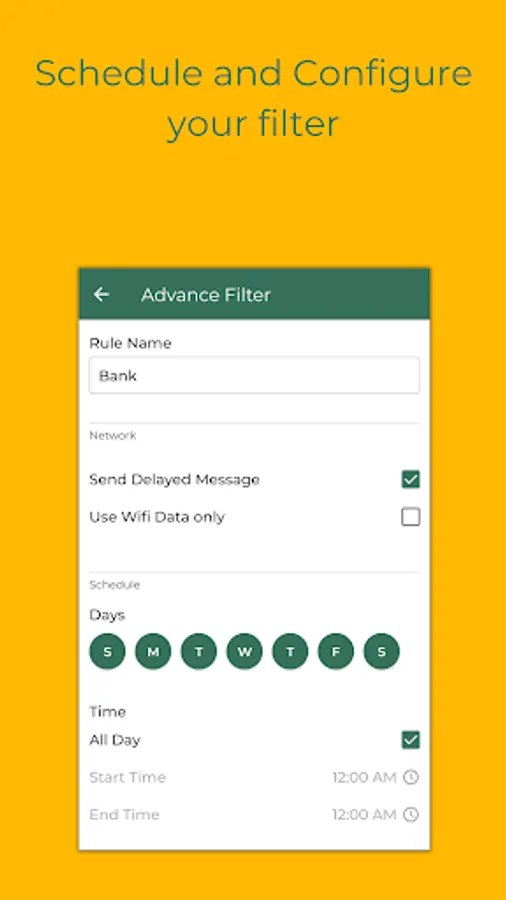
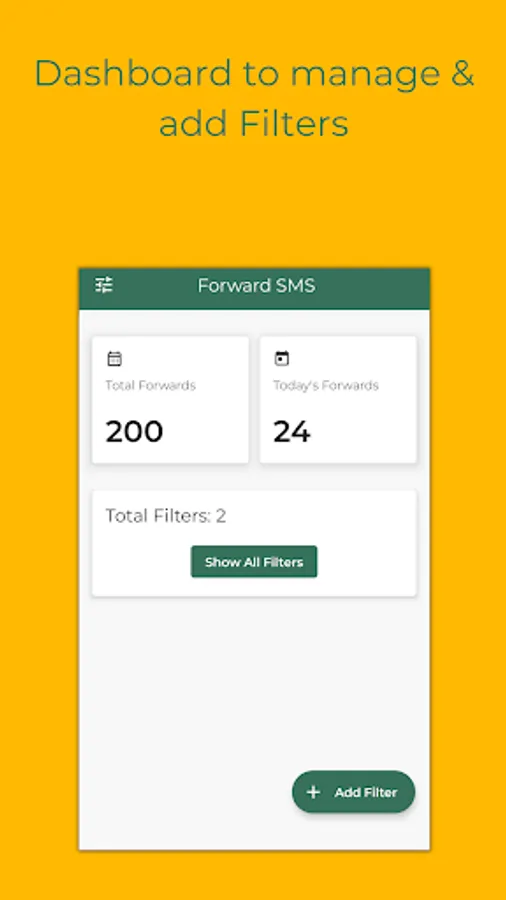
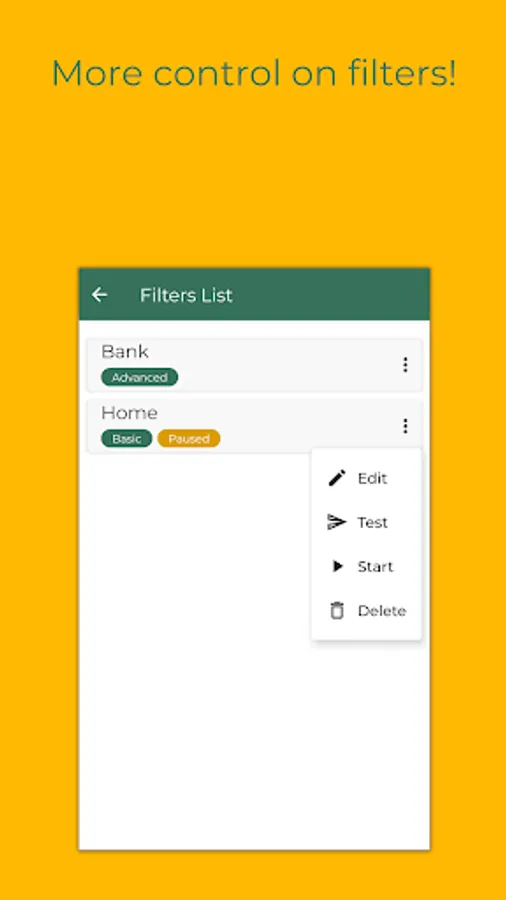
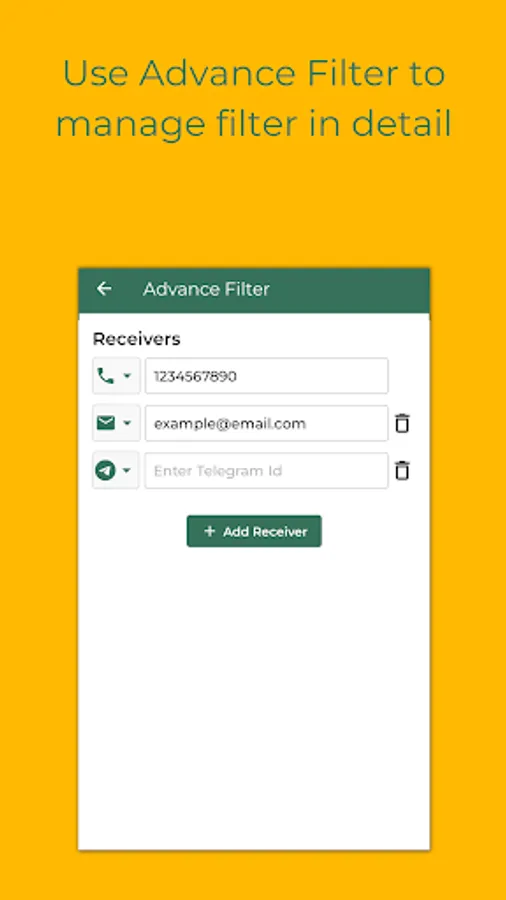
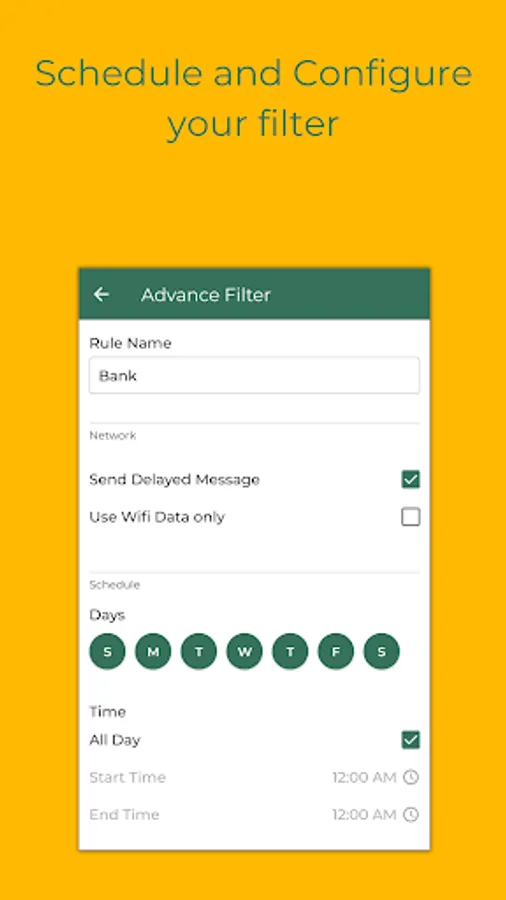
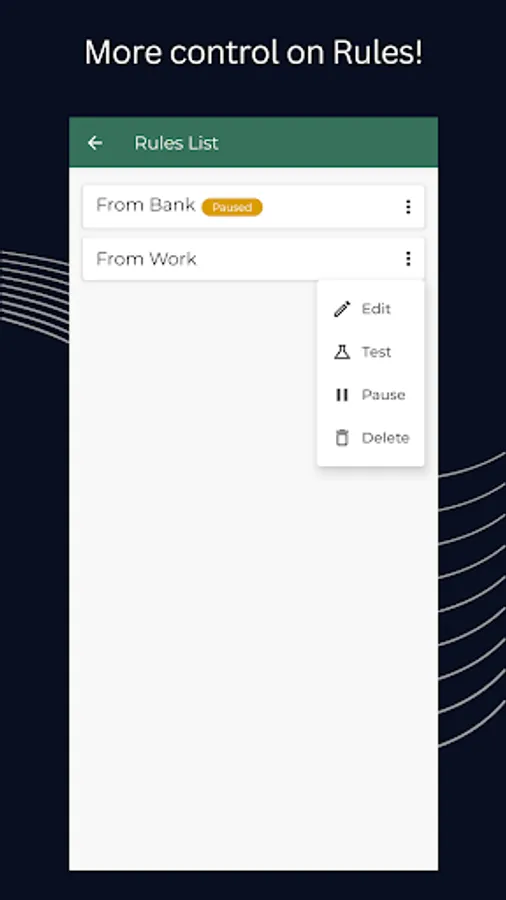
* Advanced Rule to add multiple receivers, customize templates, and schedule.
Features:
1. Forward SMS to a phone number as a text message.
2. Forward SMS to an email.
3. Forward SMS to a Telegram contact.
4. Forward SMS to a URL.
4. Messages received when the internet was not available will be forwarded once the internet is back.
5. Auto Reply to received text message.
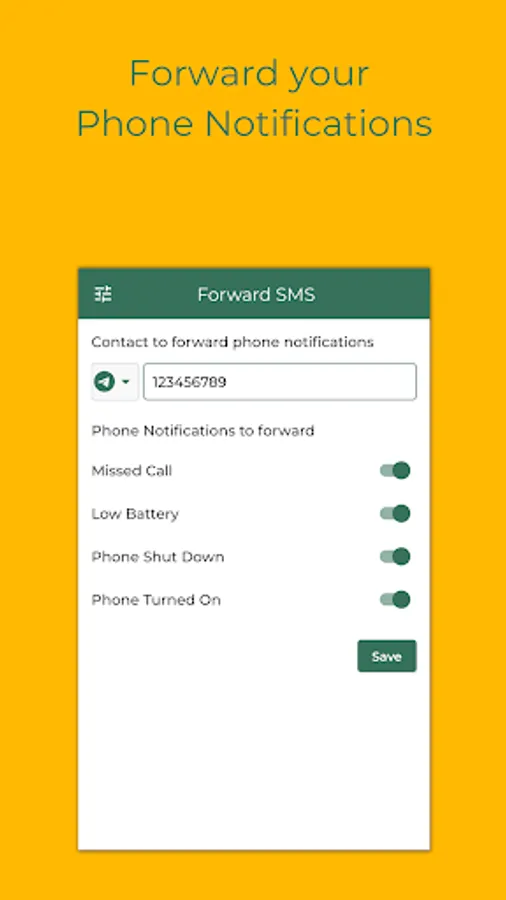
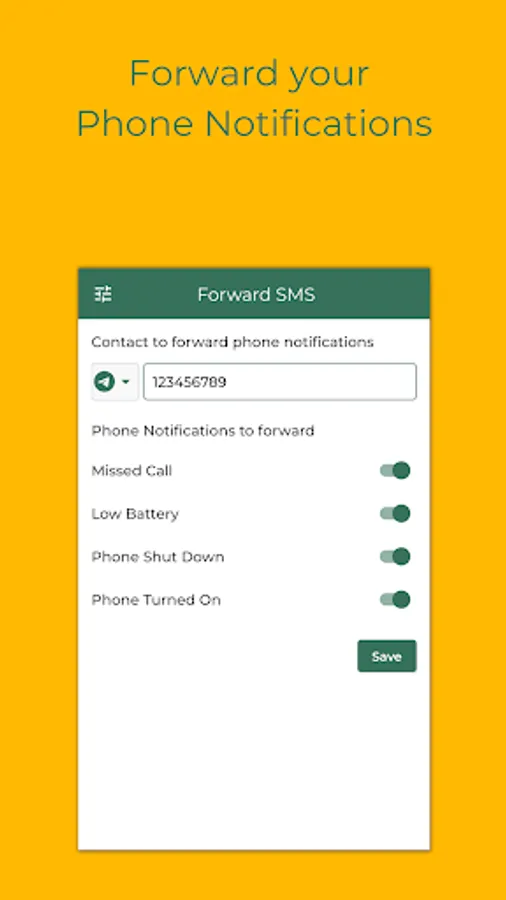
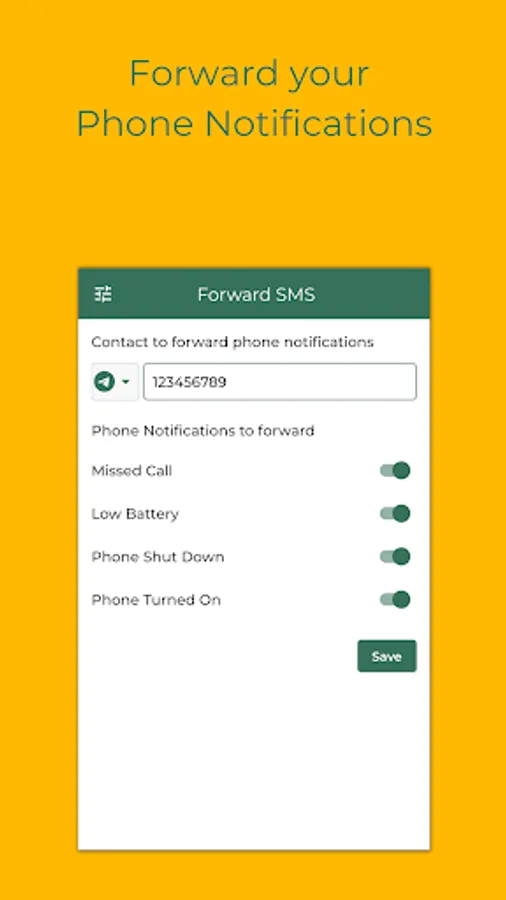
It can also forward phone alerts:
* Missed Call
* Incoming Call
* Outgoing Call
* Low Battery
* Phone Shut Down
* Phone Turned On
Who can use the Forward SMS app:
1. Have multiple phones but want to carry only one.
2. Workspace restrictions for carrying work phones only.
3. Traveling to a different country.
4. Creating a backup of your text messages on another phone or laptop.
Steps to use
1. Open the Forward SMS app.
2. Grant required permissions.
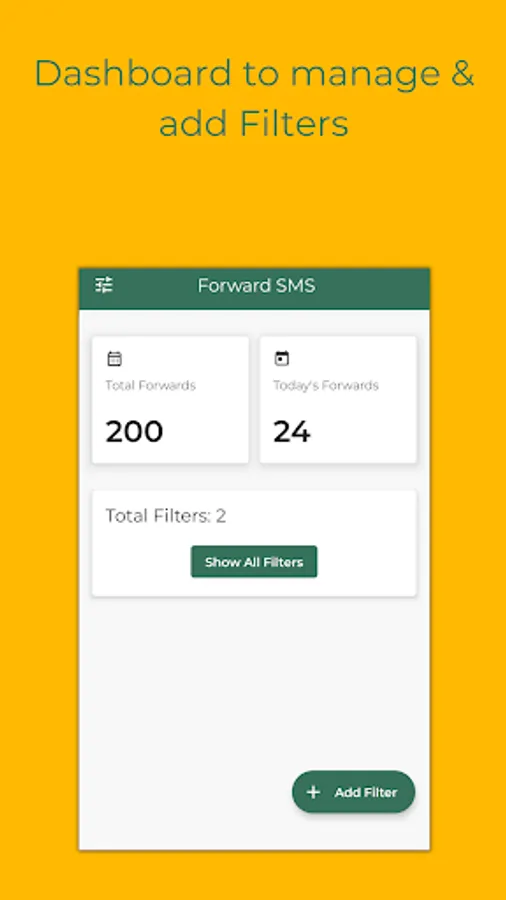
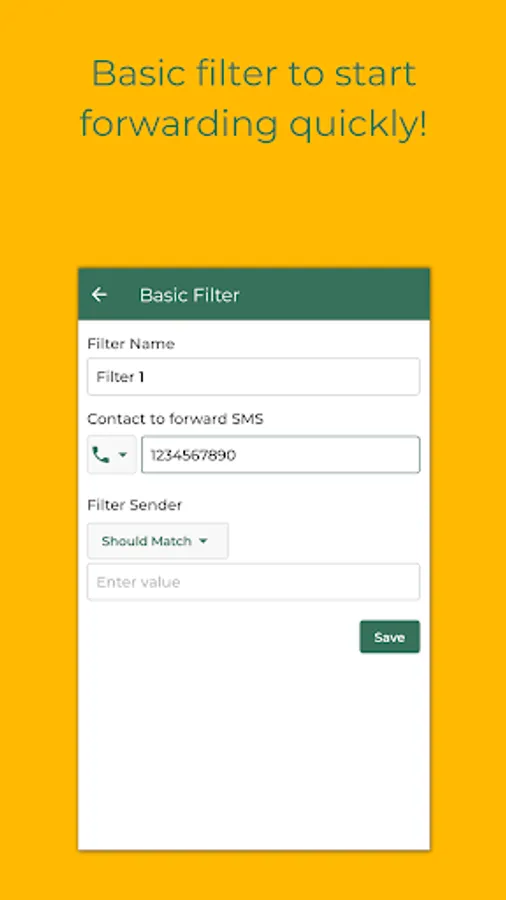
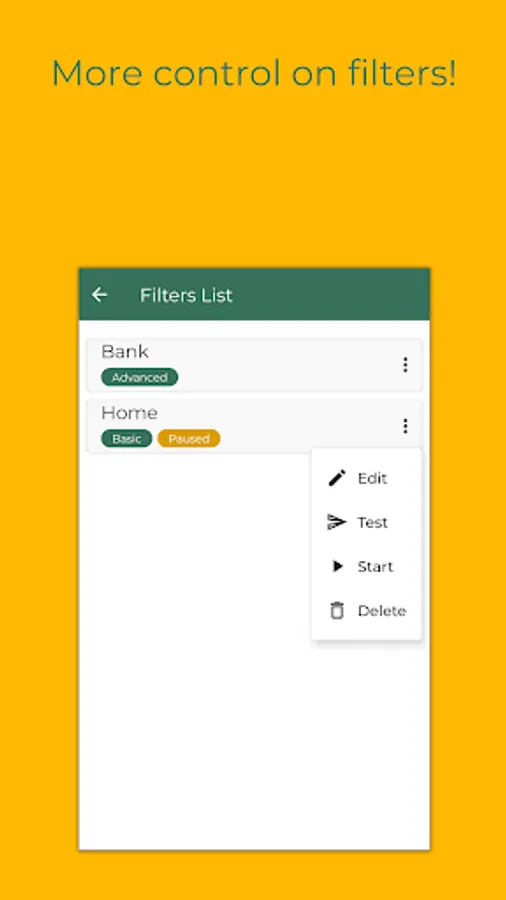
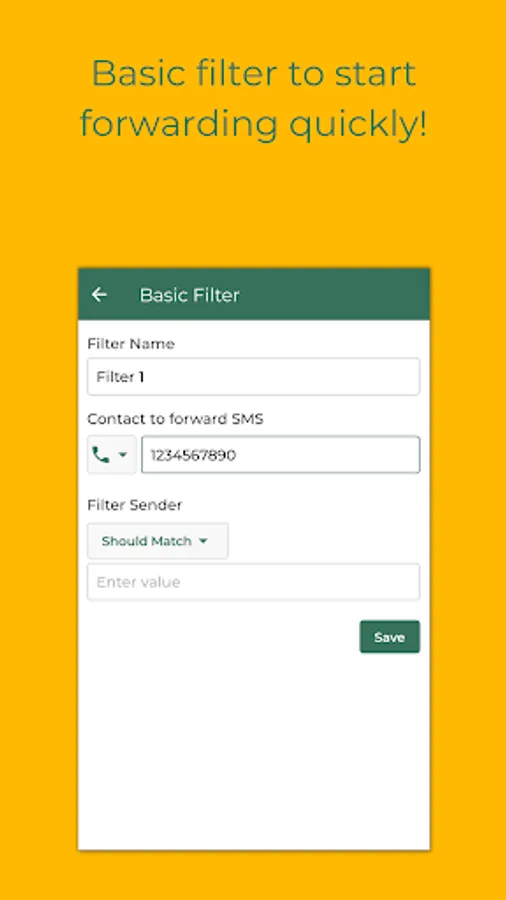
3. Create a basic or advanced rule and enter forwarding details.
Permissions Required
1. READ_SMS - Allows the app to read SMS details
2. RECEIVE_SMS - Allows the app to receive SMS
3. RECEIVE_MMS - Allows the app to receive MMS
4. SEND_SMS - Allows the app to send SMS
5. READ_CONTACTS - Allows app to read contact details which can then be used to find the SMS sender
6. INTERNET - Allows the app to create a secure connection to transfer SMS to the user's email
7. CALL_LOG - Allows the app to read Call detail
* This SMS Forwarder app automatically transfers the SMS received on your phone to a phone number, email, telegram, or URL.
* Only takes 1 minute to complete the app setup.
* You don't need to keep the app open.
* Notification Rule to forward notifications.
* Auto reply to text messages.
* The message will be forwarded to your contact details as soon as received.
* This app will silently run in the background so that you can focus on important things.
* Advanced Rule to add multiple receivers, customize templates, and schedule.
Features:
1. Forward SMS to a phone number as a text message.
2. Forward SMS to an email.
3. Forward SMS to a Telegram contact.
4. Forward SMS to a URL.
4. Messages received when the internet was not available will be forwarded once the internet is back.
5. Auto Reply to received text message.
It can also forward phone alerts:
* Missed Call
* Incoming Call
* Outgoing Call
* Low Battery
* Phone Shut Down
* Phone Turned On
Who can use the Forward SMS app:
1. Have multiple phones but want to carry only one.
2. Workspace restrictions for carrying work phones only.
3. Traveling to a different country.
4. Creating a backup of your text messages on another phone or laptop.
Steps to use
1. Open the Forward SMS app.
2. Grant required permissions.
3. Create a basic or advanced rule and enter forwarding details.
Permissions Required
1. READ_SMS - Allows the app to read SMS details
2. RECEIVE_SMS - Allows the app to receive SMS
3. RECEIVE_MMS - Allows the app to receive MMS
4. SEND_SMS - Allows the app to send SMS
5. READ_CONTACTS - Allows app to read contact details which can then be used to find the SMS sender
6. INTERNET - Allows the app to create a secure connection to transfer SMS to the user's email
7. CALL_LOG - Allows the app to read Call detail
Forward SMS Screenshots
Tap to Rate:
Reviews for Forward SMS
Yankee Pirate
12/27/2025
ez setup url post works
R Very
12/21/2025
very good app