
DEX pentru Android -și offline
Adrian Vintu
4.5 ★
46K ratings
500,000+
downloads
Free
AppRecs review analysis
AppRecs rating 4.6. Trustworthiness 76 out of 100. Review manipulation risk 26 out of 100. Based on a review sample analyzed.
★★★★☆
4.6
AppRecs Rating
Ratings breakdown
5 star
82%
4 star
4%
3 star
2%
2 star
4%
1 star
8%
What to know
✓
Low review manipulation risk
26% review manipulation risk
✓
Credible reviews
76% trustworthiness score from analyzed reviews
✓
High user satisfaction
86% of sampled ratings are 4+ stars (4.5★ average)
About DEX pentru Android -și offline
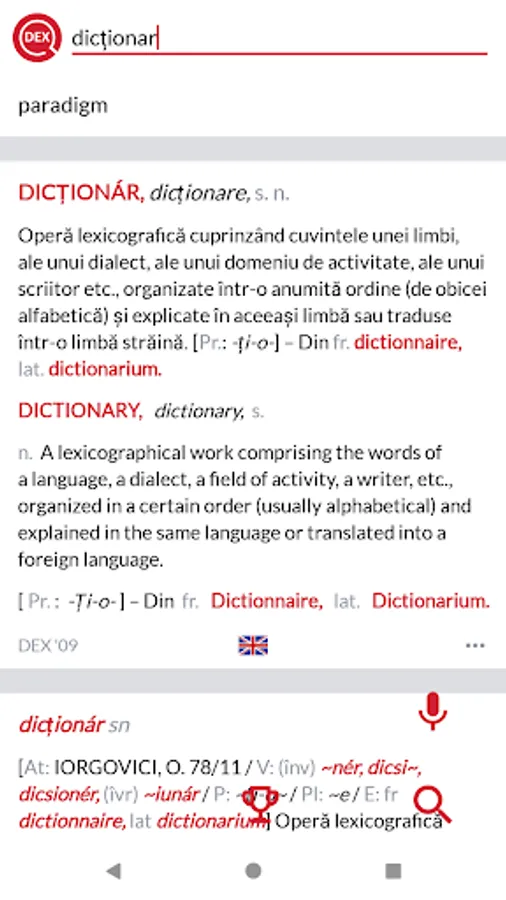
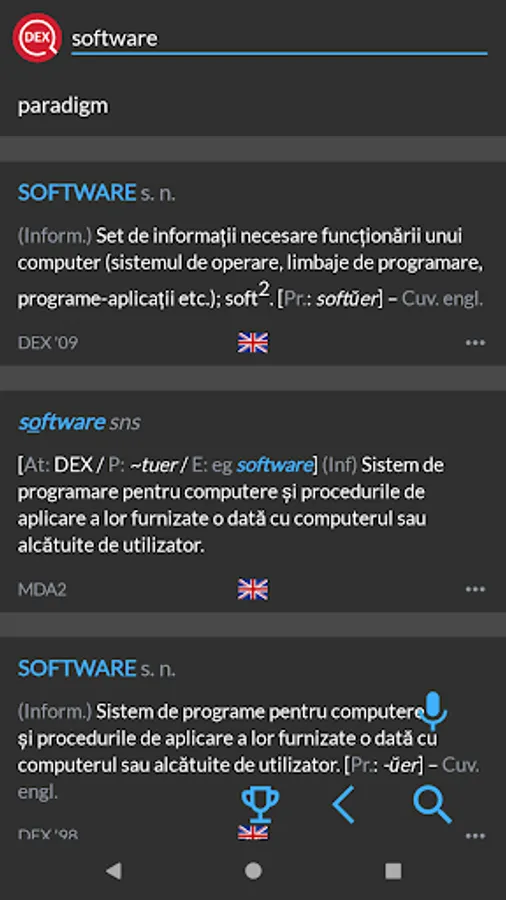
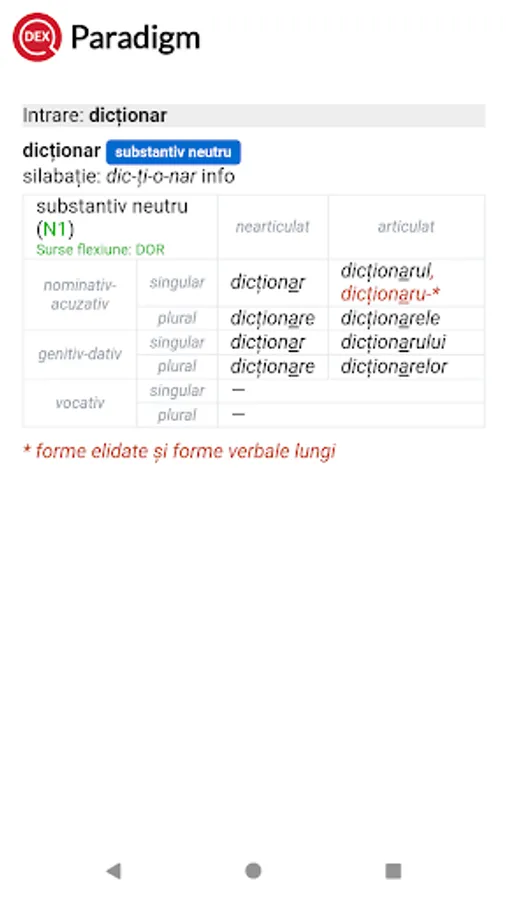
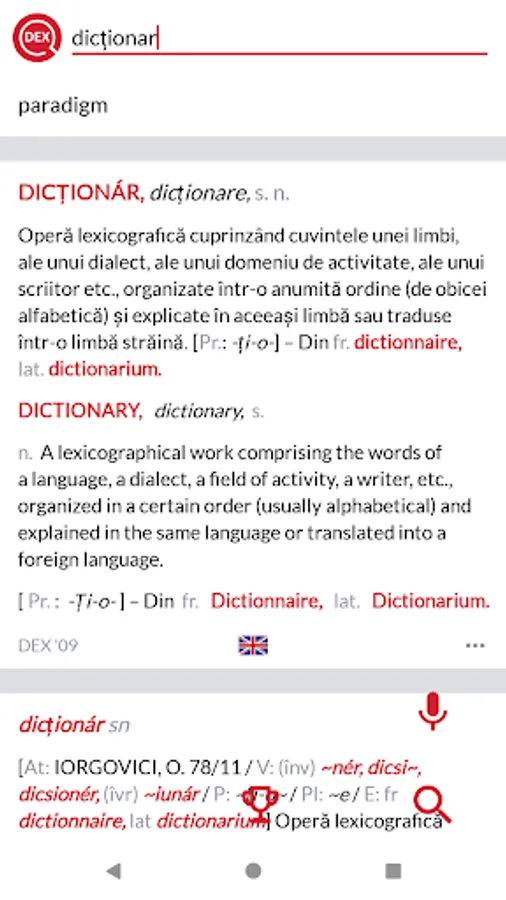
DEX for Android is an OFFLINE and online Romanian Explanatory Dictionary (Dicționar Explicativ Român) based on the well-known http://dexonline.ro, while being packed together with educational games and containing many options for configuration.
Widget config
For the widget to work you need to:
1. install DEX application on the internal memory - the widget won't work if you move the app to the external card (limitation from Android)
2. install the offline database
Install offline database
A. Install automatically the offline database (on the internal card) by choosing the last option 'Download file' from the 'Preferences' screeen
or
B. Install manually the offline database - see tutorial. This method does not work for Android 11+.
Features
● over 500.000 dictionary entries
● works online or offline
● has two nice widgets
● share definitions on facebook, email etc
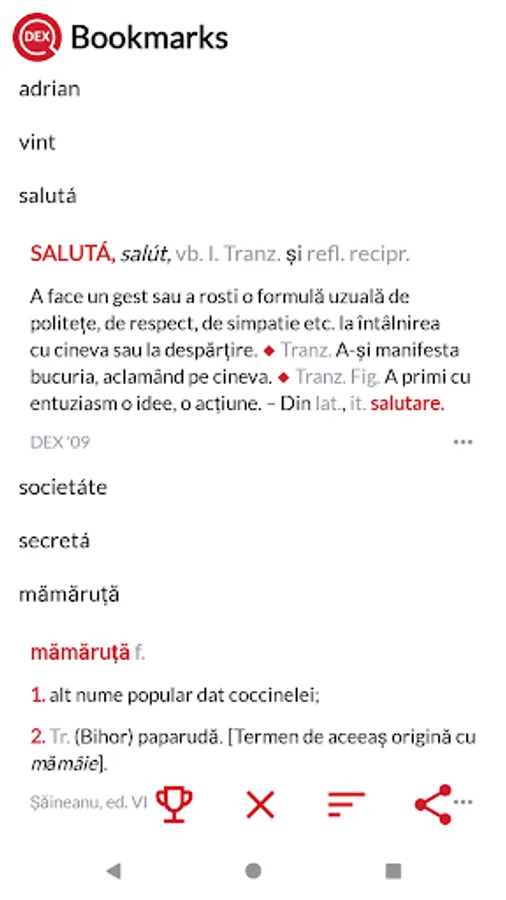
● create your own word list for later review - can be shared
● history of searched words
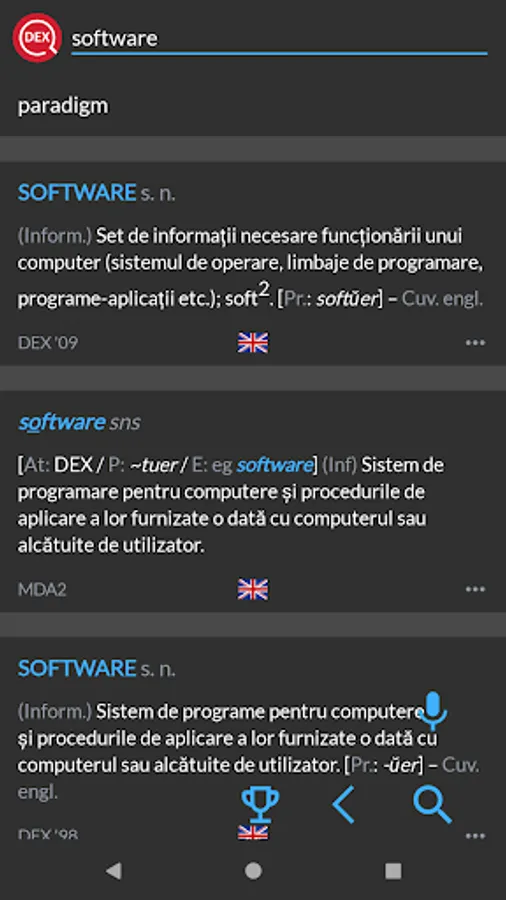
● lots of interface preferences in the Preferences screen, like: language, fonts, white/dark theme, etc
● can search with wildcards ? * and +
● the app helps the uses by autocompleting words
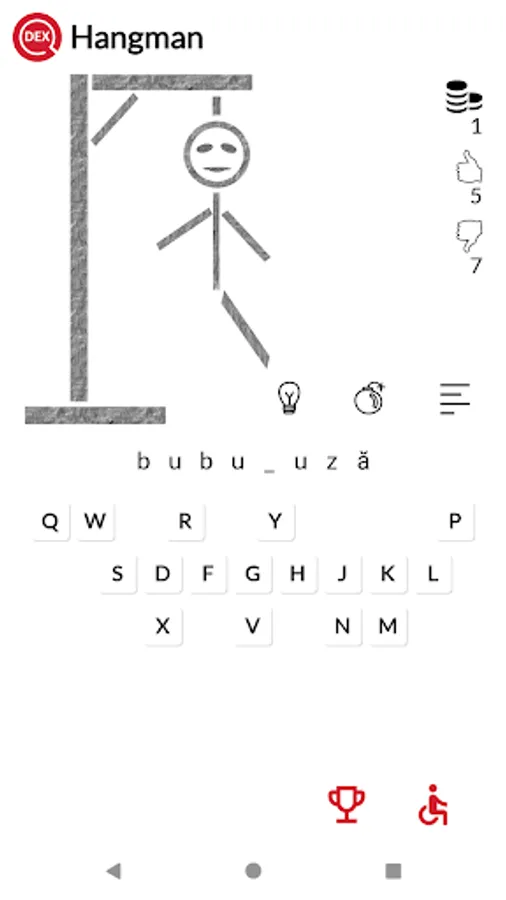
● have fun with the Hangman game
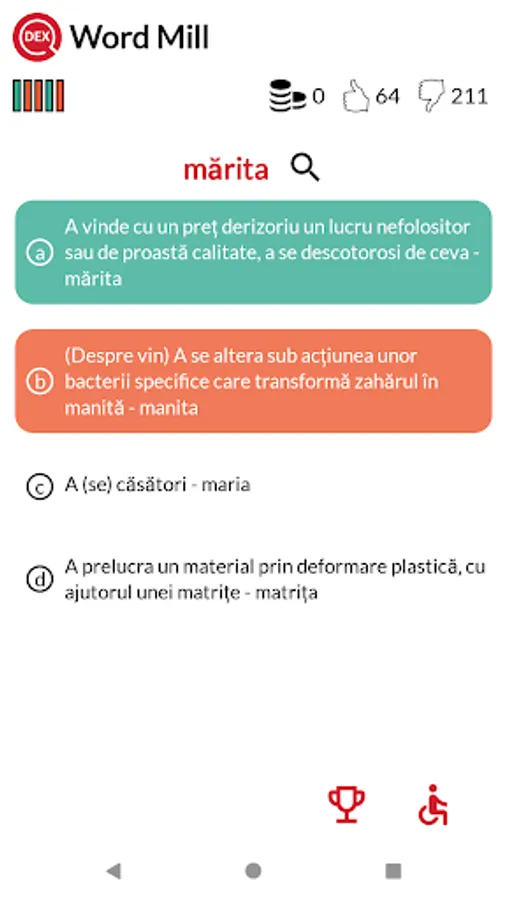
● have fun with the Word Mill game
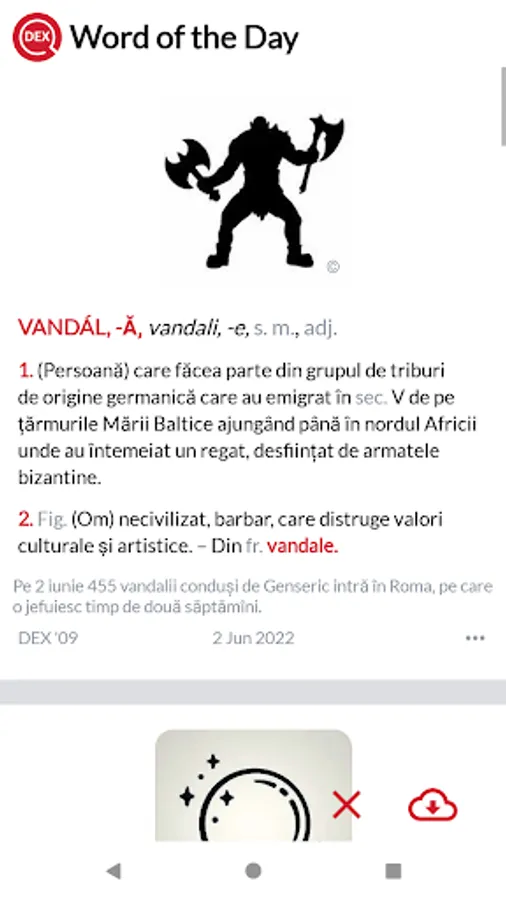
● Word of the Day (+ widget)
● Word of the Month
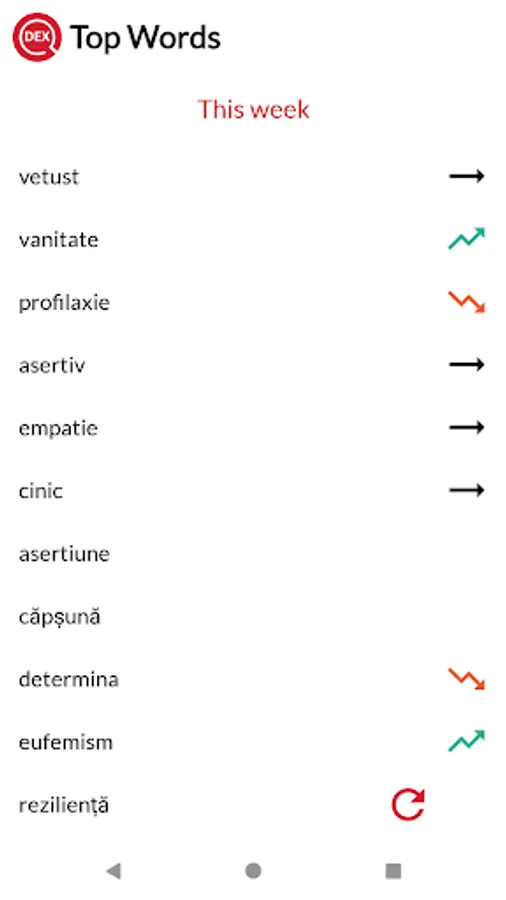
● Top Words
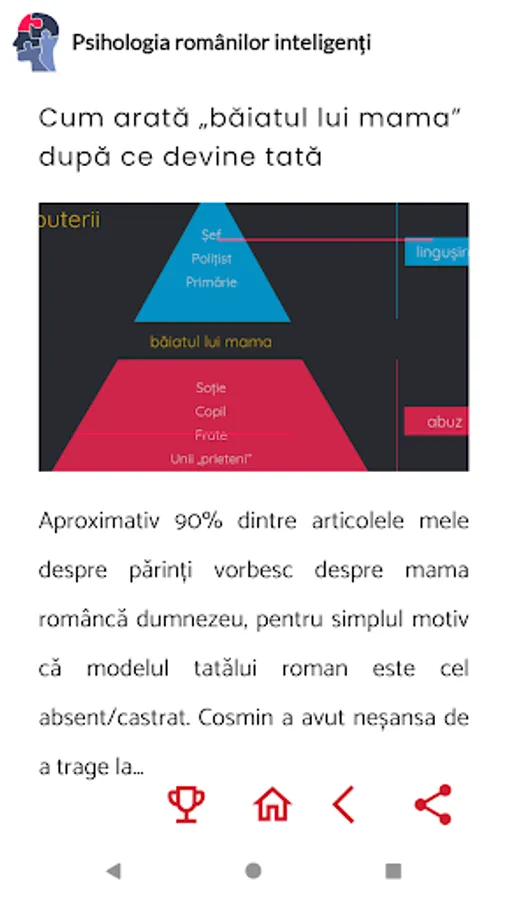
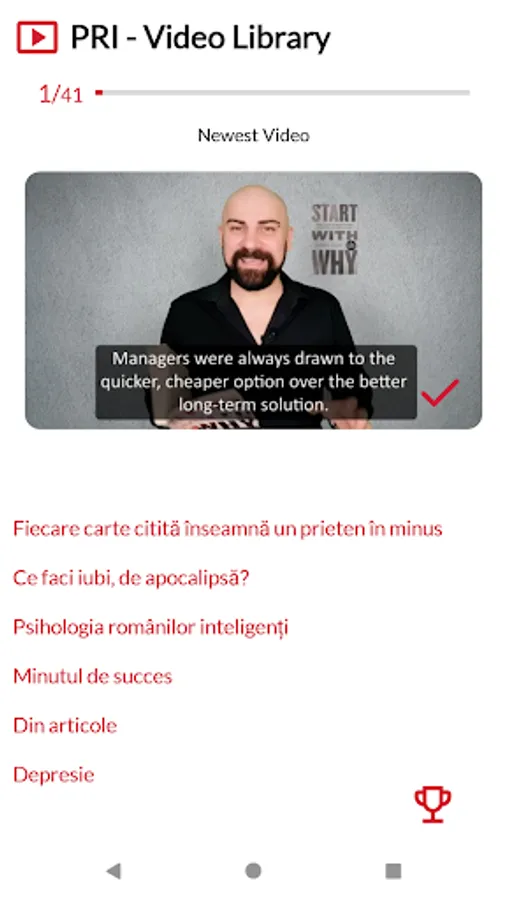
● Psihologia românilor inteligenți
● History, Favorites and game scores are synced in the cloud
● you can send request to the developer for extra features
Marshmallow
For those who do not receive the Word of the Day notification, the Dose feature may be the issue. See below for details
https://goo.gl/OckkAu
http://goo.gl/nNMMJU
Permissions
The app requires permissions for what Google Play reports as Photos/Media/Files:
● read, modify or delete the contents of your USB storage: because it needs access to the sdcard in case you download the offline database
● WAKE_LOCK, FOREGROUND_SERVICE: added option to automatically download offline database in the internal memory - see Preferences screen. Because of this, these two new permissions are required
● RECORD_AUDIO if you want to use your voice for input, instead of typing
● INSTALL_SHORTCUT add new icon on the home screen to start the application directly going to microphone (see Preferences - install shortcut on start screen)
WearOS
Wear OS app called DEX is a stand alone a[pp providing a list of word of the day, which includes per item: an image, a description text, and a text describing why the word was chosen on that day.
See my other free apps
Istoria Românilor pentru Android http://ir.adrianvintu.net
Istoria Românilor pentru Windows Phone http://ir.adrianvintu.net
User Dictionary Manager (UDM) http://udm.adrianvintu.net
DEX pentru Windows Phone http://dex-wp.adrianvintu.net
DEX pentru Android http://dex.adrianvintu.net
Widget config
For the widget to work you need to:
1. install DEX application on the internal memory - the widget won't work if you move the app to the external card (limitation from Android)
2. install the offline database
Install offline database
A. Install automatically the offline database (on the internal card) by choosing the last option 'Download file' from the 'Preferences' screeen
or
B. Install manually the offline database - see tutorial. This method does not work for Android 11+.
Features
● over 500.000 dictionary entries
● works online or offline
● has two nice widgets
● share definitions on facebook, email etc
● create your own word list for later review - can be shared
● history of searched words
● lots of interface preferences in the Preferences screen, like: language, fonts, white/dark theme, etc
● can search with wildcards ? * and +
● the app helps the uses by autocompleting words
● have fun with the Hangman game
● have fun with the Word Mill game
● Word of the Day (+ widget)
● Word of the Month
● Top Words
● Psihologia românilor inteligenți
● History, Favorites and game scores are synced in the cloud
● you can send request to the developer for extra features
Marshmallow
For those who do not receive the Word of the Day notification, the Dose feature may be the issue. See below for details
https://goo.gl/OckkAu
http://goo.gl/nNMMJU
Permissions
The app requires permissions for what Google Play reports as Photos/Media/Files:
● read, modify or delete the contents of your USB storage: because it needs access to the sdcard in case you download the offline database
● WAKE_LOCK, FOREGROUND_SERVICE: added option to automatically download offline database in the internal memory - see Preferences screen. Because of this, these two new permissions are required
● RECORD_AUDIO if you want to use your voice for input, instead of typing
● INSTALL_SHORTCUT add new icon on the home screen to start the application directly going to microphone (see Preferences - install shortcut on start screen)
WearOS
Wear OS app called DEX is a stand alone a[pp providing a list of word of the day, which includes per item: an image, a description text, and a text describing why the word was chosen on that day.
See my other free apps
Istoria Românilor pentru Android http://ir.adrianvintu.net
Istoria Românilor pentru Windows Phone http://ir.adrianvintu.net
User Dictionary Manager (UDM) http://udm.adrianvintu.net
DEX pentru Windows Phone http://dex-wp.adrianvintu.net
DEX pentru Android http://dex.adrianvintu.net
DEX pentru Android -și offline Screenshots
Tap to Rate:
Reviews for DEX pentru Android -și offline
Vasyl' Koval'
12/27/2025
please add dark theme
Alina Dobrovat
11/21/2025
de nota 10