Quick Bluetooth Scan & Pair
Dhruvaya Info
100+
downloads
Free
AppRecs review analysis
AppRecs rating 2.3. Trustworthiness 74 out of 100. Review manipulation risk 20 out of 100. Based on a review sample analyzed.
★★☆☆☆
2.3
AppRecs Rating
Ratings breakdown
5 star
0%
4 star
50%
3 star
0%
2 star
0%
1 star
50%
What to know
✓
Low review manipulation risk
20% review manipulation risk
✓
Credible reviews
74% trustworthiness score from analyzed reviews
⚠
Mixed user feedback
Average 2.5★ rating suggests room for improvement
About Quick Bluetooth Scan & Pair
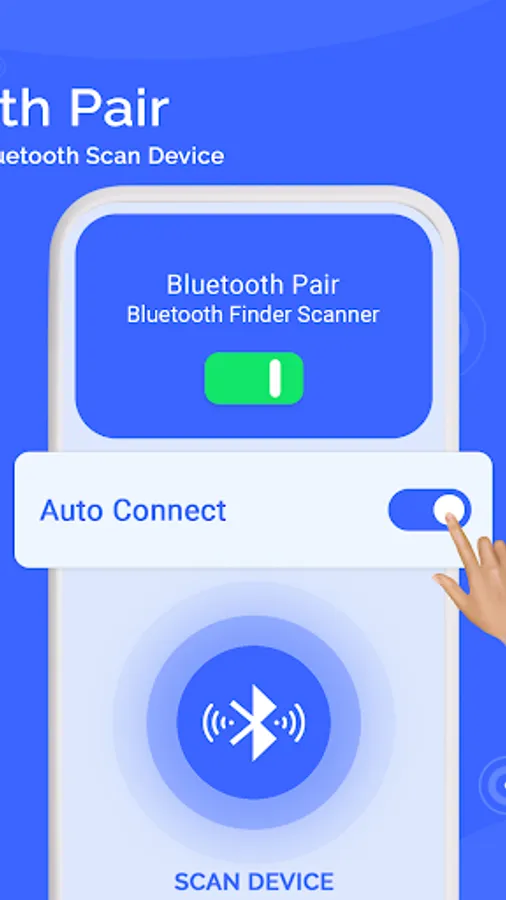
🟐 Quick Bluetooth Scan & Pair app helps you connect automatically to your most used Bluetooth devices. Saves time in connecting your Bluetooth devices. Manage all your paired devices and unpair devices that you do not need any more. Also you can filter search for Bluetooth devices.
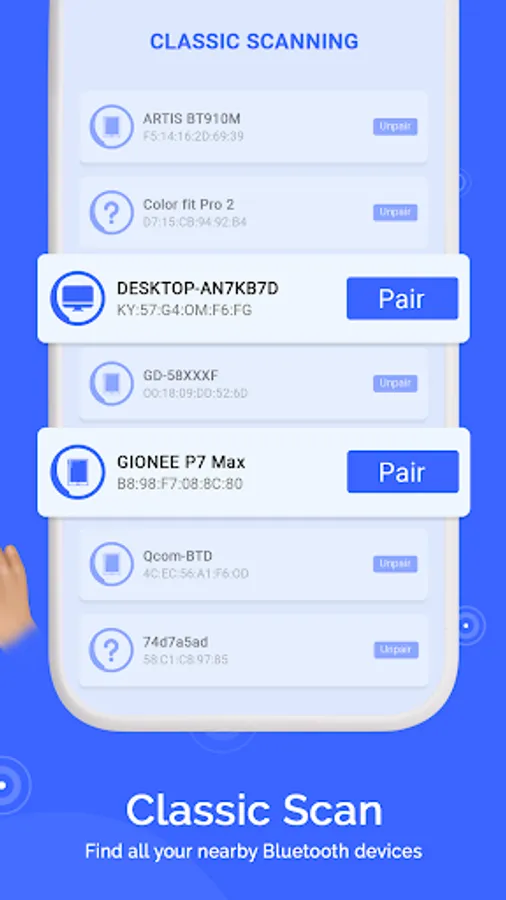
🟐 Scan all types of Bluetooth base devices like headphones, smart watches, earbuds, Bluetooth speakers, other mobile phones, etc, through our Quick Bluetooth Scan & Pair app easily.Get Bluetooth devices available list with their useful information like bluetooth device range and signal strength. Connect to secured devices using this Quick Bluetooth Scan & Pair app.
🟐 After successful connection there will be some paired device permission which is needed to access by connected devices. Quick Bluetooth Scan & Pair app is very useful in finding your Bluetooth devices & connecting it securely. This Quick Bluetooth Scan & Pair app will pair the last connected device with your android phone automatically. You can also change the paired device with the disconnect option.
⭐Tools of this Quick Bluetooth Scan & Pair app are given below:
★ Auto Connect
★ Device List
★ Scan
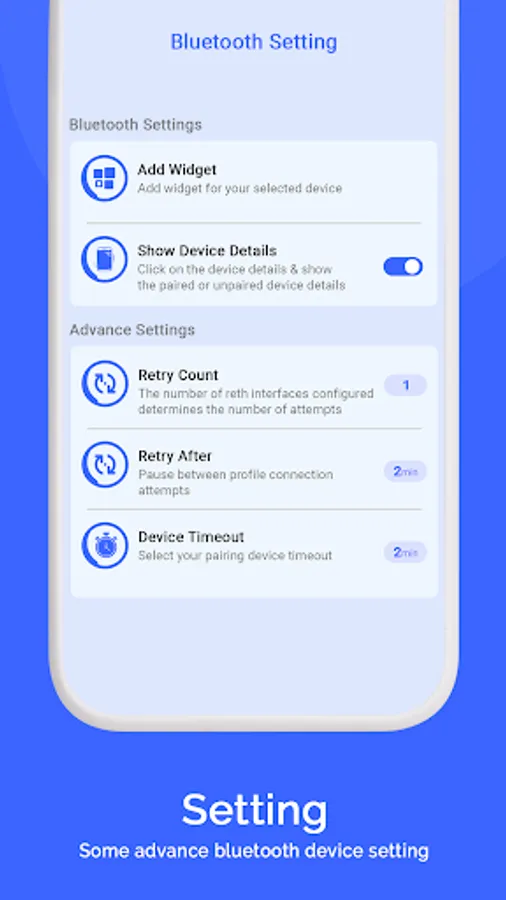
★ Setting
🦋How to use the bluetooth device locator ❓❓❓
• Turn on the Bluetooth.
• Click on the Search devices button
• Check out the Found devices
• Select the device you want to
• See how close to the lost bluetooth devices you are
⭐ Main Features ⭐🎧
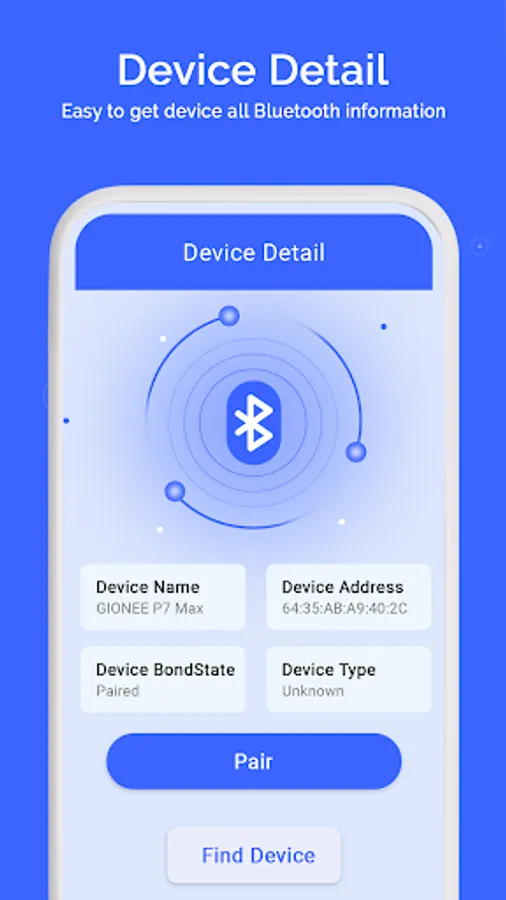
❖ Display details about device Bluetooth
❖ Find lost Bluetooth devices
❖ View the list of previously connected devices
❖ Identify the type of connected Bluetooth devices
❖ View the information about your Bluetooth device❖Scan for nearby Bluetooth devices
❖ Number of connections attempts
❖ Pause between profile connection attempts
❖ A timeout after which the following device is processed
❖ Display connected device details when bluetooth get connected
❖ Easy to paired or unpaired devices
👉 Find your Bluetooth device by using this app Quick Bluetooth Scan & Pair easily solve many of the troubles .If you like this app, share it with your friends and family.Kindly share your experience with us.
🟐 Scan all types of Bluetooth base devices like headphones, smart watches, earbuds, Bluetooth speakers, other mobile phones, etc, through our Quick Bluetooth Scan & Pair app easily.Get Bluetooth devices available list with their useful information like bluetooth device range and signal strength. Connect to secured devices using this Quick Bluetooth Scan & Pair app.
🟐 After successful connection there will be some paired device permission which is needed to access by connected devices. Quick Bluetooth Scan & Pair app is very useful in finding your Bluetooth devices & connecting it securely. This Quick Bluetooth Scan & Pair app will pair the last connected device with your android phone automatically. You can also change the paired device with the disconnect option.
⭐Tools of this Quick Bluetooth Scan & Pair app are given below:
★ Auto Connect
★ Device List
★ Scan
★ Setting
🦋How to use the bluetooth device locator ❓❓❓
• Turn on the Bluetooth.
• Click on the Search devices button
• Check out the Found devices
• Select the device you want to
• See how close to the lost bluetooth devices you are
⭐ Main Features ⭐🎧
❖ Display details about device Bluetooth
❖ Find lost Bluetooth devices
❖ View the list of previously connected devices
❖ Identify the type of connected Bluetooth devices
❖ View the information about your Bluetooth device❖Scan for nearby Bluetooth devices
❖ Number of connections attempts
❖ Pause between profile connection attempts
❖ A timeout after which the following device is processed
❖ Display connected device details when bluetooth get connected
❖ Easy to paired or unpaired devices
👉 Find your Bluetooth device by using this app Quick Bluetooth Scan & Pair easily solve many of the troubles .If you like this app, share it with your friends and family.Kindly share your experience with us.