
Power off - Power menu
o16i Apps
3.6 ★
502 ratings
100,000+
downloads
Free
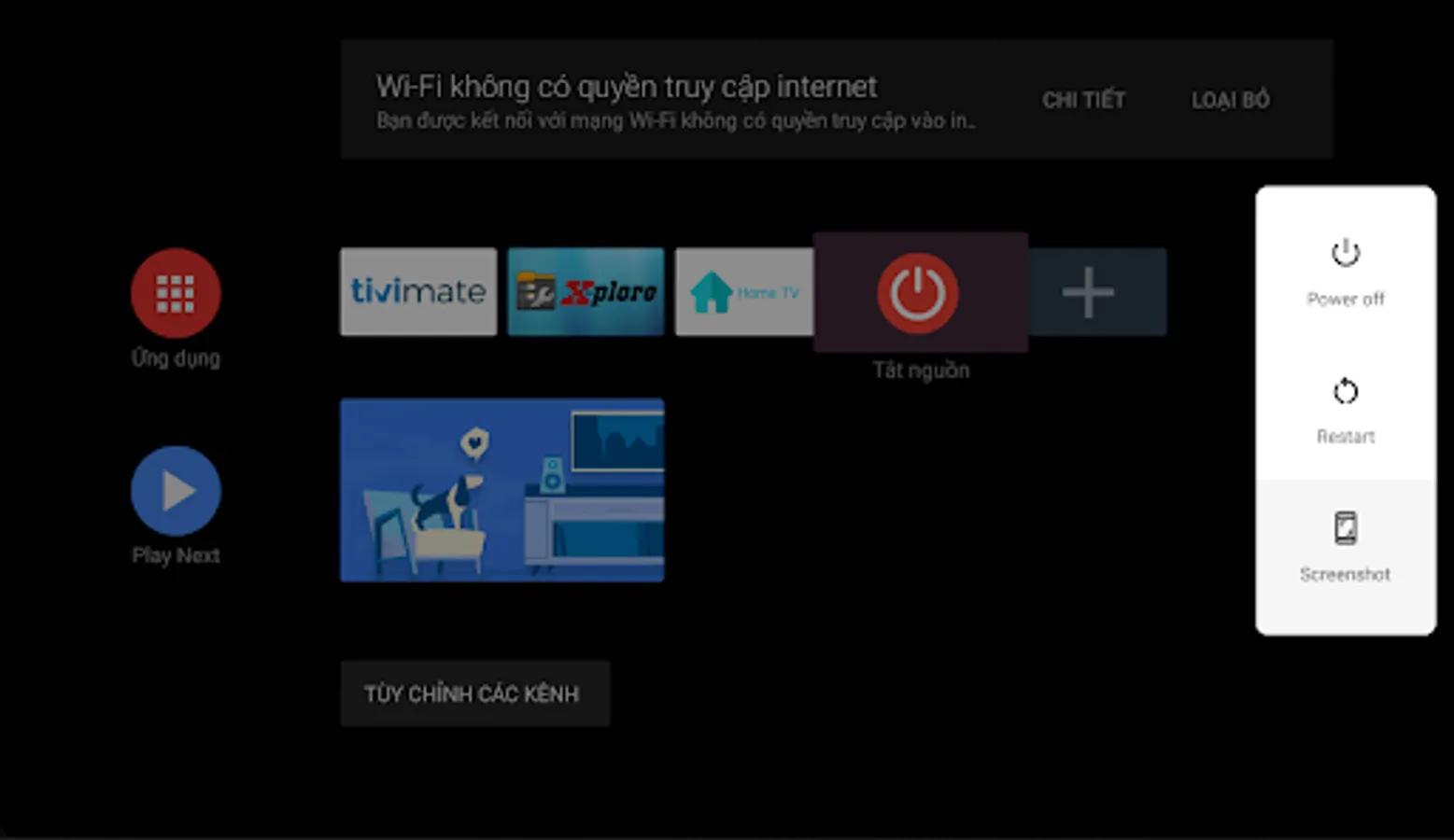
With this app, you can access power options using accessibility services to replace physical buttons. Includes features to support rooted and non-rooted devices, with instructions for setup.
AppRecs review analysis
AppRecs rating 3.6. Trustworthiness 77 out of 100. Review manipulation risk 32 out of 100. Based on a review sample analyzed.
★★★☆☆
3.6
AppRecs Rating
Ratings breakdown
5 star
56%
4 star
8%
3 star
4%
2 star
4%
1 star
28%
What to know
✓
Credible reviews
77% trustworthiness score from analyzed reviews
✓
Good user ratings
64% positive sampled reviews
⚠
High negative review ratio
32% of sampled ratings are 1–2 stars
About Power off - Power menu
Power off - Power menu :
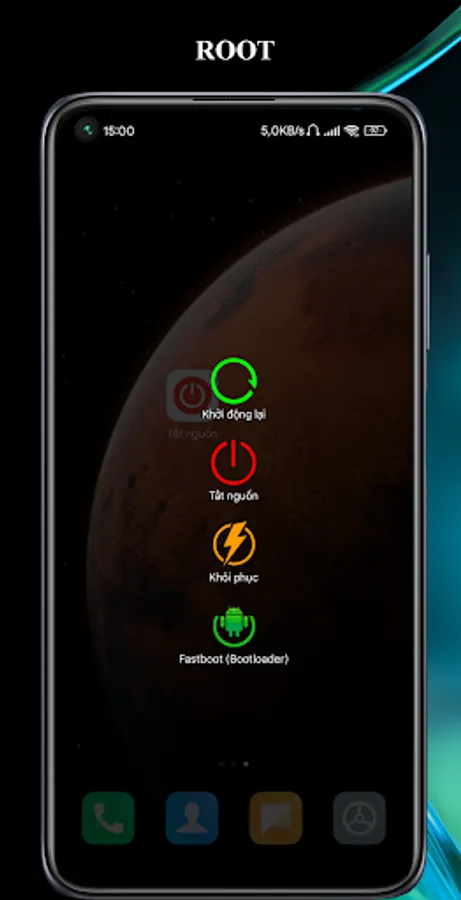
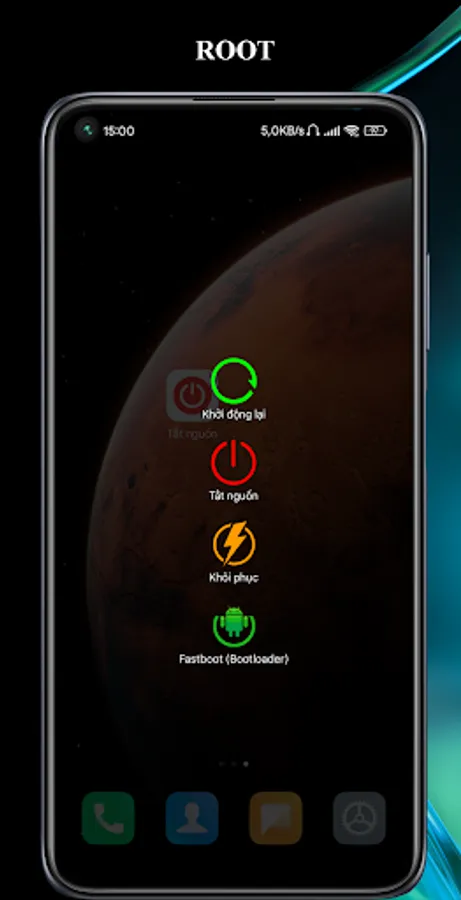
* Rooted device : give the application root permission to be able to work.
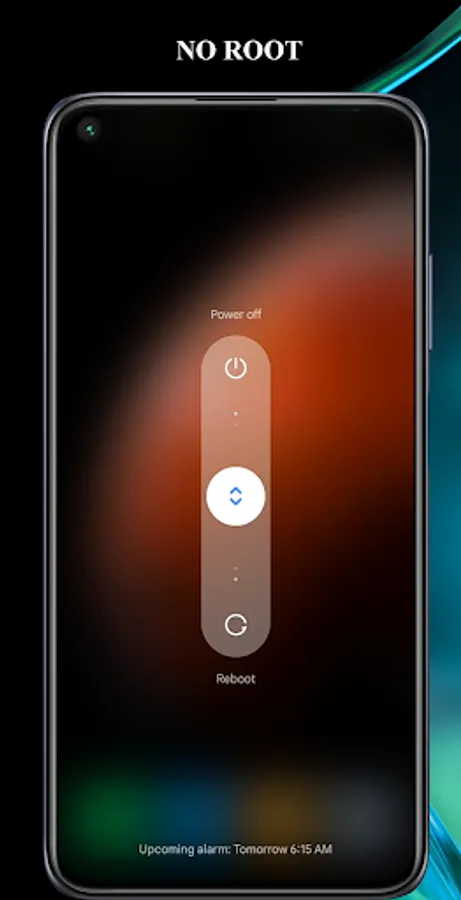
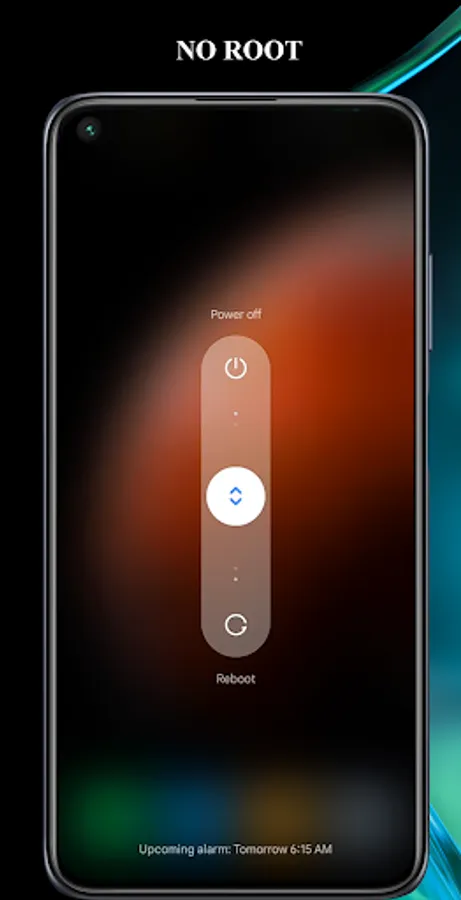
* Non-Root device: from v3.0 will support: will display the system power off option menu.
* Note: "Power off" uses the Accessibility service (use the Accessibility service) !
+ Android Accessibility Service is mainly for disabled users to perform standard phone operations easily. For example, the built-in TalkBack feature can be used to read screen content aloud. All you have to do is touch the screen.
+ "Power Off" requires the use of the allowed AccessibilityServices, can detect touching the "Power Off" app icon on the phone screen to bring up a list of options of the device's power physical key .
+ In addition to the aforementioned feature "Power Off" does not have the right to use the network, nor access, nor collect any other features and information.
+ Purpose of using the "Power Off" application: can replace the hard physical power key on the device to increase the life of the key.
+ You do not accept the terms, use the accessibility service for the application can be uninstalled at any time.
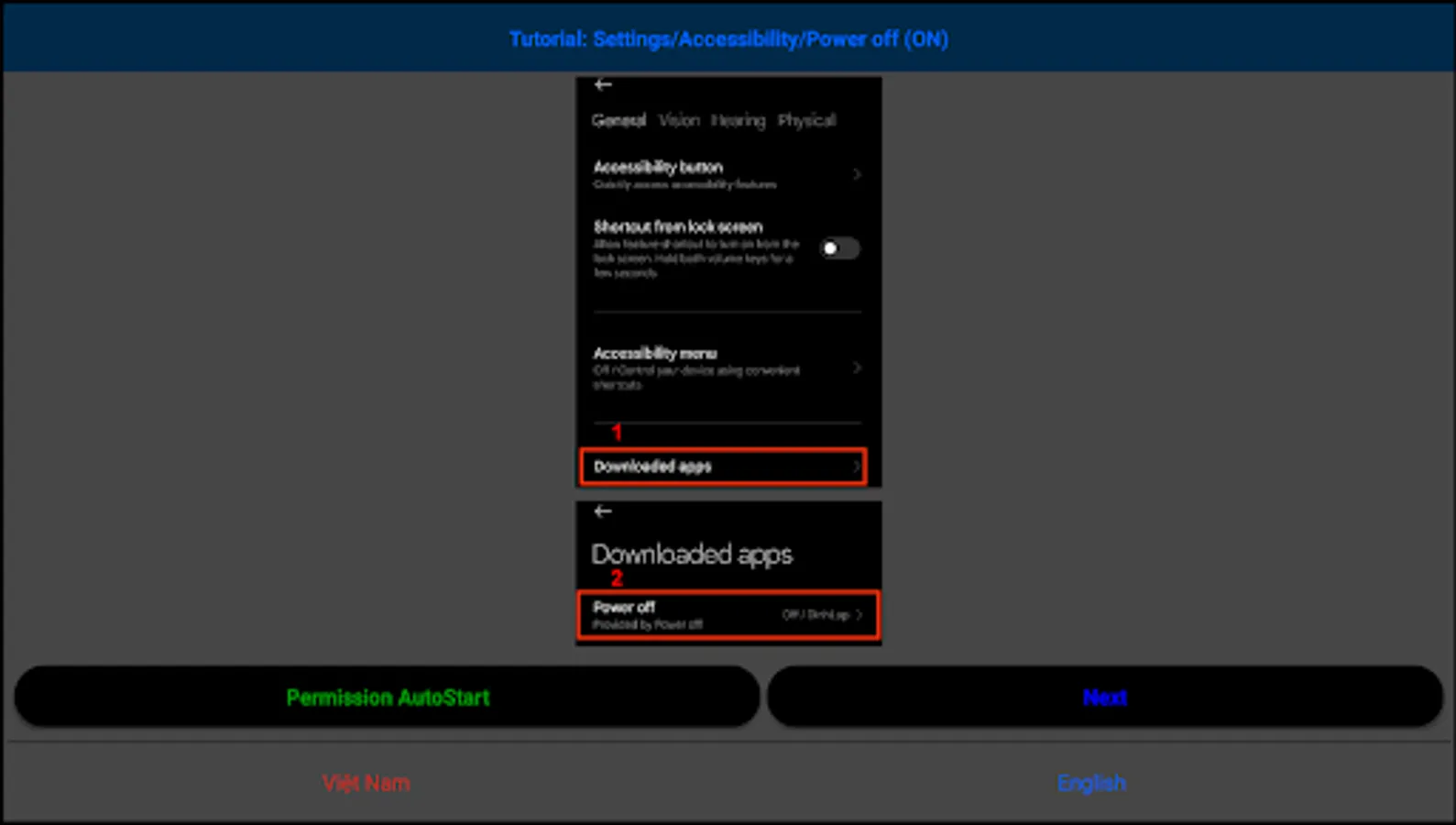
+ Go to Settings / Accessibility / find the "Power off" section and enable the service.
+ With some Android versions of phone companies that have restrictions on running in the background and starting automatically, such as MIUI, it is necessary to allow the application to run in the background, and launch itself for the "Power off" application to work properly.
+Video tutorial : https://www.youtube.com/watch?v=YFDD8mJdV2M or https://www.youtube.com/watch?v=e-GBlRKVLEE
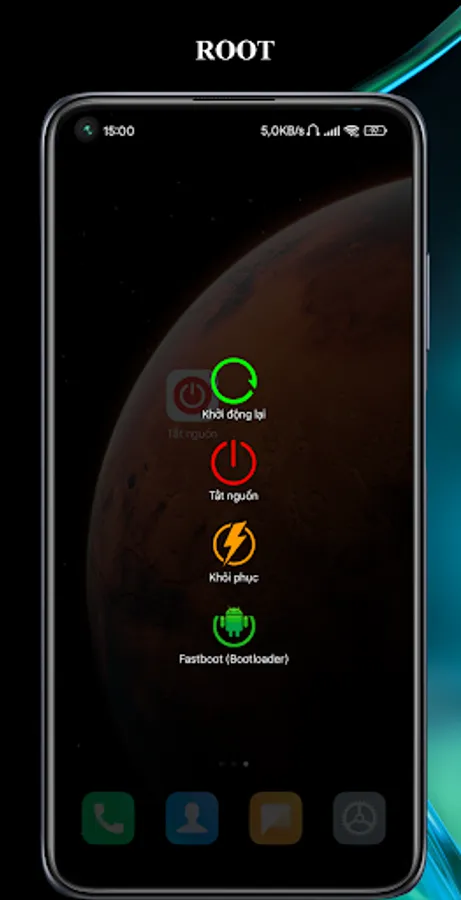
* Rooted device : give the application root permission to be able to work.
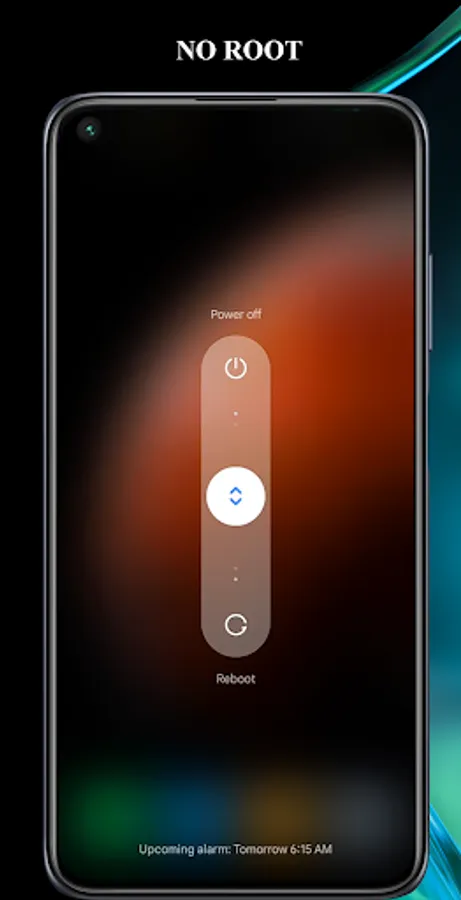
* Non-Root device: from v3.0 will support: will display the system power off option menu.
* Note: "Power off" uses the Accessibility service (use the Accessibility service) !
+ Android Accessibility Service is mainly for disabled users to perform standard phone operations easily. For example, the built-in TalkBack feature can be used to read screen content aloud. All you have to do is touch the screen.
+ "Power Off" requires the use of the allowed AccessibilityServices, can detect touching the "Power Off" app icon on the phone screen to bring up a list of options of the device's power physical key .
+ In addition to the aforementioned feature "Power Off" does not have the right to use the network, nor access, nor collect any other features and information.
+ Purpose of using the "Power Off" application: can replace the hard physical power key on the device to increase the life of the key.
+ You do not accept the terms, use the accessibility service for the application can be uninstalled at any time.
+ Go to Settings / Accessibility / find the "Power off" section and enable the service.
+ With some Android versions of phone companies that have restrictions on running in the background and starting automatically, such as MIUI, it is necessary to allow the application to run in the background, and launch itself for the "Power off" application to work properly.
+Video tutorial : https://www.youtube.com/watch?v=YFDD8mJdV2M or https://www.youtube.com/watch?v=e-GBlRKVLEE
Power off - Power menu Screenshots
Tap to Rate:
Reviews for Power off - Power menu
Patsy Pierce
12/21/2025
I have been getting ads to clean up my phone .now I can't even power off my phone.
Sue Novkov
12/13/2025
can't shut down my phone